
Defensive Design Today will look at techniques related
- Slides: 14
Defensive Design Today will look at techniques related to “defensive design”: • Anticipating misuse • Testing • Validation (also verification) • Authentication • Sanitisation
Defensive Design The idea behind defensive design is that, during the design phase of our project, we build in features that make our programs more robust. We want to ensure that our completed programs: • do the job that they were designed to do – e. g. meet the requirements specified by the user • cope well with unexpected inputs and never display an unexpected error message To do this well we need to anticipate misuse – i. e. think about what the user might do (either accidentally or deliberately) that would break our program.
Examples of Misuse These are the most common things that a use might do to “break” the program: • enter the wrong type of data – most commonly text when you expected a number: – it doesn’t often matter if someone enters a number instead of their name – it does matter if they enter text when you need to perform a calculation with the number you were expecting • enter nothing when you were expecting a value • Using the wrong case – e. g. y instead of Y • choose an option that doesn’t exist
Other Sources of Errors might also occur in data-entry or transmission? • You could be given the wrong information • Data could be omitted • Transcription errors (mistakes in copying data, or typing it in from a printed document) could occur • The data could be smudged or damaged • You could miss something out (e. g. by turning over two pages), or enter something twice • Hardware failure • Electrical interference during transmission You’re not expected to cope with these at GCSE level.
Coping with Misuse When designing our programs we can try to protect them from misuse by: • using validation and sanitisation to prevent or clean up unsuitable entries • use authentication to ensure that only the right people use the application – this will prevent deliberate misuse • thoroughly testing our programs to ensure that they can cope with a range of expected and unexpected values being entered.
Validation & Verification • Validation means checking that the data makes sense, for example that there are no letters in something that is supposed to contain only numbers, or that the user hasn’t entered an invalid date, e. g. 30 th February. • Validation checks validity • This is much easier for the computer to perform on its own, because you can give it a set of rules to follow – it would be very difficult for the computer to know whether the data were actually right, but it can tell the difference between letters and numbers, for example. • Validation is done by the computer
Types of Validation There are different types of validation check: • Presence – would it be OK to miss out that item? • Format – e. g. currency, NI number, postcode • Range check – is the value in the right range? • Lookup – i. e. multiple-choice from either a fixed list or another database table/spreadsheet range • Batch checks – are the right number of records, or are the totals correct? • Check digits and parity (for A level!)
Testing Why would you need to test anything that you make? • to make sure that it meets the requirements of the end-user • to make sure that it works correctly, and there aren’t any bugs Ideally, who would do the testing?
Testing The user’s requirements can either be: • Quantitative – things you can measure and say for sure whether they’ve been done, e. g. there must be 10 slides • Qualitative – things that are subjective, or a matter of taste, e. g. it must be easy to use, it must respond quickly Quantitative things are usually easier to test for using a test plan, e. g. validation…
Testing Validation • If you created a system including validation, how would you test it? • Create a test plan including sample values to try: – Normal data – the types of values you would normally expect – Extreme (or boundary) data – values that are around the edges of what is acceptable – Erroneous – values that should be rejected
Testing Validation • For example, in a system that processed marks from students’ exams there is a field for you to enter the percentage scored in the test. • What values should you try in your test plan? – 0 – 100 – Something in the middle – e. g. 50 – 101 – -1 • Would they be accepted or rejected?
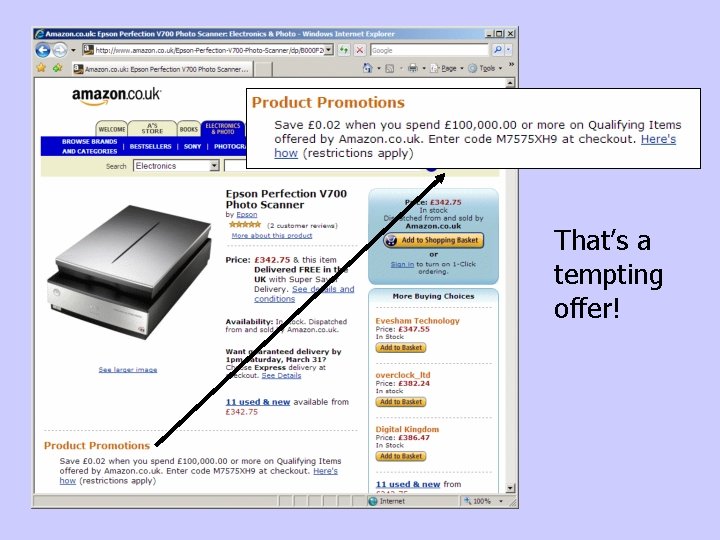
That’s a tempting offer!
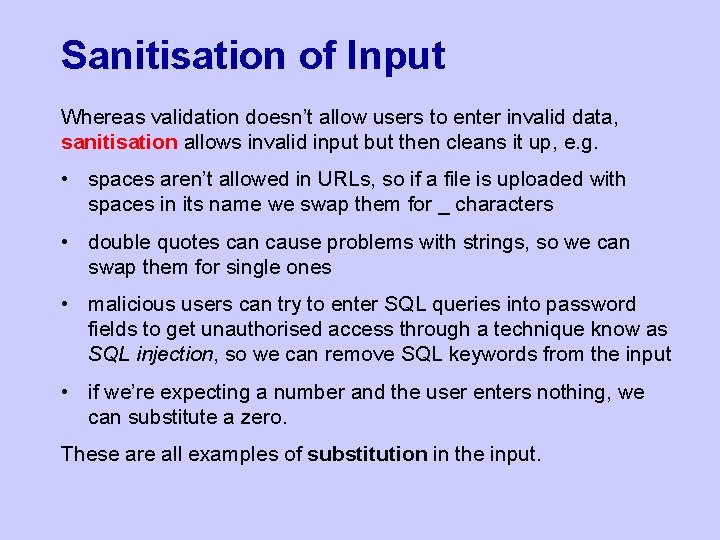
Sanitisation of Input Whereas validation doesn’t allow users to enter invalid data, sanitisation allows invalid input but then cleans it up, e. g. • spaces aren’t allowed in URLs, so if a file is uploaded with spaces in its name we swap them for _ characters • double quotes can cause problems with strings, so we can swap them for single ones • malicious users can try to enter SQL queries into password fields to get unauthorised access through a technique know as SQL injection, so we can remove SQL keywords from the input • if we’re expecting a number and the user enters nothing, we can substitute a zero. These are all examples of substitution in the input.
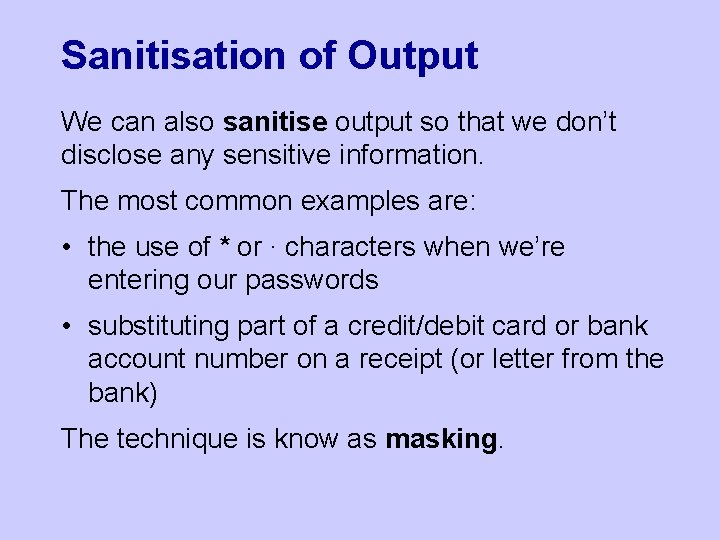
Sanitisation of Output We can also sanitise output so that we don’t disclose any sensitive information. The most common examples are: • the use of * or ∙ characters when we’re entering our passwords • substituting part of a credit/debit card or bank account number on a receipt (or letter from the bank) The technique is know as masking.