
Deepening the use of the ELD Strategies Across
- Slides: 16
Deepening the use of the ELD Strategies Across the Curriculum Local District 1 Elementary Principals’ Meeting October 8, 2008
The Purpose for the ELD Strategies 1. Increase student voice 2. Increase student access to content 3. Use the strategies as intended in the enhanced Into English! TBLT lessons
REFLECTION Think-Pair-Share 1. How did you provide professional development on the two strategies, Think-Pair-Share and RASP? 2. How are you supporting and monitoring your teachers with the implementation of the two strategies? 3. What changes in teacher practice and student learning have you seen as a result of implementing Think-Pair-Share and RASP?
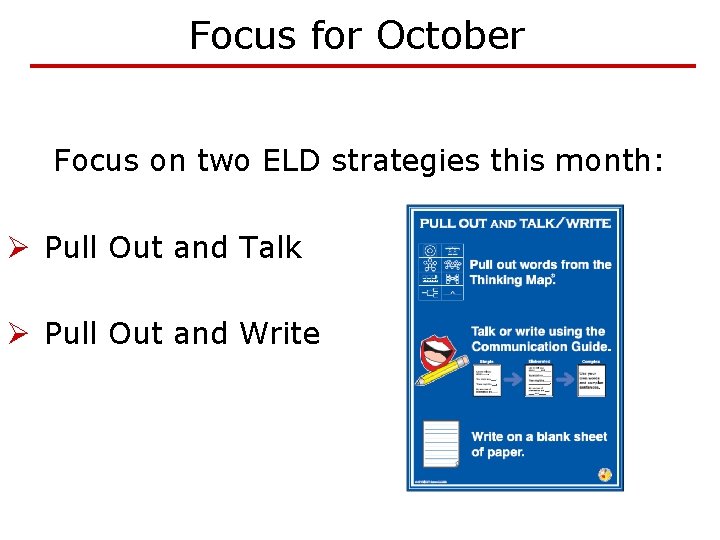
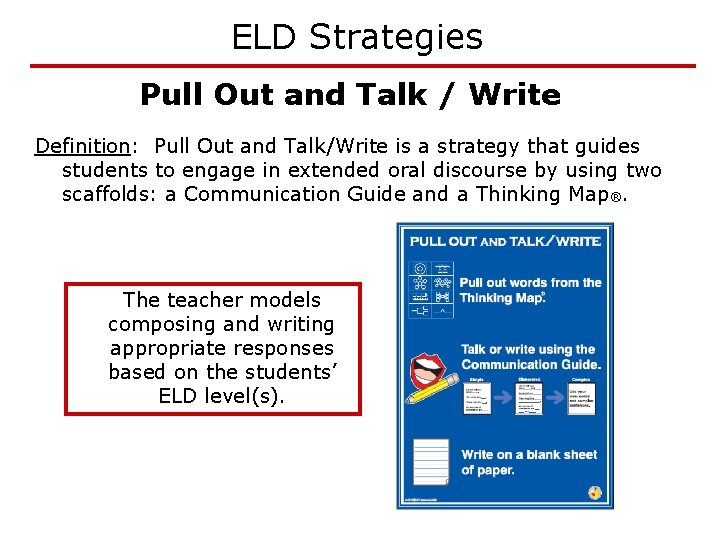
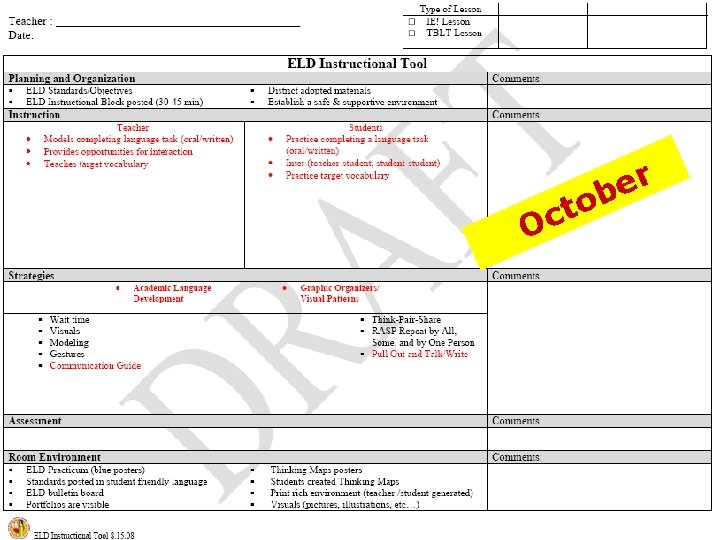
Focus for October Focus on two ELD strategies this month: Ø Pull Out and Talk Ø Pull Out and Write
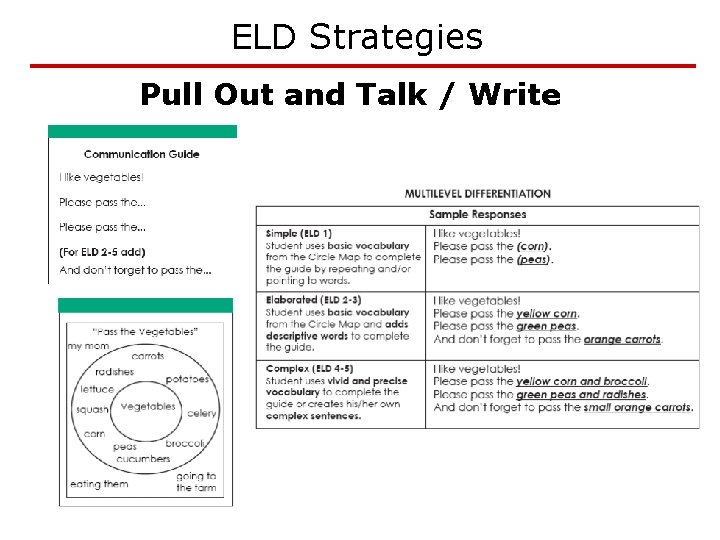
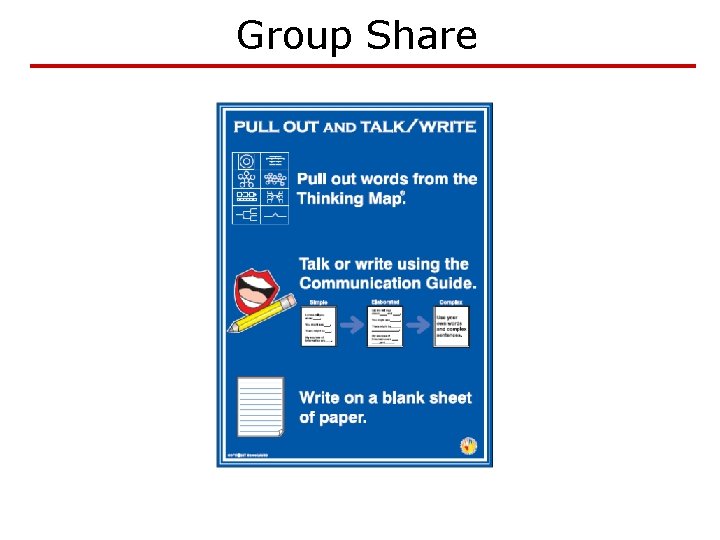
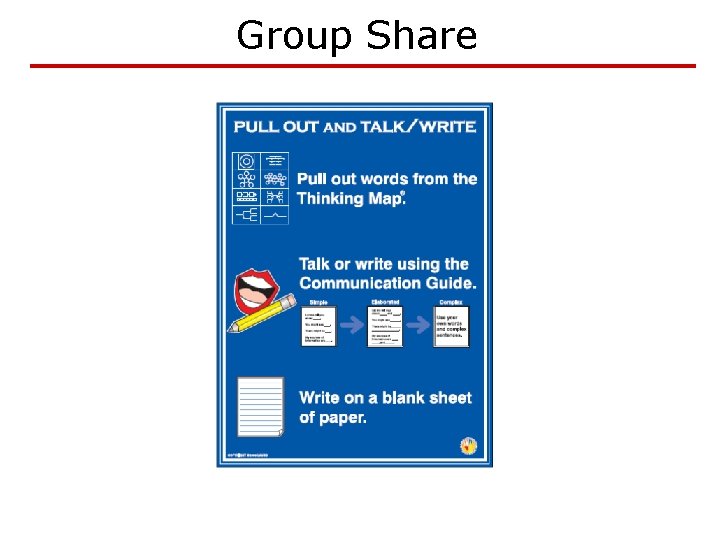
ELD Strategies Pull Out and Talk / Write Definition: Pull Out and Talk/Write is a strategy that guides students to engage in extended oral discourse by using two scaffolds: a Communication Guide and a Thinking Map®. The teacher models composing and writing appropriate responses based on the students’ ELD level(s).
ELD Strategies Pull Out and Talk / Write
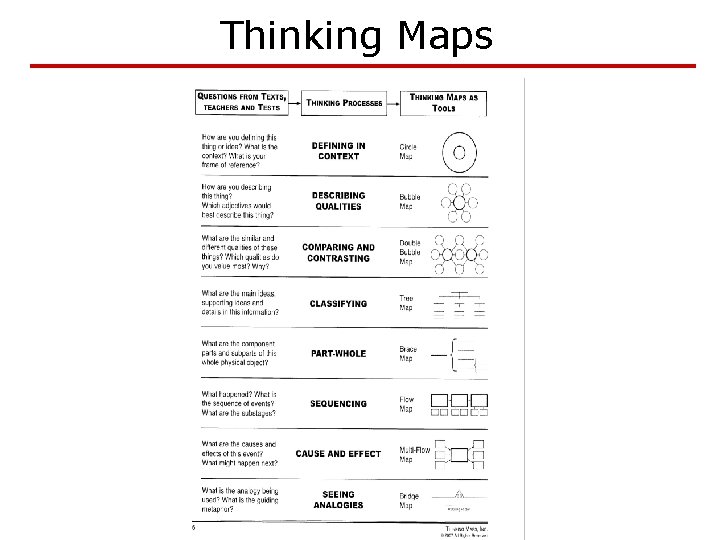
Thinking Maps
VIDEO Think-Pair-Share o 1 st Grade n Day 1: o Teacher models Pull Out and Talk o All students practice Pull Out and Talk n Day 2: o Students use the Pull Out and Write strategy
Application Activity #1 1. Read the content lesson in your table’s folder. (Science, Math or Language Arts) 2. Notice the Thinking Maps created from the lesson. 3. Read the Communication Guide. 4. Use the Tree Map to sort differentiated student responses (simple/elaborated/complex). 5. For the whole group discussion, be prepared to demonstrate and explain your example.
Group Share
Application Activity #2 1. Read the content lesson in your table’s folder. (Science, Math or Language Arts) 2. Identify the thought process of the lesson and appropriate Thinking Map. 3. Create a Thinking Map based on the lesson. 4. Create a Communication Guide. 5. Create sample student responses (simple/elaborated/complex). 6. Be prepared to share with the whole group.
Group Share
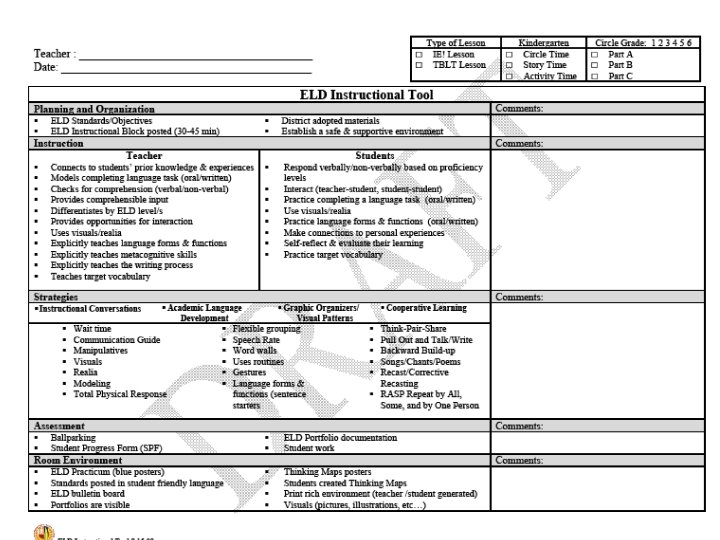
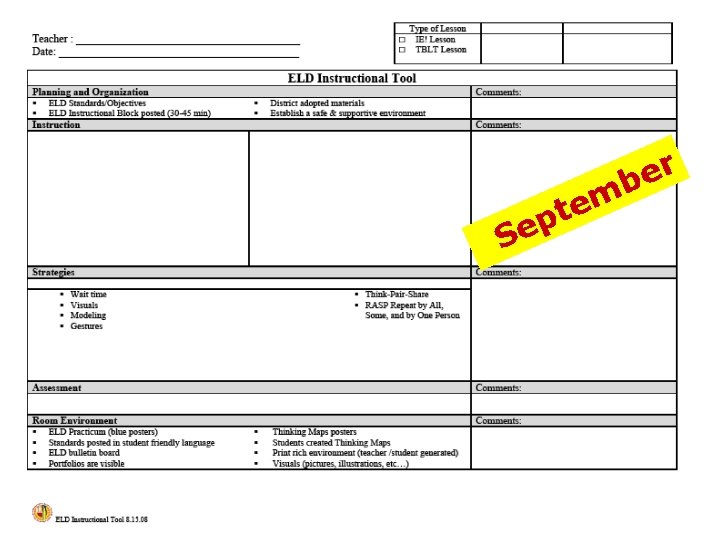
ELD Instructional Tool Introduction of the Local District 1 Modified Instructional Tool Ø Narrowing the focus Ø Providing access to teachers and administrators
r e b S m e t ep
O o t c r e b