
Deep Learning Convoluted Neural Networks Part 2 Suggested
![Keras Basics for CNN • Network Design ([CONV->Re. LU->Pool->FC->Softmax_loss(during train)]) • • • Learning](https://slidetodoc.com/presentation_image_h/16069afea9f42eacea6bfad33b989340/image-10.jpg "Keras Basics for CNN • Network Design ([CONV->Re. LU->Pool->FC->Softmax_loss(during train)]) • • • Learning")

- Slides: 28
Deep Learning Convoluted Neural Networks Part 2
Suggested Road. Map • • CNN Image Classifications: Keras Basics Transfer Learning Basics & Fine. Tuning Localization/Identification images. Localization/ Identification in Videos Face Identification in Video Feed Andriod Mobile App for Identification.
Todays Agenda • Recap of Last Presentation. • Image & Image Loading. • Keras Basics for CNN using basic Dog vs Cat model. • MNIST model
Images Image Data Input Parameters: number of images image height image width number of channels number of levels per pixel. Image Preprocessing:
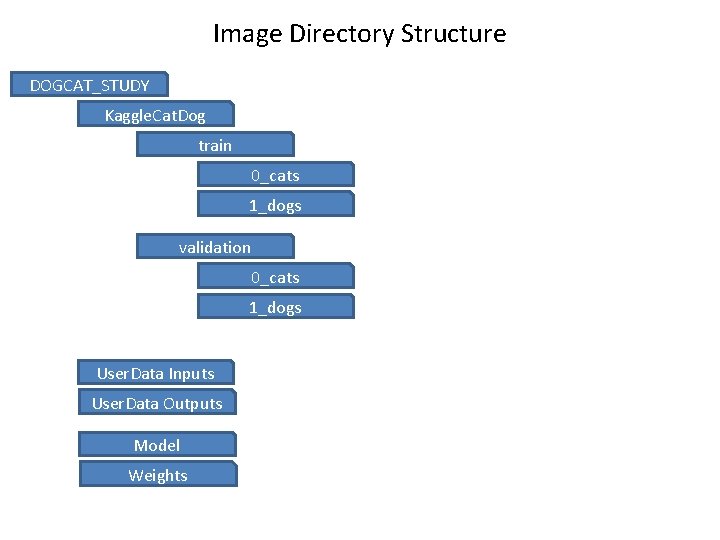
Image Directory Structure DOGCAT_STUDY Kaggle. Cat. Dog train 0_cats 1_dogs validation 0_cats 1_dogs User. Data Inputs User. Data Outputs Model Weights
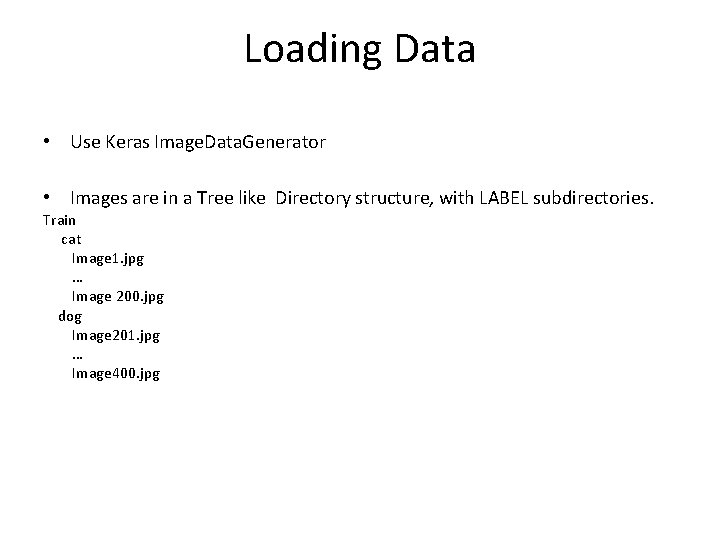
Loading Data • Use Keras Image. Data. Generator • Images are in a Tree like Directory structure, with LABEL subdirectories. Train cat Image 1. jpg … Image 200. jpg dog Image 201. jpg … Image 400. jpg
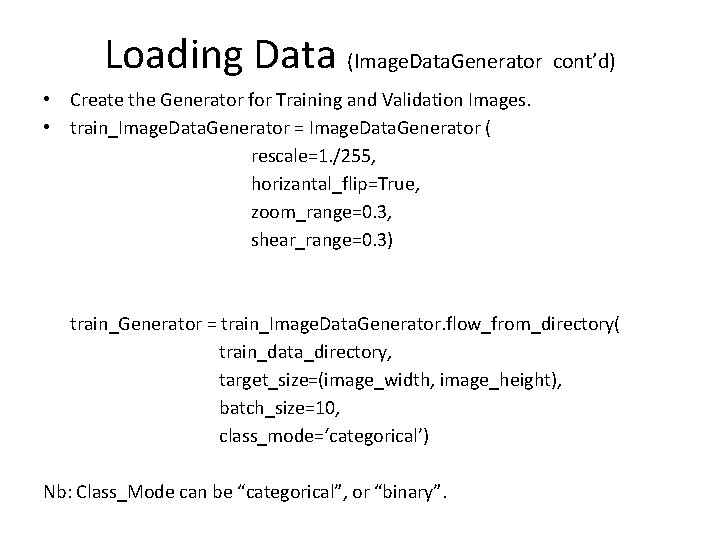
Loading Data (Image. Data. Generator cont’d) • Create the Generator for Training and Validation Images. • train_Image. Data. Generator = Image. Data. Generator ( rescale=1. /255, horizantal_flip=True, zoom_range=0. 3, shear_range=0. 3) train_Generator = train_Image. Data. Generator. flow_from_directory( train_data_directory, target_size=(image_width, image_height), batch_size=10, class_mode=‘categorical’) Nb: Class_Mode can be “categorical”, or “binary”.
Designing - CNN Models • There are lot of decisions to make when designing and configuring your deep learning models. • Many of these decisions, can be resolved by copying the structure of other Models. • Another approach is to design small experiments and evaluate options, using real data.
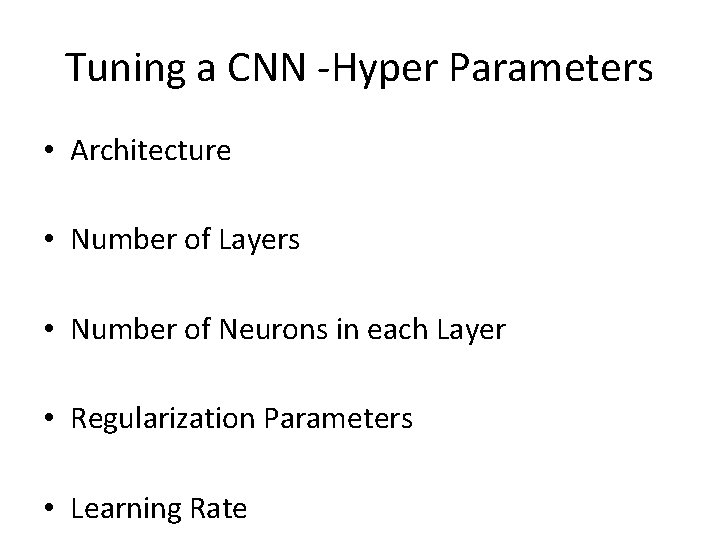
Tuning a CNN -Hyper Parameters • Architecture • Number of Layers • Number of Neurons in each Layer • Regularization Parameters • Learning Rate
Keras Basics for CNN • Network Design ([CONV->Re. LU->Pool->FC->Softmax_loss(during train)]) • • • Learning Parameters of a Model. Hyper Parameters. Model Checkpoints/Callbacks. Model & Weights Save and Restore. Optimizer, loss, Activation Functions
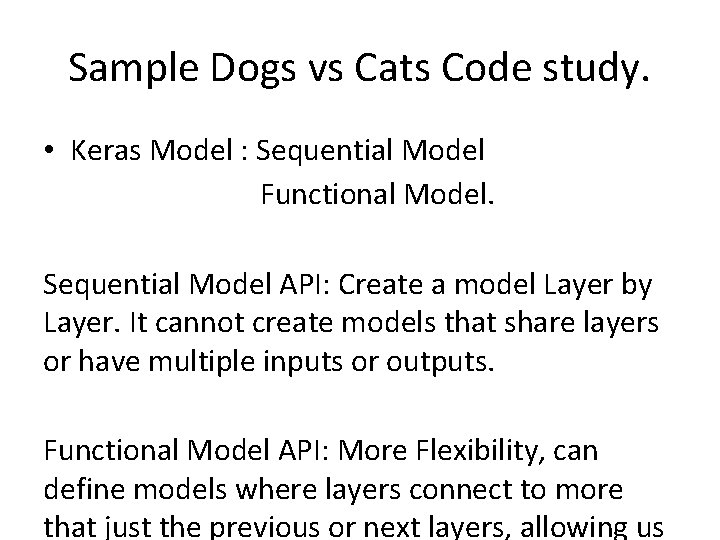
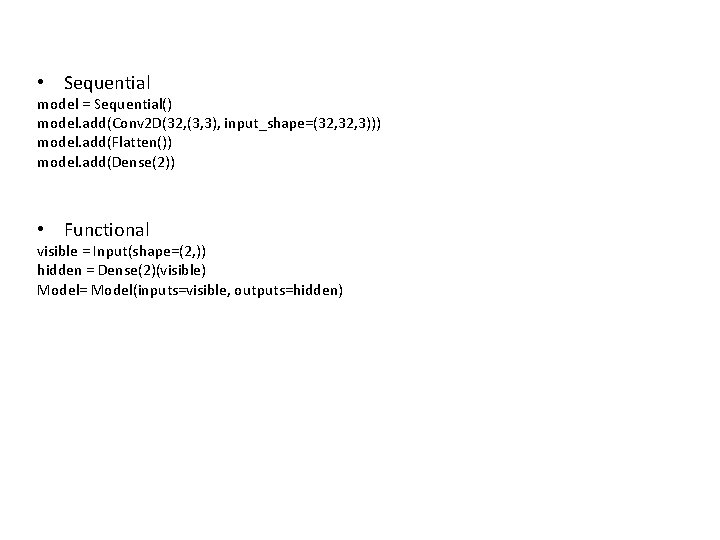
Sample Dogs vs Cats Code study. • Keras Model : Sequential Model Functional Model. Sequential Model API: Create a model Layer by Layer. It cannot create models that share layers or have multiple inputs or outputs. Functional Model API: More Flexibility, can define models where layers connect to more that just the previous or next layers, allowing us
• Sequential model = Sequential() model. add(Conv 2 D(32, (3, 3), input_shape=(32, 3))) model. add(Flatten()) model. add(Dense(2)) • Functional visible = Input(shape=(2, )) hidden = Dense(2)(visible) Model= Model(inputs=visible, outputs=hidden)
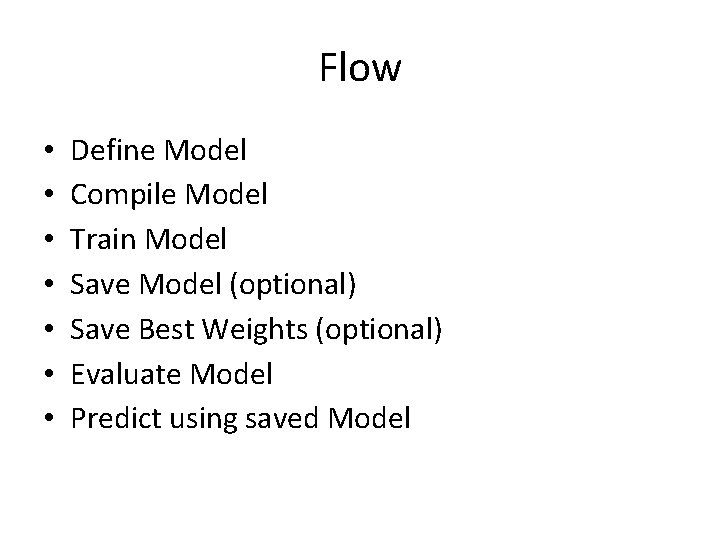
Flow • • Define Model Compile Model Train Model Save Model (optional) Save Best Weights (optional) Evaluate Model Predict using saved Model
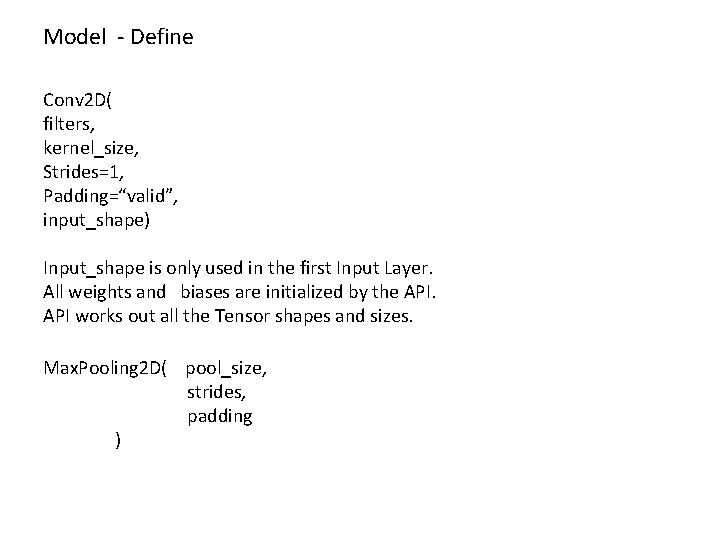
Model - Define Conv 2 D( filters, kernel_size, Strides=1, Padding=“valid”, input_shape) Input_shape is only used in the first Input Layer. All weights and biases are initialized by the API works out all the Tensor shapes and sizes. Max. Pooling 2 D( pool_size, strides, padding )
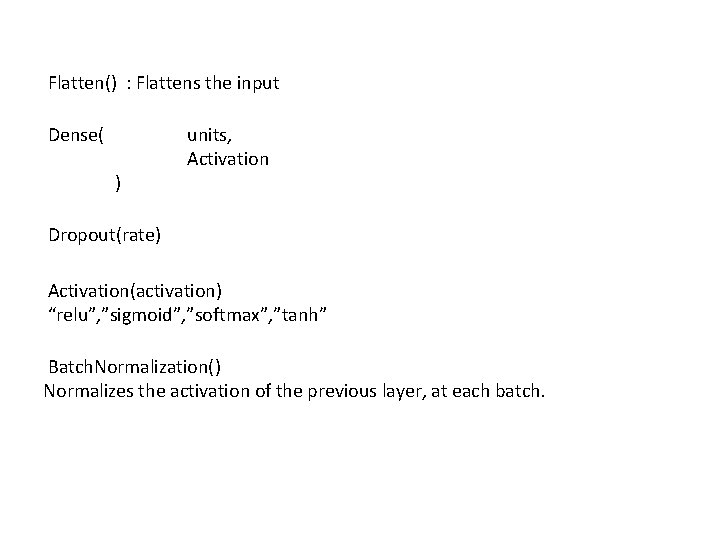
Flatten() : Flattens the input Dense( ) units, Activation Dropout(rate) Activation(activation) “relu”, ”sigmoid”, ”softmax”, ”tanh” Batch. Normalization() Normalizes the activation of the previous layer, at each batch.
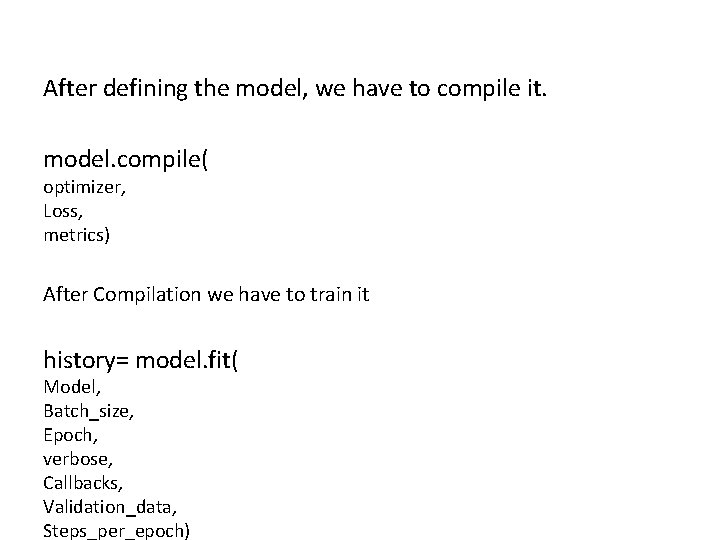
After defining the model, we have to compile it. model. compile( optimizer, Loss, metrics) After Compilation we have to train it history= model. fit( Model, Batch_size, Epoch, verbose, Callbacks, Validation_data, Steps_per_epoch)
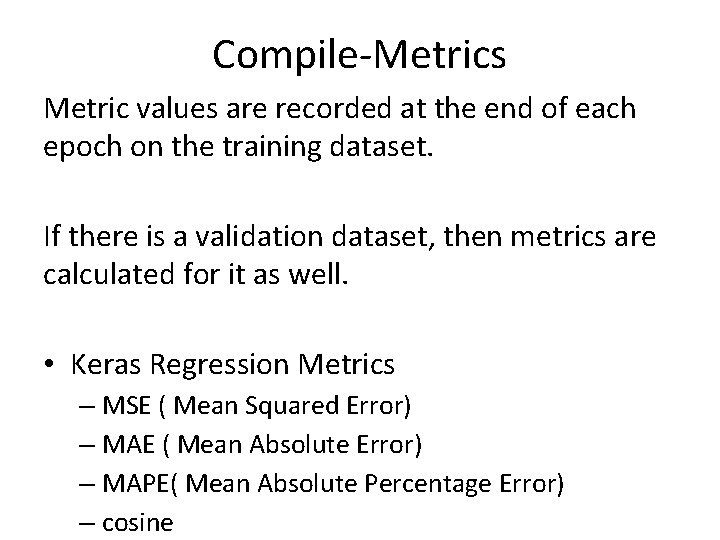
Compile-Metrics Metric values are recorded at the end of each epoch on the training dataset. If there is a validation dataset, then metrics are calculated for it as well. • Keras Regression Metrics – MSE ( Mean Squared Error) – MAE ( Mean Absolute Error) – MAPE( Mean Absolute Percentage Error) – cosine
Compile-Losses • Binary_crossentropy used for 0/1 labels • Categorical_crossentropy used for 1 -N Labels
Compile-Optimizer algorithms help us to minimize the Error Function, which is dependent on the Models internal learnable parameters used in computing values from a set of predictors. Weight and Bias are the internal Learnable parameters, which are updated by the Optimizer algorithm, and they influence the Models learning process and the output. Optimizers we shall use are • Adam • RMSprop
MNIST- Tensorboard Demo • Refer to Code
Transfer Learning Storing knowledge gained while solving one problem, and applying it to a different but related problem. Why use Transfer Learning. Training a Model, from scratch, requires lot
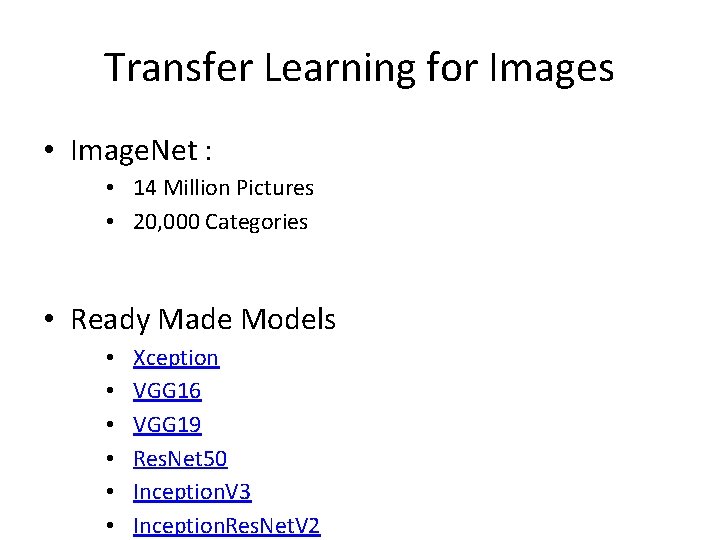
Transfer Learning for Images • Image. Net : • 14 Million Pictures • 20, 000 Categories • Ready Made Models • • • Xception VGG 16 VGG 19 Res. Net 50 Inception. V 3 Inception. Res. Net. V 2
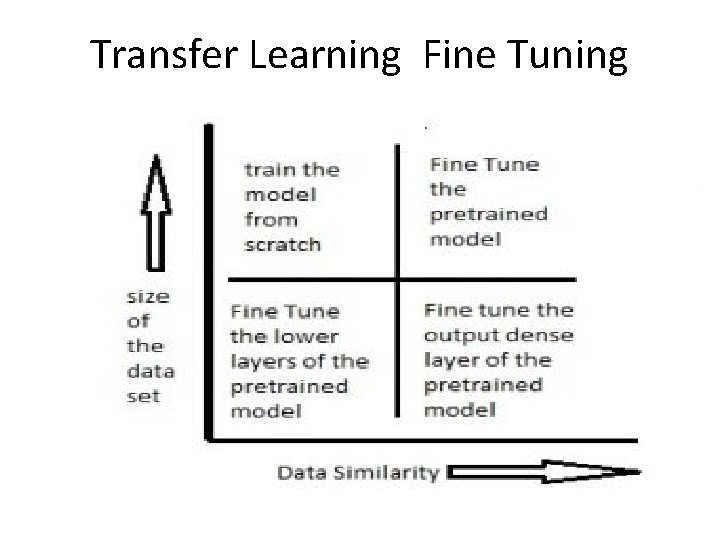
Transfer Learning Fine Tuning
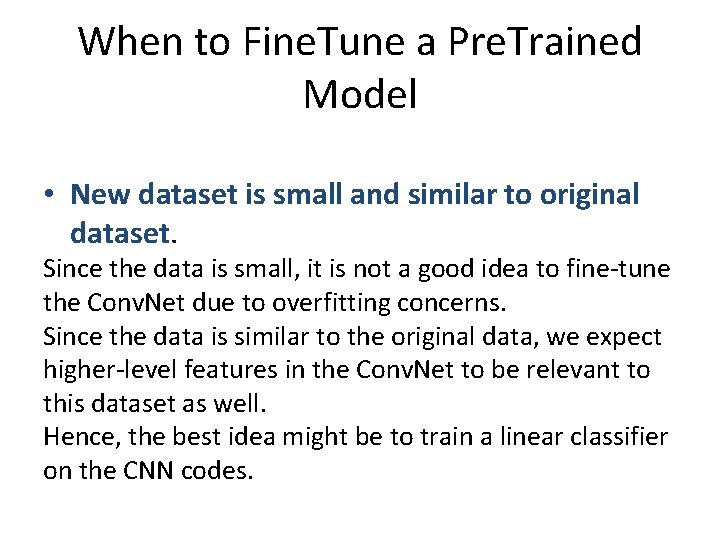
When to Fine. Tune a Pre. Trained Model • New dataset is small and similar to original dataset. Since the data is small, it is not a good idea to fine-tune the Conv. Net due to overfitting concerns. Since the data is similar to the original data, we expect higher-level features in the Conv. Net to be relevant to this dataset as well. Hence, the best idea might be to train a linear classifier on the CNN codes.
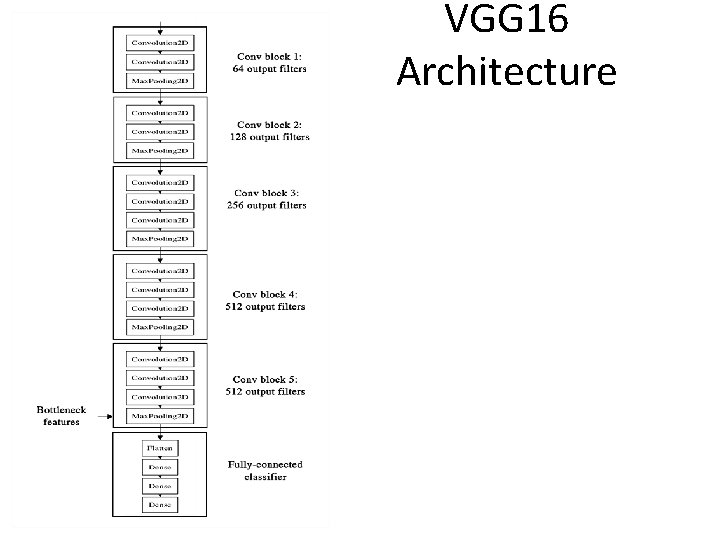
VGG 16 Architecture
Transfer Learning – Dogs vs Cats • See code
Questions
Contact Details Email: aliasgertalib@gmail. com Linkedin: https: //www. linkedin. com/in/aliasgertalib