
Declaring Variables Definition A variable is a place
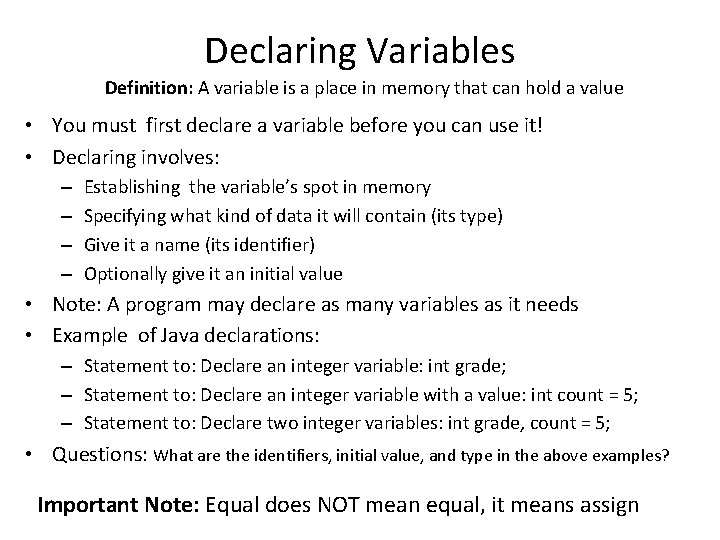
Declaring Variables Definition: A variable is a place in memory that can hold a value • You must first declare a variable before you can use it! • Declaring involves: – – Establishing the variable’s spot in memory Specifying what kind of data it will contain (its type) Give it a name (its identifier) Optionally give it an initial value • Note: A program may declare as many variables as it needs • Example of Java declarations: – Statement to: Declare an integer variable: int grade; – Statement to: Declare an integer variable with a value: int count = 5; – Statement to: Declare two integer variables: int grade, count = 5; • Questions: What are the identifiers, initial value, and type in the above examples? Important Note: Equal does NOT mean equal, it means assign
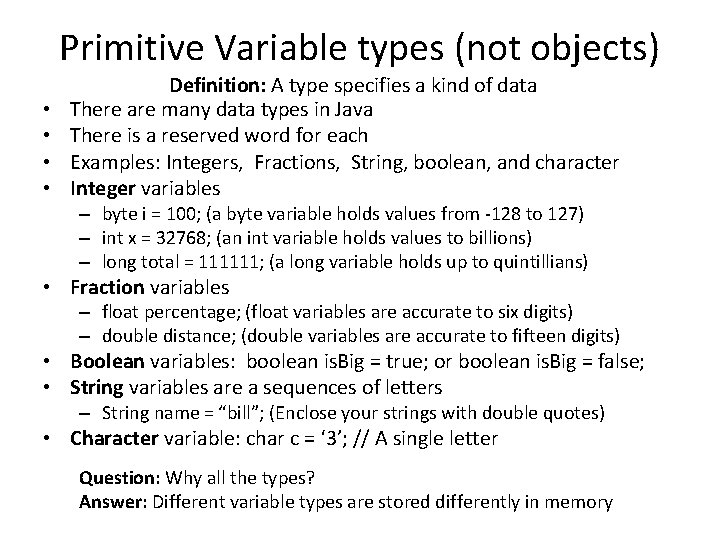
Primitive Variable types (not objects) • • Definition: A type specifies a kind of data There are many data types in Java There is a reserved word for each Examples: Integers, Fractions, String, boolean, and character Integer variables – byte i = 100; (a byte variable holds values from -128 to 127) – int x = 32768; (an int variable holds values to billions) – long total = 111111; (a long variable holds up to quintillians) • Fraction variables – float percentage; (float variables are accurate to six digits) – double distance; (double variables are accurate to fifteen digits) • Boolean variables: boolean is. Big = true; or boolean is. Big = false; • String variables are a sequences of letters – String name = “bill”; (Enclose your strings with double quotes) • Character variable: char c = ‘ 3’; // A single letter Question: Why all the types? Answer: Different variable types are stored differently in memory
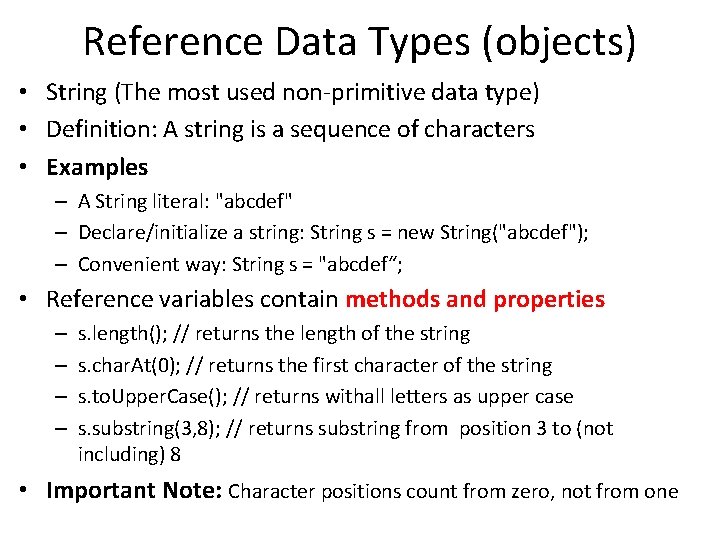
Reference Data Types (objects) • String (The most used non-primitive data type) • Definition: A string is a sequence of characters • Examples – A String literal: "abcdef" – Declare/initialize a string: String s = new String("abcdef"); – Convenient way: String s = "abcdef“; • Reference variables contain methods and properties – – s. length(); // returns the length of the string s. char. At(0); // returns the first character of the string s. to. Upper. Case(); // returns withall letters as upper case s. substring(3, 8); // returns substring from position 3 to (not including) 8 • Important Note: Character positions count from zero, not from one
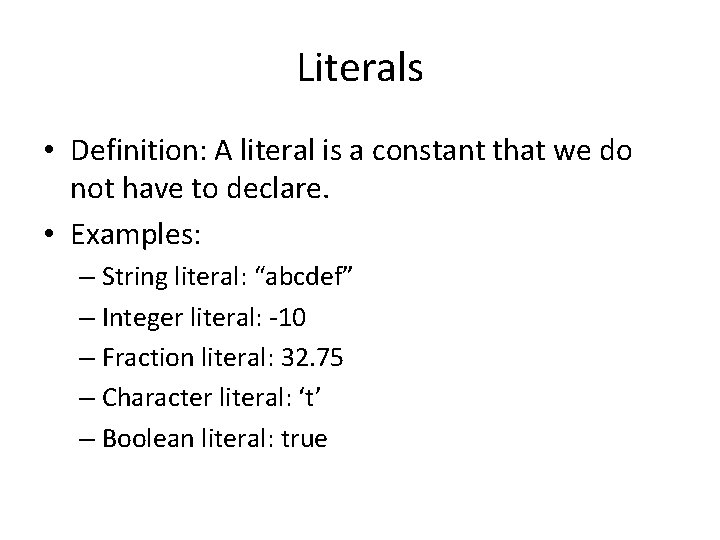
Literals • Definition: A literal is a constant that we do not have to declare. • Examples: – String literal: “abcdef” – Integer literal: -10 – Fraction literal: 32. 75 – Character literal: ‘t’ – Boolean literal: true
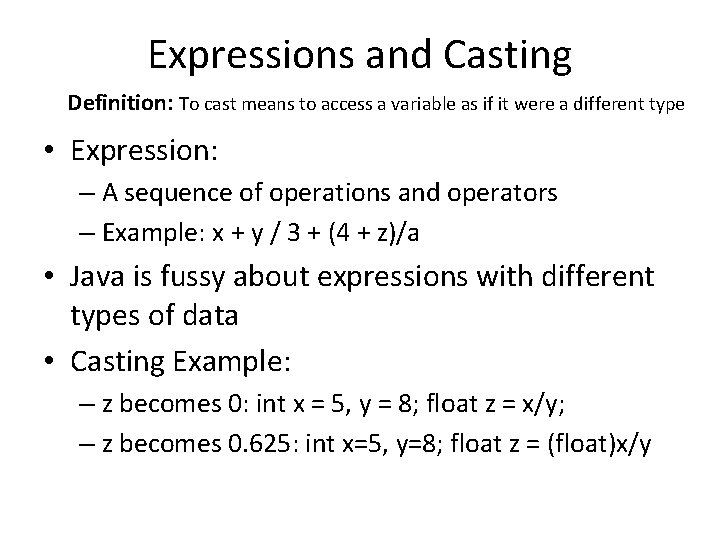
Expressions and Casting Definition: To cast means to access a variable as if it were a different type • Expression: – A sequence of operations and operators – Example: x + y / 3 + (4 + z)/a • Java is fussy about expressions with different types of data • Casting Example: – z becomes 0: int x = 5, y = 8; float z = x/y; – z becomes 0. 625: int x=5, y=8; float z = (float)x/y
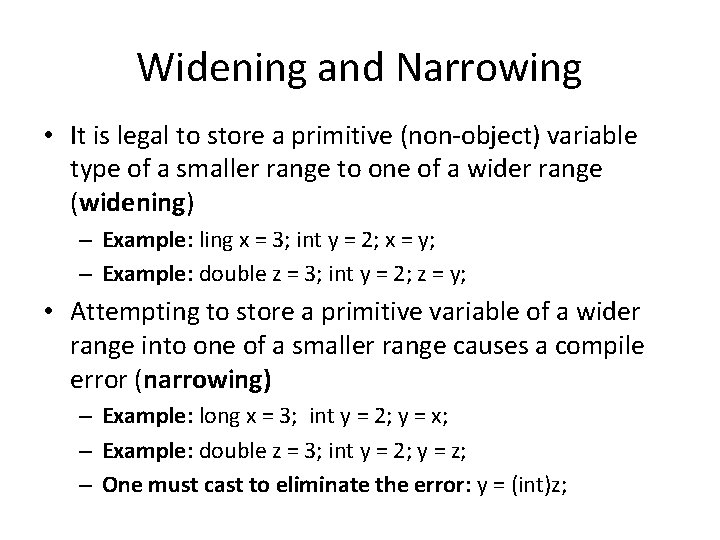
Widening and Narrowing • It is legal to store a primitive (non-object) variable type of a smaller range to one of a wider range (widening) – Example: ling x = 3; int y = 2; x = y; – Example: double z = 3; int y = 2; z = y; • Attempting to store a primitive variable of a wider range into one of a smaller range causes a compile error (narrowing) – Example: long x = 3; int y = 2; y = x; – Example: double z = 3; int y = 2; y = z; – One must cast to eliminate the error: y = (int)z;
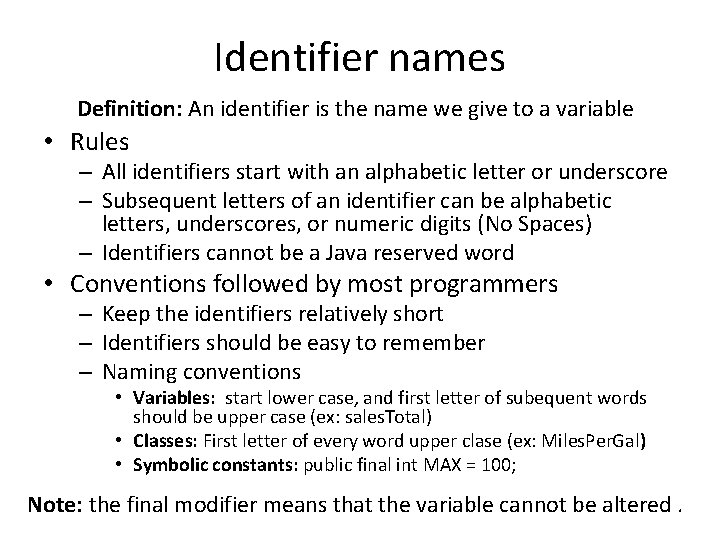
Identifier names Definition: An identifier is the name we give to a variable • Rules – All identifiers start with an alphabetic letter or underscore – Subsequent letters of an identifier can be alphabetic letters, underscores, or numeric digits (No Spaces) – Identifiers cannot be a Java reserved word • Conventions followed by most programmers – Keep the identifiers relatively short – Identifiers should be easy to remember – Naming conventions • Variables: start lower case, and first letter of subequent words should be upper case (ex: sales. Total) • Classes: First letter of every word upper clase (ex: Miles. Per. Gal) • Symbolic constants: public final int MAX = 100; Note: the final modifier means that the variable cannot be altered.
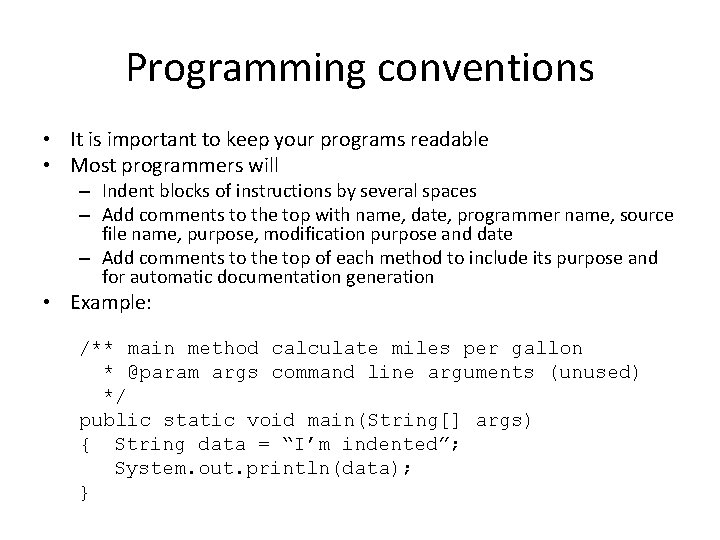
Programming conventions • It is important to keep your programs readable • Most programmers will – Indent blocks of instructions by several spaces – Add comments to the top with name, date, programmer name, source file name, purpose, modification purpose and date – Add comments to the top of each method to include its purpose and for automatic documentation generation • Example: /** main method calculate miles per gallon * @param args command line arguments (unused) */ public static void main(String[] args) { String data = “I’m indented”; System. out. println(data); }
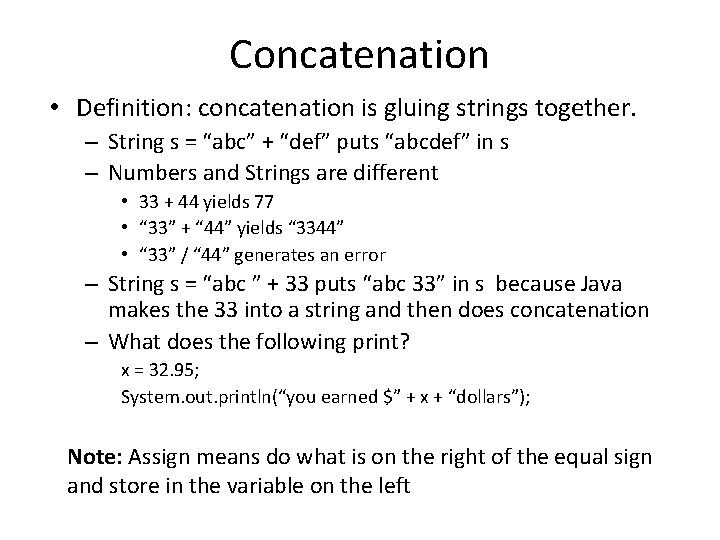
Concatenation • Definition: concatenation is gluing strings together. – String s = “abc” + “def” puts “abcdef” in s – Numbers and Strings are different • 33 + 44 yields 77 • “ 33” + “ 44” yields “ 3344” • “ 33” / “ 44” generates an error – String s = “abc ” + 33 puts “abc 33” in s because Java makes the 33 into a string and then does concatenation – What does the following print? x = 32. 95; System. out. println(“you earned $” + x + “dollars”); Note: Assign means do what is on the right of the equal sign and store in the variable on the left
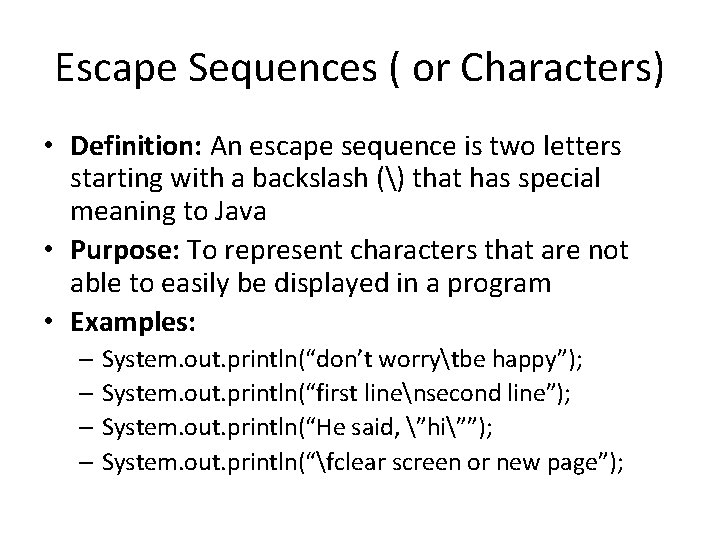
Escape Sequences ( or Characters) • Definition: An escape sequence is two letters starting with a backslash () that has special meaning to Java • Purpose: To represent characters that are not able to easily be displayed in a program • Examples: – System. out. println(“don’t worrytbe happy”); – System. out. println(“first linensecond line”); – System. out. println(“He said, ”hi””); – System. out. println(“fclear screen or new page”);
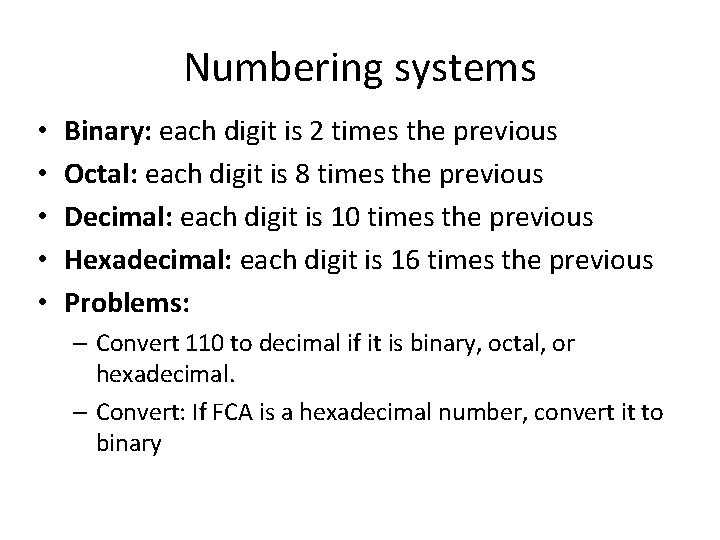
Numbering systems • • • Binary: each digit is 2 times the previous Octal: each digit is 8 times the previous Decimal: each digit is 10 times the previous Hexadecimal: each digit is 16 times the previous Problems: – Convert 110 to decimal if it is binary, octal, or hexadecimal. – Convert: If FCA is a hexadecimal number, convert it to binary
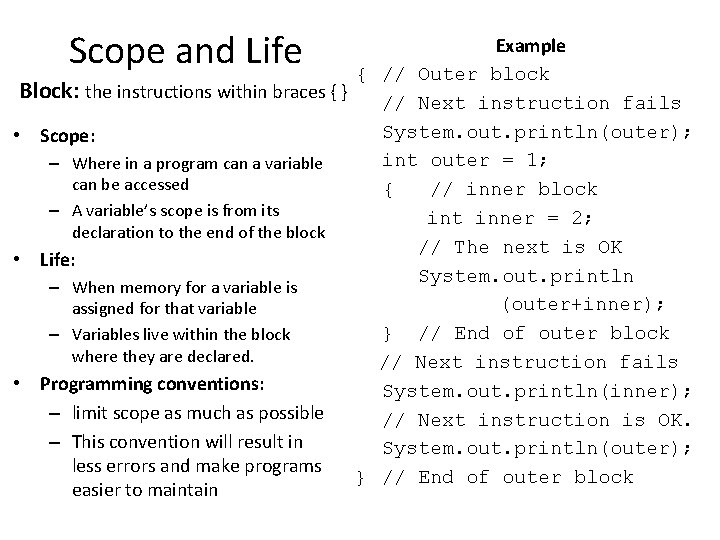
Scope and Life Example { // Outer block Block: the instructions within braces { } // Next instruction fails System. out. println(outer); • Scope: int outer = 1; – Where in a program can a variable can be accessed { // inner block – A variable’s scope is from its int inner = 2; declaration to the end of the block // The next is OK • Life: System. out. println – When memory for a variable is (outer+inner); assigned for that variable } // End of outer block – Variables live within the block where they are declared. // Next instruction fails • Programming conventions: System. out. println(inner); – limit scope as much as possible // Next instruction is OK. – This convention will result in System. out. println(outer); less errors and make programs } // End of outer block easier to maintain
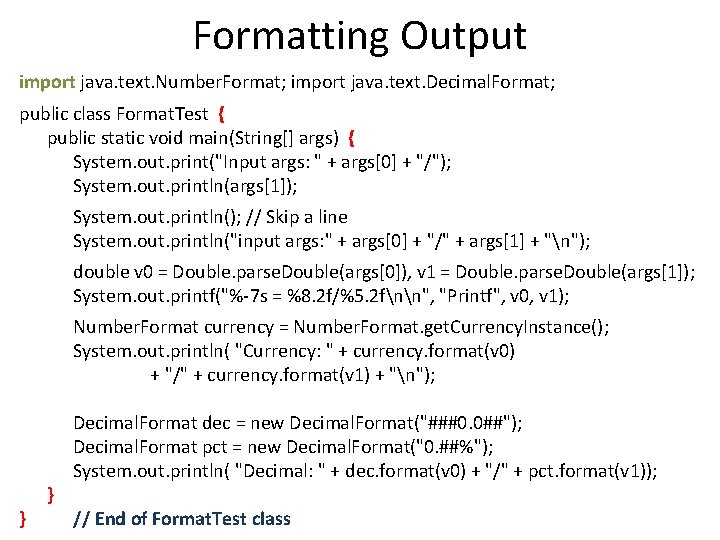
Formatting Output import java. text. Number. Format; import java. text. Decimal. Format; public class Format. Test { public static void main(String[] args) { System. out. print("Input args: " + args[0] + "/"); System. out. println(args[1]); System. out. println(); // Skip a line System. out. println("input args: " + args[0] + "/" + args[1] + "n"); double v 0 = Double. parse. Double(args[0]), v 1 = Double. parse. Double(args[1]); System. out. printf("%-7 s = %8. 2 f/%5. 2 fnn", "Printf", v 0, v 1); Number. Format currency = Number. Format. get. Currency. Instance(); System. out. println( "Currency: " + currency. format(v 0) + "/" + currency. format(v 1) + "n"); } } Decimal. Format dec = new Decimal. Format("###0. 0##"); Decimal. Format pct = new Decimal. Format("0. ##%"); System. out. println( "Decimal: " + dec. format(v 0) + "/" + pct. format(v 1)); // End of Format. Test class
![Formatting Strings for Output public class Format. Example { public static void main(String[] args)](http://slidetodoc.com/presentation_image_h2/6064bda7b2910990c57197dd3c4d8d89/image-14.jpg "Formatting Strings for Output public class Format. Example { public static void main(String[] args)")
Formatting Strings for Output public class Format. Example { public static void main(String[] args) { String str = String. format("Cost: $%7. 2 fn", 35. 23); str += String. format("Cost: $%-7. 2 fn", 35. 23); str += String. format("Cost: $%. 2 fn", 35. 23); str += String. format("Integer: $%4 dn", 100); str += String. format("Left Justified: %-10 sn", "Dan"); str += String. format("Right Justified: %10 sn", "Dan"); str += String. format("All %. 2 f %d %-10 sn", 35. 23, 100, "Dan"); JOption. Pane. show. Message. Dialog(null, str); }
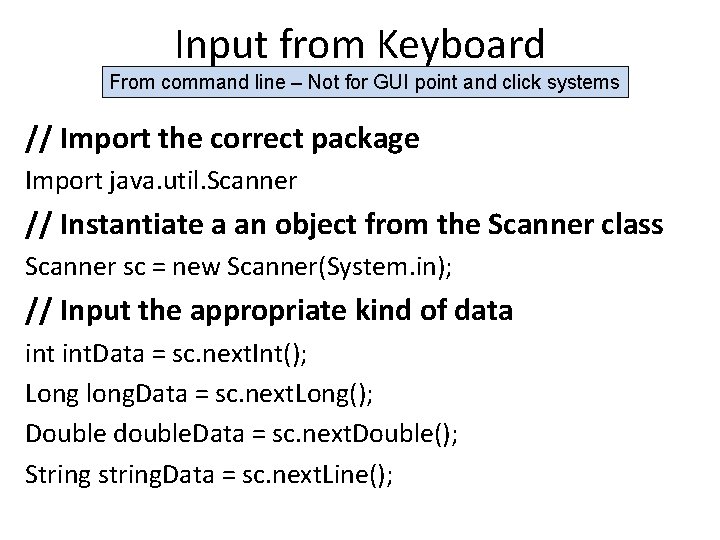
Input from Keyboard From command line – Not for GUI point and click systems // Import the correct package Import java. util. Scanner // Instantiate a an object from the Scanner class Scanner sc = new Scanner(System. in); // Input the appropriate kind of data int. Data = sc. next. Int(); Long long. Data = sc. next. Long(); Double double. Data = sc. next. Double(); String string. Data = sc. next. Line();
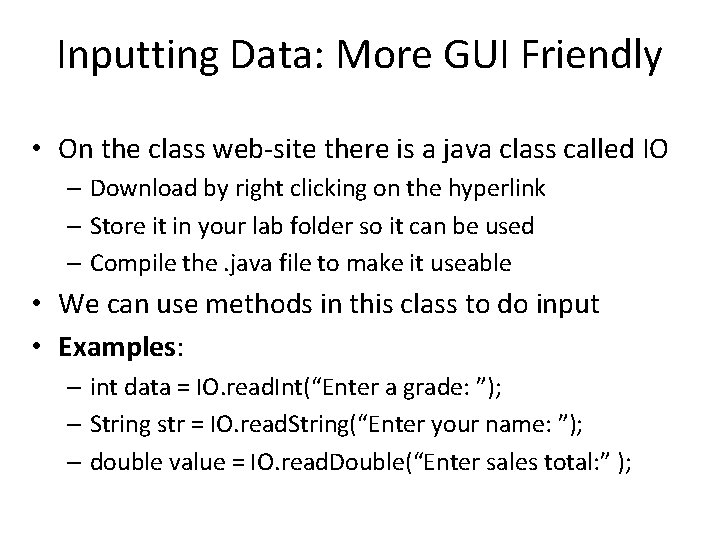
Inputting Data: More GUI Friendly • On the class web-site there is a java class called IO – Download by right clicking on the hyperlink – Store it in your lab folder so it can be used – Compile the. java file to make it useable • We can use methods in this class to do input • Examples: – int data = IO. read. Int(“Enter a grade: ”); – String str = IO. read. String(“Enter your name: ”); – double value = IO. read. Double(“Enter sales total: ” );
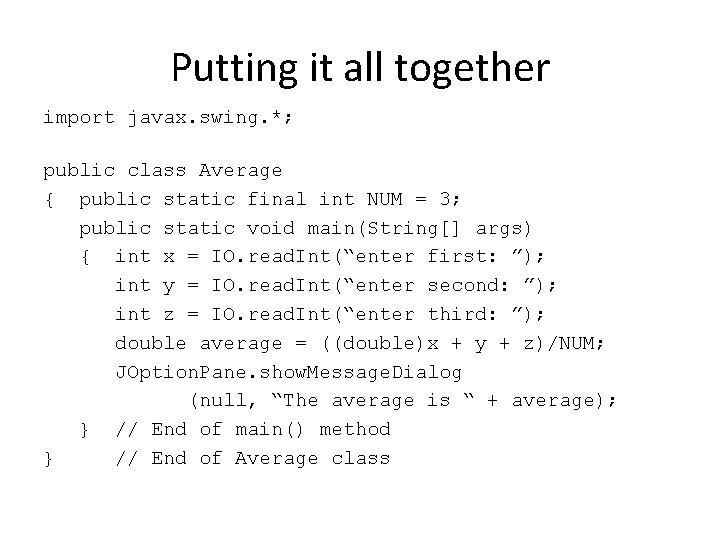
Putting it all together import javax. swing. *; public class Average { public static final int NUM = 3; public static void main(String[] args) { int x = IO. read. Int(“enter first: ”); int y = IO. read. Int(“enter second: ”); int z = IO. read. Int(“enter third: ”); double average = ((double)x + y + z)/NUM; JOption. Pane. show. Message. Dialog (null, “The average is “ + average); } // End of main() method } // End of Average class
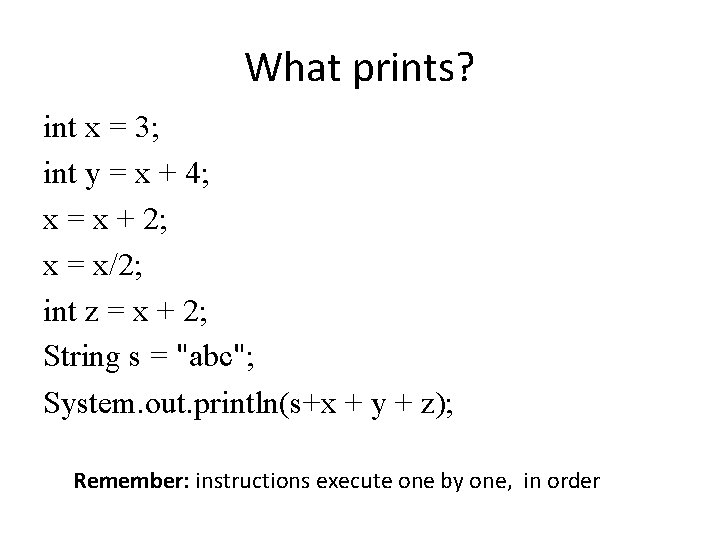
What prints? int x = 3; int y = x + 4; x = x + 2; x = x/2; int z = x + 2; String s = "abc"; System. out. println(s+x + y + z); Remember: instructions execute one by one, in order
Review • • • • What is a data type? What is its purpose? Give some examples? What does it mean to cast? What is precision? Give some examples? What is the difference between a variable and an identifier? What is a symbolic constant? Why are they desirable? Can you declare a double and int in the same statement? Why or why not? How would you describe hexadecimal to someone without a clue? What is the difference between the scope and life of a variable? How are {} used in Java? How is ; used in Java? How is [] used? What does static mean? How about public and private? What is an escape sequence? What is concatenation? What are the programming conventions for naming variables, for indenting, and for commenting?
- Slides: 19