
Declaring Arrays Declare an array of 10 elements
![Declaring Arrays • Declare an array of 10 elements: int nums[10]; • Best practice:](https://slidetodoc.com/presentation_image/562c9665c3c724f86091e3a1636b58e4/image-1.jpg "Declaring Arrays • Declare an array of 10 elements: int nums[10]; • Best practice:")
![Examples with functions Declaration void foo (const int nums[] , int s) { int](https://slidetodoc.com/presentation_image/562c9665c3c724f86091e3a1636b58e4/image-5.jpg "Examples with functions Declaration void foo (const int nums[] , int s) { int")
- Slides: 12
Declaring Arrays • Declare an array of 10 elements: int nums[10]; • Best practice: #define SIZE 10 int nums[SIZE]; // cannot be int[SIZE] nums; • C 99: int nums[some. Variable] • Declare an array with an initializer list int nums[] = {1, 2, 3, 4, 5, 6, 7, 8, 9, 10}; Note: Don't need a number between [ and ] • Access elements like primitive variables printf ("%dn", nums[i]); • Declare in a function: void foo(int nums[]) or void foo(int *nums)
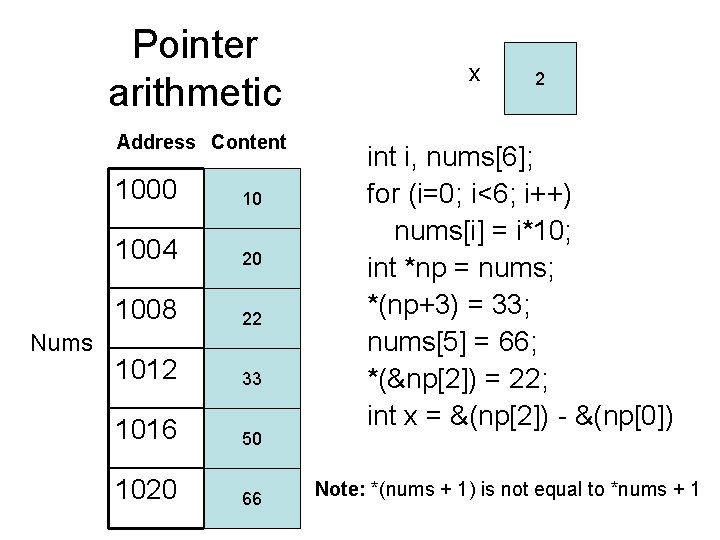
Pointer arithmetic Address Content Nums 1000 10 1004 20 1008 22 1012 33 1016 50 1020 66 x 2 int i, nums[6]; for (i=0; i<6; i++) nums[i] = i*10; int *np = nums; *(np+3) = 33; nums[5] = 66; *(&np[2]) = 22; int x = &(np[2]) - &(np[0]) Note: *(nums + 1) is not equal to *nums + 1
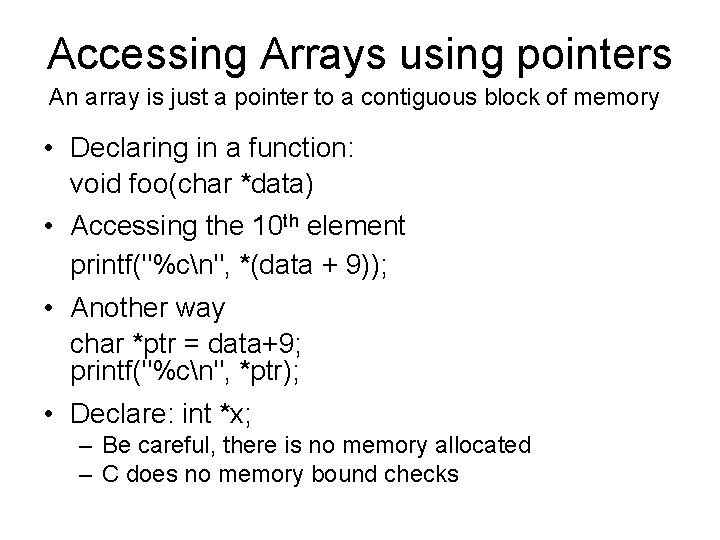
Accessing Arrays using pointers An array is just a pointer to a contiguous block of memory • Declaring in a function: void foo(char *data) • Accessing the 10 th element printf("%cn", *(data + 9)); • Another way char *ptr = data+9; printf("%cn", *ptr); • Declare: int *x; – Be careful, there is no memory allocated – C does no memory bound checks
Notes on Pointers • C Programmers often favor pointers to process arrays (less typing) • You can use all the relational operators with pointers (<, >, ==, etc. ) • You can use all the arithmetic operations (++, +=, --, etc. ) • The size in bytes of pointers can be obtained using the sizeof operator
Examples with functions Declaration void foo (const int nums[] , int s) { int i=0, sum=0; for (i=0; i<s; i++) sum += nums[i]; printf("%dn", sum); } Call int nums[] = {1, 2, 3}; foo(nums, 3); Declaration void foo(const int *nums , int s) { int sum=0, *ptr; for(ptr=nums; ptr-nums<s; ptr++) sum += *ptr; printf("%dn", sum); } Call int nums[] = {1, 2, 3}; foo(nums, 3); Note: The const modifier is not required, some arrays can be changed
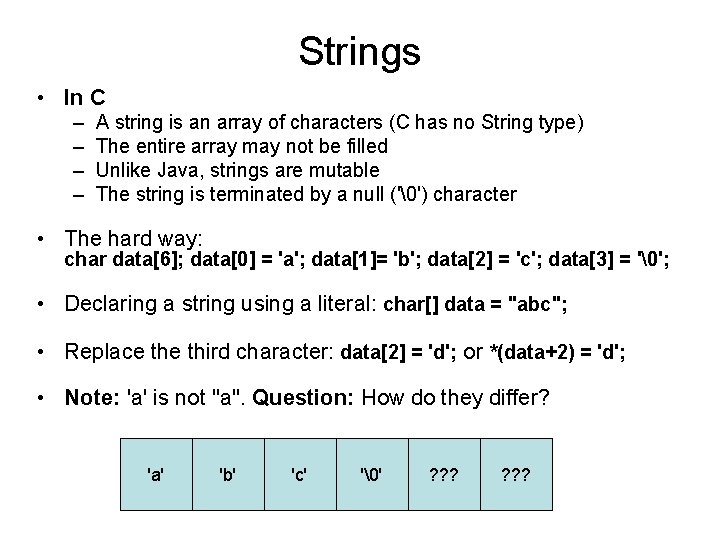
Strings • In C – – A string is an array of characters (C has no String type) The entire array may not be filled Unlike Java, strings are mutable The string is terminated by a null ('') character • The hard way: char data[6]; data[0] = 'a'; data[1]= 'b'; data[2] = 'c'; data[3] = ''; • Declaring a string using a literal: char[] data = "abc"; • Replace third character: data[2] = 'd'; or *(data+2) = 'd'; • Note: 'a' is not "a". Question: How do they differ? 'a' 'b' 'c' '' ? ? ?
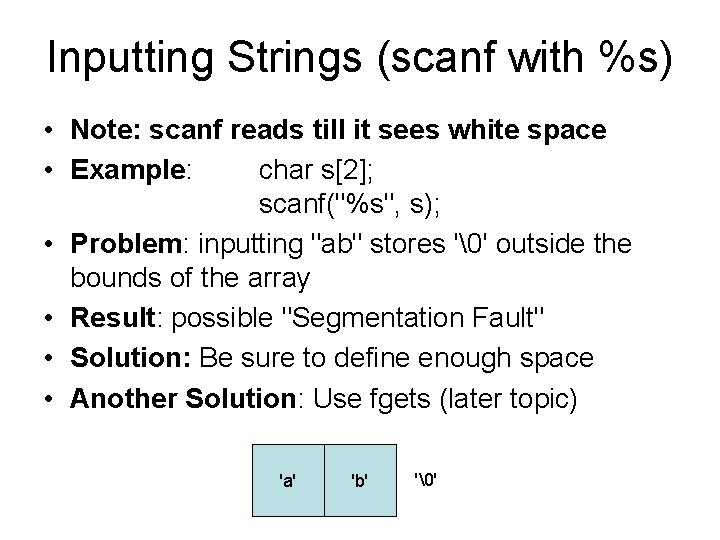
Inputting Strings (scanf with %s) • Note: scanf reads till it sees white space • Example: char s[2]; scanf("%s", s); • Problem: inputting "ab" stores '' outside the bounds of the array • Result: possible "Segmentation Fault" • Solution: Be sure to define enough space • Another Solution: Use fgets (later topic) 'a' 'b' ''
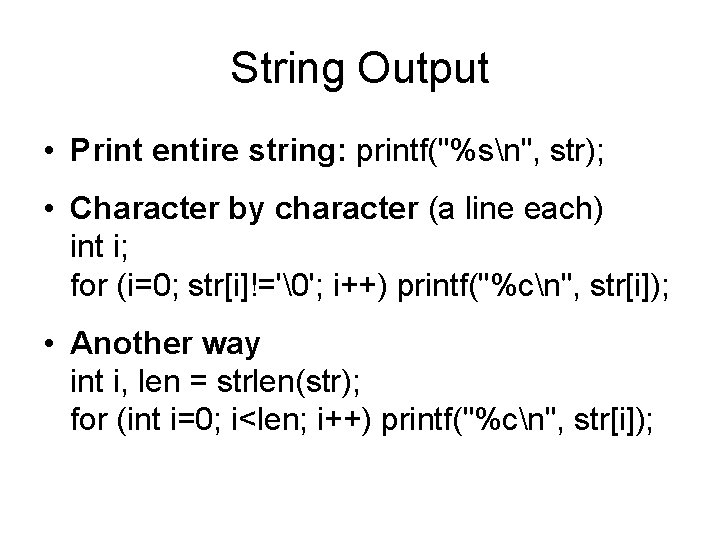
String Output • Print entire string: printf("%sn", str); • Character by character (a line each) int i; for (i=0; str[i]!=''; i++) printf("%cn", str[i]); • Another way int i, len = strlen(str); for (int i=0; i<len; i++) printf("%cn", str[i]);
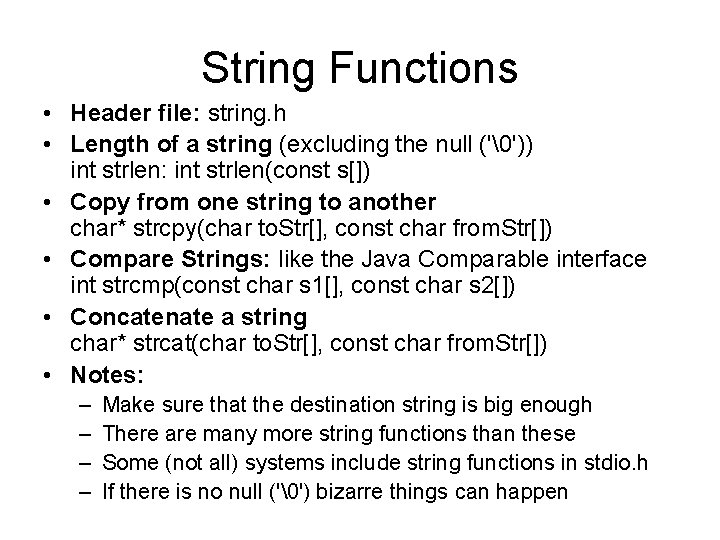
String Functions • Header file: string. h • Length of a string (excluding the null ('')) int strlen: int strlen(const s[]) • Copy from one string to another char* strcpy(char to. Str[], const char from. Str[]) • Compare Strings: like the Java Comparable interface int strcmp(const char s 1[], const char s 2[]) • Concatenate a string char* strcat(char to. Str[], const char from. Str[]) • Notes: – – Make sure that the destination string is big enough There are many more string functions than these Some (not all) systems include string functions in stdio. h If there is no null ('') bizarre things can happen
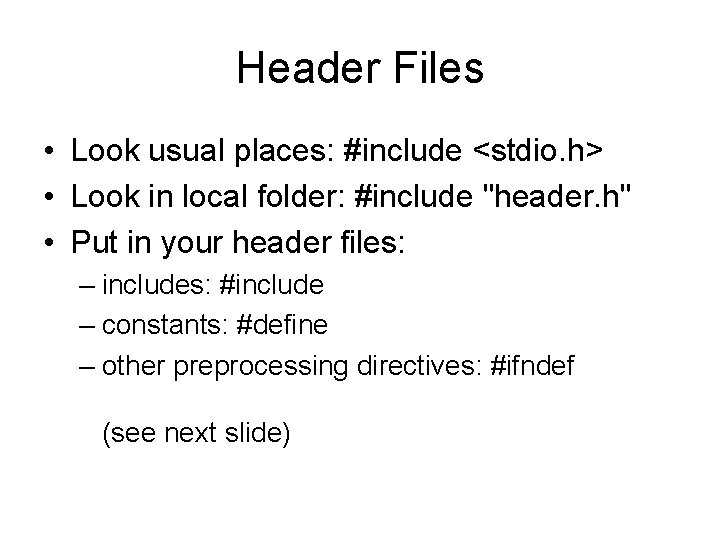
Header Files • Look usual places: #include <stdio. h> • Look in local folder: #include "header. h" • Put in your header files: – includes: #include – constants: #define – other preprocessing directives: #ifndef (see next slide)
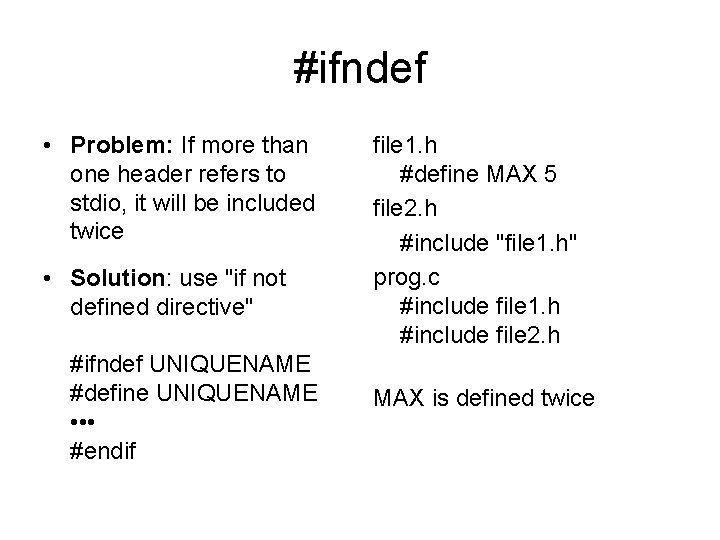
#ifndef • Problem: If more than one header refers to stdio, it will be included twice • Solution: use "if not defined directive" #ifndef UNIQUENAME #define UNIQUENAME • • • #endif file 1. h #define MAX 5 file 2. h #include "file 1. h" prog. c #include file 1. h #include file 2. h MAX is defined twice
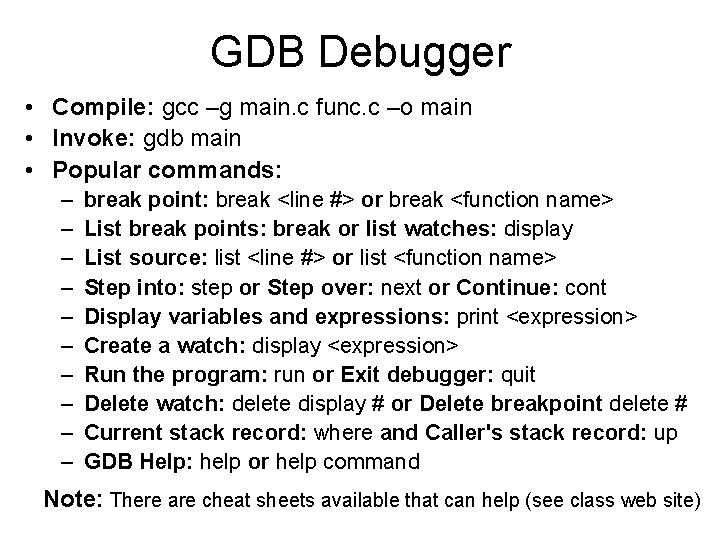
GDB Debugger • Compile: gcc –g main. c func. c –o main • Invoke: gdb main • Popular commands: – – – – – break point: break <line #> or break <function name> List break points: break or list watches: display List source: list <line #> or list <function name> Step into: step or Step over: next or Continue: cont Display variables and expressions: print <expression> Create a watch: display <expression> Run the program: run or Exit debugger: quit Delete watch: delete display # or Delete breakpoint delete # Current stack record: where and Caller's stack record: up GDB Help: help or help command Note: There are cheat sheets available that can help (see class web site)