
Decision Making The Art Craft of Spreadsheet Modeling
- Slides: 18
Decision Making The Art & Craft of Spreadsheet Modeling (adapted from a presentation by Professor Isken)
Models w Simplified representation or abstraction of reality. w Capture essence of system without unnecessary details w Models tailored for specific types of problems w Models help us understand the world n n Prediction (What if? ) Optimization (What’s best? )
Example w Enrollment in MIS 300 w Suppose there are three sections of MIS 300 w Each one starts off with 65 students w People drop the class at a constant rate w Where do we end up?
A Few Types of Models w Physical model n crash test dummy w Detailed computer simulation model n n flight trainer discrete event model (e. g. Sim. City) w Mathematical model n n Regression F=MA Optimization model Stochastic vs. deterministic
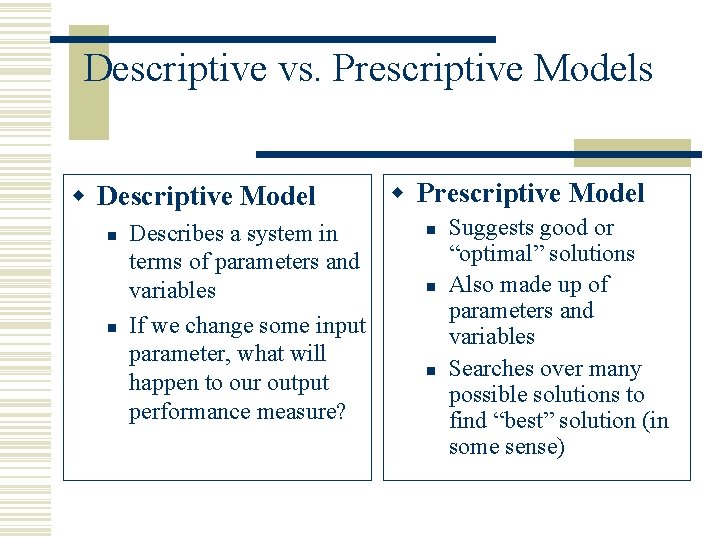
Descriptive vs. Prescriptive Models w Descriptive Model n n Describes a system in terms of parameters and variables If we change some input parameter, what will happen to our output performance measure? w Prescriptive Model n n n Suggests good or “optimal” solutions Also made up of parameters and variables Searches over many possible solutions to find “best” solution (in some sense)
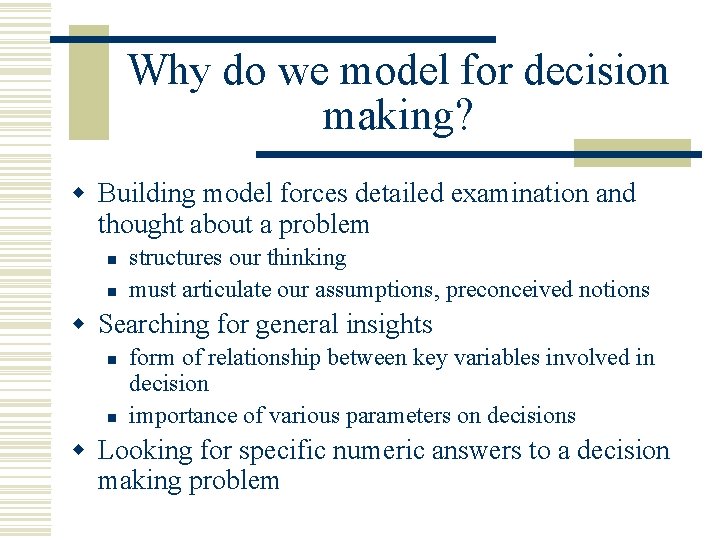
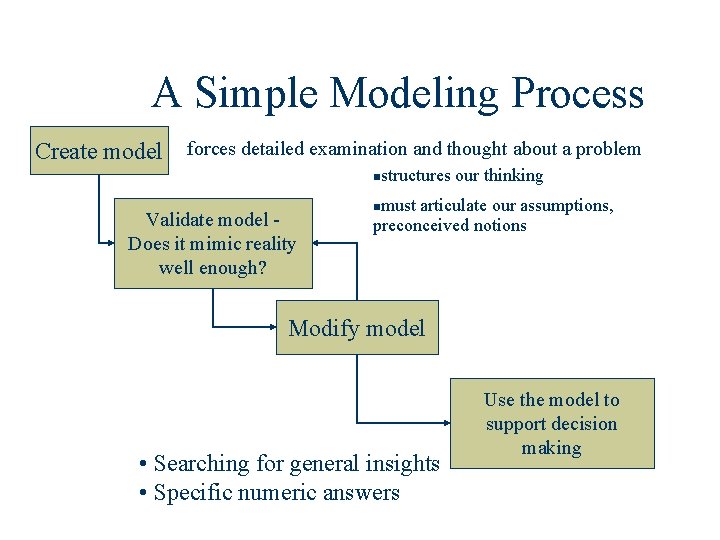
Why do we model for decision making? w Building model forces detailed examination and thought about a problem n n structures our thinking must articulate our assumptions, preconceived notions w Searching for general insights n n form of relationship between key variables involved in decision importance of various parameters on decisions w Looking for specific numeric answers to a decision making problem
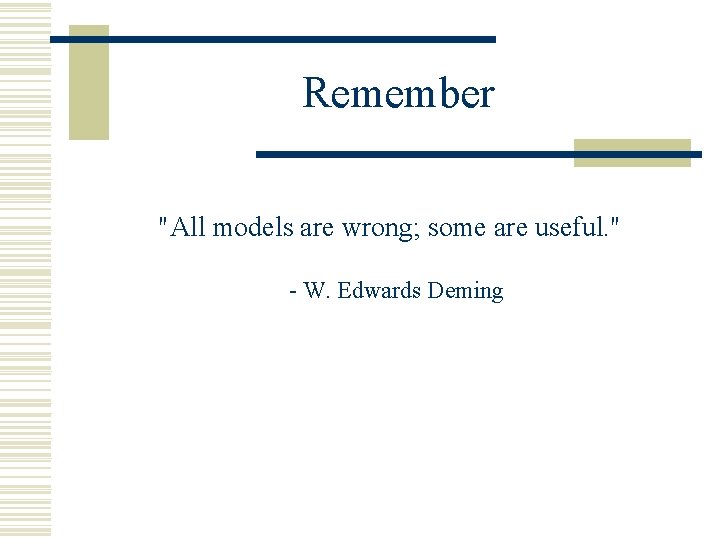
Remember "All models are wrong; some are useful. " - W. Edwards Deming
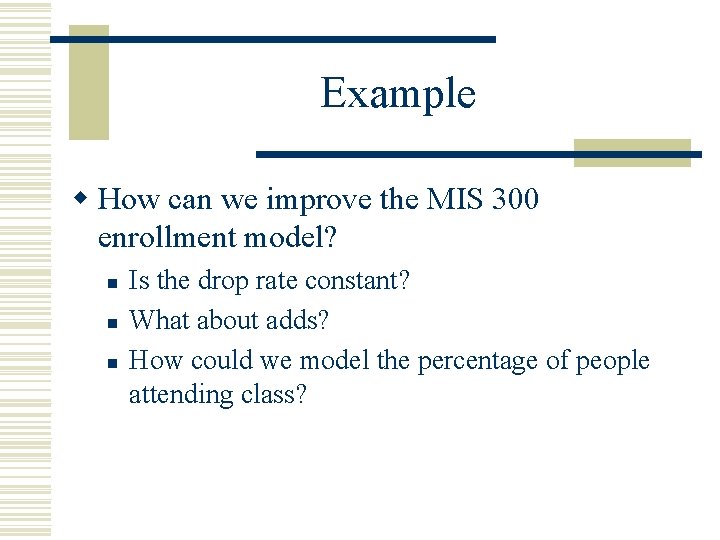
Example w How can we improve the MIS 300 enrollment model? n n n Is the drop rate constant? What about adds? How could we model the percentage of people attending class?
A Simple Modeling Process Create model forces detailed examination and thought about a problem structures our thinking n Validate model Does it mimic reality well enough? must articulate our assumptions, preconceived notions n Modify model • Searching for general insights • Specific numeric answers Use the model to support decision making
Example w How could we validate the MIS 300 enrollment model?
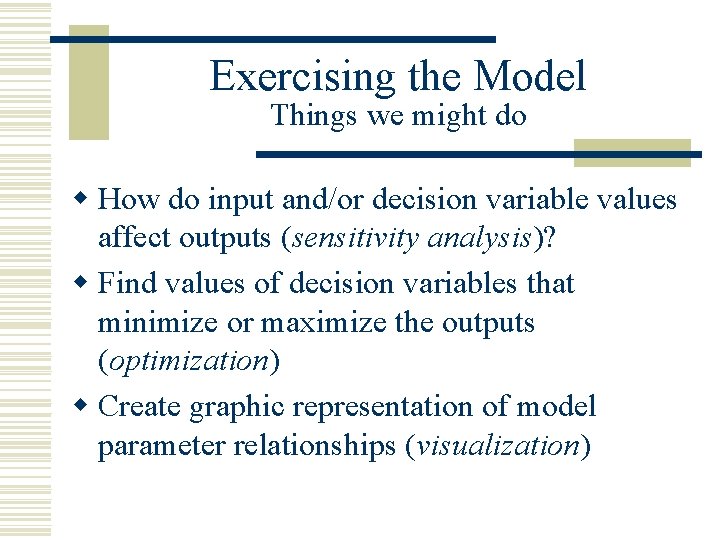
Exercising the Model Things we might do w How do input and/or decision variable values affect outputs (sensitivity analysis)? w Find values of decision variables that minimize or maximize the outputs (optimization) w Create graphic representation of model parameter relationships (visualization)
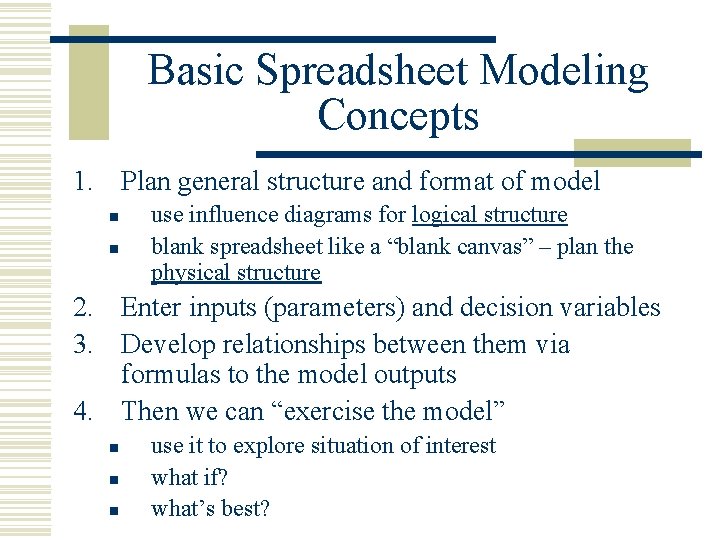
Basic Spreadsheet Modeling Concepts 1. Plan general structure and format of model n n use influence diagrams for logical structure blank spreadsheet like a “blank canvas” – plan the physical structure 2. Enter inputs (parameters) and decision variables 3. Develop relationships between them via formulas to the model outputs 4. Then we can “exercise the model” n n n use it to explore situation of interest what if? what’s best?
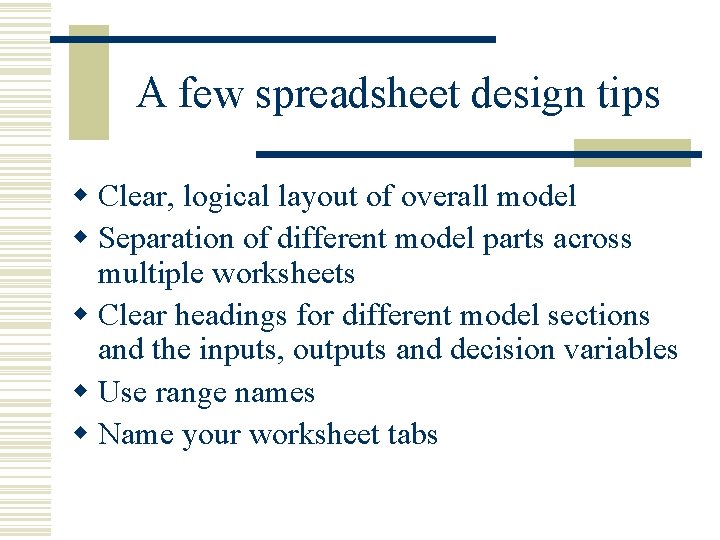
A few spreadsheet design tips w Clear, logical layout of overall model w Separation of different model parts across multiple worksheets w Clear headings for different model sections and the inputs, outputs and decision variables w Use range names w Name your worksheet tabs
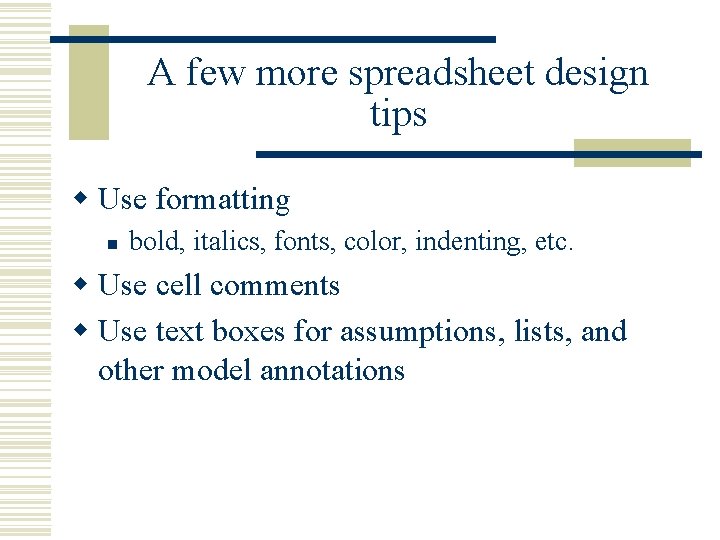
A few more spreadsheet design tips w Use formatting n bold, italics, fonts, color, indenting, etc. w Use cell comments w Use text boxes for assumptions, lists, and other model annotations
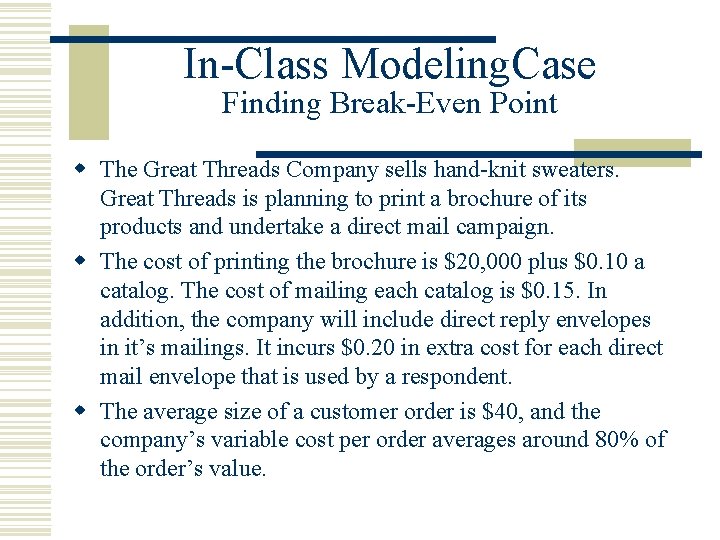
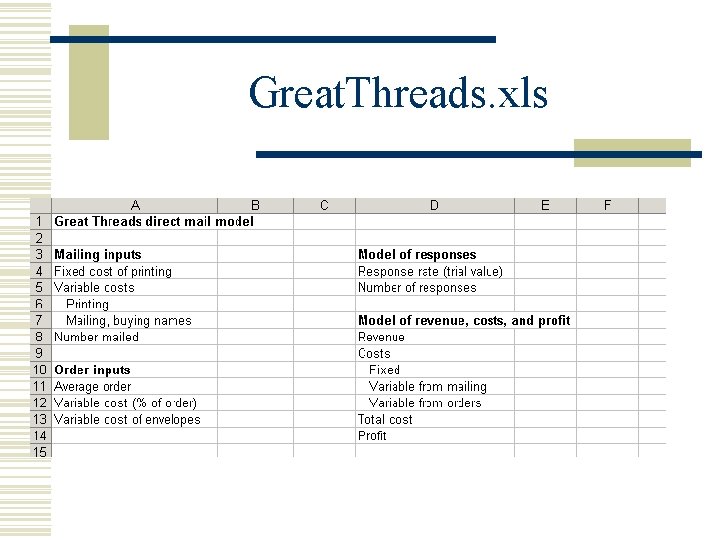
In-Class Modeling. Case Finding Break-Even Point w The Great Threads Company sells hand-knit sweaters. Great Threads is planning to print a brochure of its products and undertake a direct mail campaign. w The cost of printing the brochure is $20, 000 plus $0. 10 a catalog. The cost of mailing each catalog is $0. 15. In addition, the company will include direct reply envelopes in it’s mailings. It incurs $0. 20 in extra cost for each direct mail envelope that is used by a respondent. w The average size of a customer order is $40, and the company’s variable cost per order averages around 80% of the order’s value.
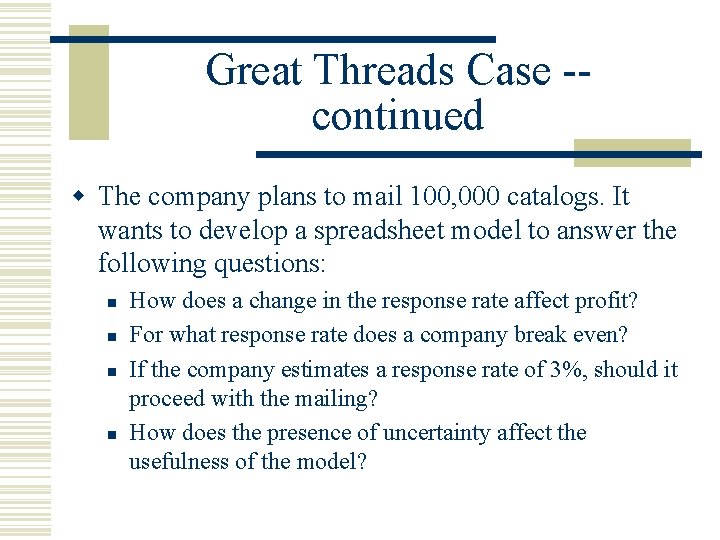
Great Threads Case -continued w The company plans to mail 100, 000 catalogs. It wants to develop a spreadsheet model to answer the following questions: n n How does a change in the response rate affect profit? For what response rate does a company break even? If the company estimates a response rate of 3%, should it proceed with the mailing? How does the presence of uncertainty affect the usefulness of the model?
Great. Threads. xls
Basic Data Manipulation w Excel has numerous data manipulation and analysis tools w Data sorting w Data filtering w Pivot tables and pivot charts w Data tables