
Decimal Place Value 1 Using the Promethean Computer
- Slides: 4
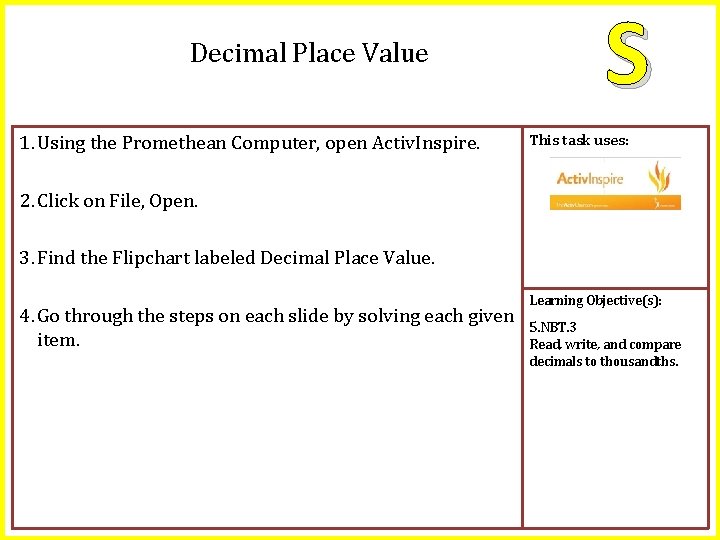
Decimal Place Value 1. Using the Promethean Computer, open Activ. Inspire. S This task uses: 2. Click on File, Open. 3. Find the Flipchart labeled Decimal Place Value. 4. Go through the steps on each slide by solving each given item. Learning Objective(s): 5. NBT. 3 Read, write, and compare decimals to thousandths.
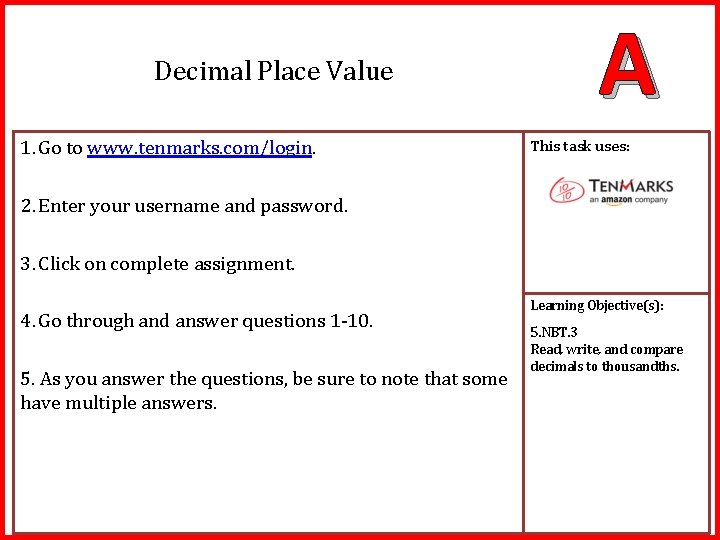
Decimal Place Value 1. Go to www. tenmarks. com/login. A This task uses: 2. Enter your username and password. 3. Click on complete assignment. 4. Go through and answer questions 1 -10. 5. As you answer the questions, be sure to note that some have multiple answers. Learning Objective(s): 5. NBT. 3 Read, write, and compare decimals to thousandths.
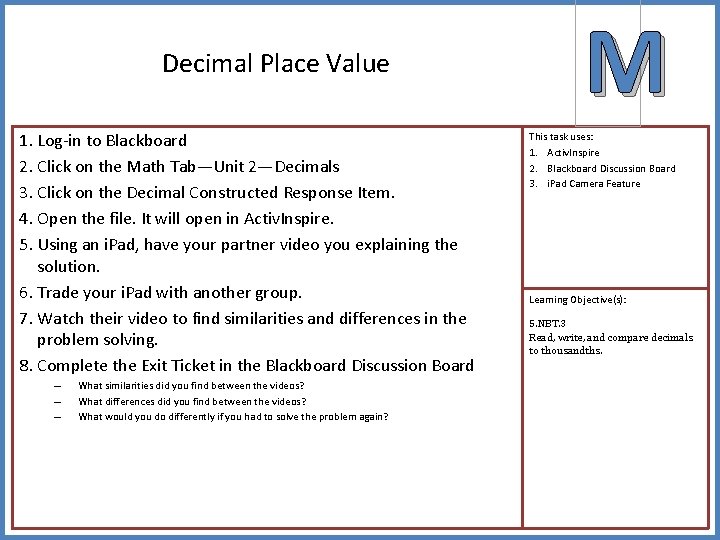
Decimal Place Value 1. Log-in to Blackboard 2. Click on the Math Tab—Unit 2—Decimals 3. Click on the Decimal Constructed Response Item. 4. Open the file. It will open in Activ. Inspire. 5. Using an i. Pad, have your partner video you explaining the solution. 6. Trade your i. Pad with another group. 7. Watch their video to find similarities and differences in the problem solving. 8. Complete the Exit Ticket in the Blackboard Discussion Board – – – What similarities did you find between the videos? What differences did you find between the videos? What would you do differently if you had to solve the problem again? M This task uses: 1. Activ. Inspire 2. Blackboard Discussion Board 3. i. Pad Camera Feature Learning Objective(s): 5. NBT. 3 Read, write, and compare decimals to thousandths.
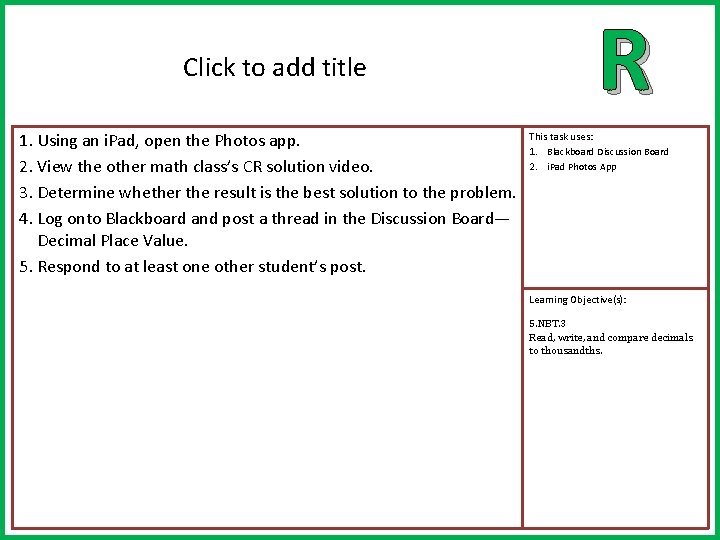
Click to add title 1. Using an i. Pad, open the Photos app. 2. View the other math class’s CR solution video. 3. Determine whether the result is the best solution to the problem. 4. Log onto Blackboard and post a thread in the Discussion Board— Decimal Place Value. 5. Respond to at least one other student’s post. R This task uses: 1. Blackboard Discussion Board 2. i. Pad Photos App Learning Objective(s): 5. NBT. 3 Read, write, and compare decimals to thousandths.