
Debugging Techniques Linux Kernel Programming CIS 4930COP 5641
Debugging Techniques Linux Kernel Programming CIS 4930/COP 5641
Overview n n n Several tools are available Some are more difficult to set up and learn Will go over basic tools, then use next assignment to go over interesting tools
Kernel- vs User-Space Debugging n Difficulty is higher n n n No built-in debuggers Bugs may be hard to reproduce Stakes are higher n Fault in kernel can bring down whole system or cause unexplained behaviors
Types of Bugs n Incorrect code n n Synchronization error n n Example: not storing correct value in proper place Example: not properly locking a shared variable Incorrectly managing hardware n Example: sending wrong operation to wrong control register
Pitfalls from Personal Experience n n n Beware NULL or garbage pointers Zero-out memory before using Do not re-create the wheel n n n Use functions already available (e. g. linked list, strings) Beware of any warnings in compilation Minimize complexity
Debugging Support in the Kernel n Under the “kernel hacking” menu n n CONFIG_DEBUG_KERNEL n n Not supported by all architectures Enables other debugging features CONFIG_DEBUG_SLUB n Checks kernel memory allocation functions n n Memory overrun Memory initialization
Debugging Support in the Kernel n CONFIG_LOCKUP_DETECTOR n n n Detect hard and soft lockups Softlockups – cause kernel to loop for more than 60 seconds Hardlockups – cause cpu (or core) to loop for more than 60 seconds
Debugging Support in the Kernel n CONFIG_DEBUG_PAGEALLOC n n CONFIG_DEBUG_SPINLOCK n n Pages are removed from the kernel address space when freed Catches operations on uninitialized spinlocks and double unlocking CONFIG_DEBUG_MUTEXES n Detects and reports various mutex violations
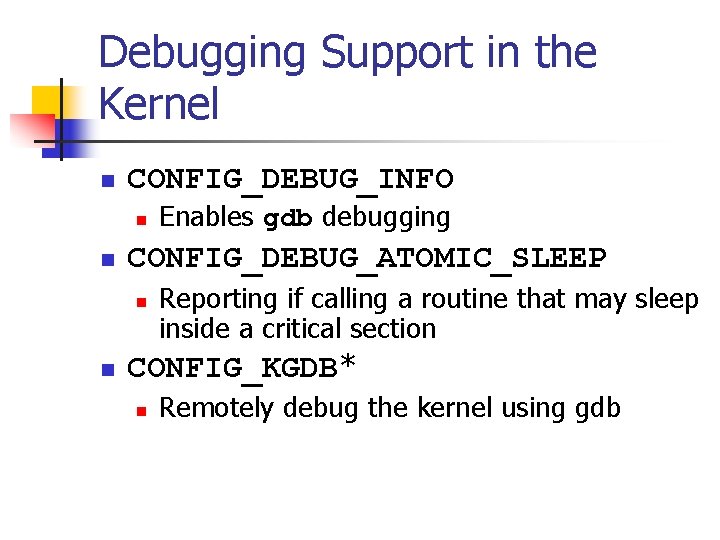
Debugging Support in the Kernel n CONFIG_DEBUG_INFO n n CONFIG_DEBUG_ATOMIC_SLEEP n n Enables gdb debugging Reporting if calling a routine that may sleep inside a critical section CONFIG_KGDB* n Remotely debug the kernel using gdb
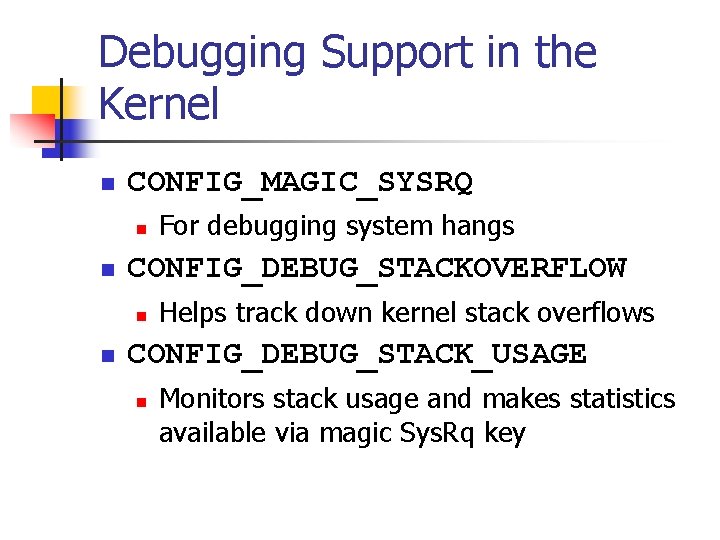
Debugging Support in the Kernel n CONFIG_MAGIC_SYSRQ n n CONFIG_DEBUG_STACKOVERFLOW n n For debugging system hangs Helps track down kernel stack overflows CONFIG_DEBUG_STACK_USAGE n Monitors stack usage and makes statistics available via magic Sys. Rq key
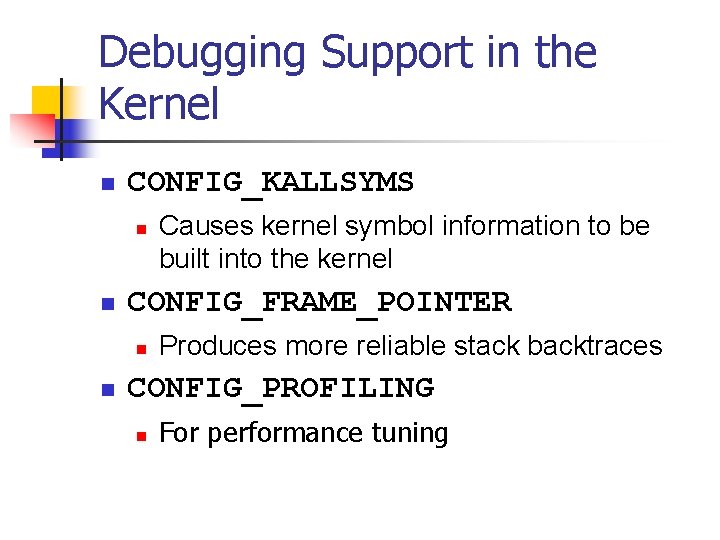
Debugging Support in the Kernel n CONFIG_KALLSYMS n n CONFIG_FRAME_POINTER n n Causes kernel symbol information to be built into the kernel Produces more reliable stack backtraces CONFIG_PROFILING n For performance tuning
Debugging Support in the Kernel n Not an exhaustive list
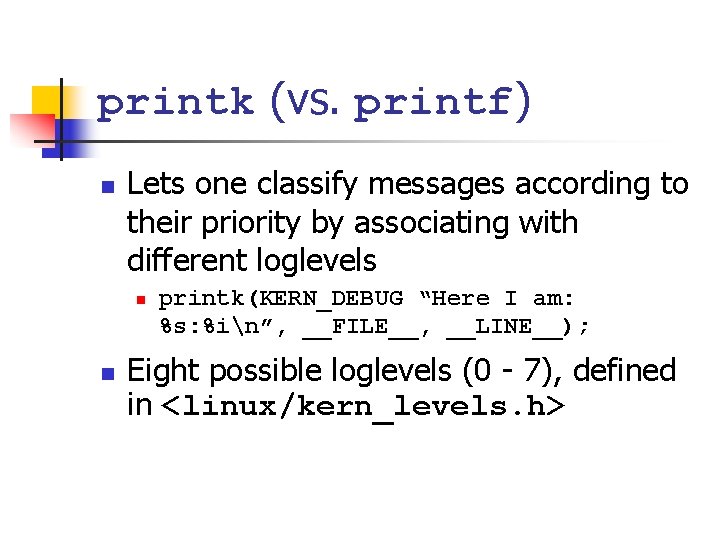
printk (vs. printf) n Lets one classify messages according to their priority by associating with different loglevels n n printk(KERN_DEBUG “Here I am: %s: %in”, __FILE__, __LINE__); Eight possible loglevels (0 - 7), defined in <linux/kern_levels. h>
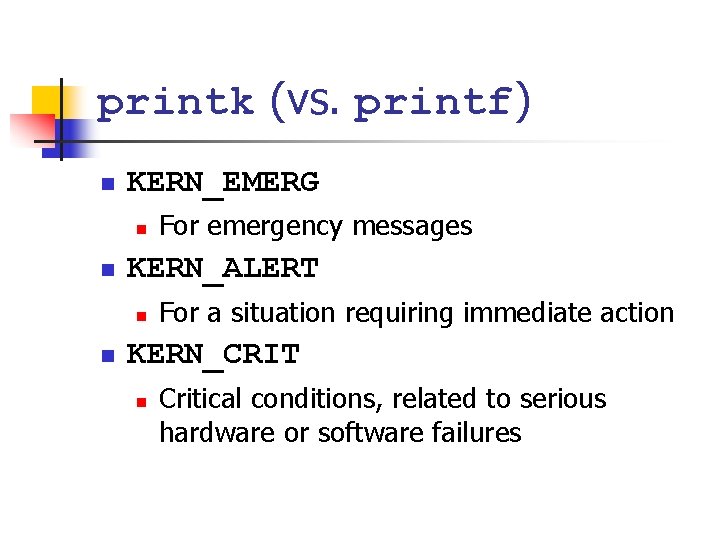
printk (vs. printf) n KERN_EMERG n n KERN_ALERT n n For emergency messages For a situation requiring immediate action KERN_CRIT n Critical conditions, related to serious hardware or software failures
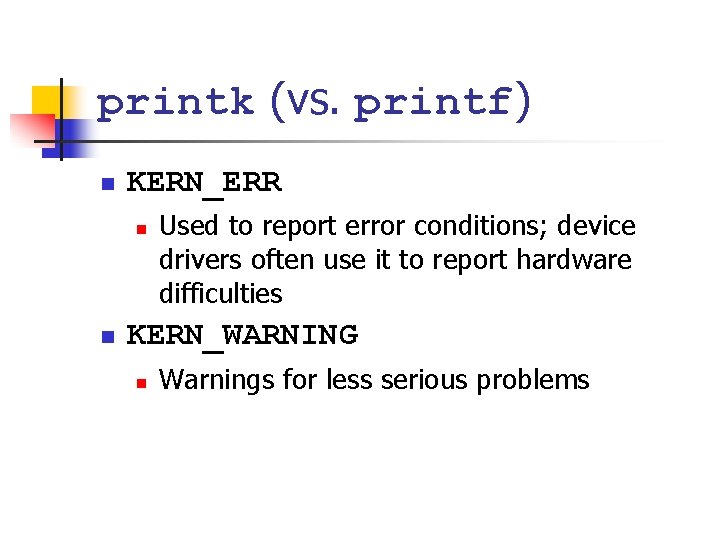
printk (vs. printf) n KERN_ERR n n Used to report error conditions; device drivers often use it to report hardware difficulties KERN_WARNING n Warnings for less serious problems
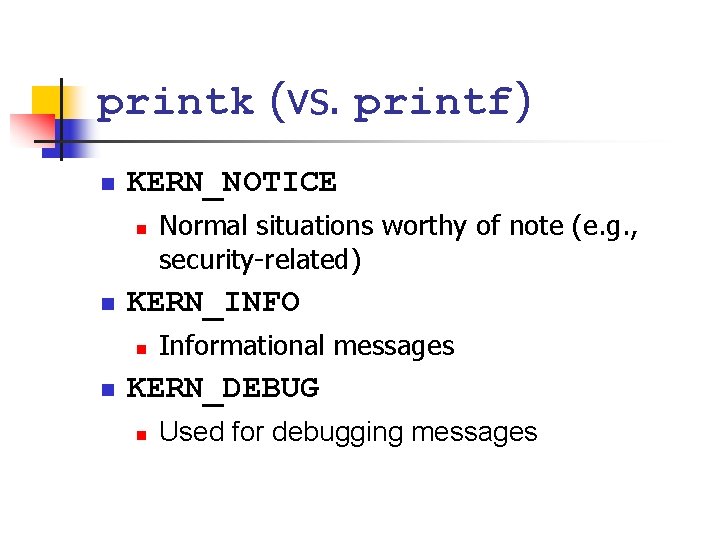
printk (vs. printf) n KERN_NOTICE n n KERN_INFO n n Normal situations worthy of note (e. g. , security-related) Informational messages KERN_DEBUG n Used for debugging messages
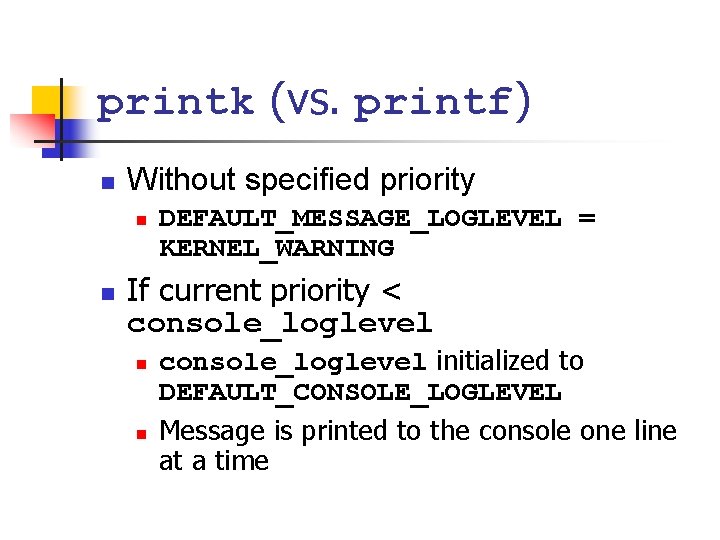
printk (vs. printf) n Without specified priority n n DEFAULT_MESSAGE_LOGLEVEL = KERNEL_WARNING If current priority < console_loglevel n n console_loglevel initialized to DEFAULT_CONSOLE_LOGLEVEL Message is printed to the console one line at a time
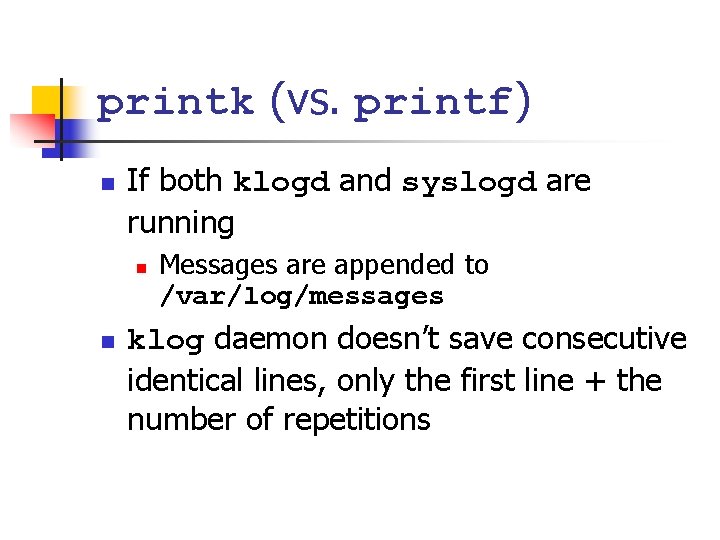
printk (vs. printf) n If both klogd and syslogd are running n n Messages are appended to /var/log/messages klog daemon doesn’t save consecutive identical lines, only the first line + the number of repetitions
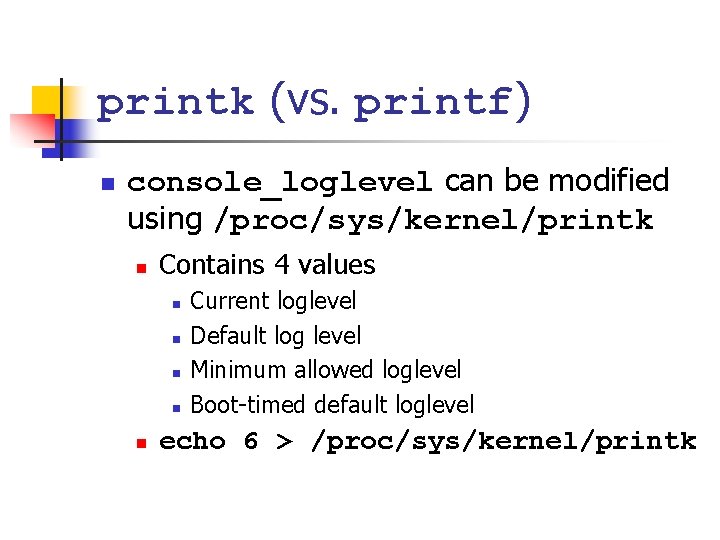
printk (vs. printf) n console_loglevel can be modified using /proc/sys/kernel/printk n Contains 4 values n n n Current loglevel Default log level Minimum allowed loglevel Boot-timed default loglevel echo 6 > /proc/sys/kernel/printk
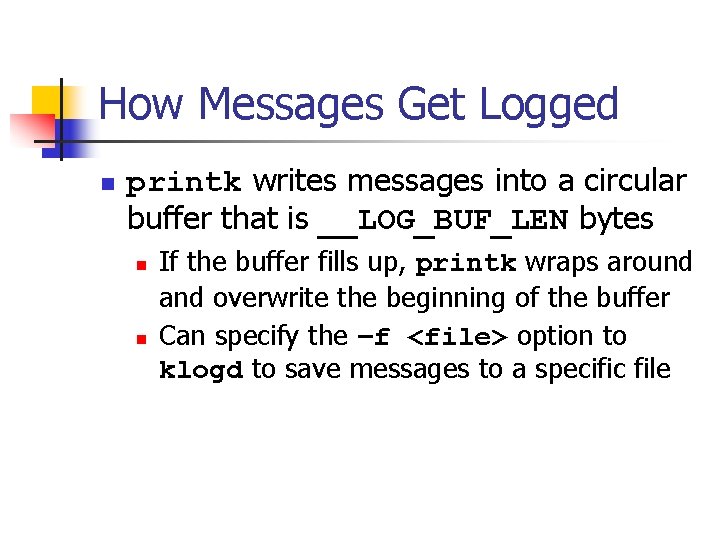
How Messages Get Logged n printk writes messages into a circular buffer that is __LOG_BUF_LEN bytes n n If the buffer fills up, printk wraps around and overwrite the beginning of the buffer Can specify the –f <file> option to klogd to save messages to a specific file
How Messages Get Logged n n Reading from /proc/kmsg consumes data syslog system call can leave data for other processes (try dmesg command)
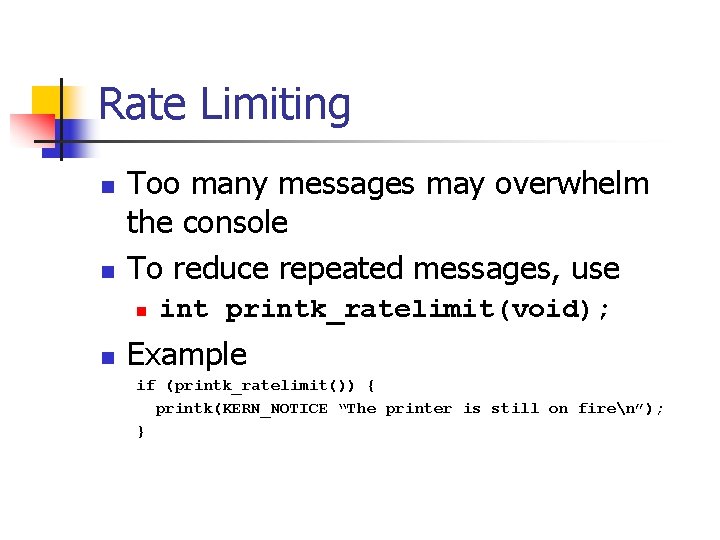
Rate Limiting n n Too many messages may overwhelm the console To reduce repeated messages, use n n int printk_ratelimit(void); Example if (printk_ratelimit()) { printk(KERN_NOTICE “The printer is still on firen”); }
Rate Limiting n To modify the behavior of printk_ratelimit n /proc/sys/kernel/printk_ratelimit n n Number of seconds before re-enabling messages /proc/sys/kernel/printk_ratelimit_burst n Number of messages accepted before rate limiting
printk from userspace n n Put messages in the printk buffer Example usage: n n echo "Hello Kernel-World" > /dev/kmsg Useful to determine ordering between userspace actions and kernel actions
Using the /proc Filesystem n n Exports kernel information Each file under /proc tied to a kernel function n n /proc/cpuinfo, /proc/meminfo Will give in-depth example after introducing character driver next week
The ioctl Method n Implement additional commands to return debugging information n Advantages n n n More efficient Does not need to split data into pages Can be left in the driver unnoticed
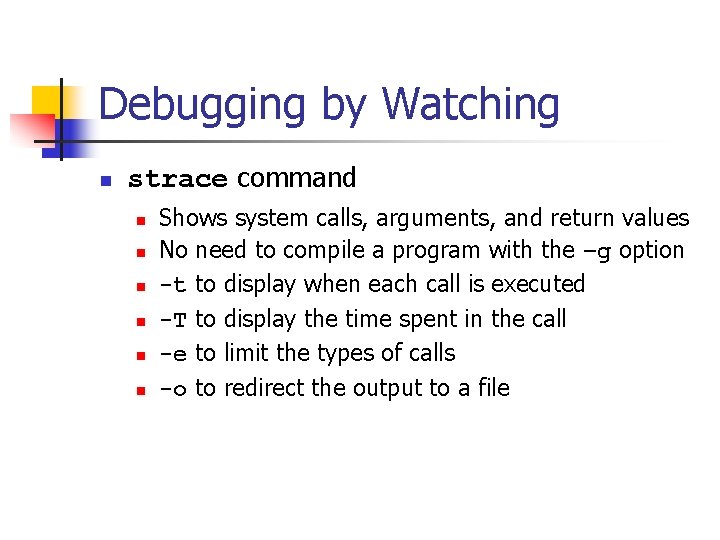
Debugging by Watching n strace command n n n Shows system calls, arguments, and return values No need to compile a program with the –g option -t to display when each call is executed -T to display the time spent in the call -e to limit the types of calls -o to redirect the output to a file
Debugging System Faults n n A fault usually ends the current process, while the system continues to work Potential side effects n n Hardware left in an unusable state Kernel resources in an inconsistent state Corrupted memory Common remedy n Reboot
OOPS Message n n n State of the system when an error occurred Useful for debugging May or may not be useful
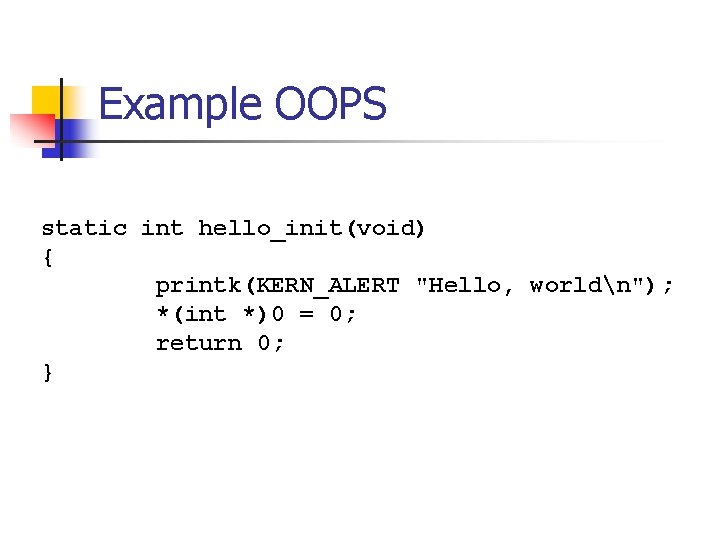
Example OOPS static int hello_init(void) { printk(KERN_ALERT "Hello, worldn"); *(int *)0 = 0; return 0; }

Hello, world BUG: unable to handle kernel NULL pointer dereference at (null) IP: [<ffffa 000 f 012>] hello_init+0 x 12/0 x 21 [hello] PGD 32 e 006067 PUD 32 cfaa 067 PMD 0 Oops: 0002 [#1] PREEMPT SMP Modules linked in: hello(O+) fuse nouveau [last unloaded: hello] CPU: 0 PID: 8040 Comm: insmod Tainted: G O 3. 13. 7 #4 Hardware name: System manufacturer System Product Name/P 6 T 6 WS REVOLUTION, BIOS 0507 task: ffff 8800 ba 86 c 350 ti: ffff 88030001 a 000 task. ti: ffff 88030001 a 000 RIP: 0010: [<ffffffffa 000 f 012>] hello_init+0 x 12/0 x 21 [hello] RSP: 0018: ffff 88030001 bd 68 EFLAGS: 00010292 RAX: 00000000 c RBX: ffffa 000 f 000 RCX: 00000000 RDX: 000000001 RSI: ffff 88033 fc 0 cf 48 RDI: 0000 ffff RBP: ffff 88030001 bd 68 R 08: 0000000400 R 09: ffff 8173 da 24 R 10: ffff 8173 da 24 R 11: 000000 b 8 ac R 12: 00000000 R 13: 00000000 R 14: ffff 88030001 bef 8 R 15: 000000001 FS: 00007 f 05 d 0 d 48700(0000) GS: ffff 88033 fc 00000(0000) knl. GS: 00000000 CS: 0010 DS: 0000 ES: 0000 CR 0: 000080050033 CR 2: 00000000 CR 3: 000000032 ff 6 b 000 CR 4: 00000007 f 0 Stack: ffff 88030001 bdd 8 ffff 81000290 00000000 ffff 88030001 bef 8 ffff 88030001 bdc 8 ffff 8104 e 542 00000000 ffffffffa 000 f 090 0000000000000001 Call Trace: [<ffff 81000290>] do_one_initcall+0 x 7 f/0 x 107 [<ffff 8104 e 542>] ? __blocking_notifier_call_chain+0 x 4 c/0 x 5 a [<ffff 8107 f 900>] load_module+0 x 1166/0 x 13 e 1 [<ffff 8107 d 02 e>] ? mod_kobject_put+0 x 45/0 x 45 [<ffff 8107 fc 7 c>] Sy. S_finit_module+0 x 56/0 x 6 c [<ffff 8133 cd 19>] tracesys+0 xd 0/0 xd 5 Code: <c 7> 04 25 00 00 31 c 0 5 d c 3 55 48 c 7 6 c f 0 00 RIP [<ffffa 000 f 012>] hello_init+0 x 12/0 x 21 [hello] RSP <ffff 88030001 bd 68> CR 2: 00000000 ---[ end trace 90412 cd 9054 bc 448 ]-- 7/02/2009
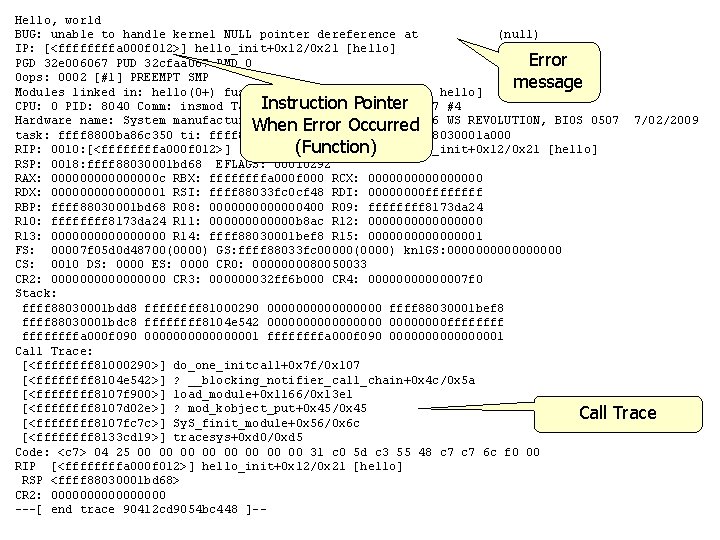
Hello, world BUG: unable to handle kernel NULL pointer dereference at (null) IP: [<ffffa 000 f 012>] hello_init+0 x 12/0 x 21 [hello] Error PGD 32 e 006067 PUD 32 cfaa 067 PMD 0 Oops: 0002 [#1] PREEMPT SMP message Modules linked in: hello(O+) fuse nouveau [last unloaded: hello] Instruction Pointer CPU: 0 PID: 8040 Comm: insmod Tainted: G O 3. 13. 7 #4 Hardware name: System manufacturer System Product Name/P 6 T 6 WS REVOLUTION, BIOS 0507 7/02/2009 When Error Occurred task: ffff 8800 ba 86 c 350 ti: ffff 88030001 a 000 task. ti: ffff 88030001 a 000 (Function) hello_init+0 x 12/0 x 21 [hello] RIP: 0010: [<ffffffffa 000 f 012>] RSP: 0018: ffff 88030001 bd 68 EFLAGS: 00010292 RAX: 00000000 c RBX: ffffa 000 f 000 RCX: 00000000 RDX: 000000001 RSI: ffff 88033 fc 0 cf 48 RDI: 0000 ffff RBP: ffff 88030001 bd 68 R 08: 0000000400 R 09: ffff 8173 da 24 R 10: ffff 8173 da 24 R 11: 000000 b 8 ac R 12: 00000000 R 13: 00000000 R 14: ffff 88030001 bef 8 R 15: 000000001 FS: 00007 f 05 d 0 d 48700(0000) GS: ffff 88033 fc 00000(0000) knl. GS: 00000000 CS: 0010 DS: 0000 ES: 0000 CR 0: 000080050033 CR 2: 00000000 CR 3: 000000032 ff 6 b 000 CR 4: 00000007 f 0 Stack: ffff 88030001 bdd 8 ffff 81000290 00000000 ffff 88030001 bef 8 ffff 88030001 bdc 8 ffff 8104 e 542 00000000 ffffffffa 000 f 090 0000000000000001 Call Trace: [<ffff 81000290>] do_one_initcall+0 x 7 f/0 x 107 [<ffff 8104 e 542>] ? __blocking_notifier_call_chain+0 x 4 c/0 x 5 a [<ffff 8107 f 900>] load_module+0 x 1166/0 x 13 e 1 [<ffff 8107 d 02 e>] ? mod_kobject_put+0 x 45/0 x 45 Call Trace [<ffff 8107 fc 7 c>] Sy. S_finit_module+0 x 56/0 x 6 c [<ffff 8133 cd 19>] tracesys+0 xd 0/0 xd 5 Code: <c 7> 04 25 00 00 31 c 0 5 d c 3 55 48 c 7 6 c f 0 00 RIP [<ffffa 000 f 012>] hello_init+0 x 12/0 x 21 [hello] RSP <ffff 88030001 bd 68> CR 2: 00000000 ---[ end trace 90412 cd 9054 bc 448 ]--
![Size of function IP: [<ffffa 000 f 012>] hello_init+0 x 12/0 x 21 Offset](http://slidetodoc.com/presentation_image_h2/3b3c6744cd881ccd366509e7157b1d50/image-33.jpg "Size of function IP: [<ffffa 000 f 012>] hello_init+0 x 12/0 x 21 Offset")
Size of function IP: [<ffffa 000 f 012>] hello_init+0 x 12/0 x 21 Offset from function beginning of offending instruction
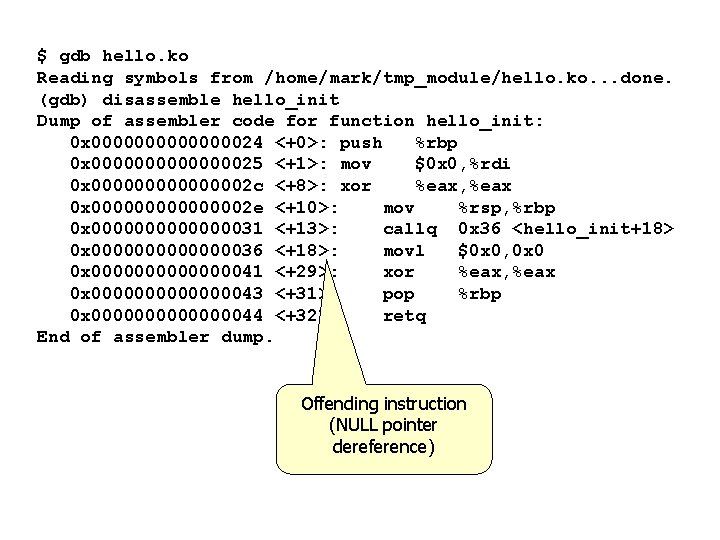
$ gdb hello. ko Reading symbols from /home/mark/tmp_module/hello. ko. . . done. (gdb) disassemble hello_init Dump of assembler code for function hello_init: 0 x 000000024 <+0>: push %rbp 0 x 000000025 <+1>: mov $0 x 0, %rdi 0 x 00000002 c <+8>: xor %eax, %eax 0 x 00000002 e <+10>: mov %rsp, %rbp 0 x 000000031 <+13>: callq 0 x 36 <hello_init+18> 0 x 000000036 <+18>: movl $0 x 0, 0 x 0000000041 <+29>: xor %eax, %eax 0 x 000000043 <+31>: pop %rbp 0 x 000000044 <+32>: retq End of assembler dump. Offending instruction (NULL pointer dereference)
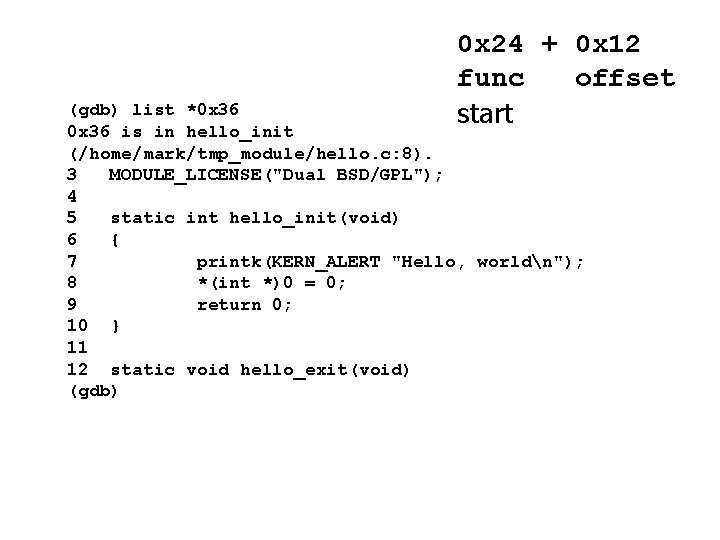
0 x 24 + 0 x 12 func offset start (gdb) list *0 x 36 is in hello_init (/home/mark/tmp_module/hello. c: 8). 3 MODULE_LICENSE("Dual BSD/GPL"); 4 5 static int hello_init(void) 6 { 7 printk(KERN_ALERT "Hello, worldn"); 8 *(int *)0 = 0; 9 return 0; 10 } 11 12 static void hello_exit(void) (gdb)
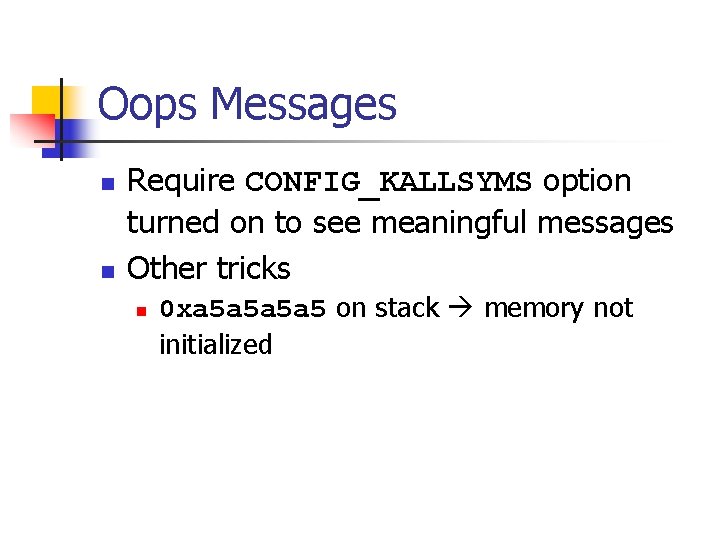
Oops Messages n n Require CONFIG_KALLSYMS option turned on to see meaningful messages Other tricks n 0 xa 5 a 5 on stack memory not initialized
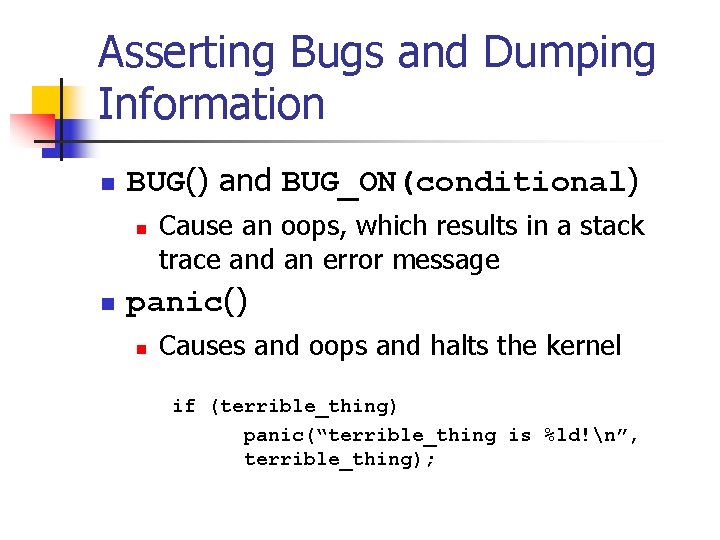
Asserting Bugs and Dumping Information n BUG() and BUG_ON(conditional) n n Cause an oops, which results in a stack trace and an error message panic() n Causes and oops and halts the kernel if (terrible_thing) panic(“terrible_thing is %ld!n”, terrible_thing);
Asserting Bugs and Dumping Information n dump_stack() n Dumps contents of the registers and a function backtrace to the console without an oops
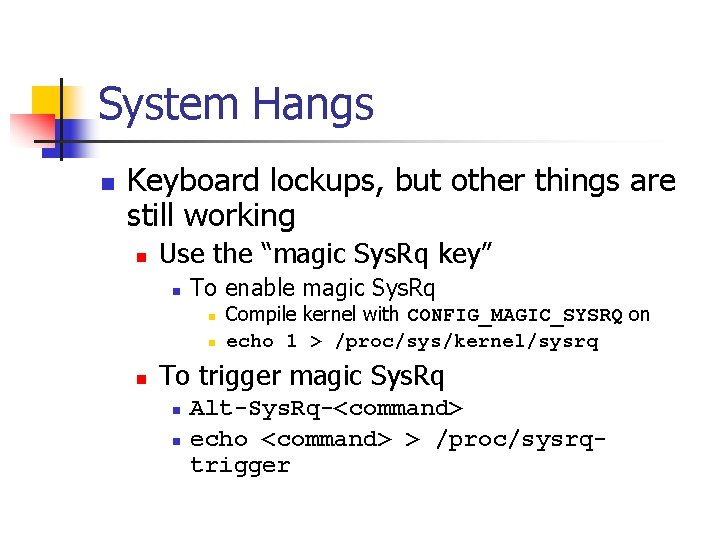
System Hangs n Keyboard lockups, but other things are still working n Use the “magic Sys. Rq key” n To enable magic Sys. Rq n n n Compile kernel with CONFIG_MAGIC_SYSRQ on echo 1 > /proc/sys/kernel/sysrq To trigger magic Sys. Rq n n Alt-Sys. Rq-<command> echo <command> > /proc/sysrqtrigger
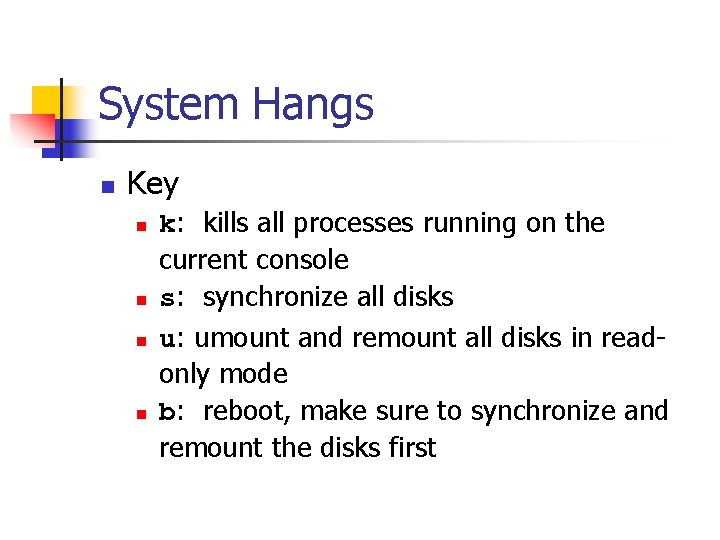
System Hangs n Key n n k: kills all processes running on the current console s: synchronize all disks u: umount and remount all disks in readonly mode b: reboot, make sure to synchronize and remount the disks first
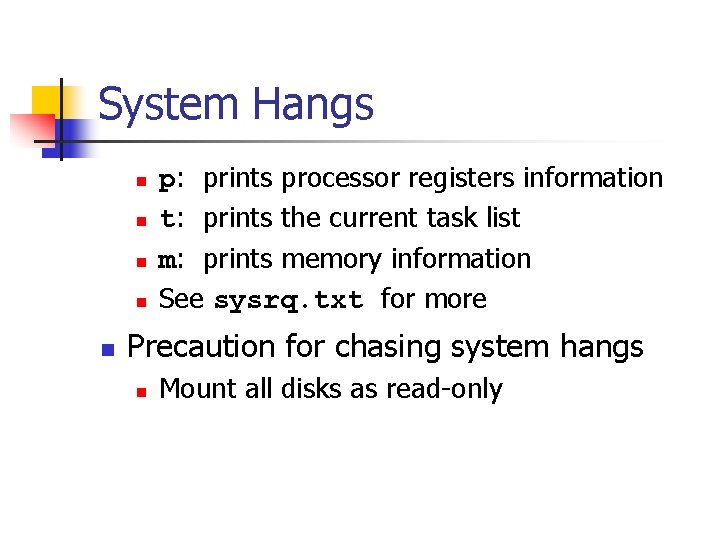
System Hangs n n n p: prints processor registers information t: prints the current task list m: prints memory information See sysrq. txt for more Precaution for chasing system hangs n Mount all disks as read-only
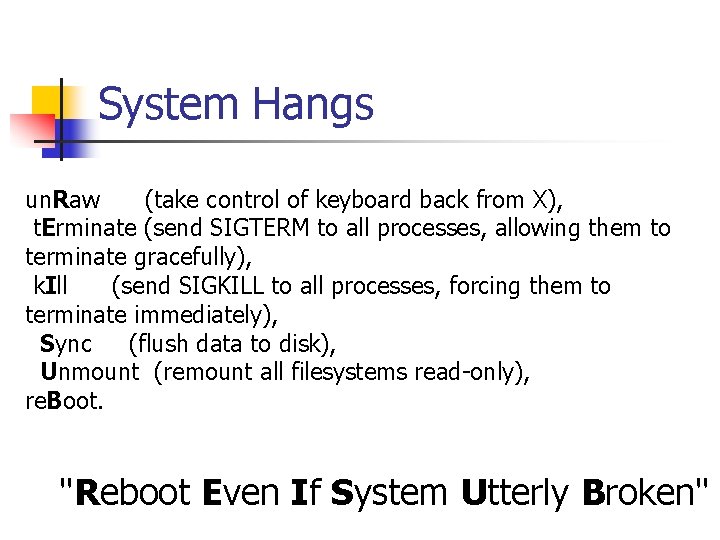
System Hangs un. Raw (take control of keyboard back from X), t. Erminate (send SIGTERM to all processes, allowing them to terminate gracefully), k. Ill (send SIGKILL to all processes, forcing them to terminate immediately), Sync (flush data to disk), Unmount (remount all filesystems read-only), re. Boot. "Reboot Even If System Utterly Broken"
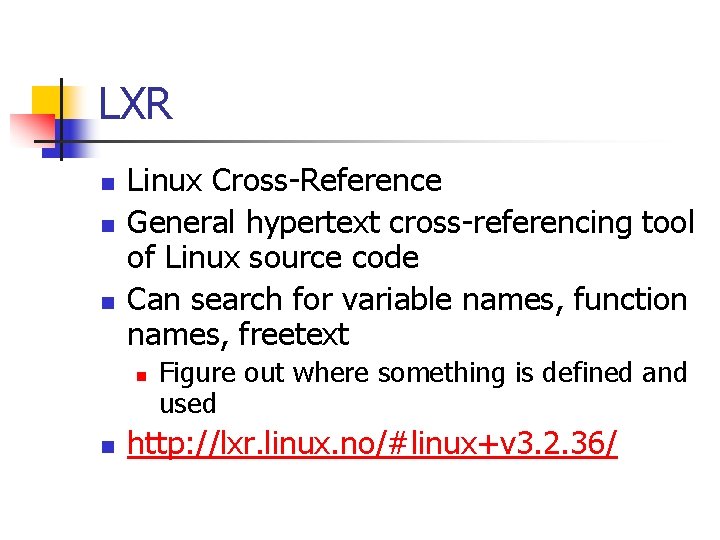
LXR n n n Linux Cross-Reference General hypertext cross-referencing tool of Linux source code Can search for variable names, function names, freetext n n Figure out where something is defined and used http: //lxr. linux. no/#linux+v 3. 2. 36/
- Slides: 43