
Debugging Ruth Anderson UW CSE 160 Winter 2020
Debugging Ruth Anderson UW CSE 160 Winter 2020 1
Example: Write a function that will return the set of a user’s friends with a particular user removed from that set. 2
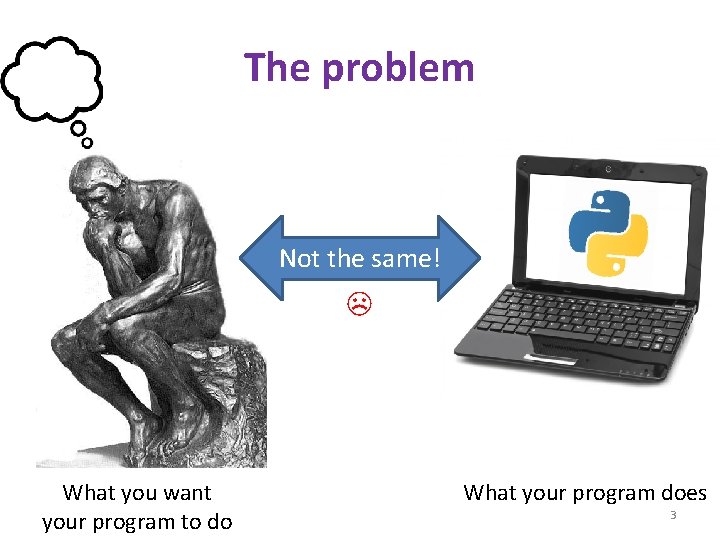
The problem Not the same! ☹ What you want your program to do What your program does 3
Debugging tools • • Python error message assert print Python interpreter Python Tutor (http: //pythontutor. com) Python debugger Best tool: 4
Two key ideas 1. The scientific method 2. Divide and conquer If you master those, you will find debugging easy, and possibly enjoyable 5
The scientific method 1. Create a hypothesis 2. Design an experiment to test that hypothesis – Ensure that it yields insight 3. Understand the result of your experiment – If you don’t understand, then possibly suspend your main line of work to understand that Tips: • Be systematic – Never do anything if you don't have a reason – Don’t just flail • Random guessing is likely to dig you into a deeper hole • Don’t make assumptions (verify them) 6
Example experiments 1. An alternate implementation of a function – Run all your test cases afterward 2. A new, simpler test case – Examples: smaller input, or test a function in isolation – Can help you understand the reason for a failure 7
Your scientific notebook Record everything you do • Specific inputs and outputs (both expected and actual) • Specific versions of the program – If you get stuck, you can return to something that works – You can write multiple implementations of a function • What you have already tried • What you are in the middle of doing now – This may look like a stack! • What you are sure of, and why Your notebook also helps if you need to get help or reproduce your results 8
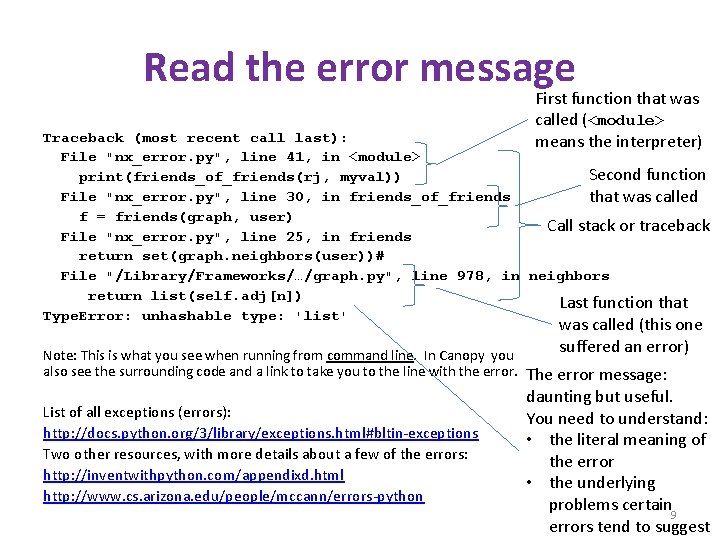
Read the error message First function that was called (<module> means the interpreter) Traceback (most recent call last): File "nx_error. py", line 41, in <module> Second function print(friends_of_friends(rj, myval)) File "nx_error. py", line 30, in friends_of_friends that was called f = friends(graph, user) Call stack or traceback File "nx_error. py", line 25, in friends return set(graph. neighbors(user))# File "/Library/Frameworks/…/graph. py", line 978, in neighbors return list(self. adj[n]) Last function that Type. Error: unhashable type: 'list' Note: This is what you see when running from command line. In Canopy you also see the surrounding code and a link to take you to the line with the error. List of all exceptions (errors): http: //docs. python. org/3/library/exceptions. html#bltin-exceptions Two other resources, with more details about a few of the errors: http: //inventwithpython. com/appendixd. html http: //www. cs. arizona. edu/people/mccann/errors-python was called (this one suffered an error) The error message: daunting but useful. You need to understand: • the literal meaning of the error • the underlying problems certain 9 errors tend to suggest
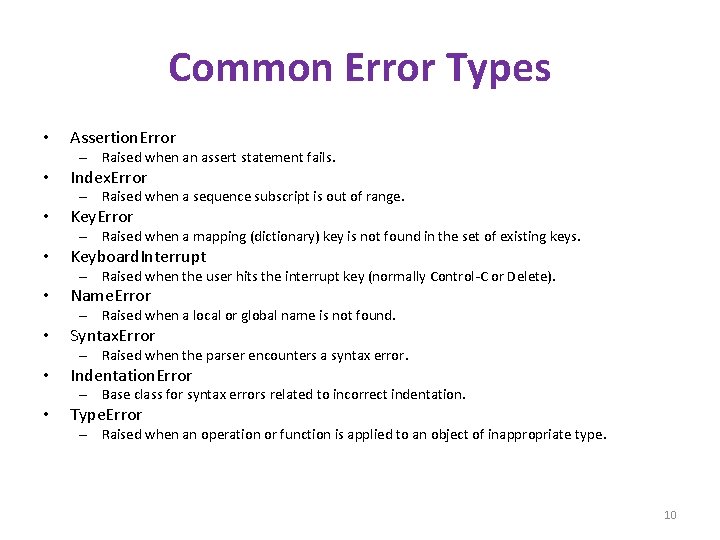
Common Error Types • Assertion. Error – Raised when an assert statement fails. • Index. Error – Raised when a sequence subscript is out of range. • Key. Error – Raised when a mapping (dictionary) key is not found in the set of existing keys. • Keyboard. Interrupt – Raised when the user hits the interrupt key (normally Control-C or Delete). • Name. Error – Raised when a local or global name is not found. • Syntax. Error – Raised when the parser encounters a syntax error. • Indentation. Error – Base class for syntax errors related to incorrect indentation. • Type. Error – Raised when an operation or function is applied to an object of inappropriate type. 10
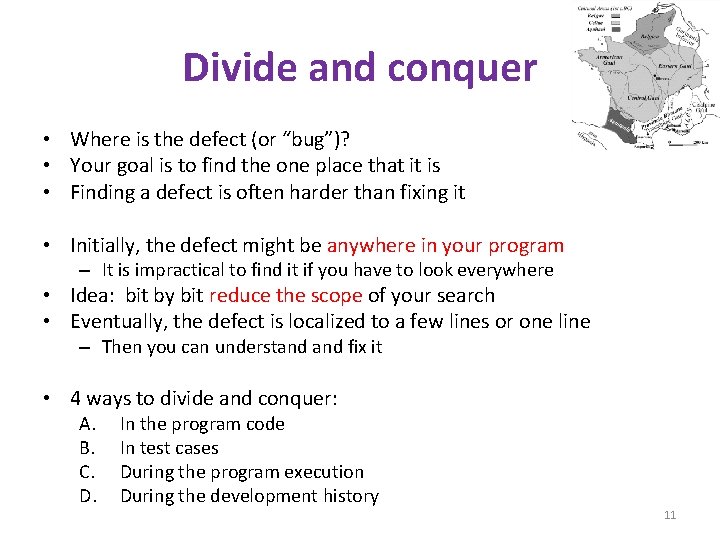
Divide and conquer • Where is the defect (or “bug”)? • Your goal is to find the one place that it is • Finding a defect is often harder than fixing it • Initially, the defect might be anywhere in your program – It is impractical to find it if you have to look everywhere • Idea: bit by bit reduce the scope of your search • Eventually, the defect is localized to a few lines or one line – Then you can understand fix it • 4 ways to divide and conquer: A. B. C. D. In the program code In test cases During the program execution During the development history 11
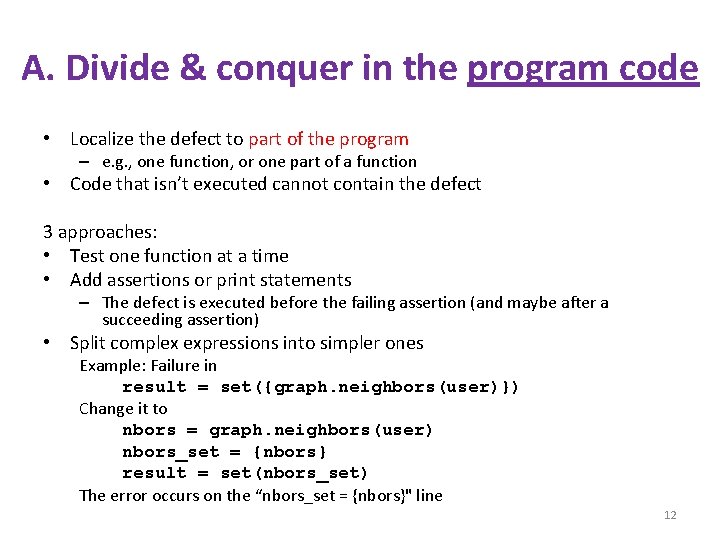
A. Divide & conquer in the program code • Localize the defect to part of the program – e. g. , one function, or one part of a function • Code that isn’t executed cannot contain the defect 3 approaches: • Test one function at a time • Add assertions or print statements – The defect is executed before the failing assertion (and maybe after a succeeding assertion) • Split complex expressions into simpler ones Example: Failure in result = set({graph. neighbors(user)}) Change it to nbors = graph. neighbors(user) nbors_set = {nbors} result = set(nbors_set) The error occurs on the “nbors_set = {nbors}" line 12
B. Divide & conquer in test cases • Your program fails when run on some large input – It’s hard to comprehend the error message – The log of print statement output is overwhelming • Try a smaller input – Choose an input with some but not all characteristics of the large input – Example: duplicates, zeroes in data, … 13
C. Divide & conquer in execution time via print (or “logging”) statements • A sequence of print statements is a record of the execution of your program • The print statements let you see and search multiple moments in time • Print statements are a useful technique, in moderation • Be disciplined – Too much output is overwhelming rather than informative – Remember the scientific method: have a reason (a hypothesis to be tested) for each print statement 14
D. Divide & conquer in development history • The code used to work (for some test case) • The code now fails • The defect is related to some line you changed • This is useful only if you kept a version of the code that worked (use good names!) • This is most useful if you have made few changes • Moral: test often! – Fewer lines to compare – You remember what you were thinking/doing recently 15
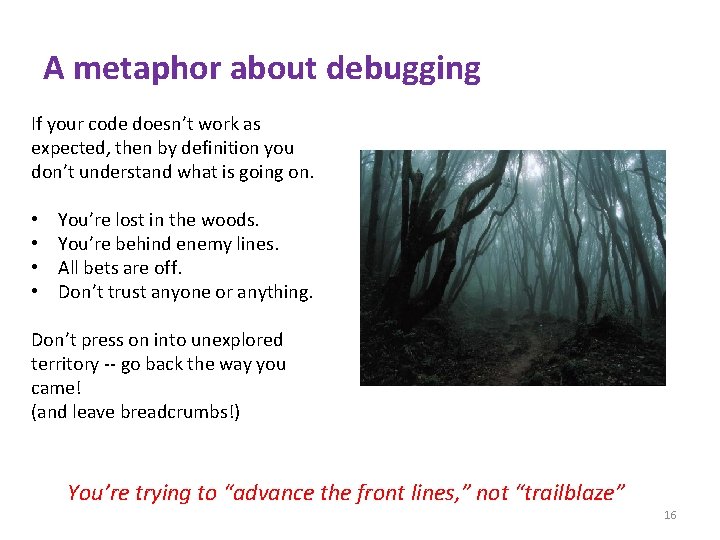
A metaphor about debugging If your code doesn’t work as expected, then by definition you don’t understand what is going on. • • You’re lost in the woods. You’re behind enemy lines. All bets are off. Don’t trust anyone or anything. Don’t press on into unexplored territory -- go back the way you came! (and leave breadcrumbs!) You’re trying to “advance the front lines, ” not “trailblaze” 16
Time-Saving Tip: Make Sure you’re Debugging the Right Problem • The game is to go from “working to working” • When something doesn’t work, STOP! – It’s wild out there! • FIRST: go back to the last situation that worked properly. – Rollback your recent changes and verify that everything still works as expected. – Don’t make assumptions – by definition, you don’t understand the code when something goes wrong, so you can’t trust your assumptions. – You may find that even what previously worked now doesn’t – Perhaps you forgot to consider some “innocent” or unintentional change, and now even tested code is broken 17
A bad timeline • A works, so celebrate a little • Now try B • B doesn’t work • Change B and try again … 18
A better timeline • • • A works, so celebrate a little Now try B B doesn’t work Rollback to A Does A still work? – Yes: Find A’ that is somewhere between A and B – No: You have unintentionally changed something else, and there’s no point futzing with B at all! These “innocent” and unnoticed changes happen more than you would think! • You add a comment, and the indentation changes. • You add a print statement, and a function is evaluated twice. • You move a file, and the wrong one is being read • You’re on a different computer, and the library is a different version 19
Once you’re on solid ground you can set out again • Once you have something that works and something that doesn’t work, it’s only a matter of time • You just need to incrementally change the working code into the non-working code, and the problem will reveal itself. • Variation: Perhaps your code works with one input, but fails with another. Incrementally change the good input into the bad input to expose the problem. 20
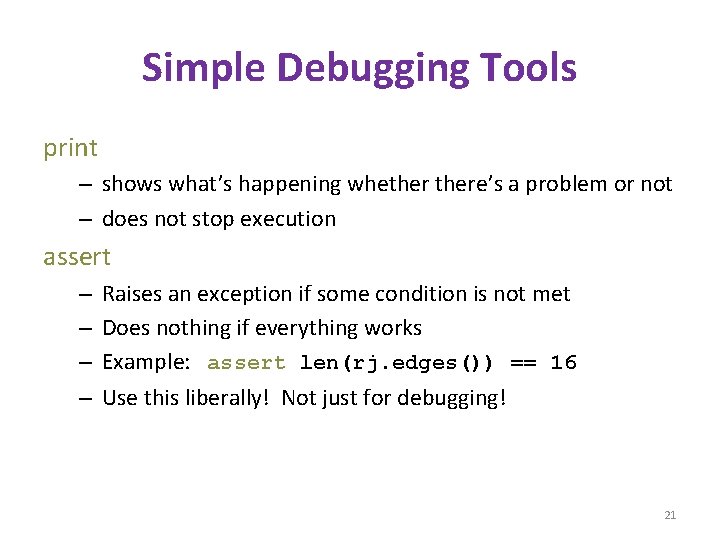
Simple Debugging Tools print – shows what’s happening whethere’s a problem or not – does not stop execution assert – – Raises an exception if some condition is not met Does nothing if everything works Example: assert len(rj. edges()) == 16 Use this liberally! Not just for debugging! 21
- Slides: 21