
Debugging benchmarking tuning i e software development tools
Debugging, benchmarking, tuning i. e. software development tools Martin Čuma Center for High Performance Computing University of Utah m. cuma@utah. edu
SW development tools • • Development environments Compilers Version control Debuggers Profilers Runtime monitoring Benchmarking 6/13/2021 http: //www. chpc. utah. edu Slide 2
PROGRAMMING TOOLS 6/13/2021 http: //www. chpc. utah. edu Slide 3
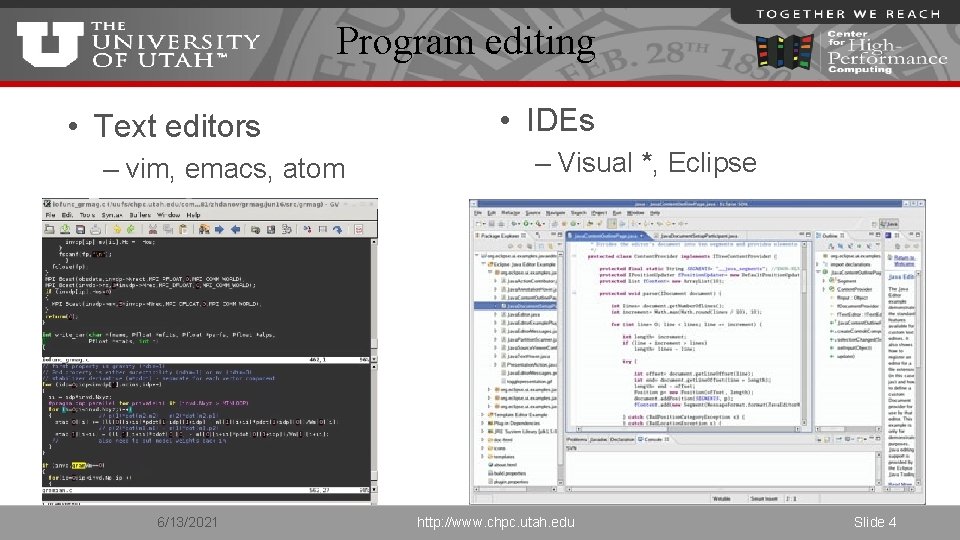
Program editing • Text editors – vim, emacs, atom 6/13/2021 • IDEs – Visual *, Eclipse http: //www. chpc. utah. edu Slide 4
Compilers • Open source – GNU – Open 64, clang • Commercial – Intel – Portland Group (PGI, owned by Nvidia) – Vendors (IBM XL, Cray) – Others (Absoft, CAPS, Path. Scale) 6/13/2021 http: //www. chpc. utah. edu Slide 5
Language support • Languages – C/C++ - GNU, Intel, PGI – Fortran – GNU, Intel, PGI • Interpreters – Matlab – has its own ecosystem – Java – reasonable ecosystem, not so popular in HPC, popular in HTC – Python – attempts to have its own ecosystem, some tools can plug into Python (e. g. Intel VTune) 6/13/2021 http: //www. chpc. utah. edu Slide 6
Language/library support • Language extensions – Open. MP (4. 0+*) – GNU, Intel*, PGI – Open. ACC – PGI, GNU very experimental – CUDA – Nvidia GCC, PGI Fortran • Libraries – Intel Math Kernel Library (MKL) – PGI packages open source (Open. BLAS? ). 6/13/2021 http: //www. chpc. utah. edu Slide 7
Version control • Copies of programs – Good enough for simple code and quick tests/changes • Version control software – Allow code merging, branching, etc – Essential for collaborative development – RCS, CVS, SVN – Git – integrated web services, free for open source, can run own server for private code 6/13/2021 http: //www. chpc. utah. edu Slide 8
DEBUGGING 6/13/2021 http: //www. chpc. utah. edu Slide 9
Program errors • Crashes – Segmentation faults (bad memory access) • often writes core file – snapshot of memory at the time of the crash – Wrong I/O (missing files) – Hardware failures • Incorrect results – Reasonable but incorrect results – Na. Ns – not a numbers – division by 0, … 6/13/2021 http: //www. chpc. utah. edu Slide 10
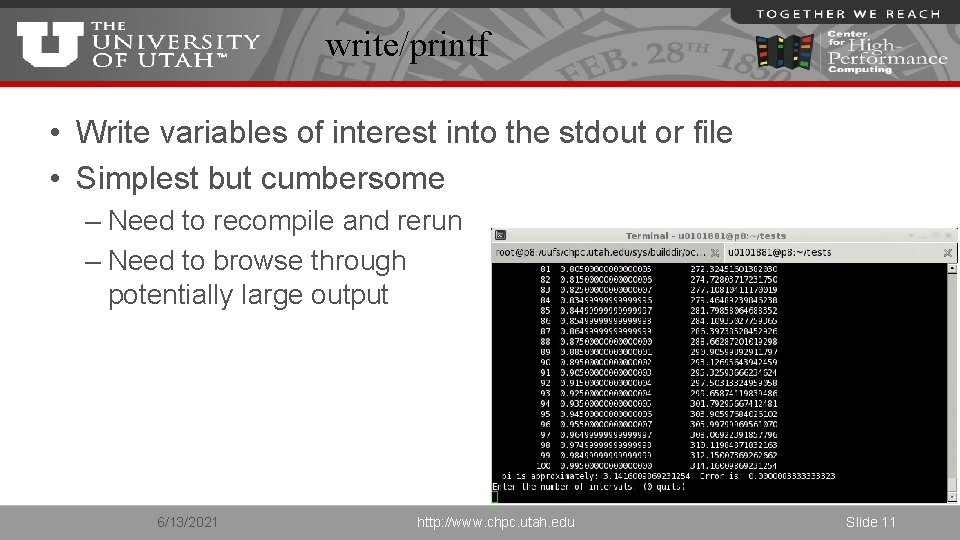
write/printf • Write variables of interest into the stdout or file • Simplest but cumbersome – Need to recompile and rerun – Need to browse through potentially large output 6/13/2021 http: //www. chpc. utah. edu Slide 11
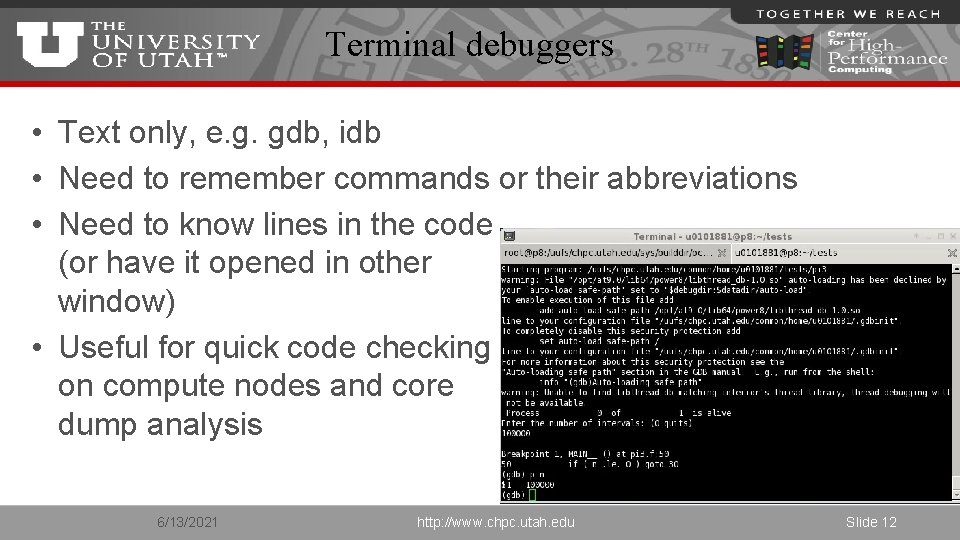
Terminal debuggers • Text only, e. g. gdb, idb • Need to remember commands or their abbreviations • Need to know lines in the code (or have it opened in other window) • Useful for quick code checking on compute nodes and core dump analysis 6/13/2021 http: //www. chpc. utah. edu Slide 12
GUI debuggers • Have graphical user interface • Some free, mostly commercial • Eclipse CDT (C/C++ Development Tooling), PTP (Parallel Tools Platform) - free • PGI’s pdbg – part of PGI compiler suite • Intel development tools • Rogue Wave Totalview - commercial • Allinea DDT - commercial 6/13/2021 http: //www. chpc. utah. edu Slide 13
Totalview and DDT • The only real alternative for parallel or accelerator debugging • Cost a lot of money (thousands of $), but, worth it • We have Totalview license (for historical reasons), 32 tokens enough for our needs (renewal ~$1500/yr). • XSEDE systems have DDT. 6/13/2021 http: //www. chpc. utah. edu Slide 14
How to use Totalview 1. Compile binary with debugging information § flag -g gcc –g test. f –o test 2. Load module and run Totalview module load totalview § TV + executable totalview executable § TV + core file totalview executable core_file § Run TV and choose what to debug in a startup dialog totalview 6/13/2021 http: //www. chpc. utah. edu Slide 15
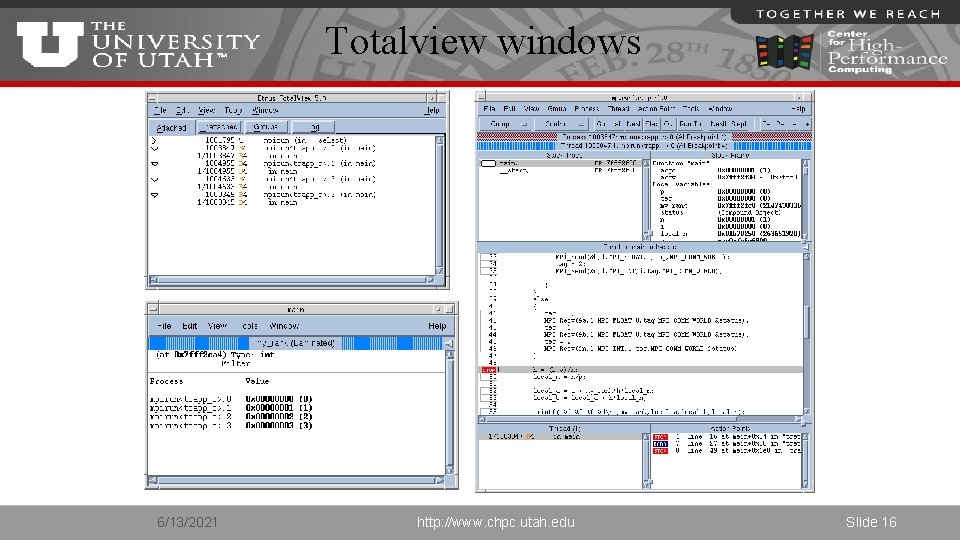
Totalview windows 6/13/2021 http: //www. chpc. utah. edu Slide 16
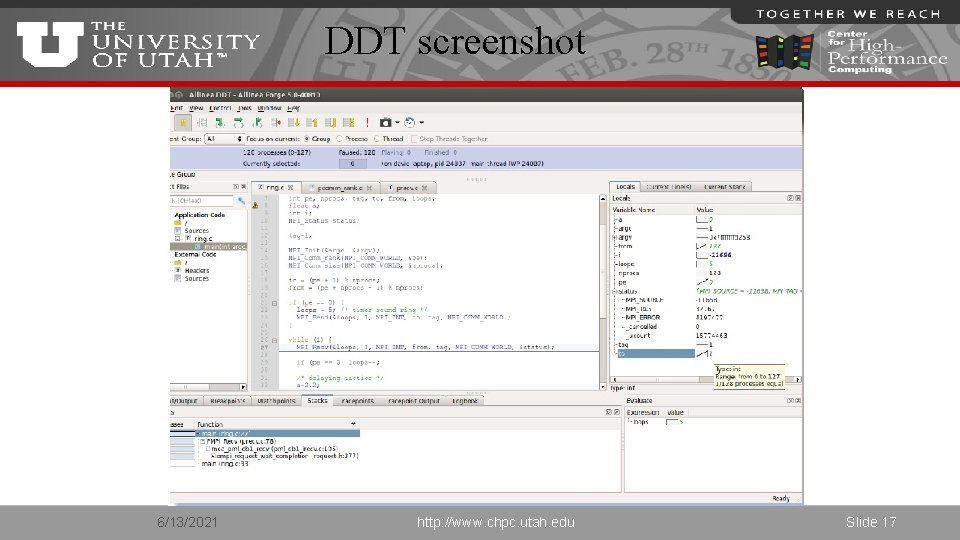
DDT screenshot 6/13/2021 http: //www. chpc. utah. edu Slide 17
Debugger basic operations • Data examination § § view data in the variable windows change the values of variables modify display of the variables visualize data • Action points • • • breakpoints and barriers (static or conditional) watchpoints evaluation of expressions 6/13/2021 http: //www. chpc. utah. edu Slide 18
Multiprocess debugging • • Automatic attachment of child processes Create process groups Share breakpoints among processes Process barrier breakpoints Process group single-stepping View variables across procs/threads Display MPI message queue state 6/13/2021 http: //www. chpc. utah. edu Slide 19
Additional Totalview tools • Memoryscape – Dynamic memory debugging tool • Replay Engine – Allows to reversely debug the code • Accelerator debugging – CUDA and Open. ACC 6/13/2021 http: //www. chpc. utah. edu Slide 20
Code checkers • Compilers check for syntax errors – lint based tools – Runtime checks through compiler flags (-fbounds-check, -check*, -Mbounds) • DDT has a built in syntax checker – Matlab does too • Memory checking tools - many errors are due to bad memory management – valgrind – easy to use, many false positives – Intel Inspector – intuitive GUI 6/13/2021 http: //www. chpc. utah. edu Slide 21
Intel software development products • We have a 2 concurrent user license – One license locks all the tools – Cost ~$2000/year • Tools for all stages of development – Compilers and libraries – Verification tools – Profilers • More info https: //software. intel. com/en-us/intel-parallel-studio-xe 6/13/2021 http: //www. chpc. utah. edu Slide 22
Intel Inspector • Thread checking – Data races and deadlocks • Memory checker – Like leaks or corruption – Good alternative to Totalview Memory. Scape • Standalone or GUI integration • More info http: //software. intel. com/en-us/intel-inspector-xe/ 6/13/2021 http: //www. chpc. utah. edu Slide 23
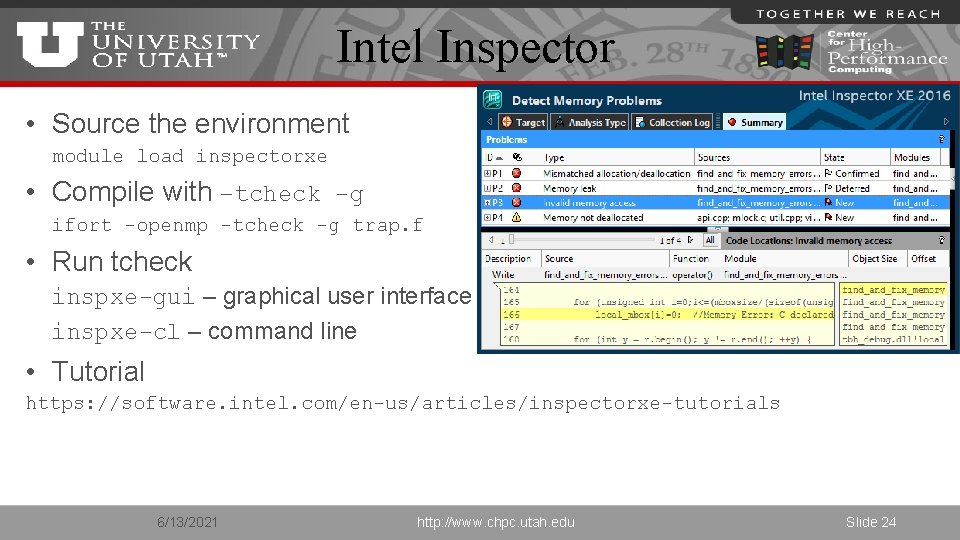
Intel Inspector • Source the environment module load inspectorxe • Compile with –tcheck -g ifort -openmp -tcheck -g trap. f • Run tcheck inspxe-gui – graphical user interface inspxe-cl – command line • Tutorial https: //software. intel. com/en-us/articles/inspectorxe-tutorials 6/13/2021 http: //www. chpc. utah. edu Slide 24
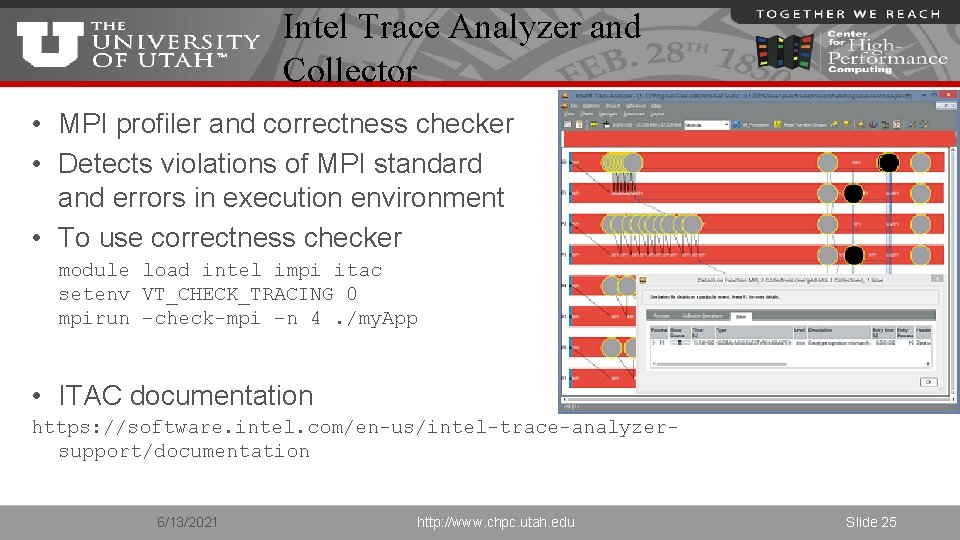
Intel Trace Analyzer and Collector • MPI profiler and correctness checker • Detects violations of MPI standard and errors in execution environment • To use correctness checker module load intel impi itac setenv VT_CHECK_TRACING 0 mpirun –check-mpi –n 4. /my. App • ITAC documentation https: //software. intel. com/en-us/intel-trace-analyzersupport/documentation 6/13/2021 http: //www. chpc. utah. edu Slide 25
PROFILING 6/13/2021 http: //www. chpc. utah. edu Slide 26
Why to profile • Evaluate performance • Find the performance bottlenecks – Inefficient programming – Memory or I/O bottlenecks – Parallel scaling 6/13/2021 http: //www. chpc. utah. edu Slide 27
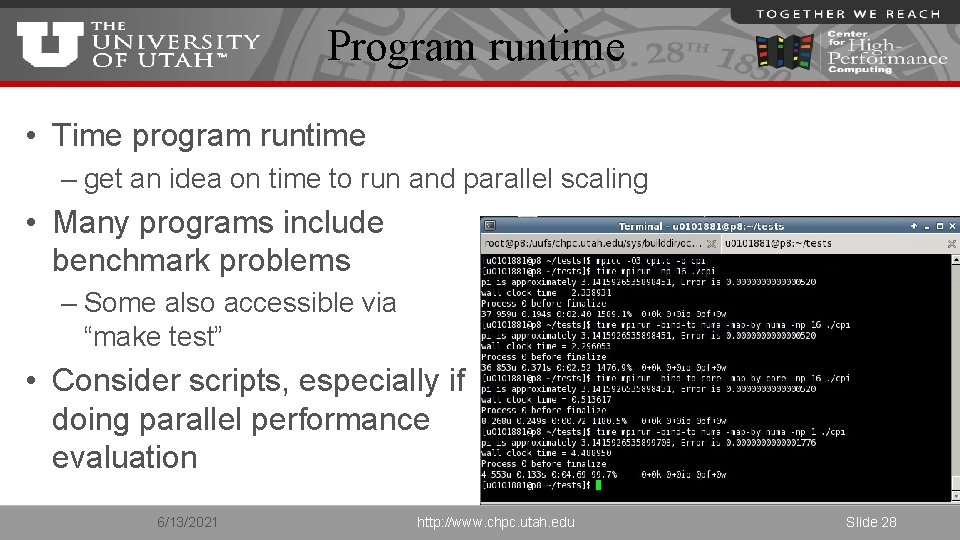
Program runtime • Time program runtime – get an idea on time to run and parallel scaling • Many programs include benchmark problems – Some also accessible via “make test” • Consider scripts, especially if doing parallel performance evaluation 6/13/2021 http: //www. chpc. utah. edu Slide 28
Profiling categories • Hardware counters – count events from CPU perspective (# of flops, memory loads, etc) – usually need Linux kernel module installed (>2. 6. 31 has it) • Statistical profilers (sampling) – interrupt program at given intervals to find what routine/line the program is in • Event based profilers (tracing) – collect information on each function call 6/13/2021 http: //www. chpc. utah. edu Slide 29
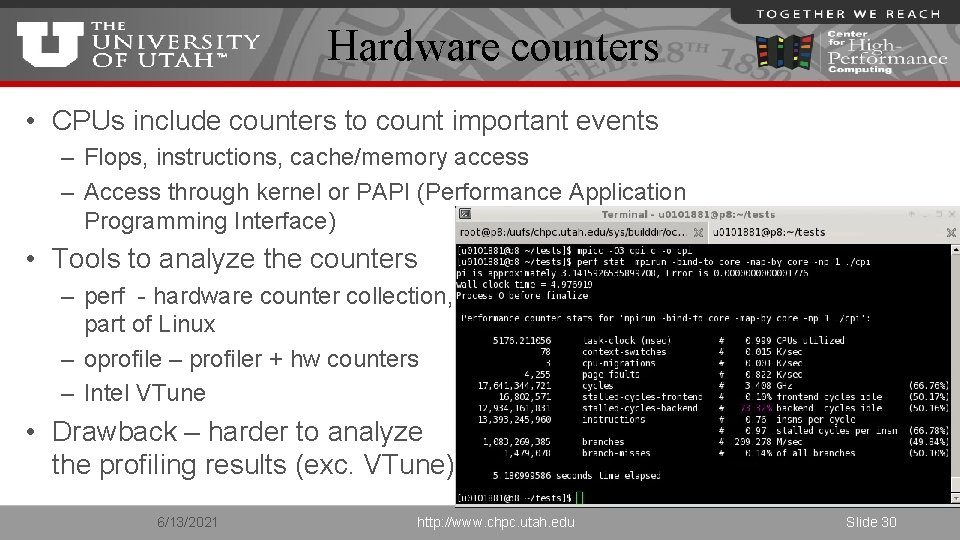
Hardware counters • CPUs include counters to count important events – Flops, instructions, cache/memory access – Access through kernel or PAPI (Performance Application Programming Interface) • Tools to analyze the counters – perf - hardware counter collection, part of Linux – oprofile – profiler + hw counters – Intel VTune • Drawback – harder to analyze the profiling results (exc. VTune) 6/13/2021 http: //www. chpc. utah. edu Slide 30
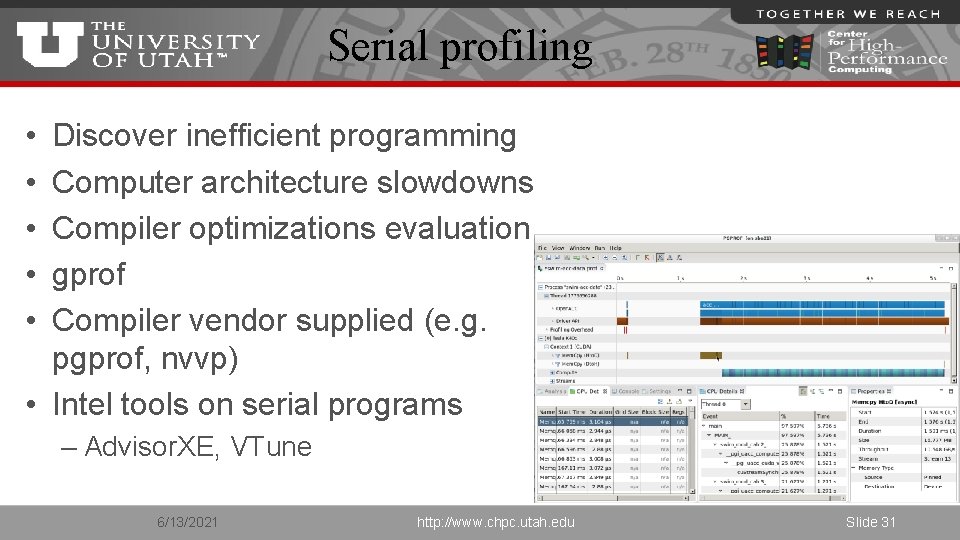
Serial profiling • • • Discover inefficient programming Computer architecture slowdowns Compiler optimizations evaluation gprof Compiler vendor supplied (e. g. pgprof, nvvp) • Intel tools on serial programs – Advisor. XE, VTune 6/13/2021 http: //www. chpc. utah. edu Slide 31
HPC open source tools • HPC Toolkit – A few years old, did not find it as straightforward to use • TAU (Tuning and Analysis Utilities) – Lots of features, which makes the learning curve slow • Scalasca – Developed by European consortium, did not try yet 6/13/2021 http: //www. chpc. utah. edu Slide 32
Intel tools • Intel Parallel Studio XE 2016 Cluster Edition – Compilers (C/C++, Fortran) – Math library (MKL) – Threading library (TBB) – Thread design and prototype (Advisor) – Memory and thread debugging (Inspector) – Profiler (VTune Amplifier) – MPI library (Intel MPI) – MPI analyzer and profiler (ITAC) 6/13/2021 http: //www. chpc. utah. edu Slide 33
Intel VTune Amplifier • Serial and parallel profiler – Multicore support for Open. MP and Open. CL on CPUs, GPUs and Xeon Phi • Quick identification of performance bottlenecks – Various analyses and points of view in the GUI – Makes choice of analysis and results inspection easier • GUI and command line use • More info https: //software. intel. com/en-us/intel-vtune-amplifier-xe 6/13/2021 http: //www. chpc. utah. edu Slide 34
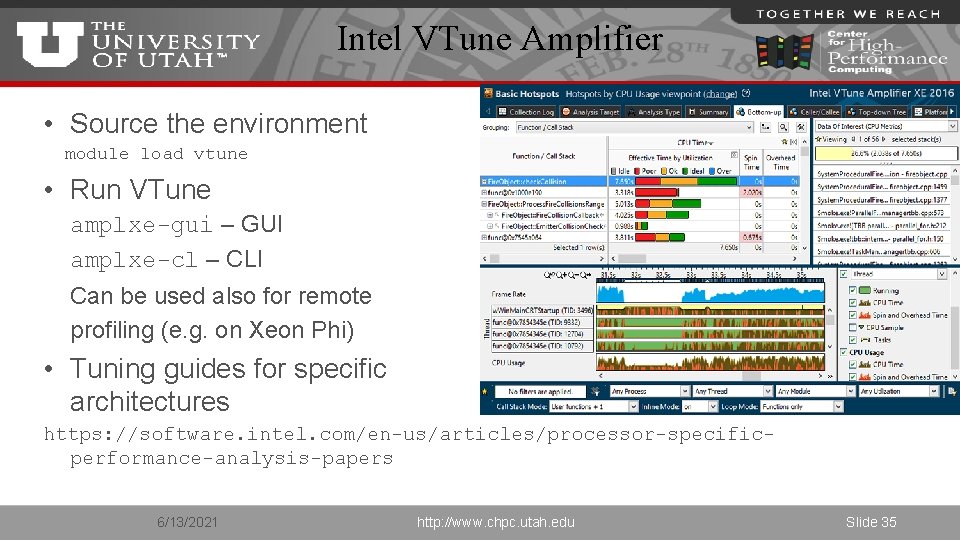
Intel VTune Amplifier • Source the environment module load vtune • Run VTune amplxe-gui – GUI amplxe-cl – CLI Can be used also for remote profiling (e. g. on Xeon Phi) • Tuning guides for specific architectures https: //software. intel. com/en-us/articles/processor-specificperformance-analysis-papers 6/13/2021 http: //www. chpc. utah. edu Slide 35
Intel Advisor • Vectorization advisor – Identify loops that benefit from vectorization, what is blocking efficient vectorization and explore benefit of data reorganization • Thread design and prototyping – Analyze, design, tune and check threading design without disrupting normal development • More info http: //software. intel. com/en-us/intel-advisor-xe/ 6/13/2021 http: //www. chpc. utah. edu Slide 36
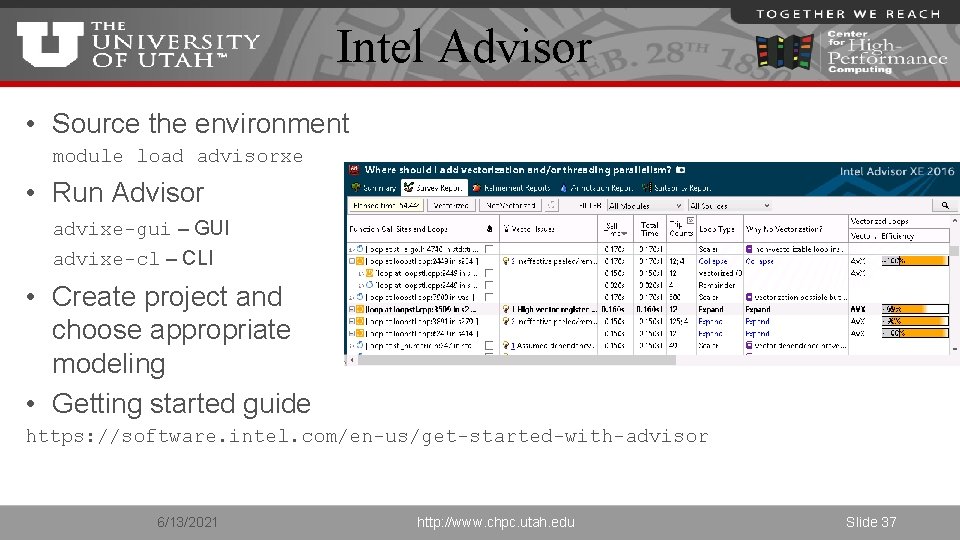
Intel Advisor • Source the environment module load advisorxe • Run Advisor advixe-gui – GUI advixe-cl – CLI • Create project and choose appropriate modeling • Getting started guide https: //software. intel. com/en-us/get-started-with-advisor 6/13/2021 http: //www. chpc. utah. edu Slide 37
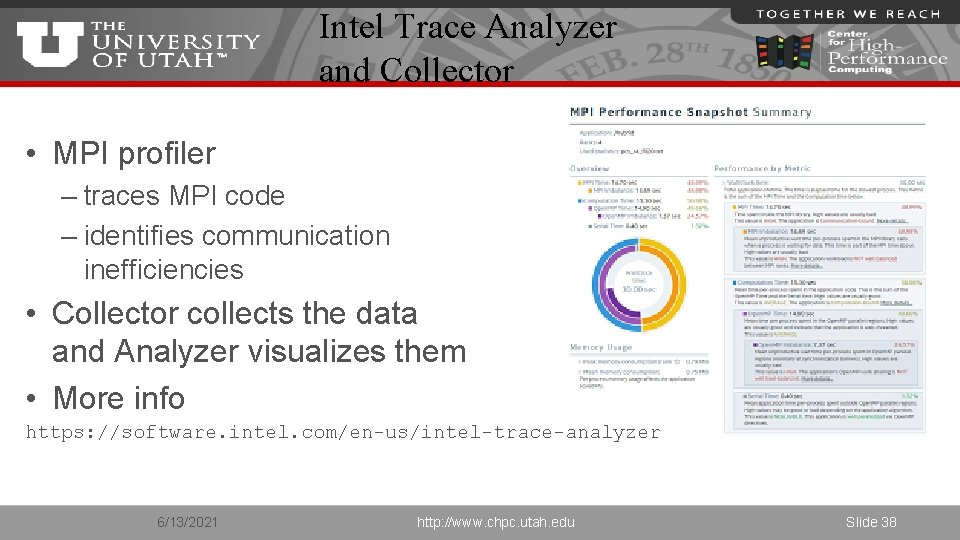
Intel Trace Analyzer and Collector • MPI profiler – traces MPI code – identifies communication inefficiencies • Collector collects the data and Analyzer visualizes them • More info https: //software. intel. com/en-us/intel-trace-analyzer 6/13/2021 http: //www. chpc. utah. edu Slide 38
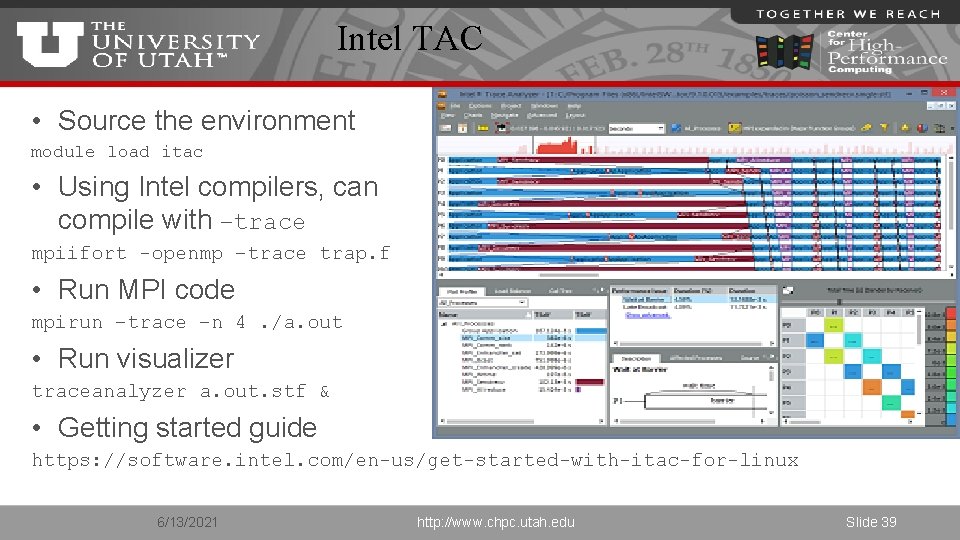
Intel TAC • Source the environment module load itac • Using Intel compilers, can compile with –trace mpiifort -openmp –trace trap. f • Run MPI code mpirun –trace –n 4. /a. out • Run visualizer traceanalyzer a. out. stf & • Getting started guide https: //software. intel. com/en-us/get-started-with-itac-for-linux 6/13/2021 http: //www. chpc. utah. edu Slide 39
RUNTIME MONITORING 6/13/2021 http: //www. chpc. utah. edu Slide 40
Why runtime monitoring? • Make sure program is running right – Hardware problems – Correct parallel mapping / process affinity • Careful about overhead 6/13/2021 http: //www. chpc. utah. edu Slide 41
Runtime monitoring • Self checking – ssh to node(s), run “top”, or look at “sar” logs – SLURM (or other scheduler) logs and statistics • Tools – XDMo. D – XSEDE Metrics on Demand (through SUPRe. MM module) – REMORA - REsource MOnitoring for Remote Applications 6/13/2021 http: //www. chpc. utah. edu Slide 42
BENCHMARKING 6/13/2021 http: //www. chpc. utah. edu Slide 43
Why to benchmark? • Evaluate system’s performance – Testing new hardware • Verify correct hardware and software installation – New cluster/node deployment • There are tools for cluster checking (Intel Cluster Checker, cluster distros, …) – Checking newly built programs • Sometimes we leave this to the users 6/13/2021 http: //www. chpc. utah. edu Slide 44
New system evaluation • Simple synthetic benchmarks – FLOPS, STREAM • Synthetic benchmarks – HPL – High Performance Linpack – dense linear algebra problems – cache friendly – HPCC – HPC Challenge Benchmark – collection of dense, sparse and other (FFT) benchmarks – NPB – NAS Parallel Benchmarks – mesh based solvers – Open. MP, MPI, Open. ACC implementations 6/13/2021 http: //www. chpc. utah. edu Slide 45
New system evaluation • Real applications benchmarks – Depend on local usage – Gaussian, VASP – Amber, LAMMPS, NAMD, Gromacs – ANSYS, Abaqus, Star. CCM+ – Own codes • Script if possible – A lot of combinations of test cases vs. number of MPI tasks/Open. MP cores 6/13/2021 http: //www. chpc. utah. edu Slide 46
Cluster deployment • Whole cluster – Some vendors have cluster verification tools – We have a set of scripts that run basic checks and HPL at the end • New cluster nodes – Verify received hardware configuration, then rack – Basic system tests (node health check) – HPL – get expected performance per node (CPU or memory issues), or across more nodes (network issues) 6/13/2021 http: //www. chpc. utah. edu Slide 47
BACKUP 6/13/2021 http: //www. chpc. utah. edu Slide 48
Demos • • Totalview Advisor Inspector VTune 6/13/2021 http: //www. chpc. utah. edu Slide 49
- Slides: 49