
Debugging and Performance Analysis of Parallel MPI Applications
Debugging and Performance Analysis of Parallel MPI Applications Edgar Gabriel
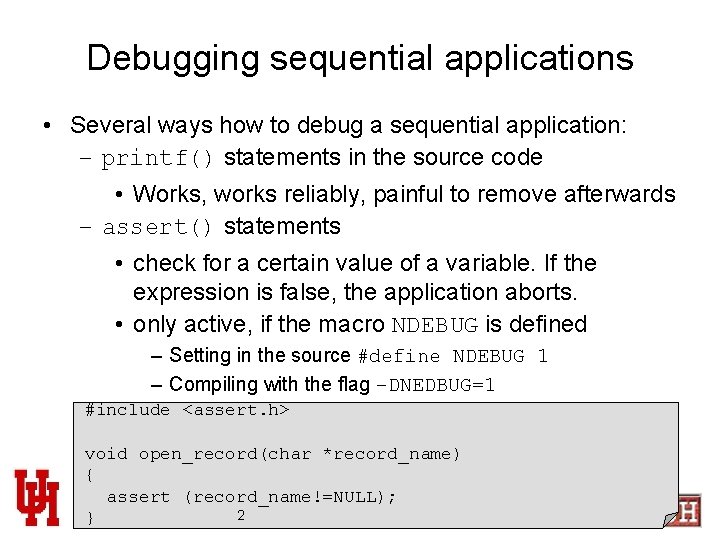
Debugging sequential applications • Several ways how to debug a sequential application: – printf() statements in the source code • Works, works reliably, painful to remove afterwards – assert() statements • check for a certain value of a variable. If the expression is false, the application aborts. • only active, if the macro NDEBUG is defined – Setting in the source #define NDEBUG 1 – Compiling with the flag –DNEDBUG=1 #include <assert. h> void open_record(char *record_name) { assert (record_name!=NULL); Edgar Gabriel 2 }
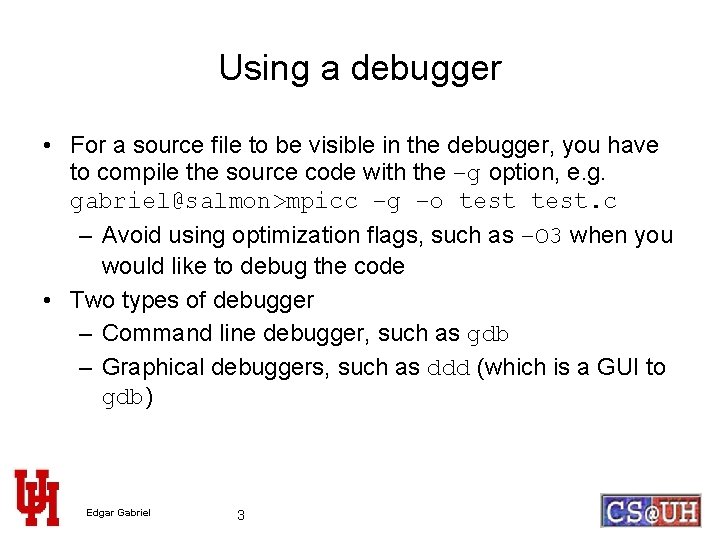
Using a debugger • For a source file to be visible in the debugger, you have to compile the source code with the –g option, e. g. gabriel@salmon>mpicc –g –o test. c – Avoid using optimization flags, such as –O 3 when you would like to debug the code • Two types of debugger – Command line debugger, such as gdb – Graphical debuggers, such as ddd (which is a GUI to gdb) Edgar Gabriel 3
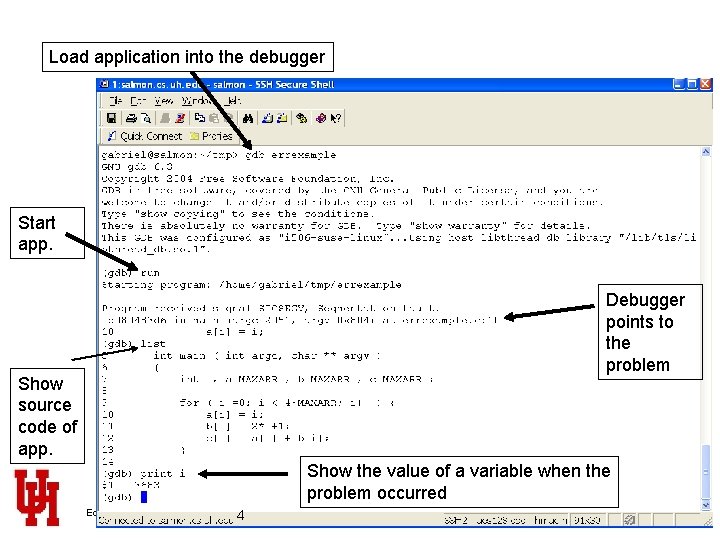
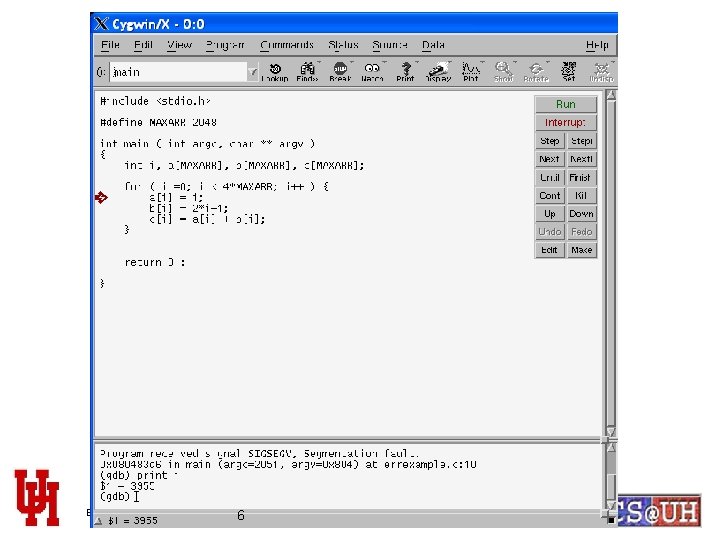
Load application into the debugger Start app. Debugger points to the problem Show source code of app. Show the value of a variable when the problem occurred Edgar Gabriel 4

gdb commands • Setting breakpoints: debugger stops execution at the specified line. Example (gdb) break errexample. c: 10 (gdb) break myfunct • Stepping through the source code (gdb) next (skips subroutines/functions) (gdb) step (enters subroutines/functions) • Continue execution (not step by step anymore) (gdb) cont • Quit debugger (gdb) quit Edgar Gabriel 5
Edgar Gabriel 6
Debugging a parallel application • Some debuggers for parallel applications available (e. g. totalview, ddt) – Unfortunately expensive products • You can still use printf and assert – Output from several processes will be mixed – you should put the rank of the process in front of each printf statement • gdb or ddd still useable – You have to choose which process you would like to debug – Please be aware, that ddd or gdb can only see processes on the local machine Edgar Gabriel 7
Debugging a parallel application (II) • Hints for parallel debugging – Try to find the lowest number of processes for which the problem still occurs – Try to execute the application on a single node • If the problem does not show up on a single node, you will have to run the application on multiple nodes and login to the node, where the problem occurs – Introduce a sleep () statement in your application to have time to attach with a debugger Edgar Gabriel 8
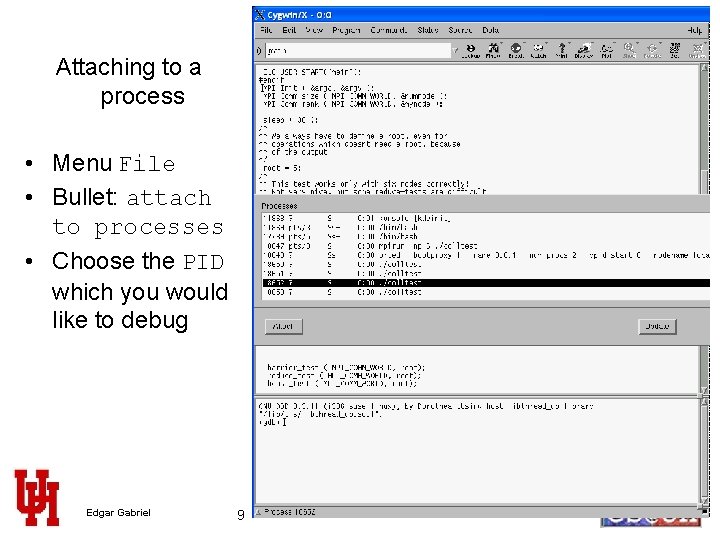
Attaching to a process • Menu File • Bullet: attach to processes • Choose the PID which you would like to debug Edgar Gabriel 9
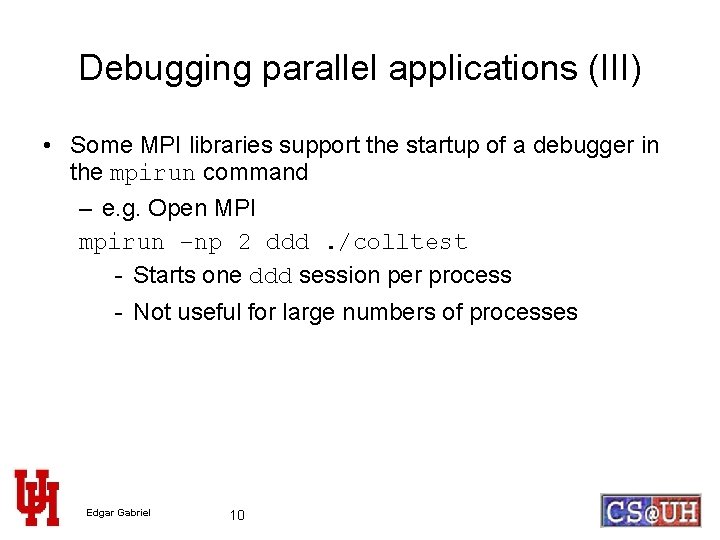
Debugging parallel applications (III) • Some MPI libraries support the startup of a debugger in the mpirun command – e. g. Open MPI mpirun –np 2 ddd. /colltest - Starts one ddd session per process - Not useful for large numbers of processes Edgar Gabriel 10
Performance Analysis of parallel applications • Sometimes, it is useful to see – Who is communicating with whom and how much – How are the messages and the processes synchronized • General approach: link a (tracing) library to your application which records – per process and per MPI function – when the function has been started and how long it took ( two time-stamps) – Some additional information, e. g. for Send operations source and destination process, message length, communicator etc. Edgar Gabriel 11
Performance Analysis of parallel applications • The mechanism used to do that is called MPI Profiling Interface – MPI defines, that each function has to be available not only with the prefix MPI but also with the prefix PMPI • e. g. instead of MPI_Send you could also call PMPI_Send, • same functionality just different name • Tracing libraries implement the MPI function and call internally the PMPI function for the ‘real’ operation Edgar Gabriel 12
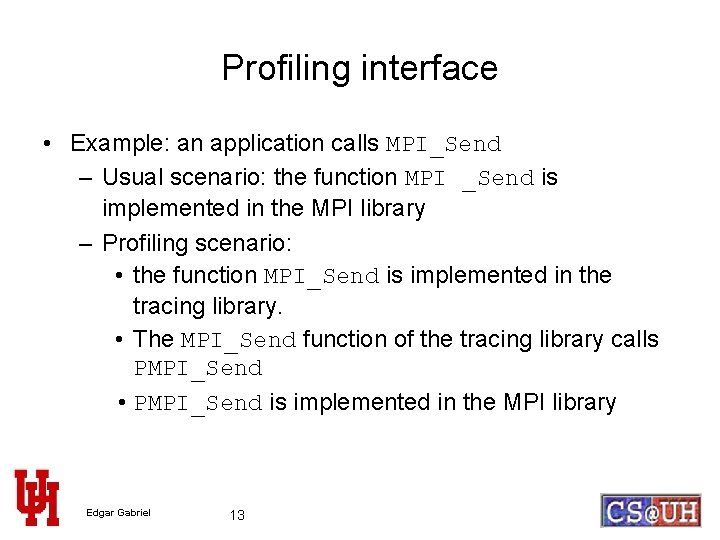
Profiling interface • Example: an application calls MPI_Send – Usual scenario: the function MPI _Send is implemented in the MPI library – Profiling scenario: • the function MPI_Send is implemented in the tracing library. • The MPI_Send function of the tracing library calls PMPI_Send • PMPI_Send is implemented in the MPI library Edgar Gabriel 13
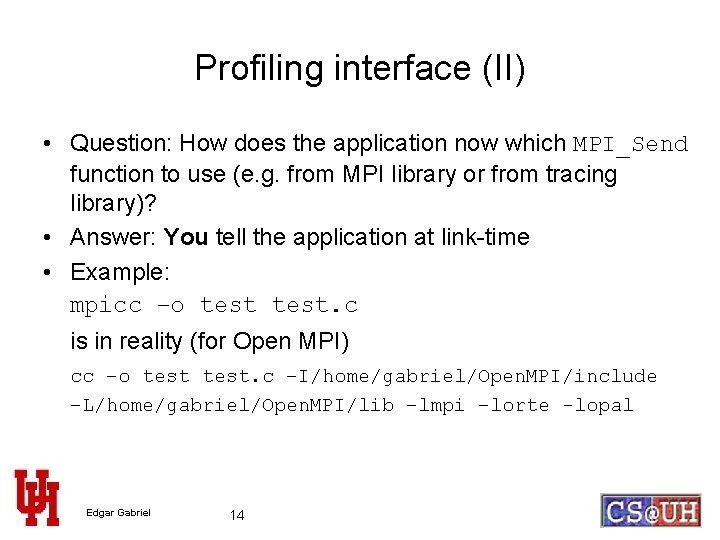
Profiling interface (II) • Question: How does the application now which MPI_Send function to use (e. g. from MPI library or from tracing library)? • Answer: You tell the application at link-time • Example: mpicc –o test. c is in reality (for Open MPI) cc –o test. c –I/home/gabriel/Open. MPI/include –L/home/gabriel/Open. MPI/lib –lmpi –lorte -lopal Edgar Gabriel 14
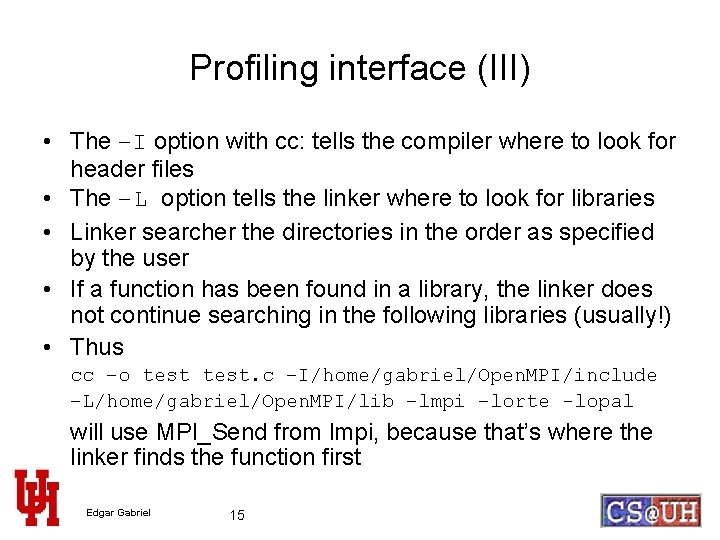
Profiling interface (III) • The –I option with cc: tells the compiler where to look for header files • The –L option tells the linker where to look for libraries • Linker searcher the directories in the order as specified by the user • If a function has been found in a library, the linker does not continue searching in the following libraries (usually!) • Thus cc –o test. c –I/home/gabriel/Open. MPI/include –L/home/gabriel/Open. MPI/lib –lmpi –lorte -lopal will use MPI_Send from lmpi, because that’s where the linker finds the function first Edgar Gabriel 15
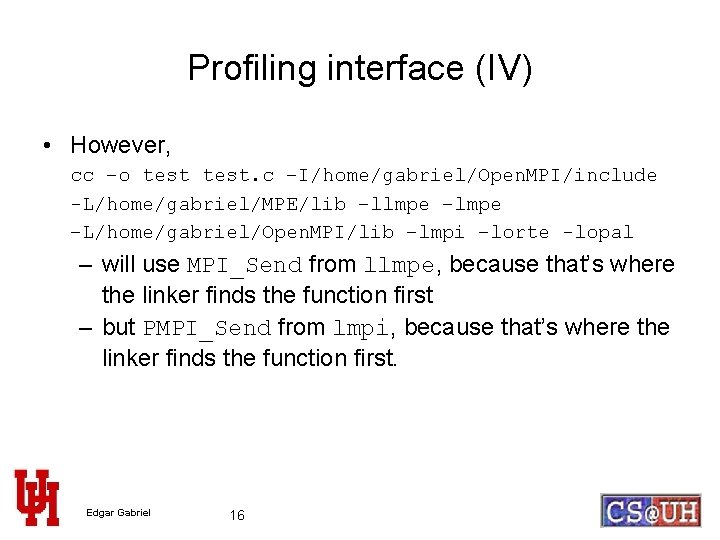
Profiling interface (IV) • However, cc –o test. c –I/home/gabriel/Open. MPI/include -L/home/gabriel/MPE/lib –llmpe –L/home/gabriel/Open. MPI/lib –lmpi –lorte -lopal – will use MPI_Send from llmpe, because that’s where the linker finds the function first – but PMPI_Send from lmpi, because that’s where the linker finds the function first. Edgar Gabriel 16
Available performance analysis tools • Commercials (among others) – Vampir and vampirtrace – Paraver and mpilog • Public domain (among others) – MPE and jumpshot – CUBE and EPILOG Edgar Gabriel 17
Hints when using MPE and jumpshot • When using MPE, you can use instead of the long commandline a wrapper-script called mpecc/mpef 77, e. g. gabriel@linux 12>mpecc –mpilog –o test. mpe test. c • Run the application as usually gabriel@linux 12>mpirun –np 2. /test. mpe • After the run, there is file called test. mpe. clog 2 in the same directory • The viewer (jumpshot) unfortunately needs a different file format, so you have to convert it with gabriel@linux 12>clog 2 TOslog 2 test. mpe. clog 2 • This generates a file called test. mpe. slog 2 • You can load an slog 2 file into jumpshot Edgar Gabriel 18
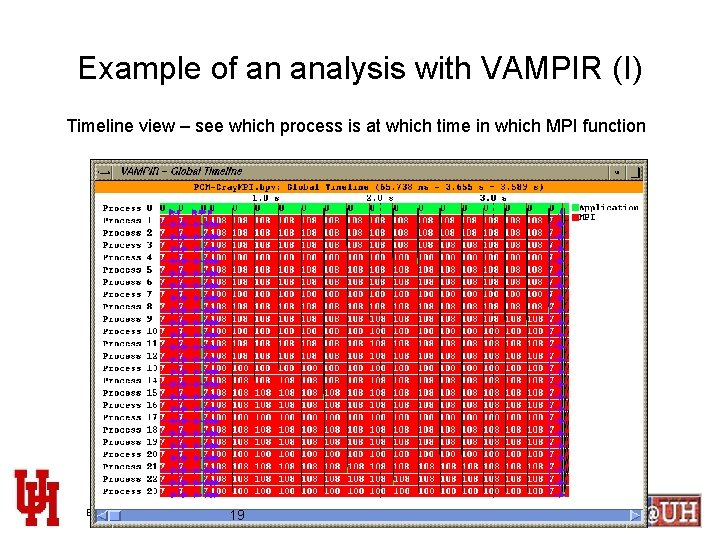
Example of an analysis with VAMPIR (I) Timeline view – see which process is at which time in which MPI function Edgar Gabriel 19
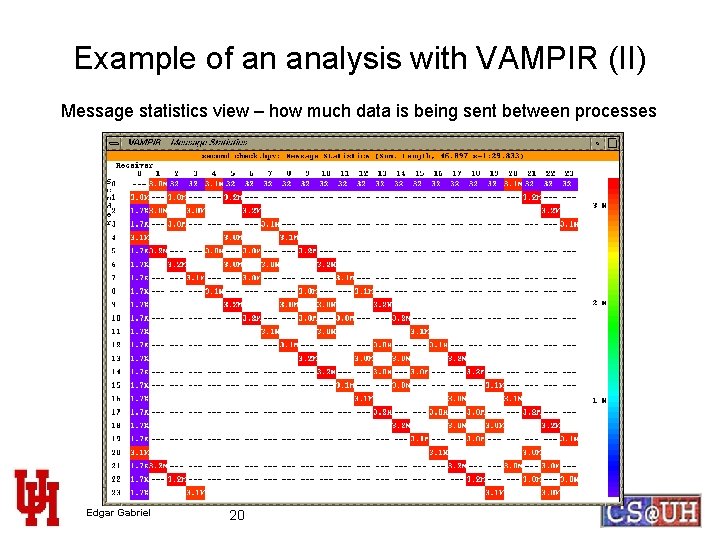
Example of an analysis with VAMPIR (II) Message statistics view – how much data is being sent between processes Edgar Gabriel 20
- Slides: 20