
Debate Cards The Way to Cut What Cutting
Debate Cards The Way to Cut
What Cutting Is �How you present an article as evidence �Why do you need to cut? �Time saver in round �The article likely doesn’t say word for word what you want it to �What to cut? �Citation �Readable evidence �Tagline
Creating Evidence Files � 1. Stuff YOU Probably Need � 2. Navigating the Template � 3. Troubleshooting � 4. Technicalities
Stuff YOU Probably Need 1. 2. 3. 4. 5. Computer, preferably a Laptop The newest version of Word you can get your hands on. Word 10/11 is the best but Word 7 will do. Mouse—Standard button mouse with a wheel will do. USB memory device The Template: http: //paperlessdebate. com /verbatim/
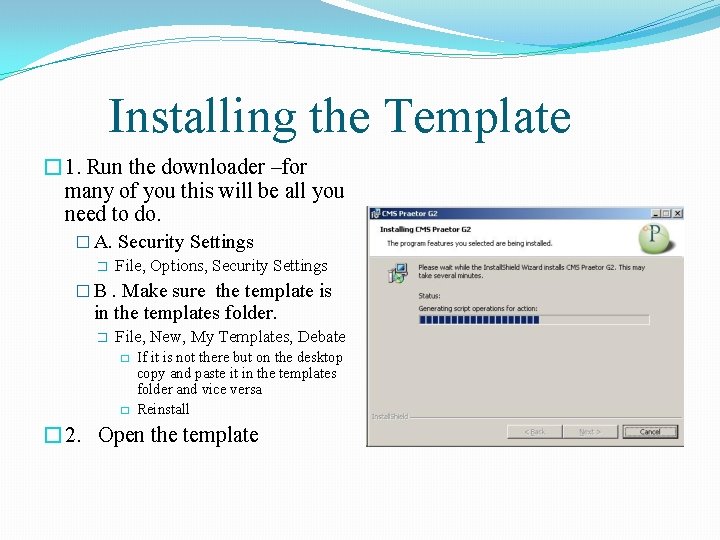
Installing the Template � 1. Run the downloader –for many of you this will be all you need to do. � A. Security Settings � File, Options, Security Settings � B. Make sure the template is in the templates folder. � File, New, My Templates, Debate � � If it is not there but on the desktop copy and paste it in the templates folder and vice versa Reinstall � 2. Open the template
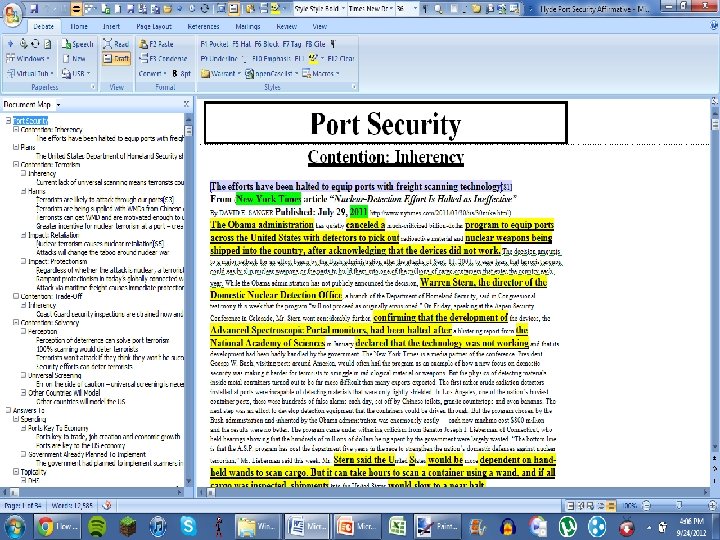
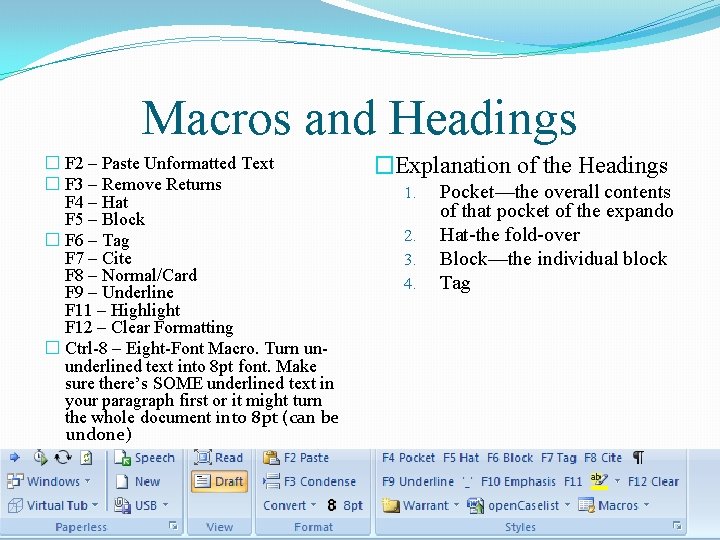
Macros and Headings � F 2 – Paste Unformatted Text � F 3 – Remove Returns F 4 – Hat F 5 – Block � F 6 – Tag F 7 – Cite F 8 – Normal/Card F 9 – Underline F 11 – Highlight F 12 – Clear Formatting � Ctrl-8 – Eight-Font Macro. Turn ununderlined text into 8 pt font. Make sure there’s SOME underlined text in your paragraph first or it might turn the whole document into 8 pt (can be undone) �Explanation of the Headings 1. 2. 3. 4. Pocket—the overall contents of that pocket of the expando Hat-the fold-over Block—the individual block Tag
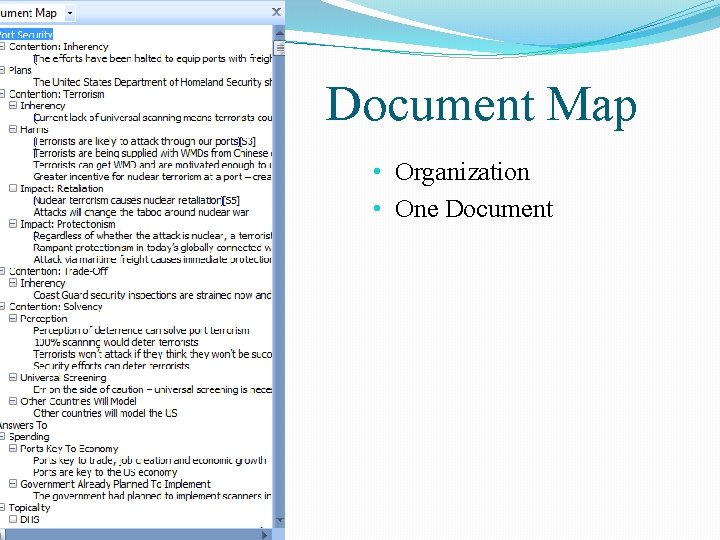
Document Map • Organization • One Document
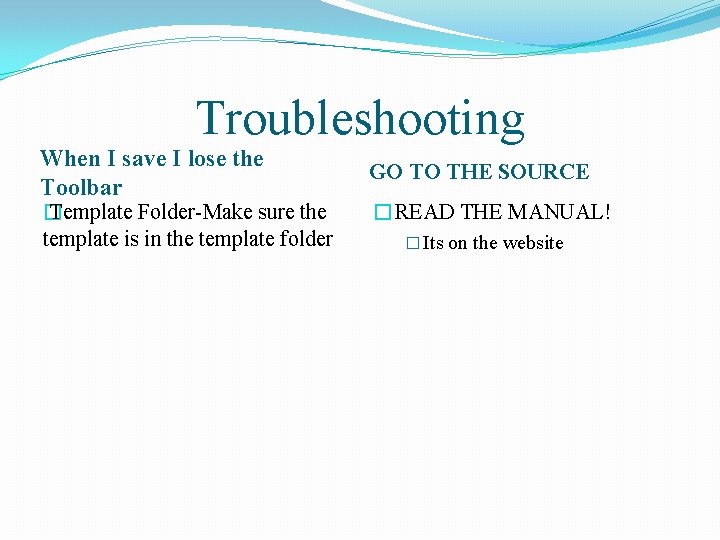
Troubleshooting When I save I lose the Toolbar � Template Folder-Make sure the template is in the template folder GO TO THE SOURCE �READ THE MANUAL! � Its on the website
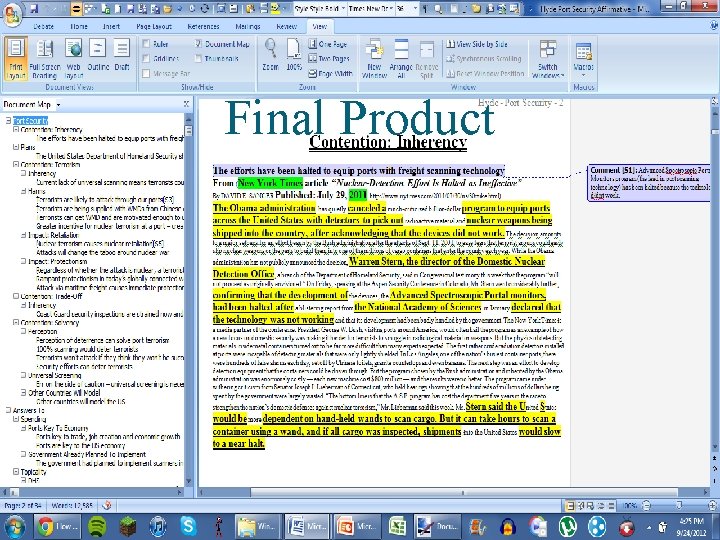
Final Product
- Slides: 10