
DCC Speed Matching Technique Lee Williams Locomotive Catagories
- Slides: 29
DCC Speed Matching Technique Lee Williams
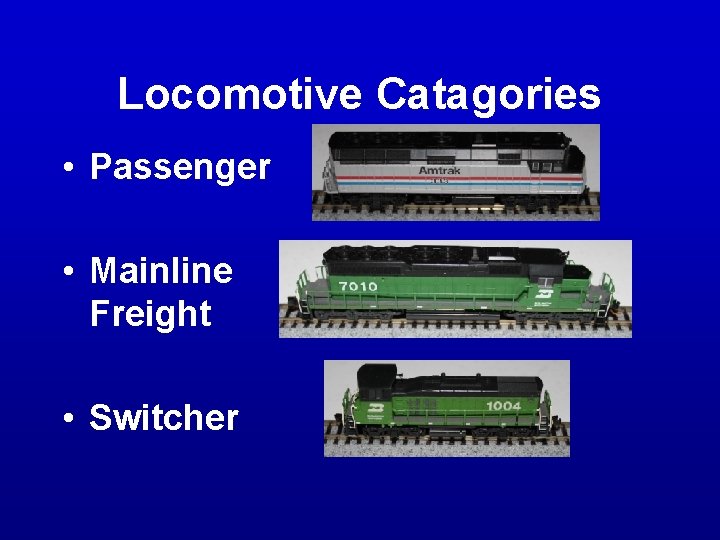
Locomotive Catagories • Passenger • Mainline Freight • Switcher
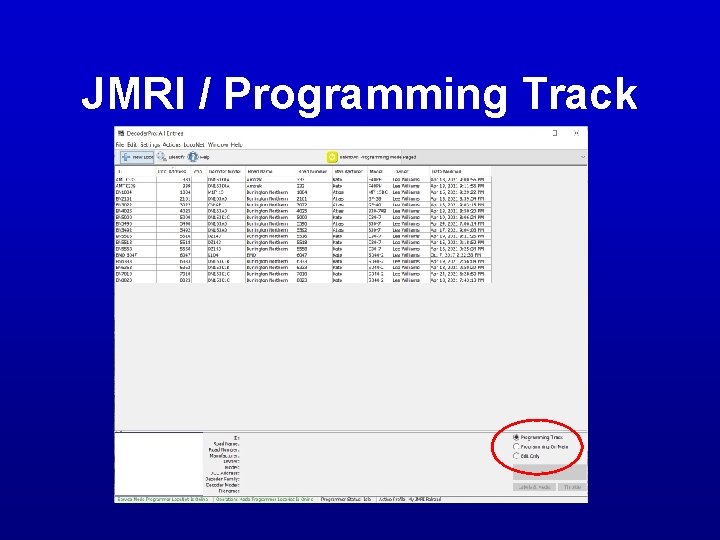
DCC Programming Modes • Programming Track – Read a Configuration Variables (CVs) – Write all CVs including DCC address – Limited to one locomotive on programming track at a tim
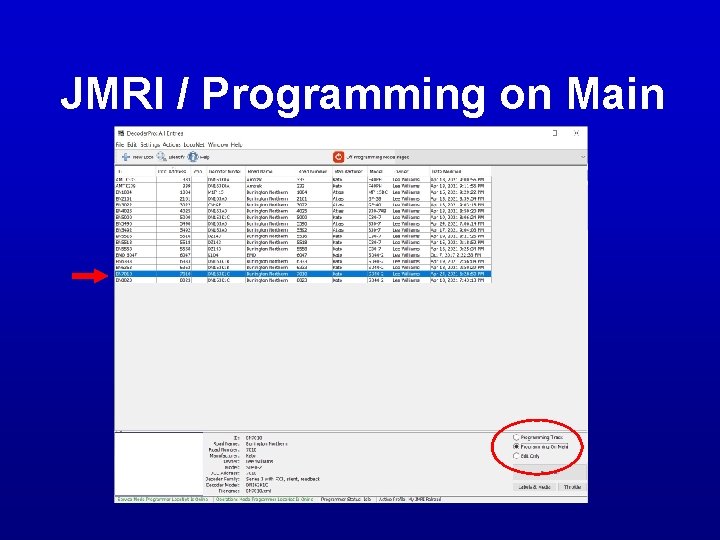
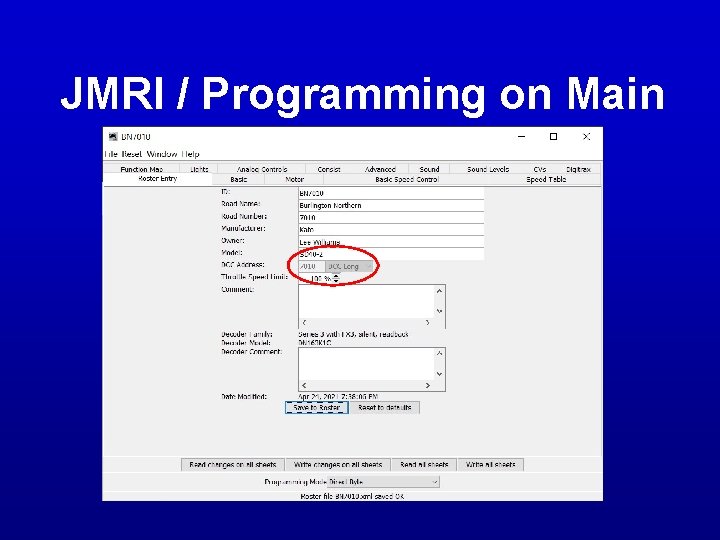
DCC Programming Modes • Programming on Main – Run and program on same track – Program a specific locomotive with multiple locomotives on track – Can’t read locomotive CVs – Can change DCC address
JMRI / Programming Track
JMRI / Programming on Main
JMRI / Programming on Main
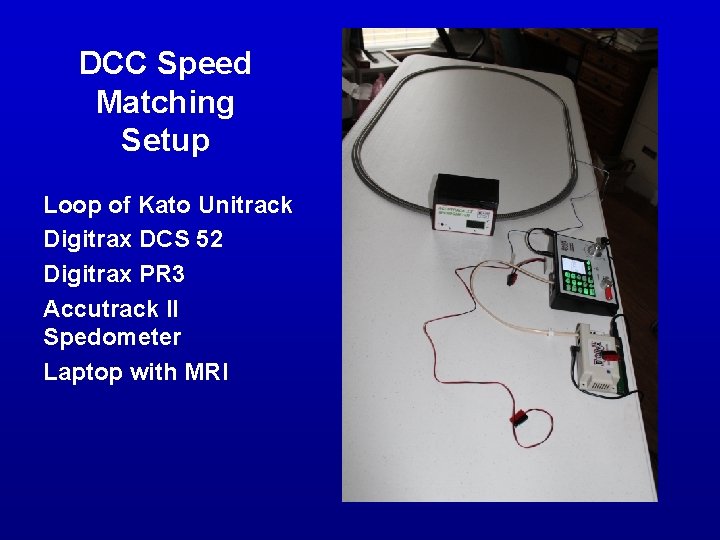
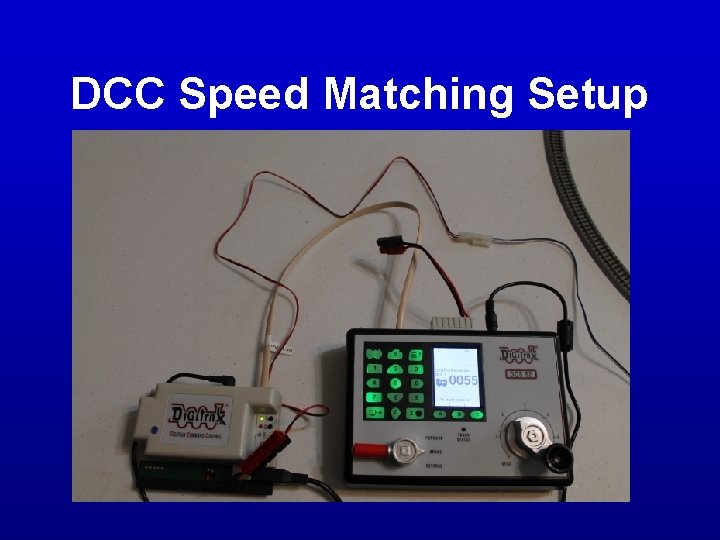
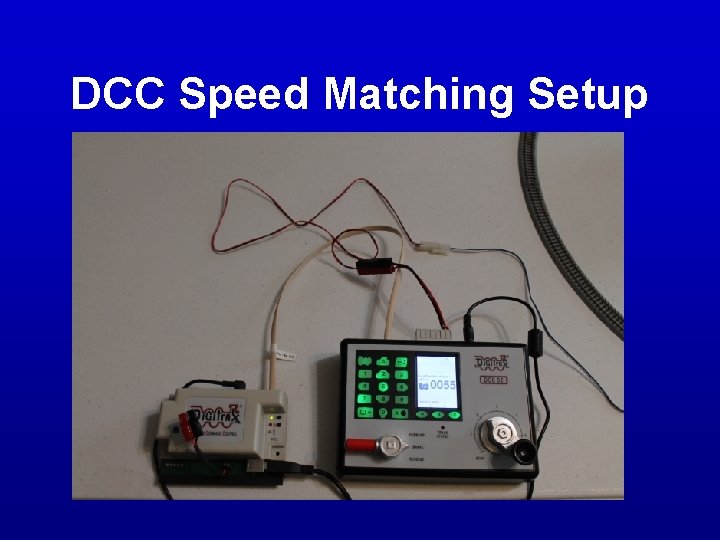
DCC Speed Matching Setup Loop of Kato Unitrack Digitrax DCS 52 Digitrax PR 3 Accutrack II Spedometer Laptop with MRI
DCC Speed Matching Setup
DCC Speed Matching Setup
Locomotive Tune Up • Clean wheels • Clean mechanism – Gears & axles clear of lint & crud • Lubrication – Not too much • Check for smooth running
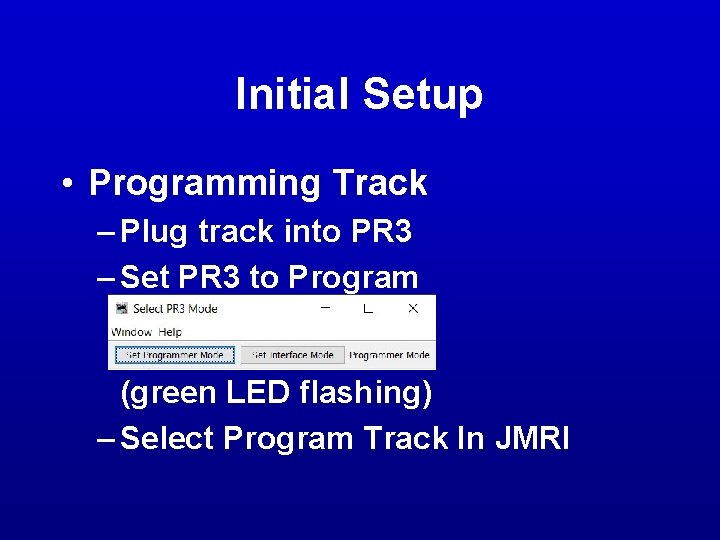
Initial Setup • Programming Track – Plug track into PR 3 – Set PR 3 to Program (green LED flashing) – Select Program Track In JMRI
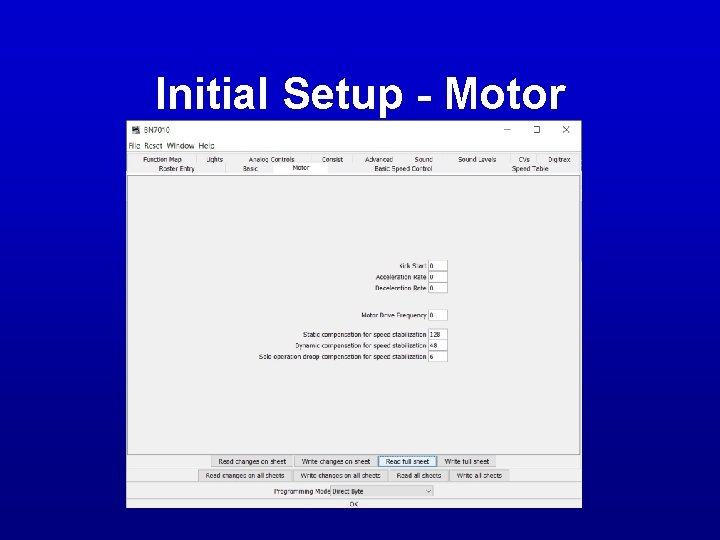
Initial Setup - Motor
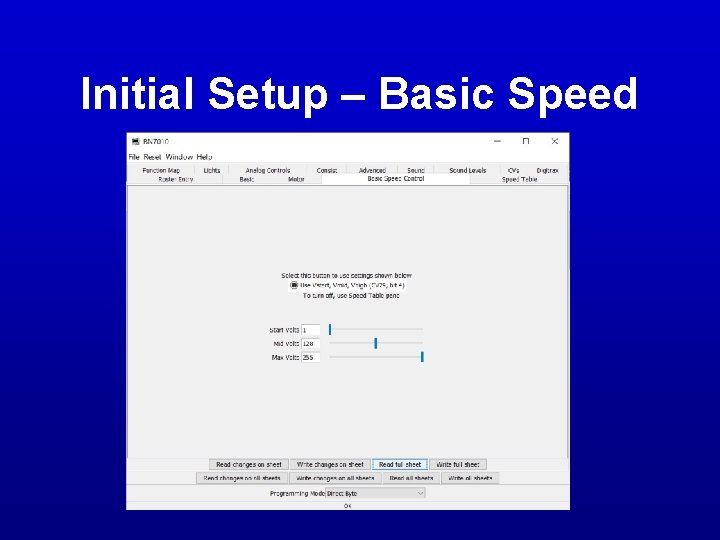
Initial Setup – Basic Speed
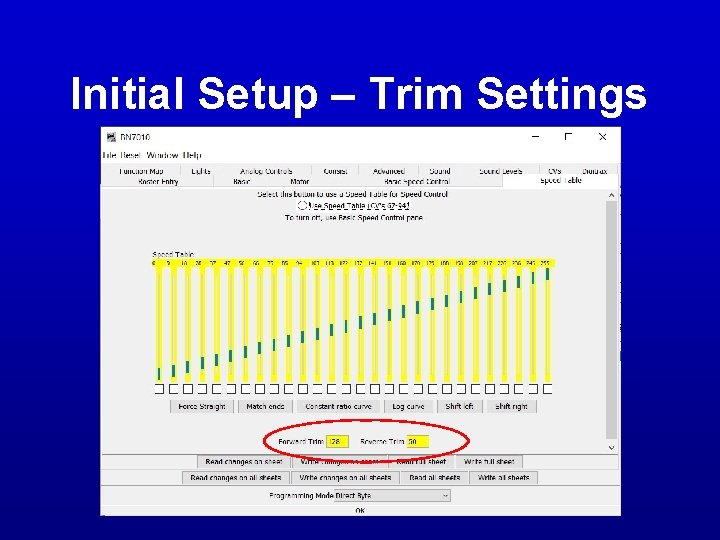
Initial Setup – Trim Settings
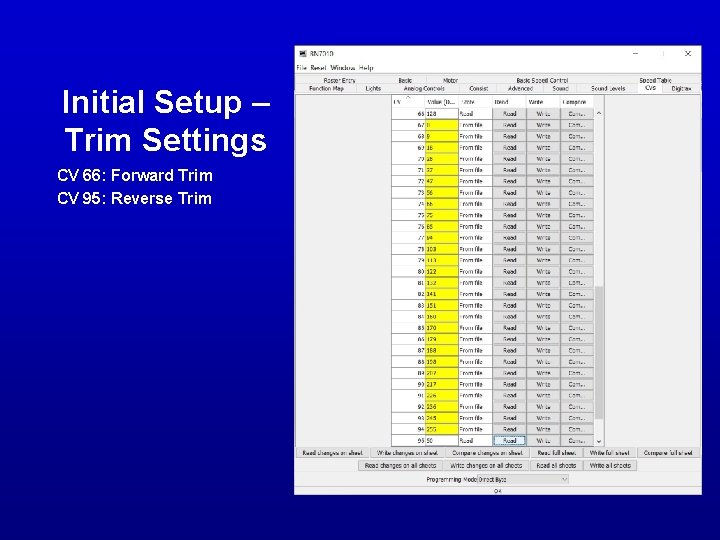
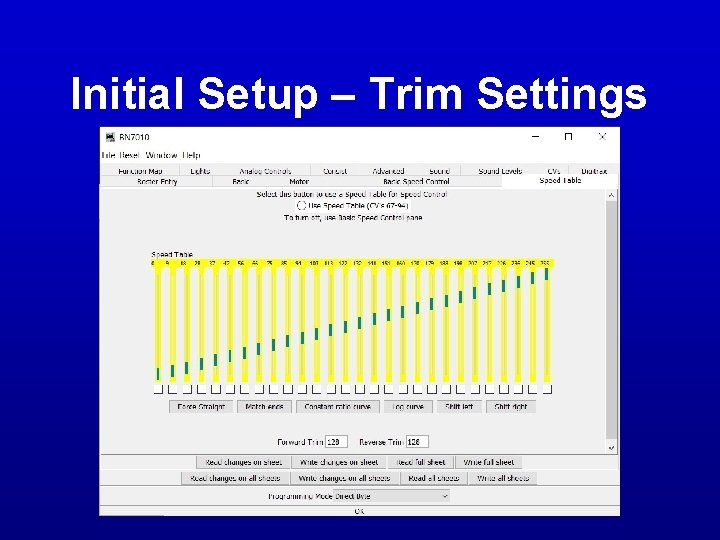
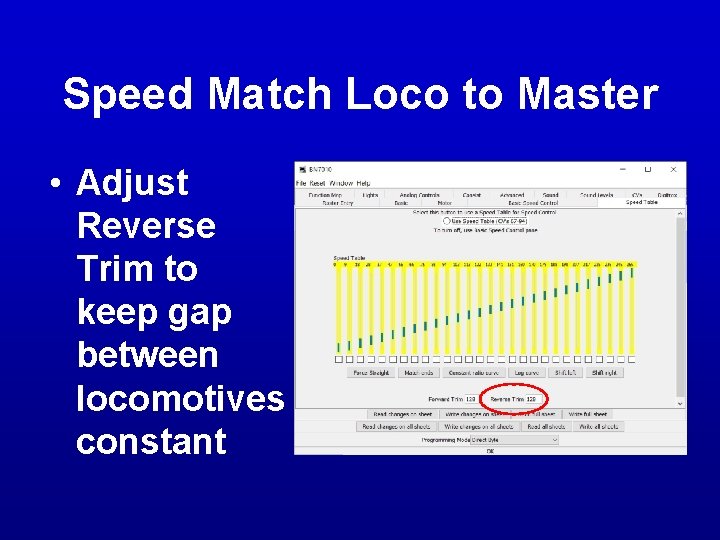
Initial Setup – Trim Settings CV 66: Forward Trim CV 95: Reverse Trim
Initial Setup – Trim Settings
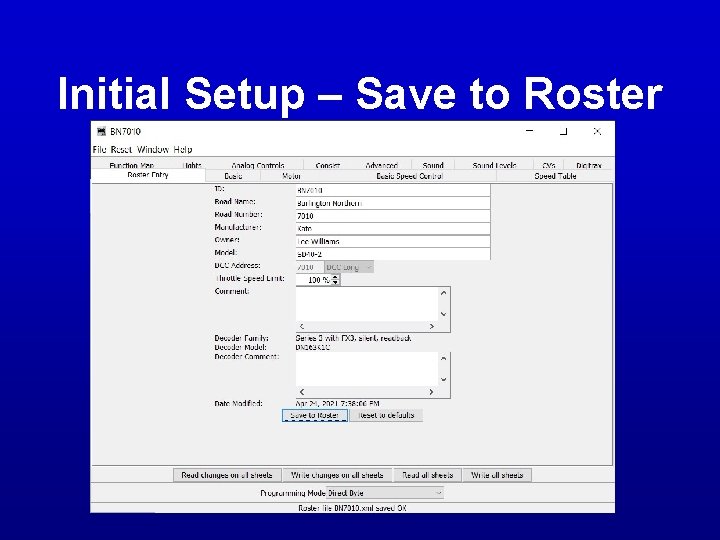
Initial Setup – Save to Roster
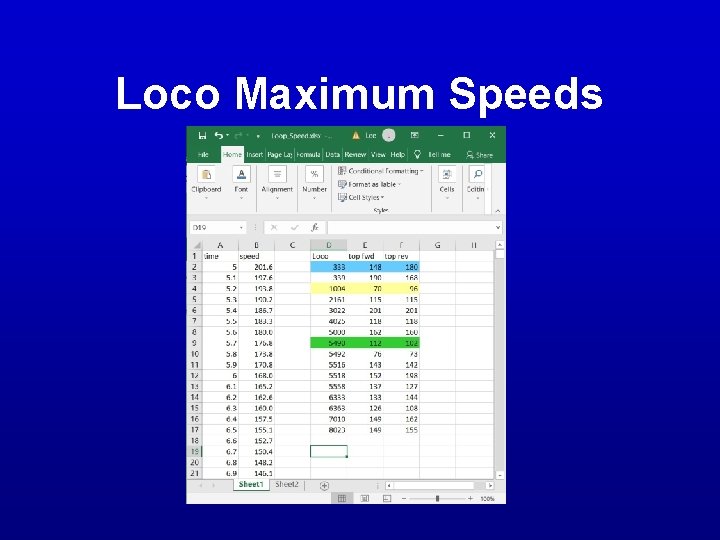
Loco Maximum Speeds • Plug track into DS 52 • Run locomotive at max speed (99%) in both directions • Record maximum forward and reverse speeds
Loco Maximum Speeds
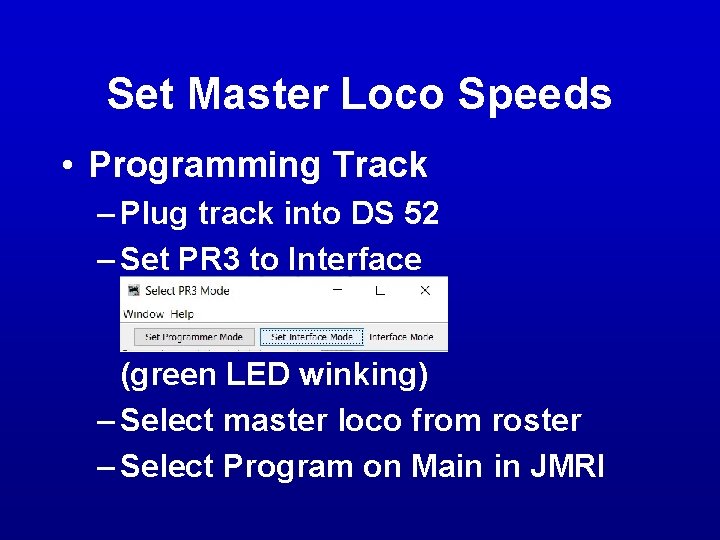
Set Master Loco Speeds • Programming Track – Plug track into DS 52 – Set PR 3 to Interface (green LED winking) – Select master loco from roster – Select Program on Main in JMRI
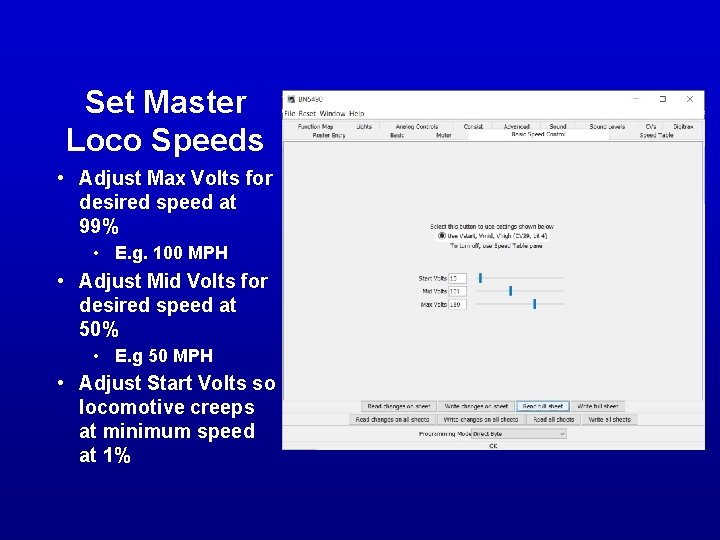
Set Master Loco Speeds • Adjust Max Volts for desired speed at 99% • E. g. 100 MPH • Adjust Mid Volts for desired speed at 50% • E. g 50 MPH • Adjust Start Volts so locomotive creeps at minimum speed at 1%
Speed Match Loco to Master • Already in programming track mode • Select locomotive from roster • Select Program on Main in JMRI
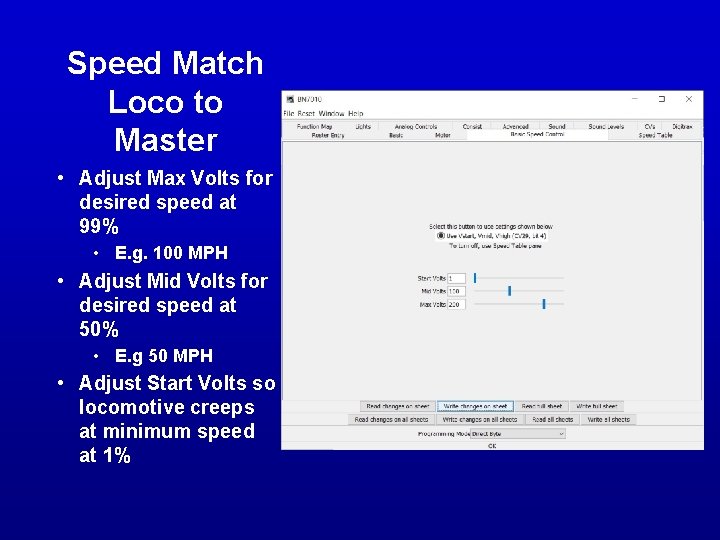
Speed Match Loco to Master • Adjust Max Volts for desired speed at 99% • E. g. 100 MPH • Adjust Mid Volts for desired speed at 50% • E. g 50 MPH • Adjust Start Volts so locomotive creeps at minimum speed at 1%
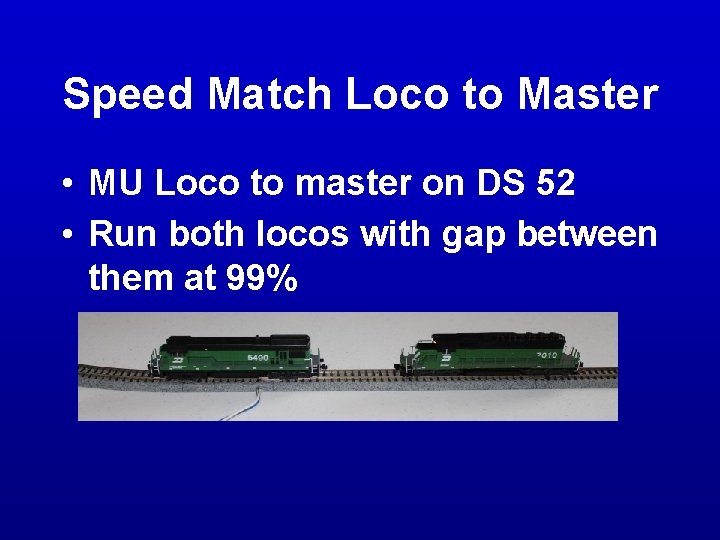
Speed Match Loco to Master • MU Loco to master on DS 52 • Run both locos with gap between them at 99%
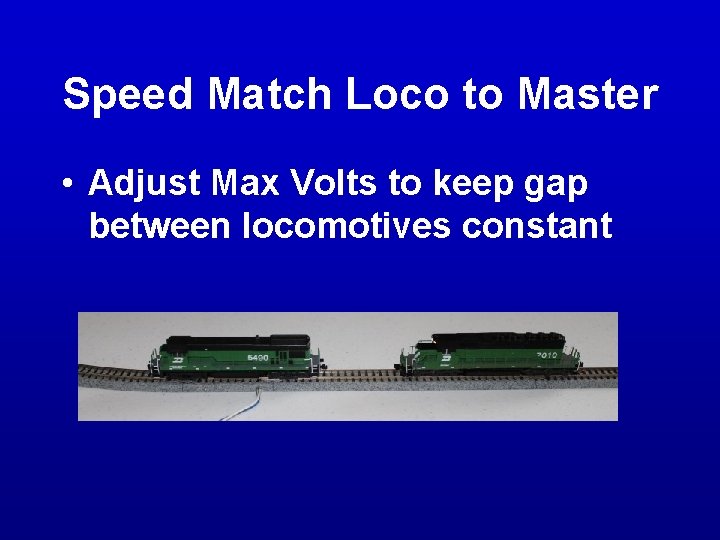
Speed Match Loco to Master • Adjust Max Volts to keep gap between locomotives constant
Speed Match Loco to Master • Run both locos with gap between them at 50% • Adjust Mid Volts to keep gap between locomotives constant
Speed Match Loco to Master • • • Remove loco from MU to master Turn loco around Run in reverse MU loco to master on DS 52 Run both locos with gap between them at 99%
Speed Match Loco to Master • Adjust Reverse Trim to keep gap between locomotives constant