
DB 2 SQL Select DB 2 Training class
DB 2 SQL Select DB 2 Training class 09
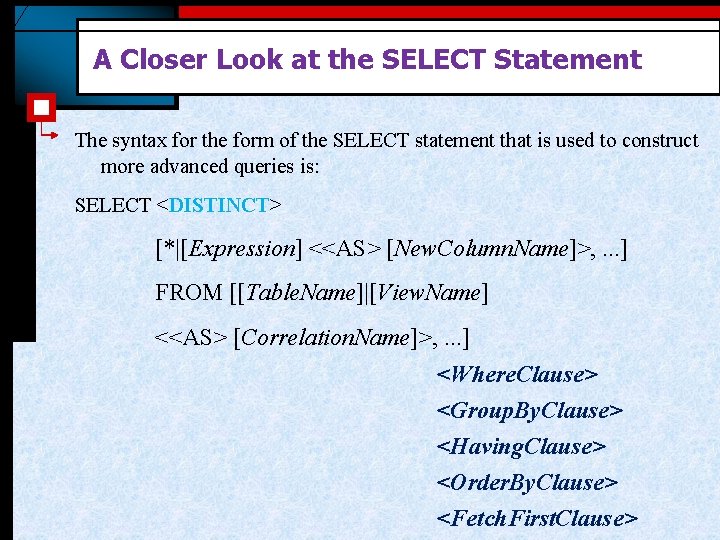
A Closer Look at the SELECT Statement The syntax for the form of the SELECT statement that is used to construct more advanced queries is: SELECT <DISTINCT> [*|[Expression] <<AS> [New. Column. Name]>, . . . ] FROM [[Table. Name]|[View. Name] <<AS> [Correlation. Name]>, . . . ] <Where. Clause> <Group. By. Clause> <Having. Clause> <Order. By. Clause> <Fetch. First. Clause>
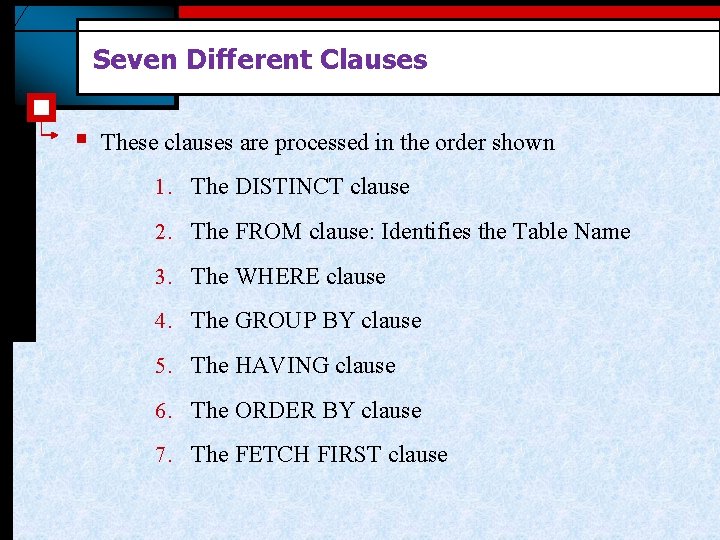
Seven Different Clauses § These clauses are processed in the order shown 1. The DISTINCT clause 2. The FROM clause: Identifies the Table Name 3. The WHERE clause 4. The GROUP BY clause 5. The HAVING clause 6. The ORDER BY clause 7. The FETCH FIRST clause
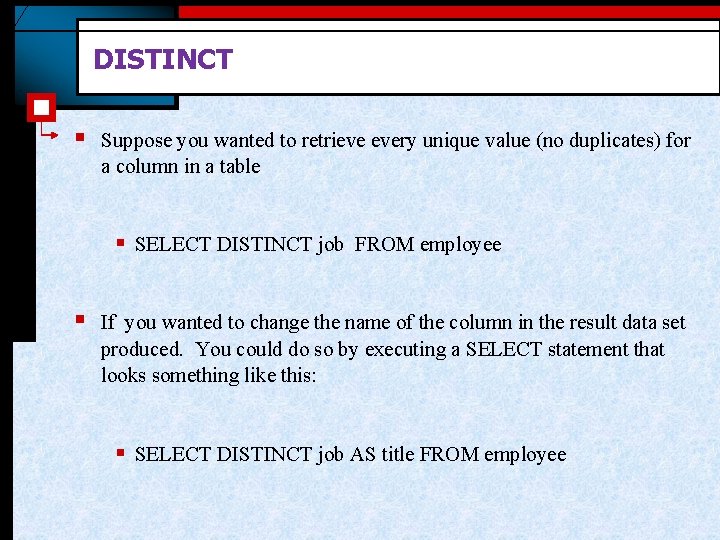
DISTINCT § Suppose you wanted to retrieve every unique value (no duplicates) for a column in a table § SELECT DISTINCT job FROM employee § If you wanted to change the name of the column in the result data set produced. You could do so by executing a SELECT statement that looks something like this: § SELECT DISTINCT job AS title FROM employee
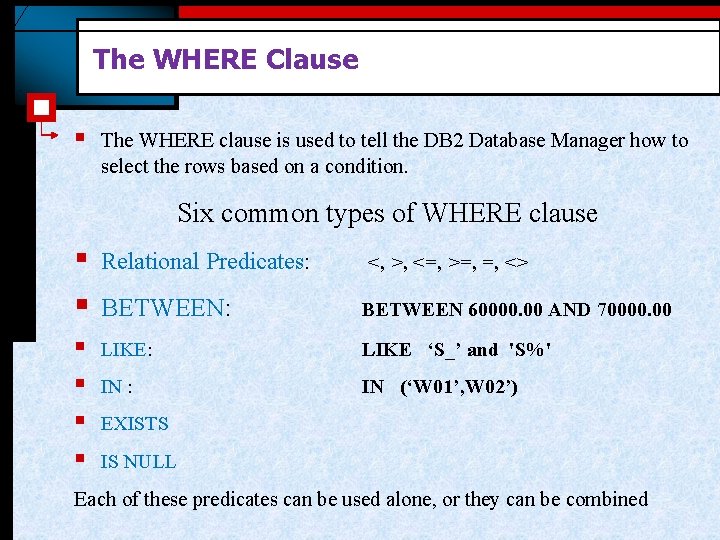
The WHERE Clause § The WHERE clause is used to tell the DB 2 Database Manager how to select the rows based on a condition. Six common types of WHERE clause § Relational Predicates: <, >, <=, >=, =, <> § BETWEEN: BETWEEN 60000. 00 AND 70000. 00 § § LIKE: LIKE ‘S_’ and 'S%' IN : IN (‘W 01’, W 02’) EXISTS IS NULL Each of these predicates can be used alone, or they can be combined
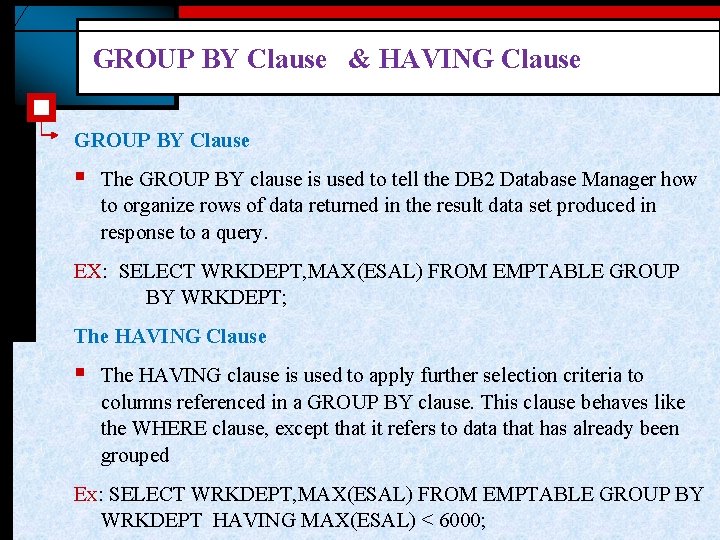
GROUP BY Clause & HAVING Clause GROUP BY Clause § The GROUP BY clause is used to tell the DB 2 Database Manager how to organize rows of data returned in the result data set produced in response to a query. EX: SELECT WRKDEPT, MAX(ESAL) FROM EMPTABLE GROUP BY WRKDEPT; The HAVING Clause § The HAVING clause is used to apply further selection criteria to columns referenced in a GROUP BY clause. This clause behaves like the WHERE clause, except that it refers to data that has already been grouped Ex: SELECT WRKDEPT, MAX(ESAL) FROM EMPTABLE GROUP BY WRKDEPT HAVING MAX(ESAL) < 6000;
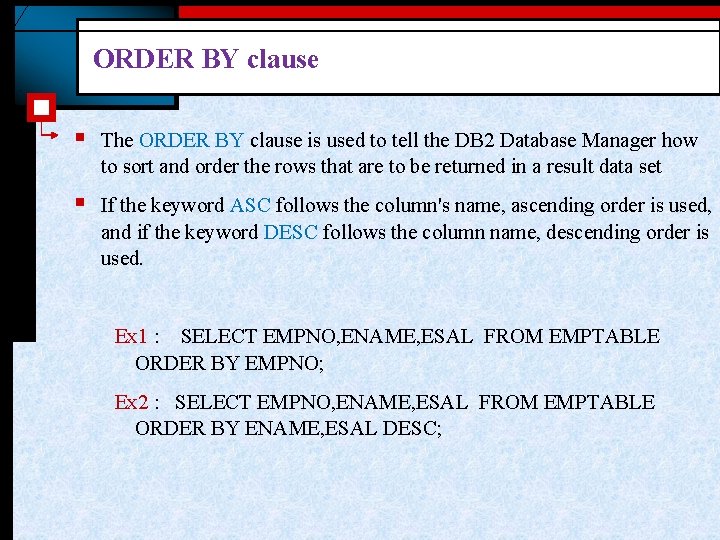
ORDER BY clause § The ORDER BY clause is used to tell the DB 2 Database Manager how to sort and order the rows that are to be returned in a result data set § If the keyword ASC follows the column's name, ascending order is used, and if the keyword DESC follows the column name, descending order is used. Ex 1 : SELECT EMPNO, ENAME, ESAL FROM EMPTABLE ORDER BY EMPNO; Ex 2 : SELECT EMPNO, ENAME, ESAL FROM EMPTABLE ORDER BY ENAME, ESAL DESC;
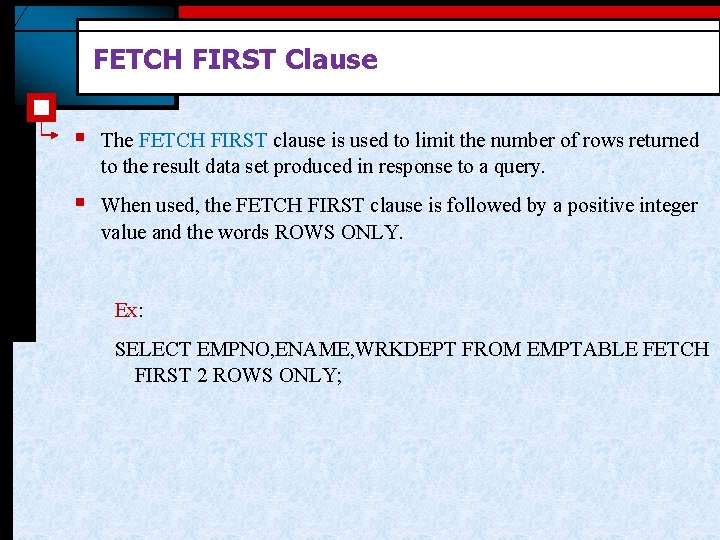
FETCH FIRST Clause § The FETCH FIRST clause is used to limit the number of rows returned to the result data set produced in response to a query. § When used, the FETCH FIRST clause is followed by a positive integer value and the words ROWS ONLY. Ex: SELECT EMPNO, ENAME, WRKDEPT FROM EMPTABLE FETCH FIRST 2 ROWS ONLY;
SQLCODE
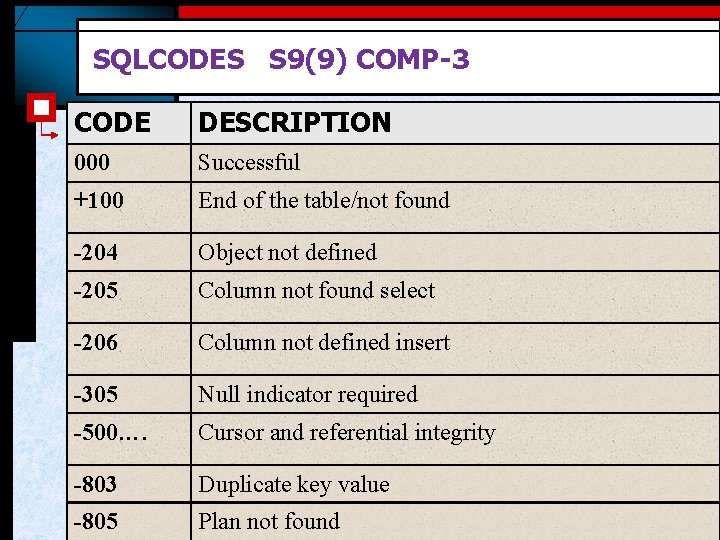
SQLCODES S 9(9) COMP-3 CODE DESCRIPTION 000 Successful +100 End of the table/not found -204 Object not defined -205 Column not found select -206 Column not defined insert -305 Null indicator required -500…. Cursor and referential integrity -803 Duplicate key value -805 Plan not found
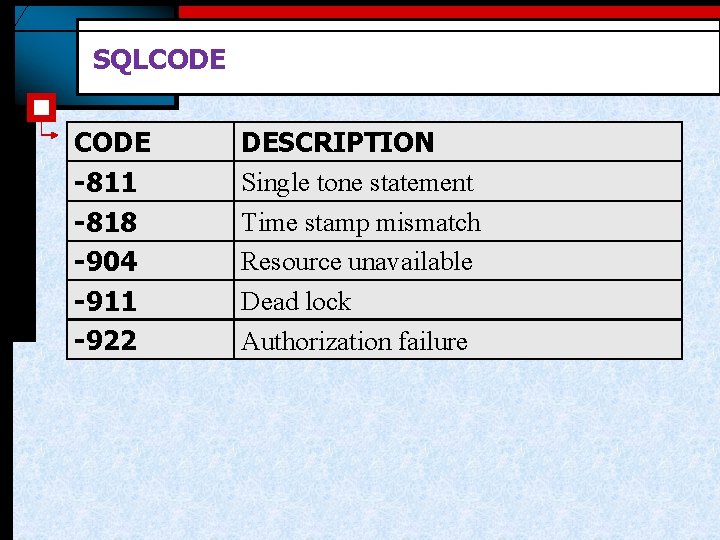
SQLCODE -811 -818 -904 -911 -922 DESCRIPTION Single tone statement Time stamp mismatch Resource unavailable Dead lock Authorization failure

Thank You
- Slides: 12