
DB 2 FILE PROGRAM DB 2 Training class
DB 2 – FILE PROGRAM DB 2 Training class 06 www. mainframes-online-training. weebly. com Polsani Anil Kumar
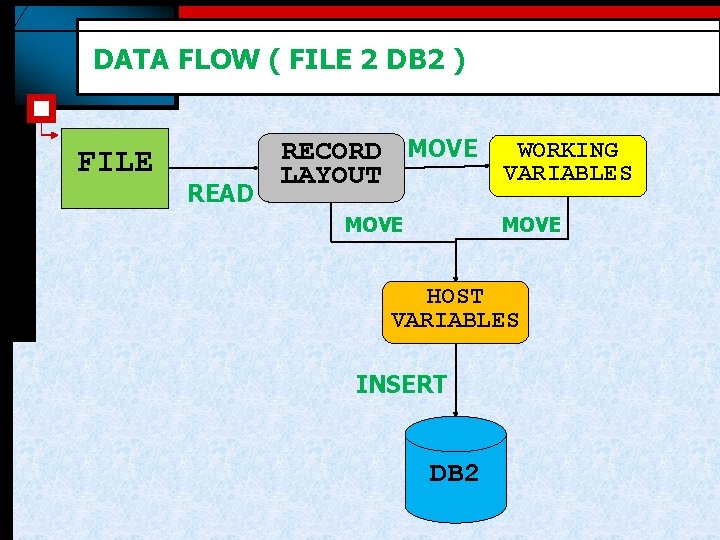
DATA FLOW ( FILE 2 DB 2 ) FILE READ RECORD MOVE WORKING VARIABLES LAYOUT MOVE HOST VARIABLES INSERT DB 2
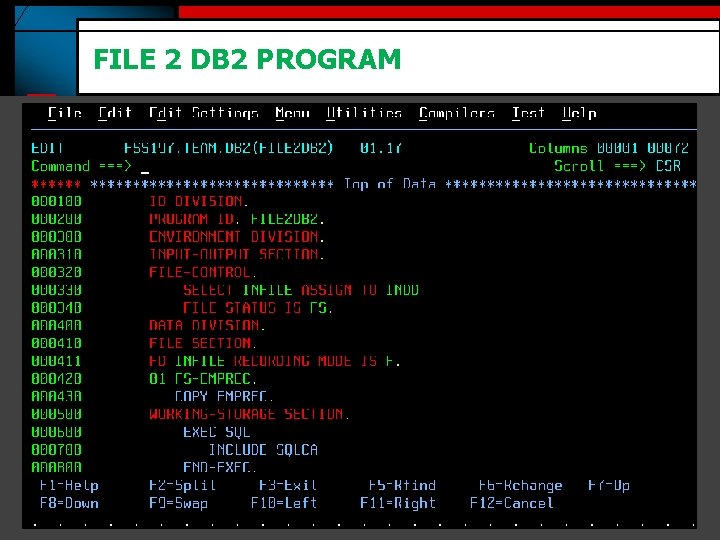
FILE 2 DB 2 PROGRAM
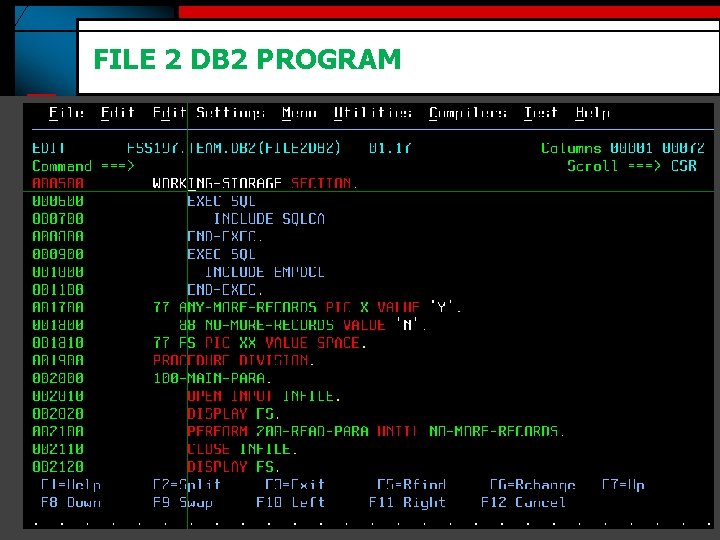
FILE 2 DB 2 PROGRAM
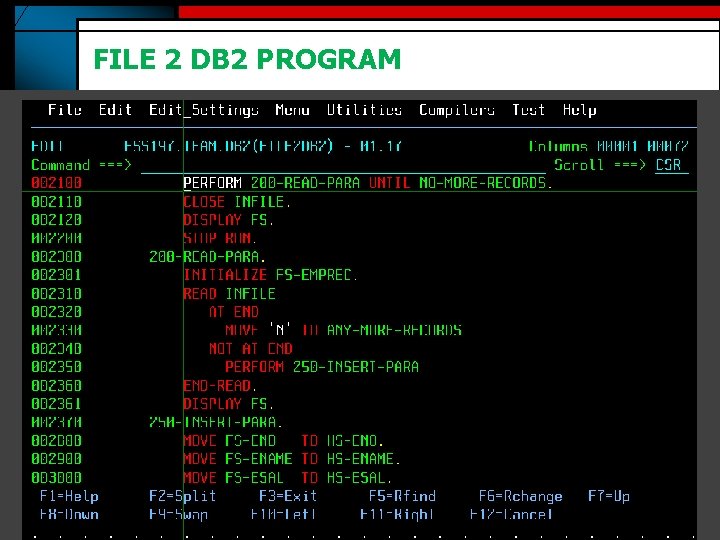
FILE 2 DB 2 PROGRAM
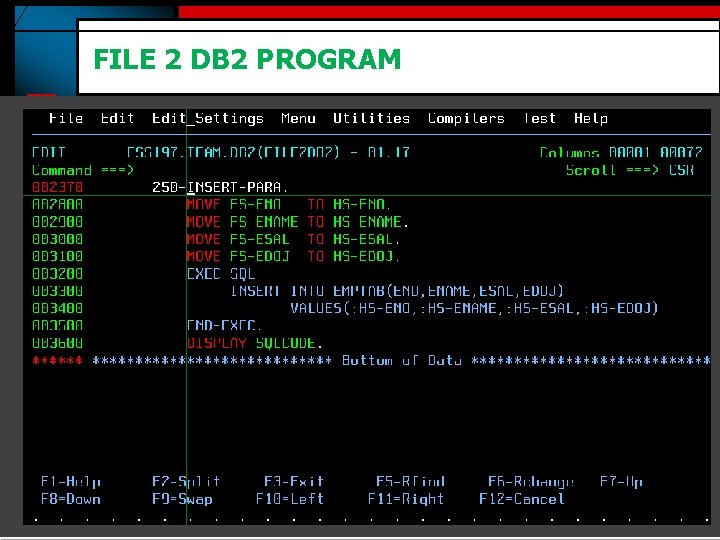
FILE 2 DB 2 PROGRAM
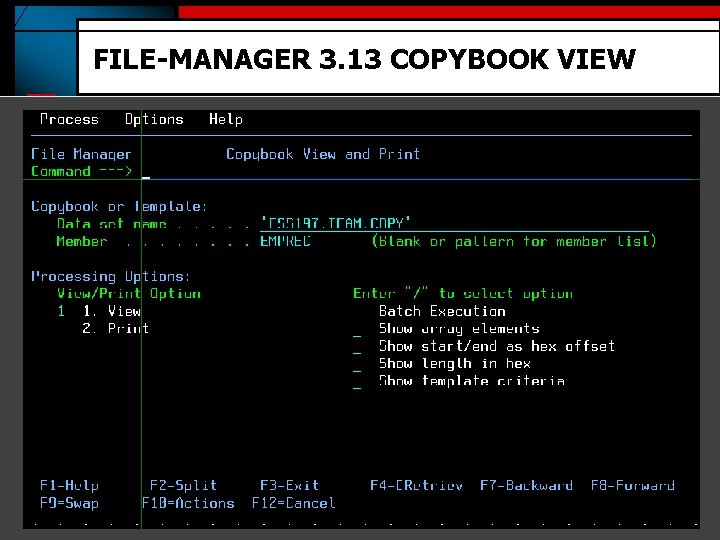
FILE-MANAGER 3. 13 COPYBOOK VIEW
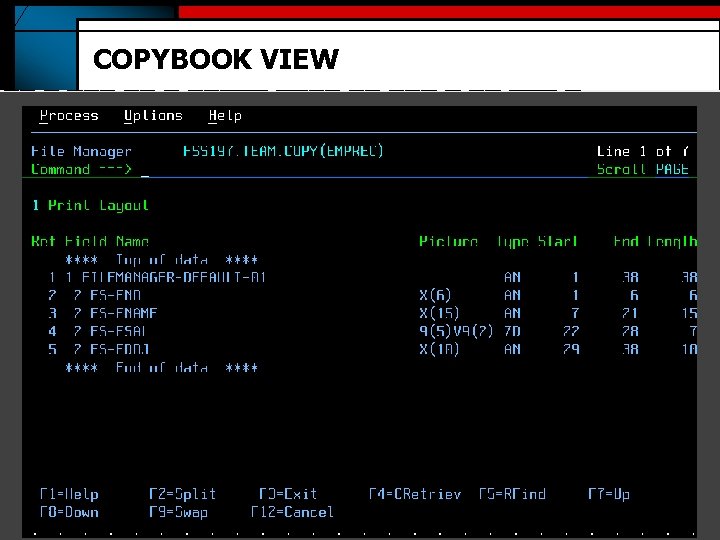
COPYBOOK VIEW
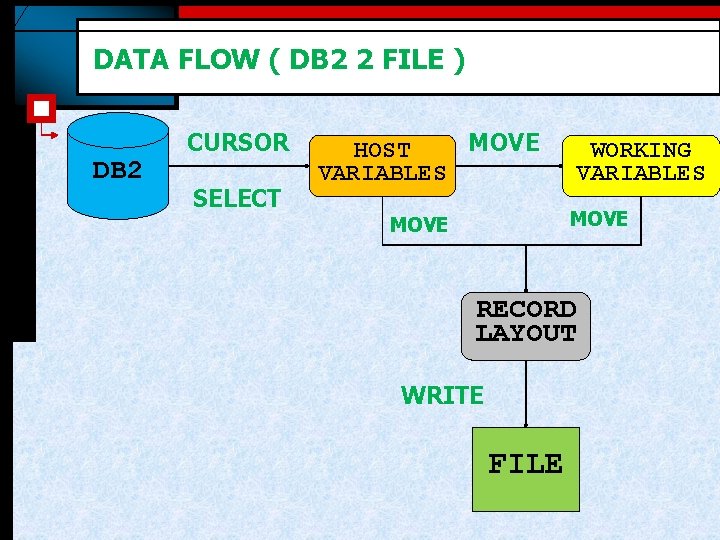
DATA FLOW ( DB 2 2 FILE ) DB 2 CURSOR SELECT MOVE HOST VARIABLES WORKING VARIABLES MOVE RECORD LAYOUT WRITE FILE
CURSOR www. mainframes-online-training. weebly. com Polsani Anil Kumar
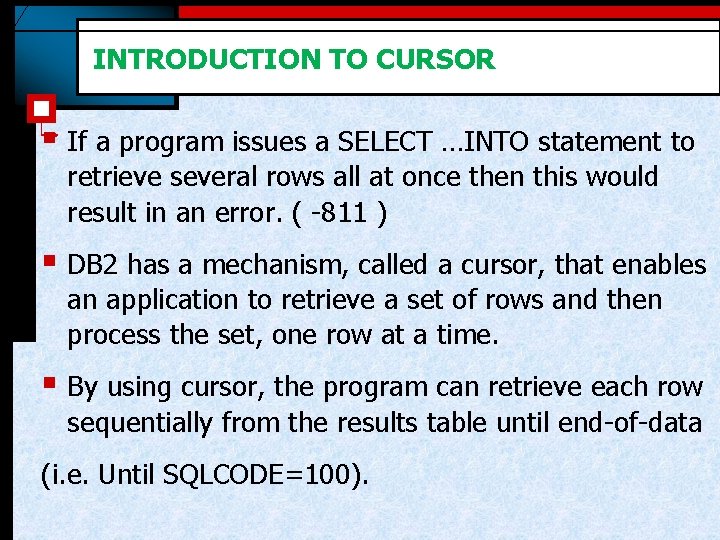
INTRODUCTION TO CURSOR § If a program issues a SELECT …INTO statement to retrieve several rows all at once then this would result in an error. ( -811 ) § DB 2 has a mechanism, called a cursor, that enables an application to retrieve a set of rows and then process the set, one row at a time. § By using cursor, the program can retrieve each row sequentially from the results table until end-of-data (i. e. Until SQLCODE=100).
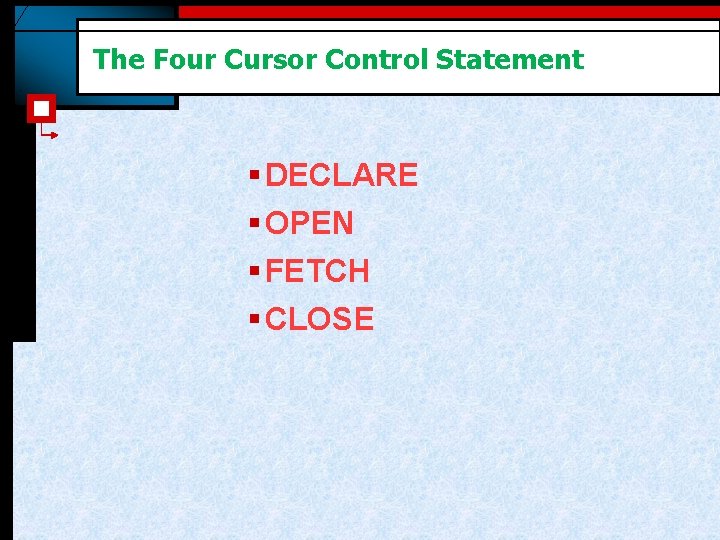
The Four Cursor Control Statement § DECLARE § OPEN § FETCH § CLOSE
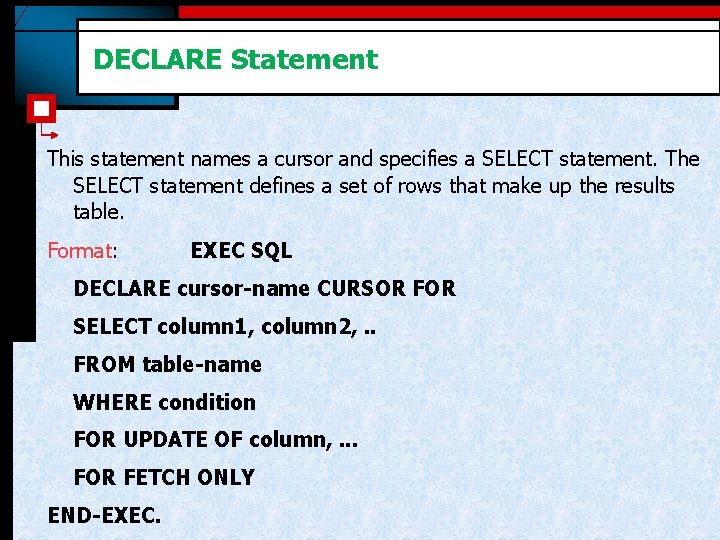
DECLARE Statement This statement names a cursor and specifies a SELECT statement. The SELECT statement defines a set of rows that make up the results table. Format: EXEC SQL DECLARE cursor-name CURSOR FOR SELECT column 1, column 2, . . FROM table-name WHERE condition FOR UPDATE OF column, . . . FOR FETCH ONLY END-EXEC.
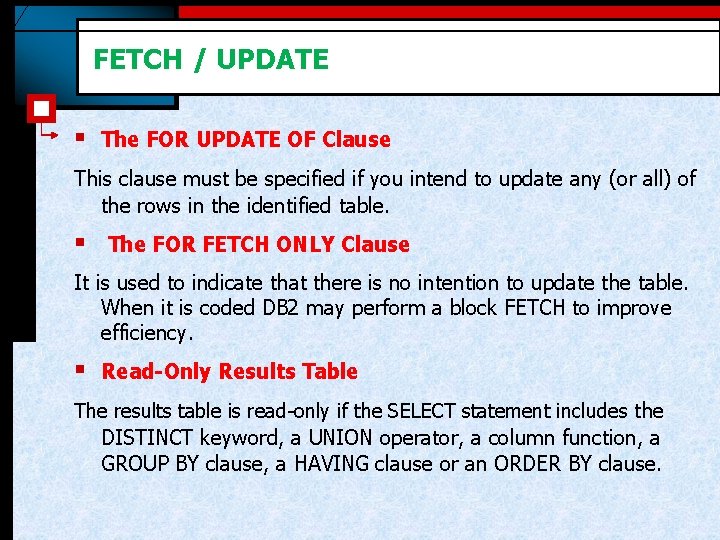
FETCH / UPDATE § The FOR UPDATE OF Clause This clause must be specified if you intend to update any (or all) of the rows in the identified table. § The FOR FETCH ONLY Clause It is used to indicate that there is no intention to update the table. When it is coded DB 2 may perform a block FETCH to improve efficiency. § Read-Only Results Table The results table is read-only if the SELECT statement includes the DISTINCT keyword, a UNION operator, a column function, a GROUP BY clause, a HAVING clause or an ORDER BY clause.
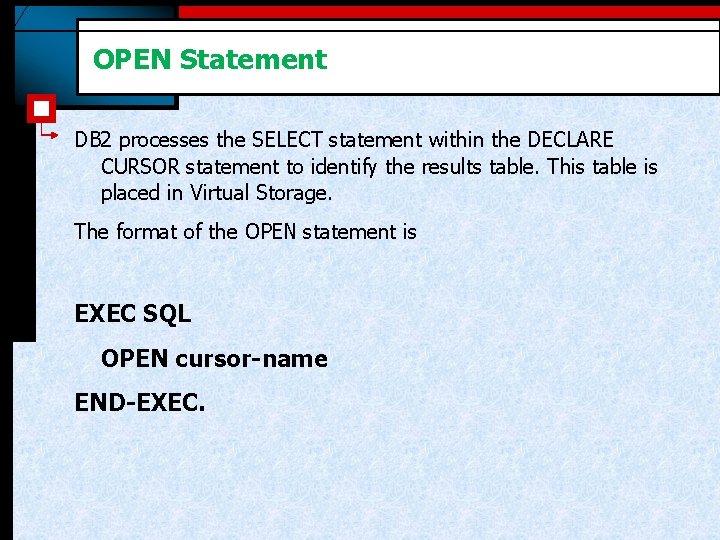
OPEN Statement DB 2 processes the SELECT statement within the DECLARE CURSOR statement to identify the results table. This table is placed in Virtual Storage. The format of the OPEN statement is EXEC SQL OPEN cursor-name END-EXEC.
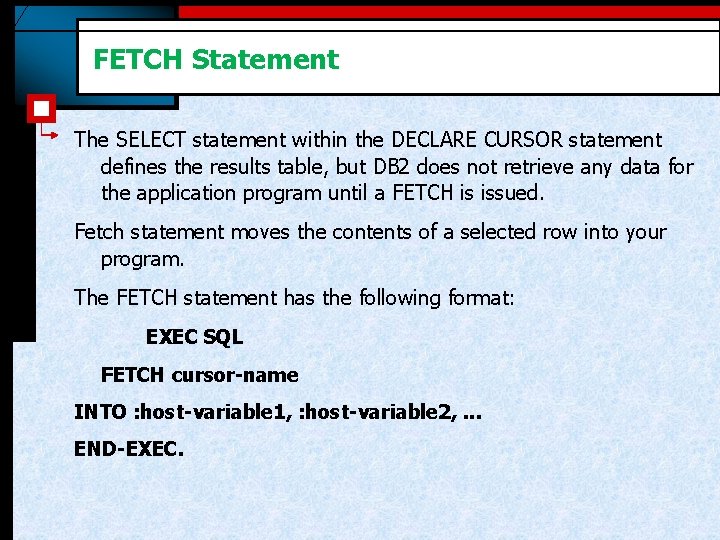
FETCH Statement The SELECT statement within the DECLARE CURSOR statement defines the results table, but DB 2 does not retrieve any data for the application program until a FETCH is issued. Fetch statement moves the contents of a selected row into your program. The FETCH statement has the following format: EXEC SQL FETCH cursor-name INTO : host-variable 1, : host-variable 2, . . . END-EXEC.
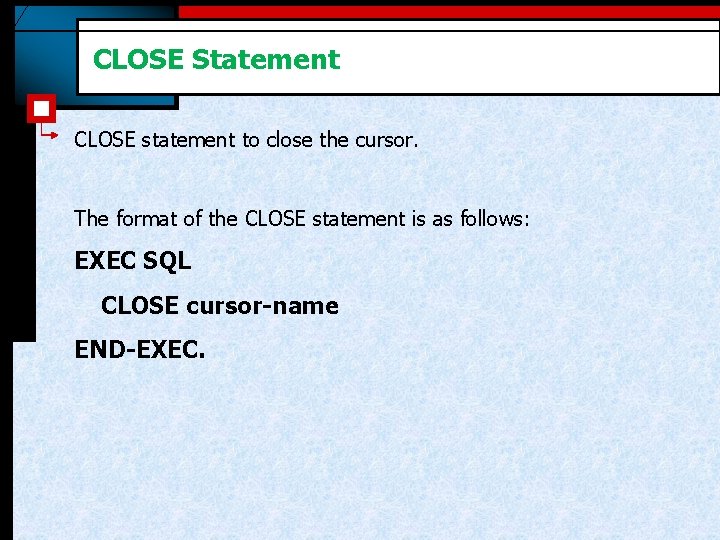
CLOSE Statement CLOSE statement to close the cursor. The format of the CLOSE statement is as follows: EXEC SQL CLOSE cursor-name END-EXEC.
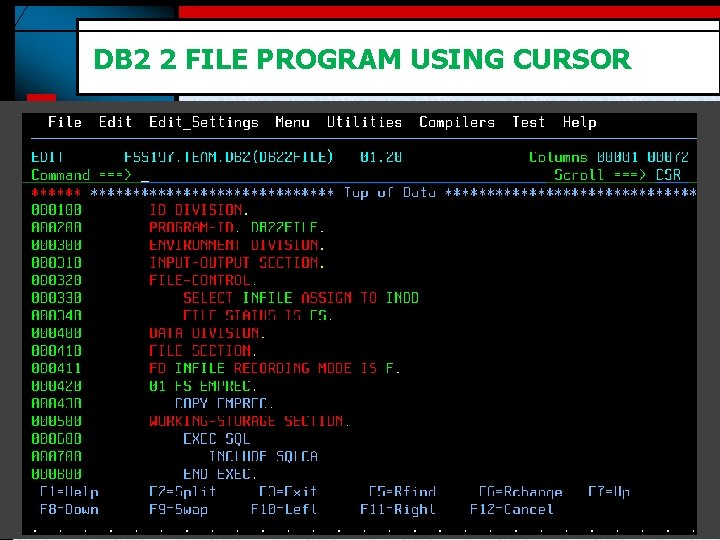
DB 2 2 FILE PROGRAM USING CURSOR
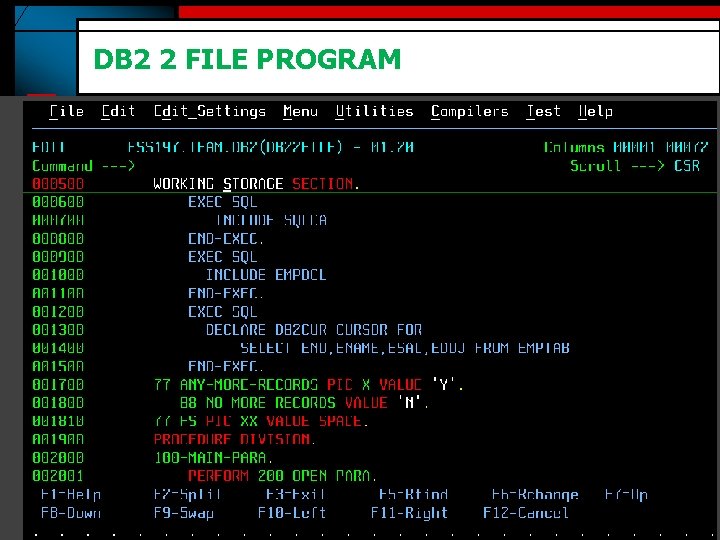
DB 2 2 FILE PROGRAM
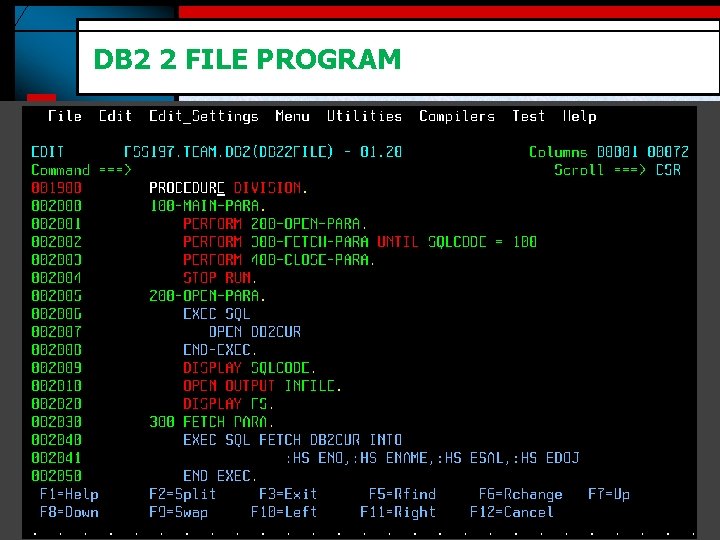
DB 2 2 FILE PROGRAM
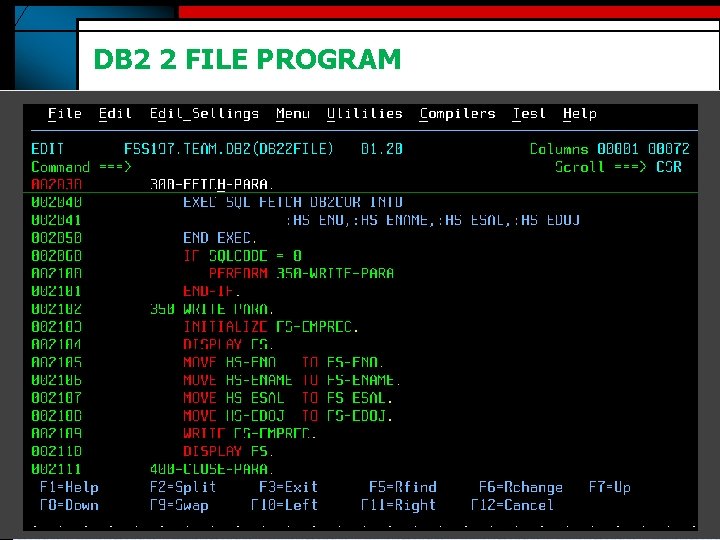
DB 2 2 FILE PROGRAM
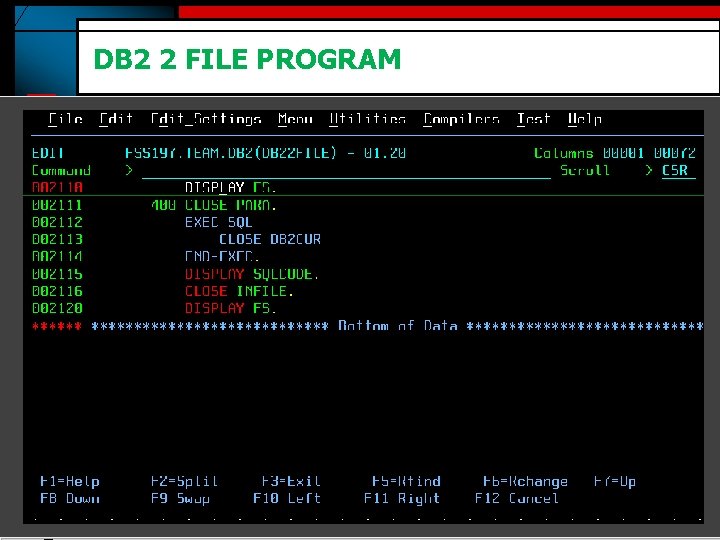
DB 2 2 FILE PROGRAM
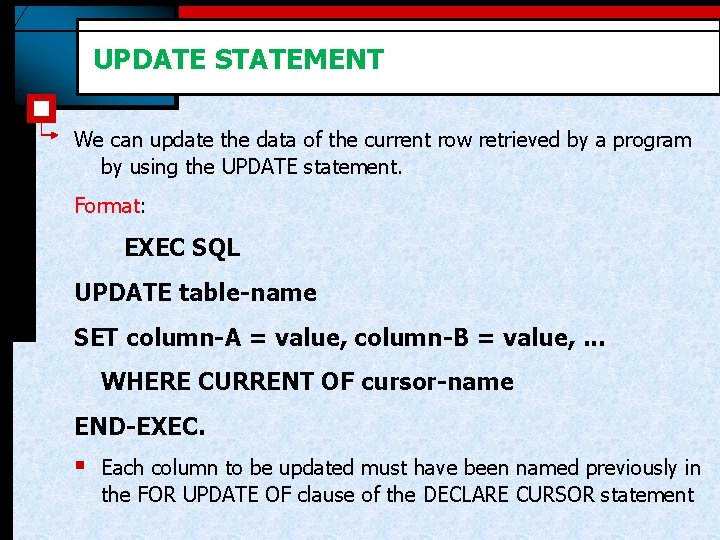
UPDATE STATEMENT We can update the data of the current row retrieved by a program by using the UPDATE statement. Format: EXEC SQL UPDATE table-name SET column-A = value, column-B = value, . . . WHERE CURRENT OF cursor-name END-EXEC. § Each column to be updated must have been named previously in the FOR UPDATE OF clause of the DECLARE CURSOR statement
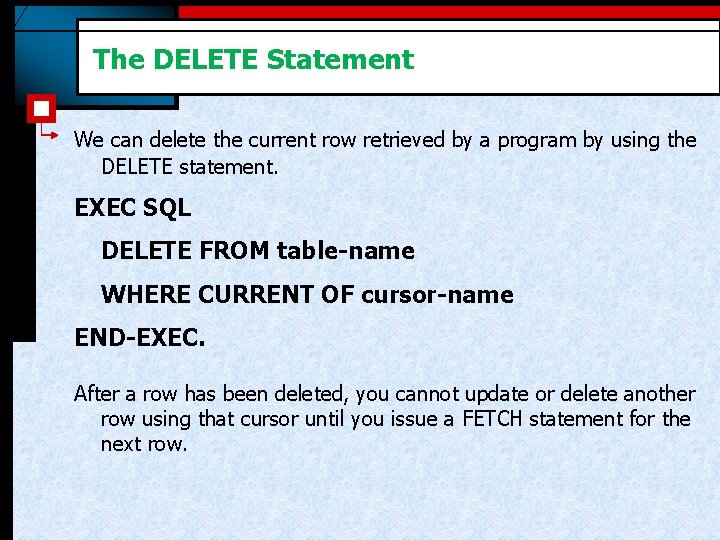
The DELETE Statement We can delete the current row retrieved by a program by using the DELETE statement. EXEC SQL DELETE FROM table-name WHERE CURRENT OF cursor-name END-EXEC. After a row has been deleted, you cannot update or delete another row using that cursor until you issue a FETCH statement for the next row.
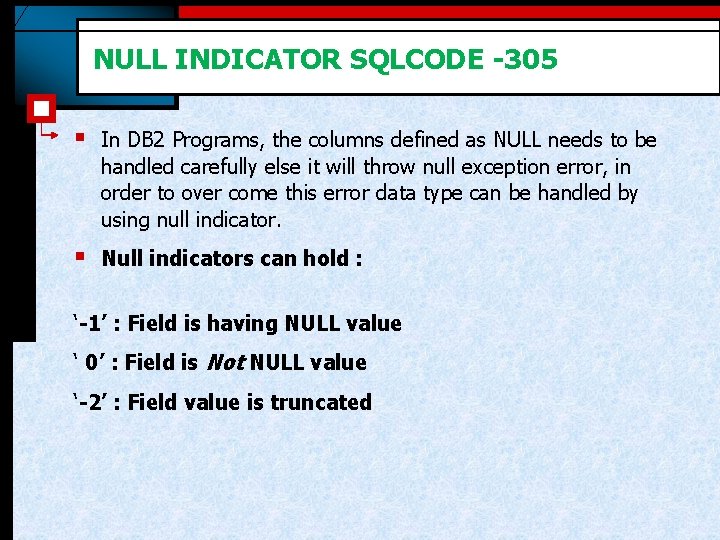
NULL INDICATOR SQLCODE -305 § In DB 2 Programs, the columns defined as NULL needs to be handled carefully else it will throw null exception error, in order to over come this error data type can be handled by using null indicator. § Null indicators can hold : ‘-1’ : Field is having NULL value ‘ 0’ : Field is Not NULL value ‘-2’ : Field value is truncated
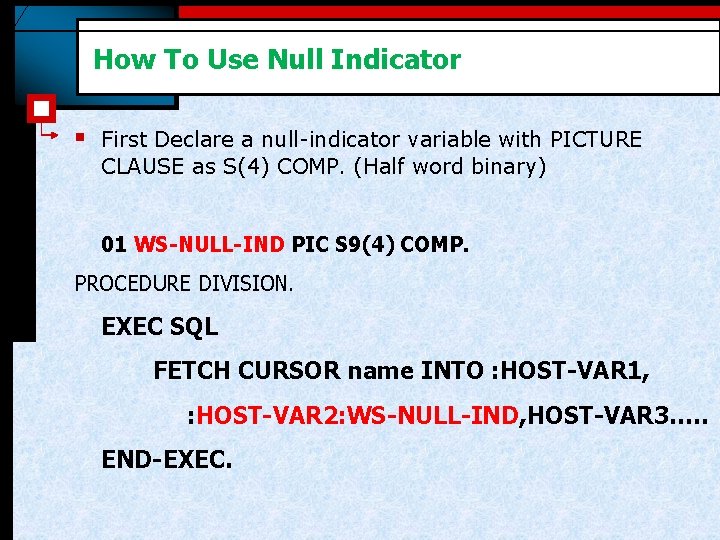
How To Use Null Indicator § First Declare a null-indicator variable with PICTURE CLAUSE as S(4) COMP. (Half word binary) 01 WS-NULL-IND PIC S 9(4) COMP. PROCEDURE DIVISION. EXEC SQL FETCH CURSOR name INTO : HOST-VAR 1, : HOST-VAR 2: WS-NULL-IND, HOST-VAR 3…. . END-EXEC.
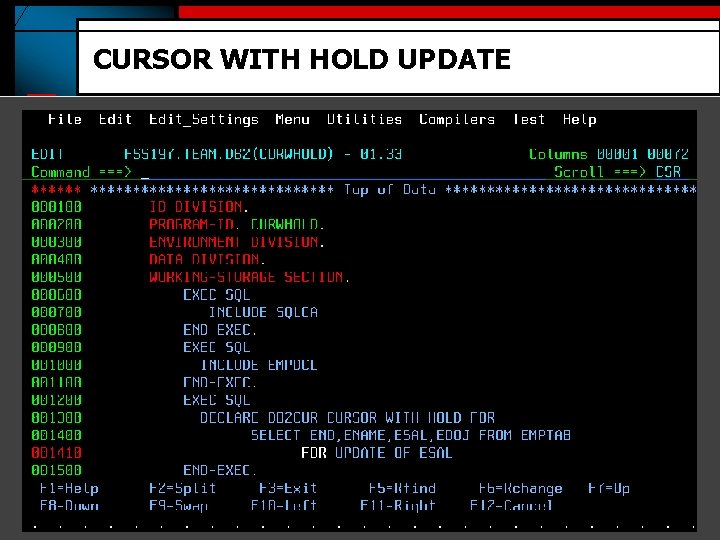
CURSOR WITH HOLD UPDATE
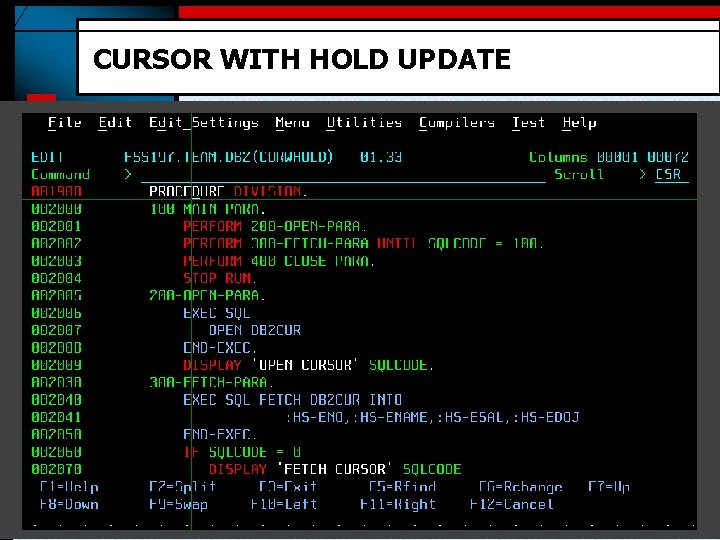
CURSOR WITH HOLD UPDATE
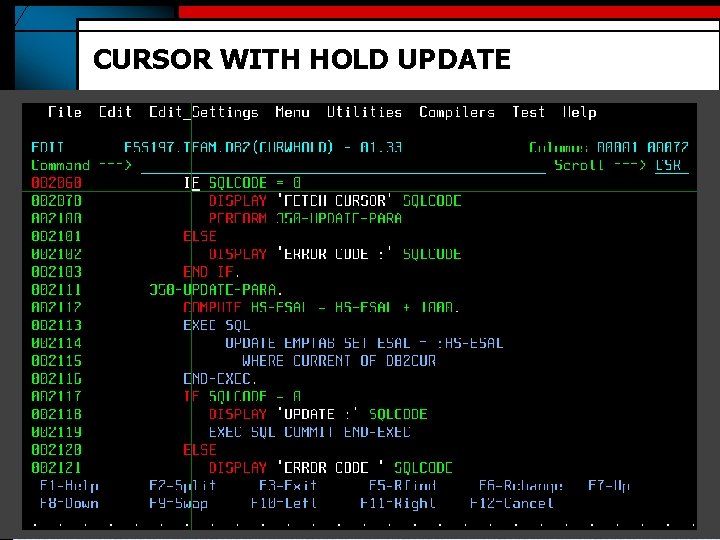
CURSOR WITH HOLD UPDATE
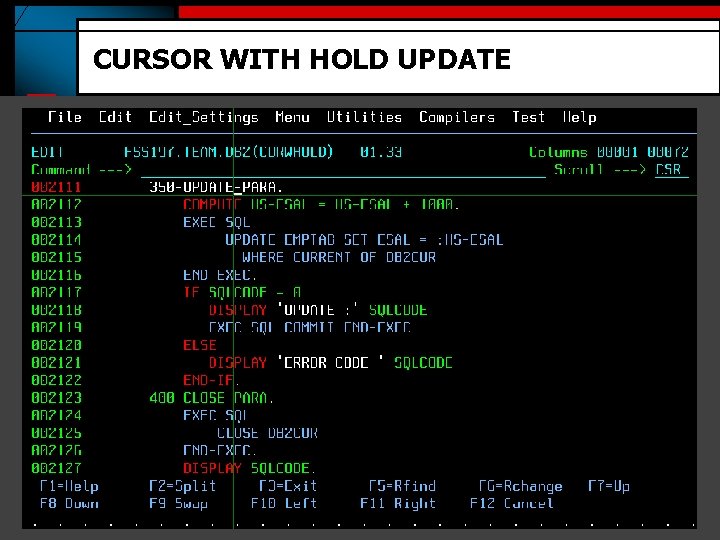
CURSOR WITH HOLD UPDATE
Scrollable And Non-scrollable Cursors § A non-scrollable cursor always moves sequentially forward in the result table. § To make a cursor scrollable, you declare it as scrollable EXEC SQL DECLARE CUR_NAME SENSITIVE/IN SENSITIVE DYNAMIC/STATIC SCROLL CURSOR FOR SELECT DEPTNO, DEPTNAME, MGRNO FROM DSN 8810. DEPT ORDER BY DEPTNO END-EXEC.
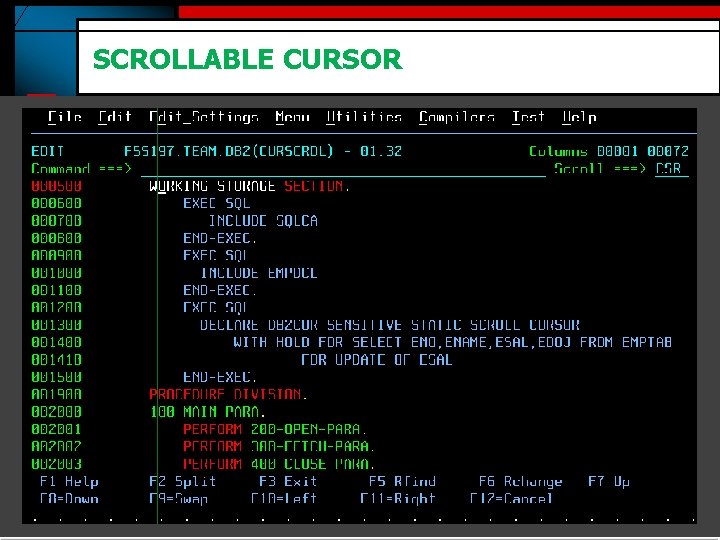
SCROLLABLE CURSOR
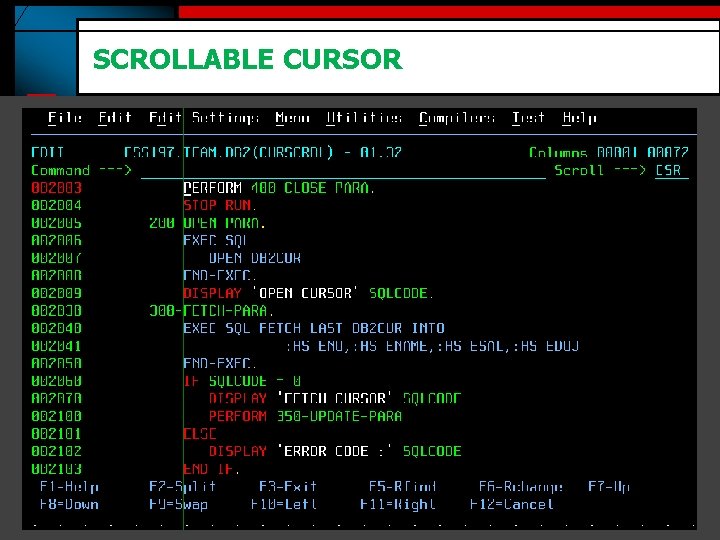
SCROLLABLE CURSOR
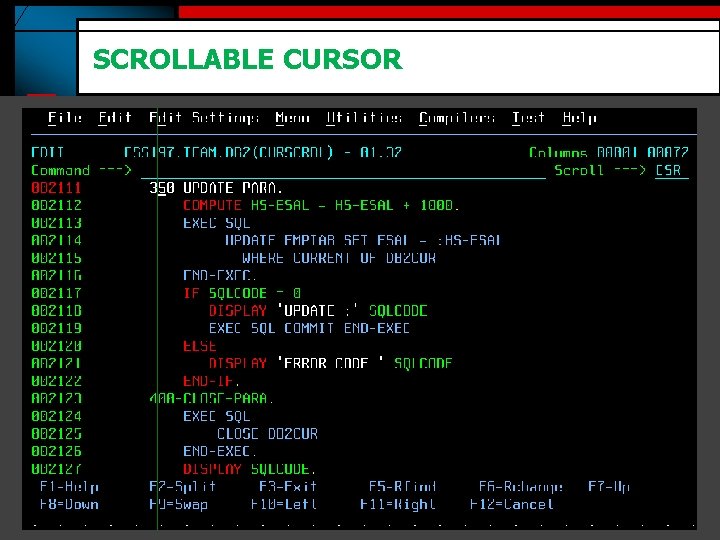
SCROLLABLE CURSOR
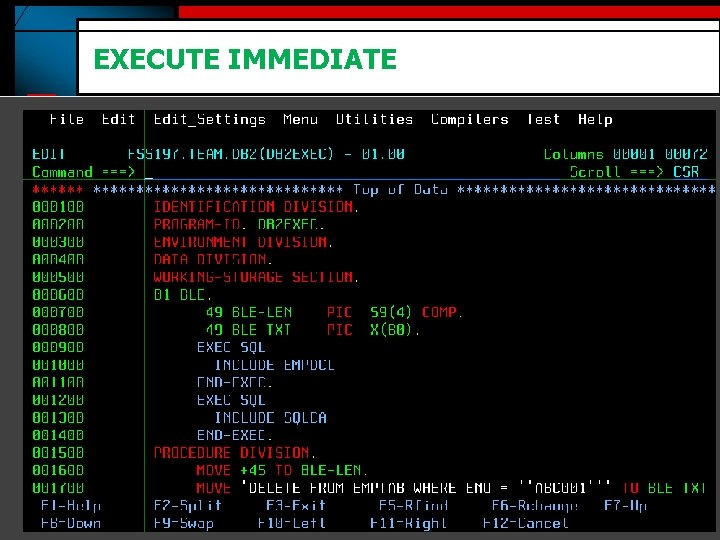
EXECUTE IMMEDIATE
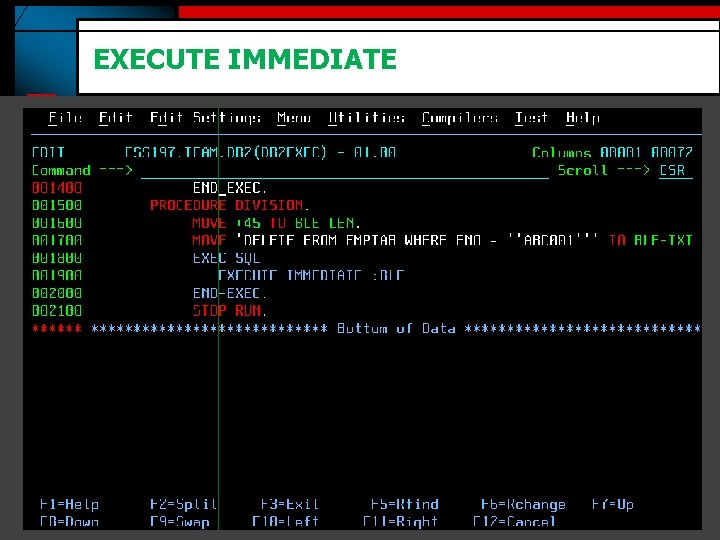
EXECUTE IMMEDIATE

Thank You www. mainframes-online-training. weebly. com Polsani Anil Kumar
- Slides: 37