
Days of the Week Friday Monday Thursday Saturday














- Slides: 23
Days of the Week Friday Monday Thursday Saturday Wednesday Tuesday Sunday Click on a day of the week – further help on the last slide
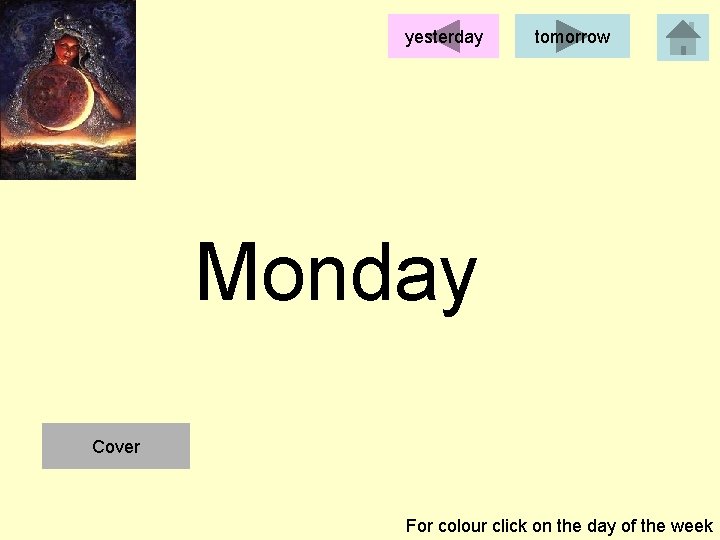
yesterday tomorrow Monday Cover For colour click on the day of the week
Monday Cover
Look
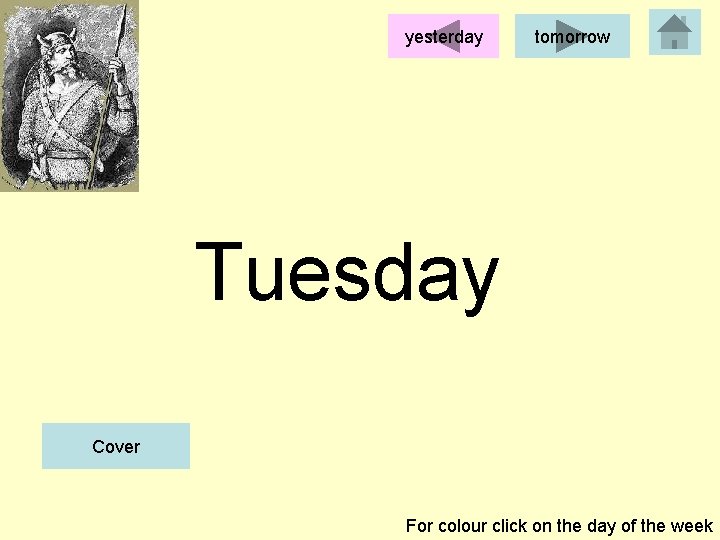
yesterday tomorrow Tuesday Cover For colour click on the day of the week
Tuesday Cover
Look
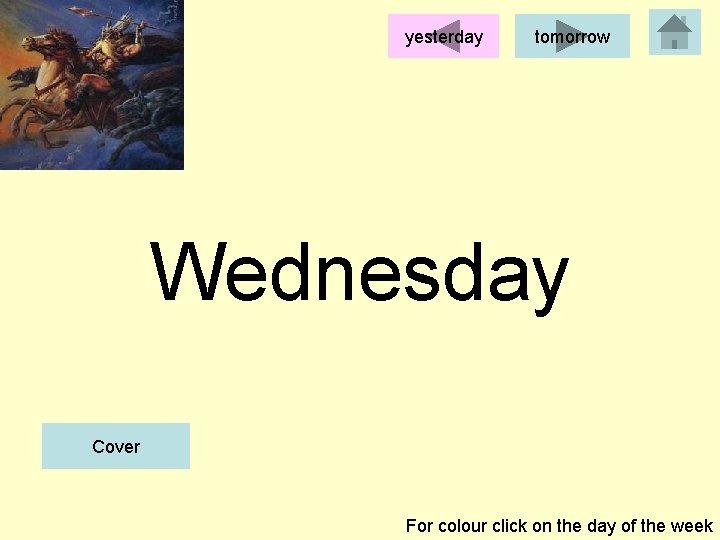
yesterday tomorrow Wednesday Cover For colour click on the day of the week
Wednesday Cover
Look
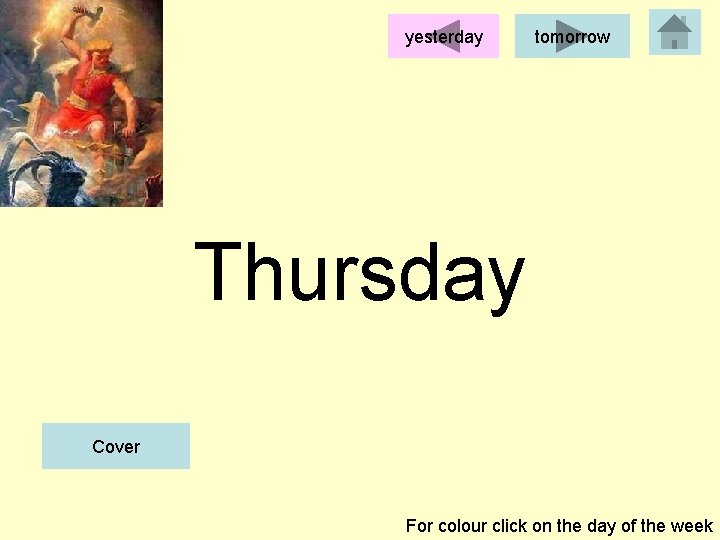
yesterday tomorrow Thursday Cover For colour click on the day of the week
Thursday Cover
Look
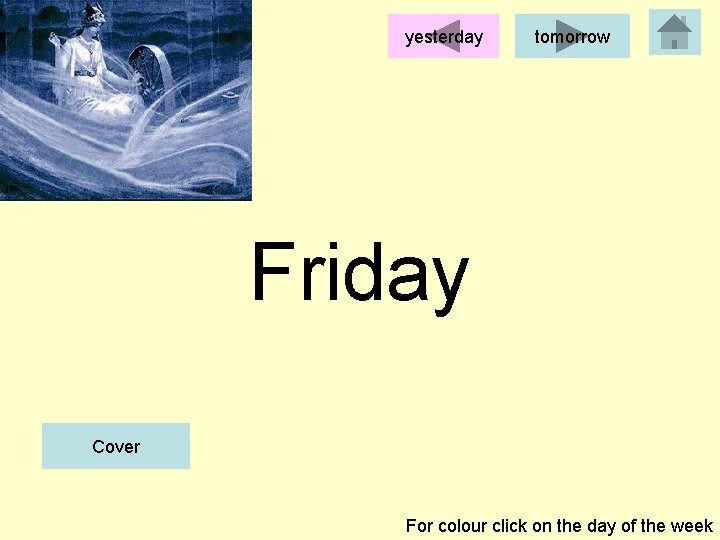
yesterday tomorrow Friday Cover For colour click on the day of the week
Friday Cover
Look
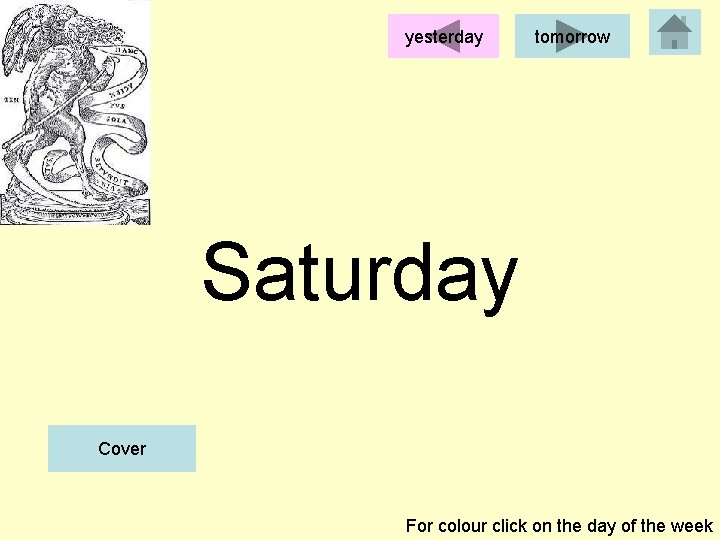
yesterday tomorrow Saturday Cover For colour click on the day of the week
Saturday Cover
Look
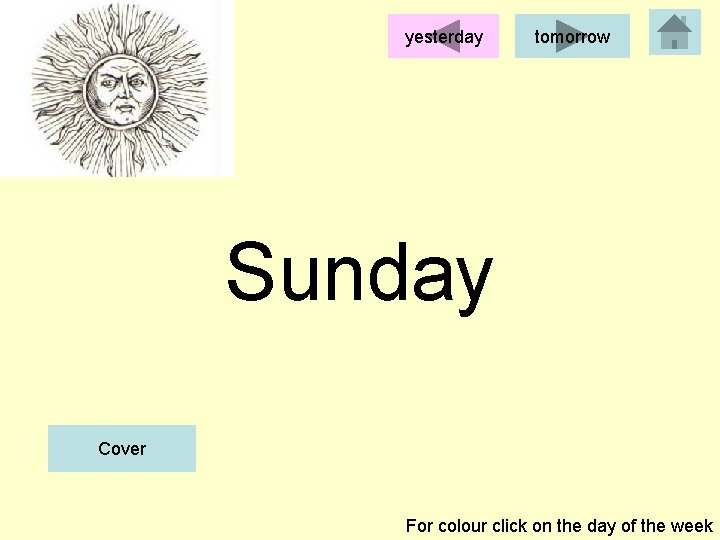
yesterday tomorrow Sunday Cover For colour click on the day of the week
Sunday Cover
Look
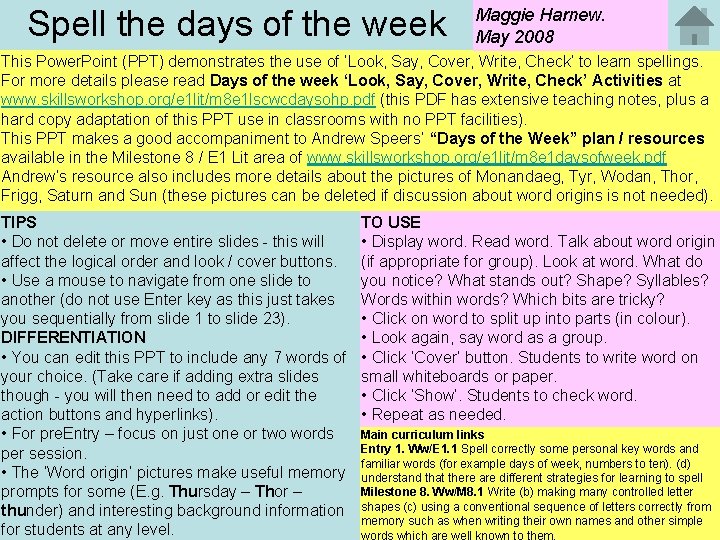
Spell the days of the week Maggie Harnew. May 2008 This Power. Point (PPT) demonstrates the use of ‘Look, Say, Cover, Write, Check’ to learn spellings. For more details please read Days of the week ‘Look, Say, Cover, Write, Check’ Activities at www. skillsworkshop. org/e 1 lit/m 8 e 1 lscwcdaysohp. pdf (this PDF has extensive teaching notes, plus a hard copy adaptation of this PPT use in classrooms with no PPT facilities). This PPT makes a good accompaniment to Andrew Speers’ “Days of the Week” plan / resources available in the Milestone 8 / E 1 Lit area of www. skillsworkshop. org/e 1 lit/m 8 e 1 daysofweek. pdf Andrew’s resource also includes more details about the pictures of Monandaeg, Tyr, Wodan, Thor, Frigg, Saturn and Sun (these pictures can be deleted if discussion about word origins is not needed). TIPS • Do not delete or move entire slides - this will affect the logical order and look / cover buttons. • Use a mouse to navigate from one slide to another (do not use Enter key as this just takes you sequentially from slide 1 to slide 23). DIFFERENTIATION • You can edit this PPT to include any 7 words of your choice. (Take care if adding extra slides though - you will then need to add or edit the action buttons and hyperlinks). • For pre. Entry – focus on just one or two words per session. • The ‘Word origin’ pictures make useful memory prompts for some (E. g. Thursday – Thor – thunder) and interesting background information for students at any level. TO USE • Display word. Read word. Talk about word origin (if appropriate for group). Look at word. What do you notice? What stands out? Shape? Syllables? Words within words? Which bits are tricky? • Click on word to split up into parts (in colour). • Look again, say word as a group. • Click ‘Cover’ button. Students to write word on small whiteboards or paper. • Click ‘Show’. Students to check word. • Repeat as needed. Main curriculum links Entry 1. Ww/E 1. 1 Spell correctly some personal key words and familiar words (for example days of week, numbers to ten). (d) understand that there are different strategies for learning to spell Milestone 8. Ww/M 8. 1 Write (b) making many controlled letter shapes (c) using a conventional sequence of letters correctly from memory such as when writing their own names and other simple words which are well known to them.