
Dates and Times SAS Date Time and Date
- Slides: 11
Dates and Times SAS Date, Time and Date. Time Formats
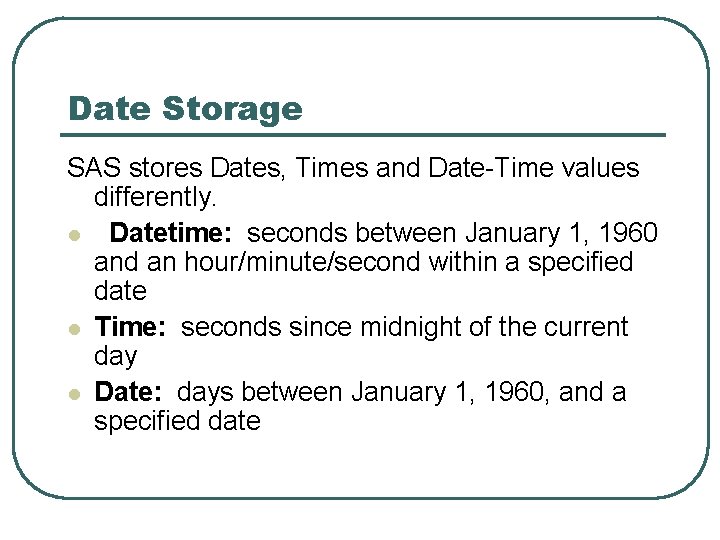
Date Storage SAS stores Dates, Times and Date-Time values differently. l Datetime: seconds between January 1, 1960 and an hour/minute/second within a specified date l Time: seconds since midnight of the current day l Date: days between January 1, 1960, and a specified date
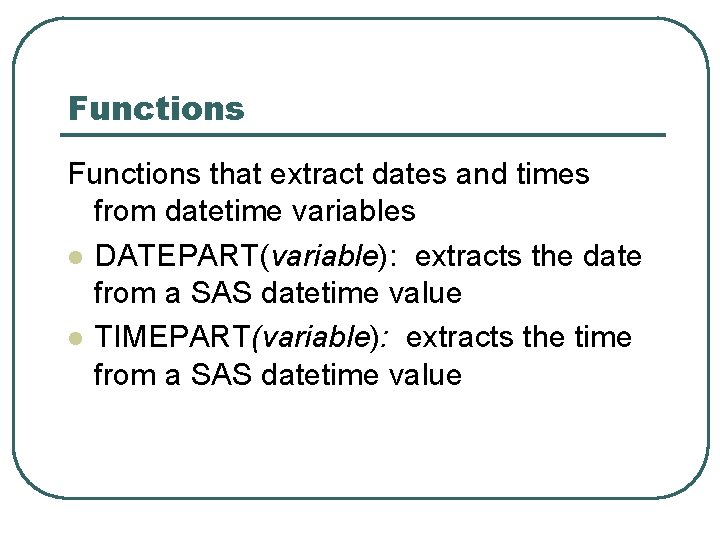
Functions that extract dates and times from datetime variables l DATEPART(variable): extracts the date from a SAS datetime value l TIMEPART(variable): extracts the time from a SAS datetime value
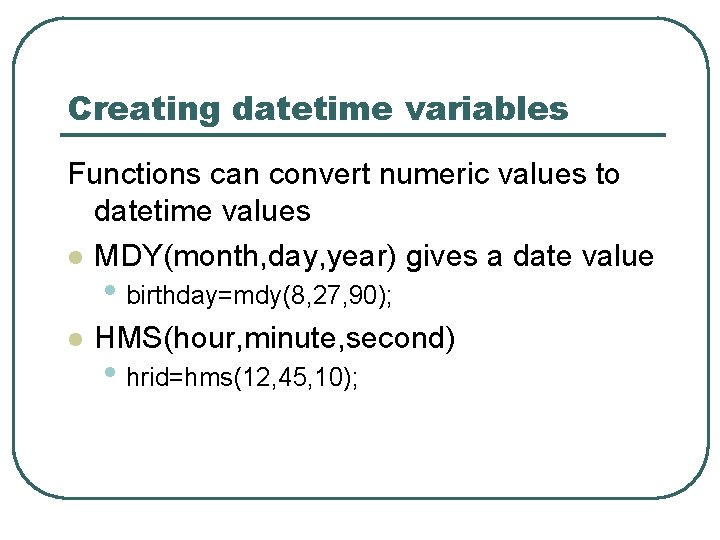
Creating datetime variables Functions can convert numeric values to datetime values l MDY(month, day, year) gives a date value • birthday=mdy(8, 27, 90); l HMS(hour, minute, second) • hrid=hms(12, 45, 10);
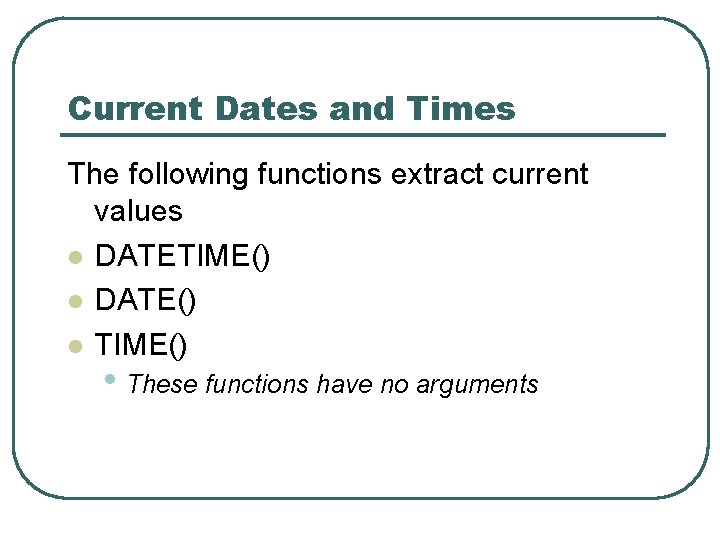
Current Dates and Times The following functions extract current values l DATETIME() l DATE() l TIME() • These functions have no arguments
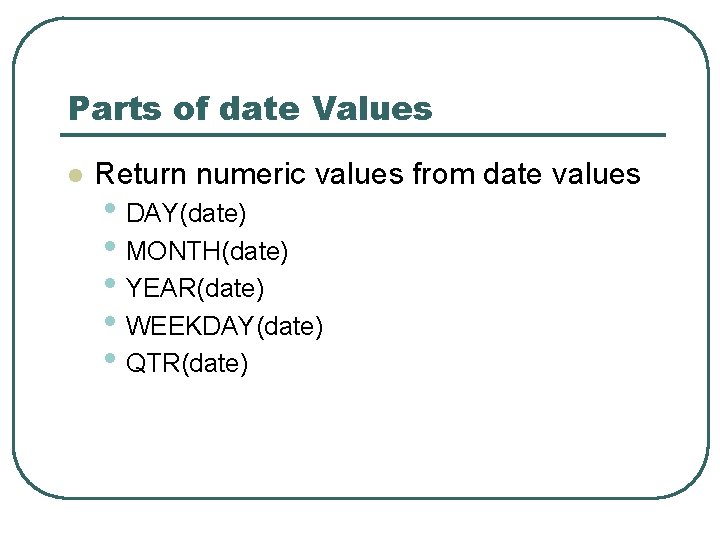
Parts of date Values l Return numeric values from date values • DAY(date) • MONTH(date) • YEAR(date) • WEEKDAY(date) • QTR(date)
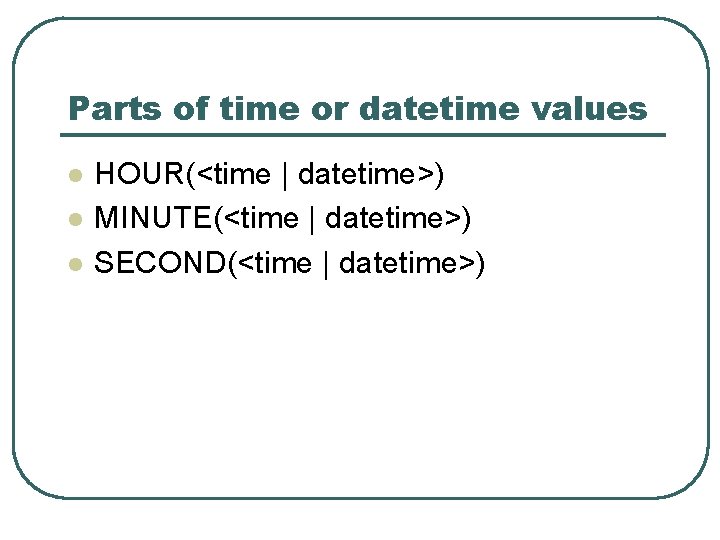
Parts of time or datetime values l l l HOUR(<time | datetime>) MINUTE(<time | datetime>) SECOND(<time | datetime>)
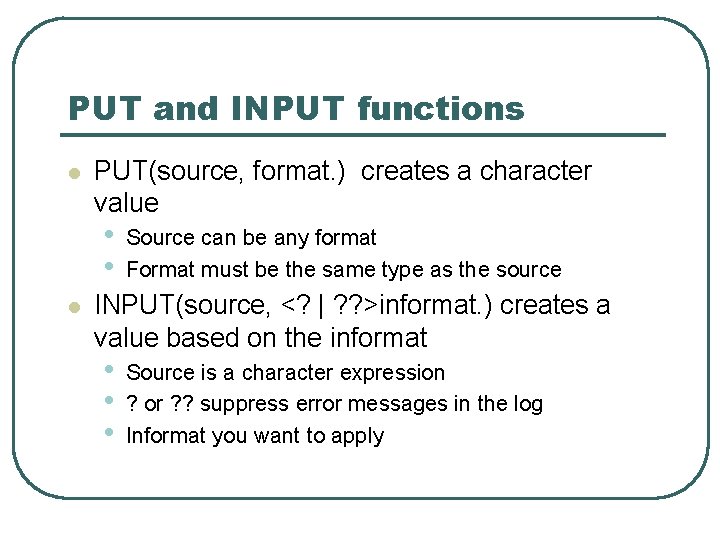
PUT and INPUT functions l PUT(source, format. ) creates a character value • • l Source can be any format Format must be the same type as the source INPUT(source, <? | ? ? >informat. ) creates a value based on the informat • • • Source is a character expression ? or ? ? suppress error messages in the log Informat you want to apply
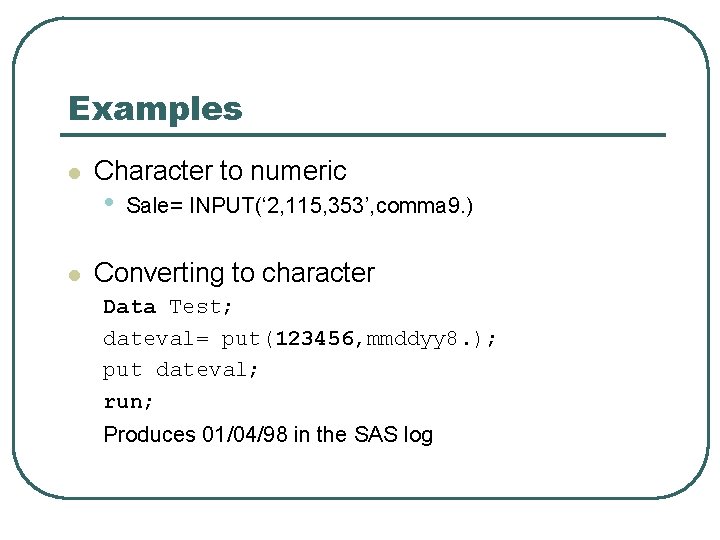
Examples l l Character to numeric • Sale= INPUT(‘ 2, 115, 353’, comma 9. ) Converting to character Data Test; dateval= put(123456, mmddyy 8. ); put dateval; run; Produces 01/04/98 in the SAS log
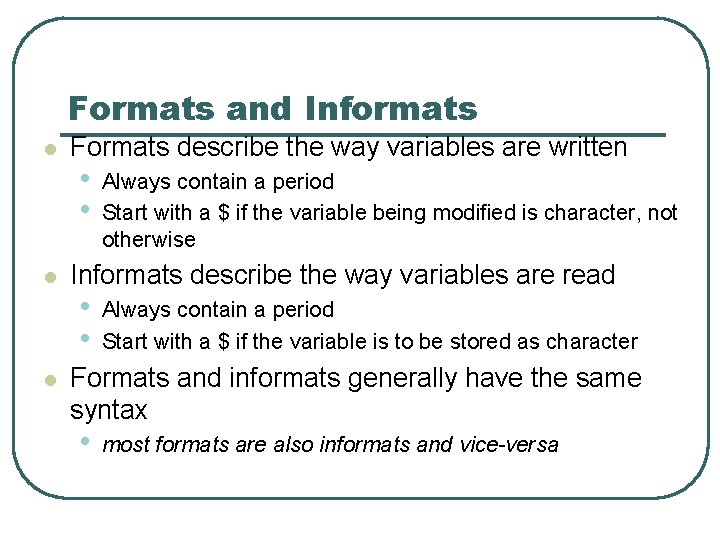
Formats and Informats l l l Formats describe the way variables are written • • Always contain a period Start with a $ if the variable being modified is character, not otherwise Informats describe the way variables are read • • Always contain a period Start with a $ if the variable is to be stored as character Formats and informats generally have the same syntax • most formats are also informats and vice-versa
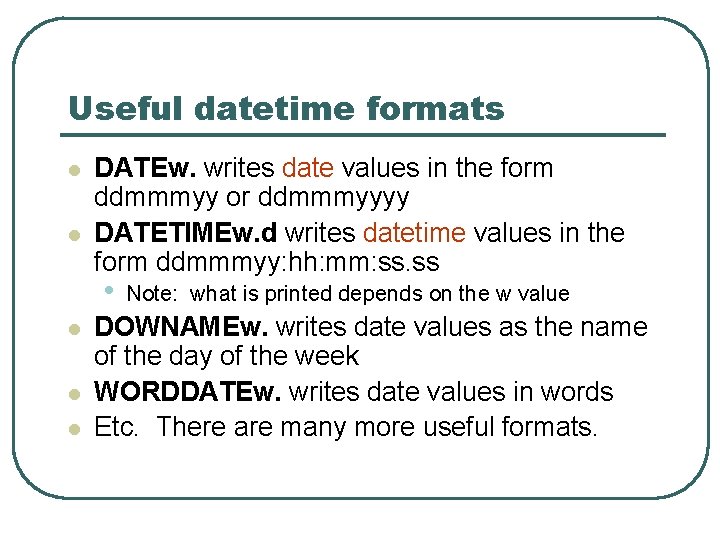
Useful datetime formats l l DATEw. writes date values in the form ddmmmyy or ddmmmyyyy DATETIMEw. d writes datetime values in the form ddmmmyy: hh: mm: ss. ss • l l l Note: what is printed depends on the w value DOWNAMEw. writes date values as the name of the day of the week WORDDATEw. writes date values in words Etc. There are many more useful formats.