
Datalogger Programming Using Arduino Part 1 Jeffery S
- Slides: 32
Datalogger Programming Using Arduino - Part 1 Jeffery S. Horsburgh Hydroinformatics Fall 2018
Objectives • Learn basic data collection concepts for hydrologic data • Examine more closely observation dimensionality, including the scale triplet of support, spacing, and extent • Learn the basic datalogger program structure for logging data
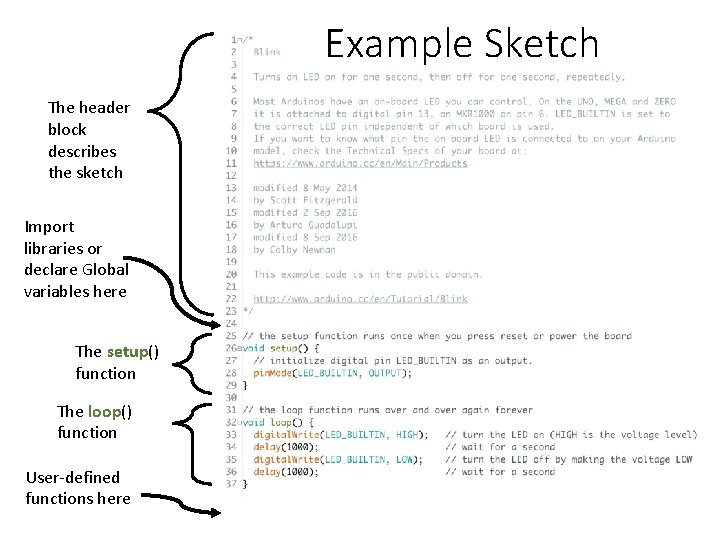
Arduino Programs – “Sketches” • Sketch = Program • Unit of code uploaded to and run on an Arduino board • 5 parts: 1. 2. 3. 4. 5. A descriptive header comment block Definition of global variables Setup() function Loop() function User-defined functions • Arduino Language Reference: https: //www. arduino. cc/en/Reference/Home. Page
Arduino Language • Roughly based on C • All statements must end with a ; • Variables are storage compartments for numbers • Variables must be defined before use • // Comments are preceded by two forward slashes What’s the best way to learn the language? Study the examples and other people’s code!!!
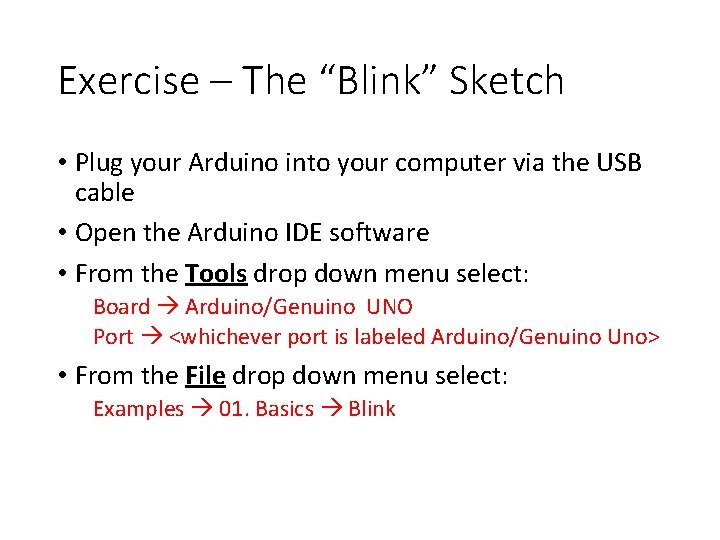
Exercise – The “Blink” Sketch • Plug your Arduino into your computer via the USB cable • Open the Arduino IDE software • From the Tools drop down menu select: Board Arduino/Genuino UNO Port <whichever port is labeled Arduino/Genuino Uno> • From the File drop down menu select: Examples 01. Basics Blink
Example Sketch The header block describes the sketch Import libraries or declare Global variables here The setup() function The loop() function User-defined functions here
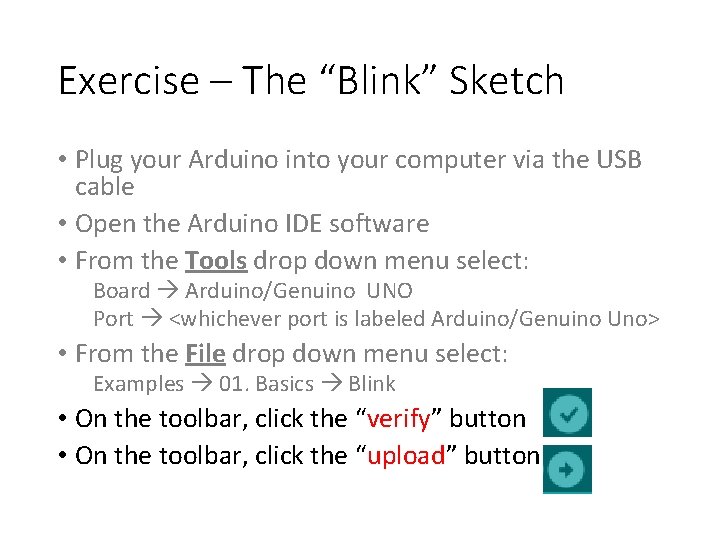
Exercise – The “Blink” Sketch • Plug your Arduino into your computer via the USB cable • Open the Arduino IDE software • From the Tools drop down menu select: Board Arduino/Genuino UNO Port <whichever port is labeled Arduino/Genuino Uno> • From the File drop down menu select: Examples 01. Basics Blink • On the toolbar, click the “verify” button • On the toolbar, click the “upload” button
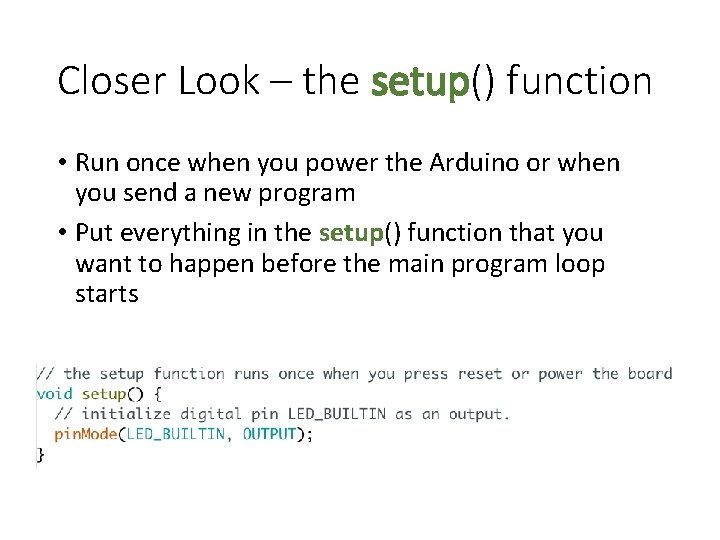
Closer Look – the setup() function • Run once when you power the Arduino or when you send a new program • Put everything in the setup() function that you want to happen before the main program loop starts
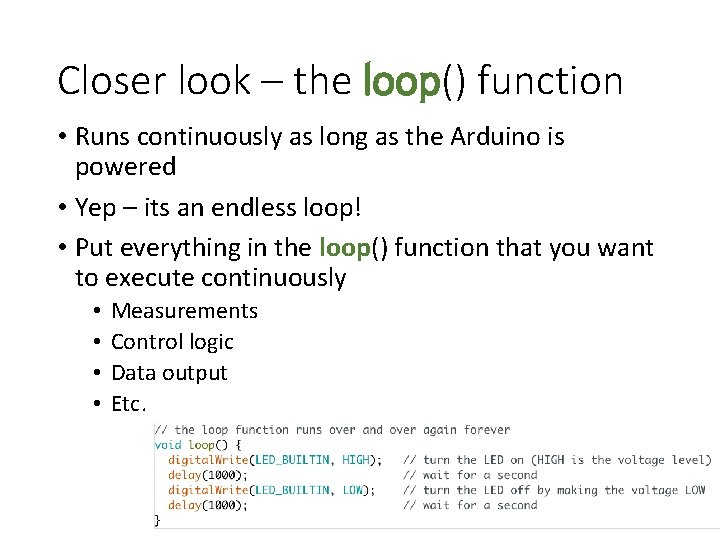
Closer look – the loop() function • Runs continuously as long as the Arduino is powered • Yep – its an endless loop! • Put everything in the loop() function that you want to execute continuously • • Measurements Control logic Data output Etc.
How do we turn an Arduino into a datalogger? • Some things we have to figure out: o Debugging o Timing o Interfacing with sensors and making measurements o Recording data to a file
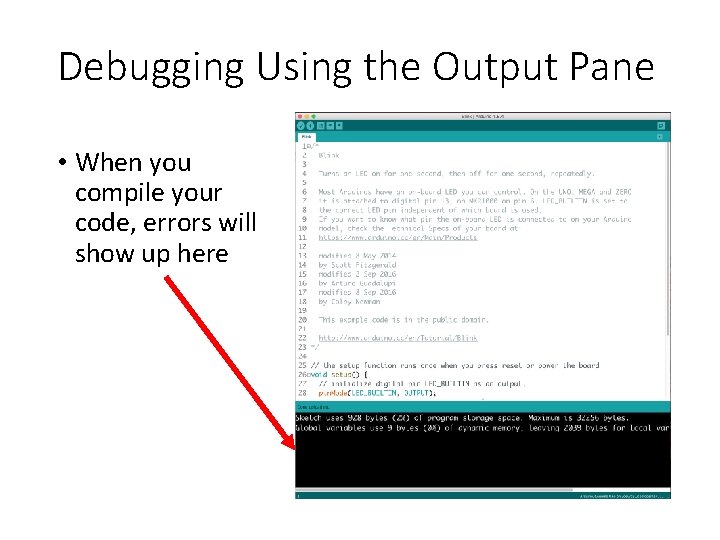
Debugging Using the Output Pane • When you compile your code, errors will show up here
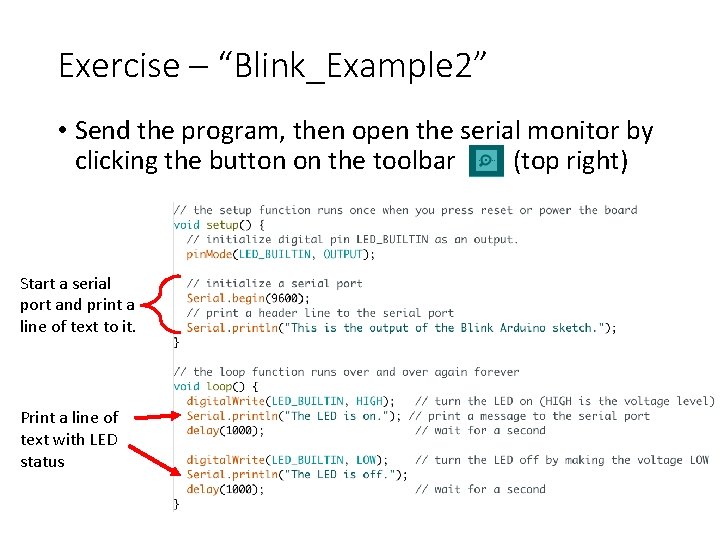
Exercise – “Blink_Example 2” • Send the program, then open the serial monitor by clicking the button on the toolbar (top right) Start a serial port and print a line of text to it. Print a line of text with LED status
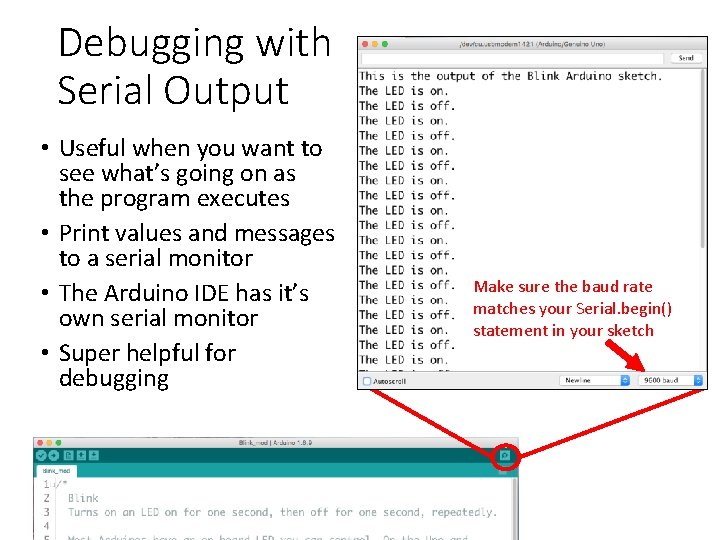
Debugging with Serial Output • Useful when you want to see what’s going on as the program executes • Print values and messages to a serial monitor • The Arduino IDE has it’s own serial monitor • Super helpful for debugging Make sure the baud rate matches your Serial. begin() statement in your sketch
Timing • The loop() function runs indefinitely as fast as it can • The loop itself takes a couple of clock cycles, but total time is dependent on what is in the loop • Arduino UNO has no realtime clock (bummer!) • But, it has some useful timing functions: • millis() – number of milliseconds since the Arduino board began running the current program • micros() – same as millis, but for microseconds • delay() – pauses the program for an amount of time (in milliseconds) • delay. Microseconds() – same as delay but for microseconds NOTE: millis() and micros() will overflow and go back to zero after a certain period of time
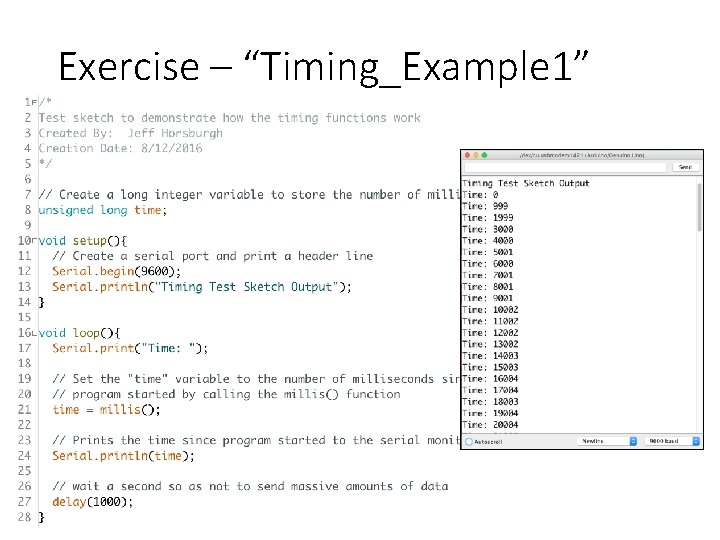
Exercise – “Timing_Example 1”
Timing • millis() and delay() are great, but not exact • Plus, delay() pauses the program and you can’t do anything else at the same time • What if I want the Arduino to do something (like make a measurement) on a more precise, set time interval? • What if I want to do multiple things at the same time?
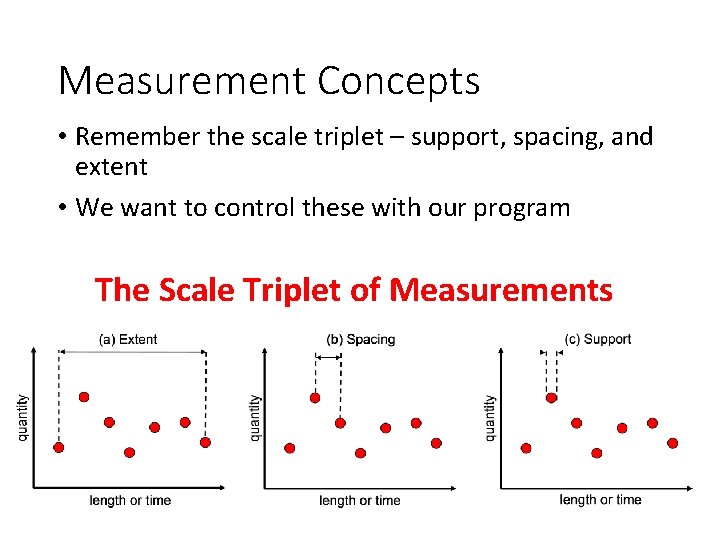
Measurement Concepts • Remember the scale triplet – support, spacing, and extent • We want to control these with our program The Scale Triplet of Measurements
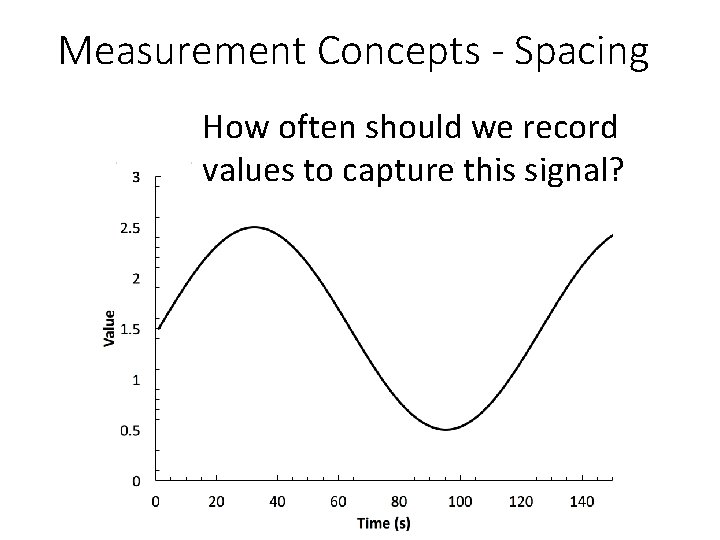
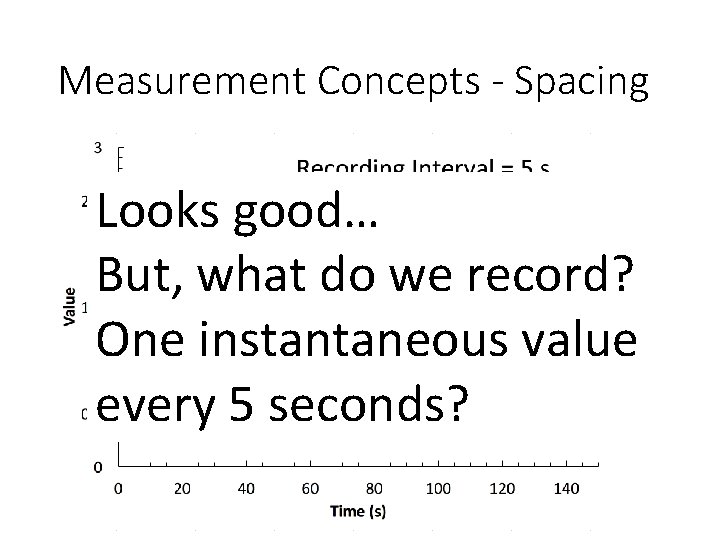
Measurement Concepts - Spacing How often should we record values to capture this signal?
“When one can verify that additional measurements will merely ‘connect the dots’ between the existing observations, the hydrochemical record can be considered continuous for all practical purposes. ” Kirchner, J. W. , Feng, X. , Neal, C. , Robson, A. J. (2004). The fine structure of waterquality dynamics: the (high-frequency) wave of the future, Hydrological Processes, 18(7), 1353 -1359, http: //dx. doi. org/10. 1002/hyp. 5537.
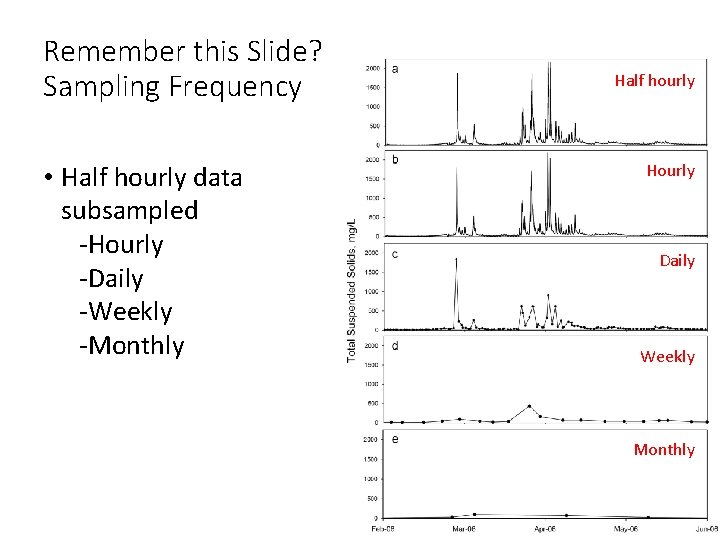
Remember this Slide? Sampling Frequency • Half hourly data subsampled -Hourly -Daily -Weekly -Monthly Half hourly Hourly Daily Weekly Monthly
Measurement Concepts - Spacing Looks good… But, what do we record? One instantaneous value every 5 seconds?
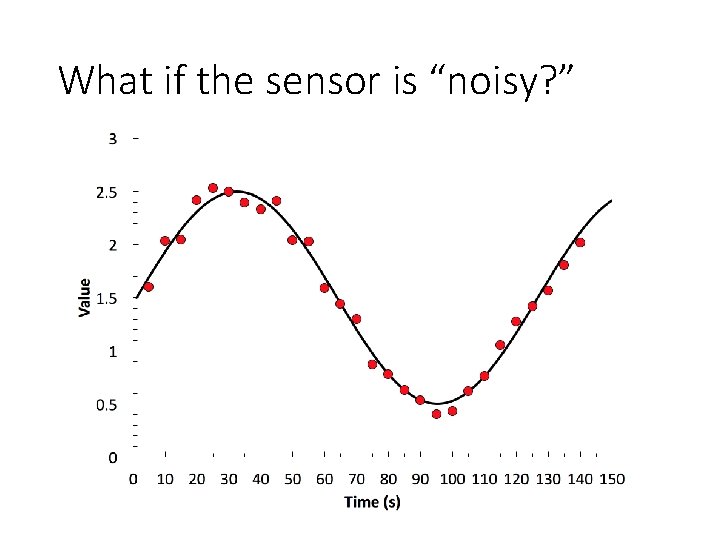
What if the sensor is “noisy? ”
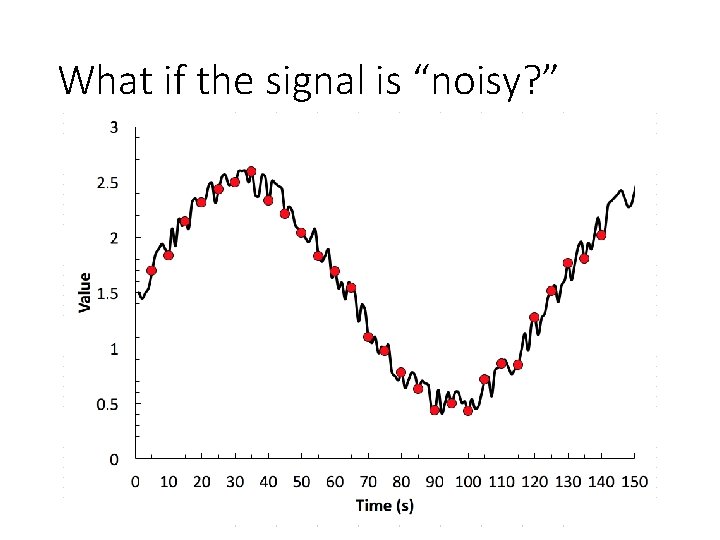
What if the signal is “noisy? ”
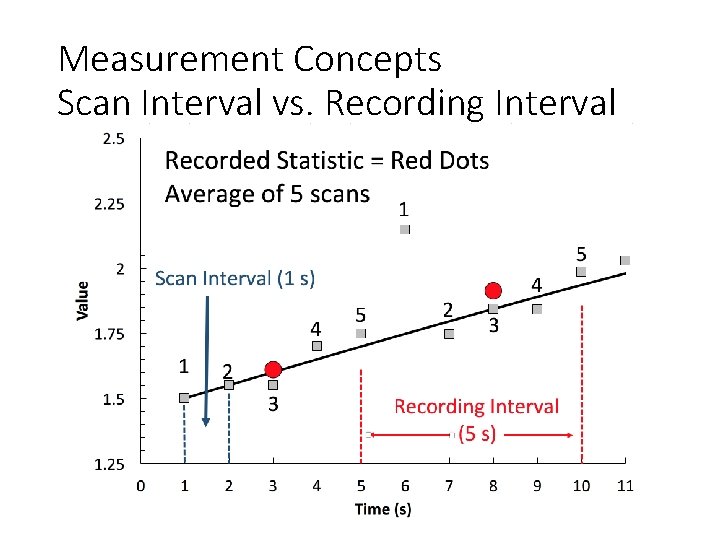
Time Support and Spacing • Generally handled using a scan interval and a recording interval • Scan Interval = the time between sensor measurements • Recording Interval = the time between recorded observations What is the difference?
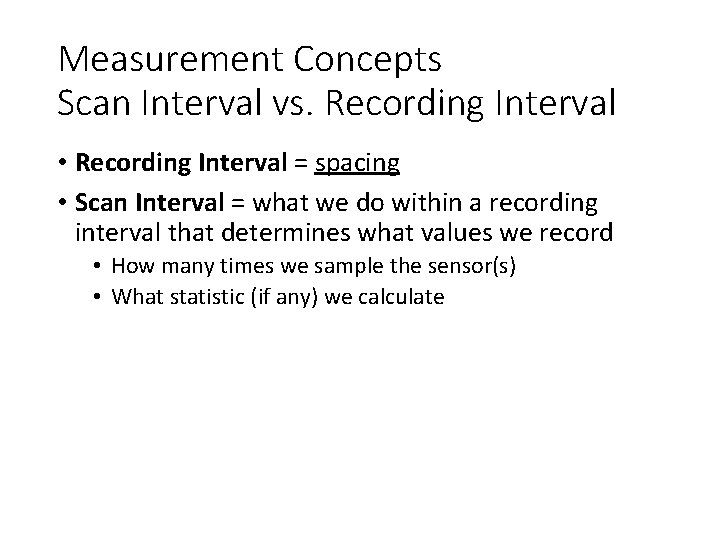
Measurement Concepts Scan Interval vs. Recording Interval • Recording Interval = spacing • Scan Interval = what we do within a recording interval that determines what values we record • How many times we sample the sensor(s) • What statistic (if any) we calculate
Measurement Concepts Scan Interval vs. Recording Interval
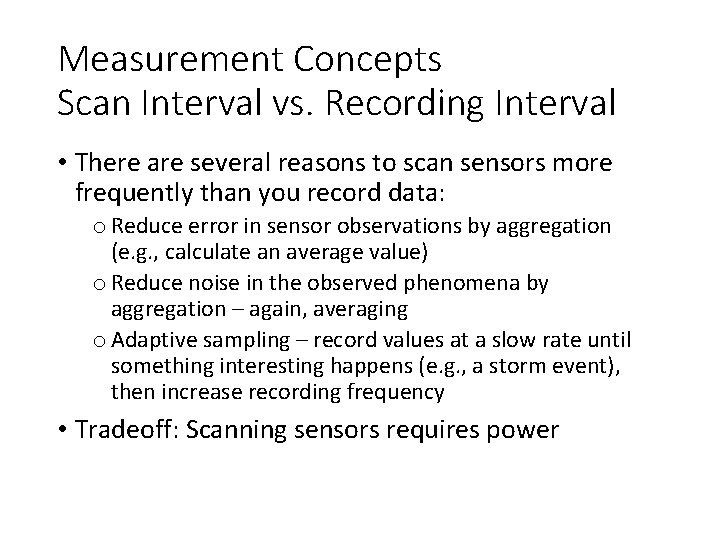
Measurement Concepts Scan Interval vs. Recording Interval • There are several reasons to scan sensors more frequently than you record data: o Reduce error in sensor observations by aggregation (e. g. , calculate an average value) o Reduce noise in the observed phenomena by aggregation – again, averaging o Adaptive sampling – record values at a slow rate until something interesting happens (e. g. , a storm event), then increase recording frequency • Tradeoff: Scanning sensors requires power
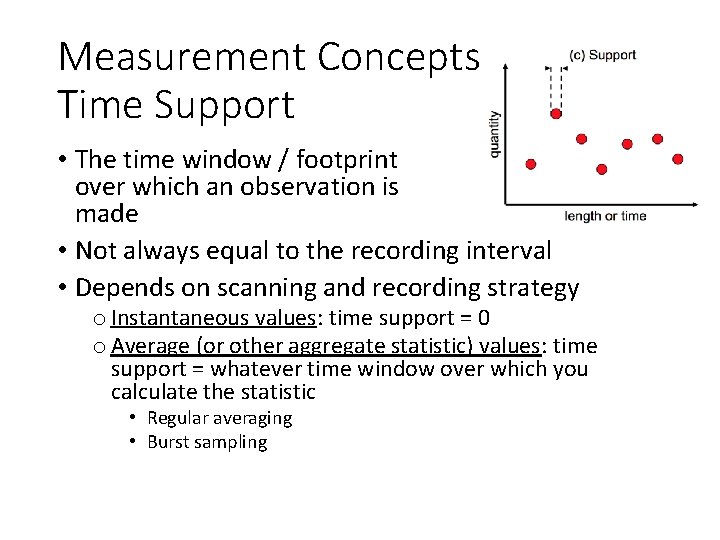
Measurement Concepts Time Support • The time window / footprint over which an observation is made • Not always equal to the recording interval • Depends on scanning and recording strategy o Instantaneous values: time support = 0 o Average (or other aggregate statistic) values: time support = whatever time window over which you calculate the statistic • Regular averaging • Burst sampling
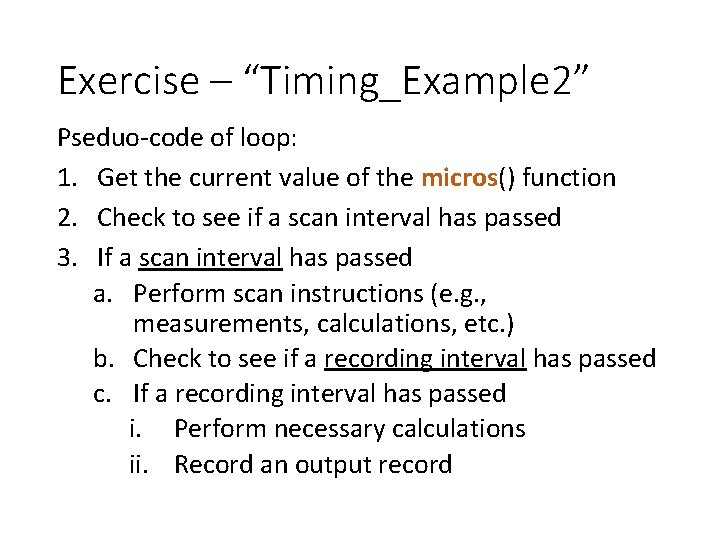
Exercise – “Timing_Example 2” Pseduo-code of loop: 1. Get the current value of the micros() function 2. Check to see if a scan interval has passed 3. If a scan interval has passed a. Perform scan instructions (e. g. , measurements, calculations, etc. ) b. Check to see if a recording interval has passed c. If a recording interval has passed i. Perform necessary calculations ii. Record an output record
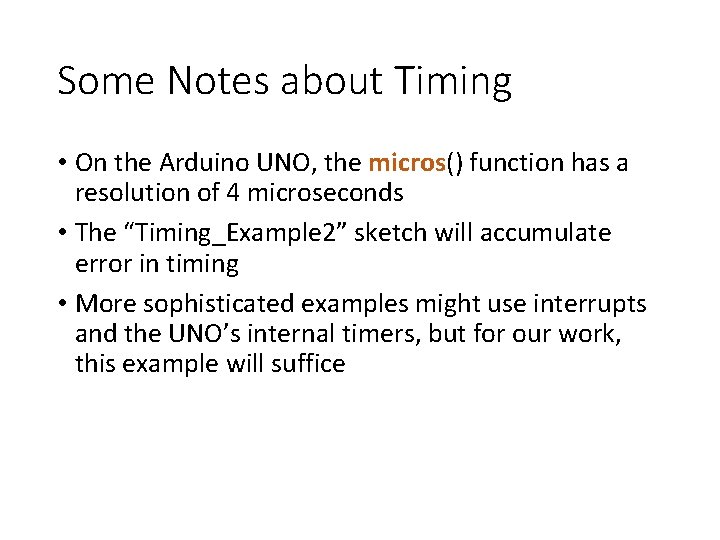
Some Notes about Timing • On the Arduino UNO, the micros() function has a resolution of 4 microseconds • The “Timing_Example 2” sketch will accumulate error in timing • More sophisticated examples might use interrupts and the UNO’s internal timers, but for our work, this example will suffice
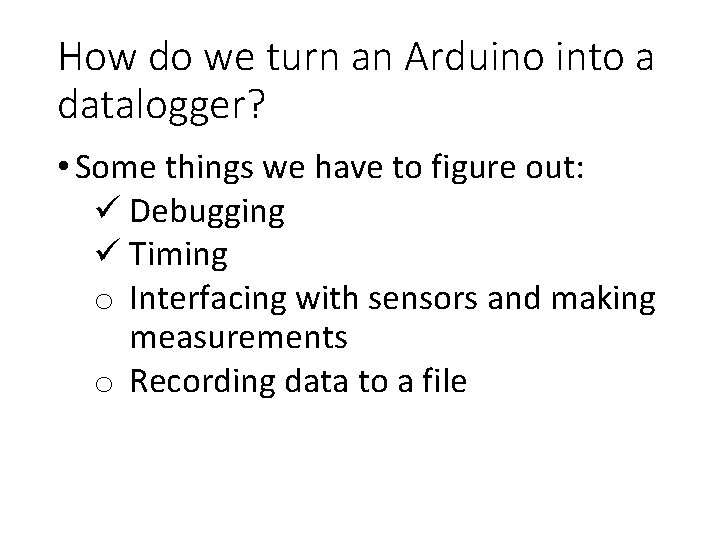
How do we turn an Arduino into a datalogger? • Some things we have to figure out: ü Debugging ü Timing o Interfacing with sensors and making measurements o Recording data to a file
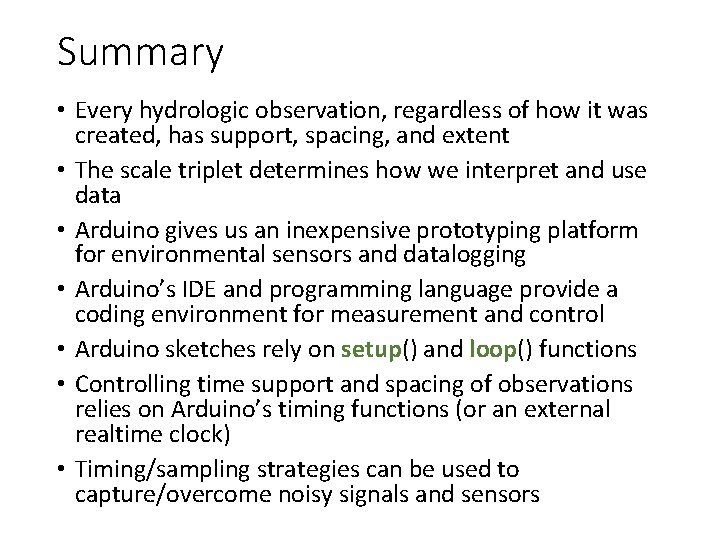
Summary • Every hydrologic observation, regardless of how it was created, has support, spacing, and extent • The scale triplet determines how we interpret and use data • Arduino gives us an inexpensive prototyping platform for environmental sensors and datalogging • Arduino’s IDE and programming language provide a coding environment for measurement and control • Arduino sketches rely on setup() and loop() functions • Controlling time support and spacing of observations relies on Arduino’s timing functions (or an external realtime clock) • Timing/sampling strategies can be used to capture/overcome noisy signals and sensors