
DATABASE SERVER WEB SERVER 030523126 Linux Operating System
DATABASE SERVER WEB SERVER 030523126 – Linux Operating System and Administration Assoc. Prof. Dr. Choopan Rattanapoka
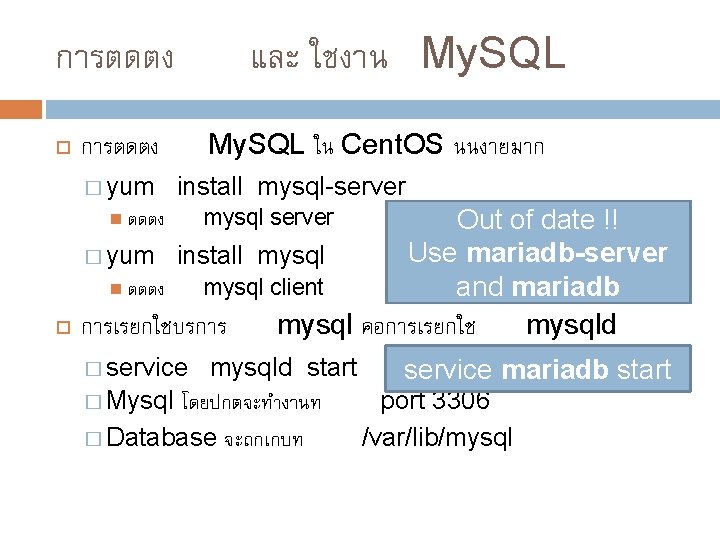
และ ใชงาน My. SQL การตดตง My. SQL ใน Cent. OS นนงายมาก การตดตง � yum install mysql-server Out of date !! Use mariadb-server � yum install mysql ตตตง mysql client and mariadb การเรยกใชบรการ mysql คอการเรยกใช mysqld ตดตง � service mysql server mysqld start service mariadb start � Mysql โดยปกตจะทำงานท port 3306 � Database จะถกเกบท /var/lib/mysql
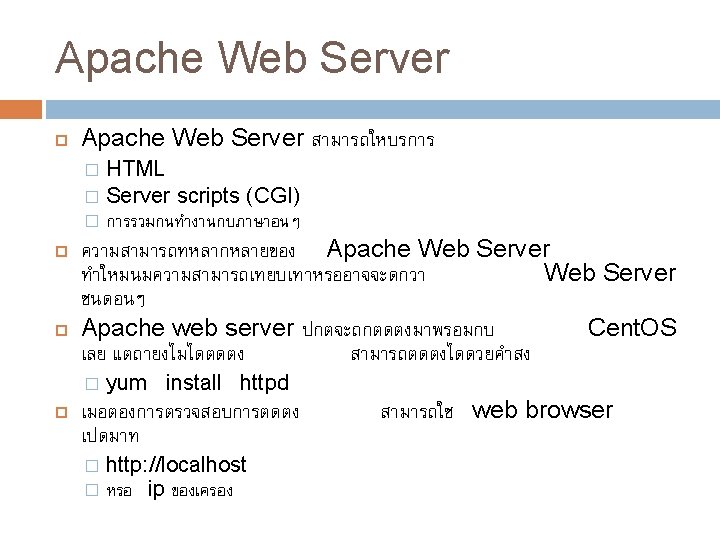
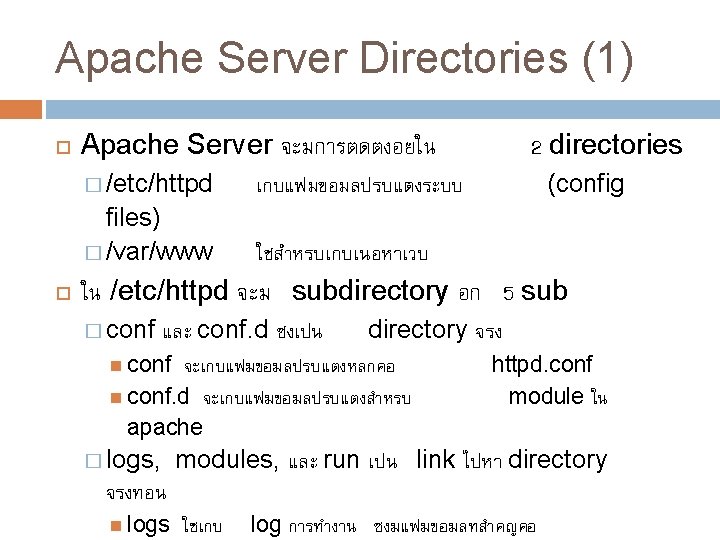
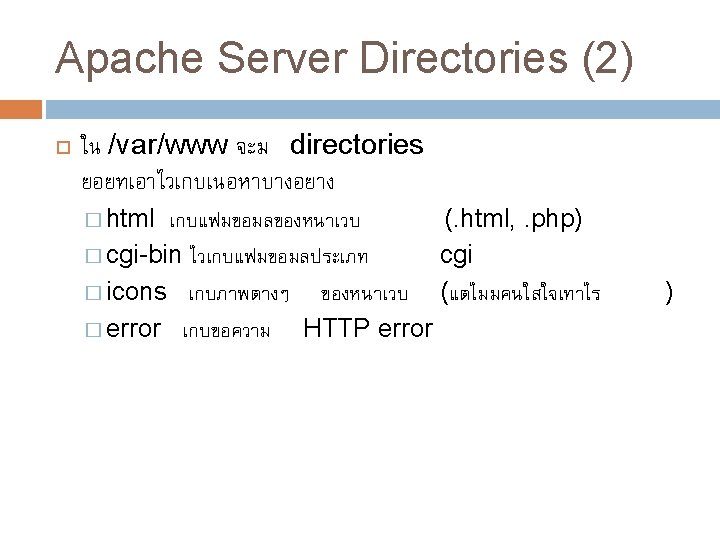
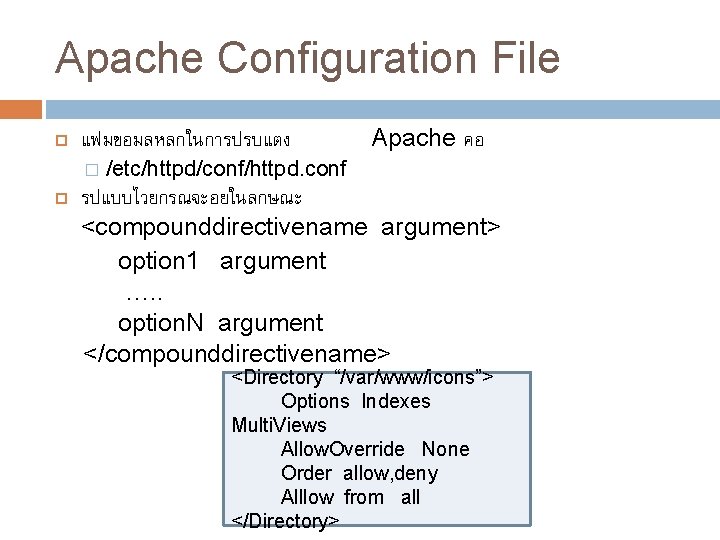
Apache Configuration File แฟมขอมลหลกในการปรบแตง � Apache คอ /etc/httpd/conf/httpd. conf รปแบบไวยกรณจะอยในลกษณะ <compounddirectivename argument> option 1 argument …. . option. N argument </compounddirectivename> <Directory “/var/www/icons”> Options Indexes Multi. Views Allow. Override None Order allow, deny Alllow from all </Directory>
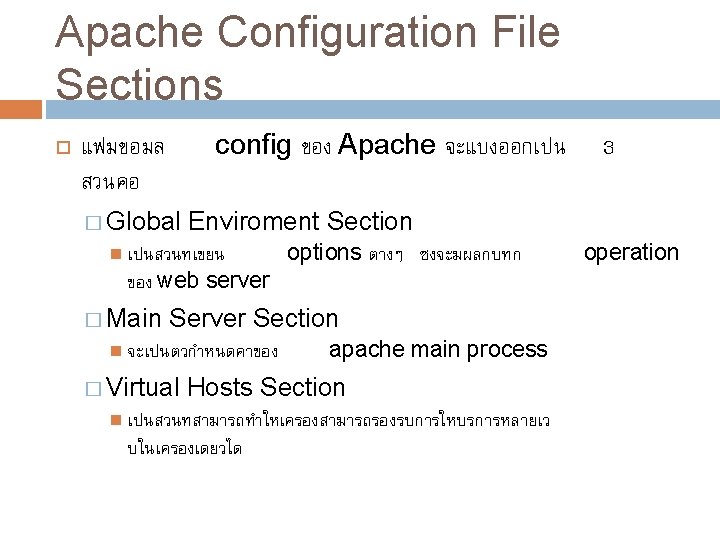
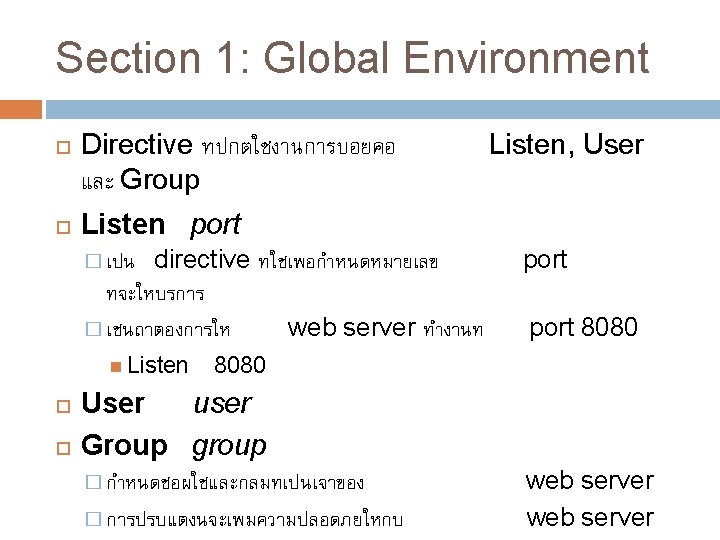
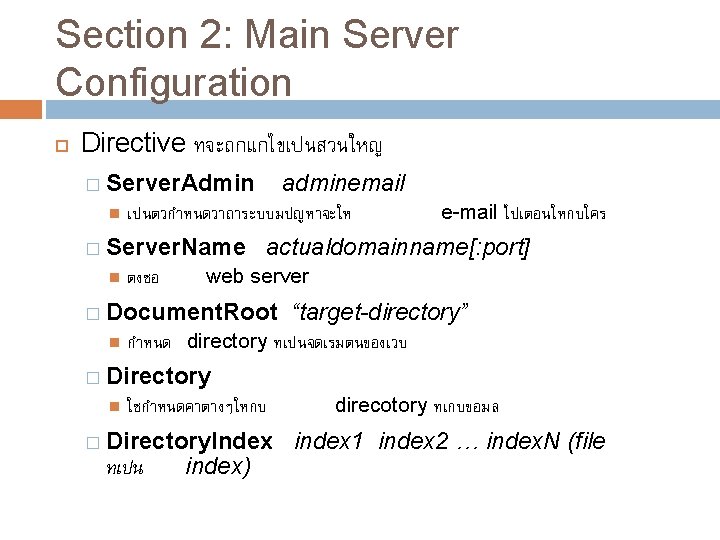
Section 2: Main Server Configuration Directive ทจะถกแกไขเปนสวนใหญ � Server. Admin เปนตวกำหนดวาถาระบบมปญหาจะให � Server. Name adminemail ตงชอ actualdomainname[: port] web server � Document. Root e-mail ไปเตอนใหกบใคร “target-directory” กำหนด directory ทเปนจดเรมตนของเวบ � Directory ใชกำหนดคาตางๆใหกบ � Directory. Index ทเปน index) direcotory ทเกบขอมล index 1 index 2 … index. N (file
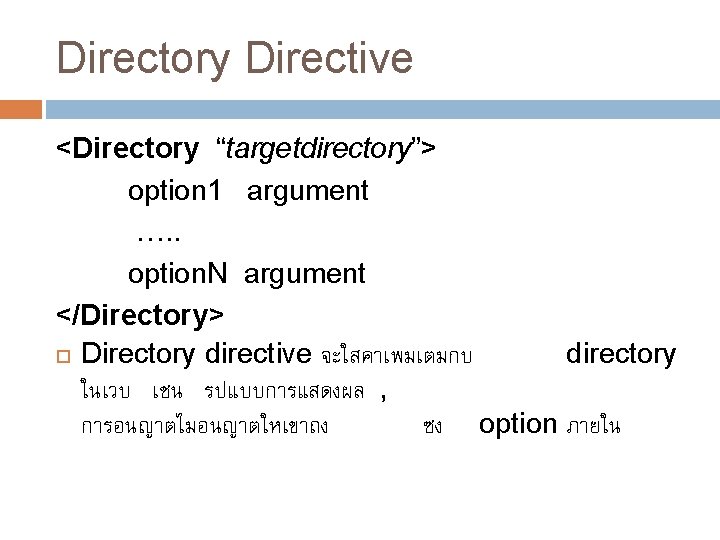
Directory Directive <Directory “targetdirectory”> option 1 argument …. . option. N argument </Directory> Directory directive จะใสคาเพมเตมกบ directory ในเวบ เชน รปแบบการแสดงผล , การอนญาตไมอนญาตใหเขาถง ซง option ภายใน
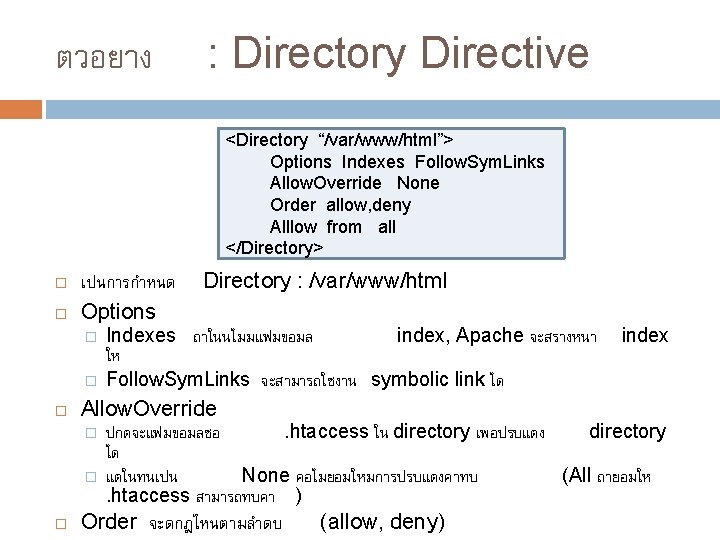
ตวอยาง : Directory Directive <Directory “/var/www/html”> Options Indexes Follow. Sym. Links Allow. Override None Order allow, deny Alllow from all </Directory> เปนการกำหนด Options � � Indexes ถาในนไมมแฟมขอมล index, Apache จะสรางหนา ให Follow. Sym. Links จะสามารถใชงาน symbolic link ได index Allow. Override � � Directory : /var/www/html ปกตจะแฟมขอมลชอ. htaccess ใน directory เพอปรบแตง directory ได แตในทนเปน None คอไมยอมใหมการปรบแตงคาทบ (All ถายอมให. htaccess สามารถทบคา ) Order จะดกฎไหนตามลำดบ (allow, deny)
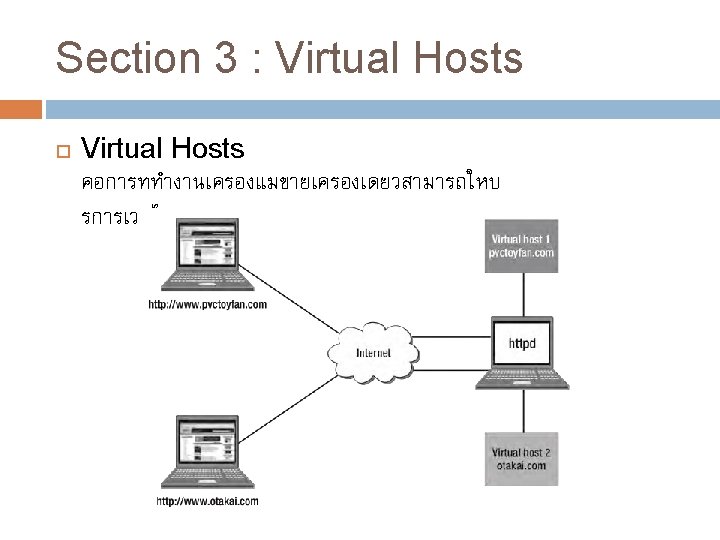
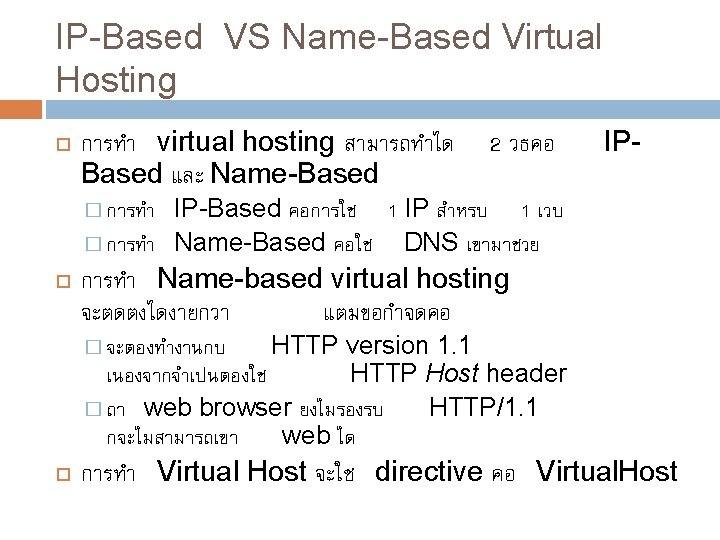
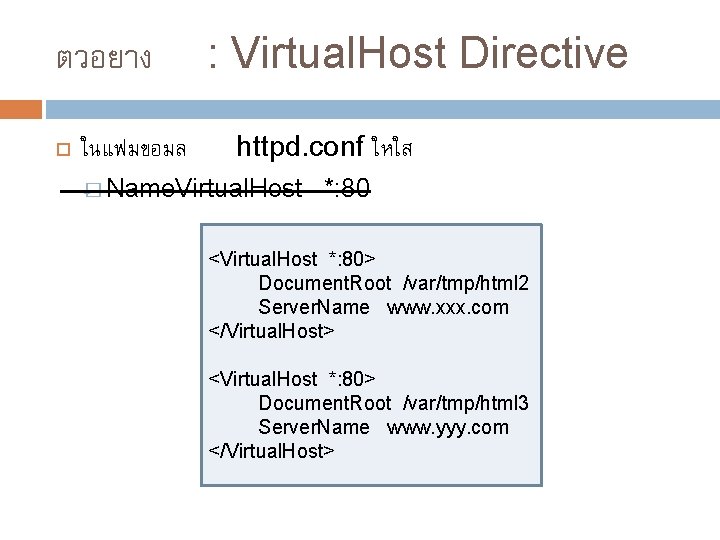
ตวอยาง ในแฟมขอมล : Virtual. Host Directive httpd. conf ใหใส � Name. Virtual. Host *: 80 <Virtual. Host *: 80> Document. Root /var/tmp/html 2 Server. Name www. xxx. com </Virtual. Host> <Virtual. Host *: 80> Document. Root /var/tmp/html 3 Server. Name www. yyy. com </Virtual. Host>
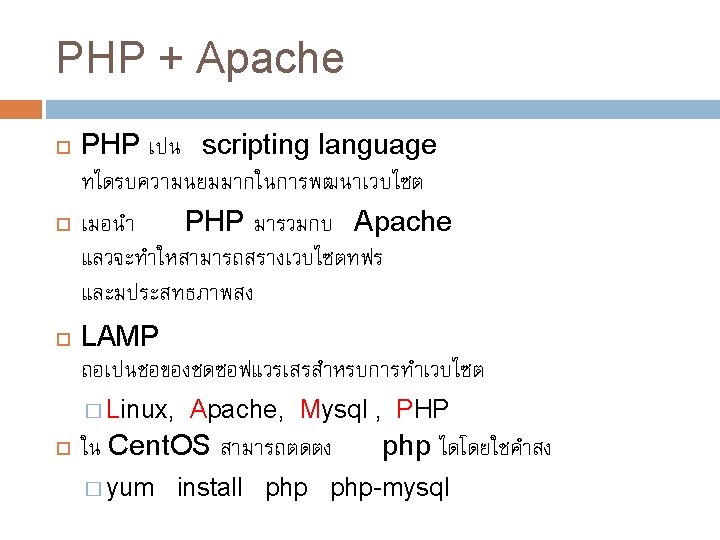
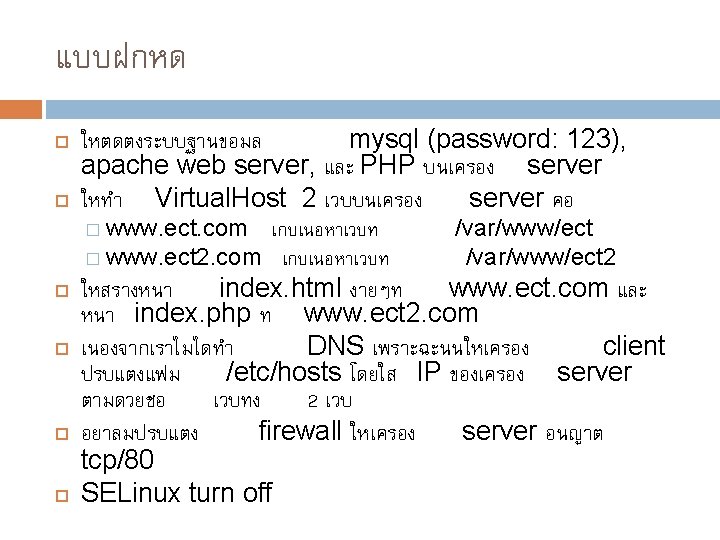
- Slides: 20