
Database Security Case Study for Enterprise License Features
Database Security - Case Study for Enterprise License Features Session ID: 1235 Case study of the Security Features in the Enterprise License of Oracle RDBMS Prepared by: April Sims @aprilcsims
Enterprise License Security Features • • • Oracle External Password Store Encrypting Client Connections 12 c Security Features of RDBMS – 12. 1. 0. 2 Other Security Measures beyond Oracle Case Study – What did we implement?

Don't trust our slides - only believe what you've verified by yourself Mike Dietrich https: //blogs. oracle. com/UPGRADE/
Now part of the Enterprise License Some features used to be part of the Advanced Security Option but now included in the Enterprise License does have specific applications to RAC environments for COST Covers: PKI authentication Network Encryption – SSL/TLS TDE encryption Kerberos, PKI, Radius Native Network Encryption 4
Encryption Interoperability – see URL in Notes • • • Transparent Data Encryption ASO Oracle Wallet OSB DG, Streams and Golden. Gate Exadata RMAN Compression Transportable Tablespaces SQL Loader Incompatible Features – what is not encrypted 5

Addressing Data at Rest Vulnerabilities Data at Rest Encrypted RMAN Backups – Encryption Password or Key Wallet Data. Pump – prompt for encryption key or Encryption Wallet Oracle Secure Backup – free …RMAN to tape – single node to single tape device What did we do? Encrypted all files at the OS level including datafiles, backup to local filesystem which is backed up to tape nightly. 6
Addressing Data in Use Vulnerabilities a. Fine Grained Access b. Data Masking c. Encrypting Client Connections b. Auditing Performance Tradeoffs related to Auditing based on implementation: DB, OS, and XML audit trail – see notes 7
Passwords Password Complexity controlled by Profiles 1. Password Function 2. Recommendations Is the Password Encrypted when I Logon and Other Related Questions (Doc ID 271825. 1) 8
9
10
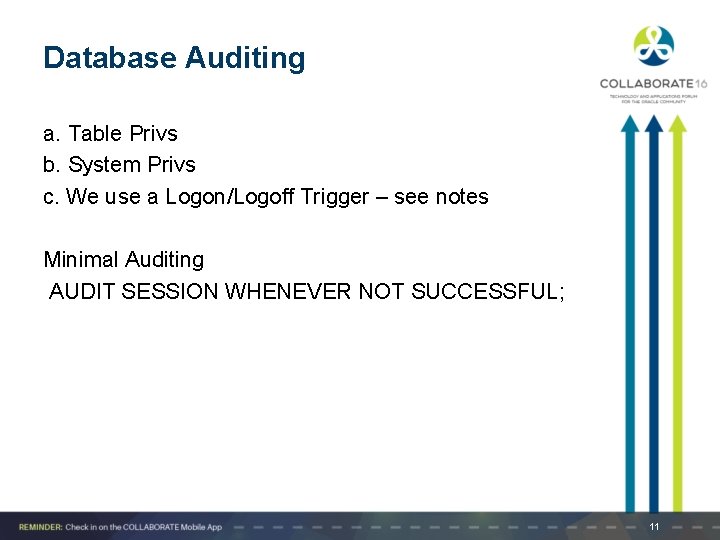
Database Auditing a. Table Privs b. System Privs c. We use a Logon/Logoff Trigger – see notes Minimal Auditing AUDIT SESSION WHENEVER NOT SUCCESSFUL; 11
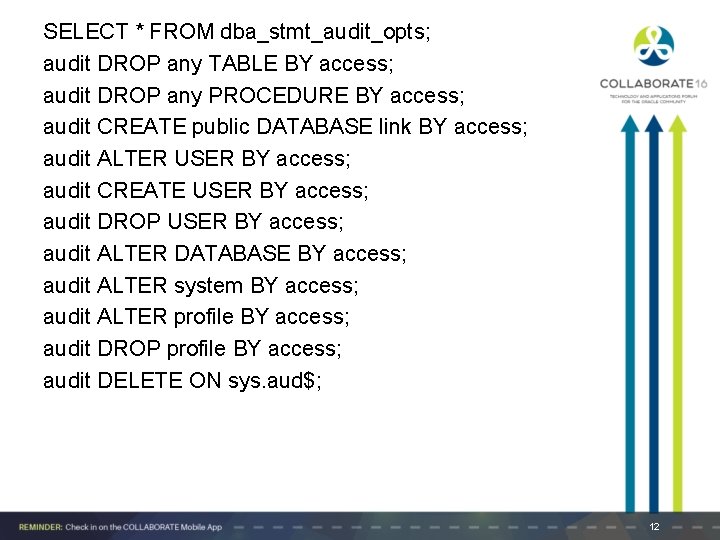
SELECT * FROM dba_stmt_audit_opts; audit DROP any TABLE BY access; audit DROP any PROCEDURE BY access; audit CREATE public DATABASE link BY access; audit ALTER USER BY access; audit CREATE USER BY access; audit DROP USER BY access; audit ALTER DATABASE BY access; audit ALTER system BY access; audit ALTER profile BY access; audit DROP profile BY access; audit DELETE ON sys. aud$; 12
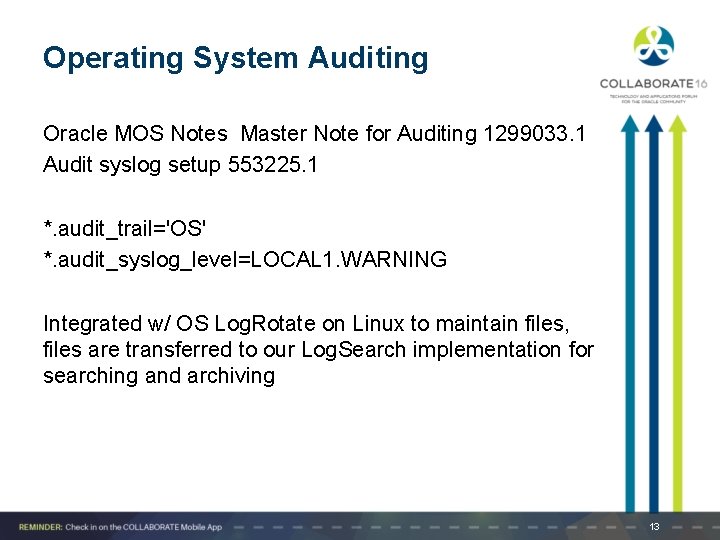
Operating System Auditing Oracle MOS Notes Master Note for Auditing 1299033. 1 Audit syslog setup 553225. 1 *. audit_trail='OS' *. audit_syslog_level=LOCAL 1. WARNING Integrated w/ OS Log. Rotate on Linux to maintain files, files are transferred to our Log. Search implementation for searching and archiving 13
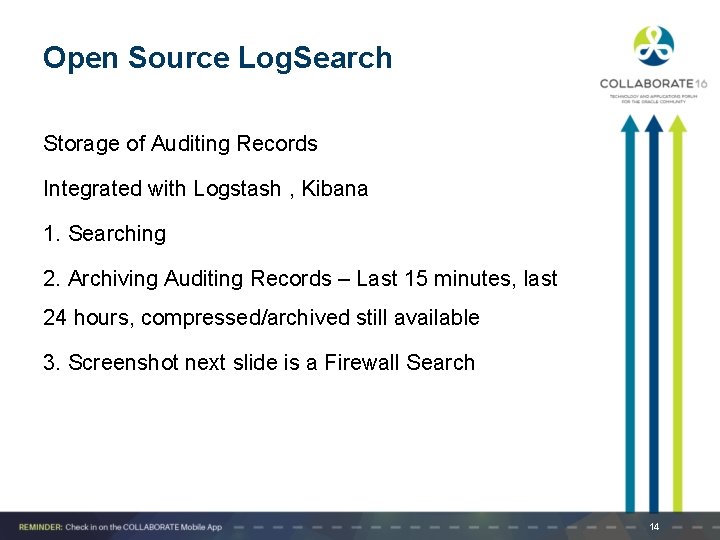
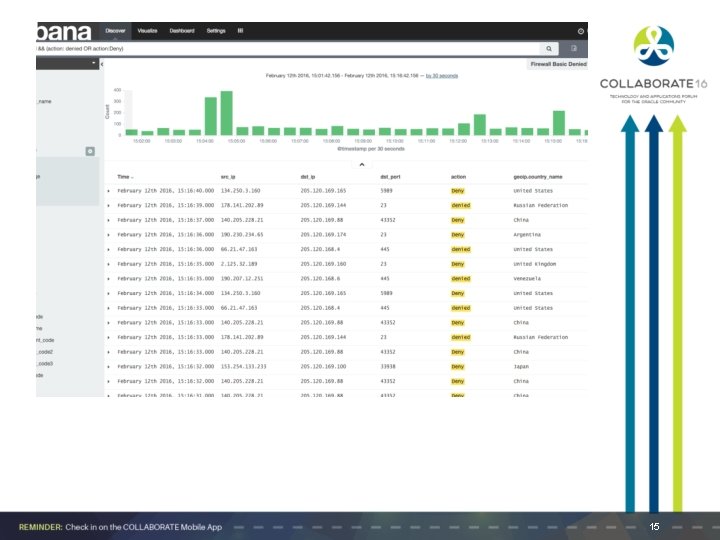
Open Source Log. Search Storage of Auditing Records Integrated with Logstash , Kibana 1. Searching 2. Archiving Auditing Records – Last 15 minutes, last 24 hours, compressed/archived still available 3. Screenshot next slide is a Firewall Search 14
15

Oracle External Password Store Removing clear text passwords in batch files, limit access to username/passwords
Oracle External Password Store EPS TNS ALIAS to define a username/password combo for SQLNET connections • Remove the need for storing username/password in clear-text for scripts, batch jobs • Can be integrated with RMAN for backups • Stored in an Oracle Wallet • Removes the need for distributing username/password to programming staff • Use both orapki and mkstore command - more secure method • Oracle login - use DBMS_PRIVILEGE_CAPTURE 17
External Password Store • Goal: Remove clear text passwords for jobs , tasks run on a regular basis • Staff no longer needs to know the username/password combo • Environment needs to support this methodology – clear lines between production and non-production environments • Shell environment variables by user • Production files separated by permissions • Korn Shell , Bash Shell, Output directory, Git Hub • Convert Wallet to Java Keystore – see notes HTTP/SSL 18
Oracle Key Manager – Another License “ What is the minimum configuration of Oracle Key Manger? The Oracle Key Manager 3 system at a minimum requires pair of key management appliances (KMAs), an encryption enabled storage device (i. e. , Oracle's Storage. Tek T 10000 tape drive), a connectivity kit to connect the encrypting device to the Oracle Key Manager cluster, and an encryption key for each device enrolled in the system. ” 19
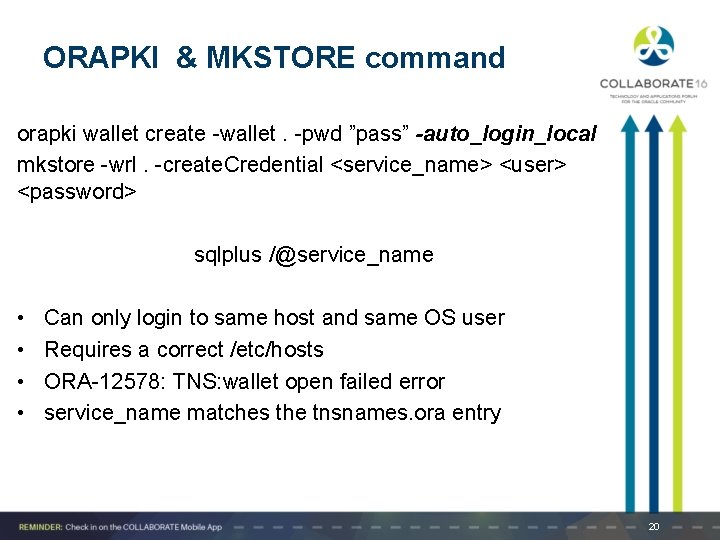
ORAPKI & MKSTORE command orapki wallet create -wallet. -pwd ”pass” -auto_login_local mkstore -wrl. -create. Credential <service_name> <user> <password> sqlplus /@service_name • • Can only login to same host and same OS user Requires a correct /etc/hosts ORA-12578: TNS: wallet open failed error service_name matches the tnsnames. ora entry 20
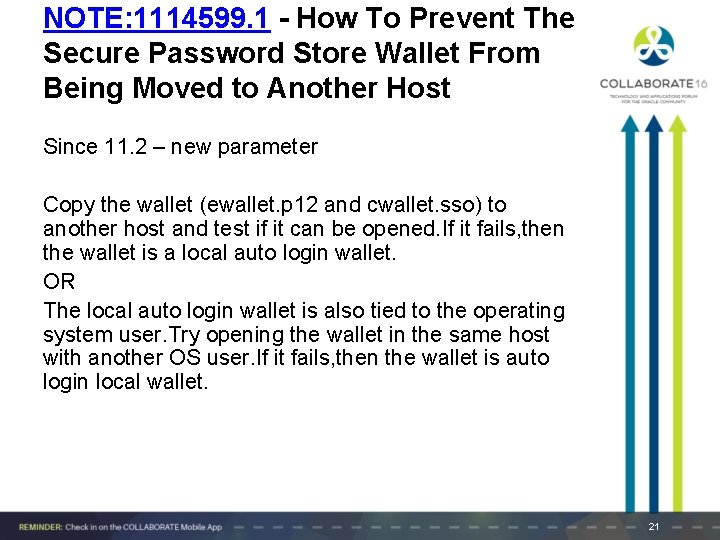
NOTE: 1114599. 1 - How To Prevent The Secure Password Store Wallet From Being Moved to Another Host Since 11. 2 – new parameter Copy the wallet (ewallet. p 12 and cwallet. sso) to another host and test if it can be opened. If it fails, then the wallet is a local auto login wallet. OR The local auto login wallet is also tied to the operating system user. Try opening the wallet in the same host with another OS user. If it fails, then the wallet is auto login local wallet. 21
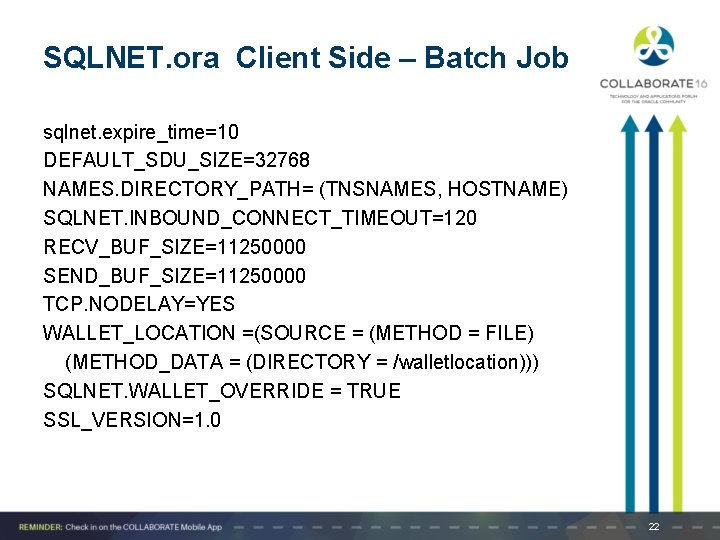
SQLNET. ora Client Side – Batch Job sqlnet. expire_time=10 DEFAULT_SDU_SIZE=32768 NAMES. DIRECTORY_PATH= (TNSNAMES, HOSTNAME) SQLNET. INBOUND_CONNECT_TIMEOUT=120 RECV_BUF_SIZE=11250000 SEND_BUF_SIZE=11250000 TCP. NODELAY=YES WALLET_LOCATION =(SOURCE = (METHOD = FILE) (METHOD_DATA = (DIRECTORY = /walletlocation))) SQLNET. WALLET_OVERRIDE = TRUE SSL_VERSION=1. 0 22
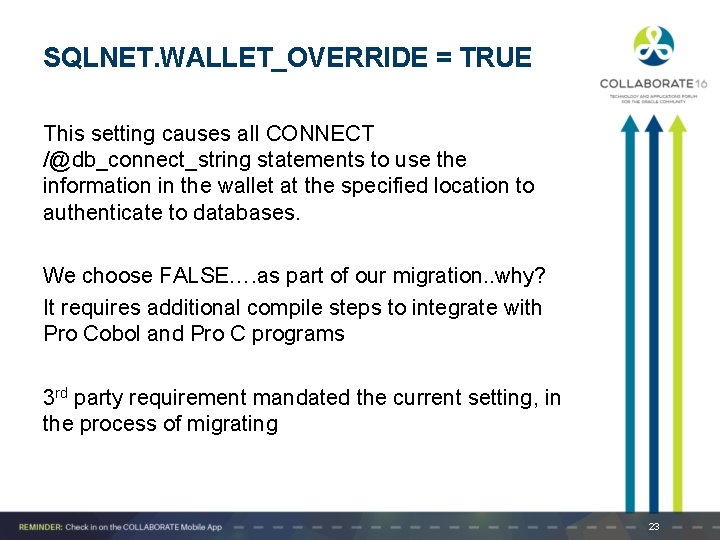
SQLNET. WALLET_OVERRIDE = TRUE This setting causes all CONNECT /@db_connect_string statements to use the information in the wallet at the specified location to authenticate to databases. We choose FALSE…. as part of our migration. . why? It requires additional compile steps to integrate with Pro Cobol and Pro C programs 3 rd party requirement mandated the current setting, in the process of migrating 23
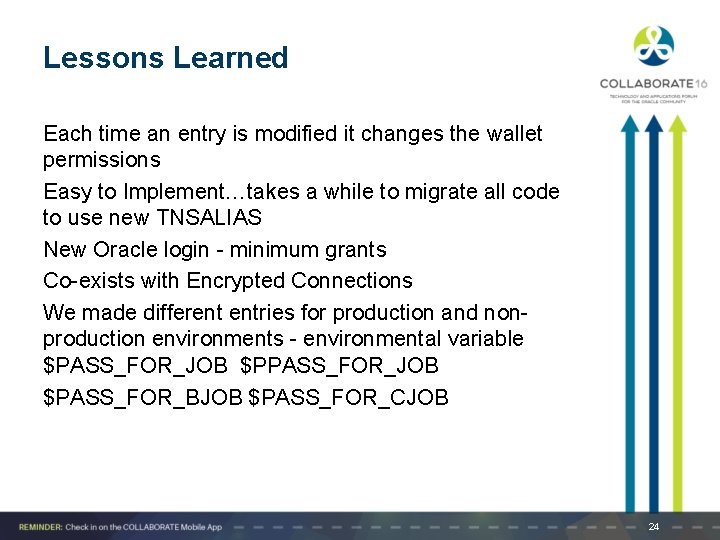
Lessons Learned Each time an entry is modified it changes the wallet permissions Easy to Implement…takes a while to migrate all code to use new TNSALIAS New Oracle login - minimum grants Co-exists with Encrypted Connections We made different entries for production and nonproduction environments - environmental variable $PASS_FOR_JOB $PASS_FOR_BJOB $PASS_FOR_CJOB 24
Encrypting Client Connections
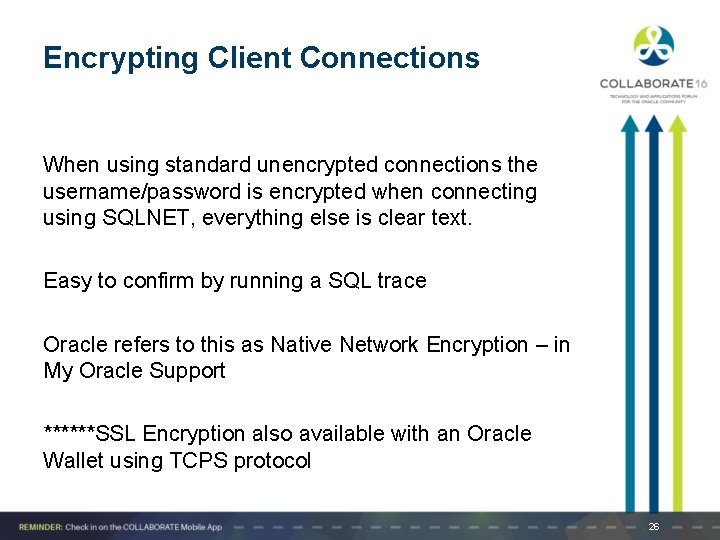
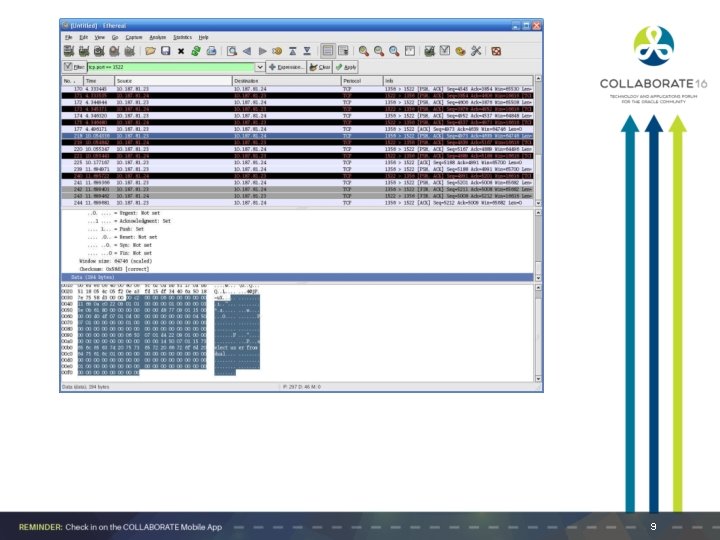
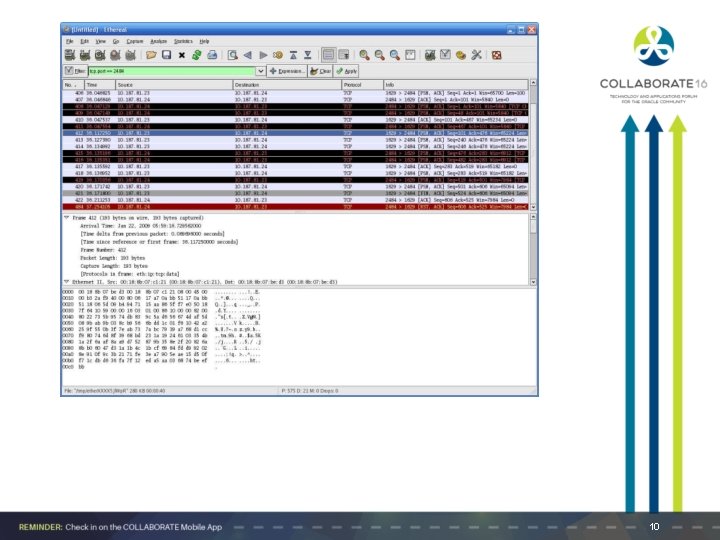
Encrypting Client Connections When using standard unencrypted connections the username/password is encrypted when connecting using SQLNET, everything else is clear text. Easy to confirm by running a SQL trace Oracle refers to this as Native Network Encryption – in My Oracle Support ******SSL Encryption also available with an Oracle Wallet using TCPS protocol 26
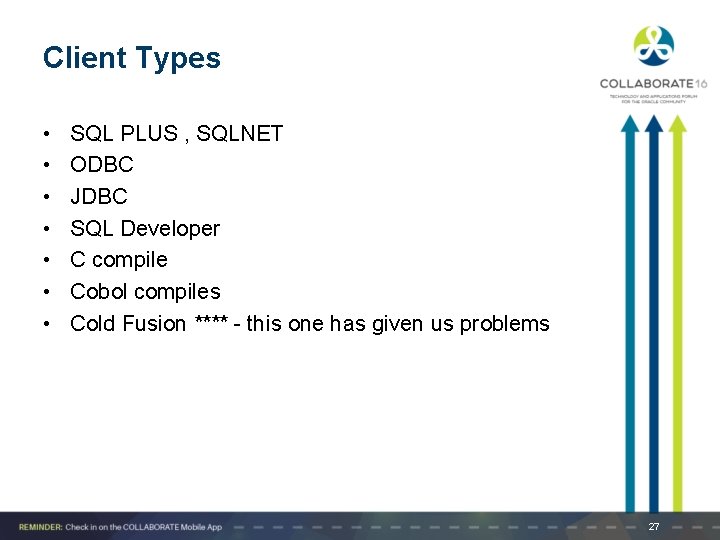
Client Types • • SQL PLUS , SQLNET ODBC JDBC SQL Developer C compile Cobol compiles Cold Fusion **** - this one has given us problems 27
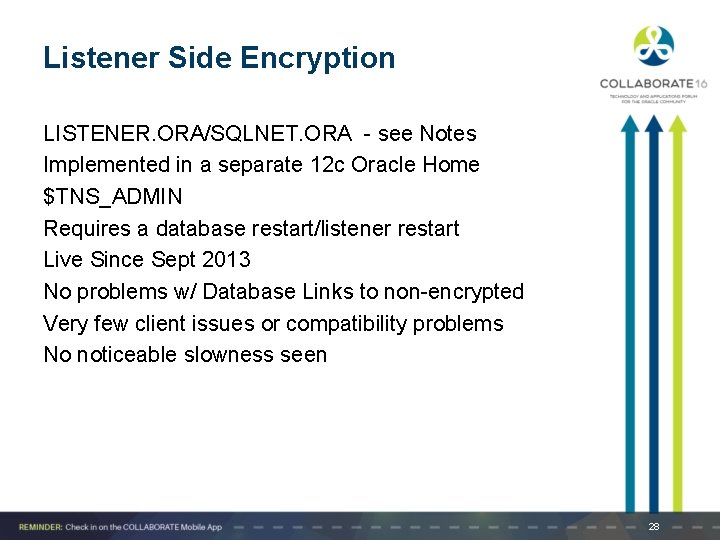
Listener Side Encryption LISTENER. ORA/SQLNET. ORA - see Notes Implemented in a separate 12 c Oracle Home $TNS_ADMIN Requires a database restart/listener restart Live Since Sept 2013 No problems w/ Database Links to non-encrypted Very few client issues or compatibility problems No noticeable slowness seen 28
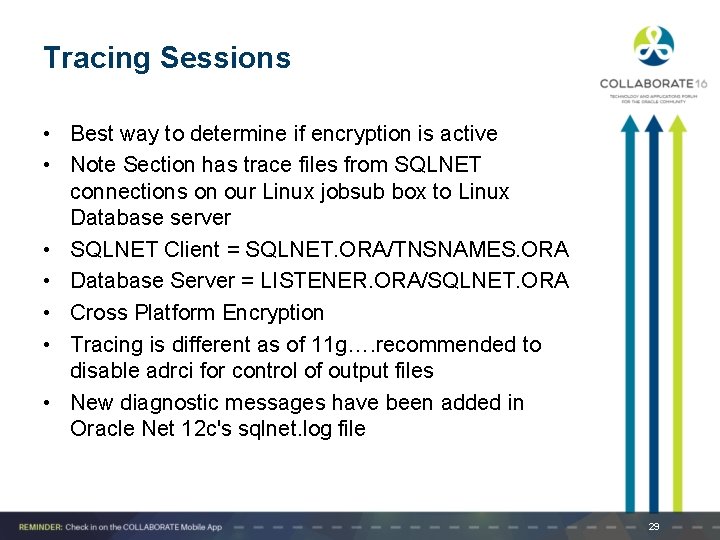
Tracing Sessions • Best way to determine if encryption is active • Note Section has trace files from SQLNET connections on our Linux jobsub box to Linux Database server • SQLNET Client = SQLNET. ORA/TNSNAMES. ORA • Database Server = LISTENER. ORA/SQLNET. ORA • Cross Platform Encryption • Tracing is different as of 11 g…. recommended to disable adrci for control of output files • New diagnostic messages have been added in Oracle Net 12 c's sqlnet. log file 29
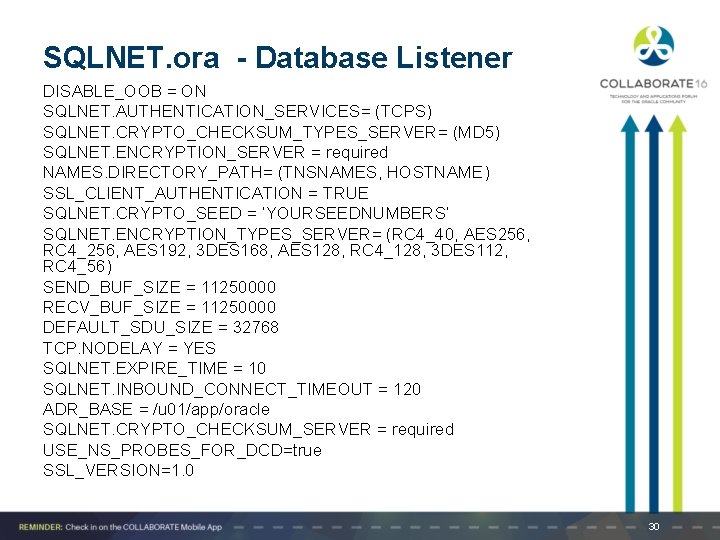
SQLNET. ora - Database Listener DISABLE_OOB = ON SQLNET. AUTHENTICATION_SERVICES= (TCPS) SQLNET. CRYPTO_CHECKSUM_TYPES_SERVER= (MD 5) SQLNET. ENCRYPTION_SERVER = required NAMES. DIRECTORY_PATH= (TNSNAMES, HOSTNAME) SSL_CLIENT_AUTHENTICATION = TRUE SQLNET. CRYPTO_SEED = ’YOURSEEDNUMBERS’ SQLNET. ENCRYPTION_TYPES_SERVER= (RC 4_40, AES 256, RC 4_256, AES 192, 3 DES 168, AES 128, RC 4_128, 3 DES 112, RC 4_56) SEND_BUF_SIZE = 11250000 RECV_BUF_SIZE = 11250000 DEFAULT_SDU_SIZE = 32768 TCP. NODELAY = YES SQLNET. EXPIRE_TIME = 10 SQLNET. INBOUND_CONNECT_TIMEOUT = 120 ADR_BASE = /u 01/app/oracle SQLNET. CRYPTO_CHECKSUM_SERVER = required USE_NS_PROBES_FOR_DCD=true SSL_VERSION=1. 0 30

SQL Net Changes in 12 c Dead Connection Detection Network/switches/routers may no longer recognize Oracle’s DCD packets (they are zero length) but they do recognize the OS packets for keep alive (non zero length) The host OS keep alive setting (tcp_keep_alive) can be modified to be less than the firewall inactivity timeout. This will cause the OS to send a test packet to the client when the timeout is reached and the client will respond with an ACK. To all intents and purposes this is the same as turning off the firewall inactivity timer for this host. 31
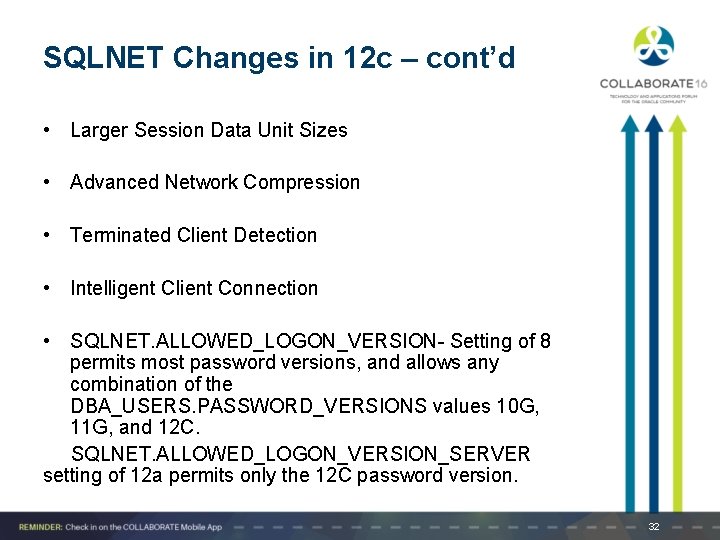
SQLNET Changes in 12 c – cont’d • Larger Session Data Unit Sizes • Advanced Network Compression • Terminated Client Detection • Intelligent Client Connection • SQLNET. ALLOWED_LOGON_VERSION- Setting of 8 permits most password versions, and allows any combination of the DBA_USERS. PASSWORD_VERSIONS values 10 G, 11 G, and 12 C. SQLNET. ALLOWED_LOGON_VERSION_SERVER setting of 12 a permits only the 12 C password version. 32
Client Compatibility Recently Released Oracle Products come with Encryption enabled, used by default if configured SQL DEVELOPER – uses encryption if available SQL PLUS/SQLNET - different implementation types – server and/or client configured JDBC – see Notes Recommendation: Use Listener-Side Encryption if all Clients Compatible Not all compatible – make encryption available but not mandatory, make plans to migrate or convert 33
Security Features in 12 c
Security Features in 12 c a. Verifier/ DBMS_PRIVILEGE_CAPTURE b. Case Sensitivity c. Password Hash d. Unified Auditing e. RMAN f. Data. Pump g. Other Notes/Tips for 12 c - including bugs 35

Verifier DBMS_PRIVILEGE_CAPTURE – analyzes actual permissions needed during execution CAPTURE_ADMIN privilege Populates DBA_ views DATABASE – Ran in non-prod – 12: 47 pm ROLE SYS_CONTEXT – sqlplus, session 36
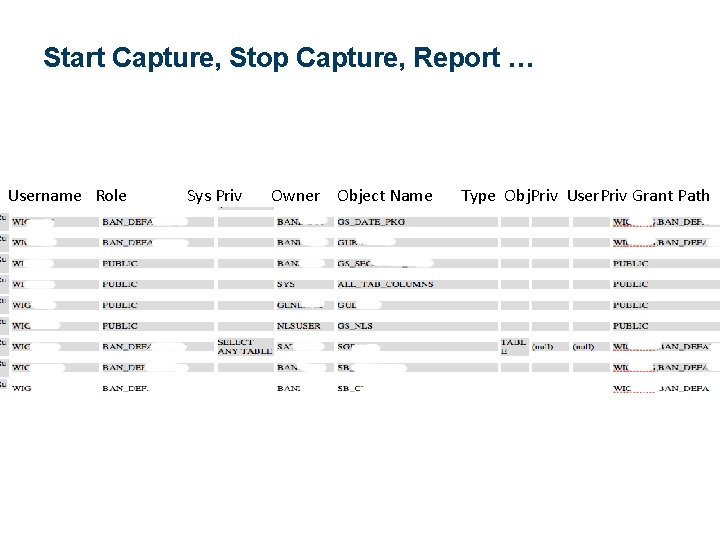
Start Capture, Stop Capture, Report … Username Role Sys Priv Owner Object Name Type Obj. Priv User. Priv Grant Path 37
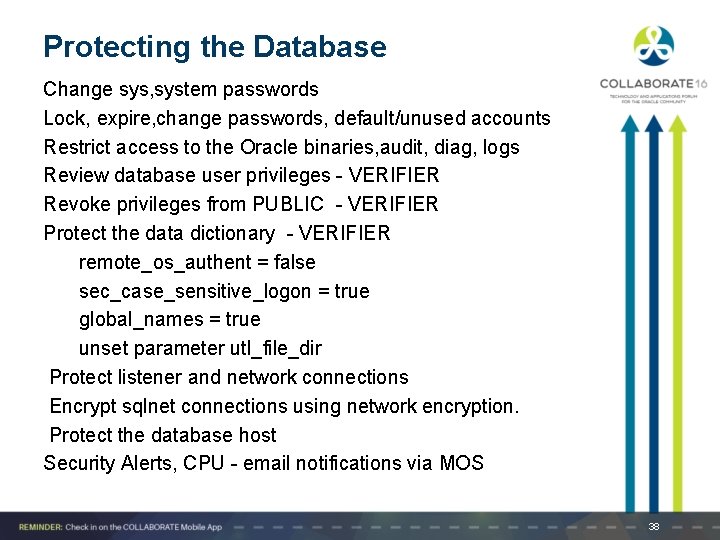
Protecting the Database Change sys, system passwords Lock, expire, change passwords, default/unused accounts Restrict access to the Oracle binaries, audit, diag, logs Review database user privileges - VERIFIER Revoke privileges from PUBLIC - VERIFIER Protect the data dictionary - VERIFIER remote_os_authent = false sec_case_sensitive_logon = true global_names = true unset parameter utl_file_dir Protect listener and network connections Encrypt sqlnet connections using network encryption. Protect the database host Security Alerts, CPU - email notifications via MOS 38
Case Sensitive Passwords • This doubled the number of passwords plus salt (makes it harder to reverse engineer 39
Unified Auditing Oracle Database 12 c Unified Auditing enables selective and effective auditing inside the Oracle database using policies and conditions. For example, audit policies can be configured to audit based on specific IP addresses, programs, time periods, or connection types such as proxy authentication. In addition, specific schemas can be easily exempted from auditing when the audit policy is enabled. New roles have been introduced for management of policies and the viewing of audit data. The AUDIT_ADMIN and AUDIT_VIEWER roles provide separation of duty and flexibility to organizations who wish to designate specific users to manage audit settings and view audit activity. The new architecture unifies the existing audit trails into a single audit trail, enabling simplified management and increasing the security of audit data generated by the database. 40
Unified Auditing Some Unified Auditing is ON by default in MIXED MODE when you create a fresh Oracle 12 c database. Just two policies are enabled by default: ORA_SECURECONFIG and ORA_LOGON_FAILURES Upgrading from previous versions there are no rows to this query: select VALUE from V$OPTION where PARAMETER='Unified Auditing'; FALSE 41
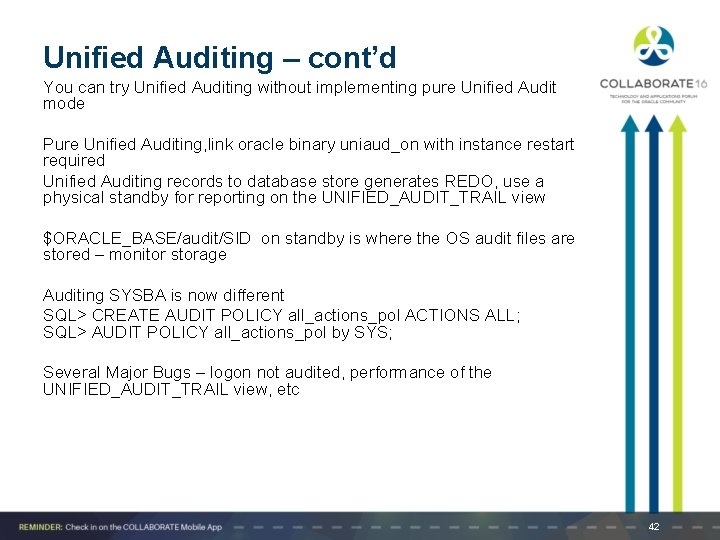
Unified Auditing – cont’d You can try Unified Auditing without implementing pure Unified Audit mode Pure Unified Auditing, link oracle binary uniaud_on with instance restart required Unified Auditing records to database store generates REDO, use a physical standby for reporting on the UNIFIED_AUDIT_TRAIL view $ORACLE_BASE/audit/SID on standby is where the OS audit files are stored – monitor storage Auditing SYSBA is now different SQL> CREATE AUDIT POLICY all_actions_pol ACTIONS ALL; SQL> AUDIT POLICY all_actions_pol by SYS; Several Major Bugs – logon not audited, performance of the UNIFIED_AUDIT_TRAIL view, etc 42
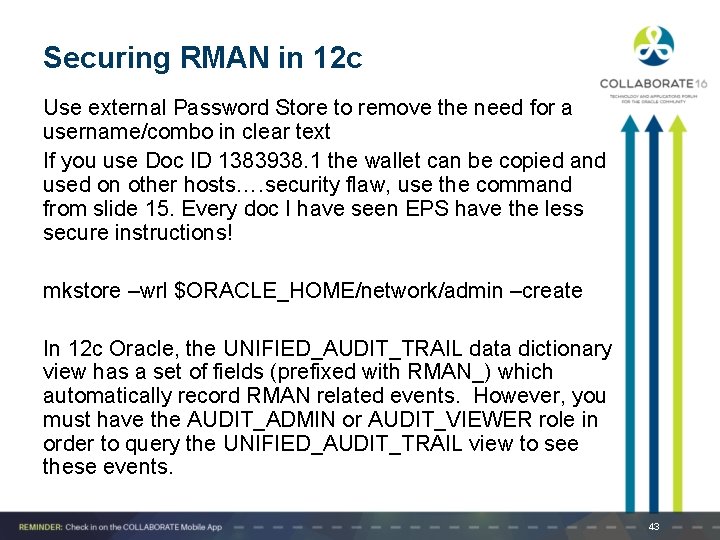
Securing RMAN in 12 c Use external Password Store to remove the need for a username/combo in clear text If you use Doc ID 1383938. 1 the wallet can be copied and used on other hosts…. security flaw, use the command from slide 15. Every doc I have seen EPS have the less secure instructions! mkstore –wrl $ORACLE_HOME/network/admin –create In 12 c Oracle, the UNIFIED_AUDIT_TRAIL data dictionary view has a set of fields (prefixed with RMAN_) which automatically record RMAN related events. However, you must have the AUDIT_ADMIN or AUDIT_VIEWER role in order to query the UNIFIED_AUDIT_TRAIL view to see these events. 43
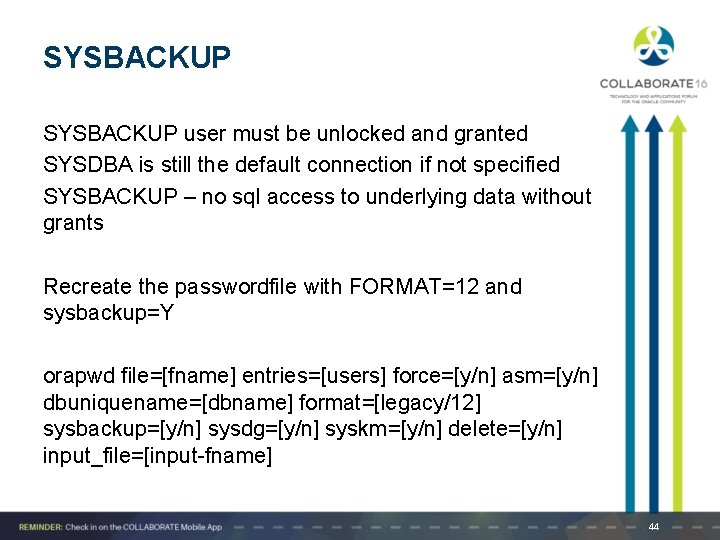
SYSBACKUP user must be unlocked and granted SYSDBA is still the default connection if not specified SYSBACKUP – no sql access to underlying data without grants Recreate the passwordfile with FORMAT=12 and sysbackup=Y orapwd file=[fname] entries=[users] force=[y/n] asm=[y/n] dbuniquename=[dbname] format=[legacy/12] sysbackup=[y/n] sysdg=[y/n] syskm=[y/n] delete=[y/n] input_file=[input-fname] 44

RMAN Encryption Methods Transparent – default, Oracle Key management infrastructure and Oracle Wallet Password - No wallet manager, but requires to specify a password for the encryption and decryption. Lost password = lost backup, lost restores Dual – both types, transparent and password Oracle Key Manager 3 – Hardware/software solution 45

RMAN Encryption & Oracle Secure Backup - OSB Advanced Security Option (ASO), Enterprise Edition – All options installed as of 12 c Encrypted backups to tape not using OSB is not supported Encrypting backups to tape using OSB is supported without ASO, standard edition Oracle Secure Backup Express Edition (free) does not support backup encryption – one database on one node directly attached to tape device Our Environment – backup to encrypted OS file systems, nightly tape backups for the entire enterprise 46
Data. Pump Enhancements • Prompt for Encryption Password • Unified Auditing • ASO Integration with Key Infrastructure 47
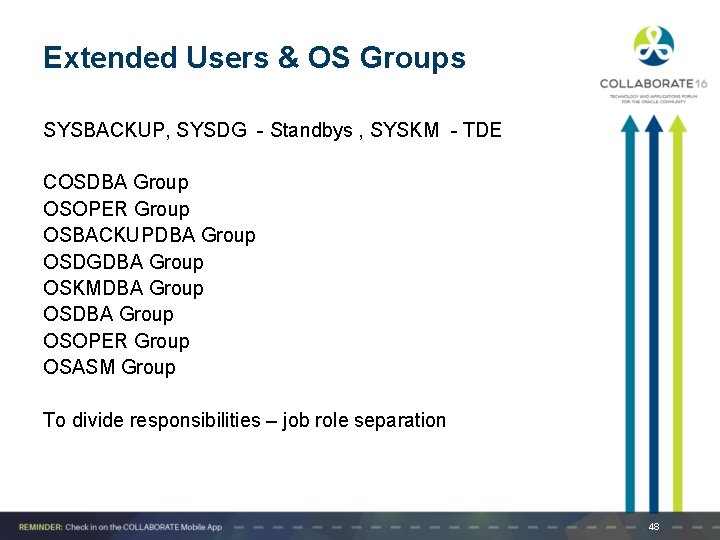
Extended Users & OS Groups SYSBACKUP, SYSDG - Standbys , SYSKM - TDE COSDBA Group OSOPER Group OSBACKUPDBA Group OSDGDBA Group OSKMDBA Group OSOPER Group OSASM Group To divide responsibilities – job role separation 48
Other Security Recommendations
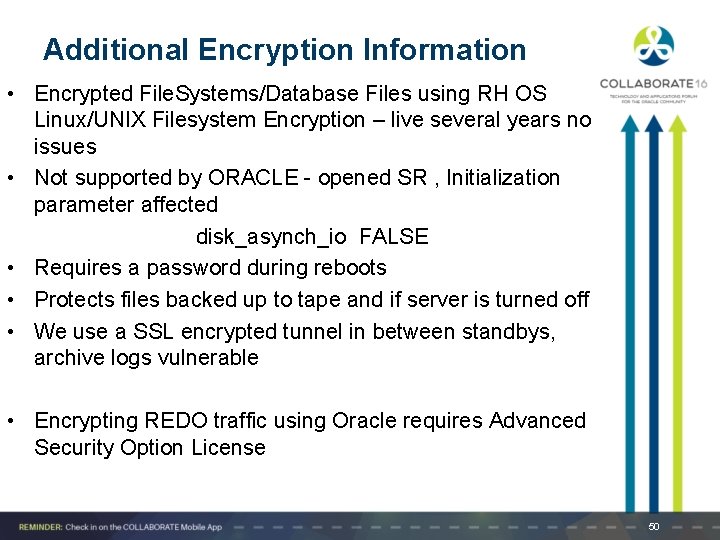
Additional Encryption Information • Encrypted File. Systems/Database Files using RH OS Linux/UNIX Filesystem Encryption – live several years no issues • Not supported by ORACLE - opened SR , Initialization parameter affected disk_asynch_io FALSE • Requires a password during reboots • Protects files backed up to tape and if server is turned off • We use a SSL encrypted tunnel in between standbys, archive logs vulnerable • Encrypting REDO traffic using Oracle requires Advanced Security Option License 50
April C Sims aprilcsims. wordpress. com Linked. In Please complete the session evaluation We appreciate your feedback and insight You may complete the session evaluation via the mobile app
- Slides: 51