
Database I Lecture 12 In the previous lecture

Database I Lecture 12

In the previous lecture … In today’s lecture • JOINS • Types of Joins • Union • View
Joins are used to retrieve the data from multiple tables. Types of joins: equi join. non equi join. self join. Natural join. Inner join. outer join.
Selecting Data from Multiple Tables So far, we’ve mostly looked at how to perform various DML operations on single tables, including using SQL functions and expressions. in real life, you’ll mostly deal with query output retrieved from several tables or views. When you need to retrieve data from several tables, you need to join the tables. Note that a table can be joined to other tables or to itself.

Equi Join With an equi join, two or more tables are joined based on an equality condition between two columns. In other words, retrieve the value which is available on both of them SQL > select eno, ename, dname from emp, dept where emp. deptno = deptno;
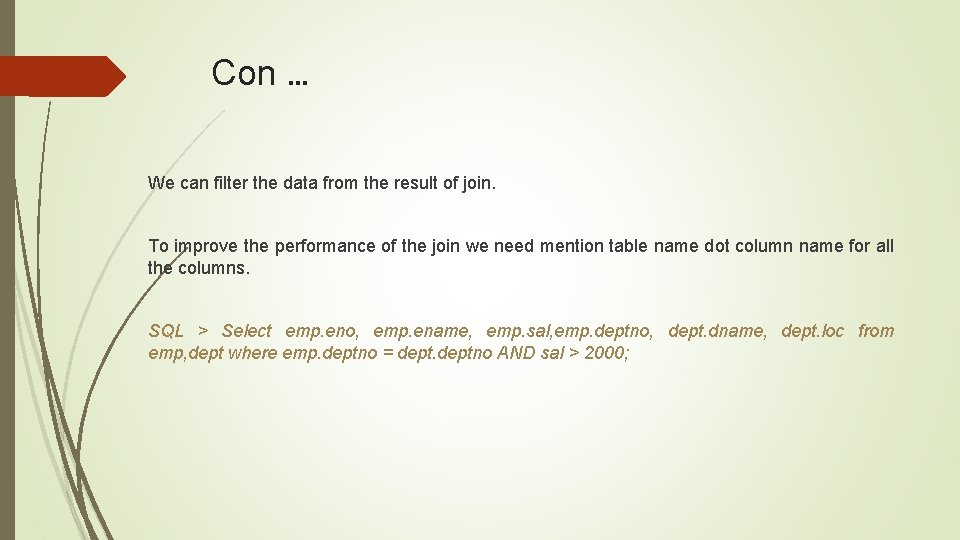
Con … We can filter the data from the result of join. To improve the performance of the join we need mention table name dot column name for all the columns. SQL > Select emp. eno, emp. ename, emp. sal, emp. deptno, dept. dname, dept. loc from emp, dept where emp. deptno = deptno AND sal > 2000;
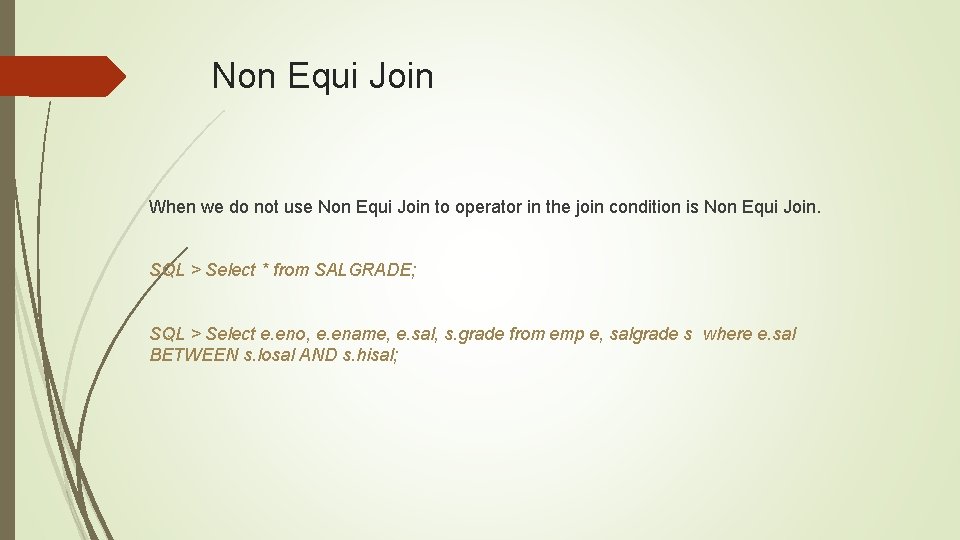
Non Equi Join When we do not use Non Equi Join to operator in the join condition is Non Equi Join. SQL > Select * from SALGRADE; SQL > Select e. eno, e. ename, e. sal, s. grade from emp e, salgrade s where e. sal BETWEEN s. losal AND s. hisal;
Self Join A self join is a join of a table to itself through the use of table aliases. When a table is joining to it self it is called self join. In self joins we need to create two table aliases for the same table. SQL > Select eno, ename, job, mgr, from emp; SQL > Select e. eno, e. ename, e. job, m. ename from emp e, emp m where e. mgr = m. eno;
Cartesian Product When tables are joined without any join condition it is called Cartesian product. In the result we get all possible combination. SQL > Select e. eno, e. ename, e. sal, e. deptno, d. dname, d. loc from emp e, dept d;
Inner Joins Inner joins: It is same as Equi join. SQL > Select e. empno, e. ename, e. sal, e. deptno, d. dname, d. loc from emp e inner dept d ON(e. deptno = d. deptno); join
Natural Join A natural join is an equi-join where you don’t specify any columns to be matched for the join. Oracle will automatically determine the columns to be joined, based on the matching columns in the two tables. SQL > Select empno, ename, sal, deptno, dname, loc from emp NATURAL JOIN dept;
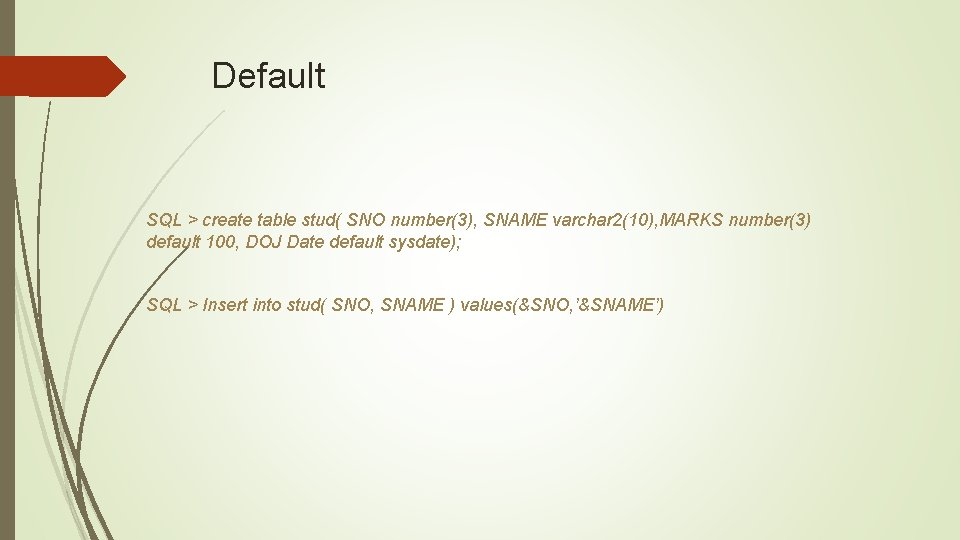
Default SQL > create table stud( SNO number(3), SNAME varchar 2(10), MARKS number(3) default 100, DOJ Date default sysdate); SQL > Insert into stud( SNO, SNAME ) values(&SNO, ’&SNAME’)
Outer Joins An outer join returns all rows that satisfy the join condition, plus some or all of the rows from the table that doesn’t have matching rows that meet the join condition. There are three types of outer joins: • left outer join • right outer join • full outer join.
Con … wherein you use a plus sign (+) to indicate missing values in one table. In outer joins we get matching as well as non matching rows. (+) This called as outer join operator.
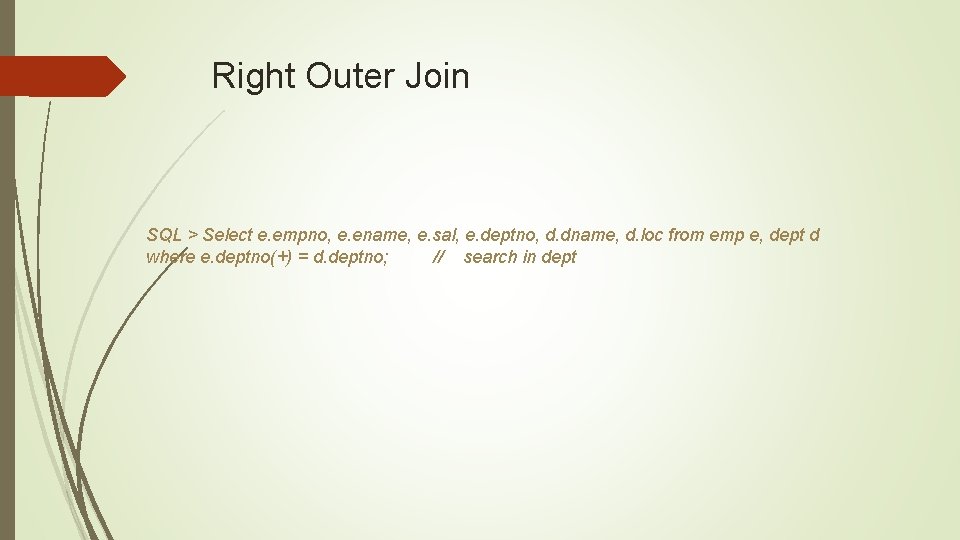
Right Outer Join SQL > Select e. empno, e. ename, e. sal, e. deptno, d. dname, d. loc from emp e, dept d where e. deptno(+) = d. deptno; // search in dept
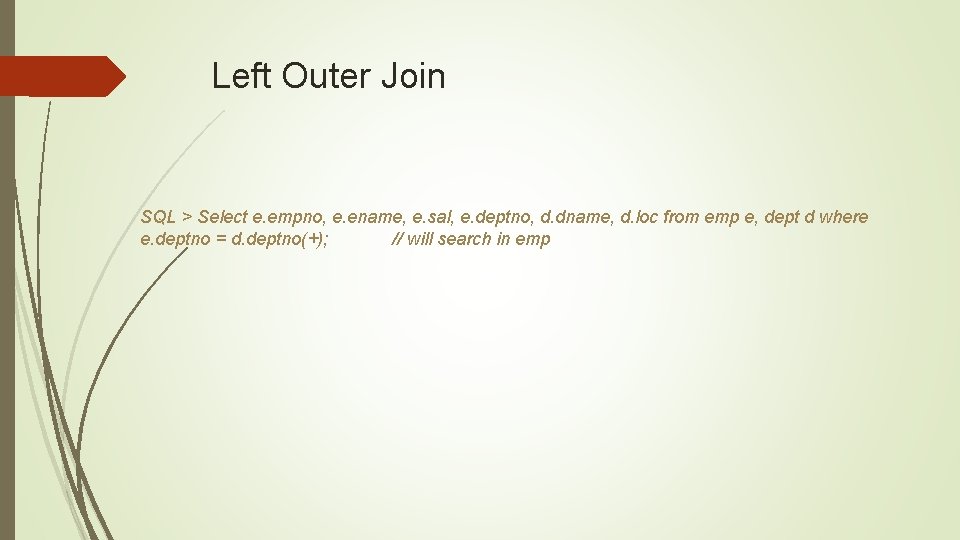
Left Outer Join SQL > Select e. empno, e. ename, e. sal, e. deptno, d. dname, d. loc from emp e, dept d where e. deptno = d. deptno(+); // will search in emp
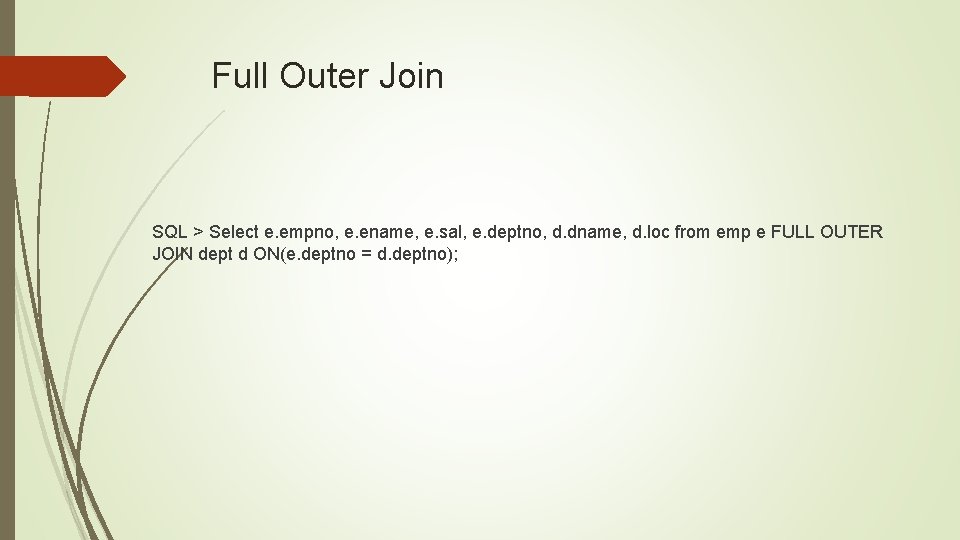
Full Outer Join SQL > Select e. empno, e. ename, e. sal, e. deptno, d. dname, d. loc from emp e FULL OUTER JOIN dept d ON(e. deptno = d. deptno);
The Set Operators Sometimes your query may need to combine results from more than one SQL statement. In other words, you need to write a compound query. Set operators facilitate compound SQL queries. Here are the important set operators: • UNION ALL • INTERSECTION • MINUS
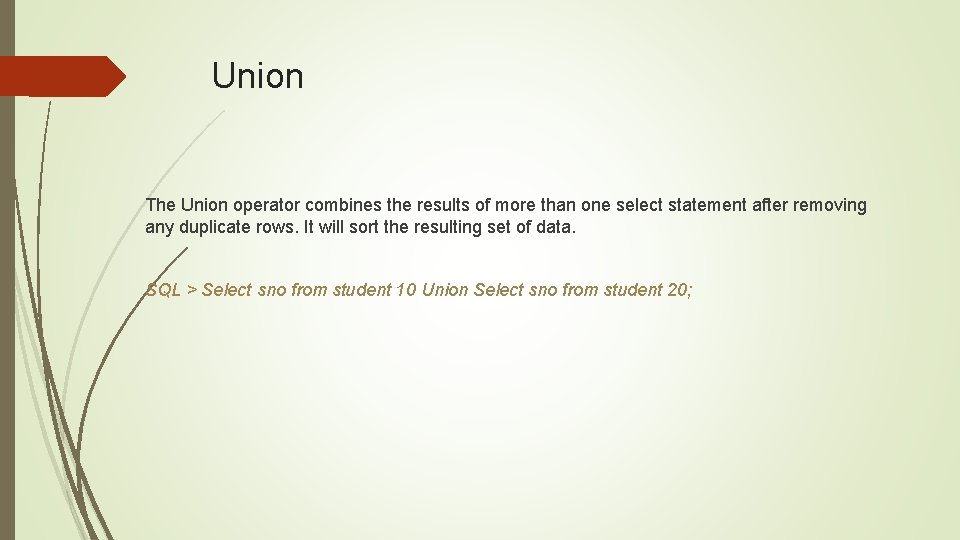
Union The Union operator combines the results of more than one select statement after removing any duplicate rows. It will sort the resulting set of data. SQL > Select sno from student 10 Union Select sno from student 20;
Union All The Union All operator is similar to Union, but it doesn’t remove the duplicate rows. It doesn’t sort the result set in this case, unlike the Union operation. SQL > Select sno from student 10 Union All Select sno from student 20;
Intersection The Intersection operator gets you the common values in two or more result sets derived from separate SELECT statements. The result set is distinct and sorted. SQL > Select sno from student 10 Intersect Select sno from student 20; Here we are getting the common values which are available in both the table
Minus (Set difference) The Minus operator returns the rows returned by the first query that aren’t in the second query’s results. The result set is distinct and sorted. SQL > Select sno from student 10 Minus Select sno from student 20; Here it will not take shared values.
Rules Of Set Operators 1. Number of columns used in the query should match. 2. Column data type should match for the queries in set operators. SQL > Select empno from emp Union Select sno from student 10 Union select deptno from dept;
Views view is a logical representation of data from one or more then one table. There are different types of views Simple views Complex views Read only views With check option views Materialized views
Con… Views are used in applications for several reasons, including the following: Reduce complexity. Improve security. Increase convenience. Rename table columns. Customize the data for users. Protect data integrity
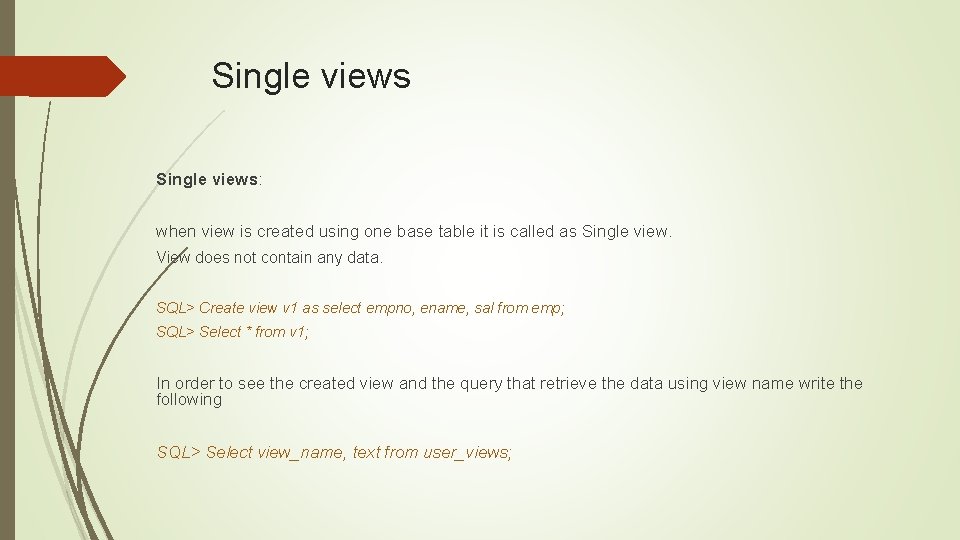
Single views: when view is created using one base table it is called as Single view. View does not contain any data. SQL> Create view v 1 as select empno, ename, sal from emp; SQL> Select * from v 1; In order to see the created view and the query that retrieve the data using view name write the following SQL> Select view_name, text from user_views;
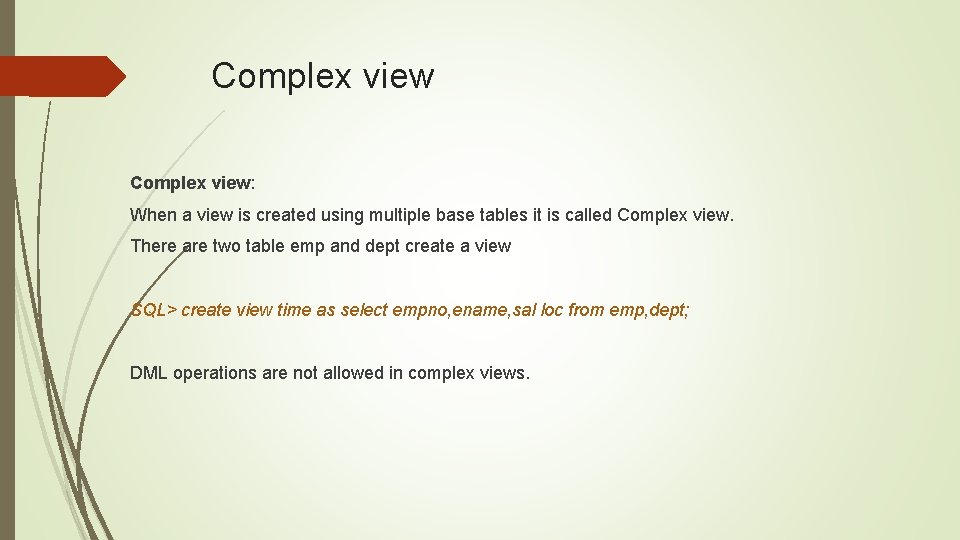
Complex view: When a view is created using multiple base tables it is called Complex view. There are two table emp and dept create a view SQL> create view time as select empno, ename, sal loc from emp, dept; DML operations are not allowed in complex views.
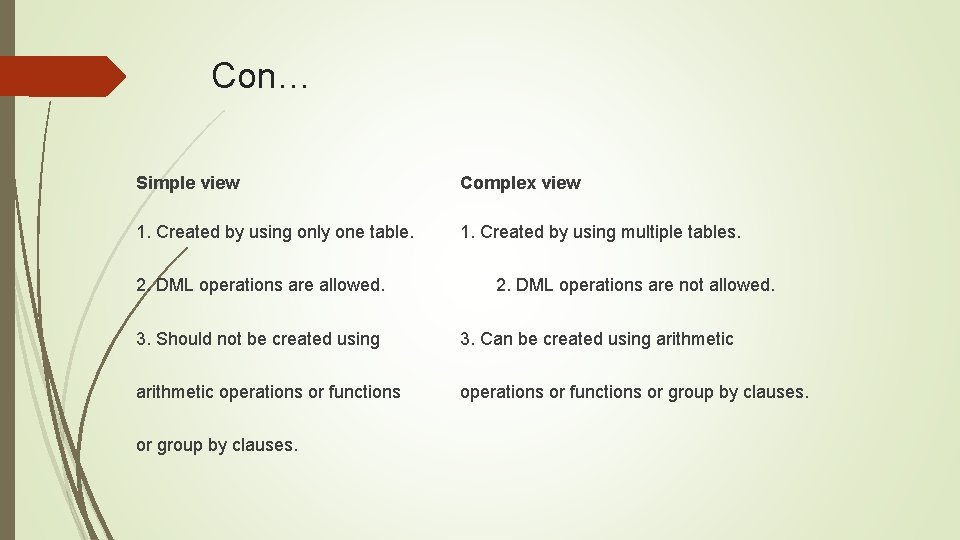
Con… Simple view Complex view 1. Created by using only one table. 1. Created by using multiple tables. 2. DML operations are allowed. 2. DML operations are not allowed. 3. Should not be created using 3. Can be created using arithmetic operations or functions or group by clauses.

H/W What is Read Only an Materialized view ?

Thanks
- Slides: 30