
Database Design Tips Tricks CERN IT Department CH1211
Database Design Tips & Tricks CERN - IT Department CH-1211 Genève 23 Switzerland www. cern. ch/it WLCG Service Reliability Workshop CERN, November 29 th, 2007 Dawid Wójcik, CERN IT-PSS DB Design based on slides by Marta Jakubowska-Sobczak
Outline • Database design • Tips & tricks – Indexes – Partitioning – PL/SQL • Writing robust applications • Q&A CERN - IT Department CH-1211 Genève 23 Switzerland www. cern. ch/it
Database design "It's a Database, Not a Data Dump" • Database is an integrated collection of logically related data • You need a database to: – store data. . . –. . . and be able to efficiently process it in order to retrieve/produce information! CERN - IT Department CH-1211 Genève 23 Switzerland www. cern. ch/it
Database design – goals "It's a Database, Not a Data Dump" • Database design – define how to store data to: avoid unnecessary redundancy retrieve information easily and efficiently www. cern. ch/it Easily – does not necessarily mean with a simple query. Efficiently – using built-in database features. be scalable for data and interfaces CERN - IT Department CH-1211 Genève 23 Switzerland Storage is not unlimited. Redundant data is not logically related Performance is in the design! Will your design scale to predicted workload (thousands of connections)?
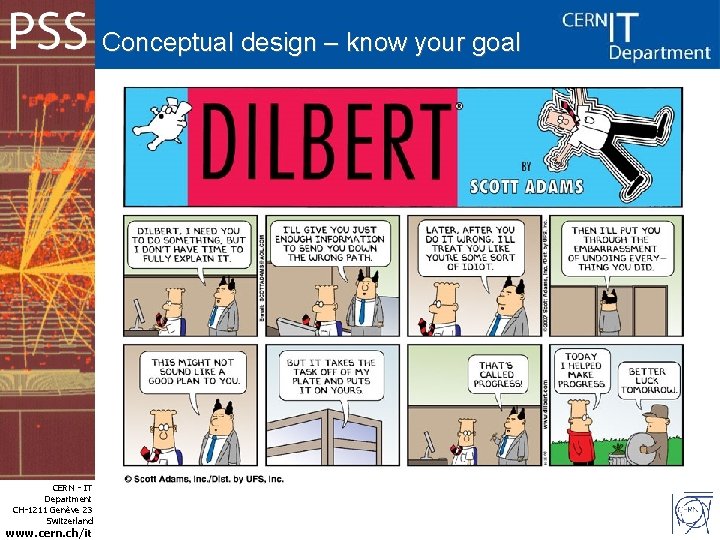
Conceptual design – know your goal CERN - IT Department CH-1211 Genève 23 Switzerland www. cern. ch/it
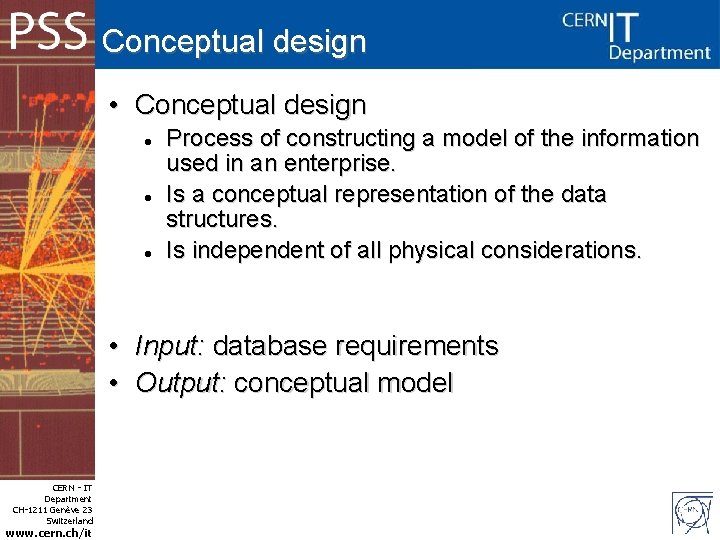
Conceptual design • Conceptual design • • CERN - IT Department CH-1211 Genève 23 Switzerland www. cern. ch/it Process of constructing a model of the information used in an enterprise. Is a conceptual representation of the data structures. Is independent of all physical considerations. Input: database requirements Output: conceptual model
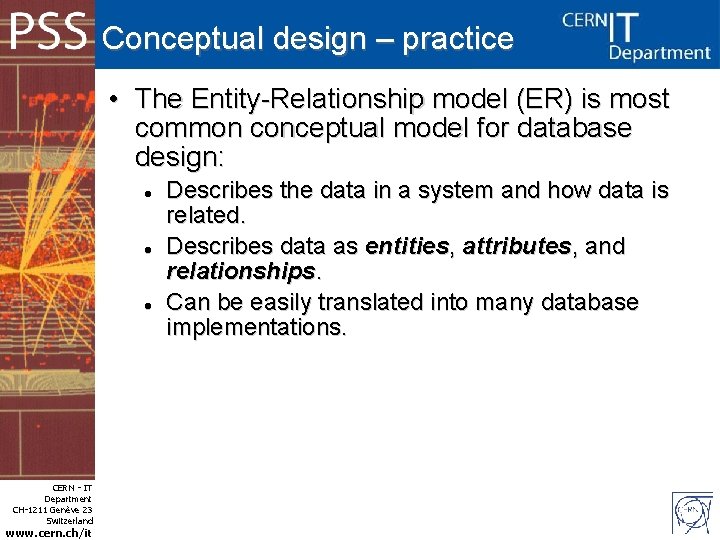
Conceptual design – practice • The Entity-Relationship model (ER) is most common conceptual model for database design: CERN - IT Department CH-1211 Genève 23 Switzerland www. cern. ch/it Describes the data in a system and how data is related. Describes data as entities, attributes, and relationships. Can be easily translated into many database implementations.
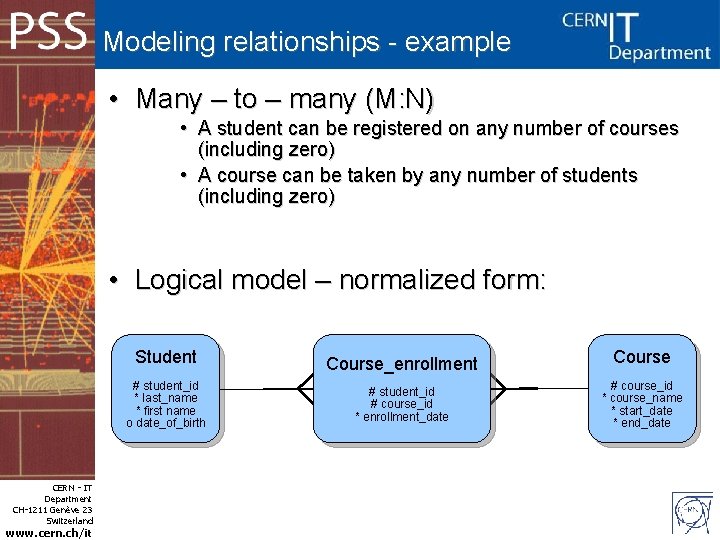
Modeling relationships - example • Many – to – many (M: N) • A student can be registered on any number of courses (including zero) • A course can be taken by any number of students (including zero) • Logical model – normalized form: Student # student_id * last_name * first name o date_of_birth CERN - IT Department CH-1211 Genève 23 Switzerland www. cern. ch/it Course_enrollment # student_id # course_id * enrollment_date Course # course_id * course_name * start_date * end_date
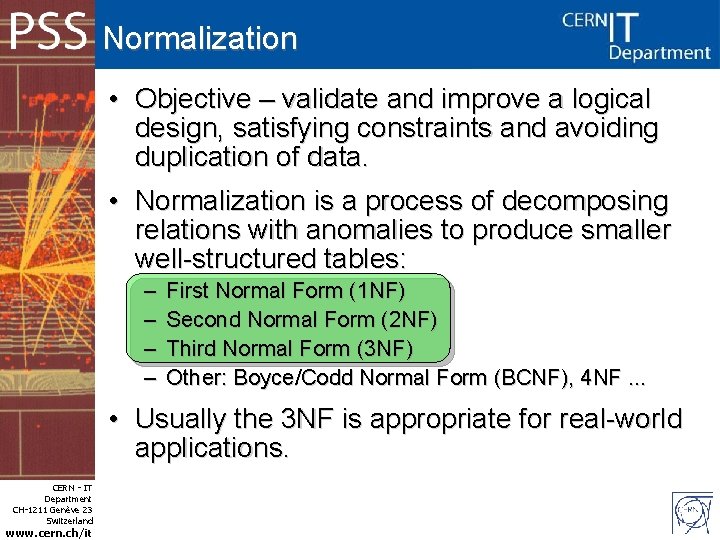
Normalization • Objective – validate and improve a logical design, satisfying constraints and avoiding duplication of data. • Normalization is a process of decomposing relations with anomalies to produce smaller well-structured tables: – – First Normal Form (1 NF) Second Normal Form (2 NF) Third Normal Form (3 NF) Other: Boyce/Codd Normal Form (BCNF), 4 NF. . . • Usually the 3 NF is appropriate for real-world applications. CERN - IT Department CH-1211 Genève 23 Switzerland www. cern. ch/it
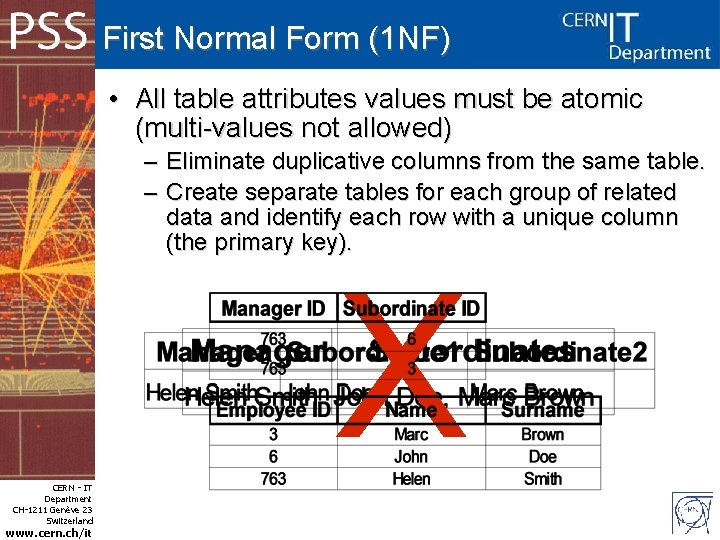
First Normal Form (1 NF) • All table attributes values must be atomic (multi-values not allowed) – Eliminate duplicative columns from the same table. – Create separate tables for each group of related data and identify each row with a unique column (the primary key). X CERN - IT Department CH-1211 Genève 23 Switzerland www. cern. ch/it
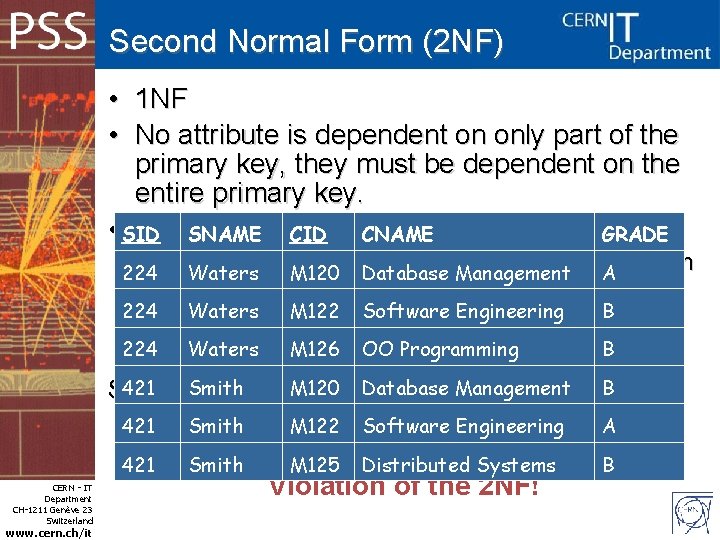
Second Normal Form (2 NF) • • 1 NF No attribute is dependent on only part of the primary key, they must be dependent on the entire primary key. • SID Example: SNAME CID CNAME GRADE – 224 partial dependency – an attribute is dependent on Waters M 120 Database Management A part of the primary key, but not all of the primary 224 key Waters M 122 Software Engineering B 224 Waters M 126 OO Programming B 421 Smith M 120 Database Management B Student( SID, CID , SNAME, CNAME, GRADE) CERN - IT Department CH-1211 Genève 23 Switzerland www. cern. ch/it 421 Smith M 122 Software Engineering A 421 Smith M 125 Distributed Systems B Violation of the 2 NF!
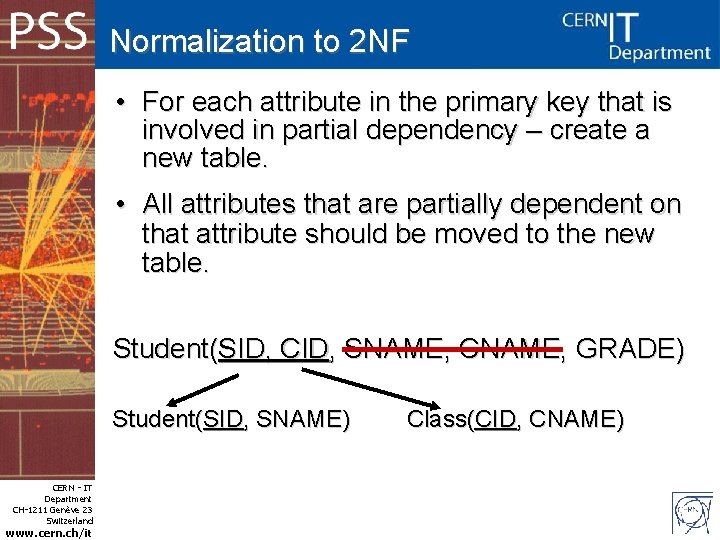
Normalization to 2 NF • For each attribute in the primary key that is involved in partial dependency – create a new table. • All attributes that are partially dependent on that attribute should be moved to the new table. Student(SID, CID, SNAME, CNAME, GRADE) Student(SID, SNAME) CERN - IT Department CH-1211 Genève 23 Switzerland www. cern. ch/it Class(CID, CNAME)
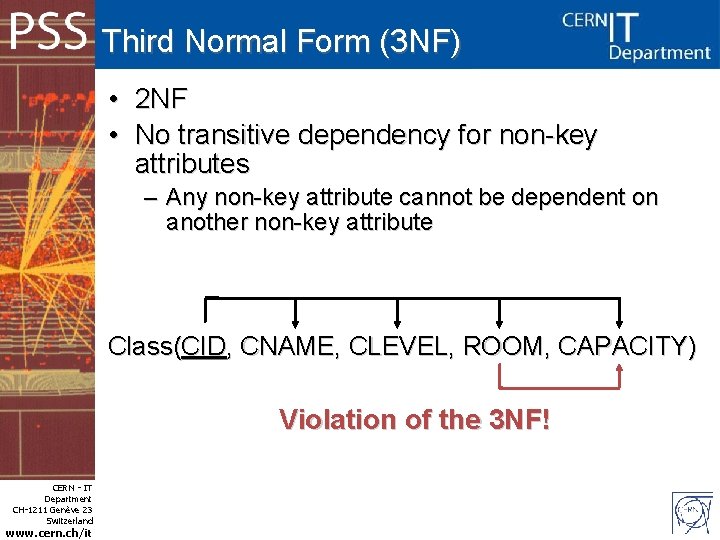
Third Normal Form (3 NF) • • 2 NF No transitive dependency for non-key attributes – Any non-key attribute cannot be dependent on another non-key attribute Class(CID, CNAME, CLEVEL, ROOM, CAPACITY) Violation of the 3 NF! CERN - IT Department CH-1211 Genève 23 Switzerland www. cern. ch/it
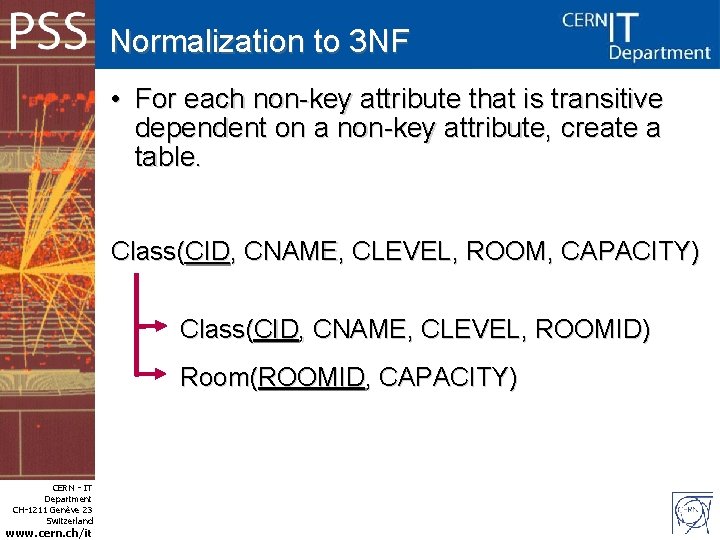
Normalization to 3 NF • For each non-key attribute that is transitive dependent on a non-key attribute, create a table. Class(CID, CNAME, CLEVEL, ROOM, CAPACITY) Class(CID, CNAME, CLEVEL, ROOMID) Room(ROOMID, CAPACITY) CERN - IT Department CH-1211 Genève 23 Switzerland www. cern. ch/it
Integrity constraints - PK • Primary keys (PK) – Role: Enforce entity integrity. – Attribute or set of attributes that uniquely identifies an entity instance. – Every entity in the data model must have a primary key that: • • • CERN - IT Department CH-1211 Genève 23 Switzerland www. cern. ch/it is a non-null value is unique it does not change or become null during the table life time (time invariant)
Integrity constraints - FK • Foreign keys (FK) – Role: maintains consistency between two tables with a relation. – The foreign key must have a value that matches a primary key in the other table or be null. – An attribute in a table that serves as primary key of another table. – Use foreign keys! • foreign keys with indexes on them improve performance of selects, but also inserts, updates and deletes. • Checks – NOT NULL CERN - IT Department CH-1211 Genève 23 Switzerland www. cern. ch/it
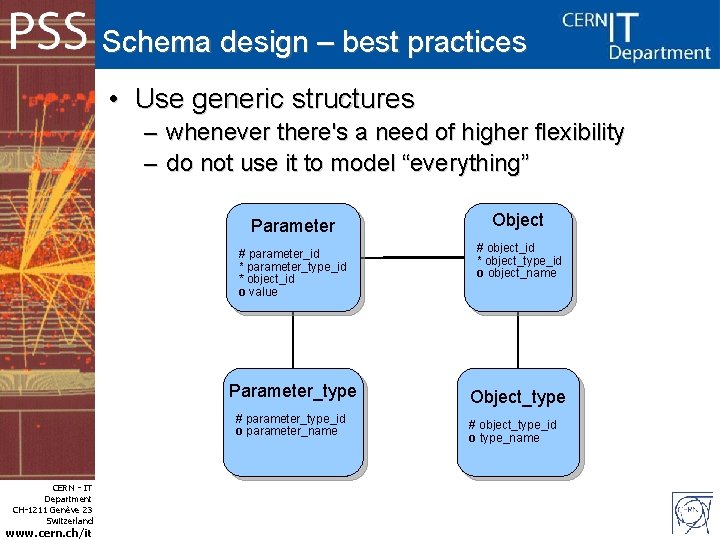
Schema design – best practices • Use generic structures – whenever there's a need of higher flexibility – do not use it to model “everything” Parameter # parameter_id * parameter_type_id * object_id o value Parameter_type # parameter_type_id o parameter_name CERN - IT Department CH-1211 Genève 23 Switzerland www. cern. ch/it Object # object_id * object_type_id o object_name Object_type # object_type_id o type_name
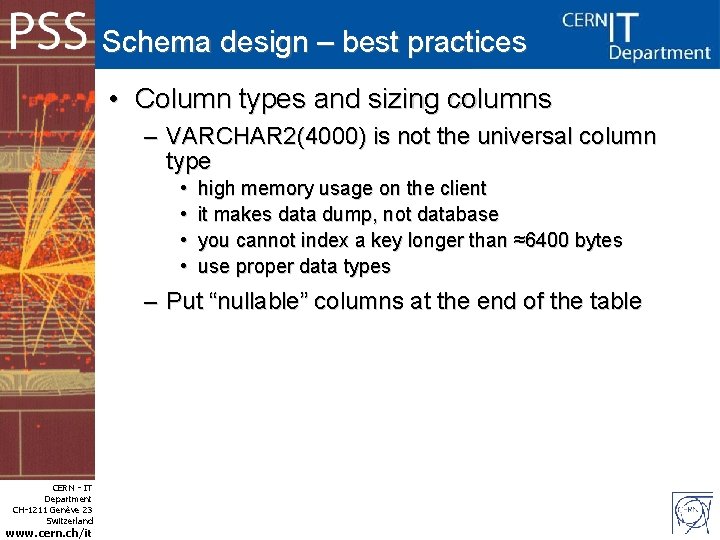
Schema design – best practices • Column types and sizing columns – VARCHAR 2(4000) is not the universal column type • • high memory usage on the client it makes data dump, not database you cannot index a key longer than ≈6400 bytes use proper data types – Put “nullable” columns at the end of the table CERN - IT Department CH-1211 Genève 23 Switzerland www. cern. ch/it
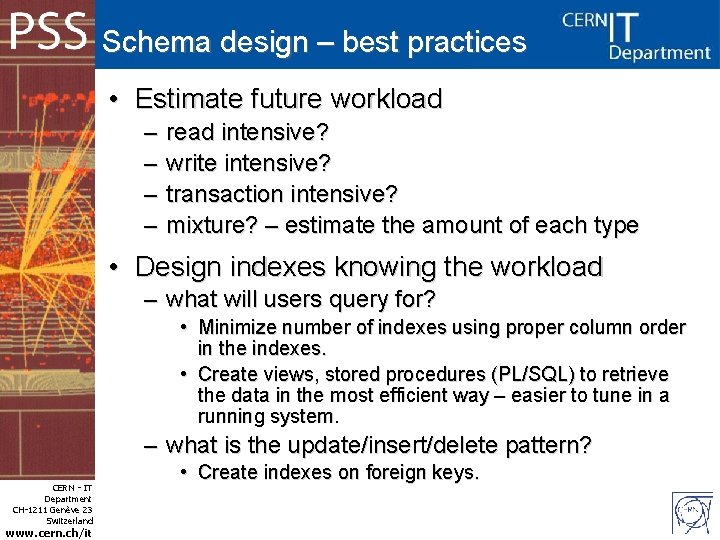
Schema design – best practices • Estimate future workload – – read intensive? write intensive? transaction intensive? mixture? – estimate the amount of each type • Design indexes knowing the workload – what will users query for? • Minimize number of indexes using proper column order in the indexes. • Create views, stored procedures (PL/SQL) to retrieve the data in the most efficient way – easier to tune in a running system. – what is the update/insert/delete pattern? CERN - IT Department CH-1211 Genève 23 Switzerland www. cern. ch/it • Create indexes on foreign keys.
Tips & tricks CERN - IT Department CH-1211 Genève 23 Switzerland www. cern. ch/it
Indexes – tips & tricks • Selective indexes – suppose we have huge table with jobs, most of them already processed (processed_flag = 'Y'), we want only to index non-processed jobs (save index space, improve insert performance): • Use bitmap index – very bad idea on frequently updated tables. • Create selective view. • Create function based index: create index my_indx on tbl_t 1 ( case when processed_flag = 'N' then 'N' else NULL end); CERN - IT Department CH-1211 Genève 23 Switzerland www. cern. ch/it
Indexes – tips & tricks • Reversed indexes – suppose we have many concurrent programs that insert into the same table, the table has a primary key column populated by an increasing sequence. There are no range scans on that column. The data is deleted time to time according to some rules which leave some old data undeleted in the table. • Create reversed index: alter index_name rebuild reverse; • Reversed index decreases contention on the index, especially in RAC environment – improves insert/update performance. • You can no longer make range scans using reversed index. CERN - IT Department CH-1211 Genève 23 Switzerland www. cern. ch/it
Partitioning – tips & tricks • Investigate partitioning your application – You can try partitioning by time, subdetector, subsytem, etc. – Benefits: • increased availability – in case of loosing one tablespace/partition, • easier administration – moving smaller objects if necessary, easier deletion of history, easier online operations on data (ALTER TABLE. . . EXCHANGE PARTITION), • increased performance – use of local and global indexes, less contention in RAC environment. CERN - IT Department CH-1211 Genève 23 Switzerland www. cern. ch/it
PL/SQL – tips & tricks • Query parse types – Hard parse • Optimizing execution plan of a query. • High CPU consumption. – Soft parse • Reusing previous execution plan. • Low CPU consumption, faster execution. • Reduce the number of hard parses CERN - IT Department CH-1211 Genève 23 Switzerland www. cern. ch/it – Put top executed queries in PL/SQL packages/procedures/functions. – Put most common queries in views. – It also makes easier to tune bad queries in case of problems.
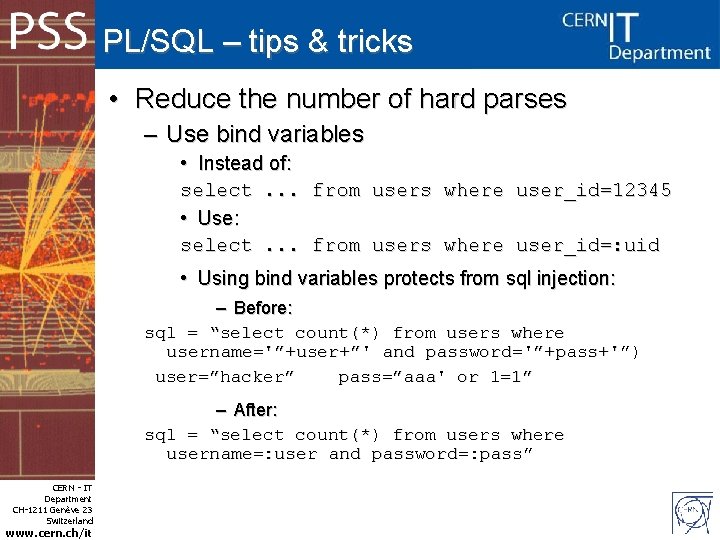
PL/SQL – tips & tricks • Reduce the number of hard parses – Use bind variables • Instead of: select. . . from users where user_id=12345 • Use: select. . . from users where user_id=: uid • Using bind variables protects from sql injection: – Before: sql = “select count(*) from users where username='”+user+”' and password='”+pass+'”) user=”hacker” pass=”aaa' or 1=1” – After: sql = “select count(*) from users where username=: user and password=: pass” CERN - IT Department CH-1211 Genève 23 Switzerland www. cern. ch/it
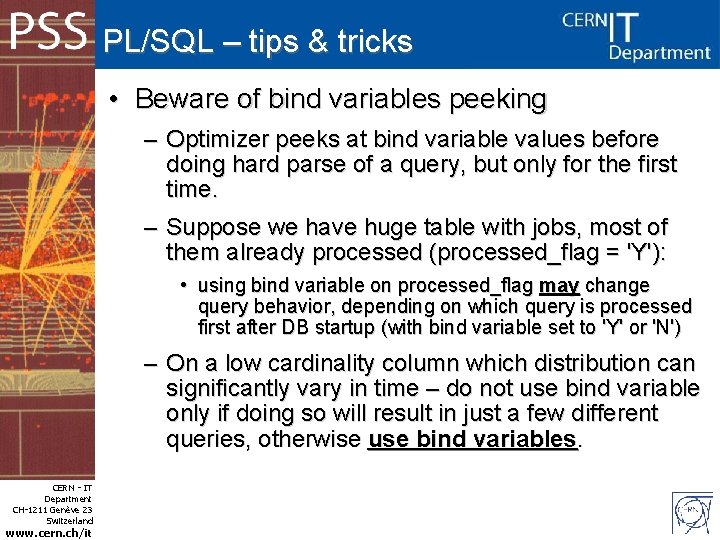
PL/SQL – tips & tricks • Beware of bind variables peeking – Optimizer peeks at bind variable values before doing hard parse of a query, but only for the first time. – Suppose we have huge table with jobs, most of them already processed (processed_flag = 'Y'): • using bind variable on processed_flag may change query behavior, depending on which query is processed first after DB startup (with bind variable set to 'Y' or 'N') – On a low cardinality column which distribution can significantly vary in time – do not use bind variable only if doing so will result in just a few different queries, otherwise use bind variables. CERN - IT Department CH-1211 Genève 23 Switzerland www. cern. ch/it
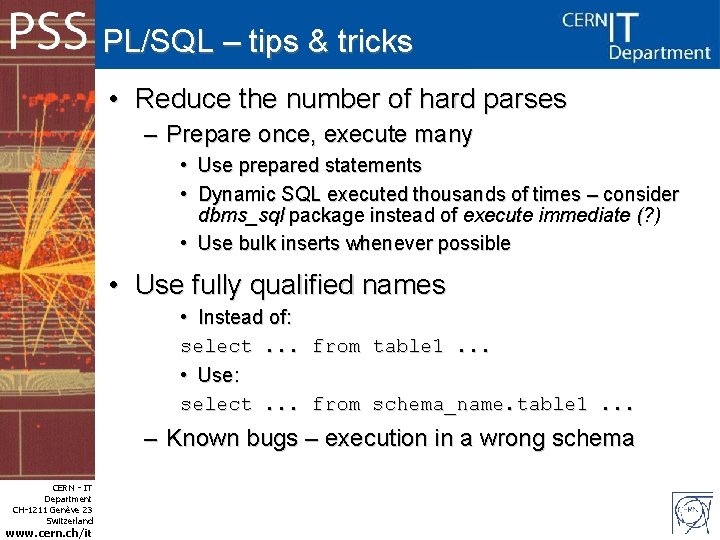
PL/SQL – tips & tricks • Reduce the number of hard parses – Prepare once, execute many • Use prepared statements • Dynamic SQL executed thousands of times – consider dbms_sql package instead of execute immediate (? ) • Use bulk inserts whenever possible • Use fully qualified names • Instead of: select. . . from table 1. . . • Use: select. . . from schema_name. table 1. . . – Known bugs – execution in a wrong schema CERN - IT Department CH-1211 Genève 23 Switzerland www. cern. ch/it
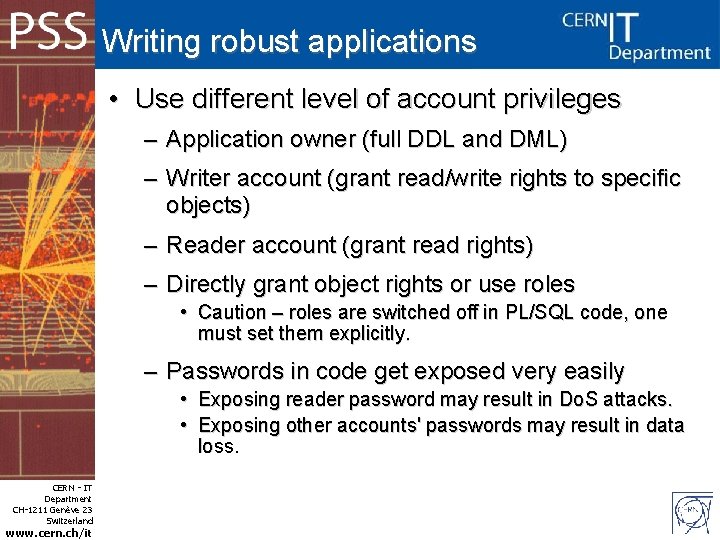
Writing robust applications • Use different level of account privileges – Application owner (full DDL and DML) – Writer account (grant read/write rights to specific objects) – Reader account (grant read rights) – Directly grant object rights or use roles • Caution – roles are switched off in PL/SQL code, one must set them explicitly. – Passwords in code get exposed very easily • Exposing reader password may result in Do. S attacks. • Exposing other accounts' passwords may result in data loss. CERN - IT Department CH-1211 Genève 23 Switzerland www. cern. ch/it
Writing robust applications • Use connection pooling – Connect once and keep a specific number of connections to be used by several client threads (pconnect in OCI) – Test if the connection is still open before using it, otherwise try reconnecting – Log connection errors, it may help DBAs to resolve any potential connection issues CERN - IT Department CH-1211 Genève 23 Switzerland www. cern. ch/it

Writing robust applications • Error logging and retrying – Trap errors – Check transactions for errors, try to repeat failed transactions, log any errors (including SQL that failed and application status – it might help to resolve the issue) – If you can afford some parts of a transaction (bulk insert) to fail – consider using error logging clause: • CREATE TABLE raises (emp_id NUMBER, sal NUMBER CONSTRAINT check_sal CHECK(sal > 8000)); • EXECUTE DBMS_ERRLOG. CREATE_ERROR_LOG('raises', 'errlog'); • INSERT INTO raises SELECT employee_id, salary*1. 1 FROM employees WHERE commission_pct >. 2 LOG ERRORS INTO errlog ('my_bad') REJECT LIMIT 10; • SELECT ORA_ERR_MESG$, ORA_ERR_TAG$, emp_id, sal FROM errlog; ORA_ERR_MESG$ ORA_ERR_TAG$ EMP_ID SAL -------------- ------ORA-02290: check constraint my_bad CERN - IT Department CH-1211 Genève 23 Switzerland www. cern. ch/it (HR. SYS_C 004266) violated 161 7700
Writing robust applications • • Design, test, design, test. . . Try to prepare a testbed system – workload generators, etc. • Do not test changes on a live production system. • IT-PSS provides test and integration system (preproduction) with the same Oracle setup as on production clusters – contact Phy. DB. Support to obtain accounts and ask for imports/exports. CERN - IT Department CH-1211 Genève 23 Switzerland www. cern. ch/it
Physics Services Support Q&A CERN - IT Department CH-1211 Genève 23 Switzerland www. cern. ch/it
- Slides: 32