
Database Basics I 101 Summer 2006 Copyright 2004
Database Basics I 101 Summer 2006 Copyright 2004, Matt Hottell
Relational Model n n n The relational model is the dominant model for database design today. The relational model was conceived by E. F. Codd of IBM in 1970. The relational model is based on set theory and is composed of relations (also known as tables).
Relations n Relations are composed of two main elements: n Attributes n n Metadata Tuples n The data itself
Attributes n n Attributes are the column headings in a relational table. They describe the data that is contained in each column Order of attributes is unimportant All of the attributes together make up the schema of the relation.

Tuples n n Tuples are the complete rows of data in the table. They are also known as records. No two tuples can be exactly the same The order of tuples is not important
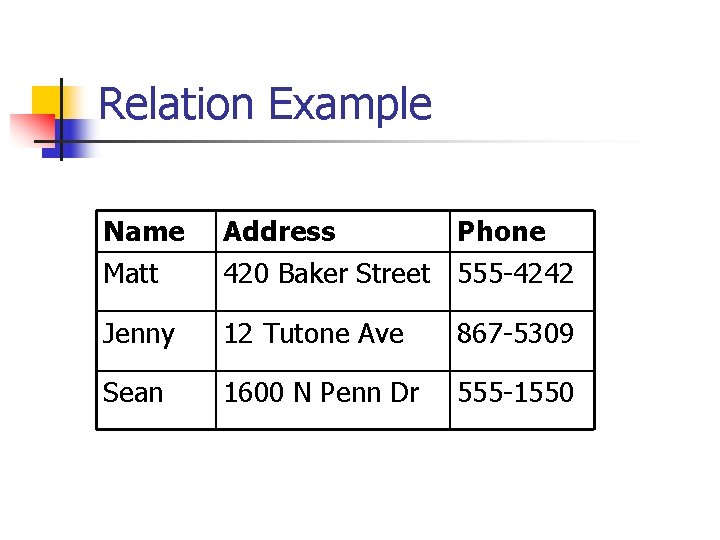
Relation Example Name Matt Address Phone 420 Baker Street 555 -4242 Jenny 12 Tutone Ave 867 -5309 Sean 1600 N Penn Dr 555 -1550
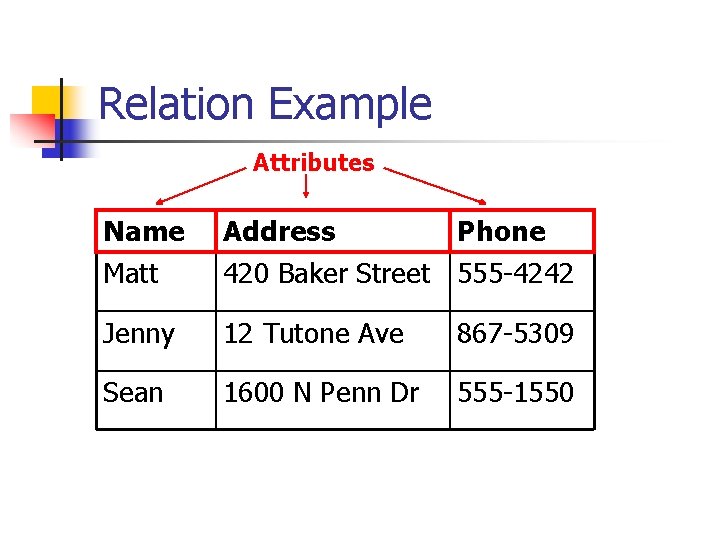
Relation Example Attributes Name Matt Address Phone 420 Baker Street 555 -4242 Jenny 12 Tutone Ave 867 -5309 Sean 1600 N Penn Dr 555 -1550
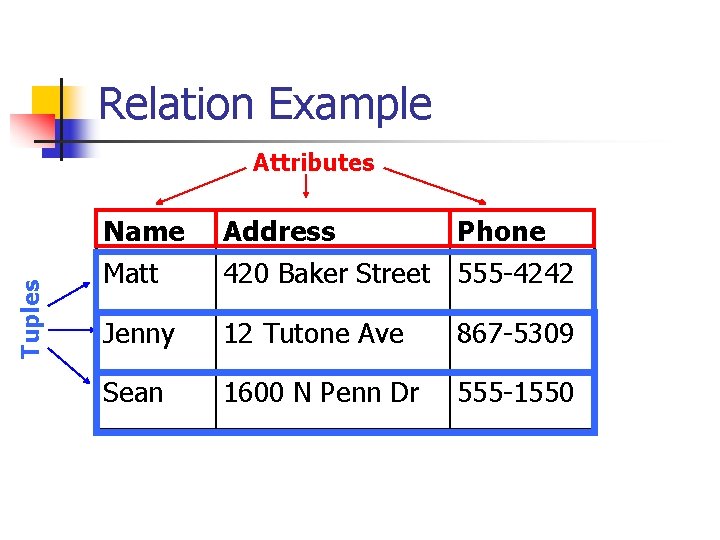
Relation Example Tuples Attributes Name Matt Address Phone 420 Baker Street 555 -4242 Jenny 12 Tutone Ave 867 -5309 Sean 1600 N Penn Dr 555 -1550
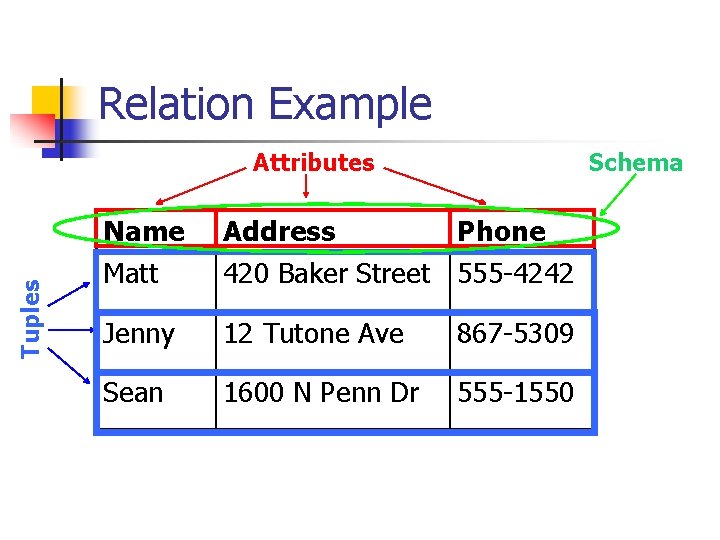
Relation Example Tuples Attributes Schema Name Matt Address Phone 420 Baker Street 555 -4242 Jenny 12 Tutone Ave 867 -5309 Sean 1600 N Penn Dr 555 -1550
Keys n n Relational tables often have an attribute or set of attributes that uniquely identifies each tuple. These attributes or sets of attributes are called primary keys.
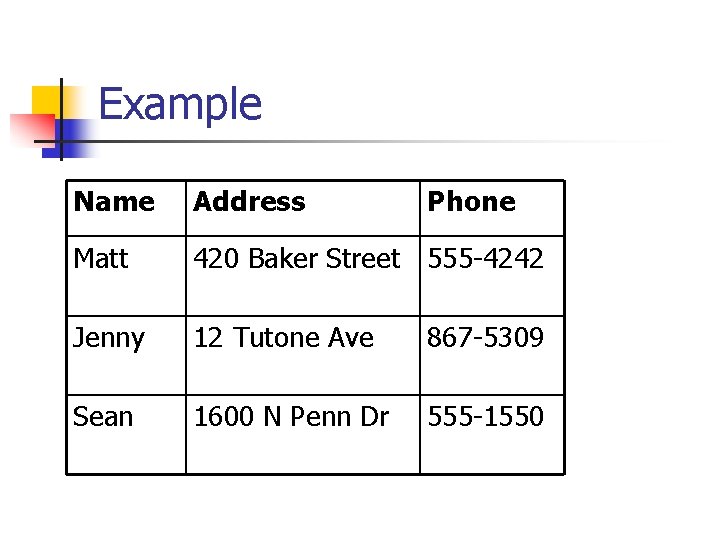
Example Name Address Phone Matt 420 Baker Street 555 -4242 Jenny 12 Tutone Ave 867 -5309 Sean 1600 N Penn Dr 555 -1550
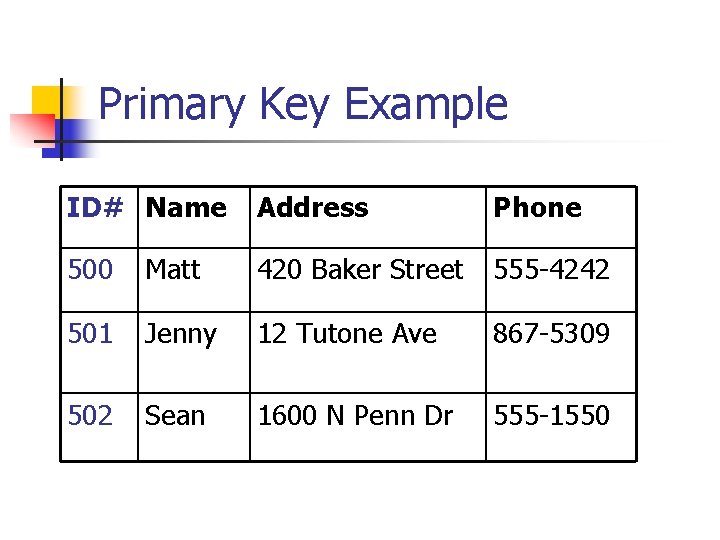
Primary Key Example ID# Name Address Phone 500 Matt 420 Baker Street 555 -4242 501 Jenny 12 Tutone Ave 867 -5309 502 Sean 1600 N Penn Dr 555 -1550
Foreign Keys n n Foreign keys are attributes in a relational table that refer to a primary key in another relational table. Foreign keys allow us to link relational tables together and gather information based on the contents of multiple tables.
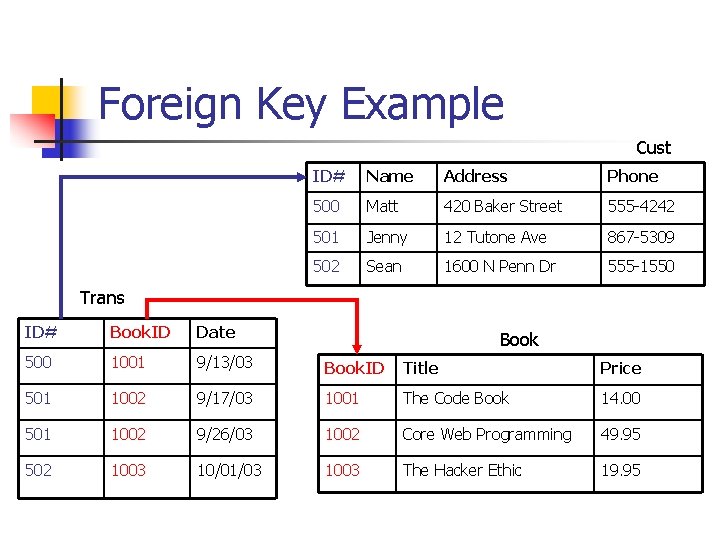
Foreign Key Example Cust ID# Name Address Phone 500 Matt 420 Baker Street 555 -4242 501 Jenny 12 Tutone Ave 867 -5309 502 Sean 1600 N Penn Dr 555 -1550 Trans ID# Book. ID Date 500 1001 9/13/03 Book. ID Title Price 501 1002 9/17/03 1001 The Code Book 14. 00 501 1002 9/26/03 1002 Core Web Programming 49. 95 502 1003 10/01/03 1003 The Hacker Ethic 19. 95 Book
SQL n n n SQL stands for Structured Query Language. All Relational Database Management Systems use SQL to interact with data. SQL is often implementation-specific n n My. SQL uses different syntax than Oracle We will be using My. SQL syntax
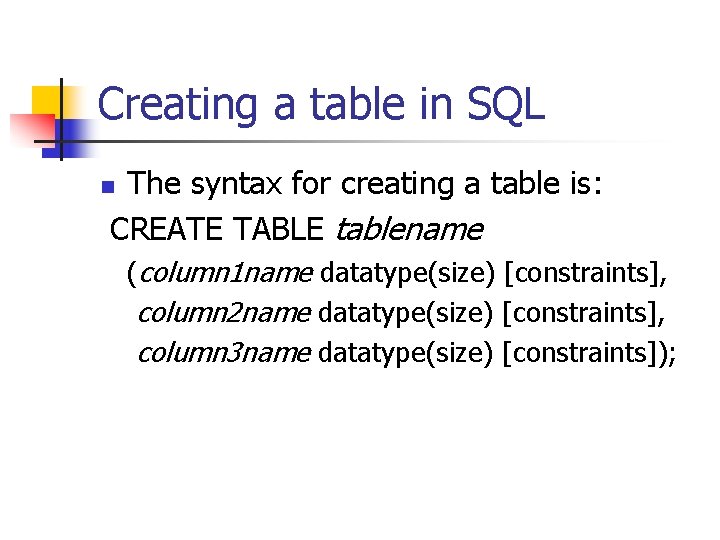
Creating a table in SQL The syntax for creating a table is: CREATE TABLE tablename n (column 1 name datatype(size) [constraints], column 2 name datatype(size) [constraints], column 3 name datatype(size) [constraints]);
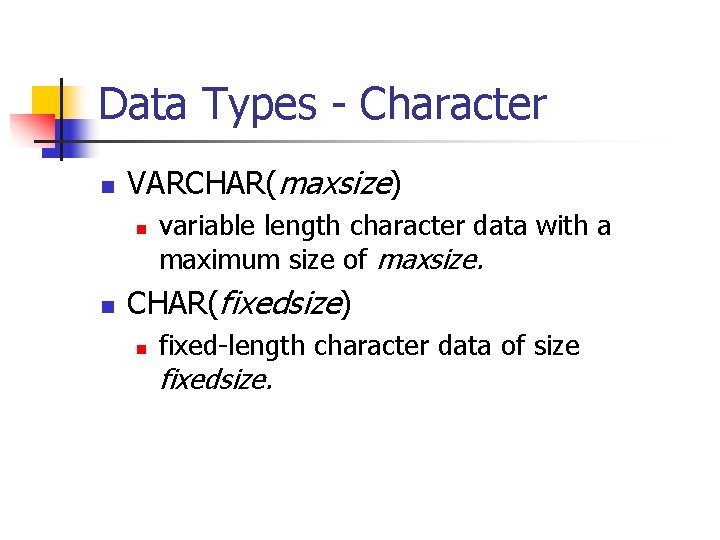
Data Types - Character n VARCHAR(maxsize) n n variable length character data with a maximum size of maxsize. CHAR(fixedsize) n fixed-length character data of size fixedsize.
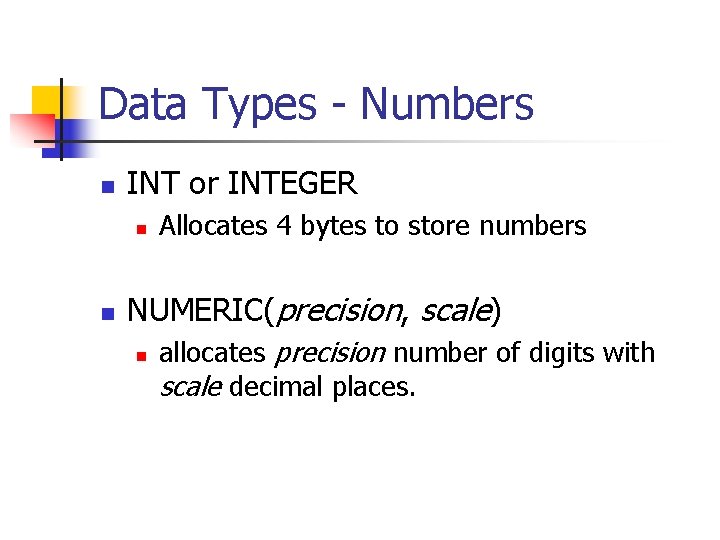
Data Types - Numbers n INT or INTEGER n n Allocates 4 bytes to store numbers NUMERIC(precision, scale) n allocates precision number of digits with scale decimal places.
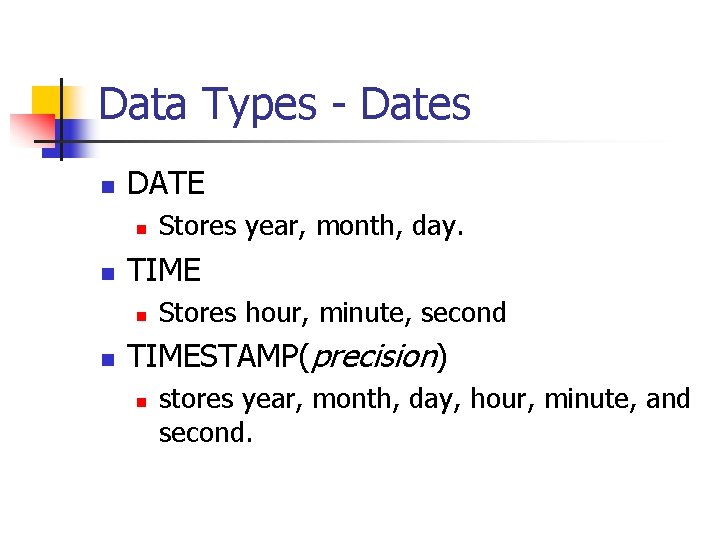
Data Types - Dates n DATE n n TIME n n Stores year, month, day. Stores hour, minute, second TIMESTAMP(precision) n stores year, month, day, hour, minute, and second.
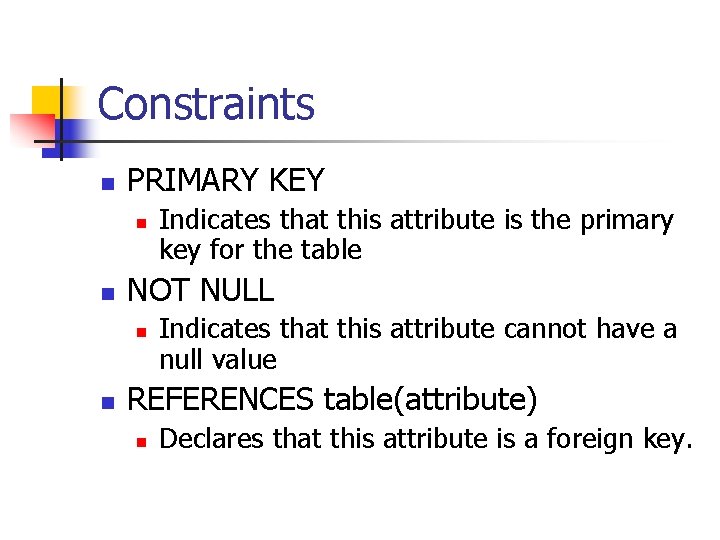
Constraints n PRIMARY KEY n n NOT NULL n n Indicates that this attribute is the primary key for the table Indicates that this attribute cannot have a null value REFERENCES table(attribute) n Declares that this attribute is a foreign key.
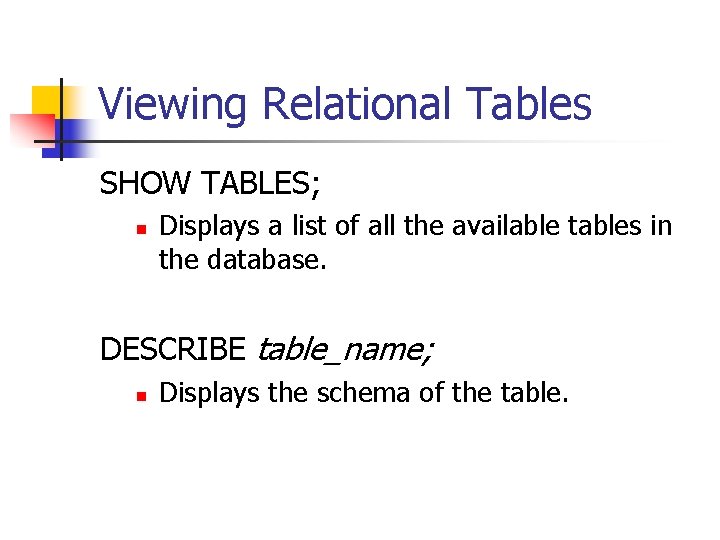
Viewing Relational Tables SHOW TABLES; n Displays a list of all the available tables in the database. DESCRIBE table_name; n Displays the schema of the table.
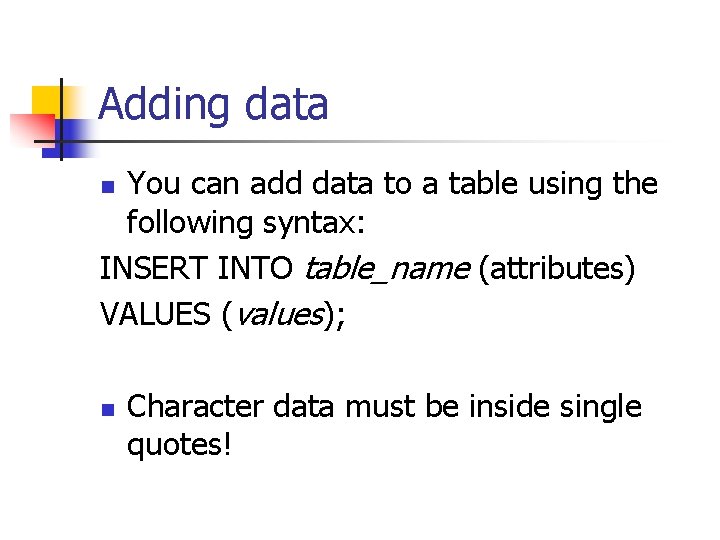
Adding data You can add data to a table using the following syntax: INSERT INTO table_name (attributes) VALUES (values); n n Character data must be inside single quotes!
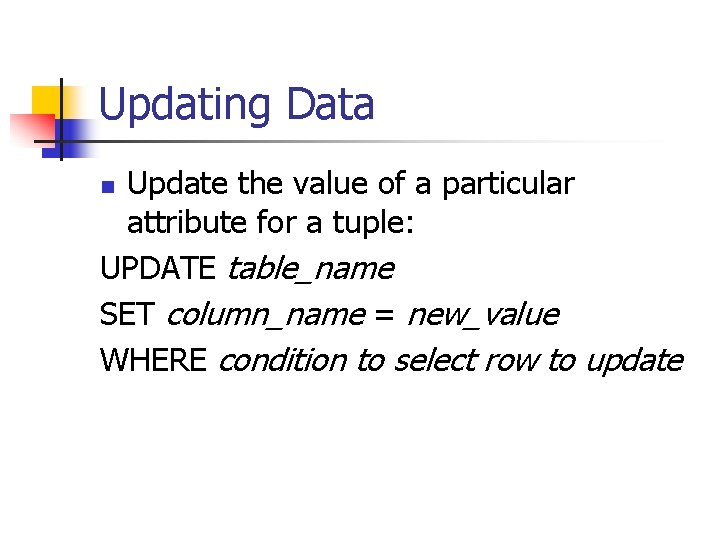
Updating Data Update the value of a particular attribute for a tuple: UPDATE table_name SET column_name = new_value WHERE condition to select row to update n
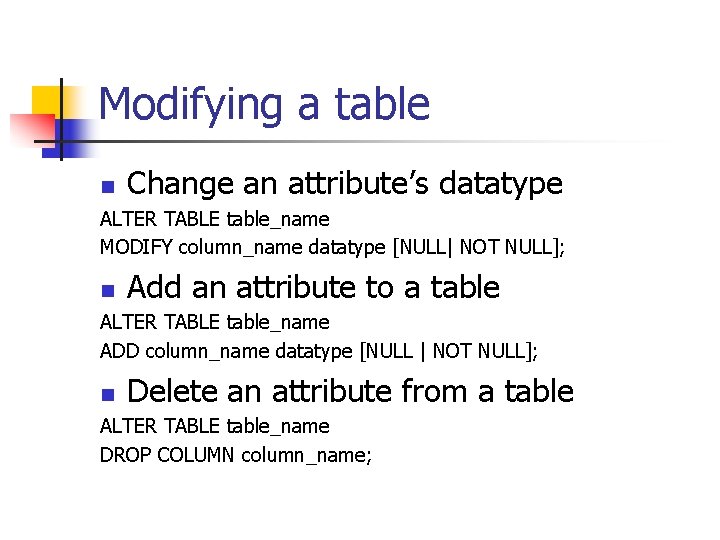
Modifying a table n Change an attribute’s datatype ALTER TABLE table_name MODIFY column_name datatype [NULL| NOT NULL]; n Add an attribute to a table ALTER TABLE table_name ADD column_name datatype [NULL | NOT NULL]; n Delete an attribute from a table ALTER TABLE table_name DROP COLUMN column_name;
Deleting a table n DROP TABLE tablename;
- Slides: 25