
DATA TYPES Each variable has a data type
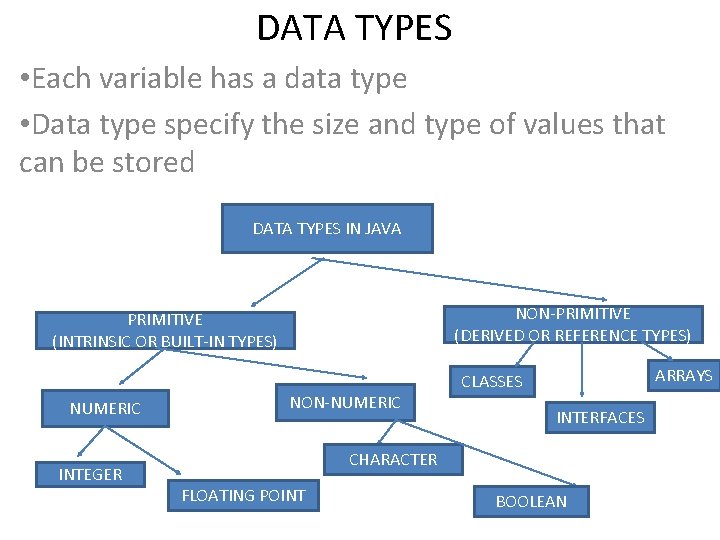
DATA TYPES • Each variable has a data type • Data type specify the size and type of values that can be stored DATA TYPES IN JAVA NON-PRIMITIVE (DERIVED OR REFERENCE TYPES) PRIMITIVE (INTRINSIC OR BUILT-IN TYPES) NUMERIC INTEGER NON-NUMERIC ARRAYS CLASSES INTERFACES CHARACTER FLOATING POINT BOOLEAN
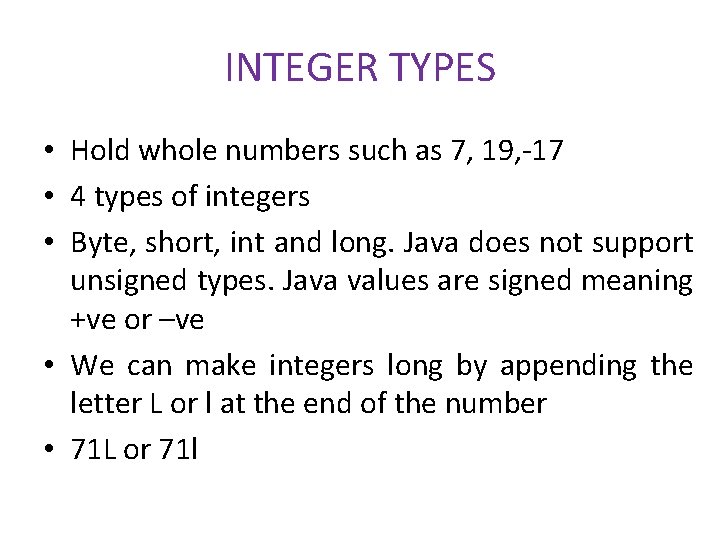
INTEGER TYPES • Hold whole numbers such as 7, 19, -17 • 4 types of integers • Byte, short, int and long. Java does not support unsigned types. Java values are signed meaning +ve or –ve • We can make integers long by appending the letter L or l at the end of the number • 71 L or 71 l

Floating Point Types • Hold numbers containing fractional parts such as 77. 9 or – 7. 777 • There are two kinds of floating points – float, double • Float types represent single precision numbers. Double types represent double precision numbers
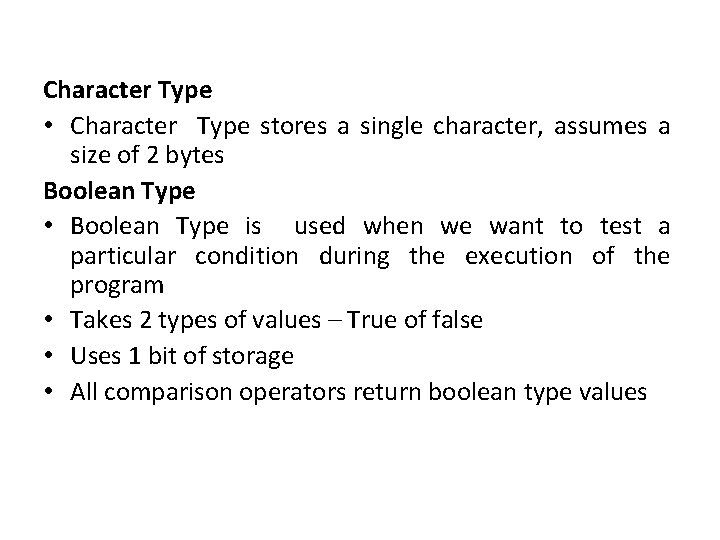
Character Type • Character Type stores a single character, assumes a size of 2 bytes Boolean Type • Boolean Type is used when we want to test a particular condition during the execution of the program • Takes 2 types of values – True of false • Uses 1 bit of storage • All comparison operators return boolean type values
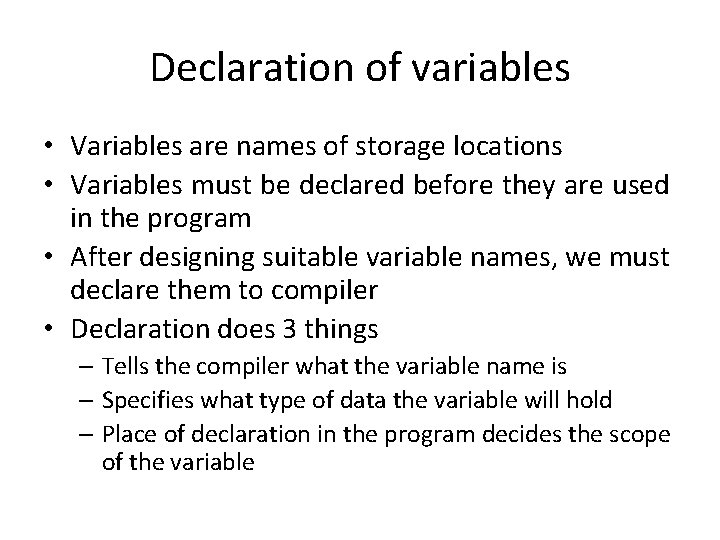
Declaration of variables • Variables are names of storage locations • Variables must be declared before they are used in the program • After designing suitable variable names, we must declare them to compiler • Declaration does 3 things – Tells the compiler what the variable name is – Specifies what type of data the variable will hold – Place of declaration in the program decides the scope of the variable
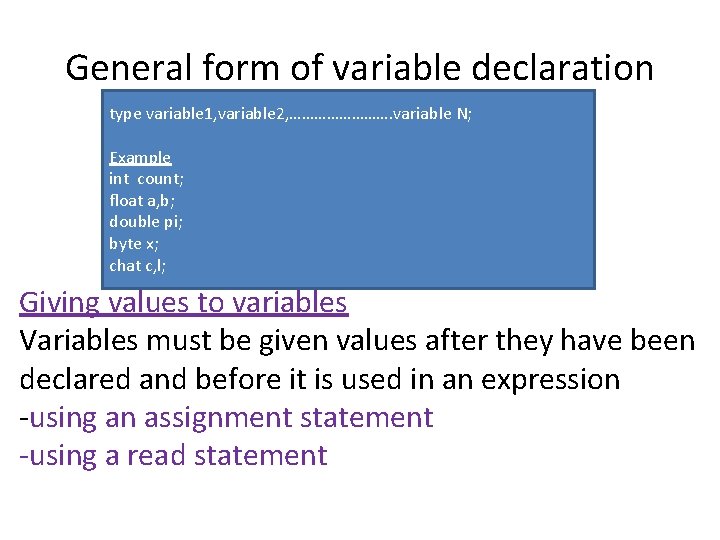
General form of variable declaration type variable 1, variable 2, …………. variable N; Example int count; float a, b; double pi; byte x; chat c, l; Giving values to variables Variables must be given values after they have been declared and before it is used in an expression -using an assignment statement -using a read statement
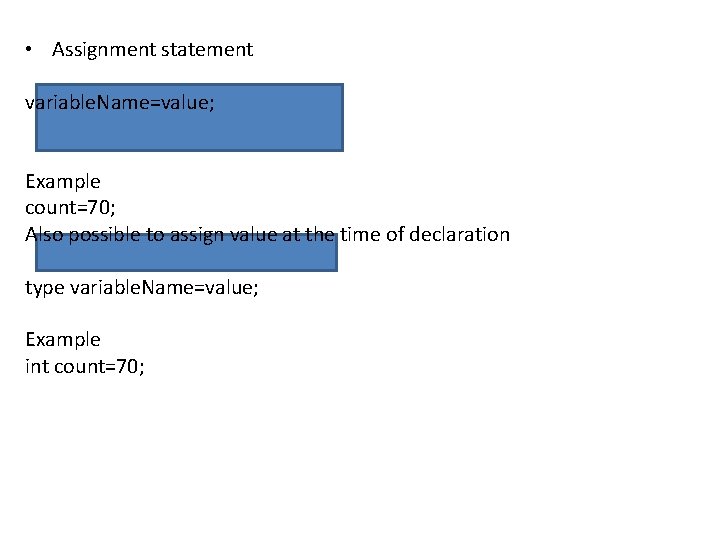
• Assignment statement variable. Name=value; Example count=70; Also possible to assign value at the time of declaration type variable. Name=value; Example int count=70;
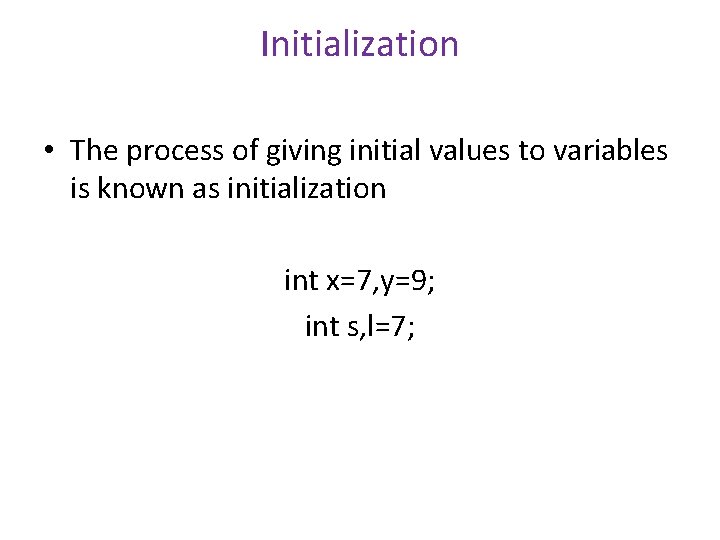
Initialization • The process of giving initial values to variables is known as initialization int x=7, y=9; int s, l=7;
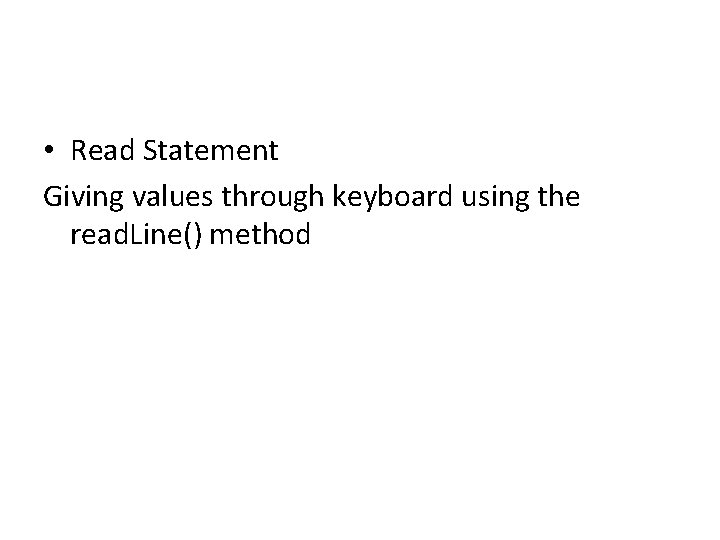
• Read Statement Giving values through keyboard using the read. Line() method
- Slides: 9