
Data Transformation Parsing Splitting fields into atomic attributes
Data Transformation Parsing: Splitting fields into atomic attributes.
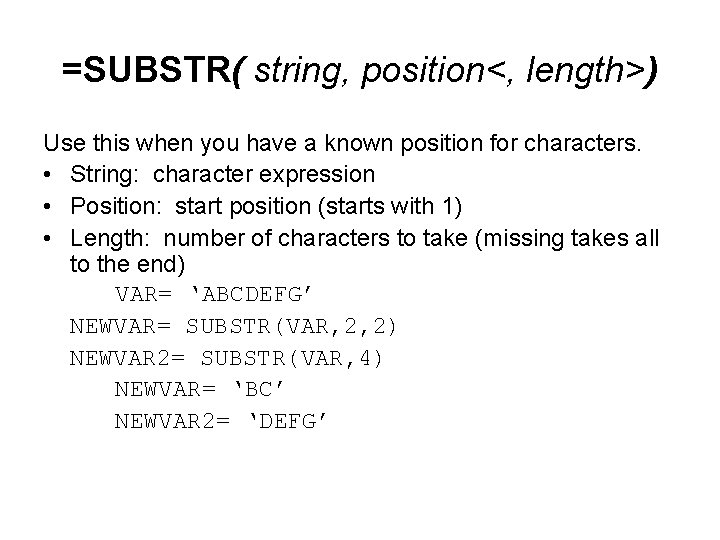
=SUBSTR( string, position<, length>) Use this when you have a known position for characters. • String: character expression • Position: start position (starts with 1) • Length: number of characters to take (missing takes all to the end) VAR= ‘ABCDEFG’ NEWVAR= SUBSTR(VAR, 2, 2) NEWVAR 2= SUBSTR(VAR, 4) NEWVAR= ‘BC’ NEWVAR 2= ‘DEFG’
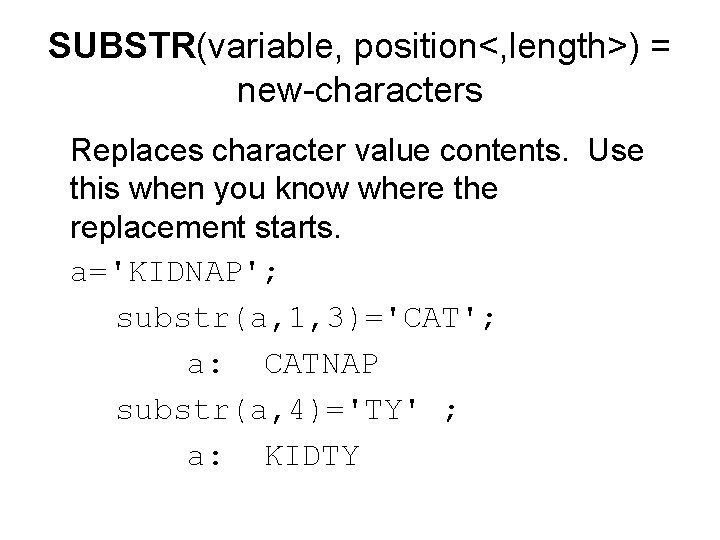
SUBSTR(variable, position<, length>) = new-characters Replaces character value contents. Use this when you know where the replacement starts. a='KIDNAP'; substr(a, 1, 3)='CAT'; a: CATNAP substr(a, 4)='TY' ; a: KIDTY
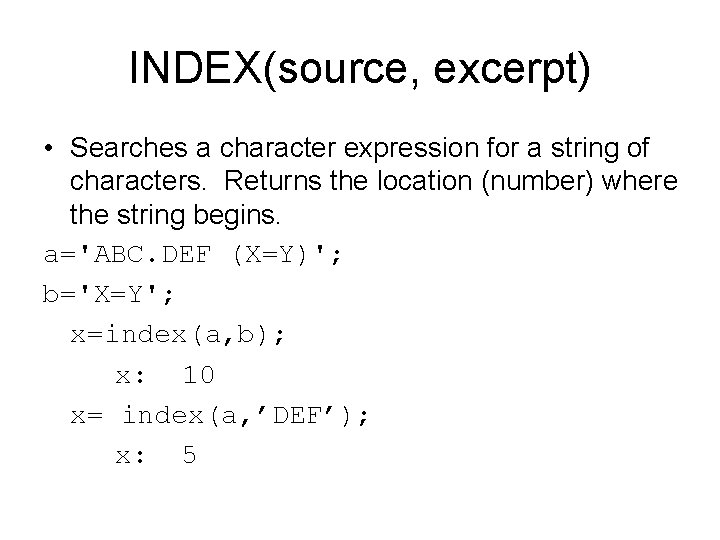
INDEX(source, excerpt) • Searches a character expression for a string of characters. Returns the location (number) where the string begins. a='ABC. DEF (X=Y)'; b='X=Y'; x=index(a, b); x: 10 x= index(a, ’DEF’); x: 5
Alternative INDEX functions • INDEXC searches for a single character • INDEXW searches for a word: Syntax INDEXW(source, excerpt<, delimiter>)
Length Returns the length of a character variable • The LENGTH and LENGTHN functions return the same value for non-blank character strings. LENGTH returns a value of 1 for blank character strings, whereas LENGTHN returns a value of 0. • The LENGTH function returns the length of a character string, excluding trailing blanks, whereas the LENGTHC function returns the length of a character string, including trailing blanks. LENGTH always returns a value that is less than or equal to the value returned by LENGTHC.
- Slides: 6