
Data presentation Criterion C data presentation worth 5

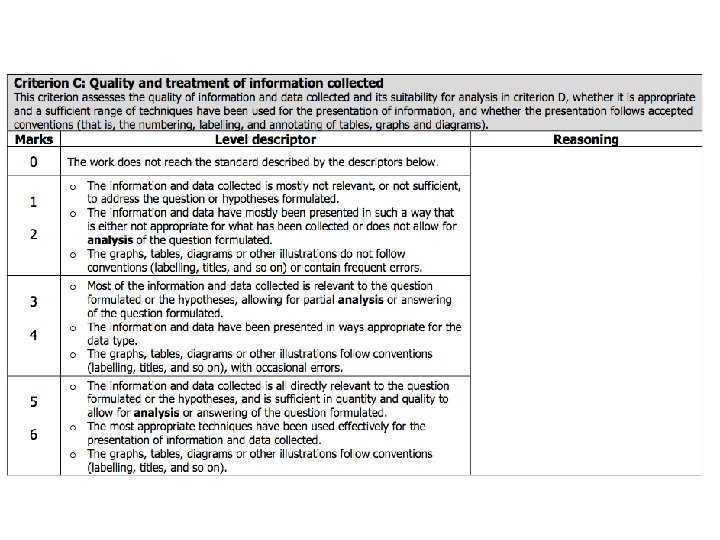

- Slides: 51
Data presentation
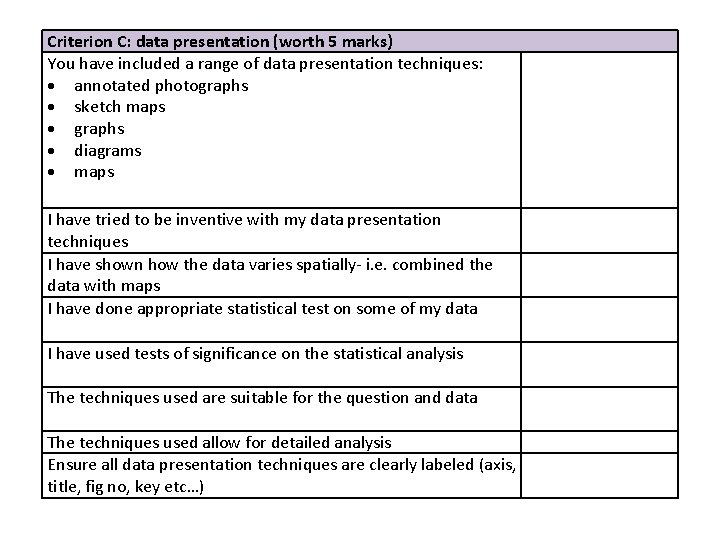
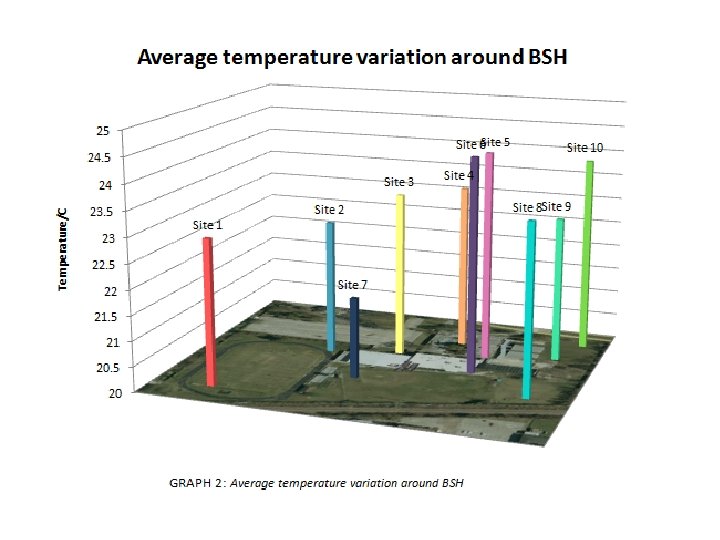
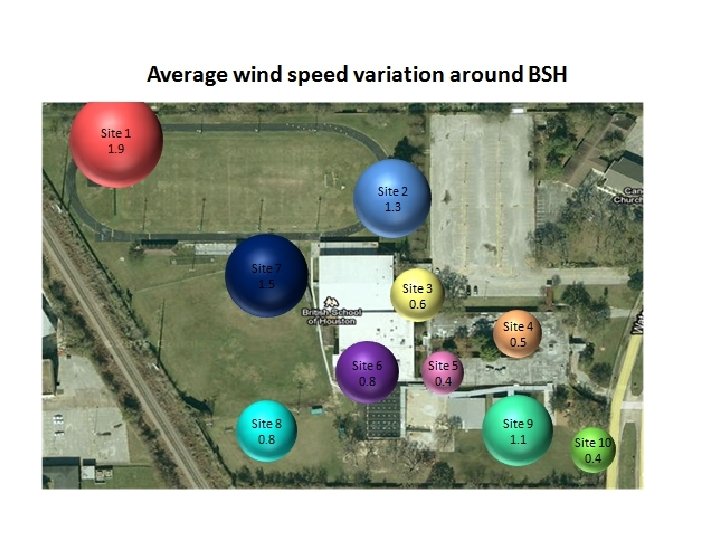
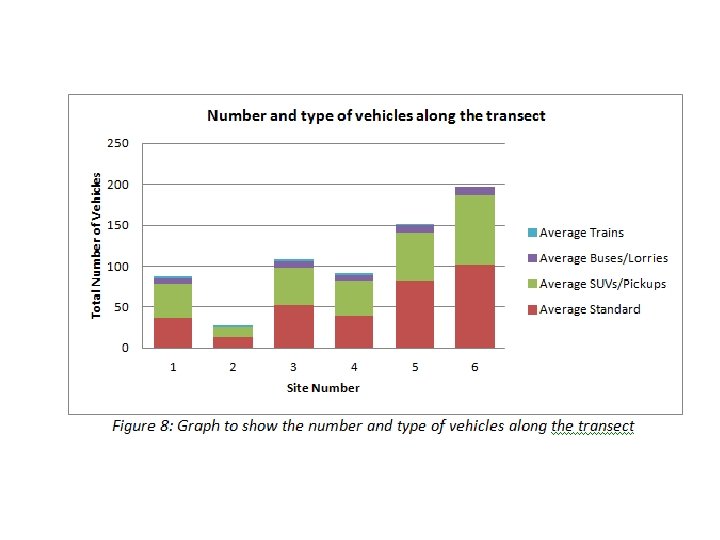
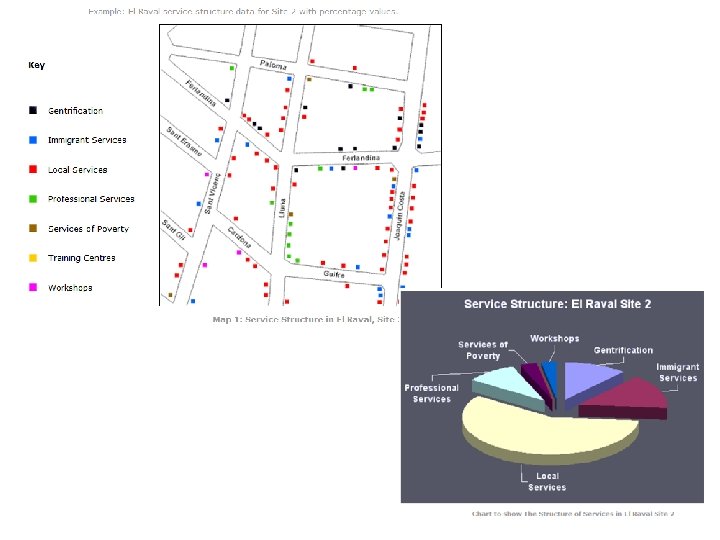
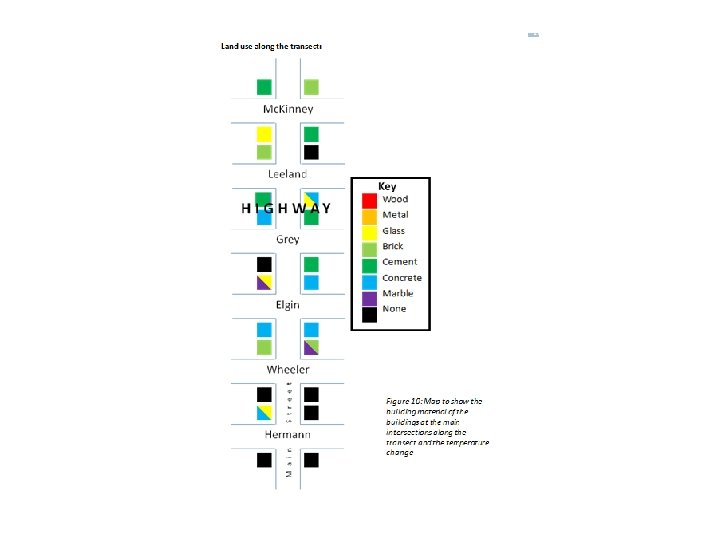
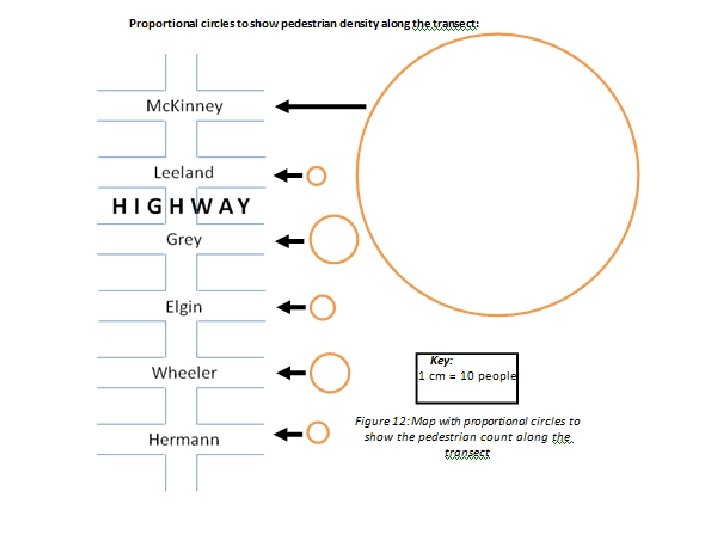
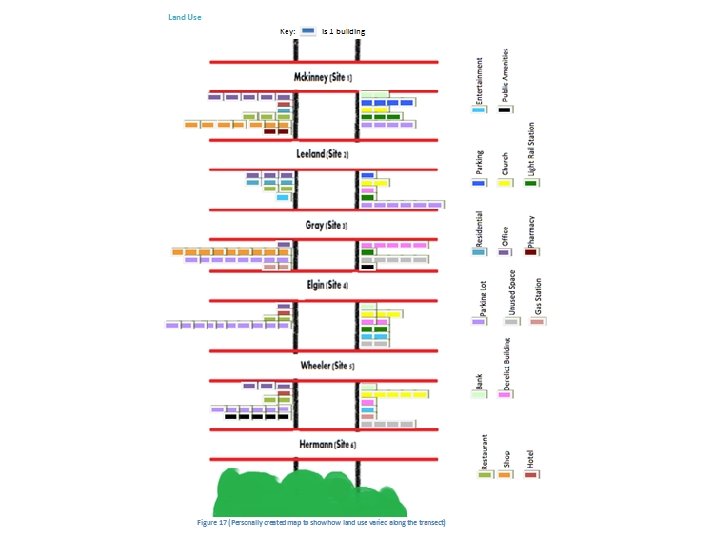
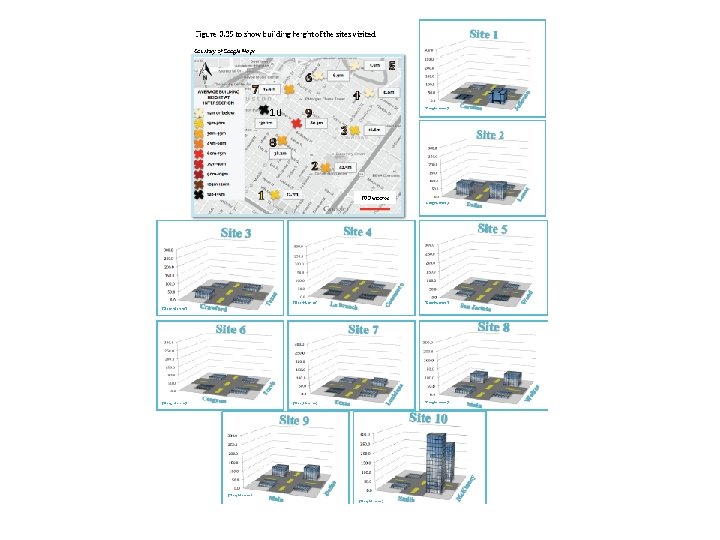
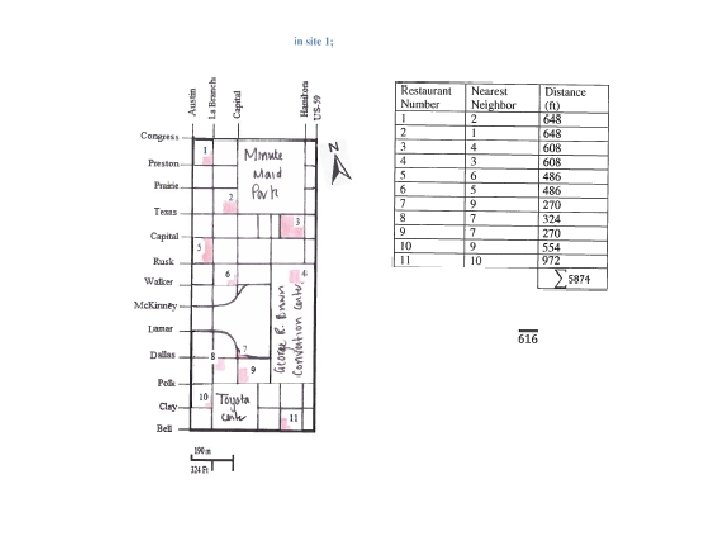
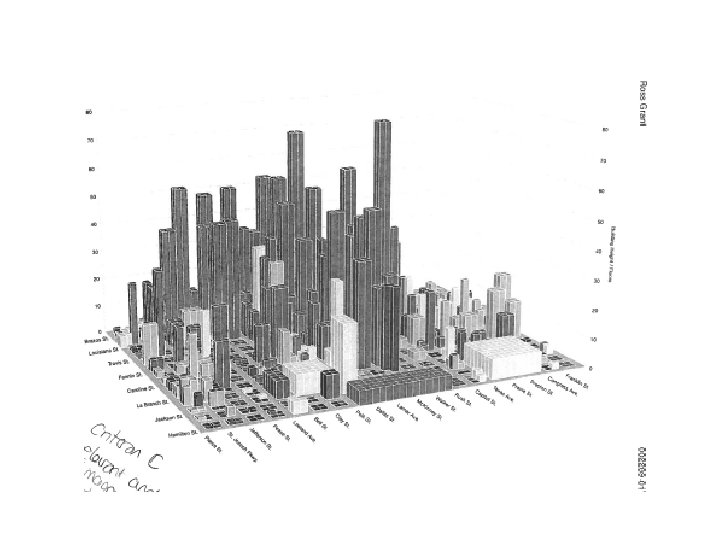
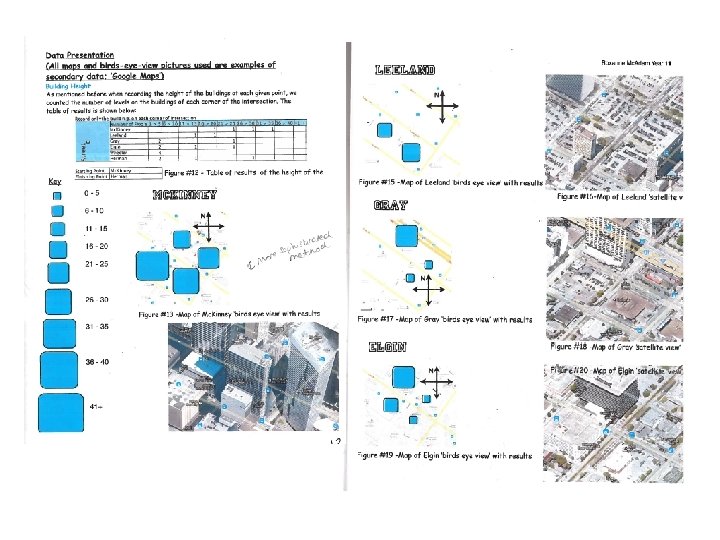
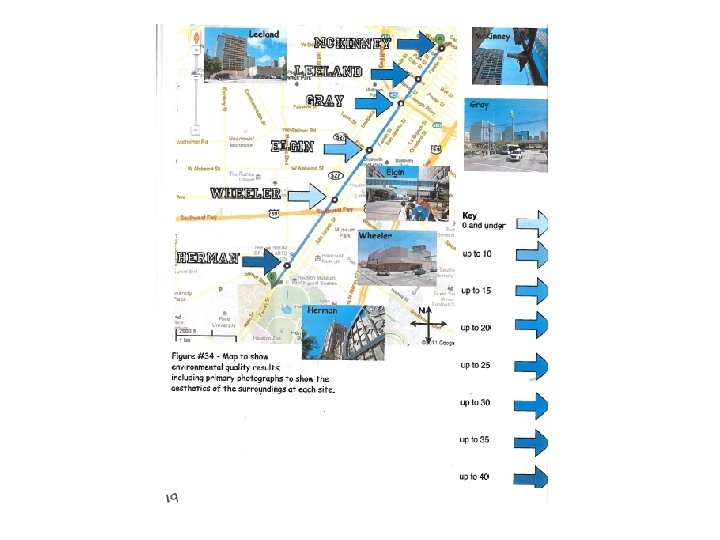
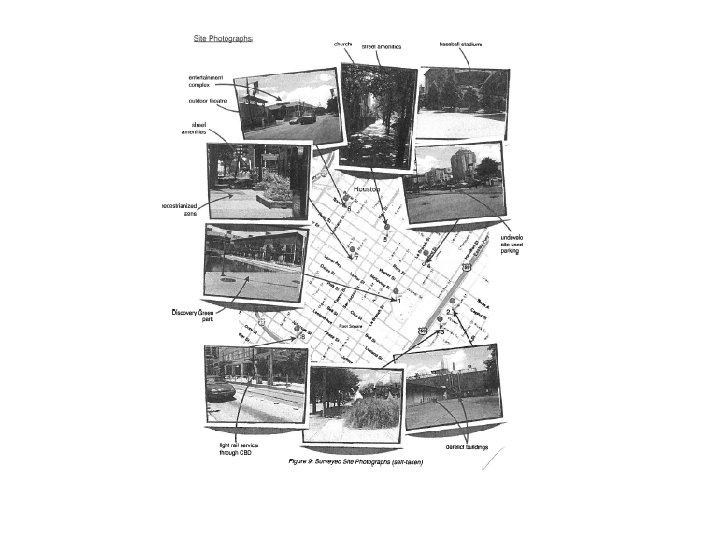
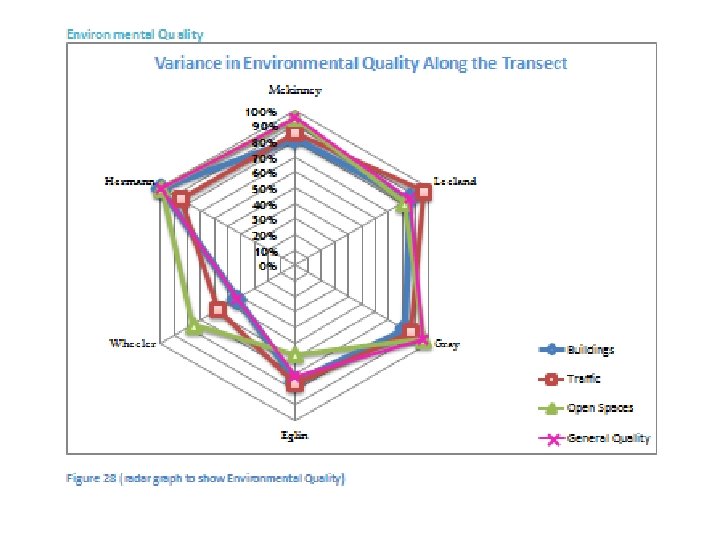
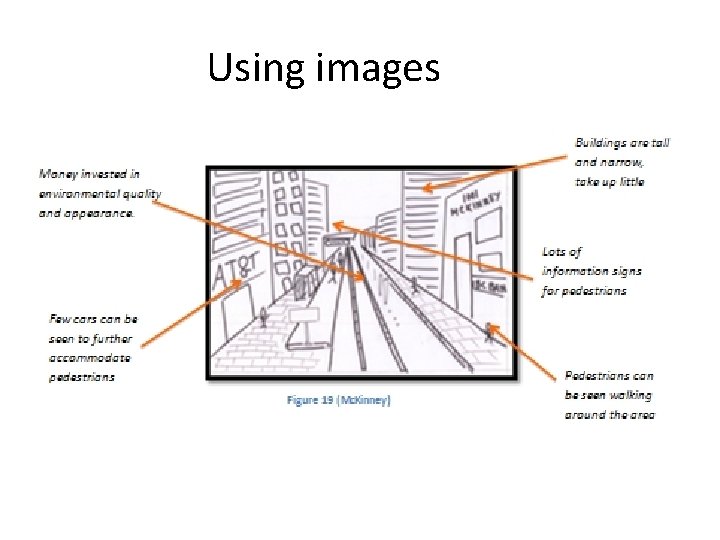
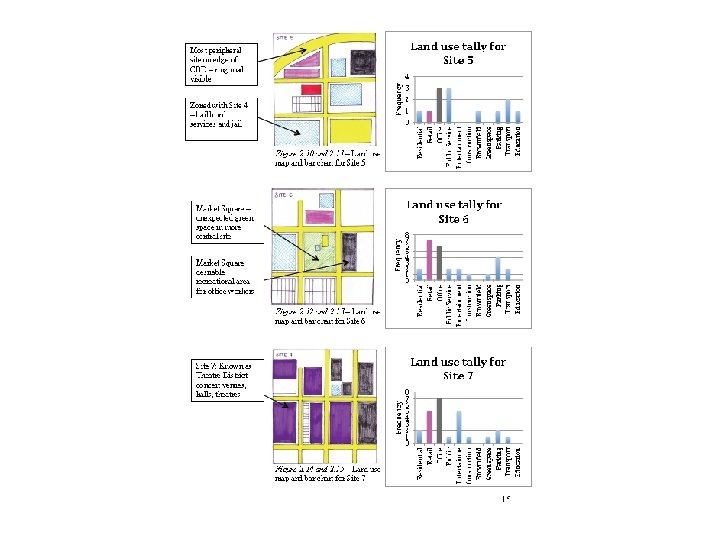
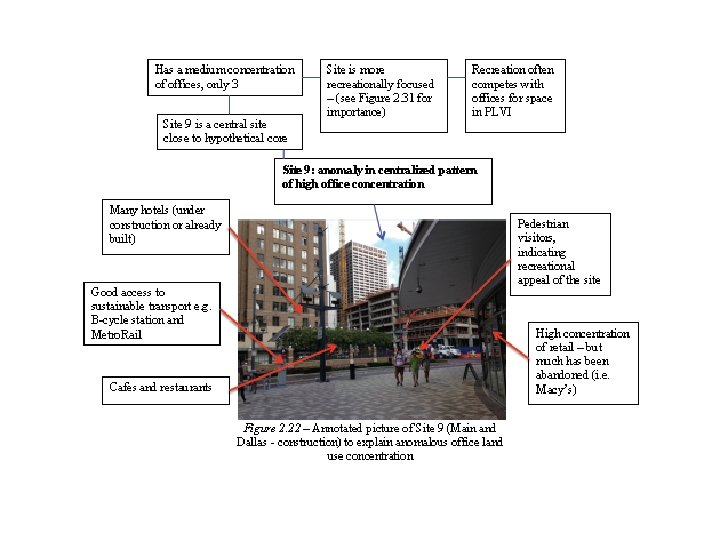
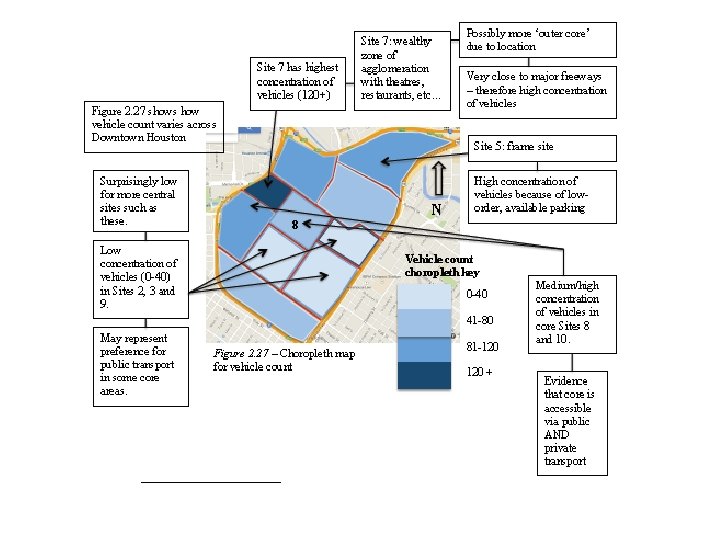
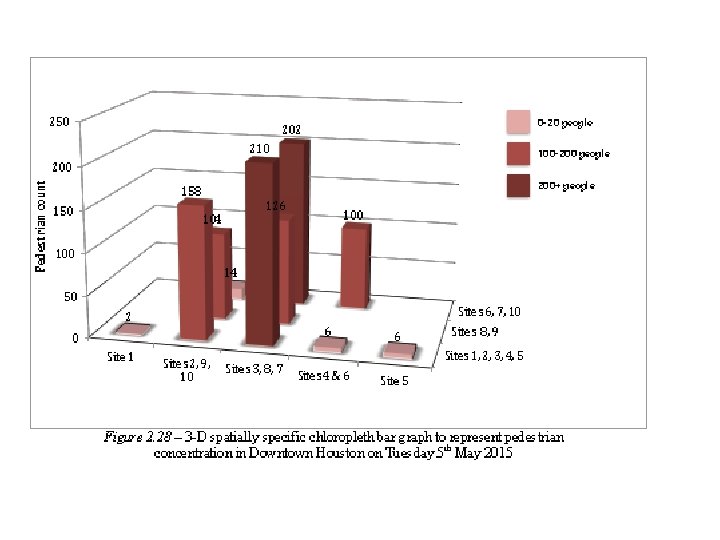
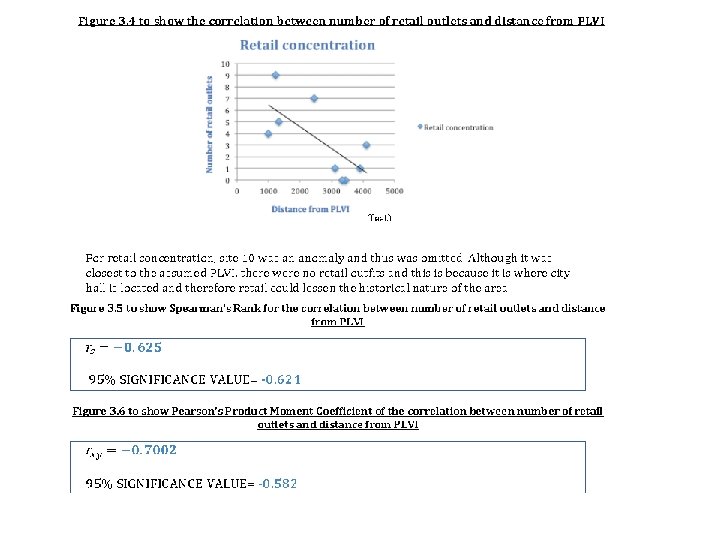
Criterion C: data presentation (worth 5 marks) You have included a range of data presentation techniques: annotated photographs sketch maps graphs diagrams maps I have tried to be inventive with my data presentation techniques I have shown how the data varies spatially- i. e. combined the data with maps I have done appropriate statistical test on some of my data I have used tests of significance on the statistical analysis The techniques used are suitable for the question and data The techniques used allow for detailed analysis Ensure all data presentation techniques are clearly labeled (axis, title, fig no, key etc…)
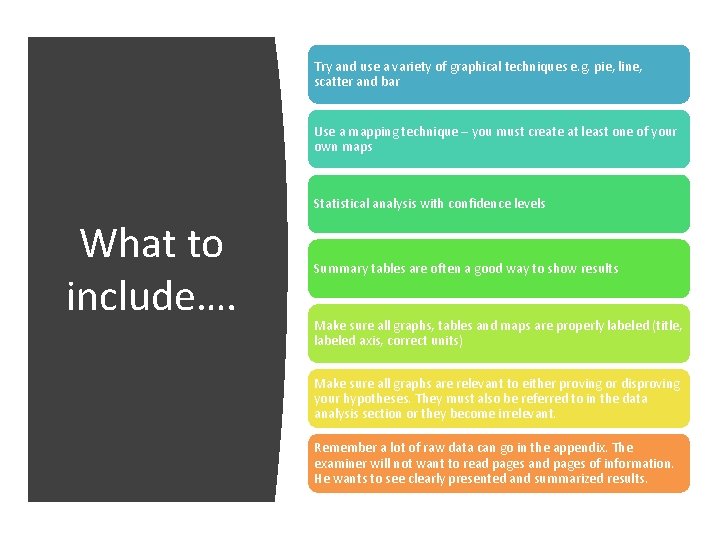
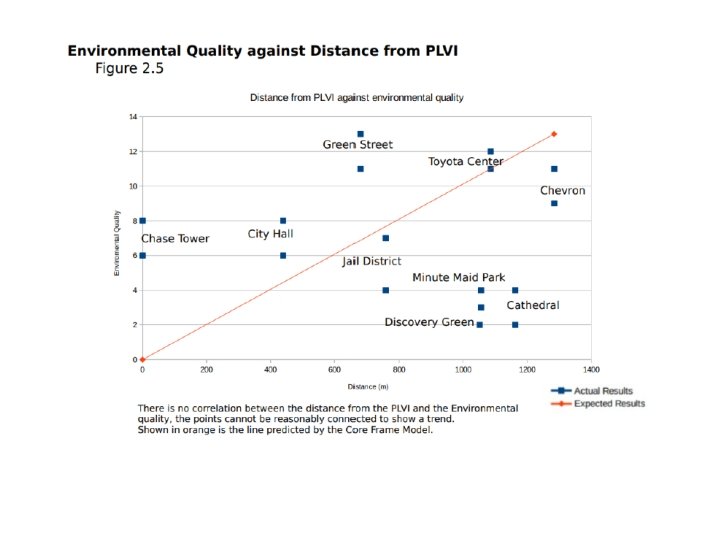
Try and use a variety of graphical techniques e. g. pie, line, scatter and bar Use a mapping technique – you must create at least one of your own maps Statistical analysis with confidence levels What to include…. Summary tables are often a good way to show results Make sure all graphs, tables and maps are properly labeled (title, labeled axis, correct units) Make sure all graphs are relevant to either proving or disproving your hypotheses. They must also be referred to in the data analysis section or they become irrelevant. Remember a lot of raw data can go in the appendix. The examiner will not want to read pages and pages of information. He wants to see clearly presented and summarized results.
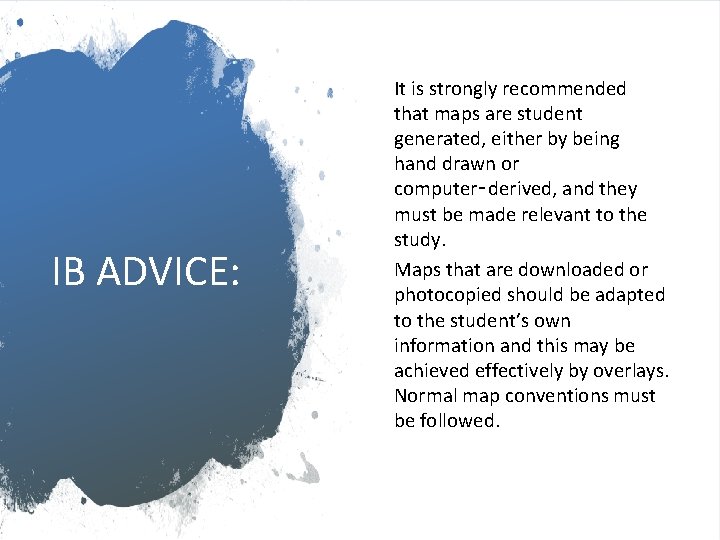
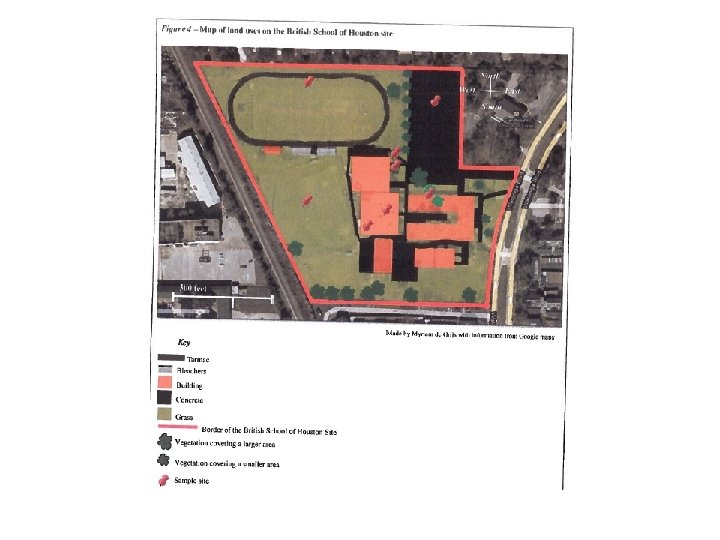
IB ADVICE: It is strongly recommended that maps are student generated, either by being hand drawn or computer‑derived, and they must be made relevant to the study. Maps that are downloaded or photocopied should be adapted to the student’s own information and this may be achieved effectively by overlays. Normal map conventions must be followed.
ARCgis softward login: BISHhumanities Password: humanities 1 https: //bishouston. maps. arcgis. com/home/orga nization. html
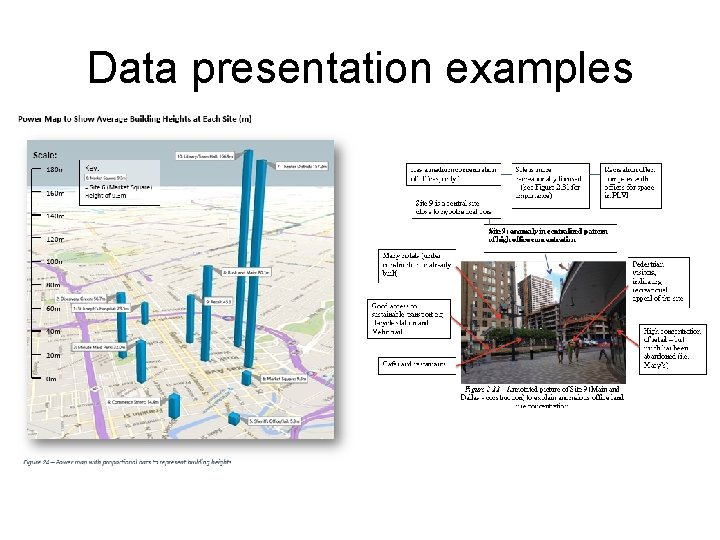
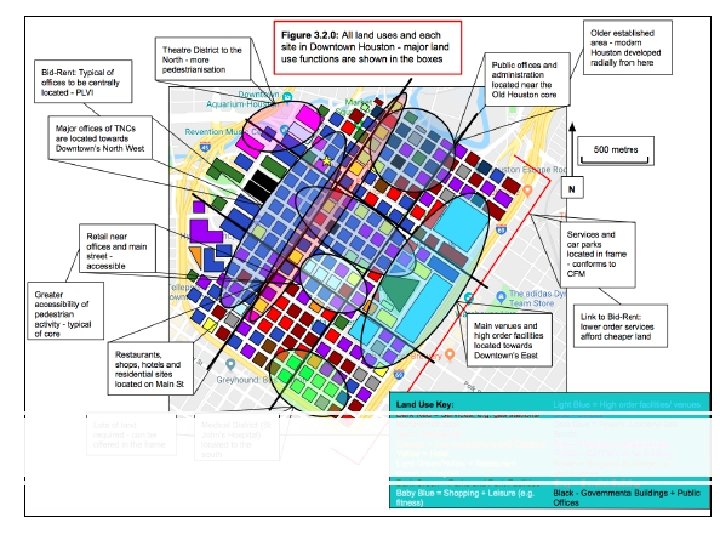
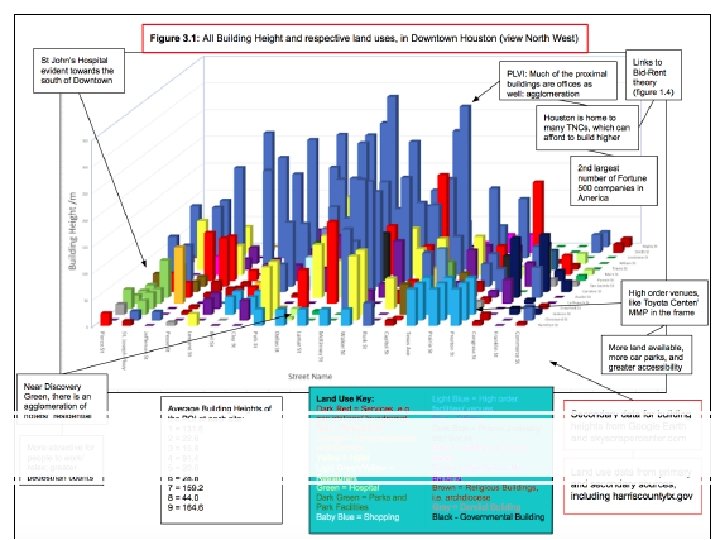
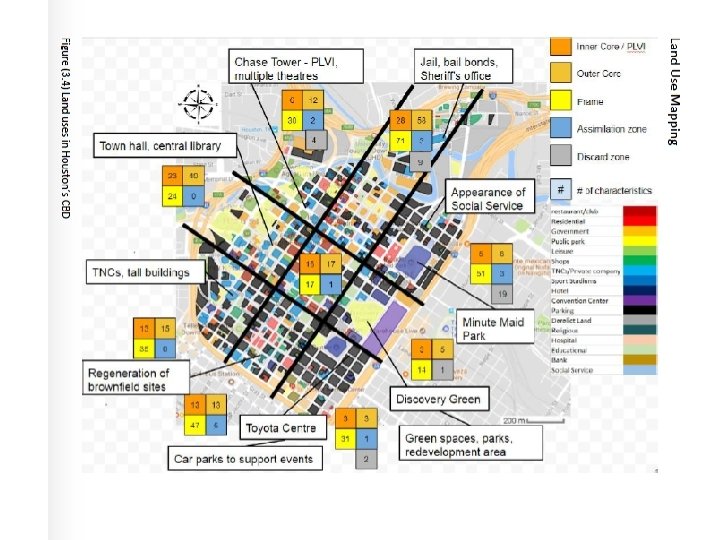
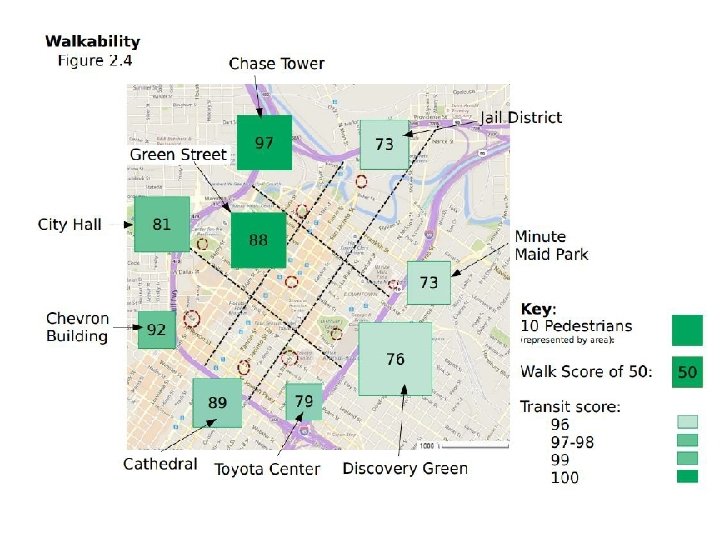
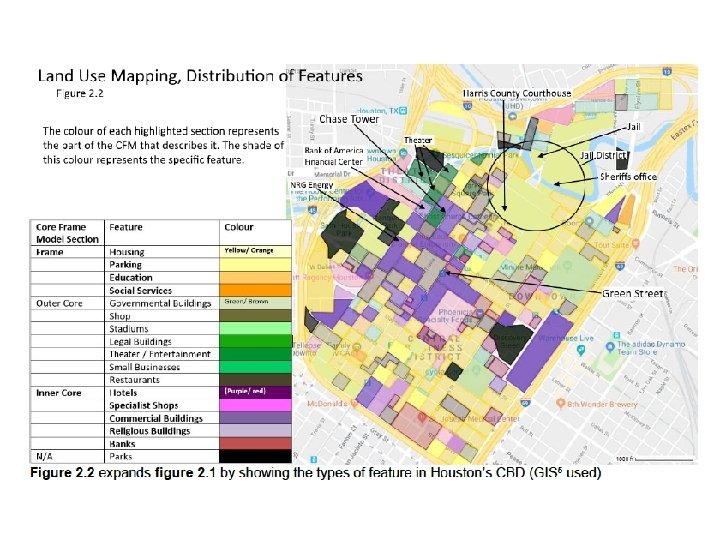
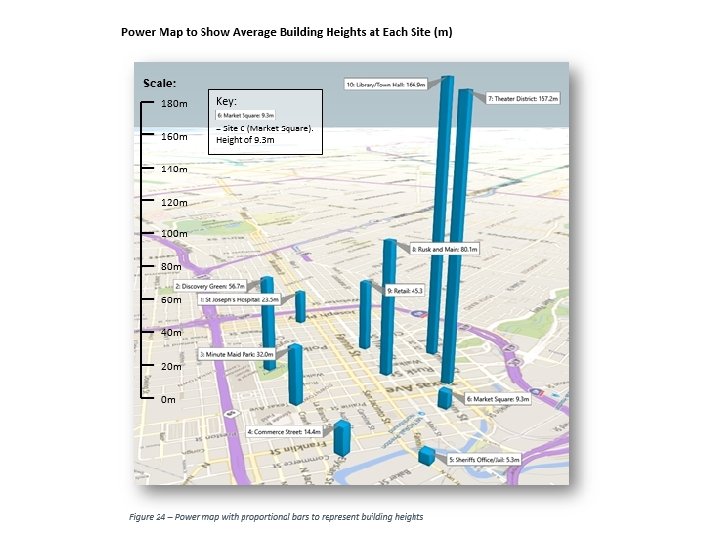
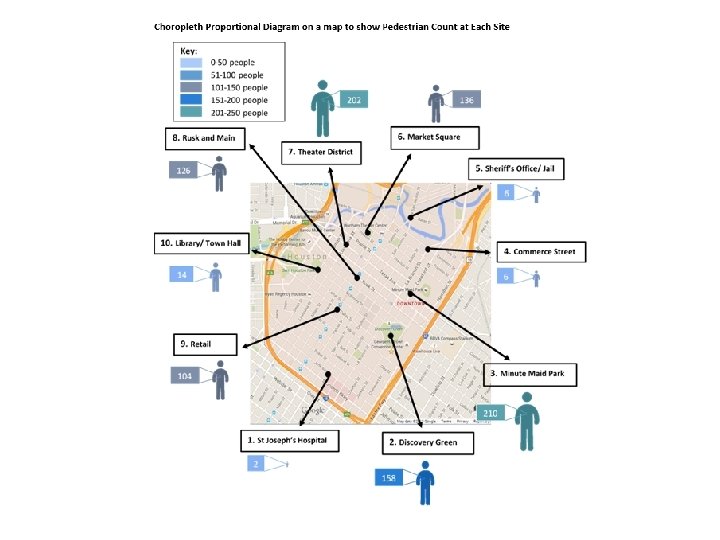
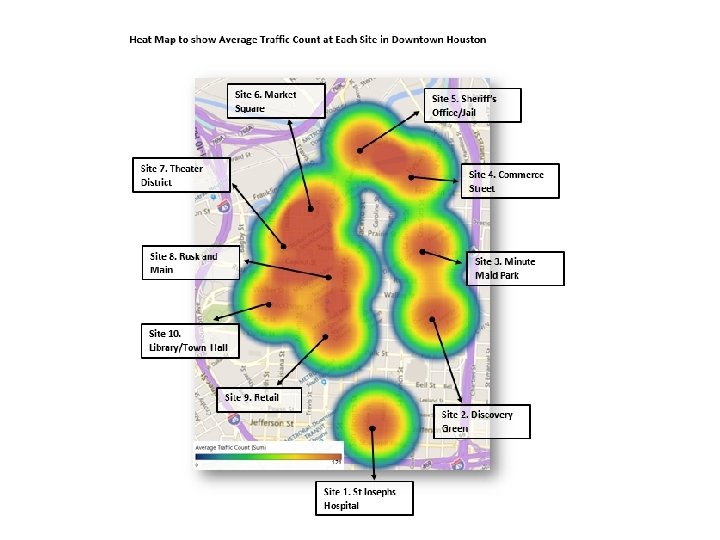
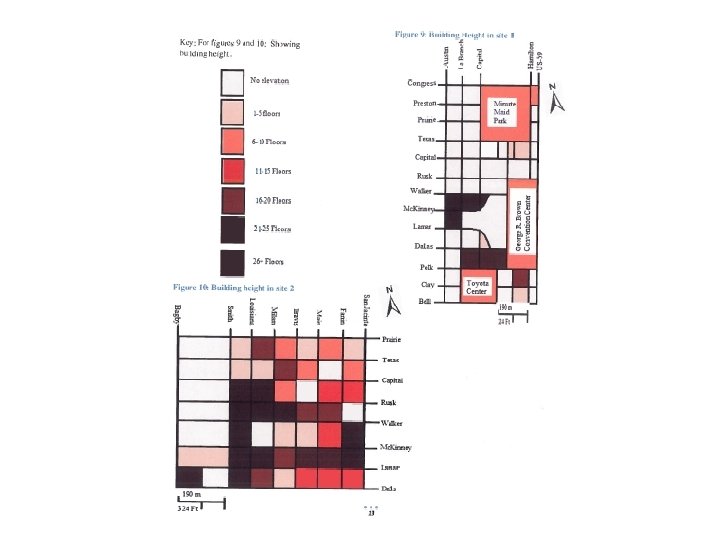
Data presentation examples
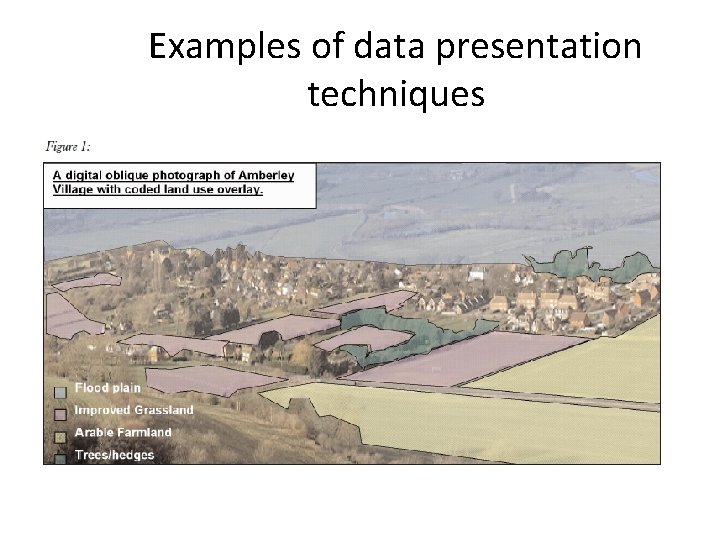
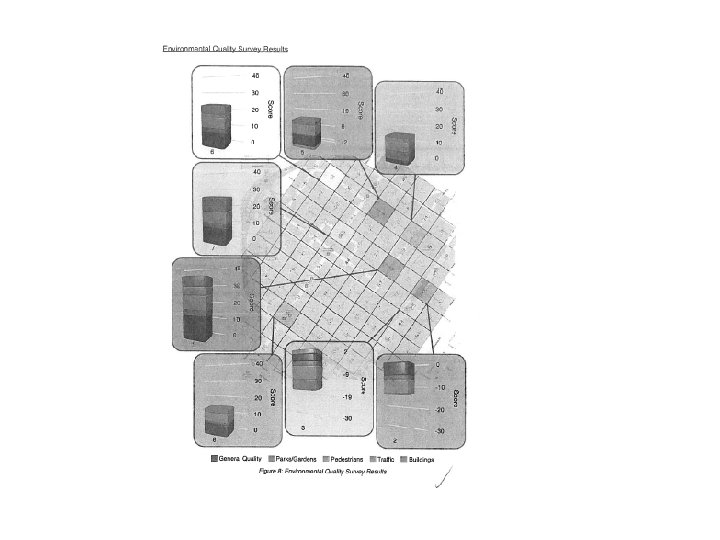
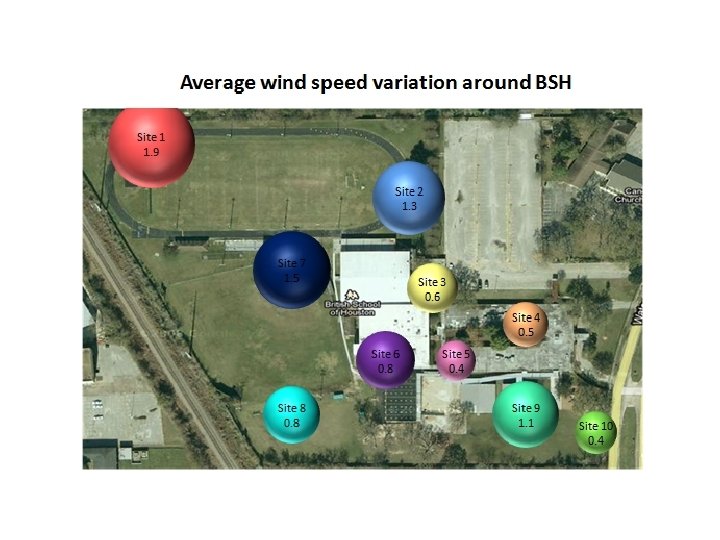
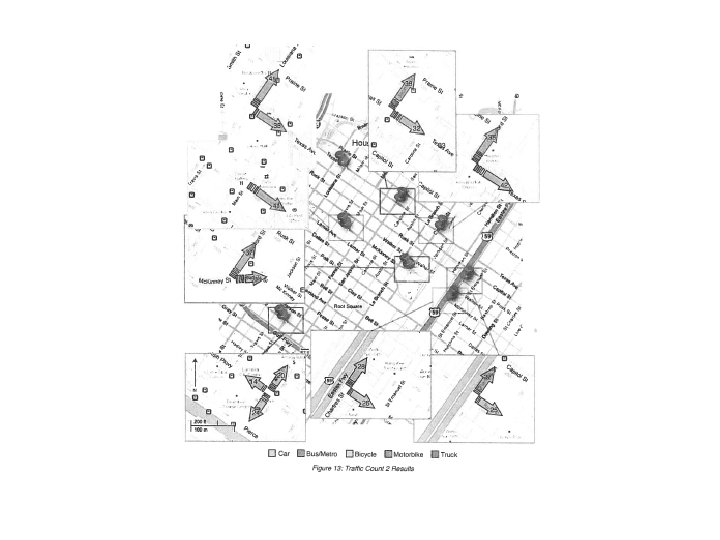
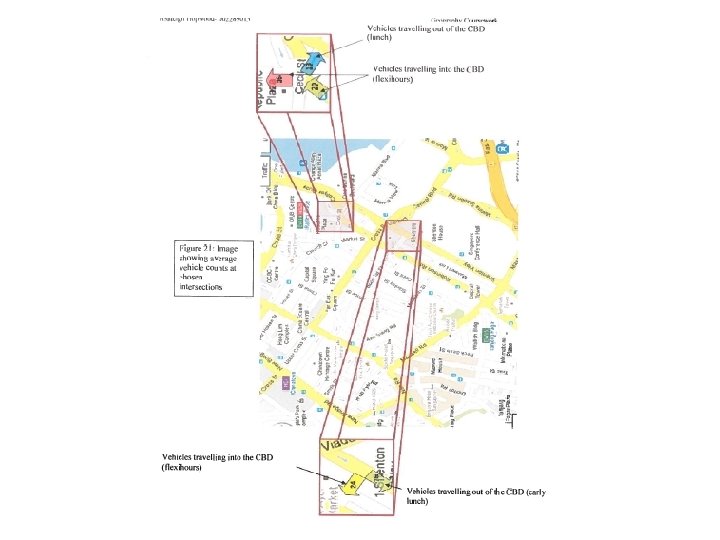
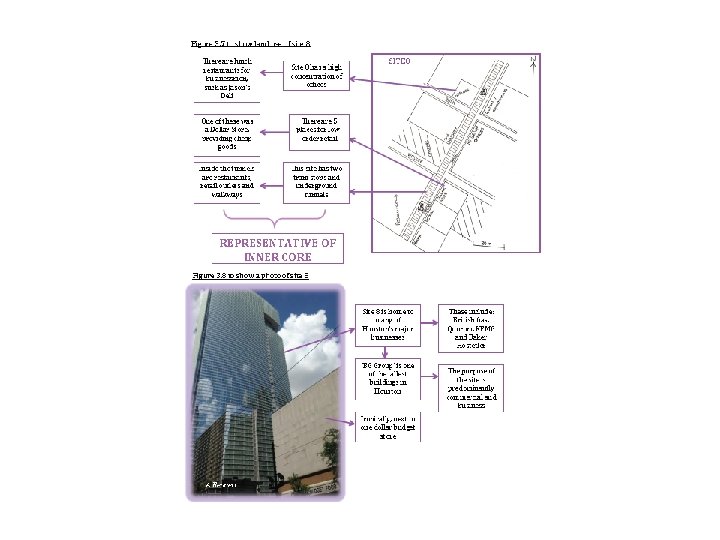
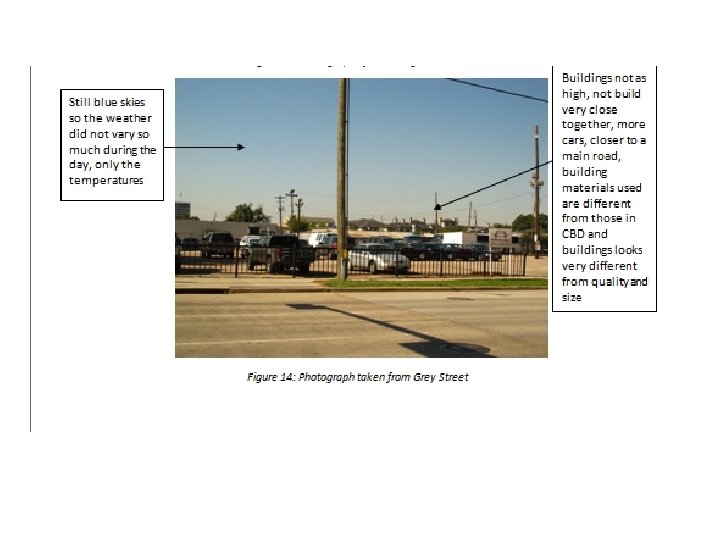
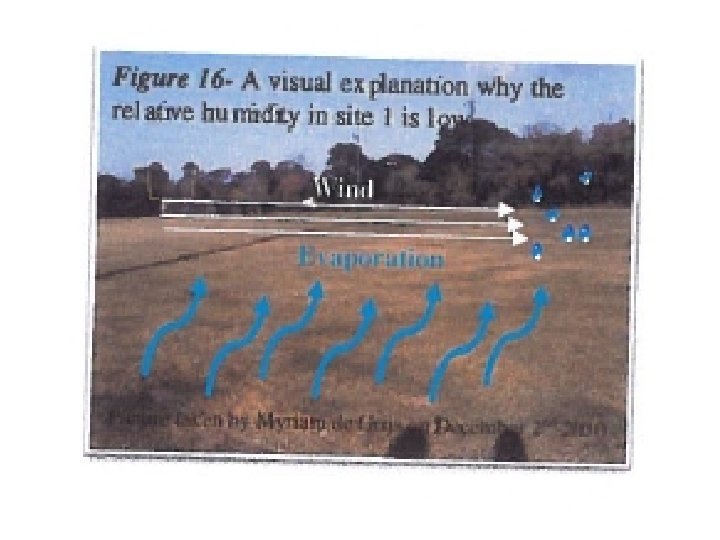
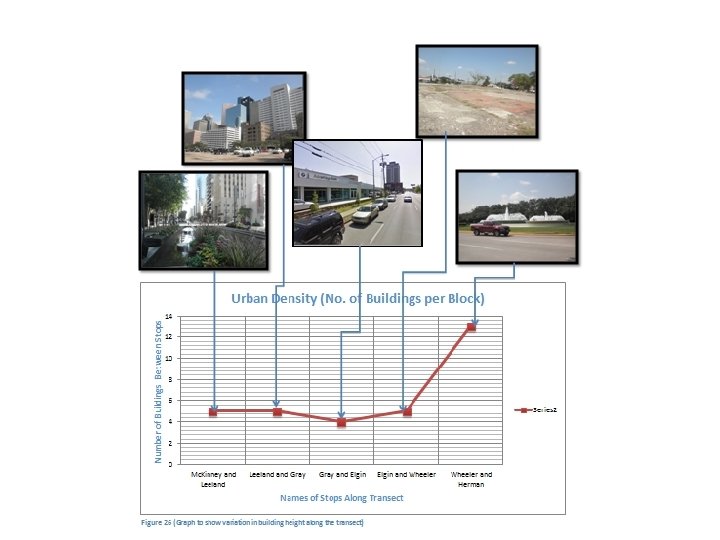
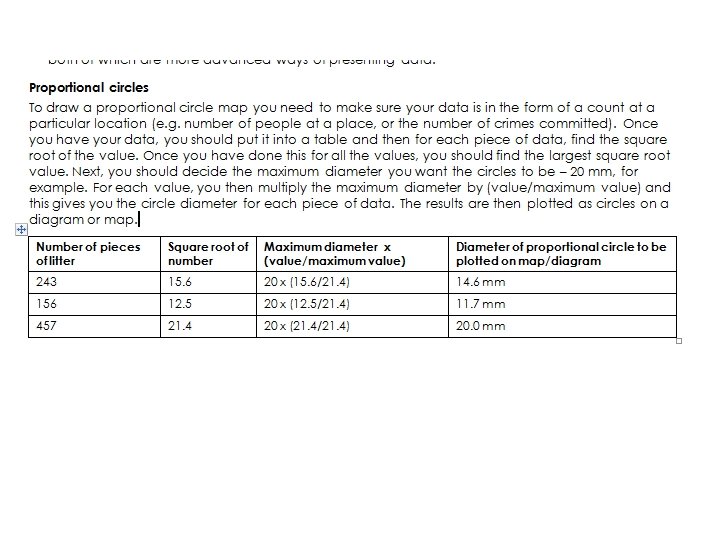
Examples of data presentation techniques
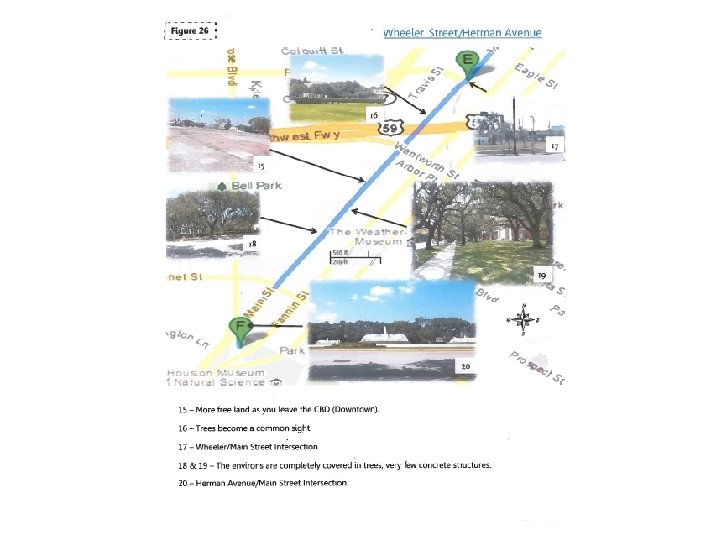
Using images
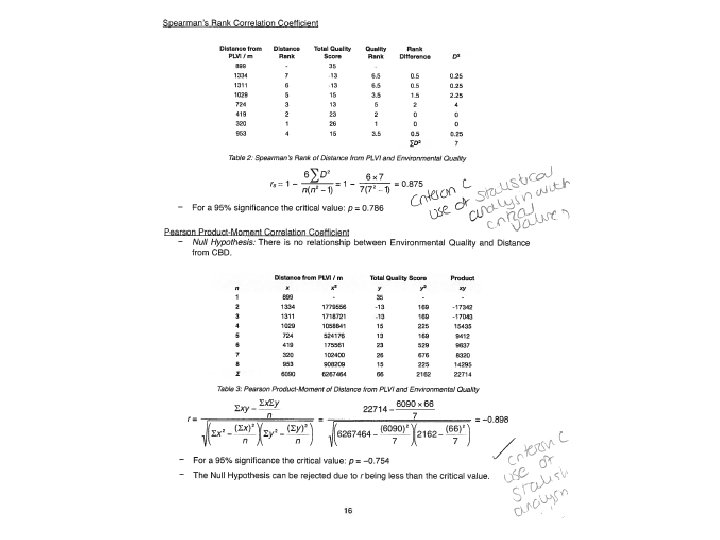
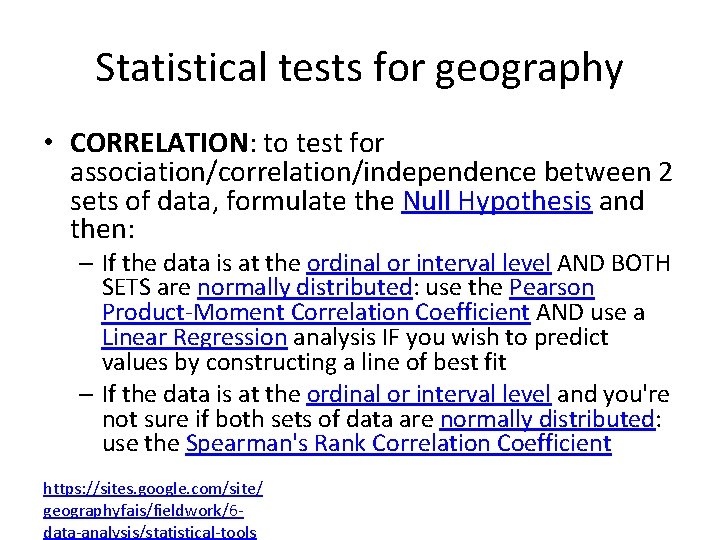
Statistical tests for geography • CORRELATION: to test for association/correlation/independence between 2 sets of data, formulate the Null Hypothesis and then: – If the data is at the ordinal or interval level AND BOTH SETS are normally distributed: use the Pearson Product-Moment Correlation Coefficient AND use a Linear Regression analysis IF you wish to predict values by constructing a line of best fit – If the data is at the ordinal or interval level and you're not sure if both sets of data are normally distributed: use the Spearman's Rank Correlation Coefficient https: //sites. google. com/site/ geographyfais/fieldwork/6 data-analysis/statistical-tools