
Data persistence Persist data with Shared Preferences Files
- Slides: 8
Data persistence Persist data with Shared. Preferences, Files, and SQLite database Data persistence 1
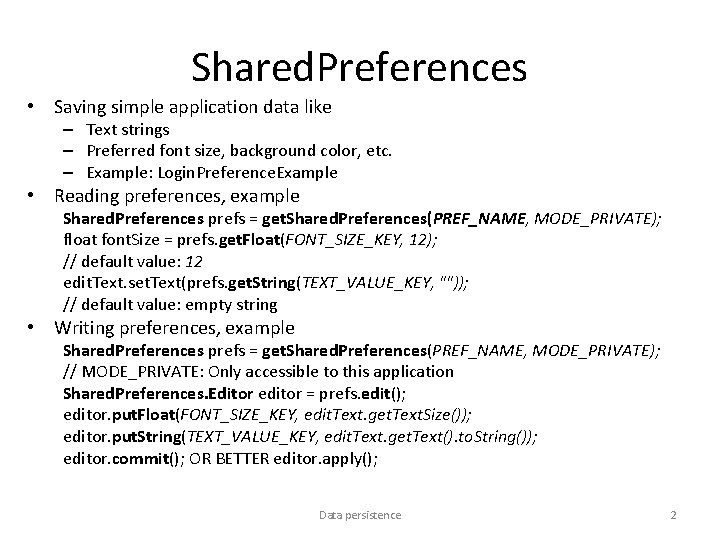
Shared. Preferences • Saving simple application data like – Text strings – Preferred font size, background color, etc. – Example: Login. Preference. Example • Reading preferences, example Shared. Preferences prefs = get. Shared. Preferences(PREF_NAME, MODE_PRIVATE); float font. Size = prefs. get. Float(FONT_SIZE_KEY, 12); // default value: 12 edit. Text. set. Text(prefs. get. String(TEXT_VALUE_KEY, "")); // default value: empty string • Writing preferences, example Shared. Preferences prefs = get. Shared. Preferences(PREF_NAME, MODE_PRIVATE); // MODE_PRIVATE: Only accessible to this application Shared. Preferences. Editor editor = prefs. edit(); editor. put. Float(FONT_SIZE_KEY, edit. Text. get. Text. Size()); editor. put. String(TEXT_VALUE_KEY, edit. Text. get. Text(). to. String()); editor. commit(); OR BETTER editor. apply(); Data persistence 2
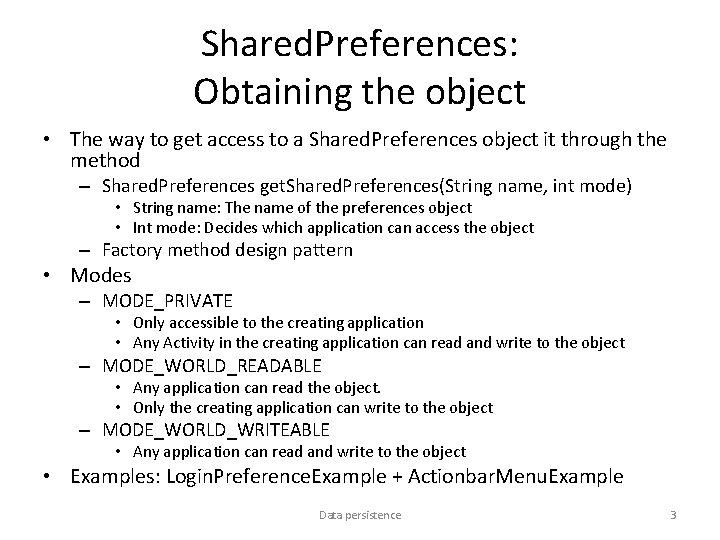
Shared. Preferences: Obtaining the object • The way to get access to a Shared. Preferences object it through the method – Shared. Preferences get. Shared. Preferences(String name, int mode) • String name: The name of the preferences object • Int mode: Decides which application can access the object – Factory method design pattern • Modes – MODE_PRIVATE • Only accessible to the creating application • Any Activity in the creating application can read and write to the object – MODE_WORLD_READABLE • Any application can read the object. • Only the creating application can write to the object – MODE_WORLD_WRITEABLE • Any application can read and write to the object • Examples: Login. Preference. Example + Actionbar. Menu. Example Data persistence 3
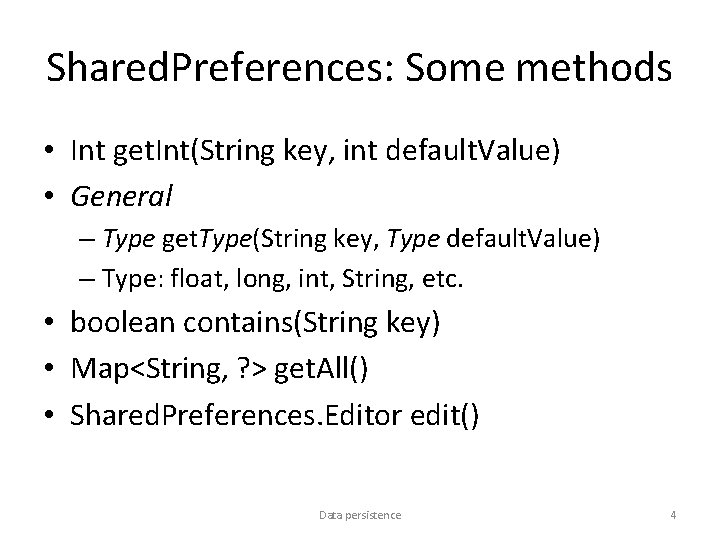
Shared. Preferences: Some methods • Int get. Int(String key, int default. Value) • General – Type get. Type(String key, Type default. Value) – Type: float, long, int, String, etc. • boolean contains(String key) • Map<String, ? > get. All() • Shared. Preferences. Editor edit() Data persistence 4
Shared. Preferences. Editor: some methods • Shared. Preferences. Editor put. Type(Type element) – Type: float, long, int, String, etc. • Shared. Preferences. Editor remove(String key) – Removes one entry • Shared. Preferences. Editor clear() – Removes all entries • Void apply() + boolean commit() • Example: Using. Preferences Data persistence 5
Using Shared. Preferences • In most cases a Shared. Preferences object should only be accessible in a single application – MODE_PRIVATE • Can be used to hold information about the users preferences or personal data – Background color, birth day, name etc. – Username + password for easy login. Security? ? • Can be used to transport data between Activities – An alternative to putting the data into an Intent object. – However, data is going to last longer with Shared. Preferences • You can find the preferences file – From Android Studio: View → Tool Windows → Device File Explorer → data → app. Name → shared_prefs • https: //developer. android. com/studio/debug/device-file-explorer – To see the contents of the file: Save the file to your C: drive Data persistence 6
Files • The basic file API classes from the ordinary Java package java. io – File. Input. Stream, Input. Stream. Reader, Buffered. Reader, etc. • However, opening a file is different – File. Input. Stream fis = open. File. Input(some. Name, MODE_PRIVATE); – open. File. Input is yet another method from the Activity class • You can create files (text or binary) and read them • Files can be stored – On the device’s internal store – On an SD memory card • For transportation to another device • Usage – High score lists, pictures, etc. Data persistence 7
Databases: SQLite • Android comes with a small scale relational DBMS called SQLite – http: //sqlite. org/ • Uses ordinary SQL • The database file is stored in the folder – /data/<package name>/databases – Can be seen in the debugger tab File Explorer • File Explorer can be opening from the menu Window -> Show View • A database is only accessible to the application which created the database – Secure – The database must be created by the application using it • Usually you will create the database the first time you use the application Data persistence 8