
DATA MINING MSBO Certification course Rob Dickinson MPAAA

DATA MINING MSBO Certification course Rob Dickinson, MPAAA Executive Director
Data Mining ■ Session Agenda – Sources of data – Data Mining tools/techniques – XML editors – Working with Access – Working with Excel ■ Questions
Data Mining Defined The process of examining large amounts of data to generate new information – Answer questions – Explain changes – Establish patterns
Data Mining ■ How to data mine? – No single answer – Dig into data, looking for ■ Oddities/unusual results ■ Patterns you haven’t seen before ■ Breaks in existing patterns ■ Always looking for ‘Why? ’
Data Mining ■ Sources of Data – Your SIS – CEPI submission downloads – Mi. School. Data – Other sources
Sources of Data ■ Your SIS – Details not captured any other place – Attendance details – Historical data – Discipline data not meeting reporting threshold – Other?
Sources of Data ■ CEPI Submission Downloads – Files submitted and edited during submission process – NOT just submitted files – CEPI staging area – CEPI clears staging area annually
Sources of Data CEPI MSDS login https: //cepi. state. mi. us/msds/
Sources of Data ■ Mi. School. Data – Site maintained by CEPI – Public AND Private data – Primarily summarized, charted data
Sources of Data Mi. School. Data login https: //www. mischooldata. org/
Sources of Data Other sources?
Data Mining Tools ■ XML editors – Best for opening, reviewing specific data – Not really data extraction tool
XML Editors ■ XML editors – XML Notepad – Notepad ++ ■ Free applications ■ Simple interface

XML Editors ■ XML editors – XML Notepad – Notepad ++
XML Editors ■ XML Notepad ■ Notepad ++ – CEPI Data Validation Guide http: //www. michigan. gov/documents/cepi/ XML_validation_guide_357832_7. pdf
XML Editors (open sample file in XML Notepad)
Working with MS Access ■ Powerful database program ■ Easy to create queries, reports ■ Not included in all versions of MS Office ■ Steeper learning curve that Excel
MS Access (open sample file in MS Access) Data Mining. accdb
![MS Access Testcnt: iif([field being evaluated]=“test condition”, 1, 0) “Sum” in Total row](http://slidetodoc.com/presentation_image_h/89bd9ff8b8fc6928805b6e1a363c3f4e/image-19.jpg "MS Access Testcnt: iif([field being evaluated]=“test condition”, 1, 0) “Sum” in Total row")
MS Access Testcnt: iif([field being evaluated]=“test condition”, 1, 0) “Sum” in Total row
![MS Access Failcnt: iif([comp status]=“failed condition”, 0, 1) “Sum” in Total row](http://slidetodoc.com/presentation_image_h/89bd9ff8b8fc6928805b6e1a363c3f4e/image-20.jpg "MS Access Failcnt: iif([comp status]=“failed condition”, 0, 1) “Sum” in Total row")
MS Access Failcnt: iif([comp status]=“failed condition”, 0, 1) “Sum” in Total row
Working with MS Excel ■ Spreadsheet program ■ Easy to use ■ Pivot tables – Very powerful ■ As powerful as Access, easier to use
MS Excel (open sample file in Excel) Data Mining. xlsx
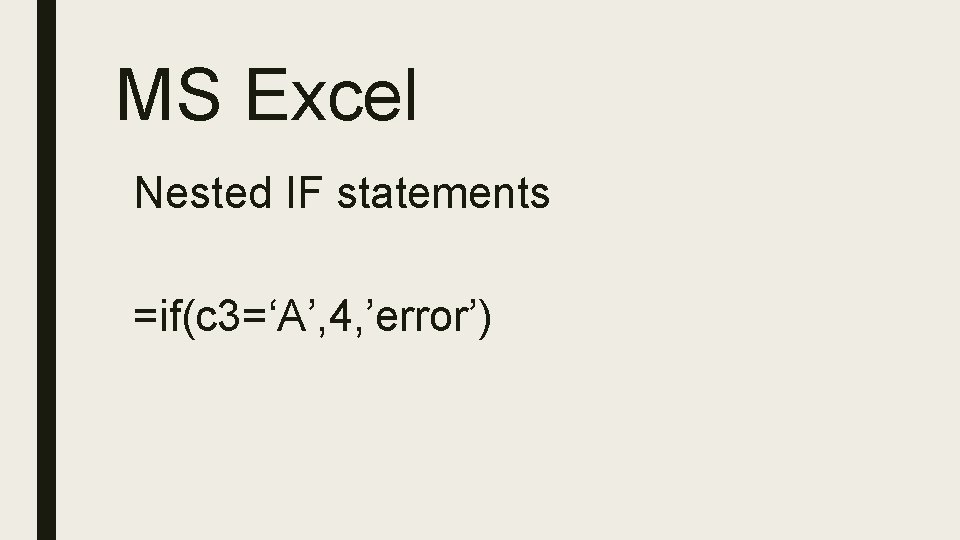
MS Excel Nested IF statements =if(c 3=‘A’, 4, ’error’)
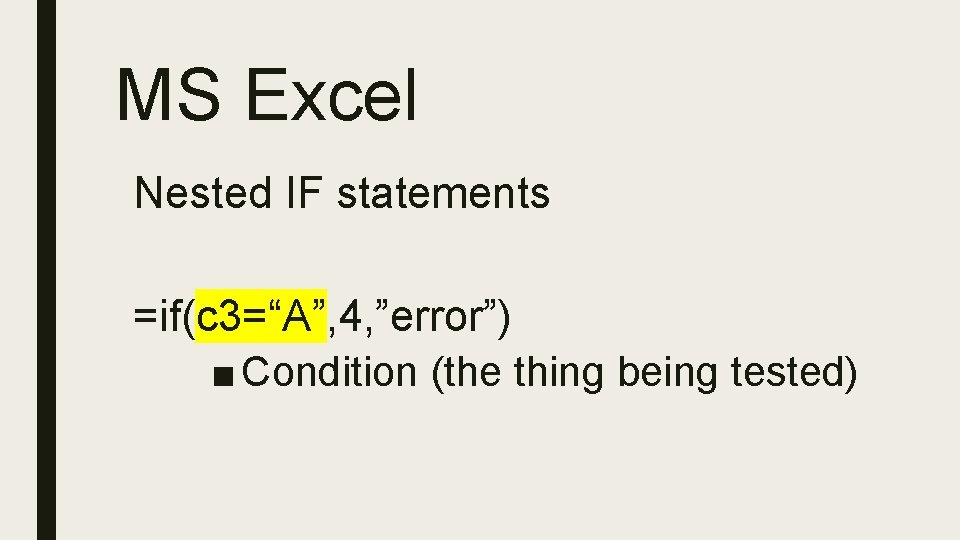
MS Excel Nested IF statements =if(c 3=“A”, 4, ”error”) ■ Condition (the thing being tested)
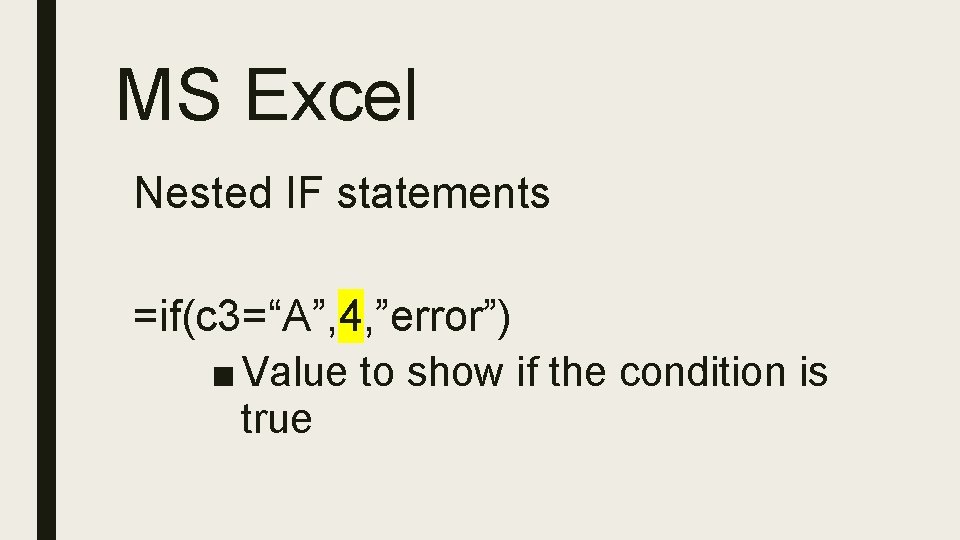
MS Excel Nested IF statements =if(c 3=“A”, 4, ”error”) ■ Value to show if the condition is true
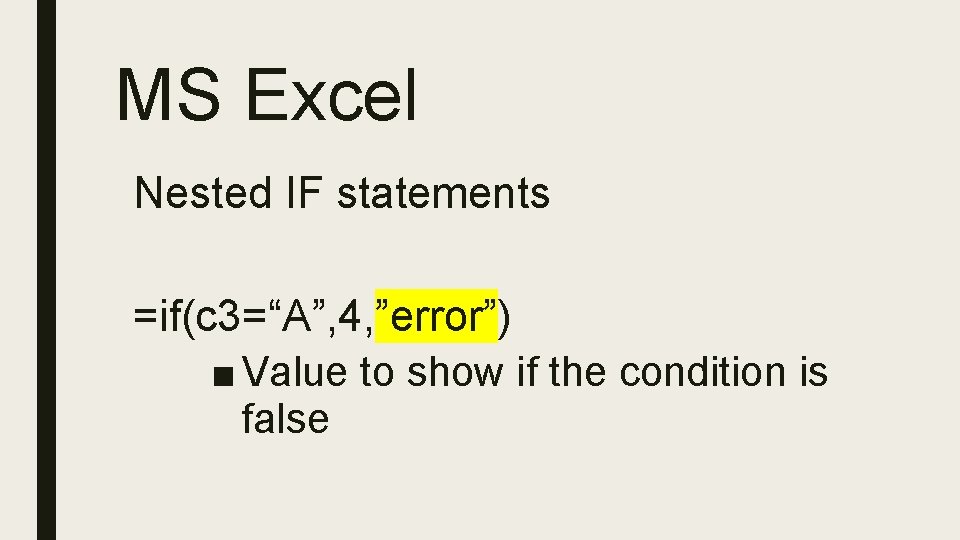
MS Excel Nested IF statements =if(c 3=“A”, 4, ”error”) ■ Value to show if the condition is false
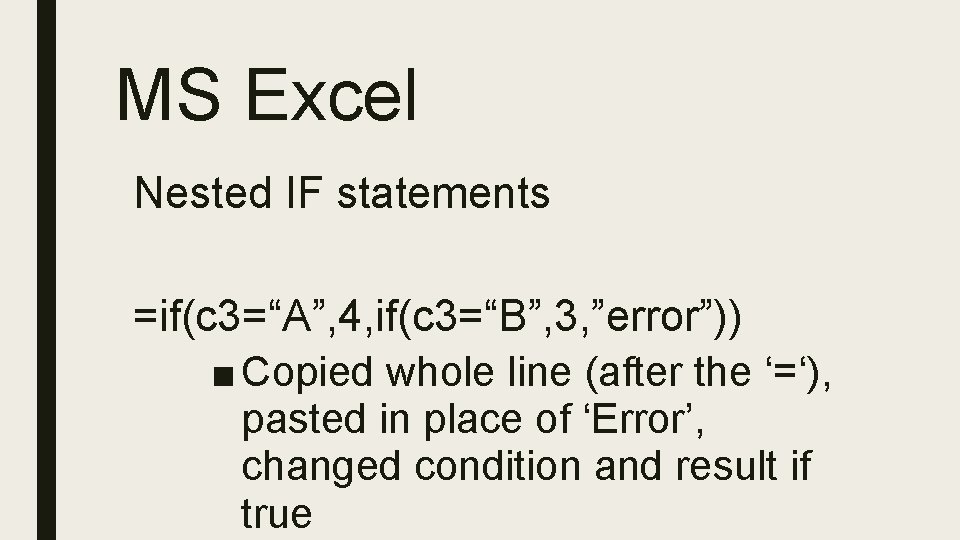
MS Excel Nested IF statements =if(c 3=“A”, 4, if(c 3=“B”, 3, ”error”)) ■ Copied whole line (after the ‘=‘), pasted in place of ‘Error’, changed condition and result if true
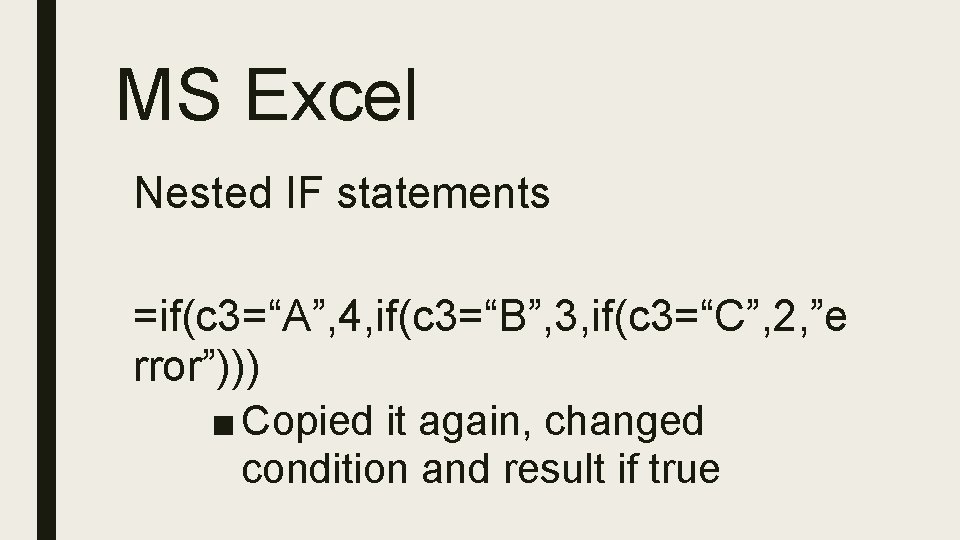
MS Excel Nested IF statements =if(c 3=“A”, 4, if(c 3=“B”, 3, if(c 3=“C”, 2, ”e rror”))) ■ Copied it again, changed condition and result if true
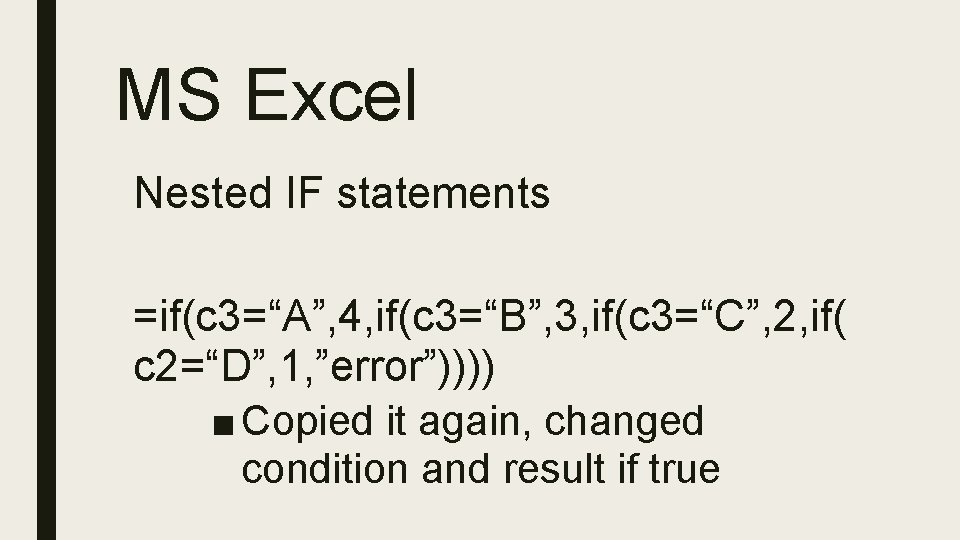
MS Excel Nested IF statements =if(c 3=“A”, 4, if(c 3=“B”, 3, if(c 3=“C”, 2, if( c 2=“D”, 1, ”error”)))) ■ Copied it again, changed condition and result if true
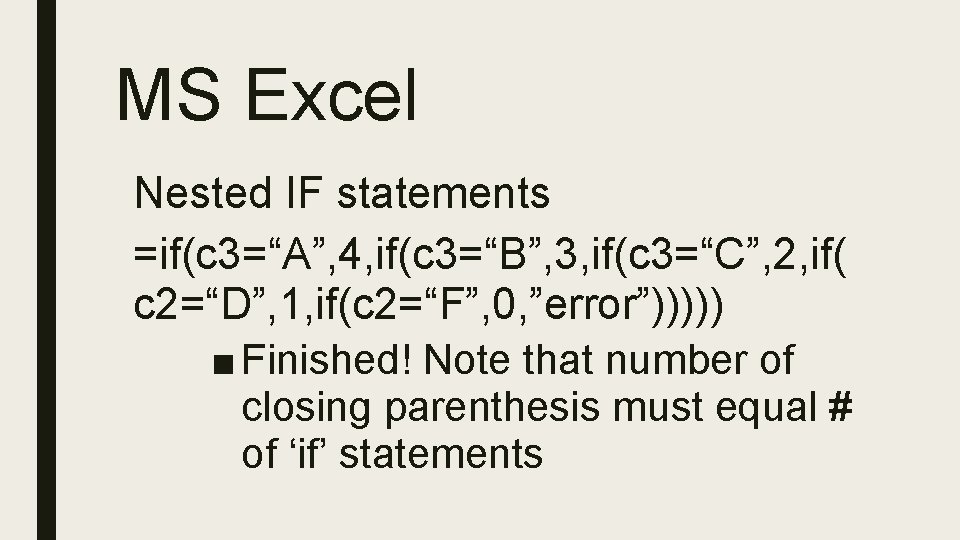
MS Excel Nested IF statements =if(c 3=“A”, 4, if(c 3=“B”, 3, if(c 3=“C”, 2, if( c 2=“D”, 1, if(c 2=“F”, 0, ”error”))))) ■ Finished! Note that number of closing parenthesis must equal # of ‘if’ statements
MS Excel ‘$’ Special character in Excel Suppresses reference movement when you copy & paste
MS Excel Pivot tables ■ Makes Excel into a database tool ■ ALMOST eliminates the need for Access (almost!)

Getting Help ■ CEPI Helpdesk – (517) 335 -0505, Option 3 – cepi@michigan. gov ■ MPAAA – Rob@mpaaa. org – (517) 853 -1413
- Slides: 33