
Data Management Quantifying Data Planning Your Analysis Planning

- Slides: 38
Data Management: Quantifying Data & Planning Your Analysis
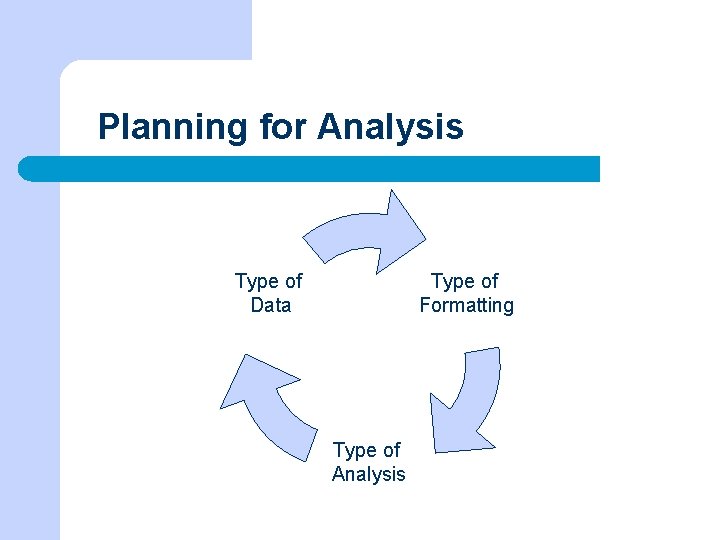
Planning for Analysis Type of Formatting Type of Data Type of Analysis
Planning for Analysis l A sound research plan successfully matches these elements with the proper techniques l Collect the type of data that is most appropriate to answering your question and fits the other parameters of your project (budget, personnel, etc. )
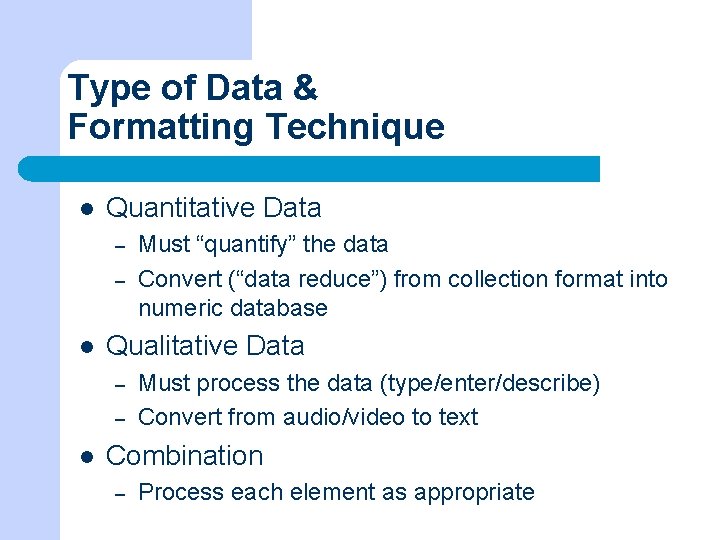
Type of Data & Formatting Technique l Quantitative Data – – l Qualitative Data – – l Must “quantify” the data Convert (“data reduce”) from collection format into numeric database Must process the data (type/enter/describe) Convert from audio/video to text Combination – Process each element as appropriate
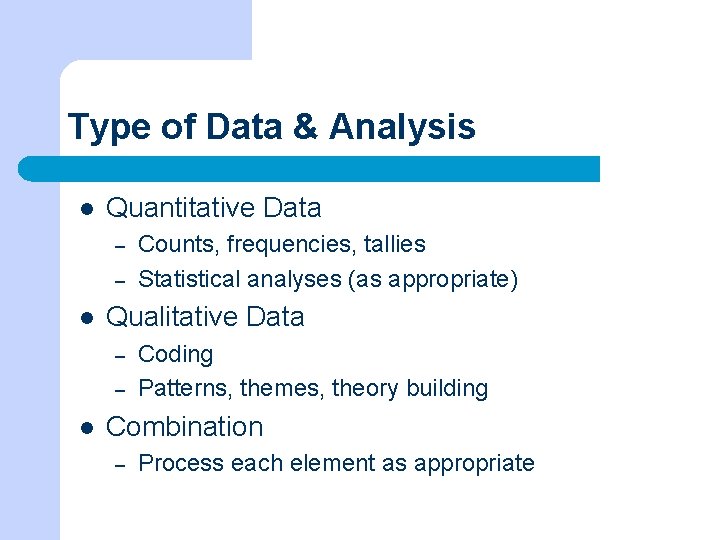
Type of Data & Analysis l Quantitative Data – – l Qualitative Data – – l Counts, frequencies, tallies Statistical analyses (as appropriate) Coding Patterns, themes, theory building Combination – Process each element as appropriate
Quantifying Data Coding Processing
Quantifying Data l Before we can do any kind of analysis, we need to quantify our data l “Quantification” is the process of converting data to a numeric format – Convert social science data into a “machinereadable” form, a form that can be read & manipulated by computer programs
Quantifying Data Some transformations are simple: l Assign numeric representations to nominal or ordinal variables: – – l Turning male into “ 1” and female into “ 2” Assigning “ 3” to Very Interested, “ 2” to Somewhat Interested, “ 1” to Not Interested Assign numeric values to continuous variables: – – Turning born in 1973 to “ 35” Number of children = “ 02”
Developing Code Categories Some data are more challenging. Open-ended responses must be coded. l Two basic approaches: – – Begin with a coding scheme derived from the research purpose. Generate codes from the data.
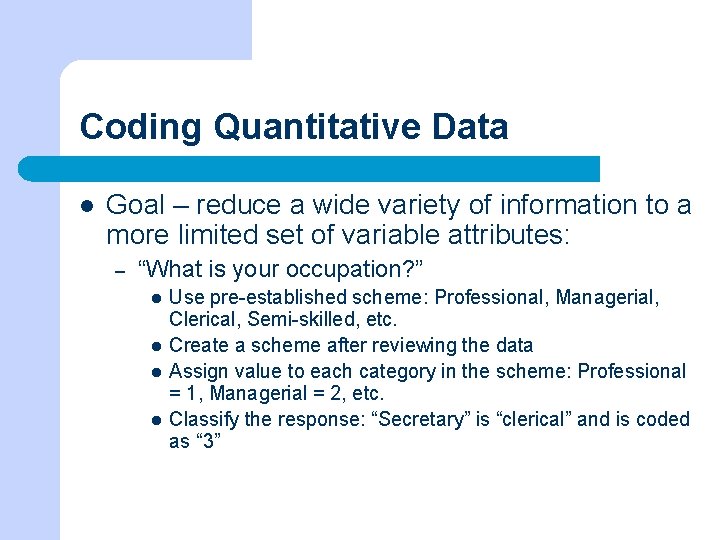
Coding Quantitative Data l Goal – reduce a wide variety of information to a more limited set of variable attributes: – “What is your occupation? ” l l Use pre-established scheme: Professional, Managerial, Clerical, Semi-skilled, etc. Create a scheme after reviewing the data Assign value to each category in the scheme: Professional = 1, Managerial = 2, etc. Classify the response: “Secretary” is “clerical” and is coded as “ 3”
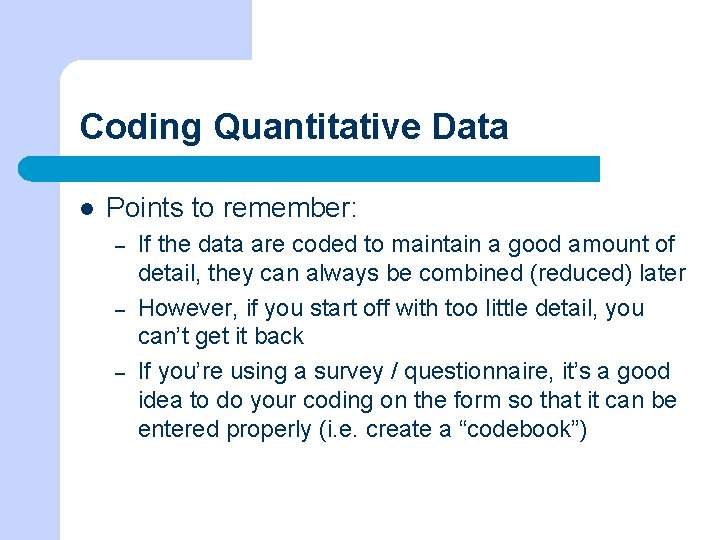
Coding Quantitative Data l Points to remember: – – – If the data are coded to maintain a good amount of detail, they can always be combined (reduced) later However, if you start off with too little detail, you can’t get it back If you’re using a survey / questionnaire, it’s a good idea to do your coding on the form so that it can be entered properly (i. e. create a “codebook”)
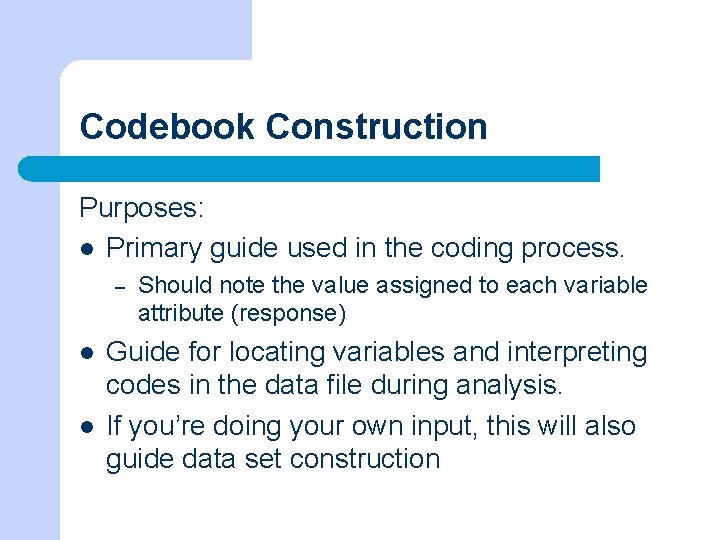
Codebook Construction Purposes: l Primary guide used in the coding process. – l l Should note the value assigned to each variable attribute (response) Guide for locating variables and interpreting codes in the data file during analysis. If you’re doing your own input, this will also guide data set construction
Hands-on Exercise 1 l Create a mini-codebook by coding the survey instrument – – – Note column spaces / locations Note variable attribute values Pay attention to the box at the bottom, special instructions
Entering Data l Optical scan sheets (usually ASCII output). – Limits possible responses l CATI system / On-line: entered while collected l Data entry specialists enter the data into an SPSS data matrix, Excel spreadsheet, or ASCII file. – Typically, work off a coded questionnaire
Entering Data l In Excel or Access, follow procedures from class: – – l Format tables with proper variable columns Enter data for each case In SPSS – – Import an ASCII file and name variables/column headings Or, create variables/column headings & enter each case
Entering Data l l ASCII files are useful because they can be transformed or used in almost all analysis programs Upload to SPSS, Excel, or use directly with SAS
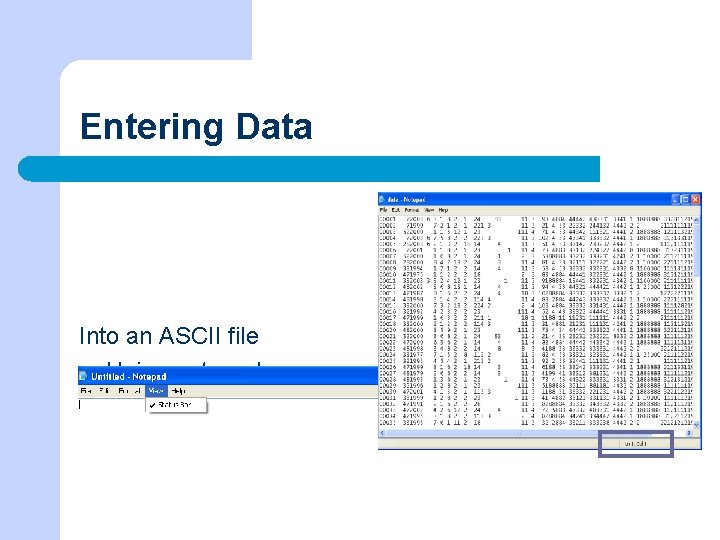
Entering Data Into an ASCII file l Using notepad l Use your coded survey to show you the proper entry order
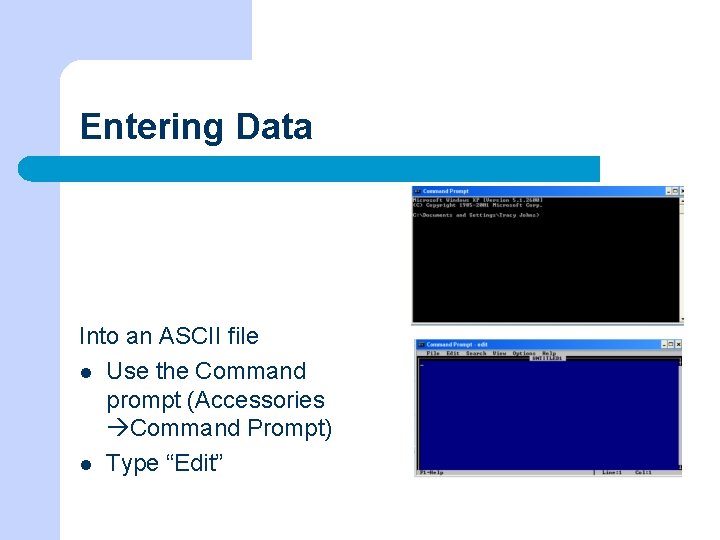
Entering Data Into an ASCII file l Use the Command prompt (Accessories Command Prompt) l Type “Edit”
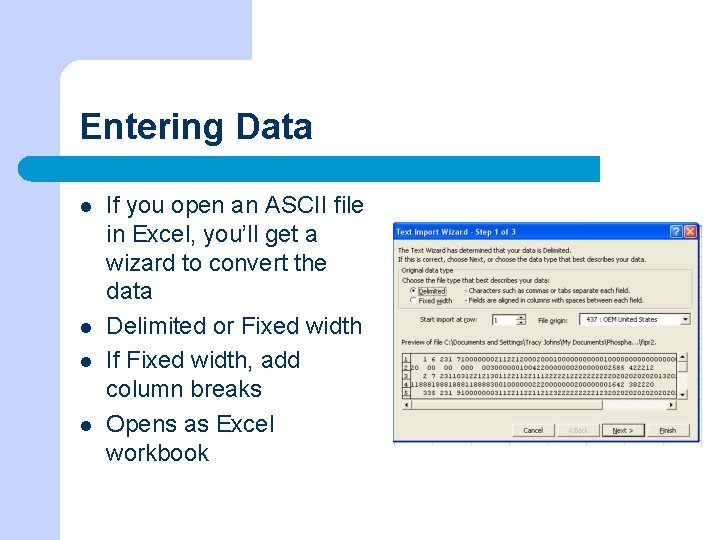
Entering Data l l If you open an ASCII file in Excel, you’ll get a wizard to convert the data Delimited or Fixed width If Fixed width, add column breaks Opens as Excel workbook
Hands-on Exercise 2 l l l Complete the survey (fill-in your answers) Create a ‘dataset’ Enter the data from your survey using either Notepad or the Edit program from the Command prompt
Quantitative Analysis
Quantitative Analysis l You should choose a level of analysis that is appropriate for your research question l You should choose the type of statistical analysis appropriate for the variables you have – Nominal/Categorical, Ordinal, or Continuous
Quantitative Levels of Analysis l l l Univariate - simplest form, describe a case in terms of a single variable. Bivariate - subgroup comparisons, describe a case in terms of two variables simultaneously. Multivariate - analysis of two or more variables simultaneously.
Univariate Analysis Describing a case in terms of the distribution of attributes that comprise it. Example: l – l Gender - number of women, number of men. You should always begin your analysis by running the basic univariate frequencies and checking to be sure data were entered properly
Univariate Analysis l Frequency distributions l Measures of central tendency – Mean, Median, Mode
Presenting Univariate Data Goals: l Provide reader with the fullest degree of detail regarding the data. l Present data in a manageable from. l Simple and straightforward
Subgroup Comparisons Describe subsets of cases, subjects or respondents. Examples l "Collapsing" response categories: l – l Age categories, Open responses, etc. Handling "don't knows“ – Code separately, make missing if appropriate
Bivariate Analysis l Describe a case in terms of two variables simultaneously. – Example: l l Gender Attitudes toward equality for men and women How does a respondent’s gender affect his or her attitude toward equality for men and women? Crosstabulations / Correlations
Constructing Bivariate Tables l l Divide cases into groups according to the attributes of the independent variable. Describe each subgroup in terms of attributes of the dependent variable. Read the table by comparing the independent variable subgroups in terms of a given attribute of the dependent variable. DV goes in the rows, IV goes in the columns
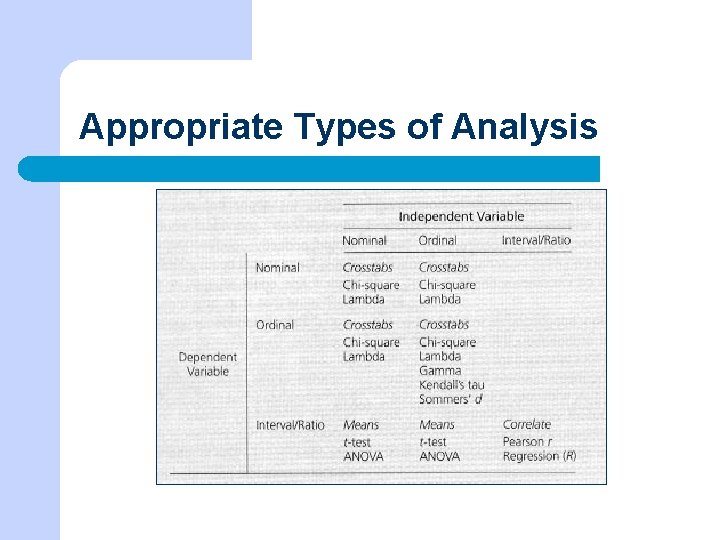
Bivariate Analysis l Bivariate Tables / Crosstabs are appropriate for all types of variables, but the proper inferential statistic will vary by variable type l Continuous variables are typically made into categorical variables for this type of analysis – – Recode variables Example: Create “Age” (18 -34, 35 -50, 51 -65, 66+)
Appropriate Types of Analysis
Bivariate Analysis: Correlations l l Bivariate correlation analysis is appropriate for continuous variables (interval, ratio) Other types of variables are often recoded into ‘Dummy’ variables (value 0 or 1) for these purposes – l Example: Gender becomes two variables ‘Male’ (1=yes) & ‘Female’ (1=yes) Present in Correlation Matrix
Multivariate Analysis l l l Analysis of more than two variables simultaneously. Can be used to understand the relationship between multiple variables more fully. Most typical: Regression analysis
Multivariate Analysis l Ordinal (technically inappropriate but it happens), continuous, dummy variables l Type of regression analysis will depend on the type of variables – – OLS (continuous) Logistic (other types)
Plan Your Analysis Time Management
Planning your analysis l Leave enough time for data entry and data formatting – l l Can take much longer than you expect In your codebook – note the TYPE of variable for each measurement/question This will allow you to plan the proper levels and types of analysis
Planning your analysis l If your research question requires a level of analysis your variables won’t allow, you’ll need to transform them – – l Create ‘dummy’ variables Collapse categories Determine the level of significance acceptable & apply proper tests
Planning your analysis l Proper planning will make things easier later l Take good notes on any transformations, etc. that you do Save all the elements of your analysis programs l