
Data Management Best Practices Alison Boyer Debjani Deb
Data Management Best Practices Alison Boyer, Debjani Deb, and Yaxing Wei ORNL Distributed Active Archive Center Environmental Sciences Division Oak Ridge National Laboratory Oak Ridge, TN March 26, 2017
Wi. Fi • Network name: MARRIOTT_CONFERENCE • Password: NACP 2017 Data Management Workshop, March 26, 2017 2
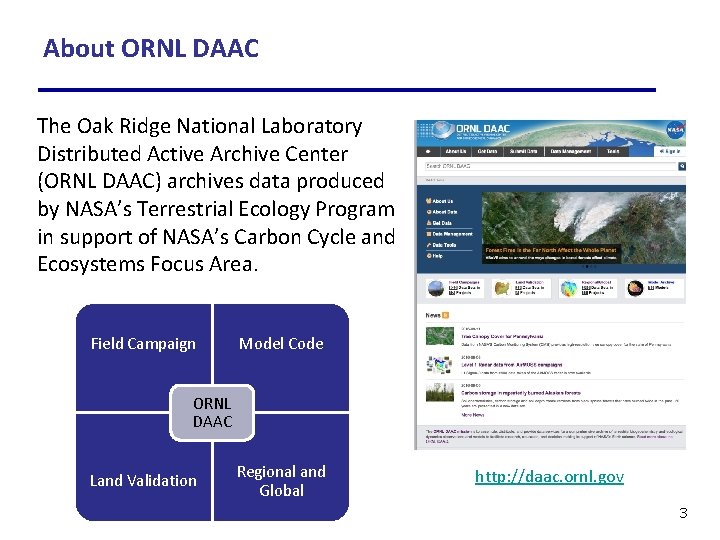
About ORNL DAAC The Oak Ridge National Laboratory Distributed Active Archive Center (ORNL DAAC) archives data produced by NASA’s Terrestrial Ecology Program in support of NASA’s Carbon Cycle and Ecosystems Focus Area. Field Campaign Model Code ORNL DAAC Land Validation Regional and Global http: //daac. ornl. gov 3
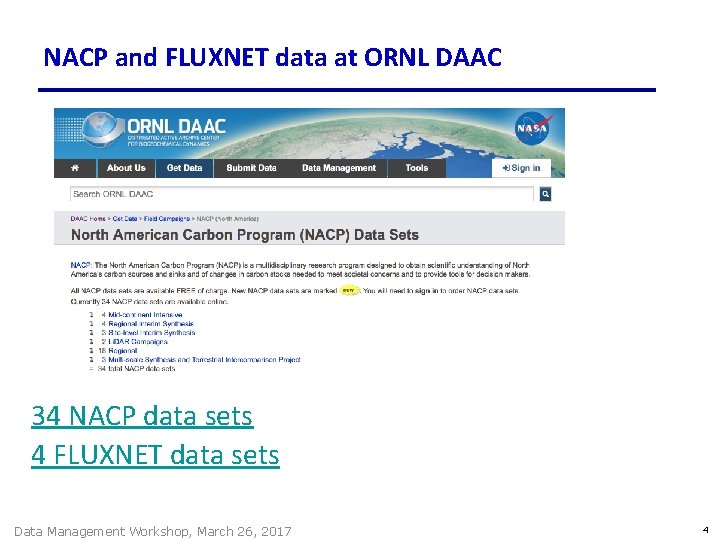
NACP and FLUXNET data at ORNL DAAC 34 NACP data sets 4 FLUXNET data sets Data Management Workshop, March 26, 2017 4
Workshop Goals Provide data management practices that investigators can use to • improve the usability of their data • encourage open science and reproducible research Data Management Workshop, March 26, 2017 5
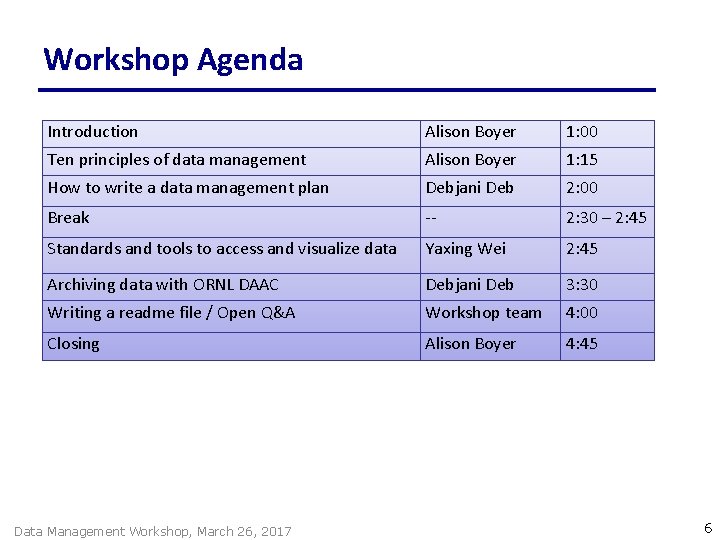
Workshop Agenda Introduction Alison Boyer 1: 00 Ten principles of data management Alison Boyer 1: 15 How to write a data management plan Debjani Deb 2: 00 Break -- 2: 30 – 2: 45 Standards and tools to access and visualize data Yaxing Wei 2: 45 Archiving data with ORNL DAAC Debjani Deb 3: 30 Writing a readme file / Open Q&A Workshop team 4: 00 Closing Alison Boyer 4: 45 Data Management Workshop, March 26, 2017 6
Benefits of Good Data Management Practices Short-term • Spend less time on data “munging” and more time doing research • Collaborators can readily understand use data files Long-term (data archival) • Scientists outside your project can find, understand, and use your data • You get credit for archived data products and their use in other papers • Funding agencies protect their investment Data Management Workshop, March 26, 2017 7
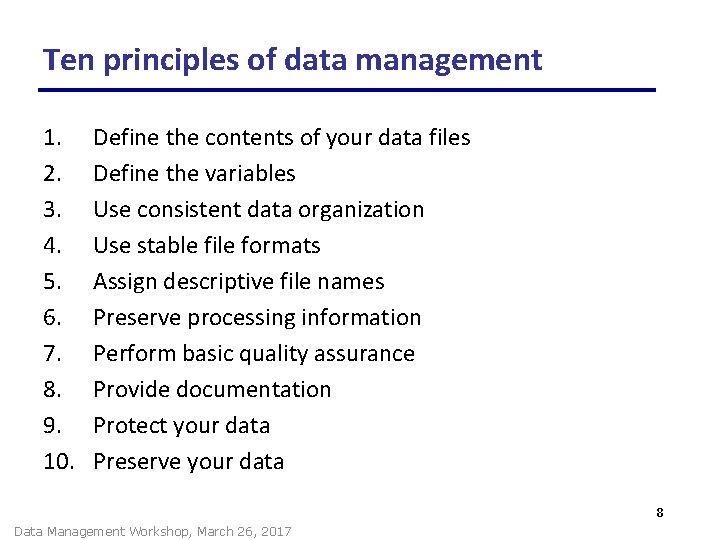
Ten principles of data management 1. 2. 3. 4. 5. 6. 7. 8. 9. 10. Define the contents of your data files Define the variables Use consistent data organization Use stable file formats Assign descriptive file names Preserve processing information Perform basic quality assurance Provide documentation Protect your data Preserve your data 8 Data Management Workshop, March 26, 2017
1. Define the contents of your data files • Content flows from science plan (hypotheses) and is informed from requirements of final archive. • Keep a set of similar measurements together in one file § § same investigator, methods, time basis instrument No hard and fast rules about contents of each file Data Management Workshop, March 26, 2017 9
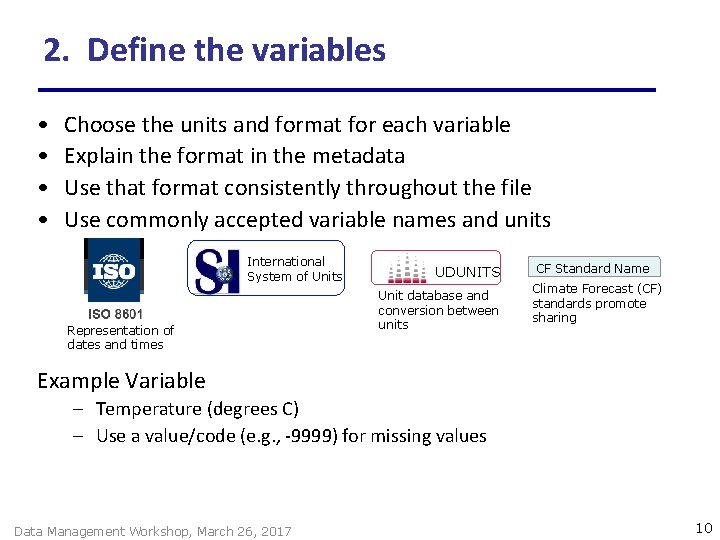
2. Define the variables • • Choose the units and format for each variable Explain the format in the metadata Use that format consistently throughout the file Use commonly accepted variable names and units International System of Units Representation of dates and times UDUNITS Unit database and conversion between units CF Standard Name Climate Forecast (CF) standards promote sharing Example Variable – Temperature (degrees C) – Use a value/code (e. g. , -9999) for missing values Data Management Workshop, March 26, 2017 10
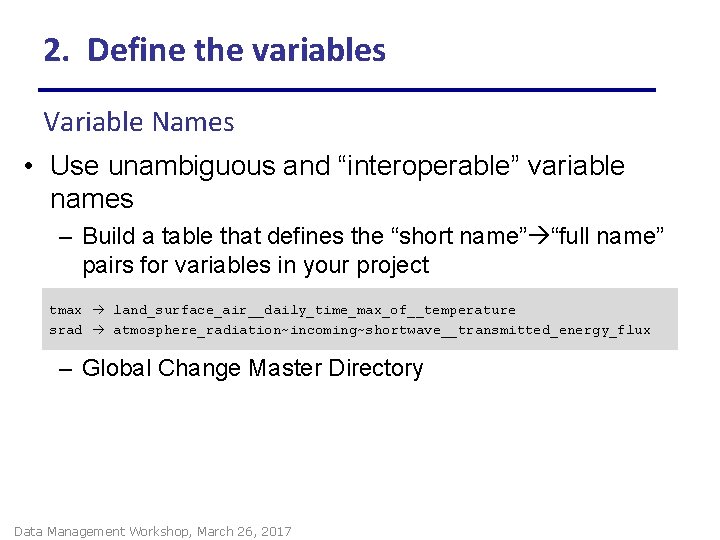
2. Define the variables Variable Names • Use unambiguous and “interoperable” variable names – Build a table that defines the “short name” “full name” pairs for variables in your project tmax land_surface_air__daily_time_max_of__temperature srad atmosphere_radiation~incoming~shortwave__transmitted_energy_flux – Global Change Master Directory Data Management Workshop, March 26, 2017
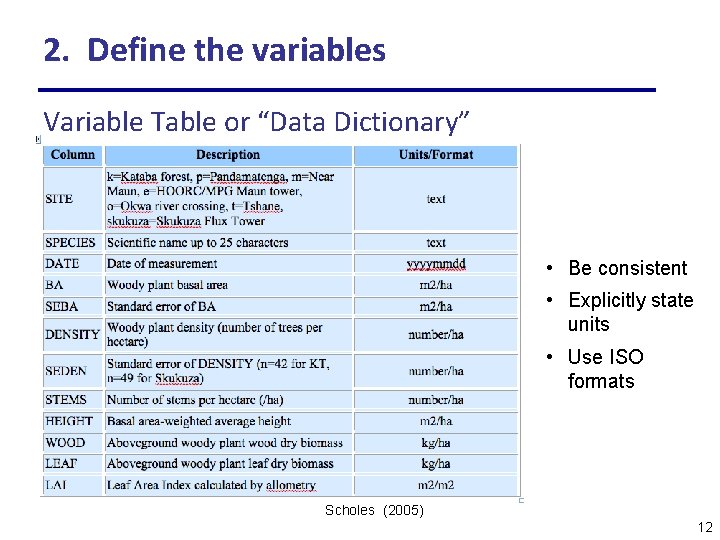
2. Define the variables Variable Table or “Data Dictionary” • Be consistent • Explicitly state units • Use ISO formats Scholes (2005) 12
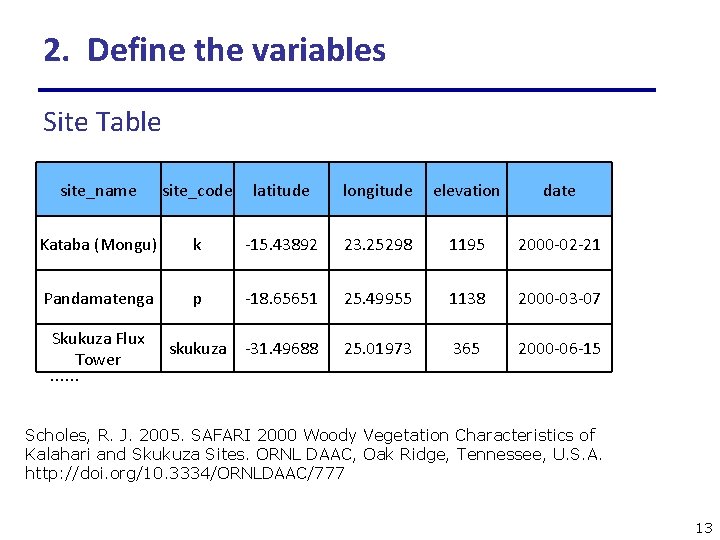
2. Define the variables Site Table site_name site_code latitude longitude elevation date Kataba (Mongu) k -15. 43892 23. 25298 1195 2000 -02 -21 Pandamatenga p -18. 65651 25. 49955 1138 2000 -03 -07 Skukuza Flux Tower …… skukuza -31. 49688 25. 01973 365 2000 -06 -15 Scholes, R. J. 2005. SAFARI 2000 Woody Vegetation Characteristics of Kalahari and Skukuza Sites. ORNL DAAC, Oak Ridge, Tennessee, U. S. A. http: //doi. org/10. 3334/ORNLDAAC/777 13
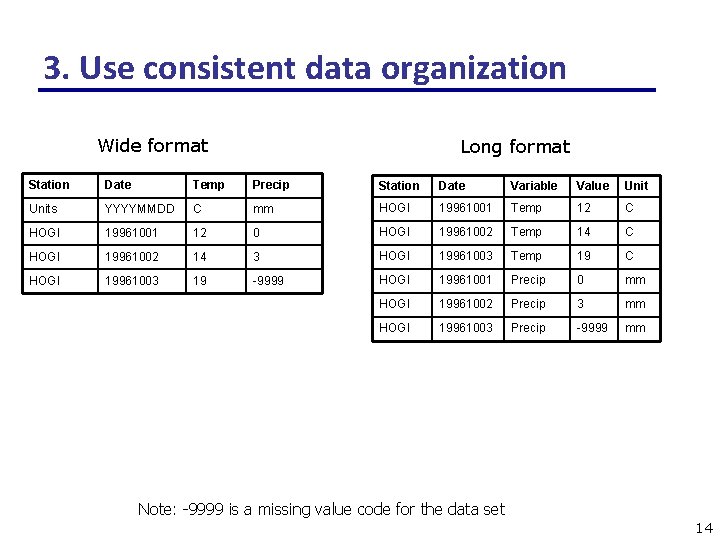
3. Use consistent data organization Wide format Long format Station Date Temp Precip Station Date Variable Value Units YYYYMMDD C mm HOGI 19961001 Temp 12 C HOGI 19961001 12 0 HOGI 19961002 Temp 14 C HOGI 19961002 14 3 HOGI 19961003 Temp 19 C HOGI 19961003 19 -9999 HOGI 19961001 Precip 0 mm HOGI 19961002 Precip 3 mm HOGI 19961003 Precip -9999 mm Note: -9999 is a missing value code for the data set 14
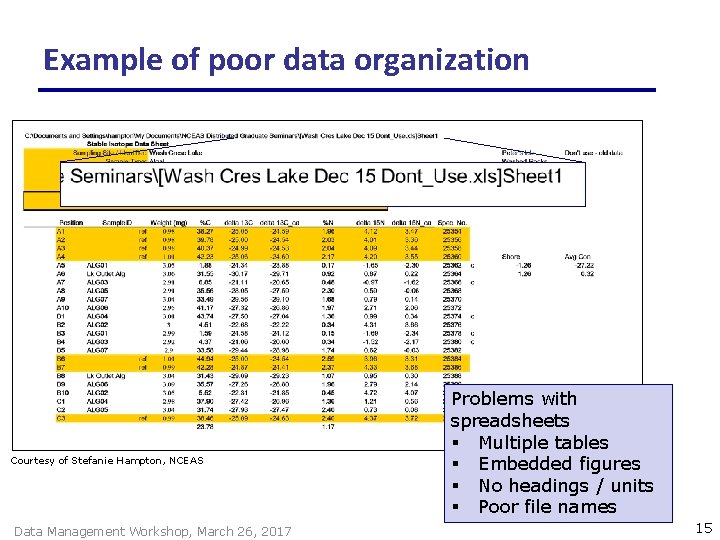
Example of poor data organization Courtesy of Stefanie Hampton, NCEAS Data Management Workshop, March 26, 2017 Problems with spreadsheets § Multiple tables § Embedded figures § No headings / units § Poor file names 15
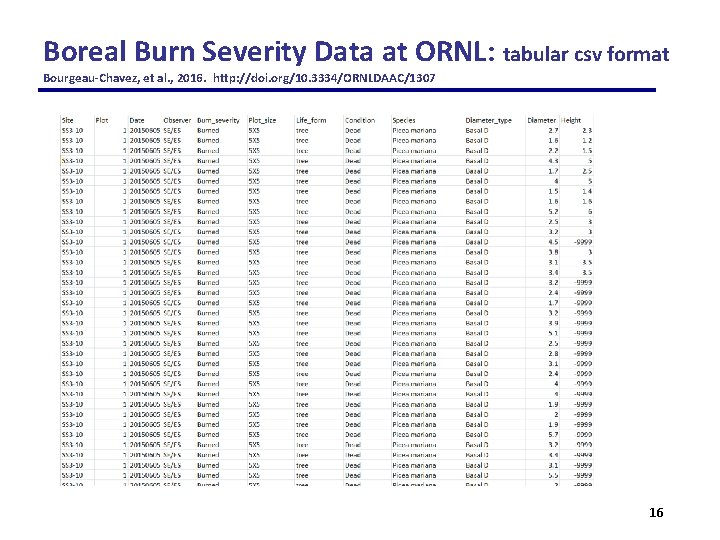
Boreal Burn Severity Data at ORNL: tabular csv format Bourgeau-Chavez, et al. , 2016. http: //doi. org/10. 3334/ORNLDAAC/1307 16
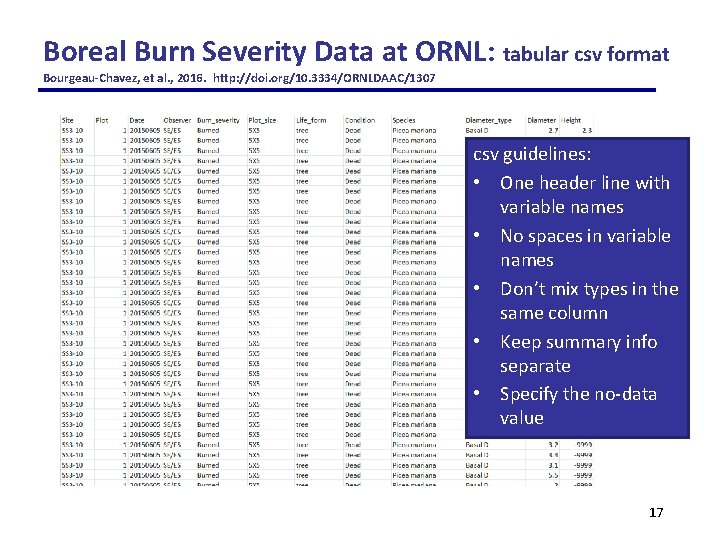
Boreal Burn Severity Data at ORNL: tabular csv format Bourgeau-Chavez, et al. , 2016. http: //doi. org/10. 3334/ORNLDAAC/1307 csv guidelines: • One header line with variable names • No spaces in variable names • Don’t mix types in the same column • Keep summary info separate • Specify the no-data value 17
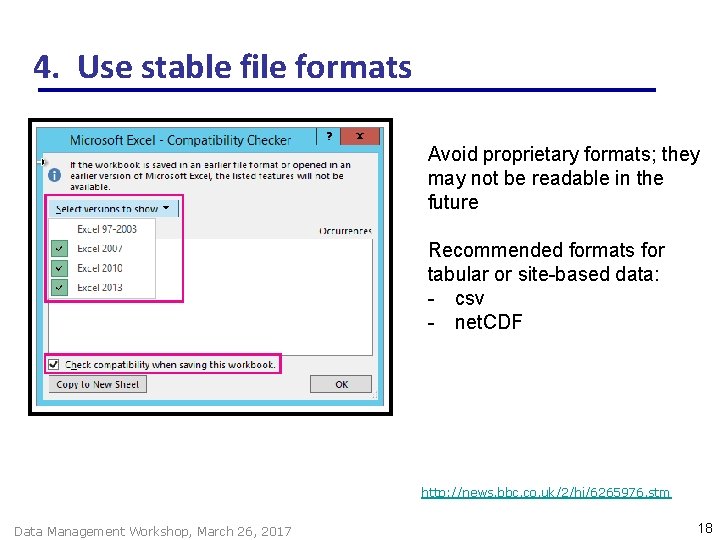
4. Use stable file formats Avoid proprietary formats; they may not be readable in the future Recommended formats for tabular or site-based data: - csv - net. CDF http: //news. bbc. co. uk/2/hi/6265976. stm Data Management Workshop, March 26, 2017 18
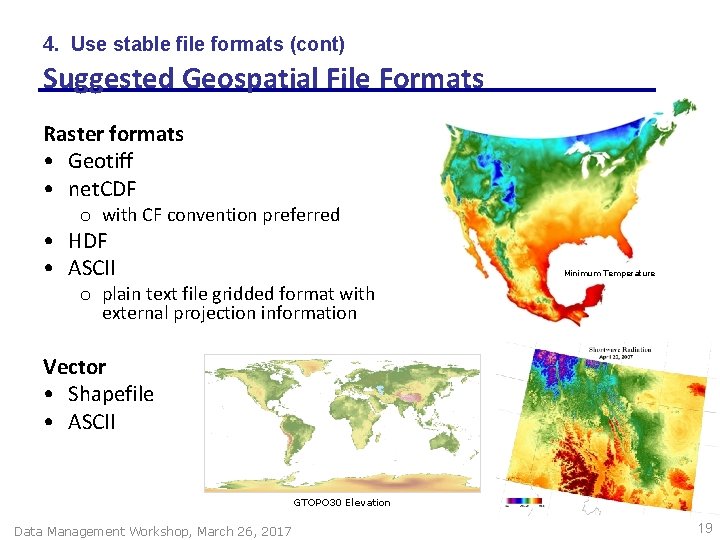
4. Use stable file formats (cont) Suggested Geospatial File Formats Raster formats • Geotiff • net. CDF o with CF convention preferred • HDF • ASCII Minimum Temperature o plain text file gridded format with external projection information Vector • Shapefile • ASCII GTOPO 30 Elevation Data Management Workshop, March 26, 2017 19
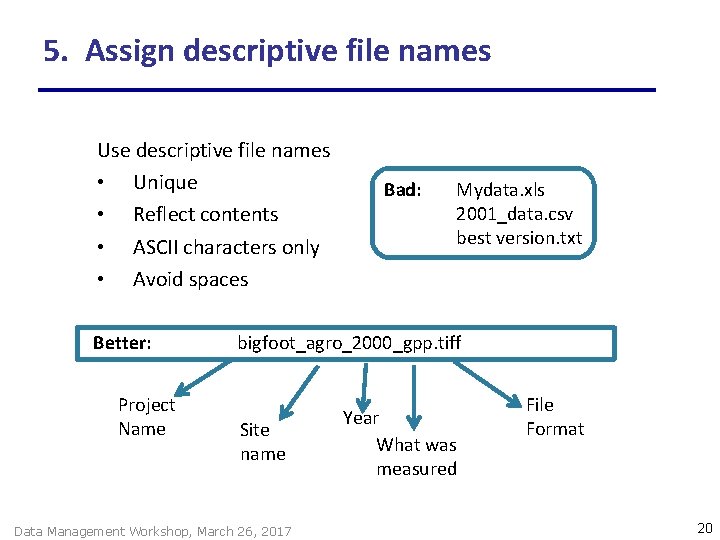
5. Assign descriptive file names Use descriptive file names • Unique • Reflect contents • ASCII characters only • Avoid spaces Better: Project Name Bad: Mydata. xls 2001_data. csv best version. txt bigfoot_agro_2000_gpp. tiff Site name Data Management Workshop, March 26, 2017 Year What was measured File Format 20
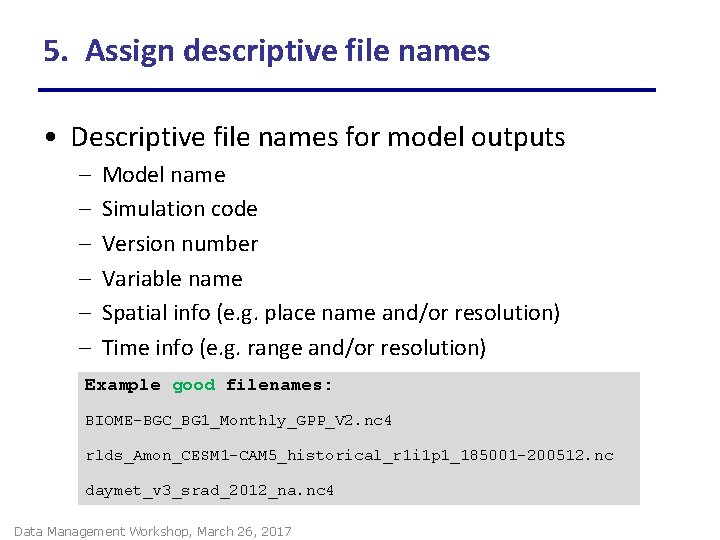
5. Assign descriptive file names • Descriptive file names for model outputs – – – Model name Simulation code Version number Variable name Spatial info (e. g. place name and/or resolution) Time info (e. g. range and/or resolution) Example good filenames: BIOME-BGC_BG 1_Monthly_GPP_V 2. nc 4 rlds_Amon_CESM 1 -CAM 5_historical_r 1 i 1 p 1_185001 -200512. nc daymet_v 3_srad_2012_na. nc 4 Data Management Workshop, March 26, 2017
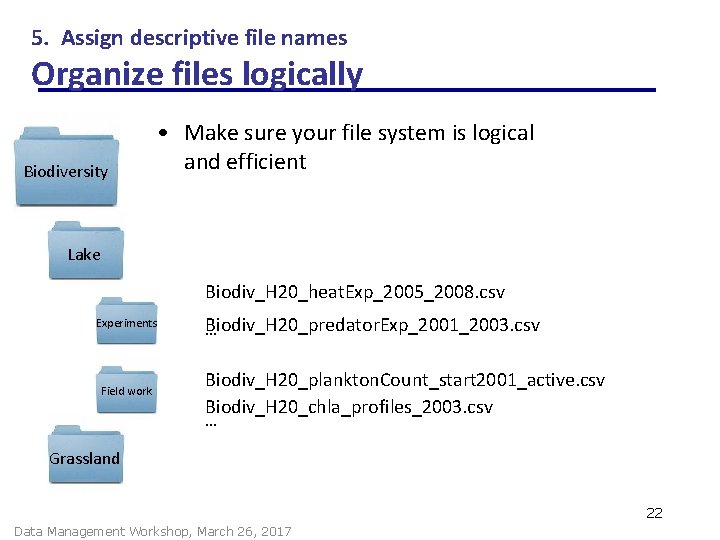
5. Assign descriptive file names Organize files logically Biodiversity • Make sure your file system is logical and efficient Lake Biodiv_H 20_heat. Exp_2005_2008. csv Experiments Field work Biodiv_H 20_predator. Exp_2001_2003. csv … Biodiv_H 20_plankton. Count_start 2001_active. csv Biodiv_H 20_chla_profiles_2003. csv … Grassland 22 Data Management Workshop, March 26, 2017
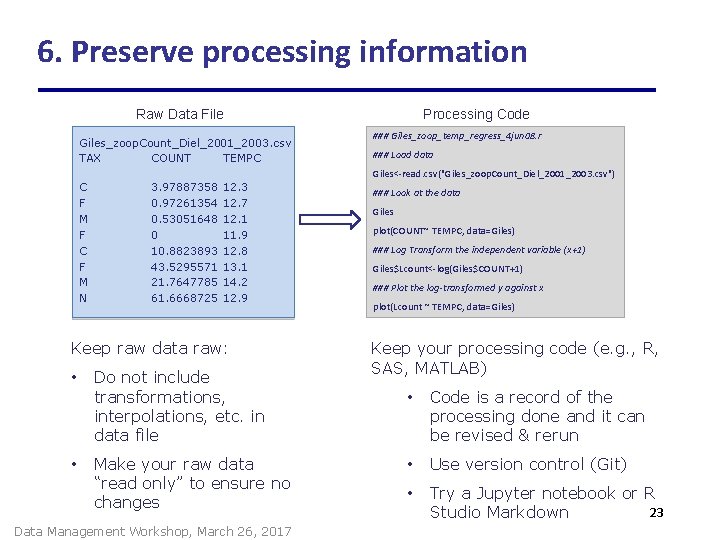
6. Preserve processing information Raw Data File Giles_zoop. Count_Diel_2001_2003. csv TAX COUNT TEMPC Processing Code ### Giles_zoop_temp_regress_4 jun 08. r ### Load data Giles<-read. csv("Giles_zoop. Count_Diel_2001_2003. csv") C F M F C F M N 3. 97887358 0. 97261354 0. 53051648 0 10. 8823893 43. 5295571 21. 7647785 61. 6668725 12. 3 12. 7 12. 1 11. 9 12. 8 13. 1 14. 2 12. 9 Keep raw data raw: • • Do not include transformations, interpolations, etc. in data file Make your raw data “read only” to ensure no changes Data Management Workshop, March 26, 2017 ### Look at the data Giles plot(COUNT~ TEMPC, data=Giles) ### Log Transform the independent variable (x+1) Giles$Lcount<-log(Giles$COUNT+1) ### Plot the log-transformed y against x plot(Lcount ~ TEMPC, data=Giles) Keep your processing code (e. g. , R, SAS, MATLAB) • Code is a record of the processing done and it can be revised & rerun • Use version control (Git) • Try a Jupyter notebook or R 23 Studio Markdown
7. Perform basic quality assurance • Ensure that data are delimited and line up in proper columns • Check that there no missing values (blank cells) for key variables • Scan for impossible and anomalous values • Perform and review statistical summaries • Map location data (lat/long) and assess errors There is no better QA than to analyze data 24 Data Management Workshop, March 26, 2017
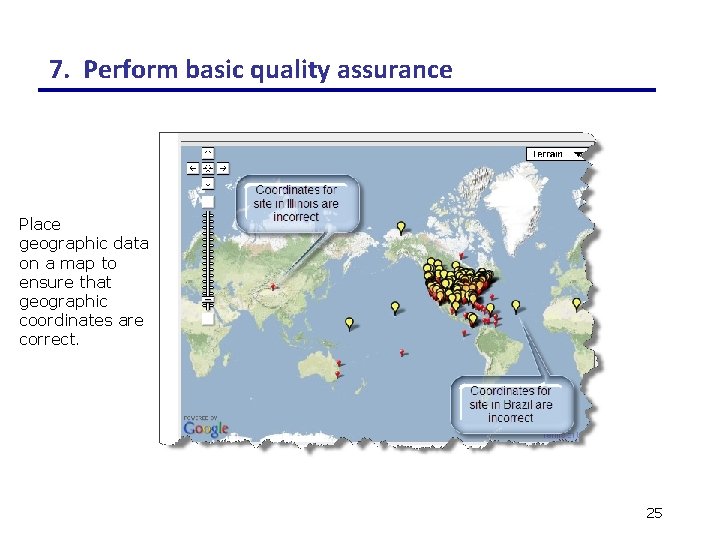
7. Perform basic quality assurance Place geographic data on a map to ensure that geographic coordinates are correct. 25
8. Provide Documentation / Metadata • What does the data set describe? • Why was the data set created? • Who produced the data set and Who prepared the metadata? • When and how frequently were the data collected? • Where were the data collected and with what spatial resolution? (include coordinate reference system) • How was each variable measured? • How reliable are the data? What is the uncertainty, measurement accuracy? What problems remain in the data set? • What assumptions were used to create the data set? • What is the use and distribution policy of the data set? How can someone get a copy of the data set? • Provide any references to use of data in publication(s) 26 Data Management Workshop, March 26, 2017
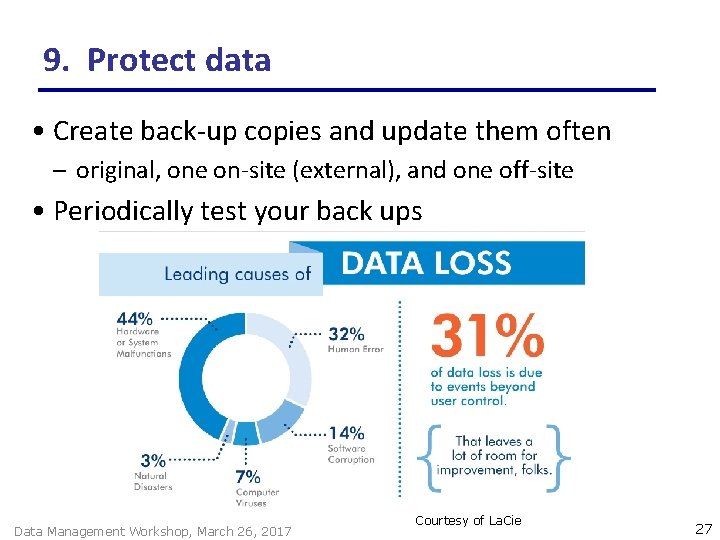
9. Protect data • Create back-up copies and update them often – original, one on-site (external), and one off-site • Periodically test your back ups Data Management Workshop, March 26, 2017 Courtesy of La. Cie 27
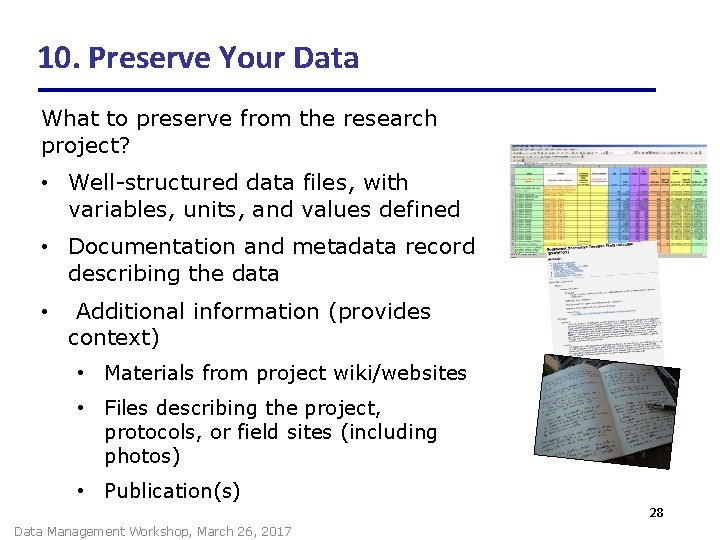
10. Preserve Your Data What to preserve from the research project? • Well-structured data files, with variables, units, and values defined • Documentation and metadata record describing the data • Additional information (provides context) • Materials from project wiki/websites • Files describing the project, protocols, or field sites (including photos) • Publication(s) 28 Data Management Workshop, March 26, 2017
10. Preserve Your Data (cont) Where should the data be archived? • Part of project planning • Contact archive / data center early to find out their requirements – What additional data management steps would they like you to do? • http: //daac. ornl. gov • http: //ameriflux. lbl. gov/ • http: //www. fluxdata. org/default. aspx 29 Data Management Workshop, March 26, 2017
More resources • Data management information: https: //daac. ornl. gov/PI/pi_info. shtml • Workshop presentations will be placed online: https: //daac. ornl. gov/workshops. sht ml • Contact me at boyerag@ornl. gov • Follow us on Twitter @ORNLDAAC Data Management Workshop, March 26, 2017 30
- Slides: 30