
Data Interoperability Advanced Use Bruce Harold Dale Lutz

Data Interoperability Advanced Use Bruce Harold Dale Lutz bharold@esri. com Safe Software
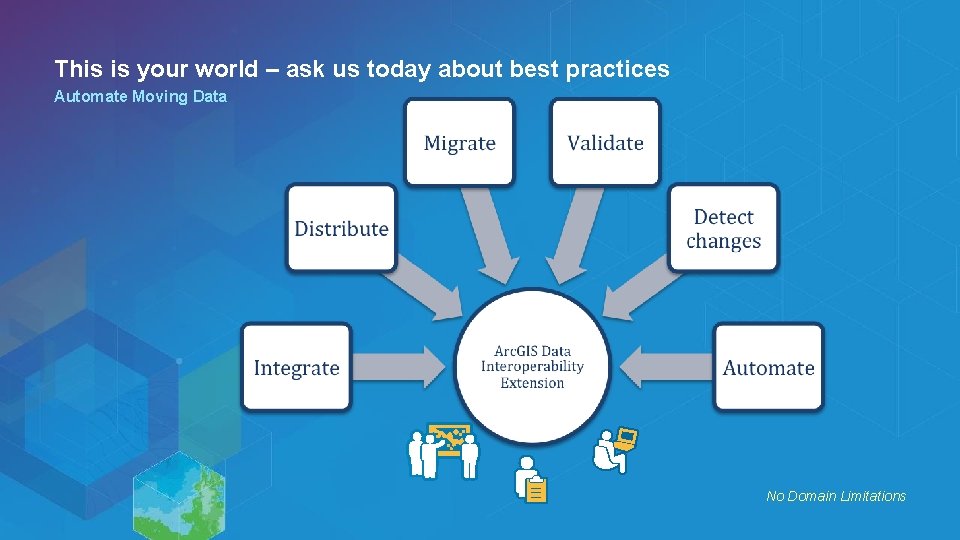
This is your world – ask us today about best practices Automate Moving Data No Domain Limitations
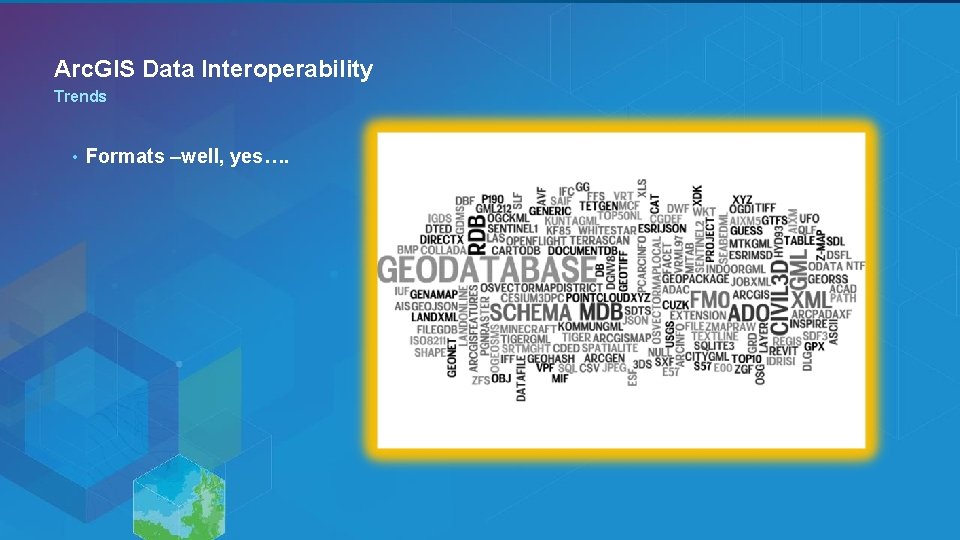
Arc. GIS Data Interoperability Trends • Formats –well, yes….
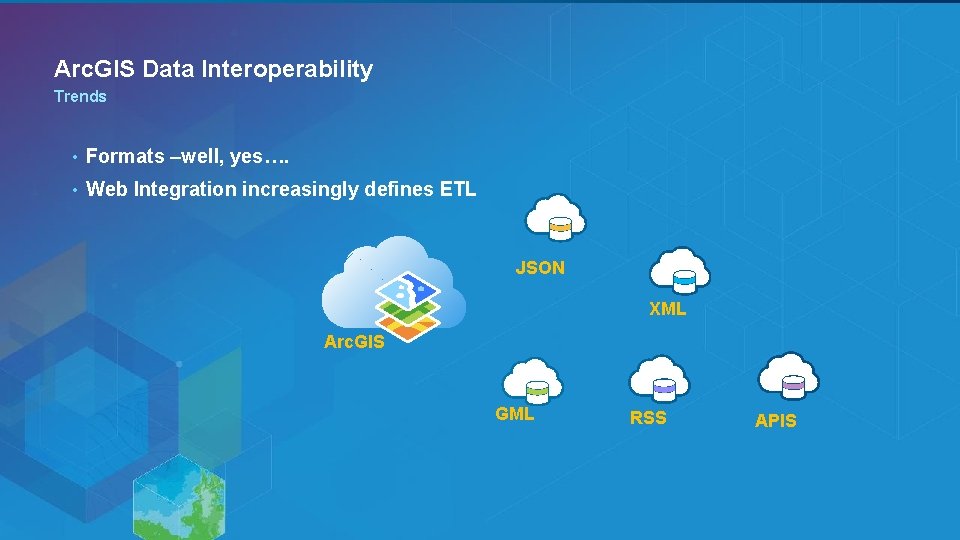
Arc. GIS Data Interoperability Trends • Formats –well, yes…. • Web Integration increasingly defines ETL JSON XML Arc. GIS GML RSS APIS
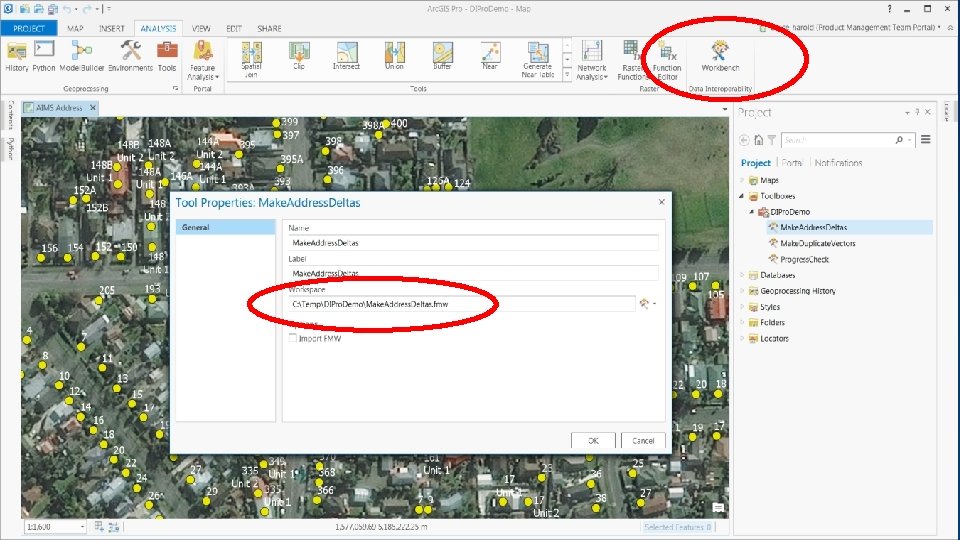
Arc. GIS Data Interoperability for Arc. GIS Pro Where the extension is at in Pro • • Arc. GIS Pro 1. 3 improves the ETL Tool authoring experience - ETL Tools may reference or import FMW files - Supports bringing FME-based work into Projects - Supports sharing work as FMW files Launch Workbench from the ribbon’s Analysis tab - Ad-hoc workflows starting from a blank workspace - Drag and drop in a FMW file to a blank workspace - Drag and drop in a recognized format file to a blank workspace - Drag and drop in a custom transformer FMX from store. safe. com
Demo Arc. GIS Pro Synchronizing GDB with AGOL

Li. DAR Point Cloud Scenarios
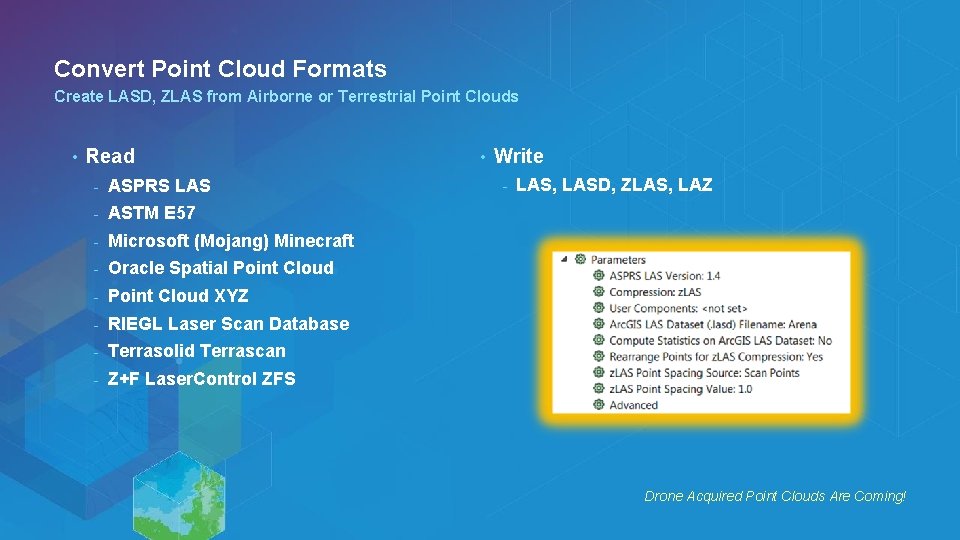
Convert Point Cloud Formats Create LASD, ZLAS from Airborne or Terrestrial Point Clouds • Read - ASPRS LAS - ASTM E 57 - Microsoft (Mojang) Minecraft - Oracle Spatial Point Cloud - Point Cloud XYZ - RIEGL Laser Scan Database - Terrasolid Terrascan - Z+F Laser. Control ZFS • Write - LAS, LASD, ZLAS, LAZ Drone Acquired Point Clouds Are Coming!
Demo Convert Terrascan to ZLAS
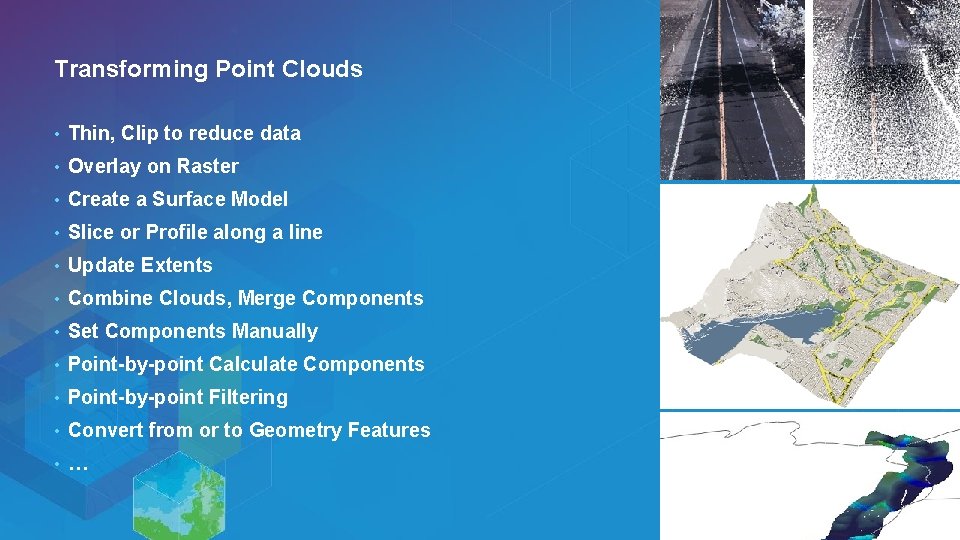
Transforming Point Clouds • Thin, Clip to reduce data • Overlay on Raster • Create a Surface Model • Slice or Profile along a line • Update Extents • Combine Clouds, Merge Components • Set Components Manually • Point-by-point Calculate Components • Point-by-point Filtering • Convert from or to Geometry Features • …
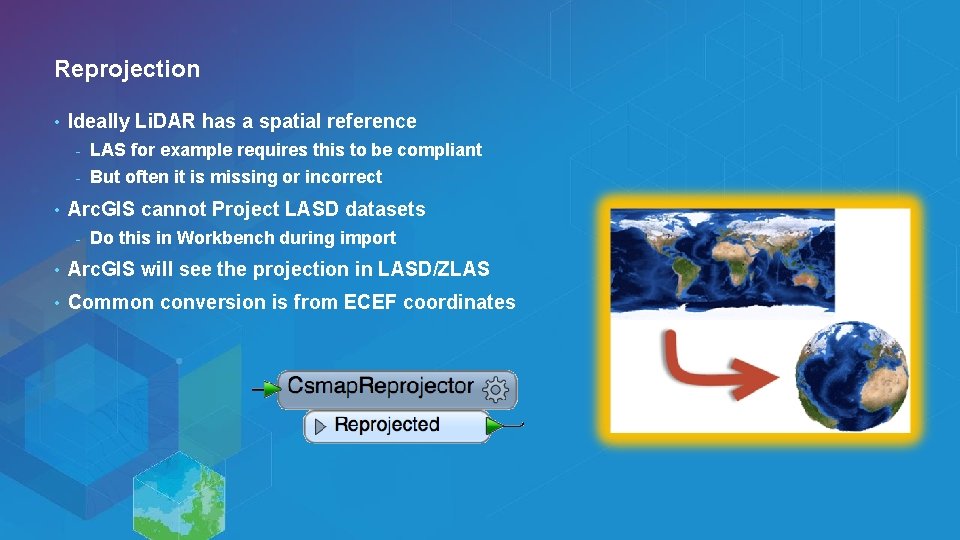
Reprojection • • Ideally Li. DAR has a spatial reference - LAS for example requires this to be compliant - But often it is missing or incorrect Arc. GIS cannot Project LASD datasets - Do this in Workbench during import • Arc. GIS will see the projection in LASD/ZLAS • Common conversion is from ECEF coordinates
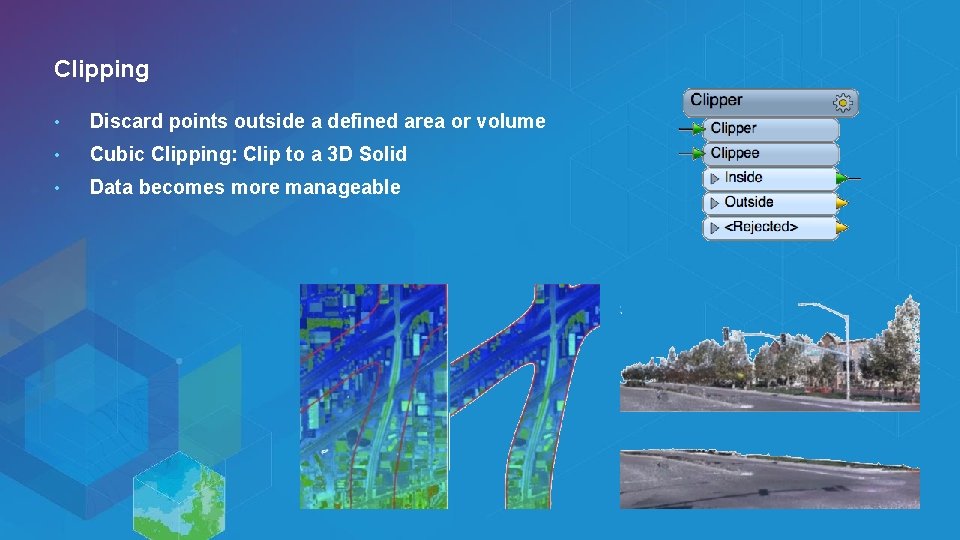
Clipping • Discard points outside a defined area or volume • Cubic Clipping: Clip to a 3 D Solid • Data becomes more manageable
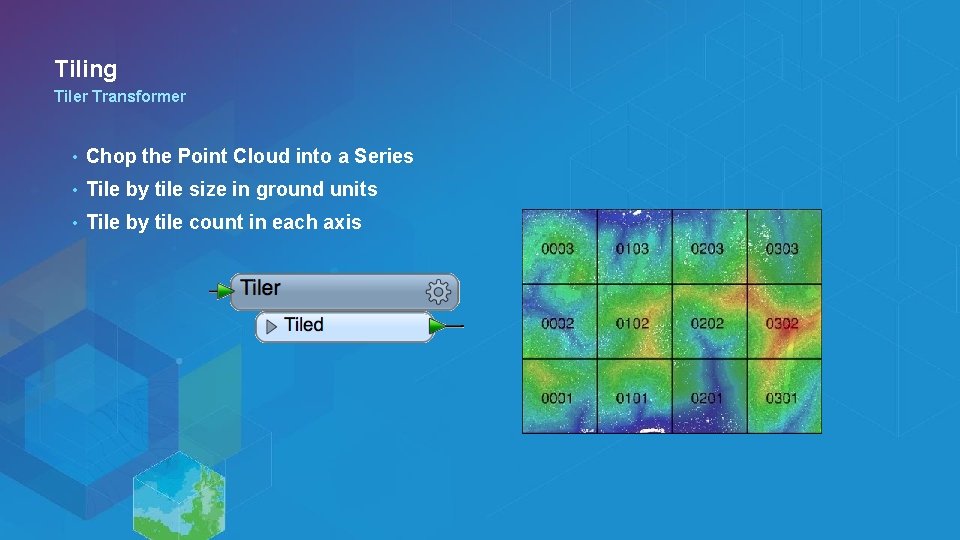
Tiling Tiler Transformer • Chop the Point Cloud into a Series • Tile by tile size in ground units • Tile by tile count in each axis
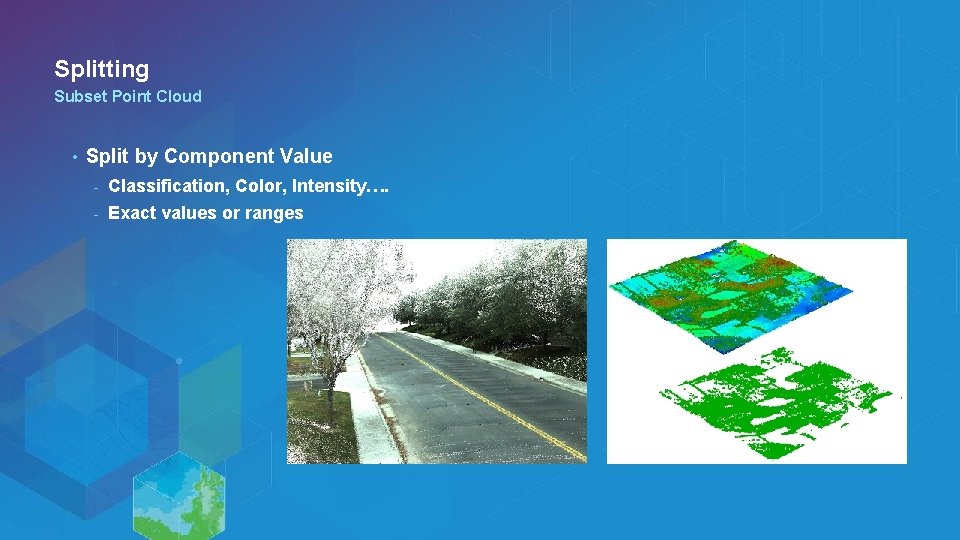
Splitting Subset Point Cloud • Split by Component Value - Classification, Color, Intensity…. - Exact values or ranges

Demo Split a Point Cloud
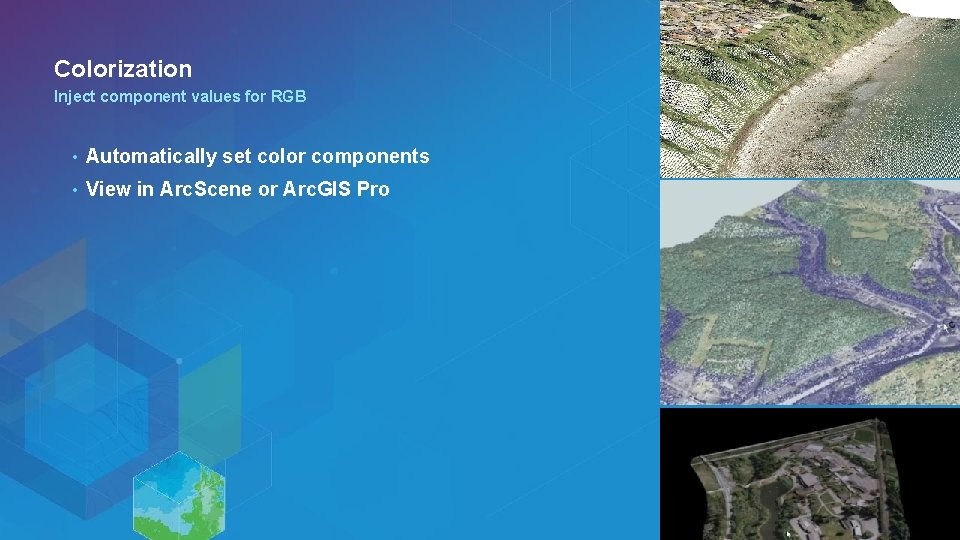
Colorization Inject component values for RGB • Automatically set color components • View in Arc. Scene or Arc. GIS Pro
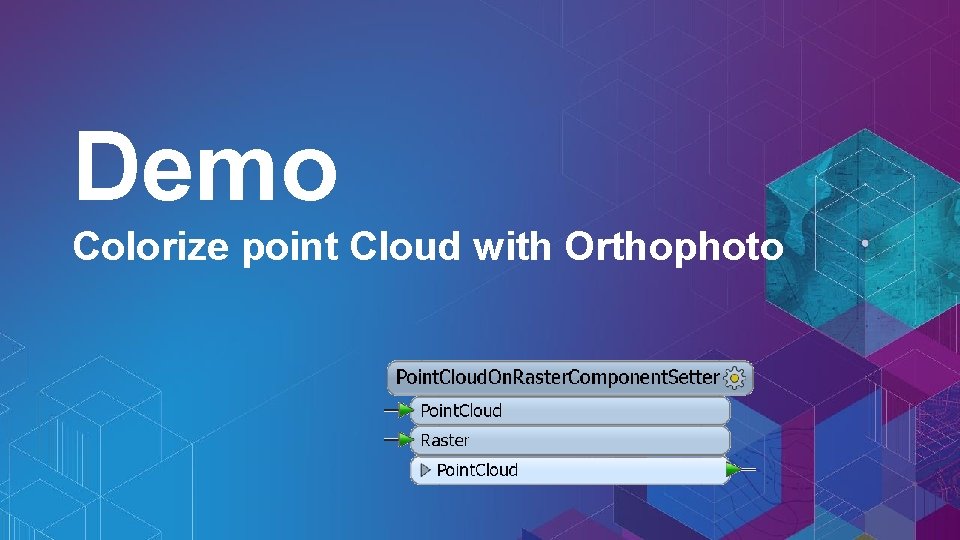
Demo Colorize point Cloud with Orthophoto
3 D GIS Working with 3 D Data
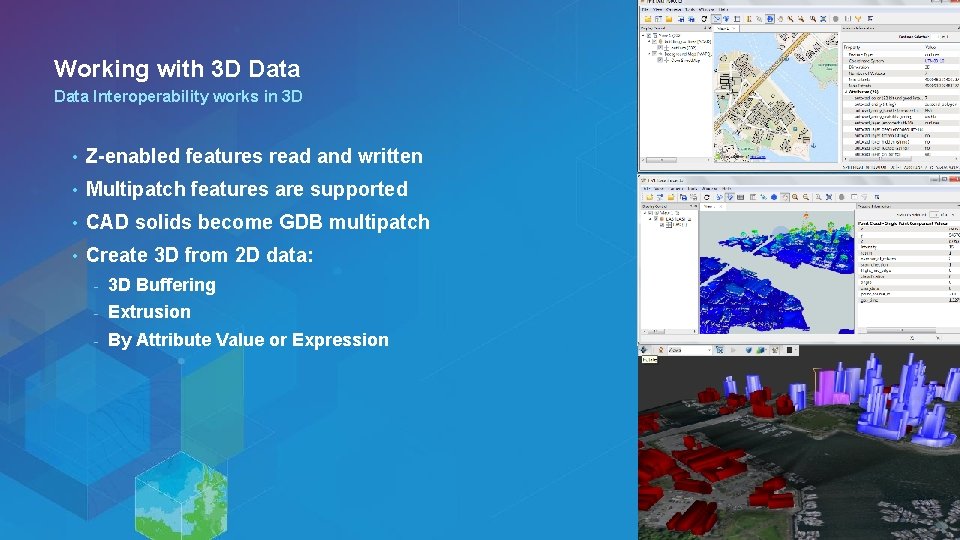
Working with 3 D Data Interoperability works in 3 D • Z-enabled features read and written • Multipatch features are supported • CAD solids become GDB multipatch • Create 3 D from 2 D data: - 3 D Buffering - Extrusion - By Attribute Value or Expression
Demo Create 3 D Sketchup Building Model - 2 D Shapefile building outlines - Li. DAR elevation values for rooftops - Li. DAR ground surface model - Extrude Buildings - Set Appearance - Write Sketchup
BIM and GIS Working with BIM Data
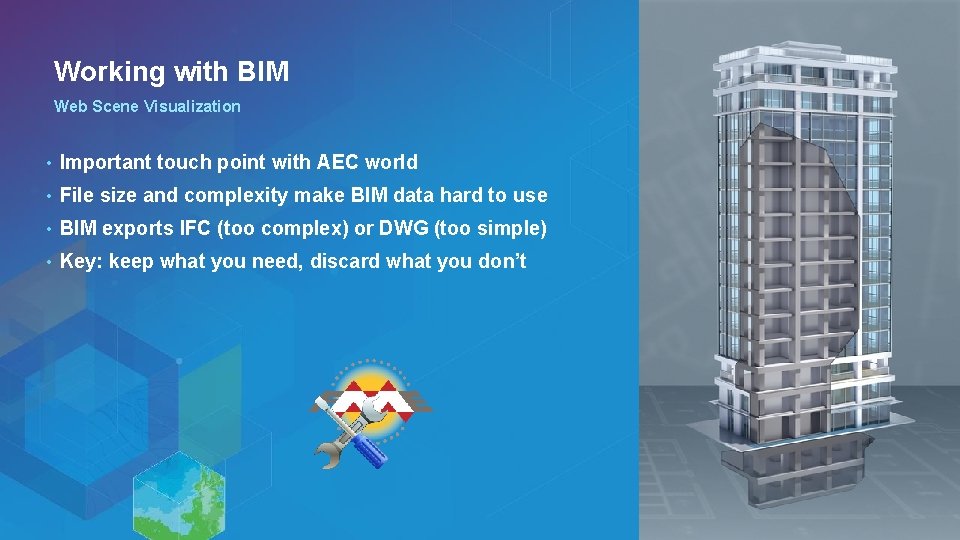
Working with BIM Web Scene Visualization • Important touch point with AEC world • File size and complexity make BIM data hard to use • BIM exports IFC (too complex) or DWG (too simple) • Key: keep what you need, discard what you don’t
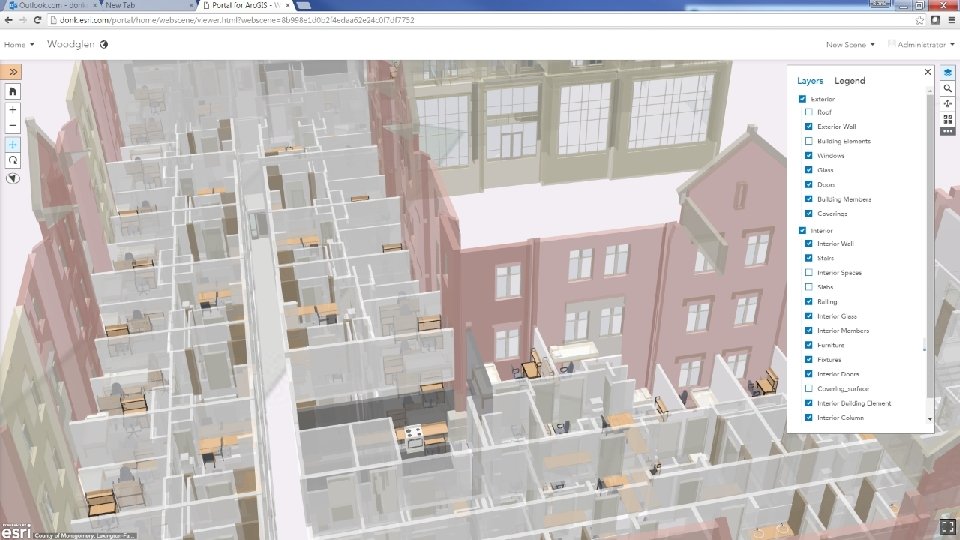
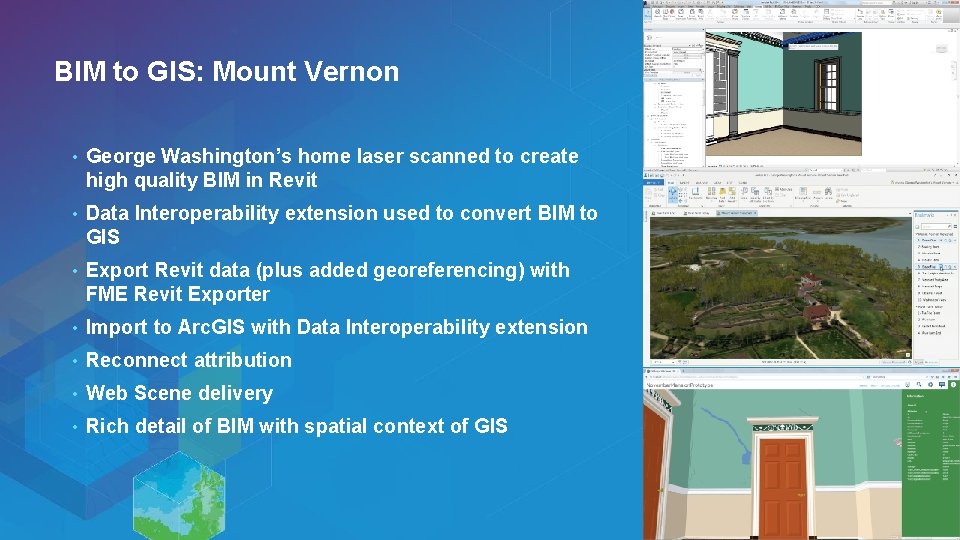
BIM to GIS: Mount Vernon • George Washington’s home laser scanned to create high quality BIM in Revit • Data Interoperability extension used to convert BIM to GIS • Export Revit data (plus added georeferencing) with FME Revit Exporter • Import to Arc. GIS with Data Interoperability extension • Reconnect attribution • Web Scene delivery • Rich detail of BIM with spatial context of GIS
BIM to GIS Scenarios • Read IFC or RVZ • Translate Revit floorplan to Geodatabase • Extract/use BIM georeferencing • Complete control over IFC hierarchies • Reduce BIM data volumes • Update BIM from Excel tables • Webinar: GIS and BIM Interoperability - fme. ly/gisbim •
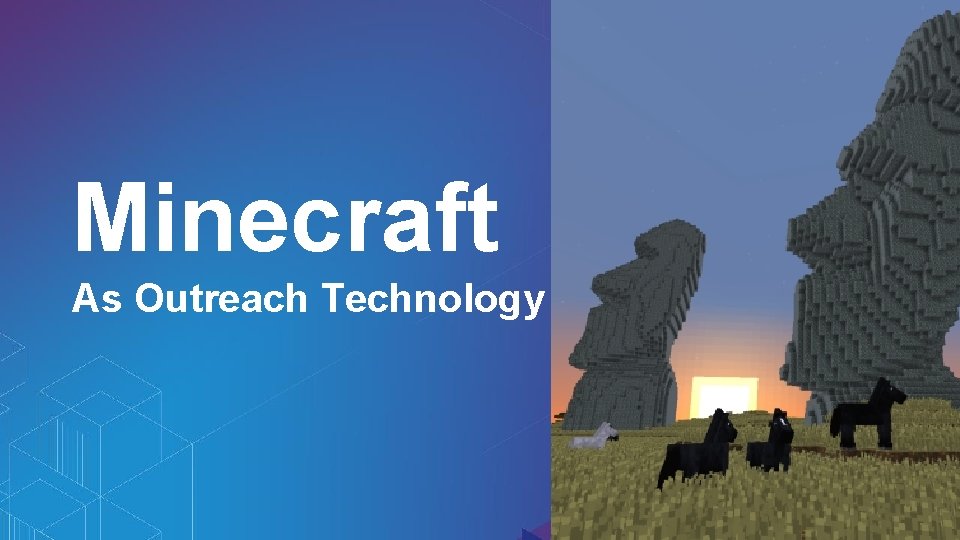
Minecraft As Outreach Technology

Working with Minecraft • A Minecraft world is a point cloud • Block. ID and Block. Data components • Convert any data to Minecraft • Vector • Raster • Li. DAR • BIM • etc.
Example Bowen Island: GIS + DEM to Minecraft
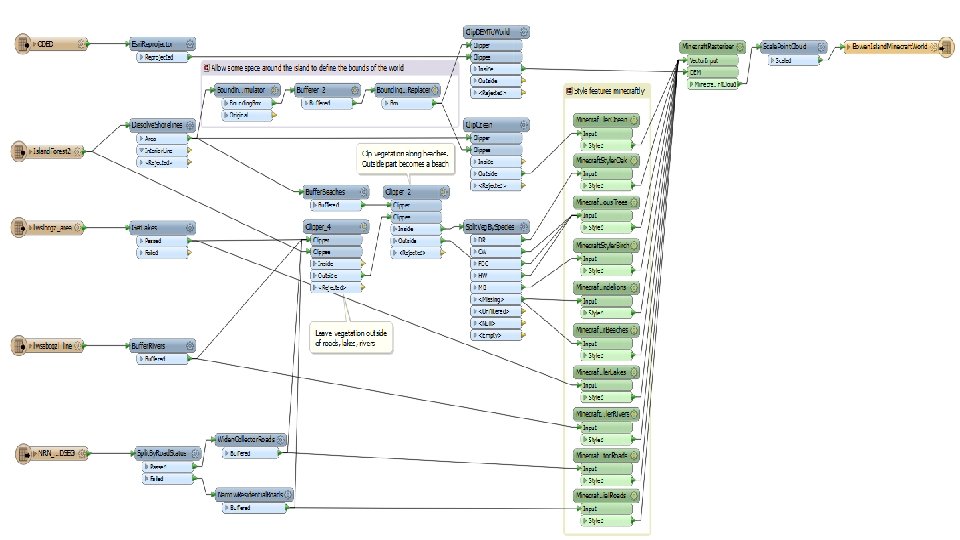
Workspace Summary GIS & DEM to Minecraft • Read road lines (Shapefile), forest polygons (Map. Info), and raster DEM • Buffer and clip vectors to avoid overlap • Rasterize vector layers - • Make numeric rasters for Z, block. ID, block. Data Convert raster pixels to points - Set Z value and point cloud components Publish as Public Consultation
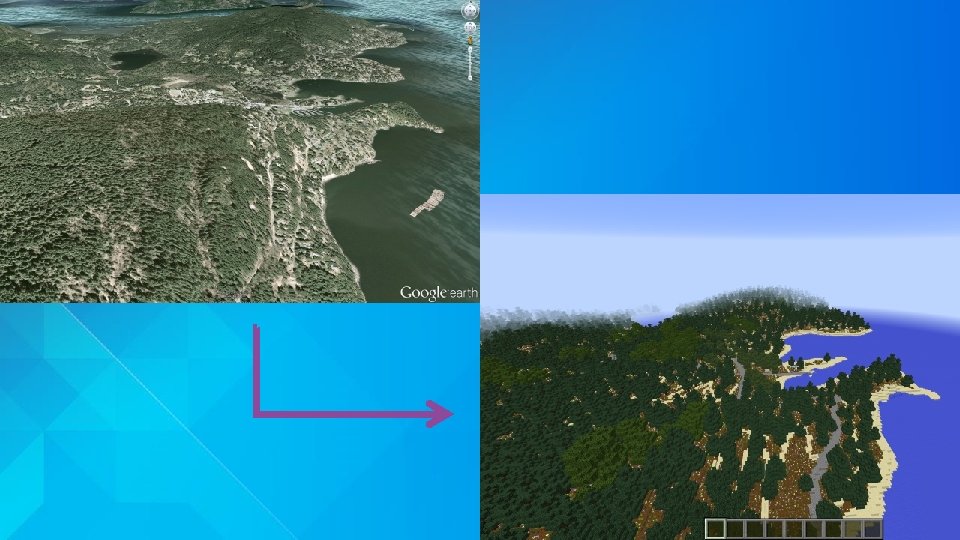
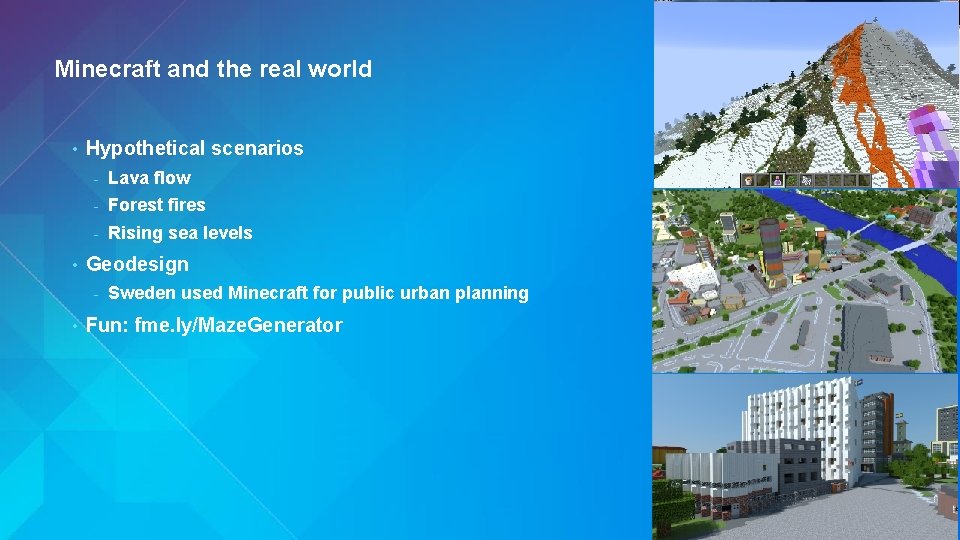
Minecraft and the real world • • Hypothetical scenarios - Lava flow - Forest fires - Rising sea levels Geodesign - • Sweden used Minecraft for public urban planning Fun: fme. ly/Maze. Generator
Try it, Learn it Why Data Interoperability? • 60 -day Trial: • http: //www. esri. com/software/arcgis/extensions/datainteroperability/evaluate • Courses – search ‘ETL’ in the Training Catalog: - Transforming Data Using Extract, Transform, and Load Processes - http: //training. esri. com/gateway/index. cfm? fa=catalog. web. Course. Detail&courseid=2571 - Controlling Data Translations Using Extract, Transform, and Load Processes - http: //training. esri. com/gateway/index. cfm? fa=catalog. web. Course. Detail&courseid=2737 Data Validation checklist and webinar – fme. ly/validation - FME and Arc. GIS Online resources – fme. ly/agol -
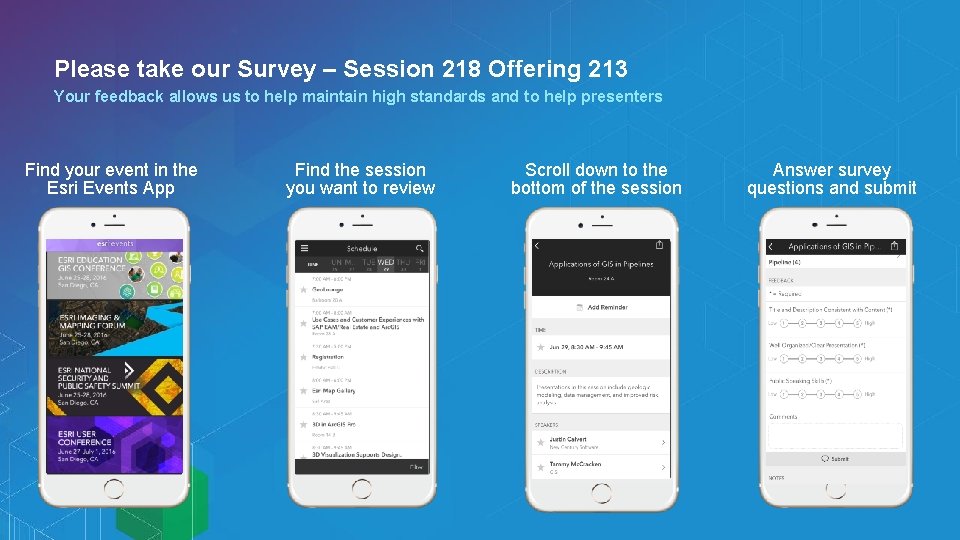
Please take our Survey – Session 218 Offering 213 Your feedback allows us to help maintain high standards and to help presenters Find your event in the Esri Events App Find the session you want to review Scroll down to the bottom of the session Answer survey questions and submit

- Slides: 36