
Data Input Methods Recommended For Pharmacy Student 23



- Slides: 17
Data Input Methods Recommended For Pharmacy Student! 23 Part Pharm-D (Doctor of Pharmacy), DPT (Doctor of Physiotherapy) & Pharmacy Technician. MUHAMMAD MUNIM AKHTAR Computer & its Applications in Pharmacy with Munim
Welcome to Computer & its Application in Pharmacy with Munim Akhtar Free online quality educational tutorials about Computer in Pharmacy Computer & its Applications in Pharmacy with Munim
Computer & its Applications in Pharmacy with Munim
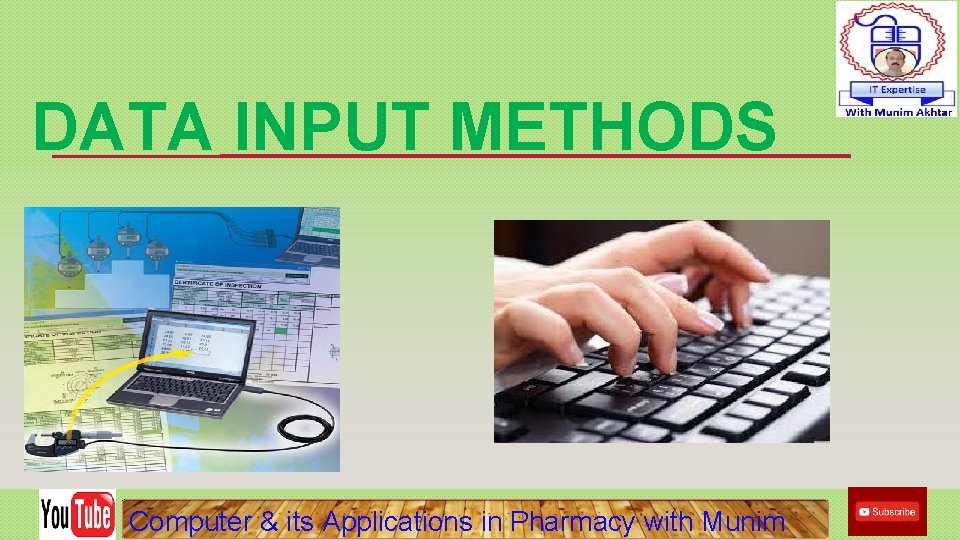
DATA INPUT METHODS Computer & its Applications in Pharmacy with Munim
WHAT IS DATA CAPTURE/INPUT Data capture is the action or process of gathering data, especially from an automatic device, control system, or sensor. • Obtain data for a computer by manually is called manual data input. • Collecting documents to be typed in • Making measurements • Asking people to fill a questionnaires • Automated data capture means obtaining data directly by an input device without using a keyboard. • • Using document readers (OMR, MICR, OCR) Bar code readers Scanning pictures Using sensors, etc. Computer & its Applications in Pharmacy with Munim
DIFFERENT INPUT METHODS • An input device which accepts data and sends it to the CPU: • • Keyboard Mouse Document reader (OMR, OCR, MICR) Light pens and touch screens Sensors Scanner Joysticks and game controllers Microphone, etc. Computer & its Applications in Pharmacy with Munim
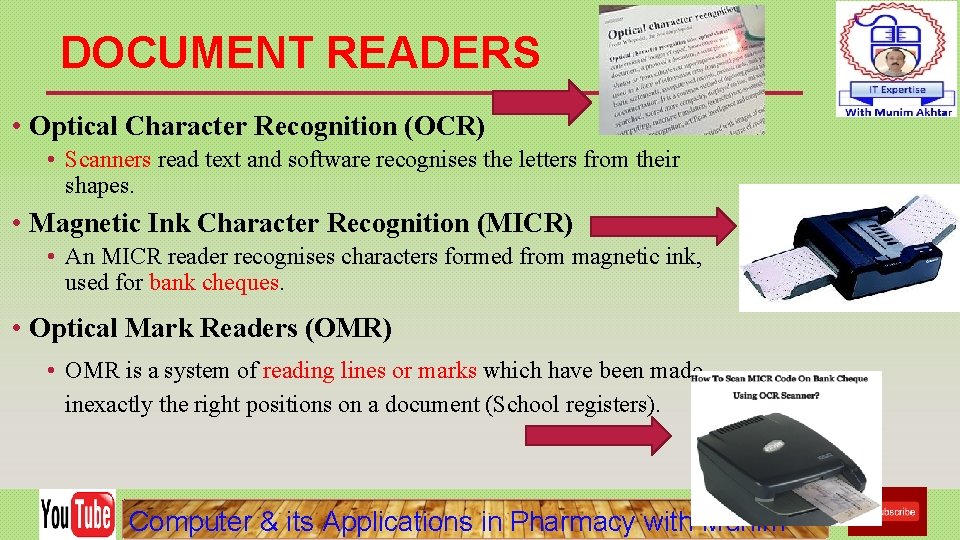
DOCUMENT READERS • Optical Character Recognition (OCR) • Scanners read text and software recognises the letters from their shapes. • Magnetic Ink Character Recognition (MICR) • An MICR reader recognises characters formed from magnetic ink, used for bank cheques. • Optical Mark Readers (OMR) • OMR is a system of reading lines or marks which have been made inexactly the right positions on a document (School registers). Computer & its Applications in Pharmacy with Munim
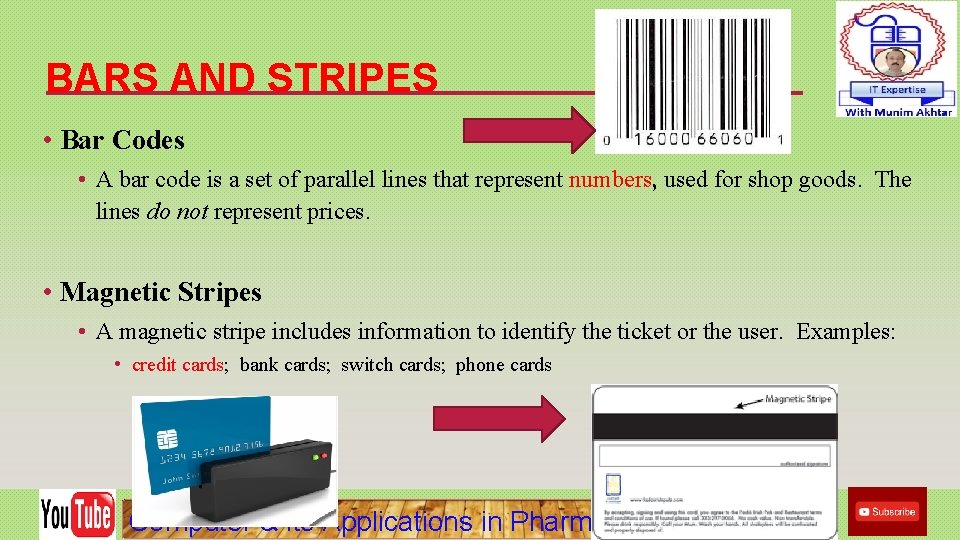
BARS AND STRIPES • Bar Codes • A bar code is a set of parallel lines that represent numbers, used for shop goods. The lines do not represent prices. • Magnetic Stripes • A magnetic stripe includes information to identify the ticket or the user. Examples: • credit cards; bank cards; switch cards; phone cards Computer & its Applications in Pharmacy with Munim
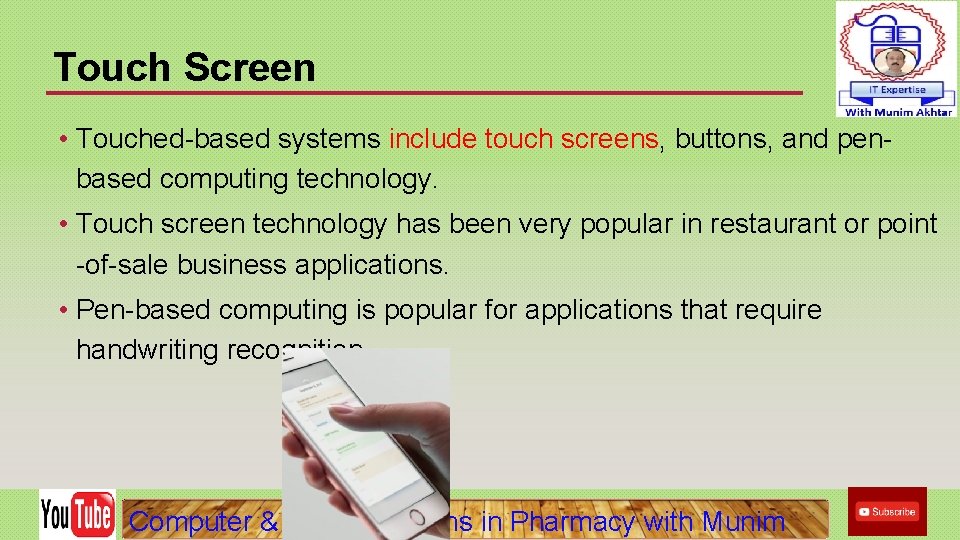
Touch Screen • Touched-based systems include touch screens, buttons, and penbased computing technology. • Touch screen technology has been very popular in restaurant or point -of-sale business applications. • Pen-based computing is popular for applications that require handwriting recognition. Computer & its Applications in Pharmacy with Munim
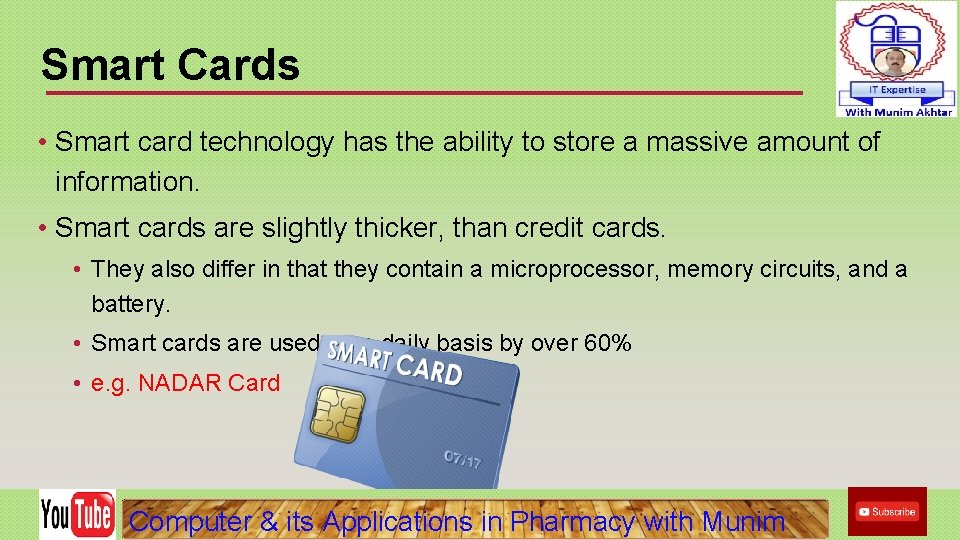
Smart Cards • Smart card technology has the ability to store a massive amount of information. • Smart cards are slightly thicker, than credit cards. • They also differ in that they contain a microprocessor, memory circuits, and a battery. • Smart cards are used on a daily basis by over 60% • e. g. NADAR Card Computer & its Applications in Pharmacy with Munim
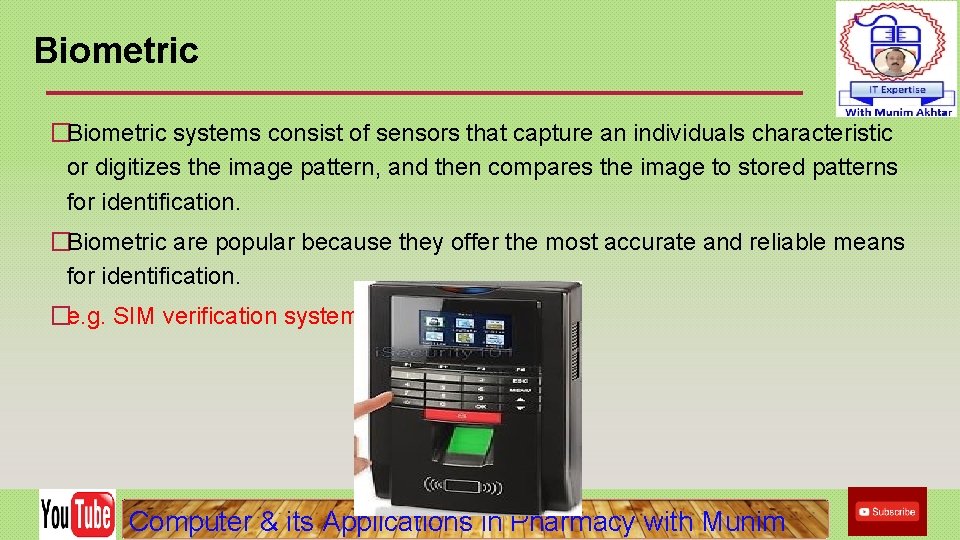
Biometric �Biometric systems consist of sensors that capture an individuals characteristic or digitizes the image pattern, and then compares the image to stored patterns for identification. �Biometric are popular because they offer the most accurate and reliable means for identification. �e. g. SIM verification system Computer & its Applications in Pharmacy with Munim
WHAT IS DATA VERIFICATION & DATA VALIDATION Computer & its Applications in Pharmacy with Munim
WHAT IS DATA VERIFICATION? Data verification is the process of checking that the data entered exactly matches the original source to find out if data is accurate. e. g. , Double entry of data (such as when creating a password or email) to prevent incorrect data input. Data verification is checking the data. must: - • Check for spelling mistakes. • Check for data that has not been entered correctly. • Check that all data has been entered and nothing is missing. Computer & its Applications in Pharmacy with Munim
WHAT IS DATA VALIDATION? Data validation means checking the accuracy and quality of source data before using, importing or processing data. • The computer checks the data you enter. • The computer checks if the data is correct and makes sense. e. g. , A secondary school student is likely to be aged between 11 and 16. The computer can be programmed only to accept numbers between 11 and 16. This is a range check. Computer & its Applications in Pharmacy with Munim
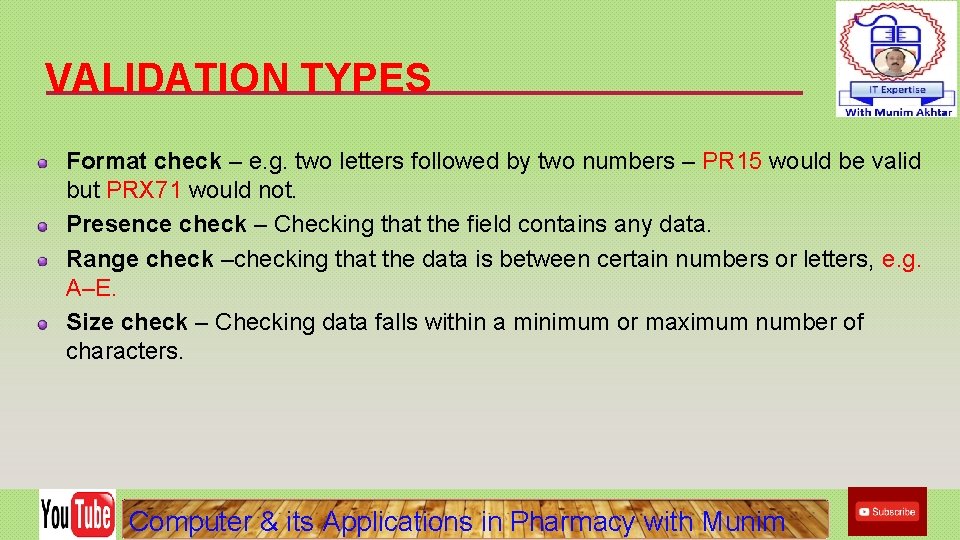
VALIDATION TYPES Format check – e. g. two letters followed by two numbers – PR 15 would be valid but PRX 71 would not. Presence check – Checking that the field contains any data. Range check –checking that the data is between certain numbers or letters, e. g. A–E. Size check – Checking data falls within a minimum or maximum number of characters. Computer & its Applications in Pharmacy with Munim
Today quote: “The purpose of our lives is to be happy “ Computer & its Applications in Pharmacy with Munim
? Computer & its Applications in Pharmacy with Munim