
Data for the English Language Proficiency Assessments for



- Slides: 47
Data for the English Language Proficiency Assessments for California (ELPAC) in CALPADS August 2018 CALIFORNIA DEPARTMENT OF EDUCATION Tom Torlakson, State Superintendent of Public Instruction
Audio Connection Information TOM TORLAKSON State Superintendent of Public Instruction • If you’re having trouble with your computer audio connection try one of the following: 1. Click the phone icon for call-in information OR 2. In the top navigation bar select Event>Information 2
Housekeeping TOM TORLAKSON State Superintendent of Public Instruction • All participants will automatically be muted. • To ask a question, please utilize the Q&A box. • We will answer questions after each major section. 3
Agenda TOM TORLAKSON State Superintendent of Public Instruction • Background • Eligible student identification and required data submission • Testing eligible students • Entering scores to the Local Scoring Tool (LST) • Downloading and using the Initial Student Score Report • Correction process • Preparing for summative testing 4
TOM TORLAKSON State Superintendent of Public Instruction BACKGROUND 5
Testing Windows TOM TORLAKSON State Superintendent of Public Instruction • July 1 through June 30, 2018 local educational agencies (LEAs) began administering the Initial ELPAC – Paper/pencil test • Summative ELPAC will be administered beginning February 1 through May 31, 2019 – Paper/pencil test 6
Student Eligibility TOM TORLAKSON State Superintendent of Public Instruction • Students eligible to take the Initial and Summative ELPAC are identified through data submitted to CALPADS – Enrollment Data (Dates, Enrollment Status) – English Language Acquisition Status (ELAS) – ELAS Start Date – Primary Language 7
TOM TORLAKSON State Superintendent of Public Instruction ELIGIBLE STUDENT IDENTIFICATION AND REQUIRED DATA SUBMISSION 8
Steps to Identify Initial ELPAC Eligible Students TOM TORLAKSON State Superintendent of Public Instruction Upon receipt of a home language survey (HLS), verify that the: 1. HLS identifies a language other than English or American Sign Language. 2. Student has not previously been tested with the California English Language Development Test (CELDT)/ELPAC a. Student does not already have an ELAS of EL (English learner), IFEP (initial fluent English proficient), or RFEP (reclassified as fluent English proficient) in CALPADS. b. Student has no scores for the CELDT in CALPADS and in the LST for Initial ELPAC scores. c. Student’s cumulative file does not contain CELDT/ELPAC scores. 9
How Does TOMS Identify Eligible Students? TOM TORLAKSON State Superintendent of Public Instruction • Initial ELPAC – Must appear on the Initial ELPAC Student Eligibility Report in the Test Operations Management System (TOMS) LST • Summative ELPAC – Must appear on the Summative Eligible Student Report in TOMS 10
How Does a Student Appear on the Initial ELPAC Student Eligibility Report? TOM TORLAKSON State Superintendent of Public Instruction • ELPAC Coordinator and CALPADS Administrator need to work together to submit the following information to CALPADS for students who have been identified as eligible for the Initial ELPAC: – CALPADS Student Enrollment (SENR) Record • Enrollment record with a start date greater than or equal to 7/1/2018 • Primary (code 10) or short-term (code 30) enrollment status – CALPADS Student English Language Acquisition Status (SELA) Record • ELAS Code – TBD • ELAS Start Date – Greater than or equal to 7/1/2018 • Primary Language Code – Not equal to English (00) or Sign Language (37) • These data will then be sent to the TOMS LST and these students will appear on the report 11
How Does a Student Appear on the Summative ELPAC Student Eligibility Report? TOM TORLAKSON State Superintendent of Public Instruction • Students appear on the Summative ELPAC Student Eligibility Report if the student is identified as an EL in CALPADS as a result of testing with the Initial ELPAC or the Initial CELDT: – ELAS Code equal to EL (English learner) 12
TOM TORLAKSON State Superintendent of Public Instruction TESTING ELIGIBLE STUDENTS 13
Testing Initial ELPAC Eligible Students TOM TORLAKSON State Superintendent of Public Instruction • Once the student has been identified as eligible to be tested with the Initial ELPAC, the test examiner should administer the paper/pencil test. • Once testing has been completed, the raw scores should be entered into the Local Scoring Tool (LST). • Scores can only be entered for students who appear on the Initial ELPAC Student Eligibility Report. 14
TOM TORLAKSON State Superintendent of Public Instruction ENTERING SCORES INTO THE LST 15
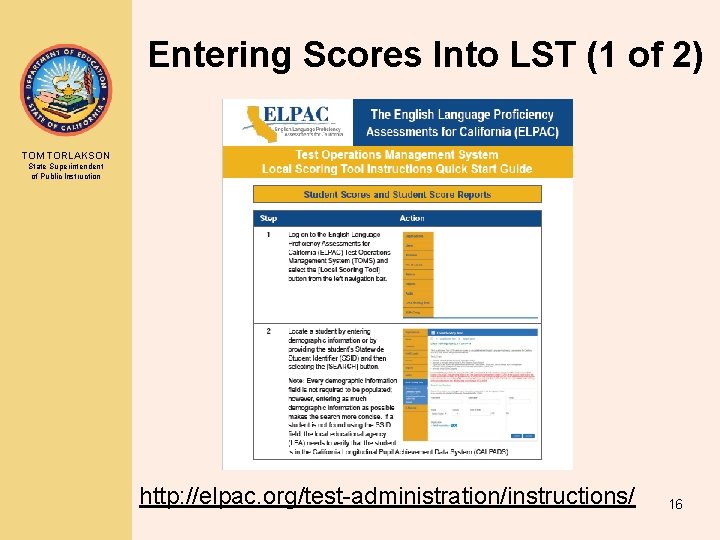
Entering Scores Into LST (1 of 2) TOM TORLAKSON State Superintendent of Public Instruction http: //elpac. org/test-administration/instructions/ 16
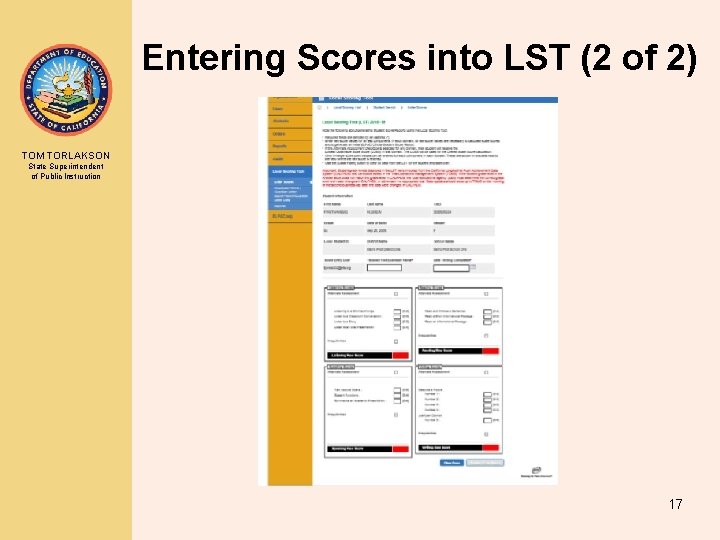
Entering Scores into LST (2 of 2) TOM TORLAKSON State Superintendent of Public Instruction 17
Summer Testing (1 of 2) TOM TORLAKSON State Superintendent of Public Instruction • In an effort to provide timely services to incoming new students, many LEAs administer the Initial ELPAC in the summer. 18
Summer Testing (2 of 2) TOM TORLAKSON State Superintendent of Public Instruction • LEAs have two options for getting the student scores entered into the LST: 1. Entering the scores during the summer by submitting “preenrollment” information to CALPADS 2. Entering the scores after the school year begins 19
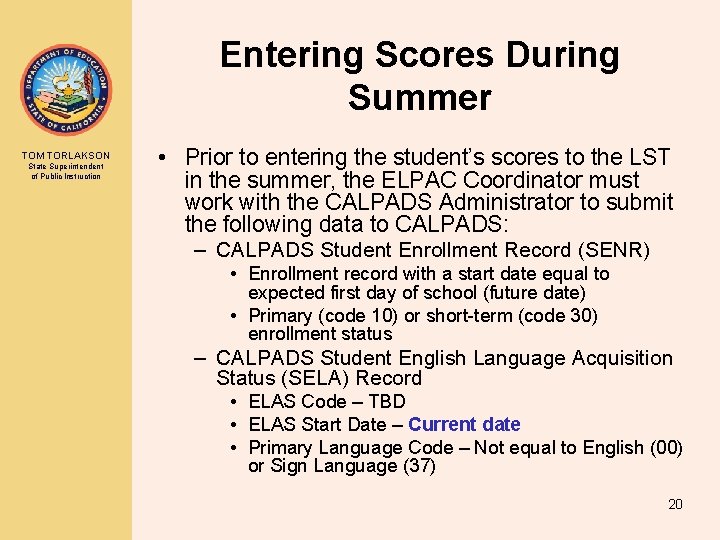
Entering Scores During Summer TOM TORLAKSON State Superintendent of Public Instruction • Prior to entering the student’s scores to the LST in the summer, the ELPAC Coordinator must work with the CALPADS Administrator to submit the following data to CALPADS: – CALPADS Student Enrollment Record (SENR) • Enrollment record with a start date equal to expected first day of school (future date) • Primary (code 10) or short-term (code 30) enrollment status – CALPADS Student English Language Acquisition Status (SELA) Record • ELAS Code – TBD • ELAS Start Date – Current date • Primary Language Code – Not equal to English (00) or Sign Language (37) 20
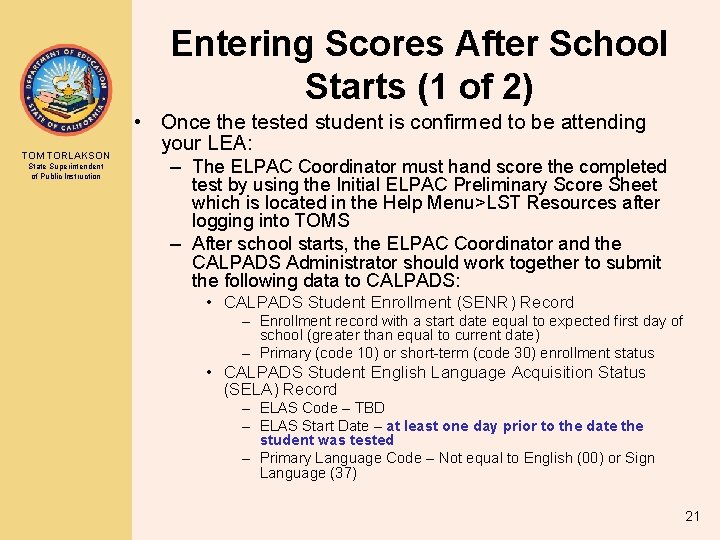
Entering Scores After School Starts (1 of 2) TOM TORLAKSON State Superintendent of Public Instruction • Once the tested student is confirmed to be attending your LEA: – The ELPAC Coordinator must hand score the completed test by using the Initial ELPAC Preliminary Score Sheet which is located in the Help Menu>LST Resources after logging into TOMS – After school starts, the ELPAC Coordinator and the CALPADS Administrator should work together to submit the following data to CALPADS: • CALPADS Student Enrollment (SENR) Record – Enrollment record with a start date equal to expected first day of school (greater than equal to current date) – Primary (code 10) or short-term (code 30) enrollment status • CALPADS Student English Language Acquisition Status (SELA) Record – ELAS Code – TBD – ELAS Start Date – at least one day prior to the date the student was tested – Primary Language Code – Not equal to English (00) or Sign Language (37) 21
Entering Scores After School Starts (2 of 2) TOM TORLAKSON State Superintendent of Public Instruction • Note: Even after hand scoring, do not upload the “unofficial” ELAS (EL or IFEP) to the student information system or CALPADS until the scores have been entered and locked into the LST and the “official” ELAS has been determined. • Failure to follow these steps will prevent the student from appearing on the Initial ELPAC Student Eligibility Report, and scores will not be able to be entered into the LST. 22
Frequently Asked Questions— Submitting Pre-enrollments (1 of 2) TOM TORLAKSON State Superintendent of Public Instruction • What happens if I enter a student’s scores into the LST during the summer and the student does not end up attending my school in the fall? • Answer: The pre-enrollments submitted for these students should be exited with an N 470 (No. Show) Exit Category Code in CALPADS. The initial ELAS will be associated with your LEA and therefore your LEA will be the only LEA that can update or delete that status. 23
TOM TORLAKSON State Superintendent of Public Instruction Frequently Asked Questions— Submitting Pre-enrollments (2 of 2) • What happens if I elect to wait until school starts to enter the scores and then the student reenrolls at another school, then the new school tests the student and enters the scores to the LST before I do? • Answer: The first LEA that enters the “official” ELAS to CALPADS will “own” that record. 24
TOM TORLAKSON State Superintendent of Public Instruction DOWNLOADING AND USING THE INITIAL STUDENT SCORE REPORT (SSR) 25
Downloading Official Scores and ELAS from the LST TOM TORLAKSON State Superintendent of Public Instruction • For the 2018– 19 year, LEAs must download the score information from the reports tab in the LST, choosing the Initial ELPAC – Export Student Score Data report and upload it to their SIS and to CALPADS. View the report layout at the following web page: http: //elpac. org/s/pdf/Initial-Elpac-2018 -19 Local-Scoring-Tool-Export-Student-Score. Data-File-Layout. pdf • For the 2019– 20 year, the score and ELAS information will be transmitted to CALPADS directly from TOMS. 26
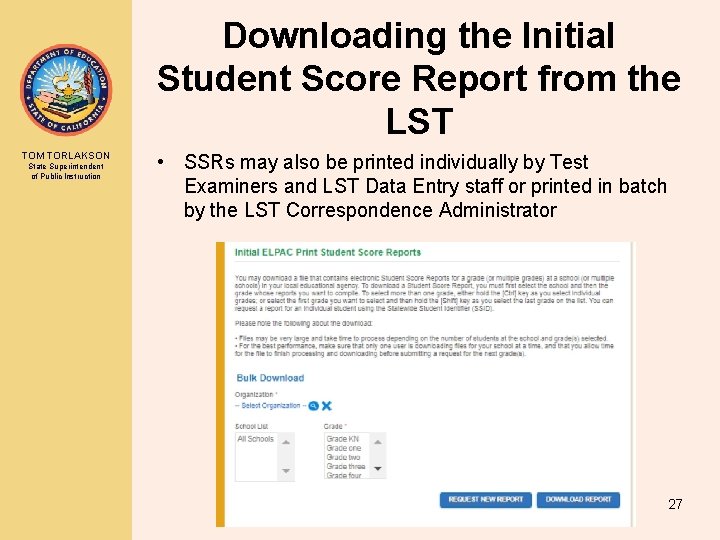
Downloading the Initial Student Score Report from the LST TOM TORLAKSON State Superintendent of Public Instruction • SSRs may also be printed individually by Test Examiners and LST Data Entry staff or printed in batch by the LST Correspondence Administrator 27
TOM TORLAKSON State Superintendent of Public Instruction Upload Score and ELAS Information into SIS and CALPADS • Once you have downloaded the Initial ELPAC – Export Student Score Data report, work with your SIS/CALPADS Administrators to upload to the SIS and CALPADS: – CALPADS Student English Language Acquisition Status (SELA) Record • ELAS Code – EL or IFEP • ELAS Start Date – Date testing was completed (must be greater than ELAS Start Date of prior TBD record) • Primary Language Code – Not equal to English (00) or Sign Language (37) 28
TOM TORLAKSON State Superintendent of Public Instruction CORRECTION PROCESS 29
Correction Process References (1 of 3) TOM TORLAKSON State Superintendent of Public Instruction Correction Process A • Process A is used when a student is classified as “English Only” on the basis of the results of the home language survey. The correction is made if: • o The LEA has an indication that the student has a language other than English. o The student is unable to perform ordinary classwork in English. The LEA must collect and review evidence to determine whether the student should be administered the Initial ELPAC. Please see California Code of Regulations, Title 5, Section 11518. 20(a) for specific ELPAC procedural details to be followed by the LEA. The regulations can be found at https: //www. cde. ca. gov/ta/tg/ep/documents/elpacregs. doc. 30
Correction Process References (2 of 3) TOM TORLAKSON State Superintendent of Public Instruction Correction Process B • Process B is used if an LEA administers the Initial or Summative ELPAC to a student who is not eligible to be assessed. • Please see California Code of Regulations, Title 5, Section 11518. 20(b) for specific ELPAC procedural details to be followed by the LEA. The regulations can be found at https: //www. cde. ca. gov/ta/tg/ep/documents/elpacregs. doc. 31
Correction Process References (3 of 3) TOM TORLAKSON State Superintendent of Public Instruction Correction Process C • Process C is used if a parent/guardian or certificated employee of the LEA requests a review of the student’s classification on the basis of the results of the Initial ELPAC. This process must occur before the first administration of the Summative ELPAC. • Please see California Code of Regulations, Title 5, Section 11518. 20(c) for specific ELPAC procedural details to be followed by the LEA. The regulations can be found at https: //www. cde. ca. gov/ta/tg/ep/documents/elpacregs. doc. 32
Evidence Requirements TOM TORLAKSON State Superintendent of Public Instruction • CCR 11518. 20 (d) Evidence about the English language proficiency of a pupil for purposes of subdivision (c) shall include: – (1) The results of the survey administered pursuant to section 11518. 5(a); – (2) The results of the assessment of the pupil’s proficiency in English, using an objective assessment instrument, including, but not limited to, the initial assessment; – (3) Parent or guardian opinion and consultation results; and – (4) Evidence of the pupil’s performance in the LEA’s adopted course of study, including courses as described in Education Code sections 51210 (for pupils in grades 1 to 6) and 51220 (for pupils in grades 7 to 12) and English language development, as applicable, obtained from the pupil’s classroom teacher and other certificated staff with direct responsibility for teacher or placement decisions. 33
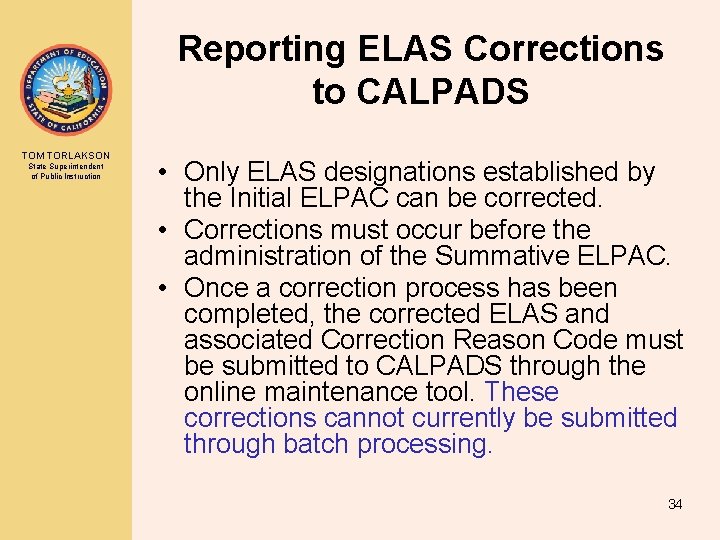
Reporting ELAS Corrections to CALPADS TOM TORLAKSON State Superintendent of Public Instruction • Only ELAS designations established by the Initial ELPAC can be corrected. • Corrections must occur before the administration of the Summative ELPAC. • Once a correction process has been completed, the corrected ELAS and associated Correction Reason Code must be submitted to CALPADS through the online maintenance tool. These corrections cannot currently be submitted through batch processing. 34
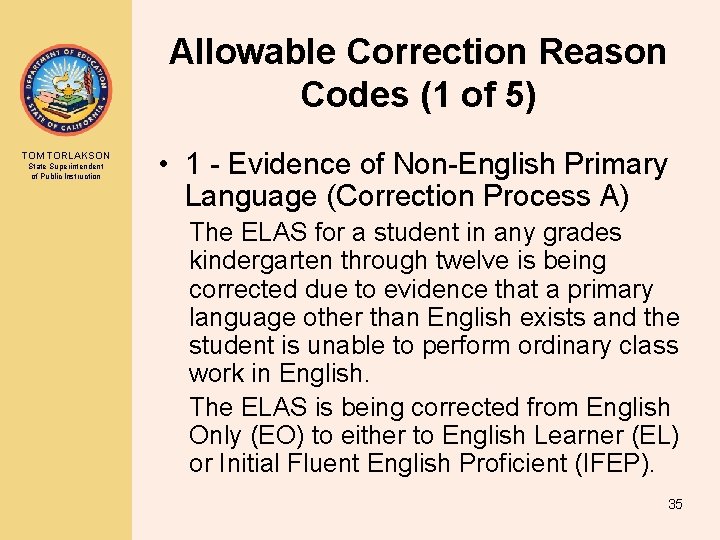
Allowable Correction Reason Codes (1 of 5) TOM TORLAKSON State Superintendent of Public Instruction • 1 - Evidence of Non-English Primary Language (Correction Process A) The ELAS for a student in any grades kindergarten through twelve is being corrected due to evidence that a primary language other than English exists and the student is unable to perform ordinary class work in English. The ELAS is being corrected from English Only (EO) to either to English Learner (EL) or Initial Fluent English Proficient (IFEP). 35
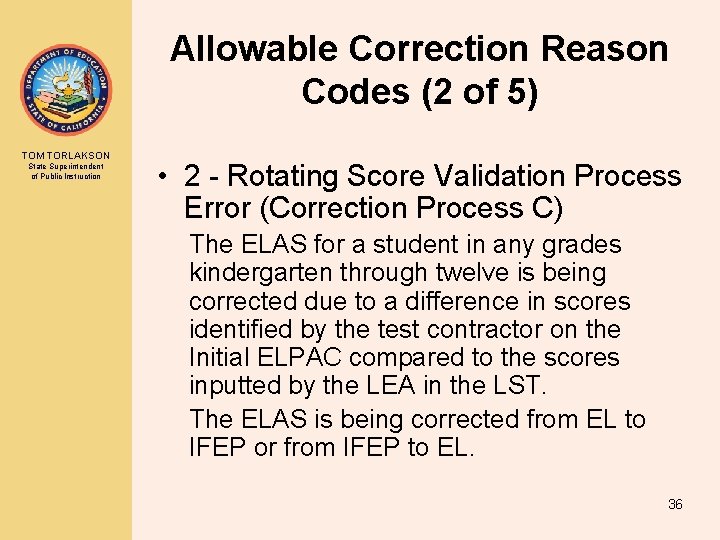
Allowable Correction Reason Codes (2 of 5) TOM TORLAKSON State Superintendent of Public Instruction • 2 - Rotating Score Validation Process Error (Correction Process C) The ELAS for a student in any grades kindergarten through twelve is being corrected due to a difference in scores identified by the test contractor on the Initial ELPAC compared to the scores inputted by the LEA in the LST. The ELAS is being corrected from EL to IFEP or from IFEP to EL. 36
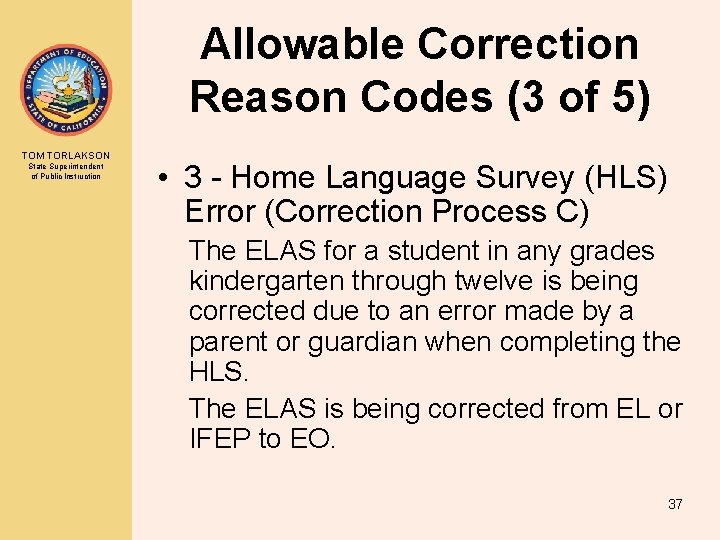
Allowable Correction Reason Codes (3 of 5) TOM TORLAKSON State Superintendent of Public Instruction • 3 - Home Language Survey (HLS) Error (Correction Process C) The ELAS for a student in any grades kindergarten through twelve is being corrected due to an error made by a parent or guardian when completing the HLS. The ELAS is being corrected from EL or IFEP to EO. 37
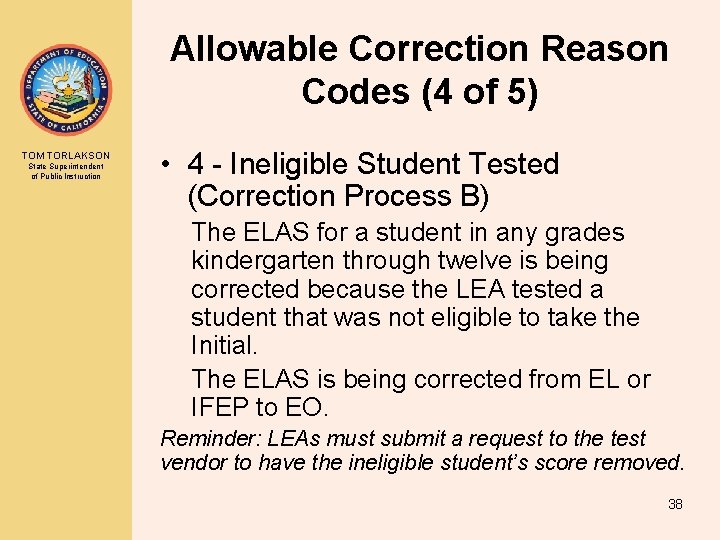
Allowable Correction Reason Codes (4 of 5) TOM TORLAKSON State Superintendent of Public Instruction • 4 - Ineligible Student Tested (Correction Process B) The ELAS for a student in any grades kindergarten through twelve is being corrected because the LEA tested a student that was not eligible to take the Initial. The ELAS is being corrected from EL or IFEP to EO. Reminder: LEAs must submit a request to the test vendor to have the ineligible student’s score removed. 38
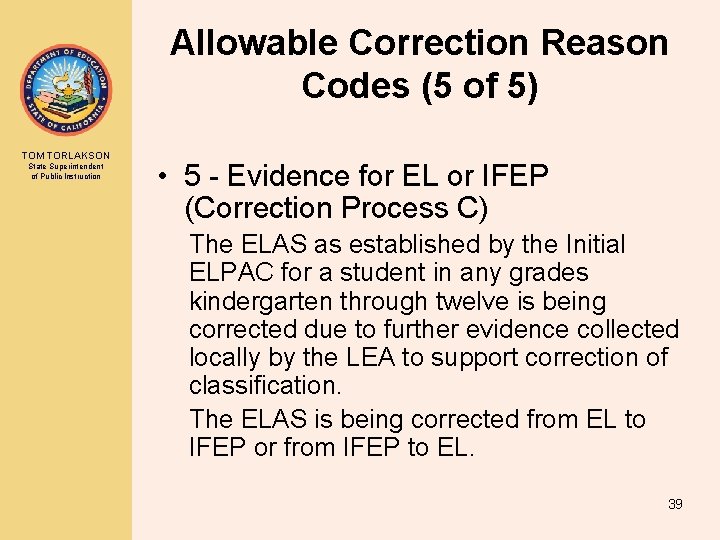
Allowable Correction Reason Codes (5 of 5) TOM TORLAKSON State Superintendent of Public Instruction • 5 - Evidence for EL or IFEP (Correction Process C) The ELAS as established by the Initial ELPAC for a student in any grades kindergarten through twelve is being corrected due to further evidence collected locally by the LEA to support correction of classification. The ELAS is being corrected from EL to IFEP or from IFEP to EL. 39
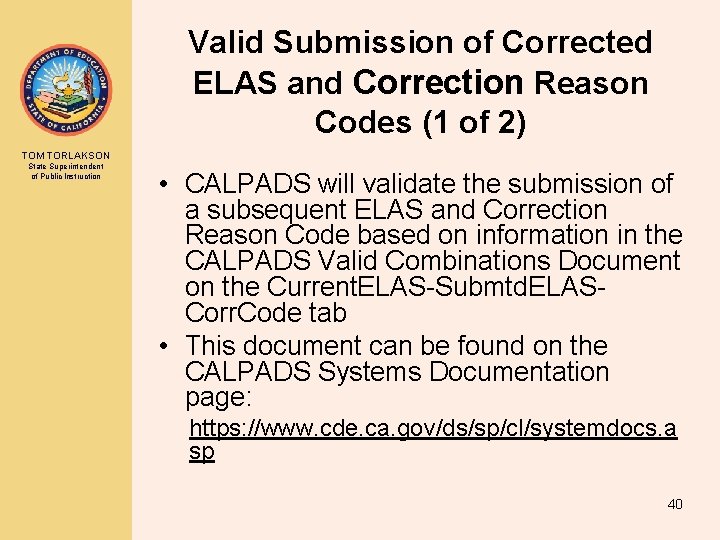
Valid Submission of Corrected ELAS and Correction Reason Codes (1 of 2) TOM TORLAKSON State Superintendent of Public Instruction • CALPADS will validate the submission of a subsequent ELAS and Correction Reason Code based on information in the CALPADS Valid Combinations Document on the Current. ELAS-Submtd. ELASCorr. Code tab • This document can be found on the CALPADS Systems Documentation page: https: //www. cde. ca. gov/ds/sp/cl/systemdocs. a sp 40
TOM TORLAKSON State Superintendent of Public Instruction Valid Submission of Corrected ELAS and Correction Reason Codes (2 of 2) • Submitted ELAS Codes that do not align with the valid code combinations will not be loaded to CALPADS. 41
How will CDE use the Correction Reason Data? TOM TORLAKSON State Superintendent of Public Instruction • Identify needs for additional training • Improve the CDE’s procedural communications to the field 42
TOM TORLAKSON State Superintendent of Public Instruction PREPARING FOR 2018 -19 SUMMATIVE TESTING 43
Preparing for the Summative ELPAC (1 of 2) TOM TORLAKSON State Superintendent of Public Instruction • Only students identified as EL after having been tested with the Initial ELPAC, the 2017– 18 Initial CELDT, or who are EL through the correction process, should be tested with the Summative ELPAC. • Prior to administering the ELPAC, regularly update SIS/CALPADS. 44
Preparing for the Summative ELPAC (2 of 2) TOM TORLAKSON State Superintendent of Public Instruction • Selected LEAs will receive embedded field test materials. • Starting in 2019, LEAs will have the option to preliminarily score the Summative ELPAC. 45
TOM TORLAKSON State Superintendent of Public Instruction Additional Questions? 46
Contact Information TOM TORLAKSON State Superintendent of Public Instruction CALPADS Questions CALPADS/CBEDS/CDS Operations Office 916 -324 -6738 Calpads-support@cde. ca. gov Or calpads@cde. ca. gov ELPAC Questions English Language Proficiency and Spanish Assessments Office elpac@cde. ca. gov 916 -319 -0784 47