
DATA FLOW DIAGRAMS Systems Analysis Focus is the
- Slides: 29
DATA FLOW DIAGRAMS
Systems Analysis • Focus is the logical view of the system, not the physical • “What” the system is to accomplish, not how • Tools: – data flow diagrams – data dictionary – process specification – entity-relationship diagrams
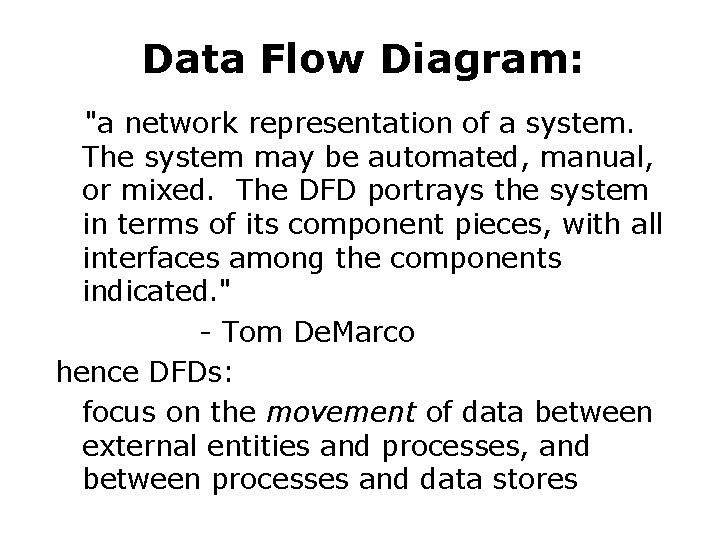
Data Flow Diagram: "a network representation of a system. The system may be automated, manual, or mixed. The DFD portrays the system in terms of its component pieces, with all interfaces among the components indicated. " - Tom De. Marco hence DFDs: focus on the movement of data between external entities and processes, and between processes and data stores
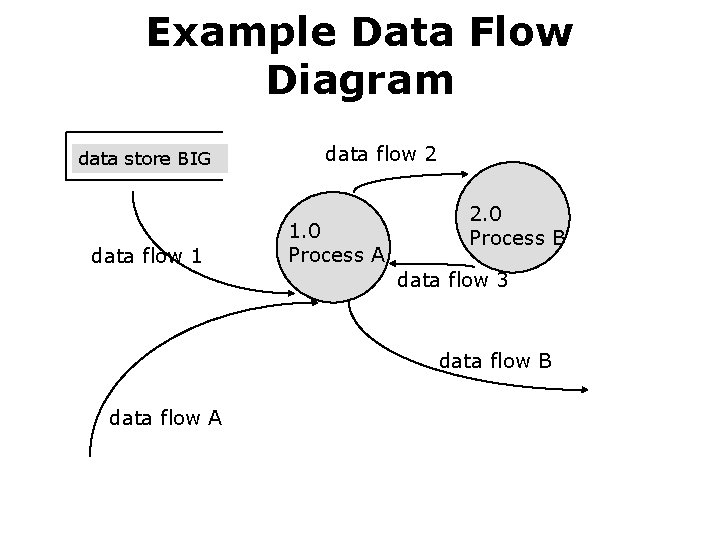
Example Data Flow Diagram data store BIG data flow 1 data flow 2 1. 0 Process A 2. 0 Process B data flow 3 data flow B data flow A
Data Flow Diagrams are: • Used to perform structured analysis to determine logical requirements • A graphical tool, useful for communicating with users, managers, and other IS personnel • Useful for analyzing existing as well as proposed systems • A relatively simple technique to learn and use
Why Conduct Process Modeling? • Understand components of current logical or physical system for purpose of rebuilding in a different physical form/technology, possibly with some changed functionality • Find inefficiencies in current system • Re-engineer current system
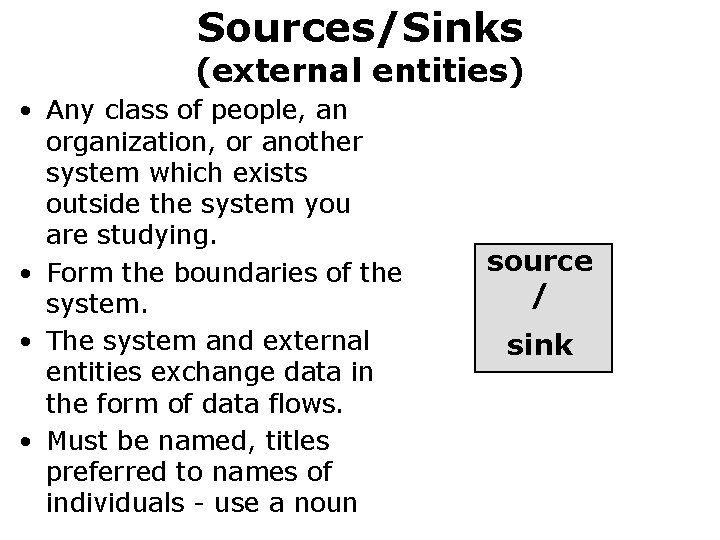
Sources/Sinks (external entities) • Any class of people, an organization, or another system which exists outside the system you are studying. • Form the boundaries of the system. • The system and external entities exchange data in the form of data flows. • Must be named, titles preferred to names of individuals - use a noun source / sink
Data Flows • data in motion • marks movement of data through the system - a pipeline to carry data • connects the processes, external entities and data stores • Unidirectional • originate OR end at a process (or both) • name as specifically as possible - reflect the composition of the data - a noun • do not show control flow! Control flow is easy to identify- a signal with only one byte - (on/off). • HINT: if you can't name it: either it's control flow, doesn't exist or you need to get more information!
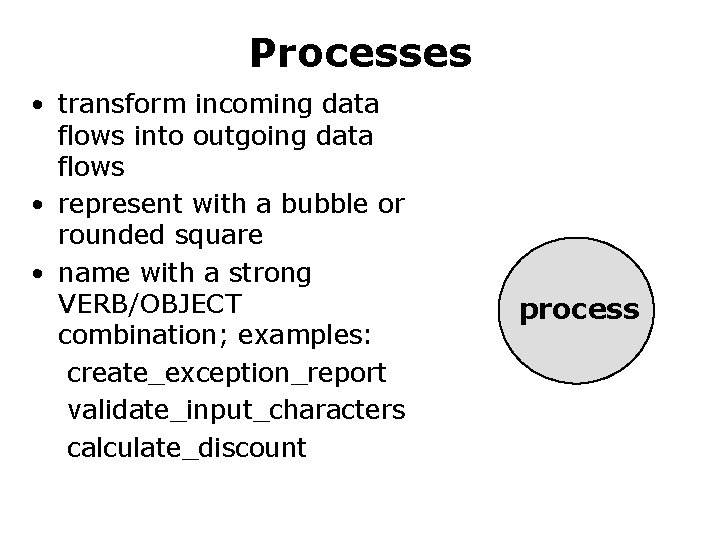
Processes • transform incoming data flows into outgoing data flows • represent with a bubble or rounded square • name with a strong VERB/OBJECT combination; examples: create_exception_report validate_input_characters calculate_discount process
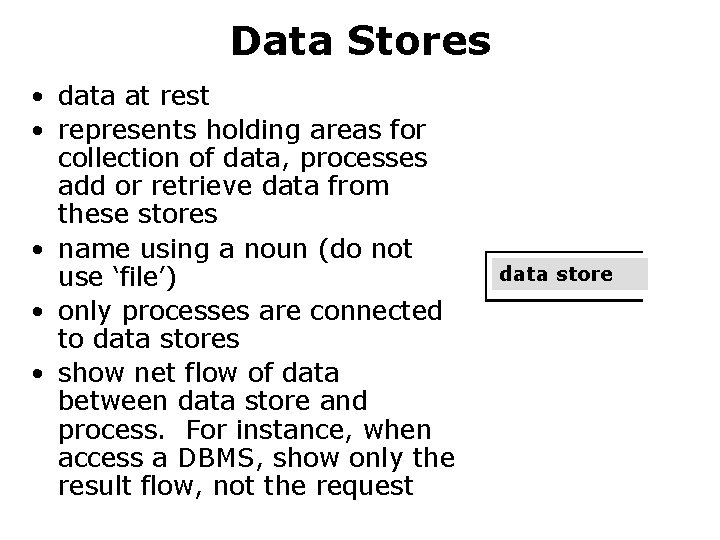
Data Stores • data at rest • represents holding areas for collection of data, processes add or retrieve data from these stores • name using a noun (do not use ‘file’) • only processes are connected to data stores • show net flow of data between data store and process. For instance, when access a DBMS, show only the result flow, not the request data store
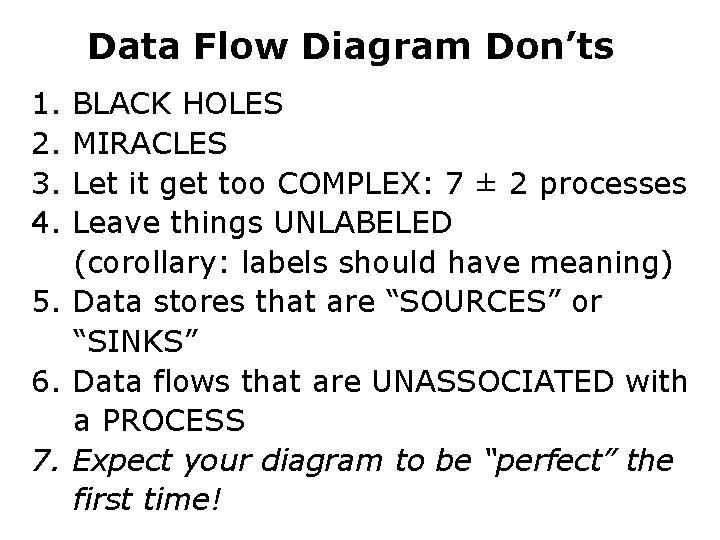
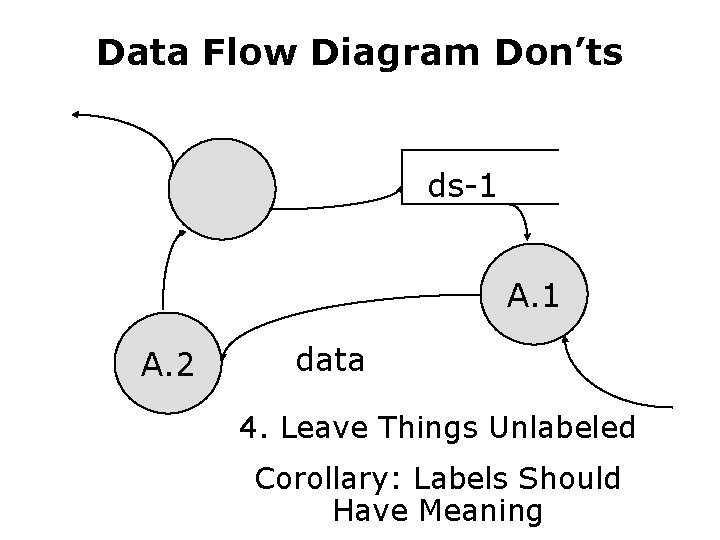
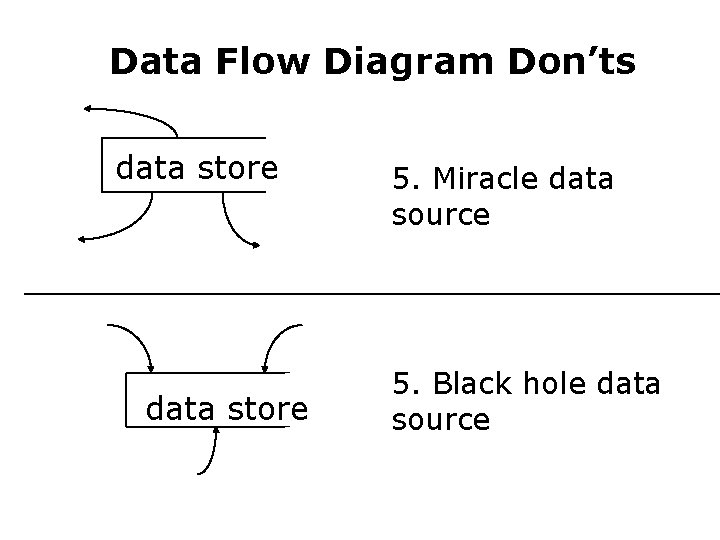
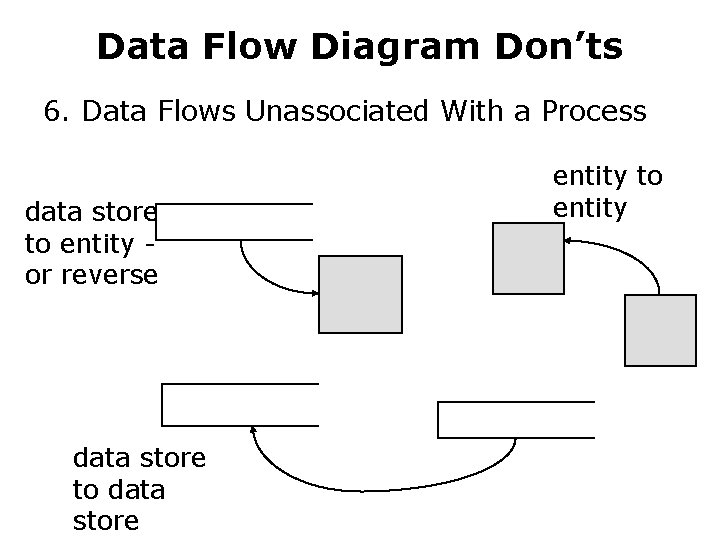
Data Flow Diagram Don’ts 1. 2. 3. 4. BLACK HOLES MIRACLES Let it get too COMPLEX: 7 ± 2 processes Leave things UNLABELED (corollary: labels should have meaning) 5. Data stores that are “SOURCES” or “SINKS” 6. Data flows that are UNASSOCIATED with a PROCESS 7. Expect your diagram to be “perfect” the first time!
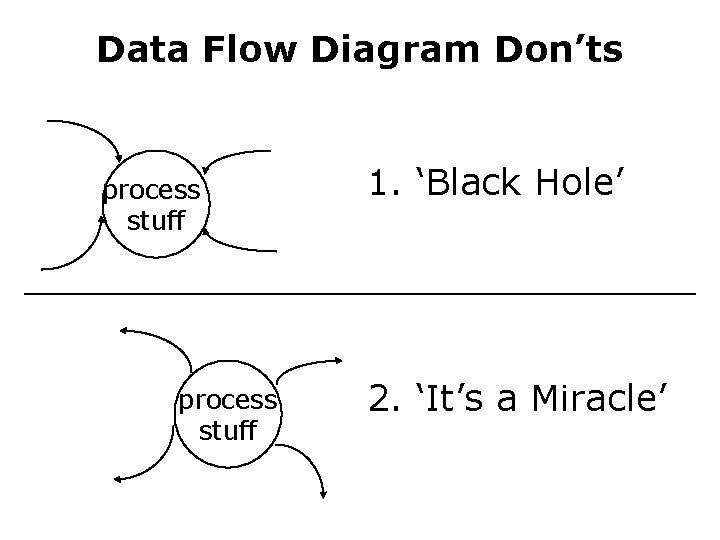
Data Flow Diagram Don’ts process stuff 1. ‘Black Hole’ 2. ‘It’s a Miracle’
Data Flow Diagram Don’ts ds-1 A. 2 data 4. Leave Things Unlabeled Corollary: Labels Should Have Meaning
Data Flow Diagram Don’ts data store 5. Miracle data source 5. Black hole data source
Data Flow Diagram Don’ts 6. Data Flows Unassociated With a Process data store to entity or reverse data store to data store entity to entity
Diagramming A System • multiple DFDs are required to represent a system • DFDs are created at increasing levels of detail
Different Types of DFDs • Context diagram • Level-0 diagram (system diagram) • Level-n diagram • Primitive diagram
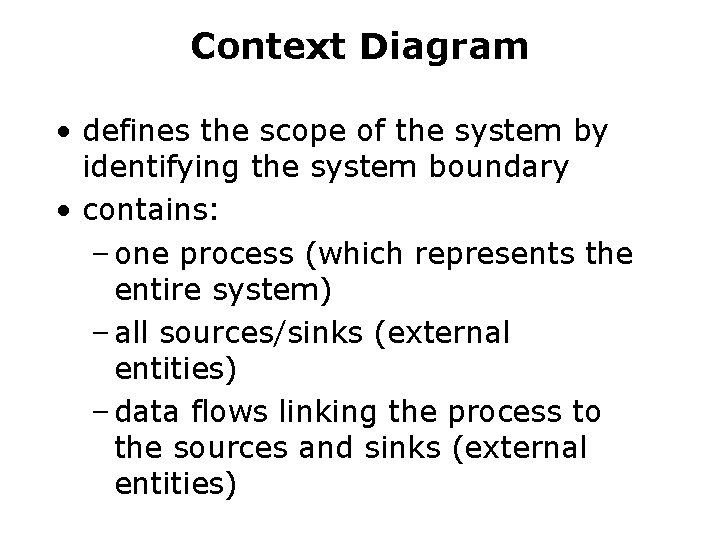
Context Diagram • defines the scope of the system by identifying the system boundary • contains: – one process (which represents the entire system) – all sources/sinks (external entities) – data flows linking the process to the sources and sinks (external entities)
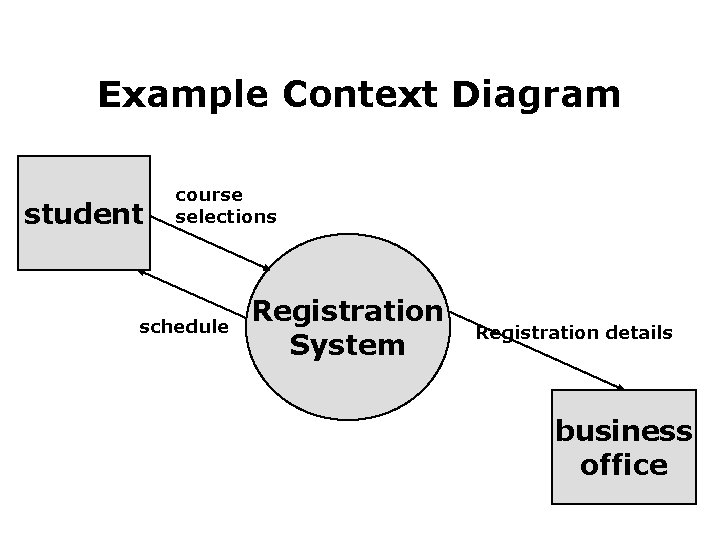
Example Context Diagram student course selections schedule Registration System Registration details business office
Constructing a Context Diagram • identify and list sources/sinks (external entities) • identify and list inputs to and outputs from sources/sinks (external entities) • create context diagram
Level-0 Diagram • describes the overall processing of the system • show one process for each major processing step or functional requirement • data flows from the context appear on system diagram also (level balancing) • can show a single data store to represent all data in aggregate at this level • can draw duplicate sources, sinks and data stores to increase legibility
Drawing a Level-0 Diagram • list the major data stores • list major business steps • draw a segment for each business step • assemble into single DFD • re-organize until satisfied • number processes
Functional Decomposition • similar to a series of more detailed maps • iterative process of breaking the description of a system into finer and finer detail to create a set of charts in which one process on a given chart is explained in greater detail on another chart • referred to as exploding, partitioning, or leveling • must use your judgment to decide what goes on each level • show error and exception handling on lower levels (if at all)
Lower Level Diagrams • explode the processes shown on the level-0 diagram • each process is represented by its own DFD • balance data – data flows on upper level appear on lower level, or – data flows on upper level are broken into component pieces with components shown on lower level • each lower level shows greater and greater detail • follow numbering convention
Balancing DFDs • conserve data from level to level inputs and outputs on the higher level must appears somewhere on the lower level
Advanced Rules • Composite data flow on one level can be split into its component data flows on the next level - but new data cannot be added and all data in the composite must be included in the sub-flows • The inputs to a process must be sufficient to produce the outputs. • Lowest level DFDs may add new data flows to represent exception handling, i. e. , error messages • May repeat data stores or sources/sink to avoid crossing lines
Additional Guidelines • the inputs to a process are different from the outputs of that process • objects in a set of DFDs have unique names • do not change data flow names on lower levels unless you are decomposing a data flow into component pieces. • never explode a single process into another single process. If you cannot partition the process, then the lower level DFD is not needed. • expect to iterate, put down the DFD and go back to it a few times to create something satisfactory.
Other Questions about Lower level diagrams 1. How deep? (how many levels? ) – if the process has only one input or one output, probably cannot partition further; – can you describe the process in English in about 1/2 page? 2. How broad? (how many processes on a level? ) – 7 ± two is a reasonable heuristic – may temporarily place much of the system on a single diagram then re-draw into separate levels
Quality Guidelines • Completeness – all components included & in project dictionary • Consistency – between levels: balancing, leveling • Timing considerations – assume system never starts and never stops • Iterative nature – revisions are common • Drawing primitives (lowest level) – when to stop?