
Data File Handling in C Paritosh Srivastava PGT
![int main() { ofstream out_stream; double d 1, d 2; char file_name[20]; // cstring](https://slidetodoc.com/presentation_image_h2/ff685b504d0b1254af7dc033d3944223/image-23.jpg "int main() { ofstream out_stream; double d 1, d 2; char file_name[20]; // cstring")


- Slides: 30
Data File Handling in C++ Paritosh Srivastava PGT (Comp. Science) Kendriya Vidyalaya. Joshimath
Topics - Agenda • Introduction • Opening & closing of files • Stream state member functions • File operations • Binary file operations • Random access file operations • CBSE Question Pattern from this topic • Conclusion All rights reserved 2
Introduction • Computer programs are associated to work with files as it helps in storing data & information permanently. • File - itself a bunch of bytes stored on some storage devices. • In C++ this is achieved through a component header file called fstream. h • The I/O library manages two aspects- as interface and for transfer of data. • The library predefine a set of operations for all file related handling through certain classes. All rights reserved 3
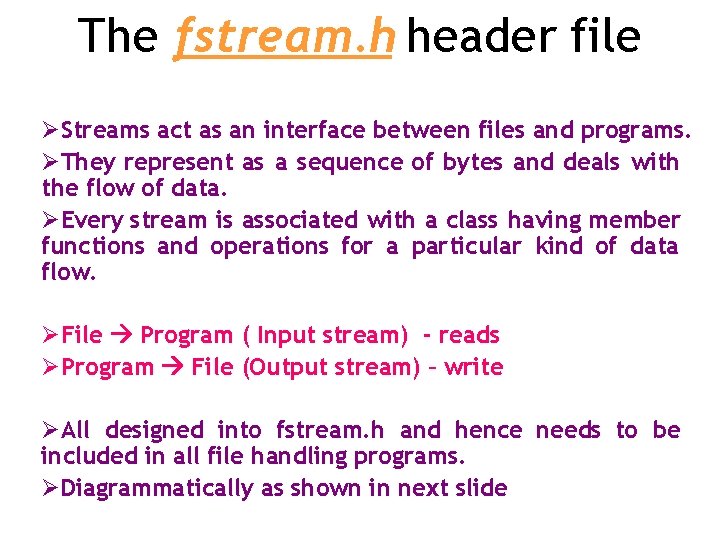
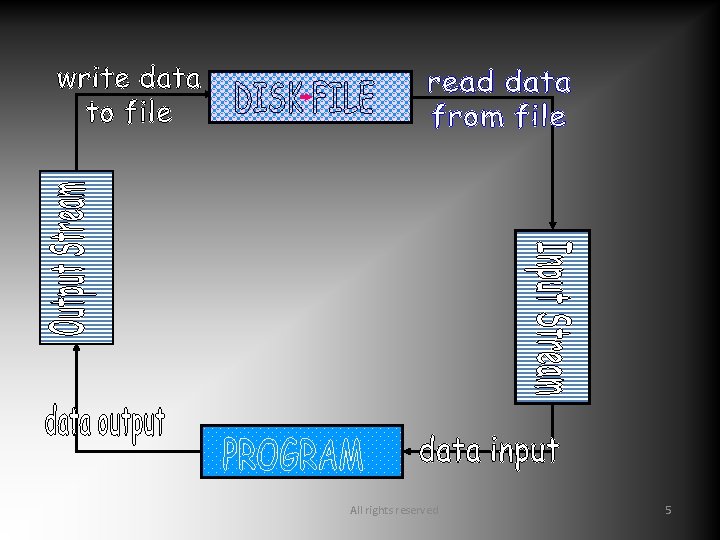
The fstream. h header file ØStreams act as an interface between files and programs. ØThey represent as a sequence of bytes and deals with the flow of data. ØEvery stream is associated with a class having member functions and operations for a particular kind of data flow. ØFile Program ( Input stream) - reads ØProgram File (Output stream) – write ØAll designed into fstream. h and hence needs to be included in all file handling programs. ØDiagrammatically as shown in next slide
All rights reserved 5
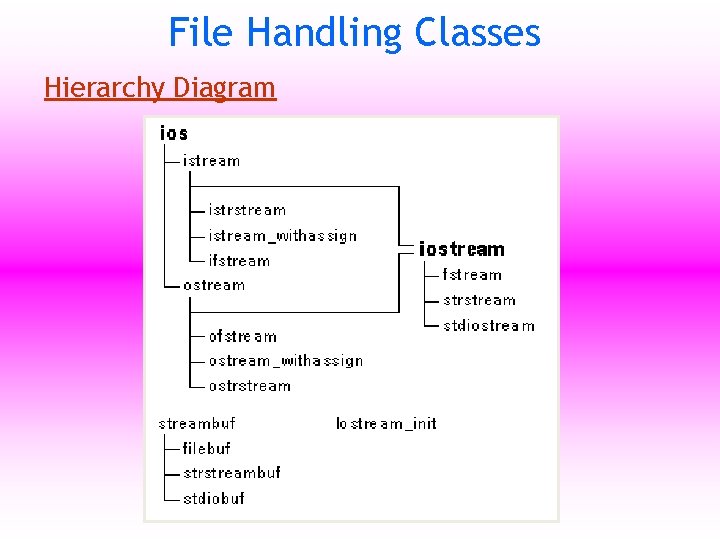
File Handling Classes Hierarchy Diagram
Why to use Files: • Convenient way to deal large quantities of data. • Store data permanently (until file is deleted). • Avoid typing data into program multiple times. • Share data between programs. We need to know: how to "connect" file to program how to tell the program to read data how to tell the program to write data
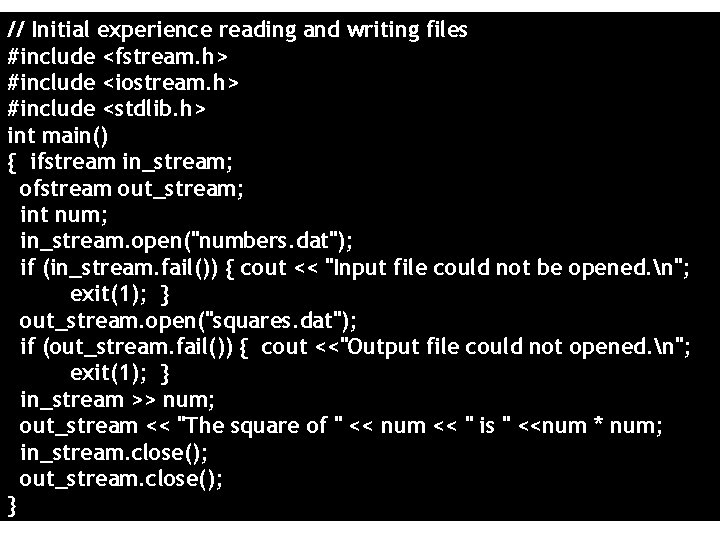
// Initial experience reading and writing files #include <fstream. h> #include <iostream. h> #include <stdlib. h> int main() { ifstream in_stream; ofstream out_stream; int num; in_stream. open("numbers. dat"); if (in_stream. fail()) { cout << "Input file could not be opened. n"; exit(1); } out_stream. open("squares. dat"); if (out_stream. fail()) { cout <<"Output file could not opened. n"; exit(1); } in_stream >> num; out_stream << "The square of " << num << " is " <<num * num; in_stream. close(); out_stream. close(); } All rights reserved 9
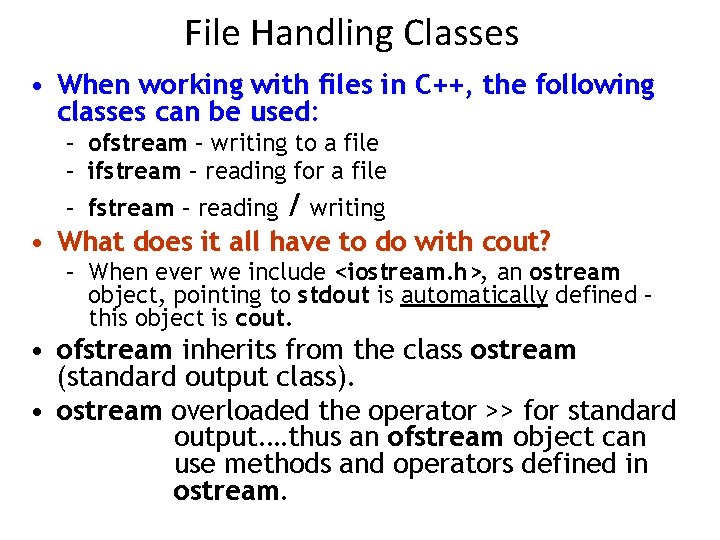
File Handling Classes • When working with files in C++, the following classes can be used: – ofstream – writing to a file – ifstream – reading for a file – fstream – reading / writing • What does it all have to do with cout? – When ever we include <iostream. h>, an ostream object, pointing to stdout is automatically defined – this object is cout. • ofstream inherits from the class ostream (standard output class). • ostream overloaded the operator >> for standard output. …thus an ofstream object can use methods and operators defined in ostream.
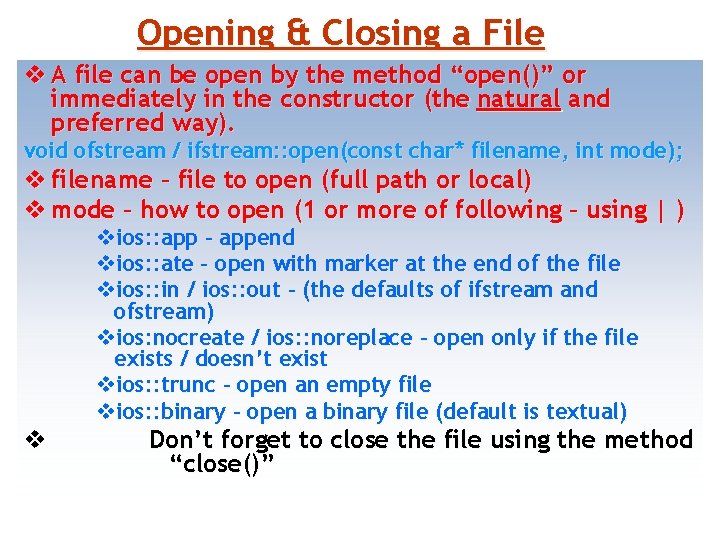
Opening & Closing a File v A file can be open by the method “open()” or immediately in the constructor (the natural and preferred way). void ofstream / ifstream: : open(const char* filename, int mode); v filename – file to open (full path or local) v mode – how to open (1 or more of following – using | ) vios: : app – append vios: : ate – open with marker at the end of the file vios: : in / ios: : out – (the defaults of ifstream and ofstream) vios: nocreate / ios: : noreplace – open only if the file exists / doesn’t exist vios: : trunc – open an empty file vios: : binary – open a binary file (default is textual) v Don’t forget to close the file using the method “close()”
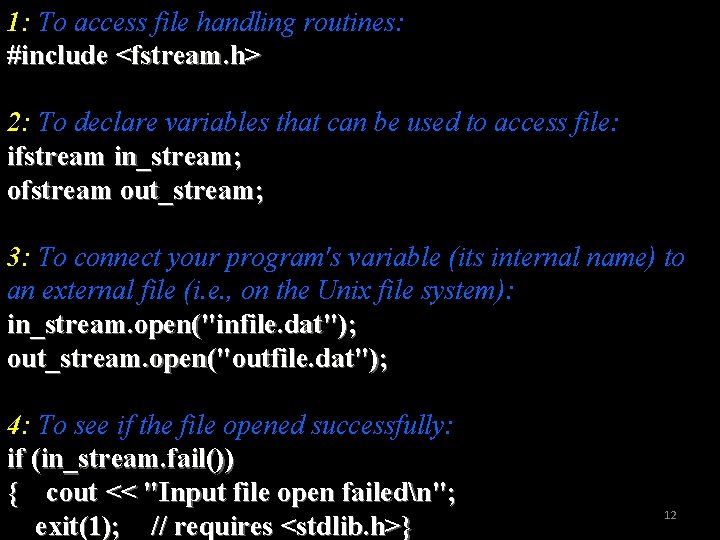
1: To access file handling routines: #include <fstream. h> 2: To declare variables that can be used to access file: ifstream in_stream; ofstream out_stream; 3: To connect your program's variable (its internal name) to an external file (i. e. , on the Unix file system): in_stream. open("infile. dat"); out_stream. open("outfile. dat"); 4: To see if the file opened successfully: if (in_stream. fail()) { cout << "Input file open failedn"; exit(1); // requires <stdlib. h>} 12
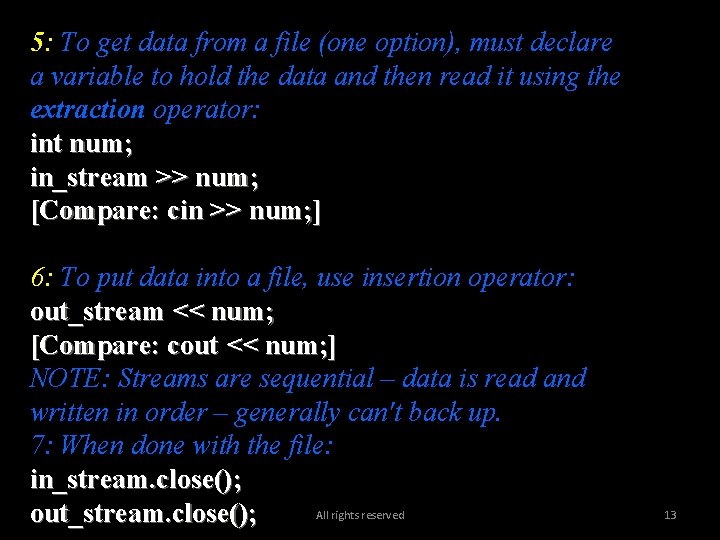
5: To get data from a file (one option), must declare a variable to hold the data and then read it using the extraction operator: int num; in_stream >> num; [Compare: cin >> num; ] 6: To put data into a file, use insertion operator: out_stream << num; [Compare: cout << num; ] NOTE: Streams are sequential – data is read and written in order – generally can't back up. 7: When done with the file: in_stream. close(); All rights reserved out_stream. close(); 13
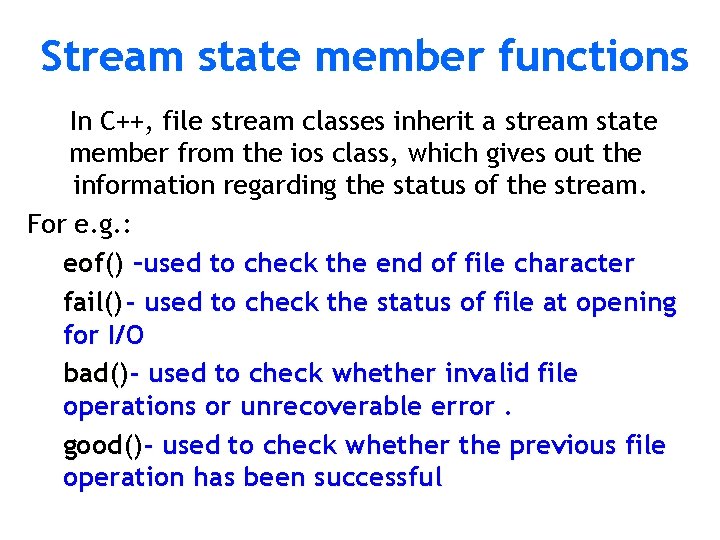
Stream state member functions In C++, file stream classes inherit a stream state member from the ios class, which gives out the information regarding the status of the stream. For e. g. : eof() –used to check the end of file character fail() - used to check the status of file at opening for I/O bad() - used to check whether invalid file operations or unrecoverable error. good() - used to check whether the previous file operation has been successful
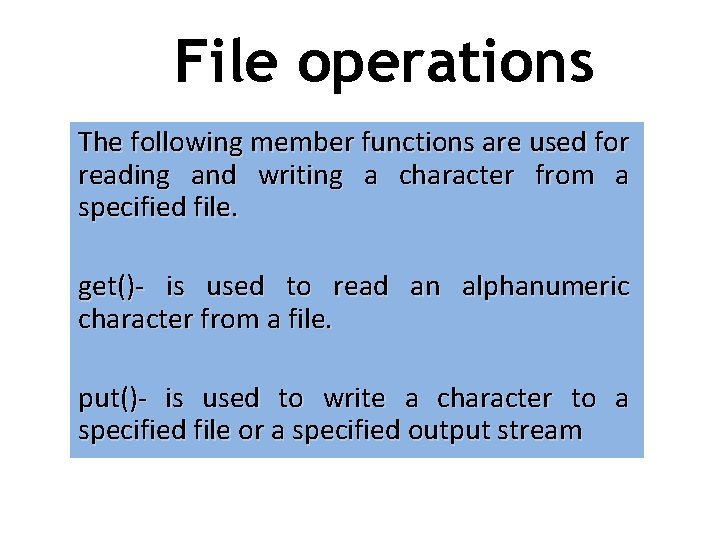
File operations The following member functions are used for reading and writing a character from a specified file. get()- is used to read an alphanumeric character from a file. put()- is used to write a character to a specified file or a specified output stream
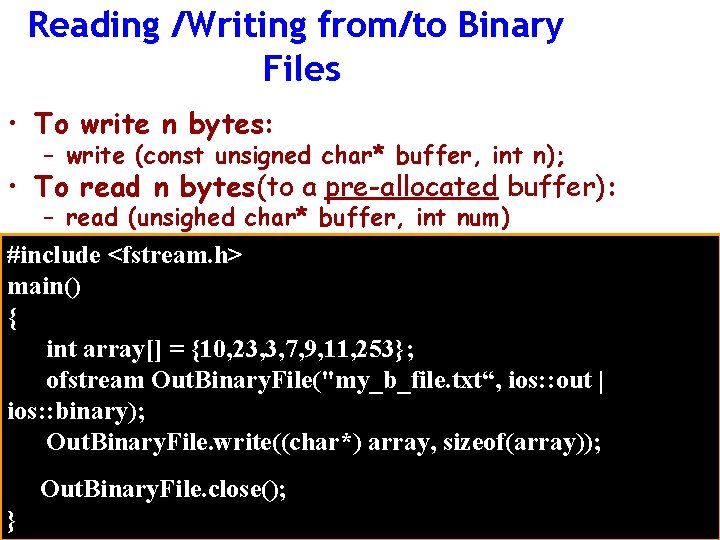
Reading /Writing from/to Binary Files • To write n bytes: – write (const unsigned char* buffer, int n); • To read n bytes(to a pre-allocated buffer): – read (unsighed char* buffer, int num) #include <fstream. h> main() { int array[] = {10, 23, 3, 7, 9, 11, 253}; ofstream Out. Binary. File("my_b_file. txt“, ios: : out | ios: : binary); Out. Binary. File. write((char*) array, sizeof(array)); Out. Binary. File. close(); }
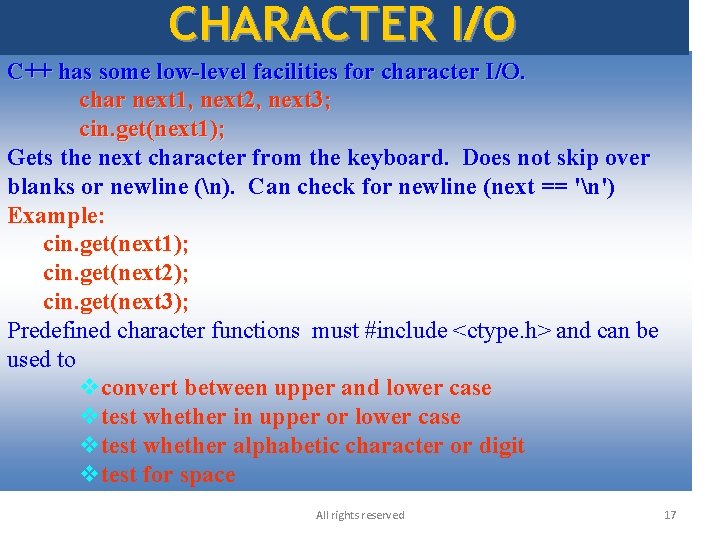
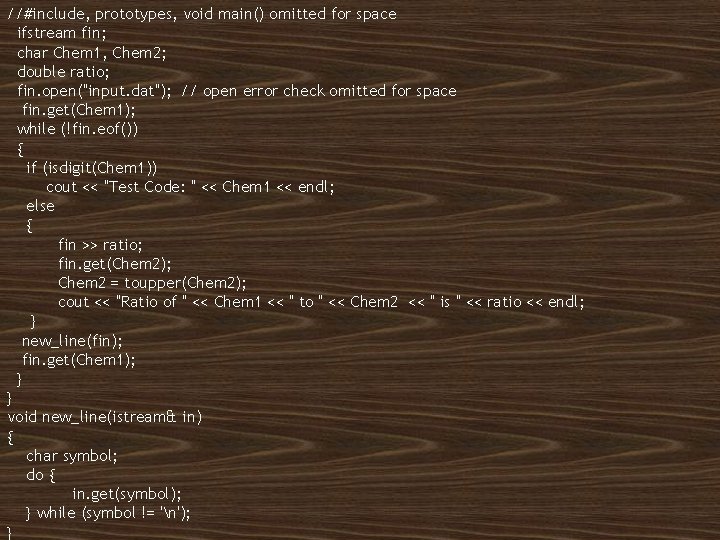
CHARACTER I/O C++ has some low-level facilities for character I/O. char next 1, next 2, next 3; cin. get(next 1); Gets the next character from the keyboard. Does not skip over blanks or newline (n). Can check for newline (next == 'n') Example: cin. get(next 1); cin. get(next 2); cin. get(next 3); Predefined character functions must #include <ctype. h> and can be used to vconvert between upper and lower case vtest whether in upper or lower case vtest whether alphabetic character or digit vtest for space All rights reserved 17
//#include, prototypes, void main() omitted for space ifstream fin; char Chem 1, Chem 2; double ratio; fin. open("input. dat"); // open error check omitted for space fin. get(Chem 1); while (!fin. eof()) { if (isdigit(Chem 1)) cout << "Test Code: " << Chem 1 << endl; else { fin >> ratio; fin. get(Chem 2); Chem 2 = toupper(Chem 2); cout << "Ratio of " << Chem 1 << " to " << Chem 2 << " is " << ratio << endl; } new_line(fin); fin. get(Chem 1); } } void new_line(istream& in) { char symbol; do { in. get(symbol); } while (symbol != 'n'); All rights reserved } 18
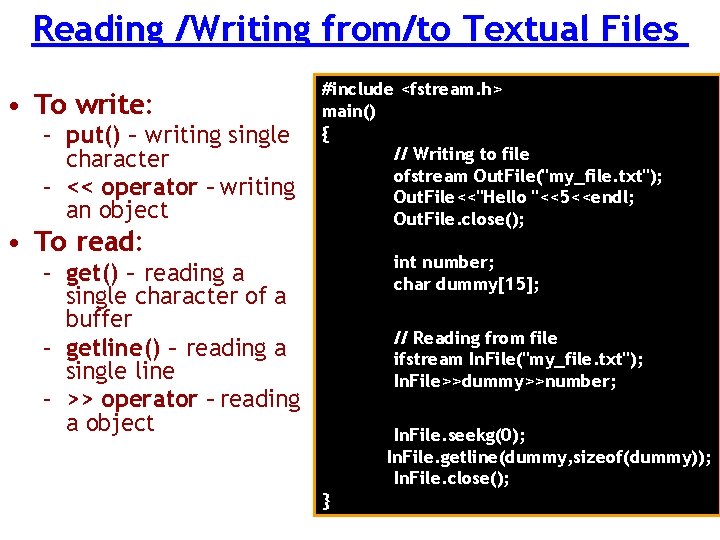
Reading /Writing from/to Textual Files • To write: – put() – writing single character – << operator – writing an object • To read: #include <fstream. h> main() { // Writing to file ofstream Out. File("my_file. txt"); Out. File<<"Hello "<<5<<endl; Out. File. close(); int number; char dummy[15]; – get() – reading a single character of a buffer – getline() – reading a single line – >> operator – reading a object // Reading from file ifstream In. File("my_file. txt"); In. File>>dummy>>number; In. File. seekg(0); In. File. getline(dummy, sizeof(dummy)); In. File. close(); }
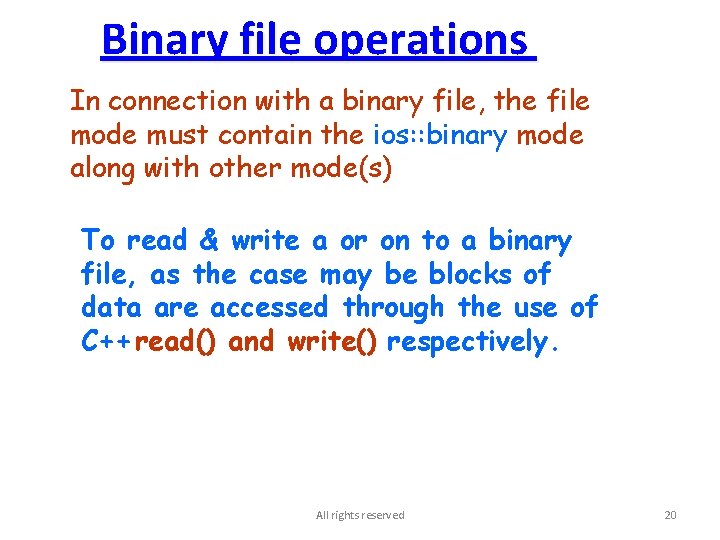
Binary file operations In connection with a binary file, the file mode must contain the ios: : binary mode along with other mode(s) To read & write a or on to a binary file, as the case may be blocks of data are accessed through the use of C++ read() and write() respectively. All rights reserved 20
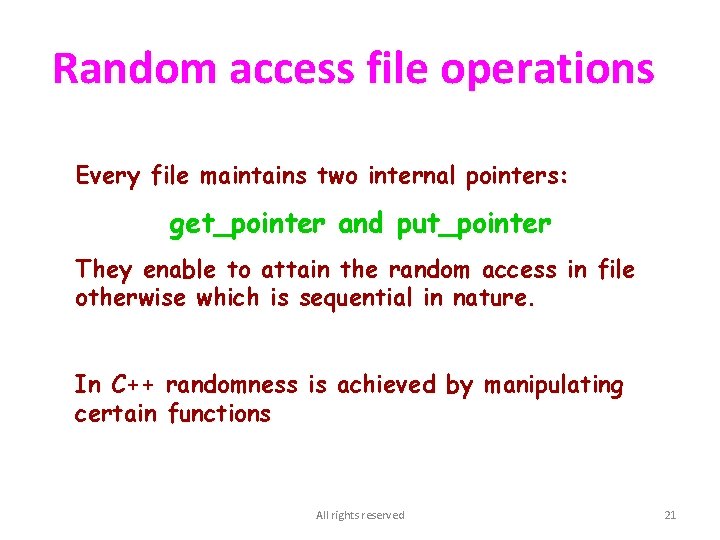
Random access file operations Every file maintains two internal pointers: get_pointer and put_pointer They enable to attain the random access in file otherwise which is sequential in nature. In C++ randomness is achieved by manipulating certain functions All rights reserved 21
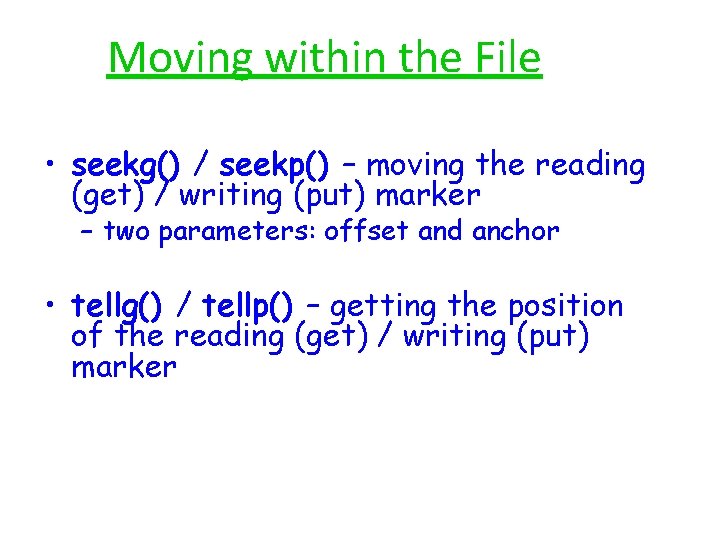
Moving within the File • seekg() / seekp() – moving the reading (get) / writing (put) marker – two parameters: offset and anchor • tellg() / tellp() – getting the position of the reading (get) / writing (put) marker
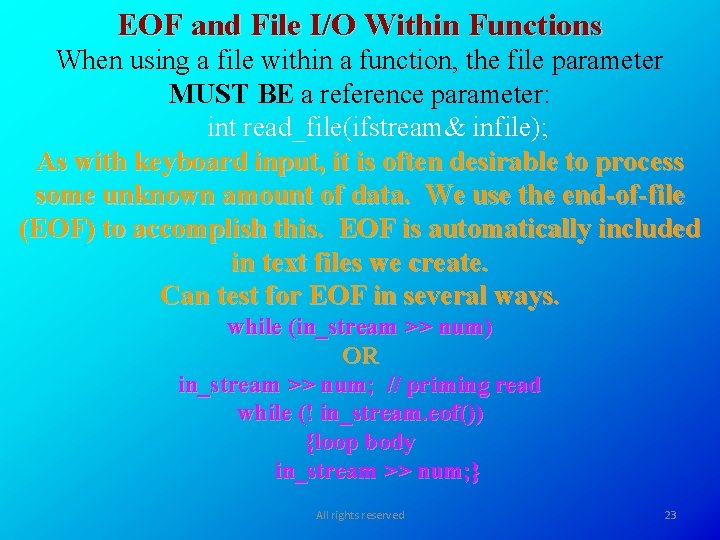
EOF and File I/O Within Functions When using a file within a function, the file parameter MUST BE a reference parameter: int read_file(ifstream& infile); As with keyboard input, it is often desirable to process some unknown amount of data. We use the end-of-file (EOF) to accomplish this. EOF is automatically included in text files we create. Can test for EOF in several ways. while (in_stream >> num) OR in_stream >> num; // priming read while (! in_stream. eof()) {loop body in_stream >> num; } All rights reserved 23
int main() { ofstream out_stream; double d 1, d 2; char file_name[20]; // cstring cout << "Enter output file name: "; cin >> file_name; out_stream. open(file_name); if (out_stream. fail()) { cout << "Output file could not be opened. n"; exit(1); } out_stream. setf(ios: : fixed); out_stream. setf(ios: : showpoint); cout << "Enter two numbers: "; cin >> d 1 >> d 2; out_stream << setprecision(2) << setw(10) << d 1 * d 1 << endl; out_stream << setprecision(2) << setw(10) << d 2 <<setw (10) << d 2 * d 2 << endl; out_stream. close(); } All rights reserved 24
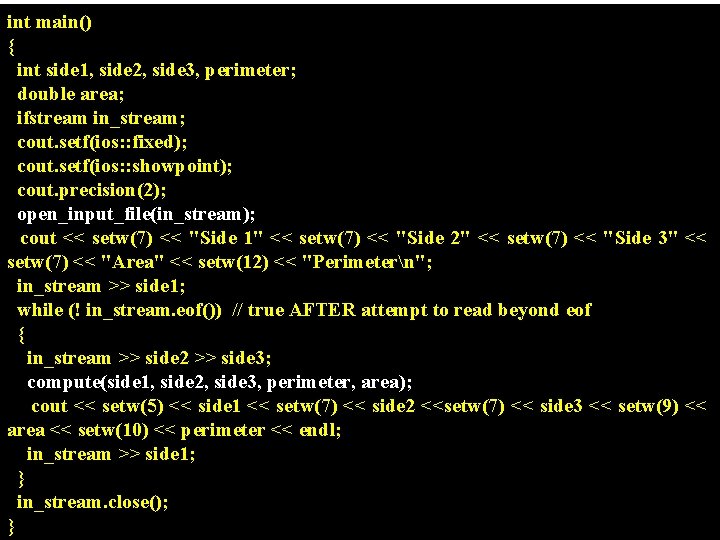
int main() { int side 1, side 2, side 3, perimeter; double area; ifstream in_stream; cout. setf(ios: : fixed); cout. setf(ios: : showpoint); cout. precision(2); open_input_file(in_stream); cout << setw(7) << "Side 1" << setw(7) << "Side 2" << setw(7) << "Side 3" << setw(7) << "Area" << setw(12) << "Perimetern"; in_stream >> side 1; while (! in_stream. eof()) // true AFTER attempt to read beyond eof { in_stream >> side 2 >> side 3; compute(side 1, side 2, side 3, perimeter, area); cout << setw(5) << side 1 << setw(7) << side 2 <<setw(7) << side 3 << setw(9) << area << setw(10) << perimeter << endl; in_stream >> side 1; } in_stream. close(); All rights reserved 25 }
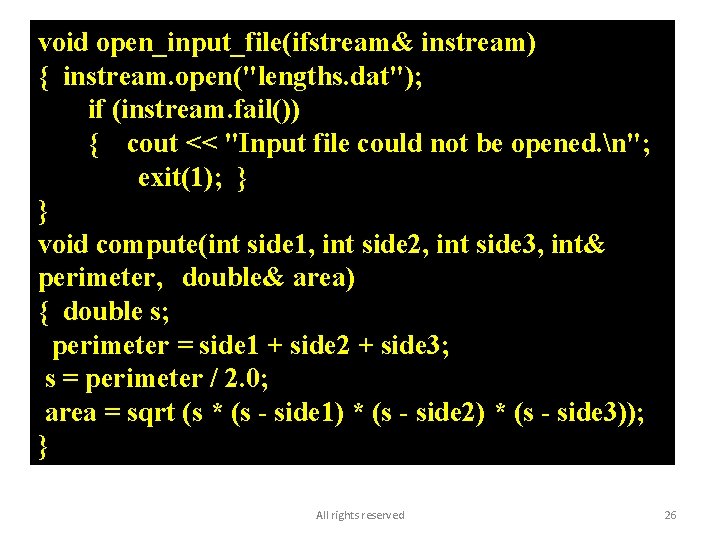
void open_input_file(ifstream& instream) { instream. open("lengths. dat"); if (instream. fail()) { cout << "Input file could not be opened. n"; exit(1); } } void compute(int side 1, int side 2, int side 3, int& perimeter, double& area) { double s; perimeter = side 1 + side 2 + side 3; s = perimeter / 2. 0; area = sqrt (s * (s - side 1) * (s - side 2) * (s - side 3)); } All rights reserved 26
CBSE QUESTION PATTERN RELATED TO DATA FILE HANDLING ☼
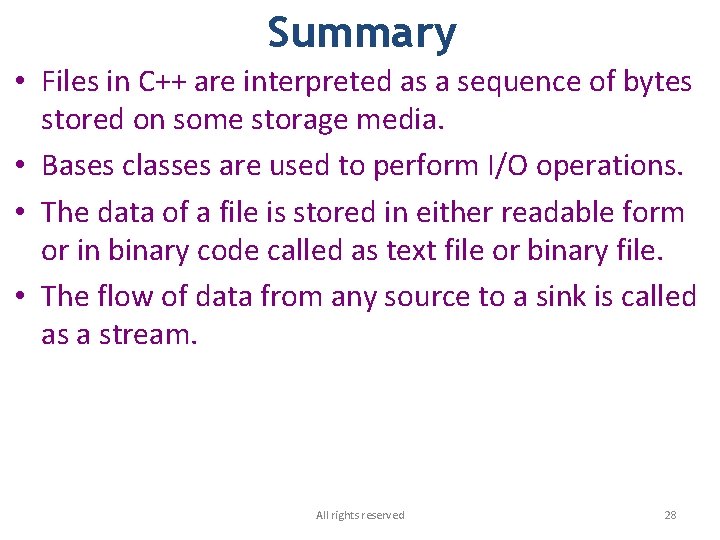
Summary • Files in C++ are interpreted as a sequence of bytes stored on some storage media. • Bases classes are used to perform I/O operations. • The data of a file is stored in either readable form or in binary code called as text file or binary file. • The flow of data from any source to a sink is called as a stream. All rights reserved 28
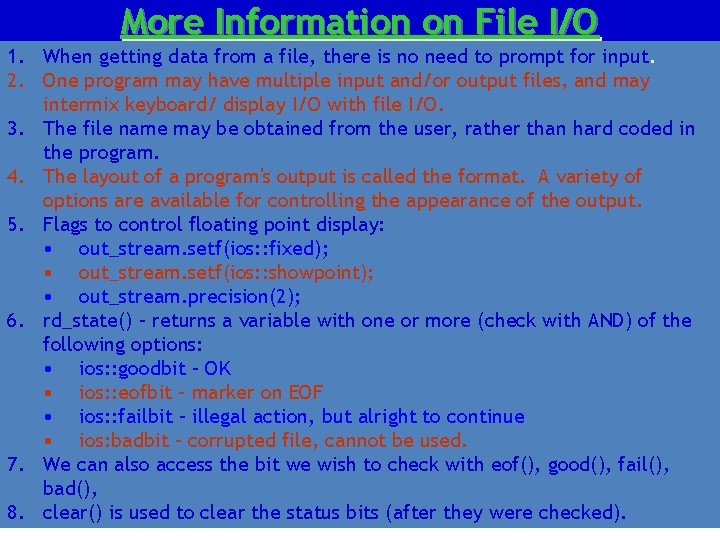
More Information on File I/O 1. When getting data from a file, there is no need to prompt for input. 2. One program may have multiple input and/or output files, and may intermix keyboard/ display I/O with file I/O. 3. The file name may be obtained from the user, rather than hard coded in the program. 4. The layout of a program's output is called the format. A variety of options are available for controlling the appearance of the output. 5. Flags to control floating point display: • out_stream. setf(ios: : fixed); • out_stream. setf(ios: : showpoint); • out_stream. precision(2); 6. rd_state() – returns a variable with one or more (check with AND) of the following options: • ios: : goodbit – OK • ios: : eofbit – marker on EOF • ios: : failbit – illegal action, but alright to continue • ios: badbit – corrupted file, cannot be used. 7. We can also access the bit we wish to check with eof(), good(), fail(), bad(), All rights reserved 29 8. clear() is used to clear the status bits (after they were checked).
Questions ? ? All rights reserved 30