
Data Encryption Overview South Seas Corporation Jared Owensby
Data Encryption Overview South Seas Corporation Jared Owensby
Important Points § Full Disk Encryption § Typically sector by sector: OS is also encrypted; the entire drive is encrypted including the empty space on the HDD. One-time initial encryption only. § Selective Encryption § Only certain parts of the OS and the information on the HDD. § File/Folder Based Encryption § Each file by itself, and each file as you add or create them. § Encryption of the SAM File § If the SAM file is not encrypted there is a possibility of compromising windows passwords, which also may be used for encryption authentication. § Encryption of Hibernation Files § The risk is very small, but it is possible to extract hibernation files from a drive that has been lost or stolen. These should also be encrypted. § Multi OS support § Linux and Macintosh have become larger players over the years. Your security shouldn’t be limited because of the OS you chose.
Considerations § Dual Boot support § Dual boot machines are very handy when you have them, and they should also be entitled to the same protection that a single OS machine has § Pre-Boot Authentication (PBA) § Login screen prior to the OS booting, usually made to be very resistant against brute force attacks § Windows Authentication § Allowing the Windows GINA to handle the authentication procedures § Two Factor Authentication § § § Tokens such as Aladdin e. Token pro 32 k or RSA (PKCS or PKI) Biometrics* Bio-Password* § Single Sign On (Limited to Windows login/authentication) § Multiple options to achieve a single sign on to the desktop: *Cached Credentials, not typically considered to be true two-factor authentication
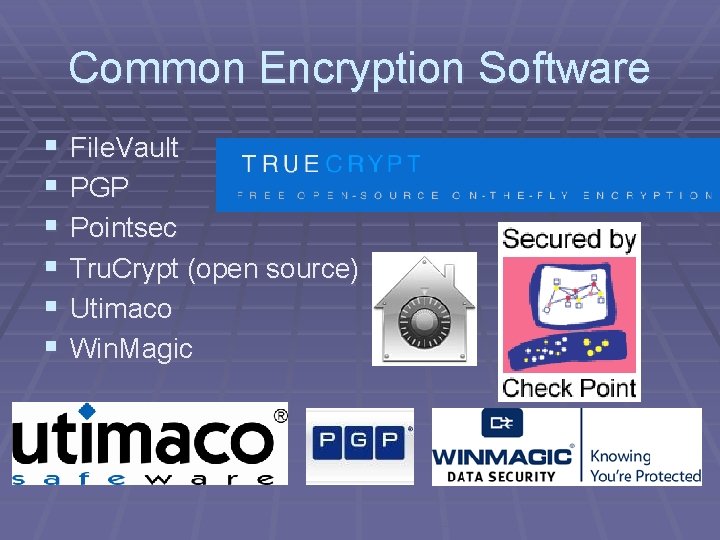
Common Encryption Software § § § File. Vault PGP Pointsec Tru. Crypt (open source) Utimaco Win. Magic
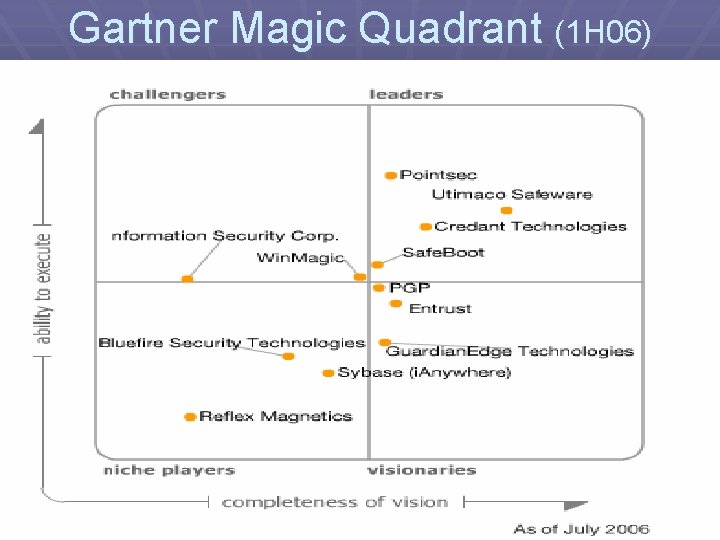
Gartner Magic Quadrant (1 H 06)
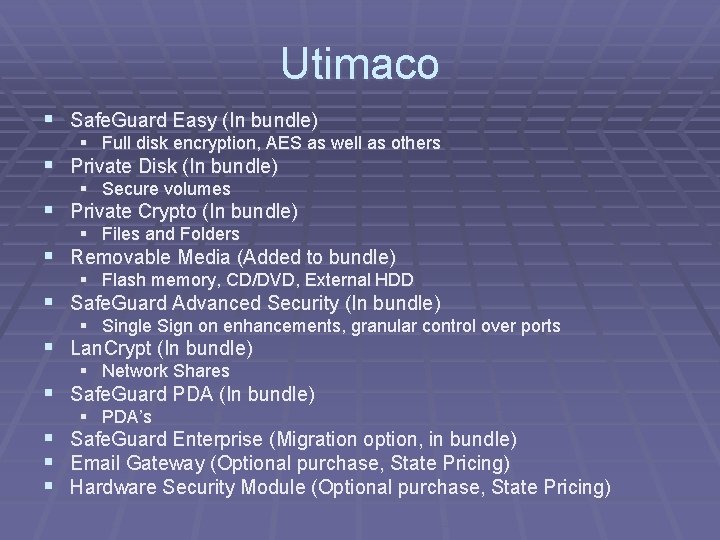
Utimaco § Safe. Guard Easy (In bundle) § Full disk encryption, AES as well as others § Private Disk (In bundle) § Secure volumes § Private Crypto (In bundle) § Files and Folders § Removable Media (Added to bundle) § Flash memory, CD/DVD, External HDD § Safe. Guard Advanced Security (In bundle) § Single Sign on enhancements, granular control over ports § Lan. Crypt (In bundle) § Network Shares § Safe. Guard PDA (In bundle) § PDA’s § Safe. Guard Enterprise (Migration option, in bundle) § Email Gateway (Optional purchase, State Pricing) § Hardware Security Module (Optional purchase, State Pricing)
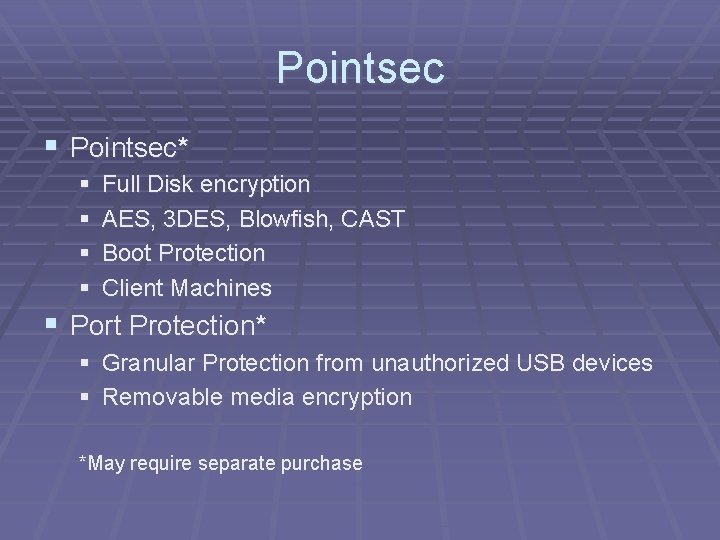
Pointsec § Pointsec* § § Full Disk encryption AES, 3 DES, Blowfish, CAST Boot Protection Client Machines § Port Protection* § Granular Protection from unauthorized USB devices § Removable media encryption *May require separate purchase
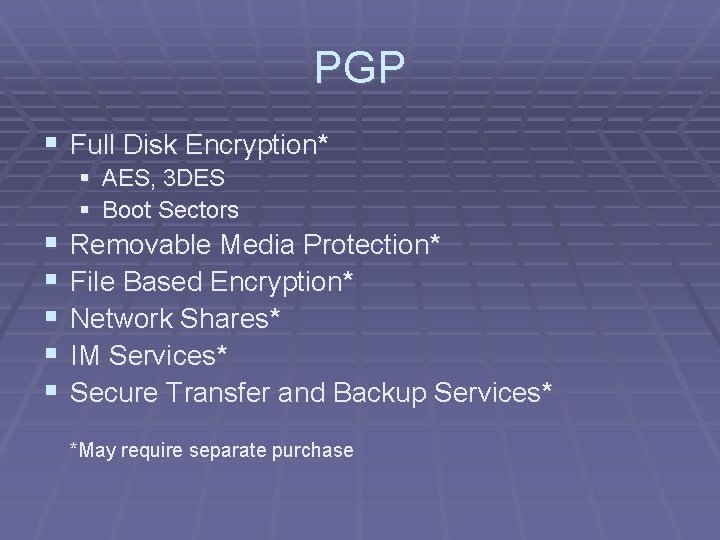
PGP § Full Disk Encryption* § AES, 3 DES § Boot Sectors § § § Removable Media Protection* File Based Encryption* Network Shares* IM Services* Secure Transfer and Backup Services* *May require separate purchase
Win Magic § Enterprise Solution § Pre Boot Authentication (Required) § Must use a SQL Server for Central Management § Active Directory § Client is to be pushed out over the network § AES § File, Folder, and Secure Volume Encryption
True Crypt § Open Source § Secure volumes § Portable devices are supported § Uses AES as well as others § Can combine Algorithms, unique to TC § Can do an entire device, but it will format the device first § Cannot encrypt existing data, but data can be put into secure volumes
File Vault § Comes with Mac OS (Free) § Mac Only (Not Windows) § AES 128 § Secures the Home Directory § Secure Volume § Company wide master password § Very specific use
Project Planning/Lessons Learned § Include Everyone! § § Communication is paramount. § Network/Server, IT Security, Management, Training Department, Helpdesk, etc. Written Security Policy & Procedures. Know your environment. Determine what you are going to encrypt. § Laptop, Desktop, PDA, Files, Email, Removable media. § Phased Approach. (Lab Test, Pilot Group, Push) § Don’t try to “Fix” encryption software issues without help! § Plan Ahead!!!!
Best Practices § Back up your data, before deployment!!! § Turn off Anti Virus, or any other MBR monitoring § § § software. Turn off any software that monitors sector based write access. Install software and then turn on encryption in a second step. Do not lose master passwords!!! § Write them down. § Keep in a safe place.
Questions? ? ?
- Slides: 14