
Data Encryption Data In Transit Data At Rest
- Slides: 9
Data Encryption Data In Transit / Data At Rest
Learning Outcomes How to: – encrypt data on an USB key – encrypt a document – email a document safely – use the Cloud to transfer data and documents – make Dropbox safe and secure (if possible).
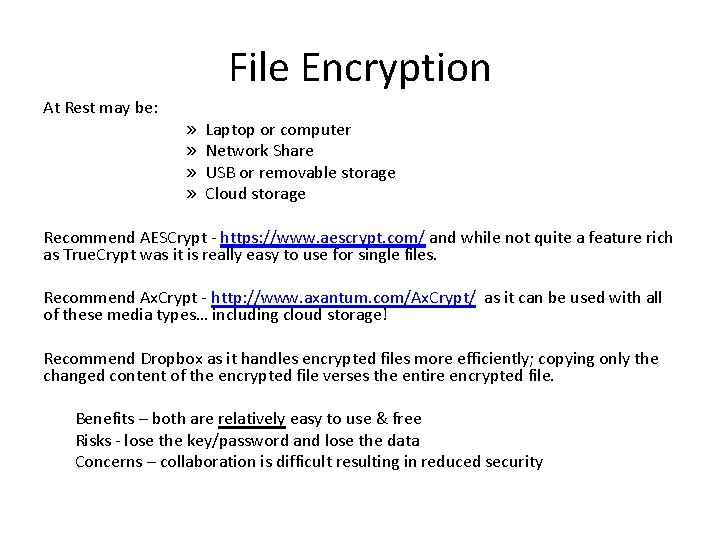
File Encryption At Rest may be: » » Laptop or computer Network Share USB or removable storage Cloud storage Recommend AESCrypt - https: //www. aescrypt. com/ and while not quite a feature rich as True. Crypt was it is really easy to use for single files. Recommend Ax. Crypt - http: //www. axantum. com/Ax. Crypt/ as it can be used with all of these media types… including cloud storage! Recommend Dropbox as it handles encrypted files more efficiently; copying only the changed content of the encrypted file verses the entire encrypted file. Benefits – both are relatively easy to use & free Risks - lose the key/password and lose the data Concerns – collaboration is difficult resulting in reduced security
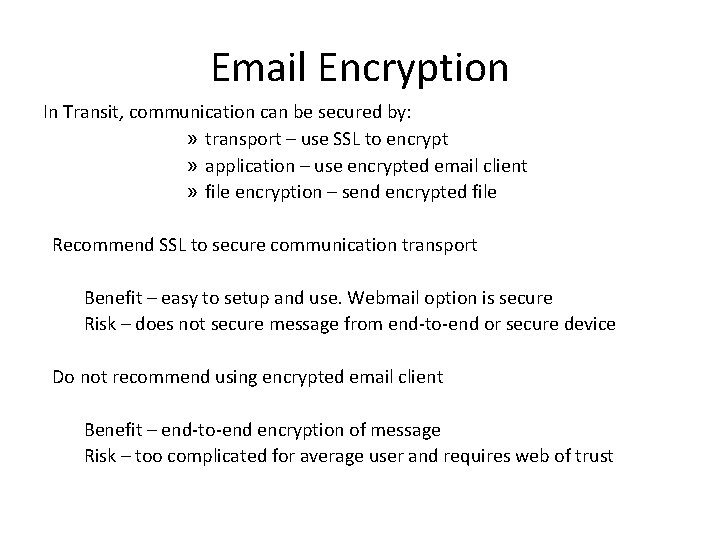
Email Encryption In Transit, communication can be secured by: » transport – use SSL to encrypt » application – use encrypted email client » file encryption – send encrypted file Recommend SSL to secure communication transport Benefit – easy to setup and use. Webmail option is secure Risk – does not secure message from end-to-end or secure device Do not recommend using encrypted email client Benefit – end-to-end encryption of message Risk – too complicated for average user and requires web of trust
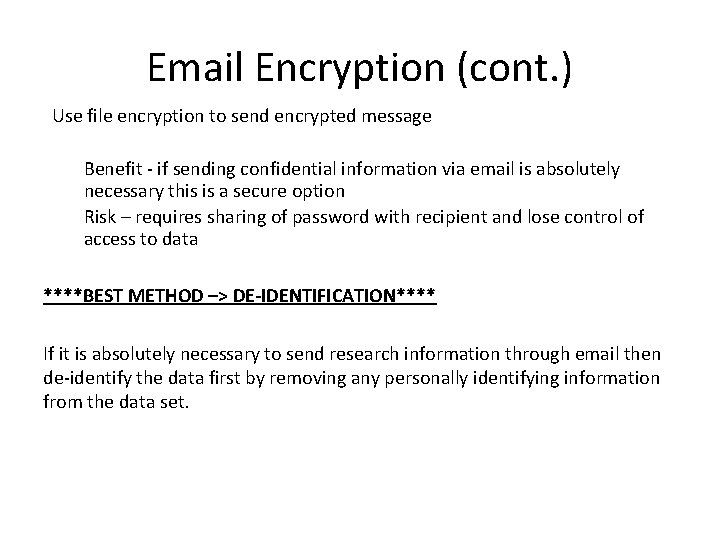
Email Encryption (cont. ) Use file encryption to send encrypted message Benefit - if sending confidential information via email is absolutely necessary this is a secure option Risk – requires sharing of password with recipient and lose control of access to data ****BEST METHOD –> DE-IDENTIFICATION**** If it is absolutely necessary to send research information through email then de-identify the data first by removing any personally identifying information from the data set.
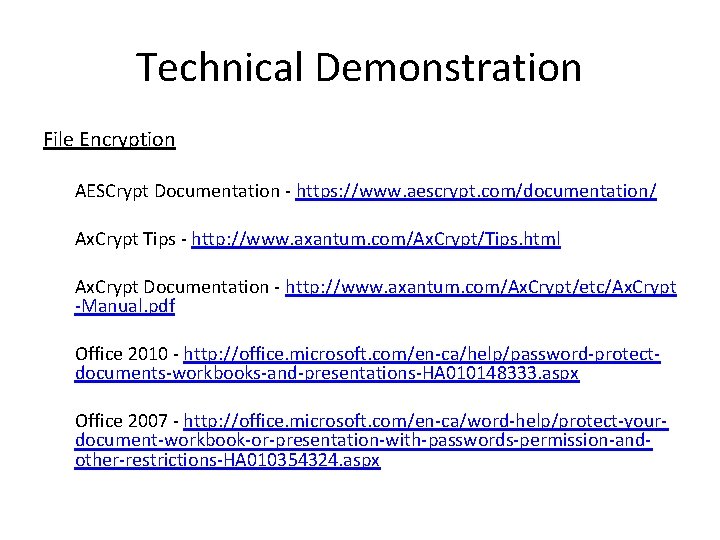
Technical Demonstration File Encryption AESCrypt Documentation - https: //www. aescrypt. com/documentation/ Ax. Crypt Tips - http: //www. axantum. com/Ax. Crypt/Tips. html Ax. Crypt Documentation - http: //www. axantum. com/Ax. Crypt/etc/Ax. Crypt -Manual. pdf Office 2010 - http: //office. microsoft. com/en-ca/help/password-protectdocuments-workbooks-and-presentations-HA 010148333. aspx Office 2007 - http: //office. microsoft. com/en-ca/word-help/protect-yourdocument-workbook-or-presentation-with-passwords-permission-andother-restrictions-HA 010354324. aspx
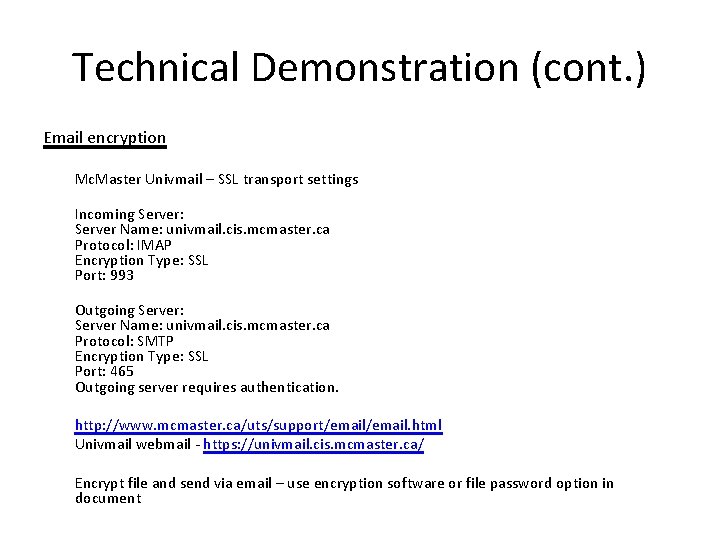
Technical Demonstration (cont. ) Email encryption Mc. Master Univmail – SSL transport settings Incoming Server: Server Name: univmail. cis. mcmaster. ca Protocol: IMAP Encryption Type: SSL Port: 993 Outgoing Server: Server Name: univmail. cis. mcmaster. ca Protocol: SMTP Encryption Type: SSL Port: 465 Outgoing server requires authentication. http: //www. mcmaster. ca/uts/support/email. html Univmail webmail - https: //univmail. cis. mcmaster. ca/ Encrypt file and send via email – use encryption software or file password option in document
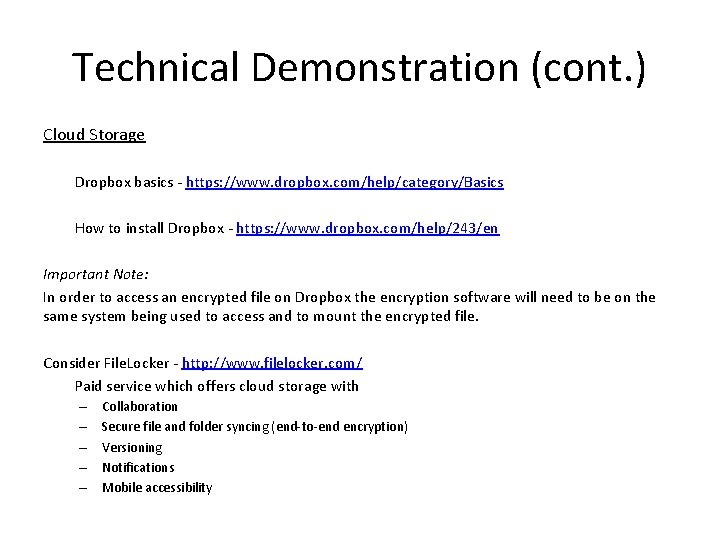
Technical Demonstration (cont. ) Cloud Storage Dropbox basics - https: //www. dropbox. com/help/category/Basics How to install Dropbox - https: //www. dropbox. com/help/243/en Important Note: In order to access an encrypted file on Dropbox the encryption software will need to be on the same system being used to access and to mount the encrypted file. Consider File. Locker - http: //www. filelocker. com/ Paid service which offers cloud storage with – – – Collaboration Secure file and folder syncing (end-to-end encryption) Versioning Notifications Mobile accessibility
Questions?