
Data Driven Instructional Design Higher Learning Student and
- Slides: 34
Data Driven Instructional Design: Higher Learning Student and Professor Voices Laura King and Mary Jorgensen In Collaboration with Catherine Fichten, Alice Havel, Jillian Budd, Alex Lussier, Christine Vo, Cristina Vitouchanskaia, Jennison Asuncion, Mai Nhu Nguyen, Alexandre Chauvin, Evelyne Marcil & Laura Schaffer 19 th Annual Accessing Higher Ground: Accessible Media, Web & Technology Conference November 16, 2016: Westminster, Colorado
Overview 2
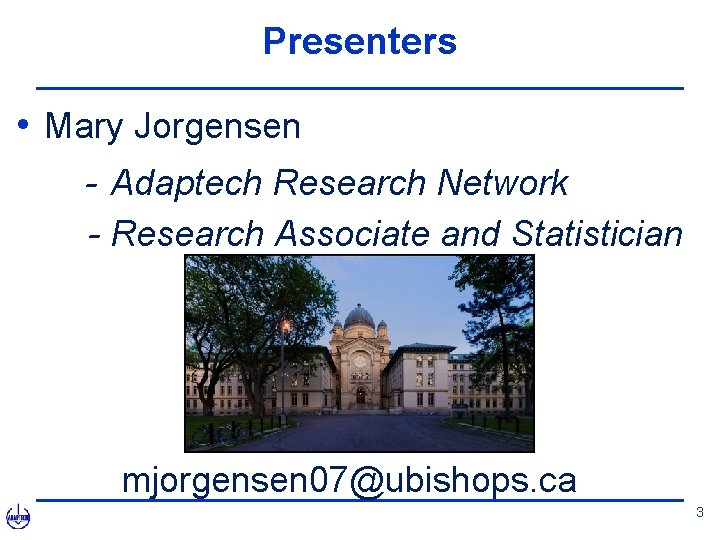
Presenters • Mary Jorgensen - Adaptech Research Network - Research Associate and Statistician mjorgensen 07@ubishops. ca 3
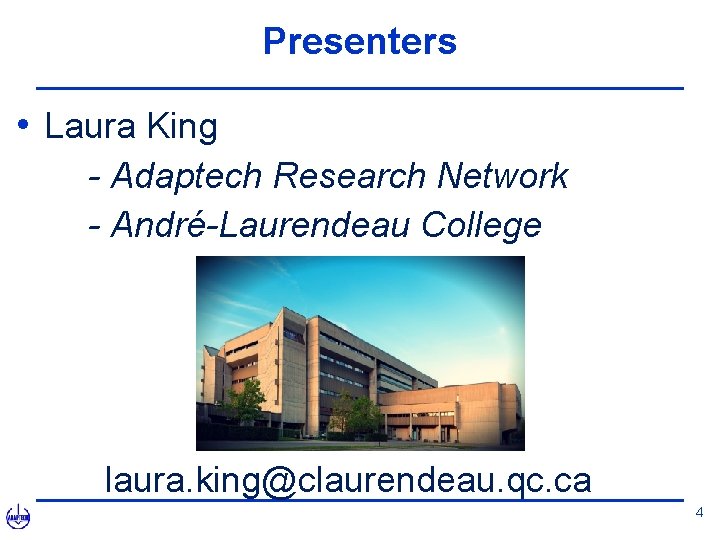
Presenters • Laura King - Adaptech Research Network - André-Laurendeau College laura. king@claurendeau. qc. ca 4
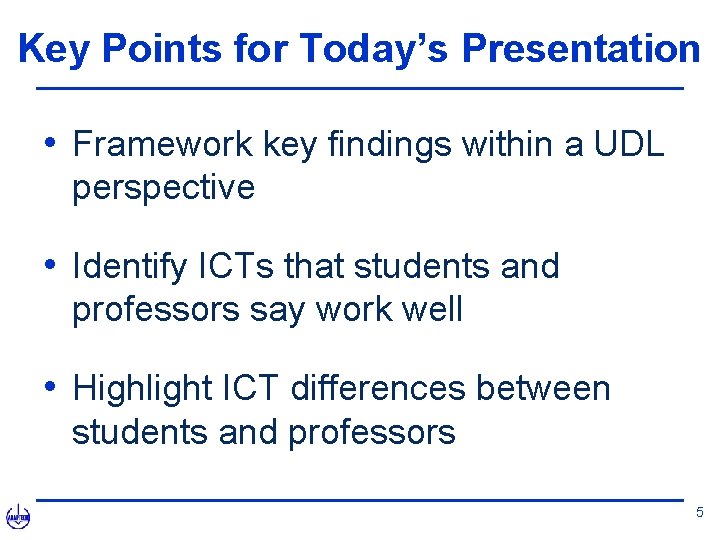
Key Points for Today’s Presentation • Framework key findings within a UDL perspective • Identify ICTs that students and professors say work well • Highlight ICT differences between students and professors 5
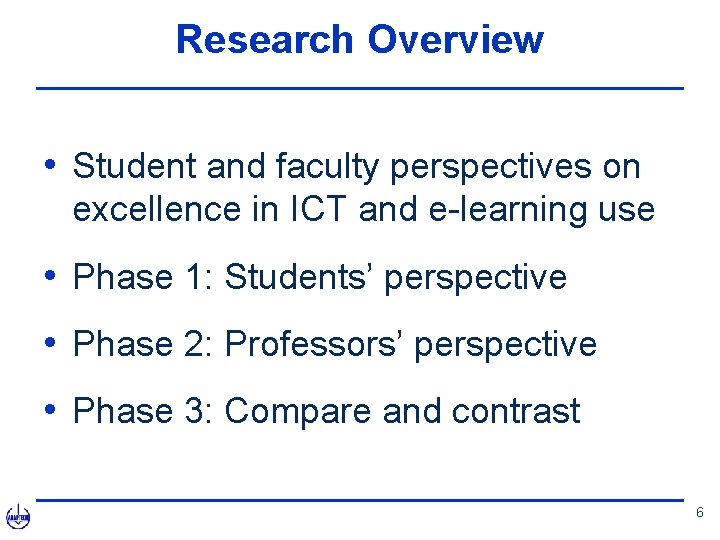
Research Overview • Student and faculty perspectives on excellence in ICT and e-learning use • Phase 1: Students’ perspective • Phase 2: Professors’ perspective • Phase 3: Compare and contrast 6
Methodology 7
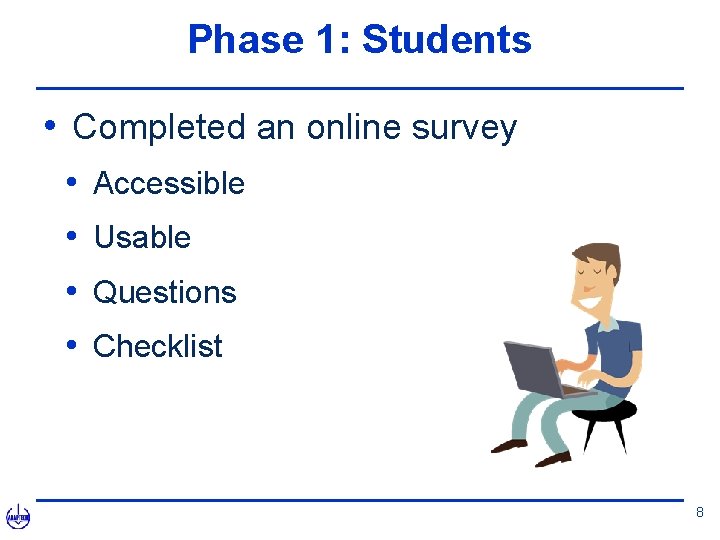
Phase 1: Students • Completed an online survey • Accessible • Usable • Questions • Checklist 8
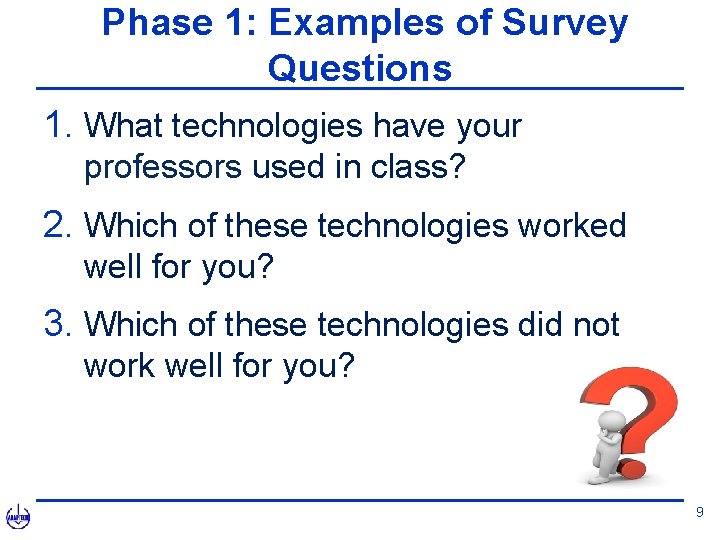
Phase 1: Examples of Survey Questions 1. What technologies have your professors used in class? 2. Which of these technologies worked well for you? 3. Which of these technologies did not work well for you? 9
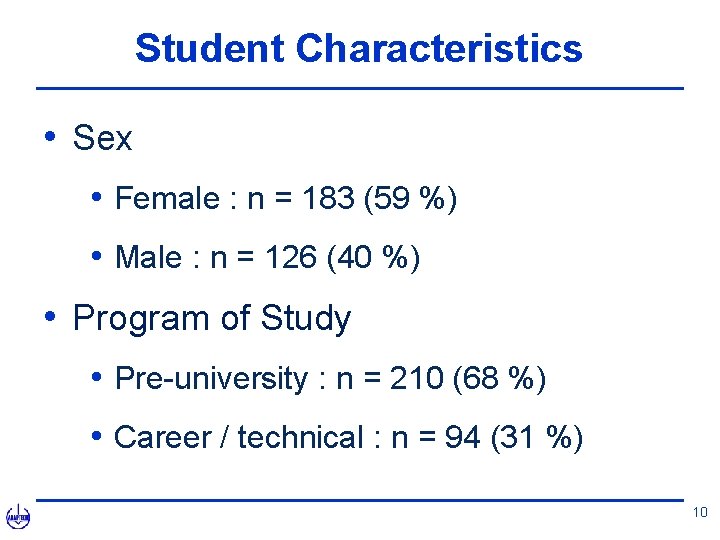
Student Characteristics • Sex • Female : n = 183 (59 %) • Male : n = 126 (40 %) • Program of Study • Pre-university : n = 210 (68 %) • Career / technical : n = 94 (31 %) 10
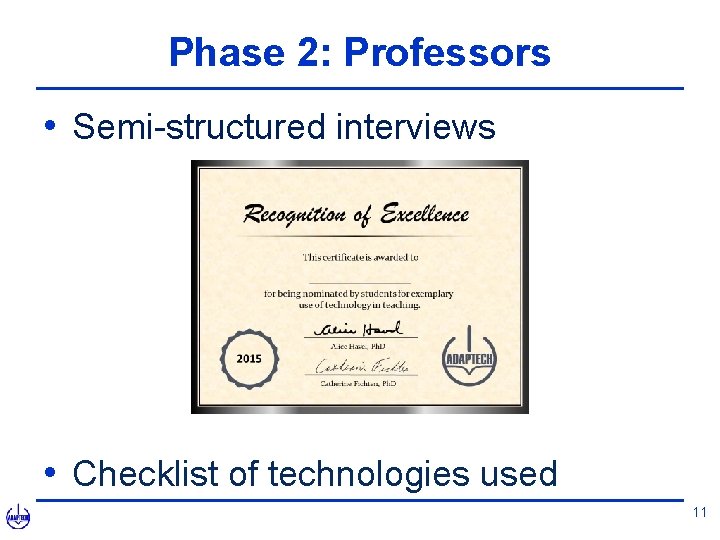
Phase 2: Professors • Semi-structured interviews • Checklist of technologies used 11
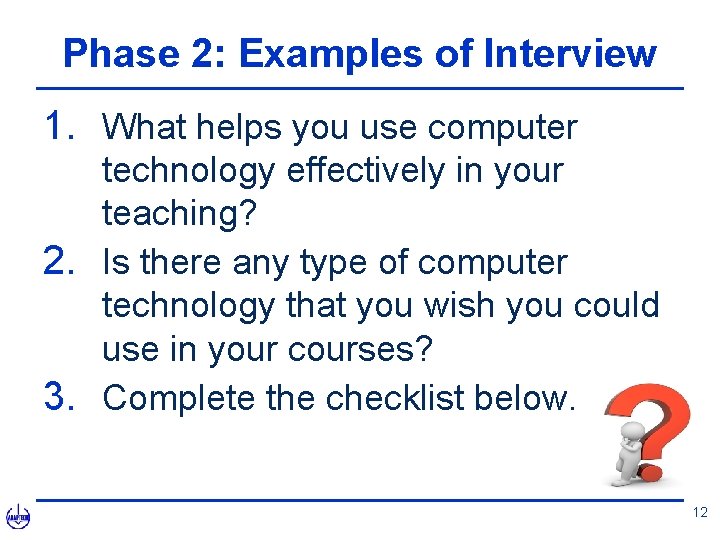
Phase 2: Examples of Interview 1. What helps you use computer technology effectively in your teaching? 2. Is there any type of computer technology that you wish you could use in your courses? 3. Complete the checklist below. 12
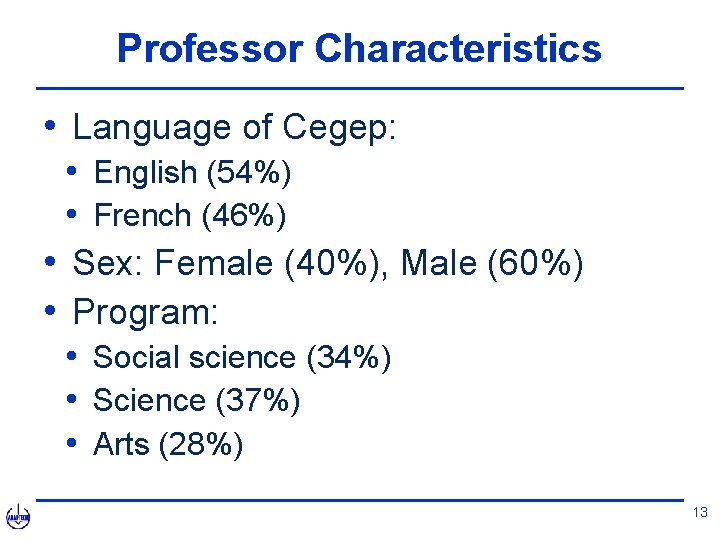
Professor Characteristics • Language of Cegep: • English (54%) • French (46%) • Sex: Female (40%), Male (60%) • Program: • Social science (34%) • Science (37%) • Arts (28%) 13
Results 14
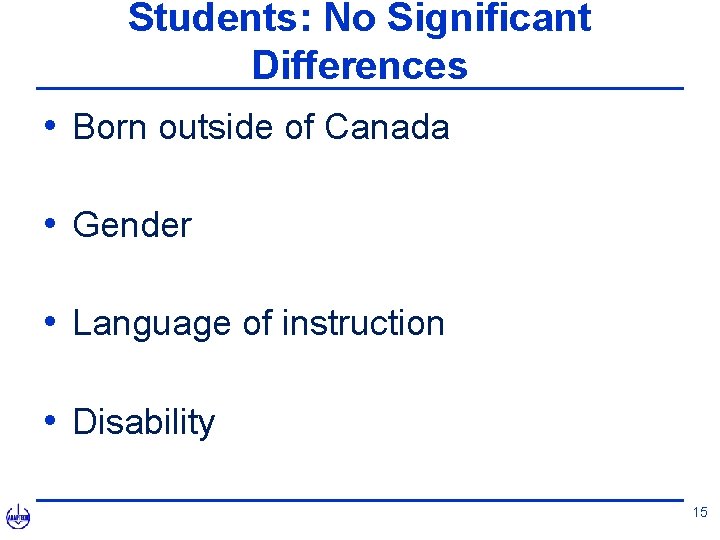
Students: No Significant Differences • Born outside of Canada • Gender • Language of instruction • Disability 15
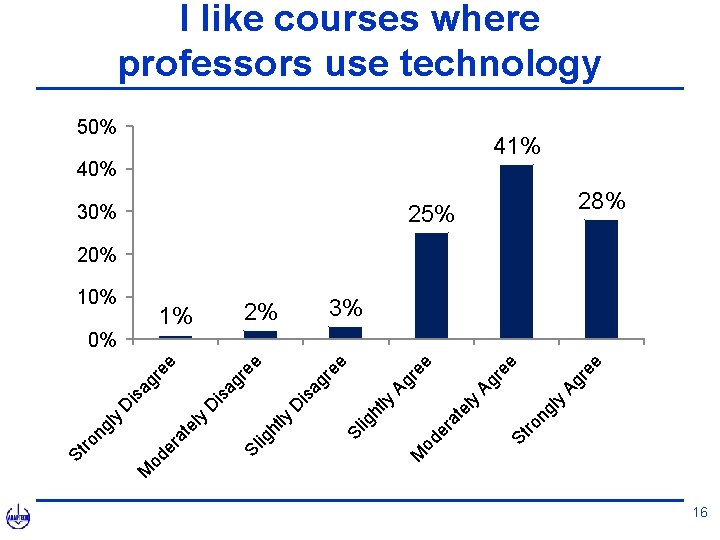
y re e Ag 40% ng l ee Ag r 50% St ro ly ra te od e re e Ag 30% M ht ly ee is ag r D 2% Sl ig ly ee 1% ig ht ag r is 0% D re e D is ag 10% Sl te ly er a od M y ng l St ro I like courses where professors use technology 41% 25% 28% 20% 3% 16
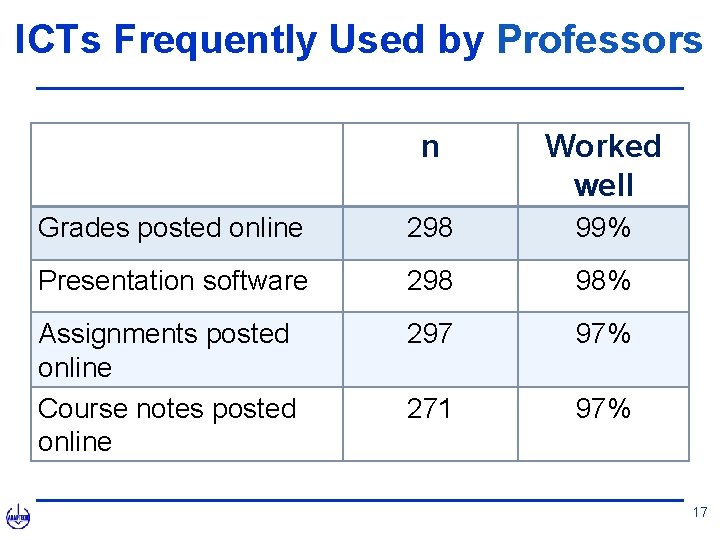
ICTs Frequently Used by Professors n Worked well Grades posted online 298 99% Presentation software 298 98% Assignments posted online Course notes posted online 297 97% 271 97% 17
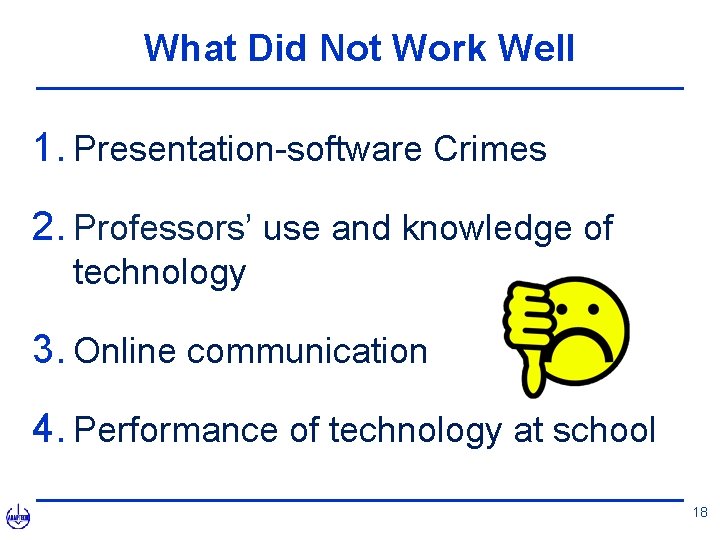
What Did Not Work Well 1. Presentation-software Crimes 2. Professors’ use and knowledge of technology 3. Online communication 4. Performance of technology at school 18
Connecting the Dots • What is the connection between ICTs and universal design (UD)? • Are ICTs a gateway to UD? • Interact / Reflect 19
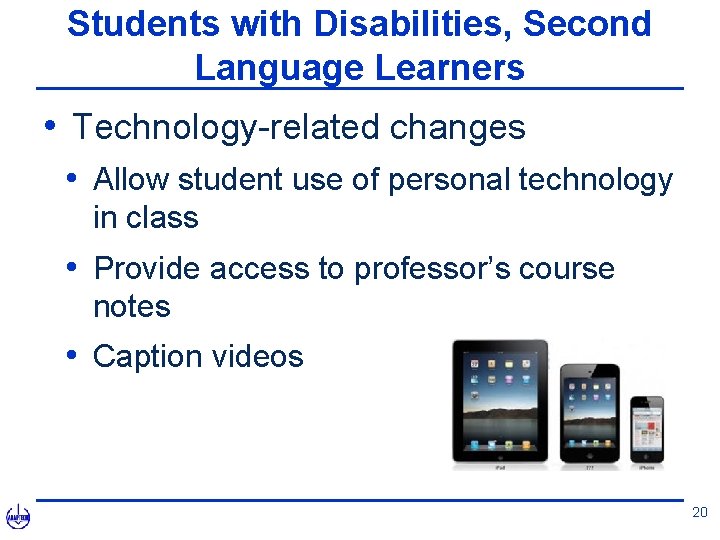
Students with Disabilities, Second Language Learners • Technology-related changes • Allow student use of personal technology in class • Provide access to professor’s course notes • Caption videos 20
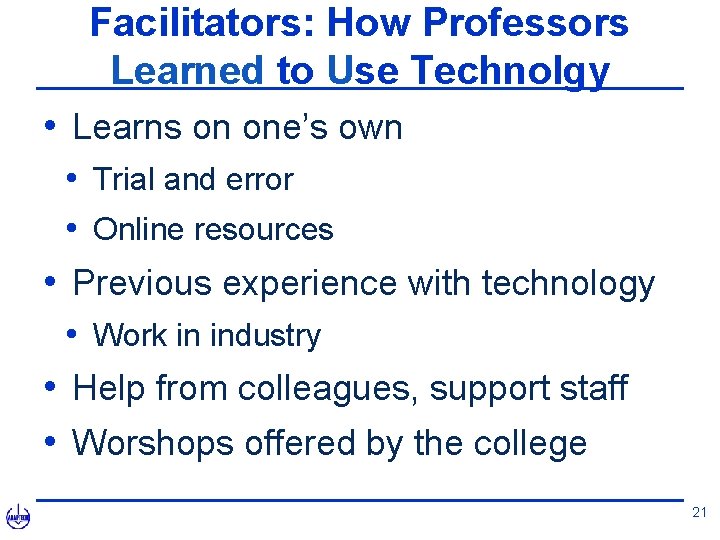
Facilitators: How Professors Learned to Use Technolgy • Learns on one’s own • Trial and error • Online resources • Previous experience with technology • Work in industry • Help from colleagues, support staff • Worshops offered by the college 21
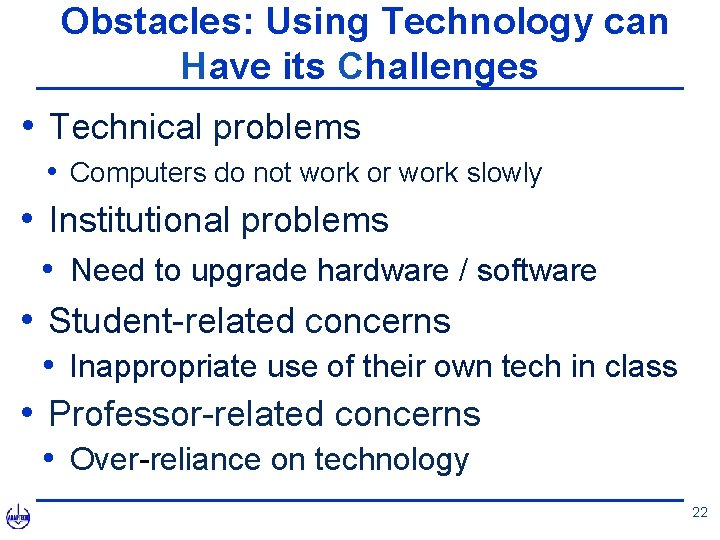
Obstacles: Using Technology can Have its Challenges • Technical problems • Computers do not work or work slowly • Institutional problems • Need to upgrade hardware / software • Student-related concerns • Inappropriate use of their own tech in class • Professor-related concerns • Over-reliance on technology 22
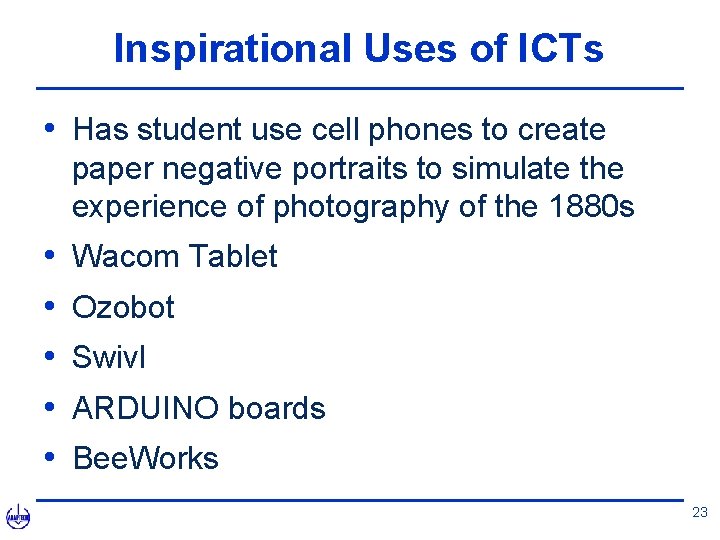
Inspirational Uses of ICTs • Has student use cell phones to create paper negative portraits to simulate the experience of photography of the 1880 s • • • Wacom Tablet Ozobot Swivl ARDUINO boards Bee. Works 23
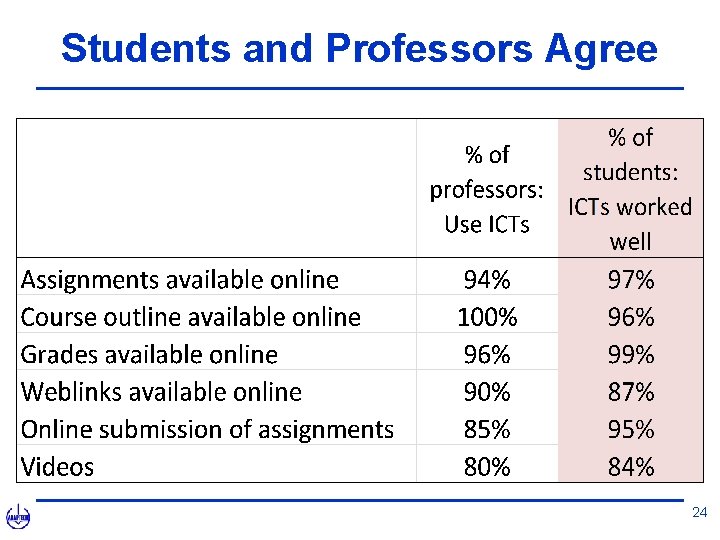
Students and Professors Agree 24
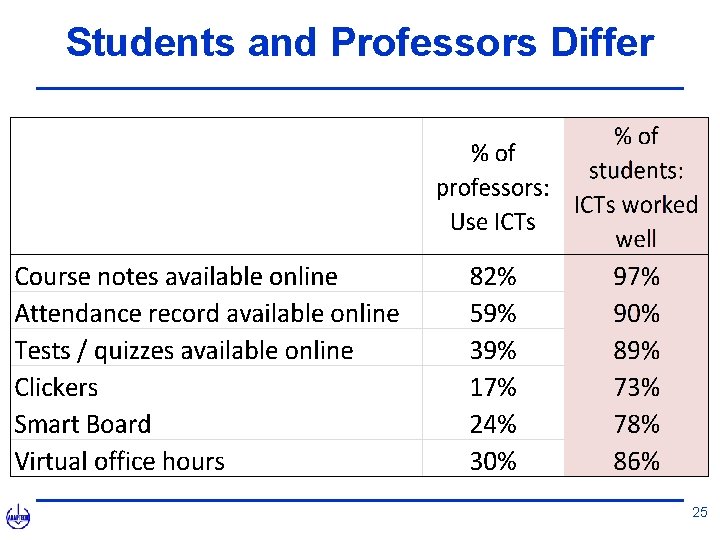
Students and Professors Differ 25
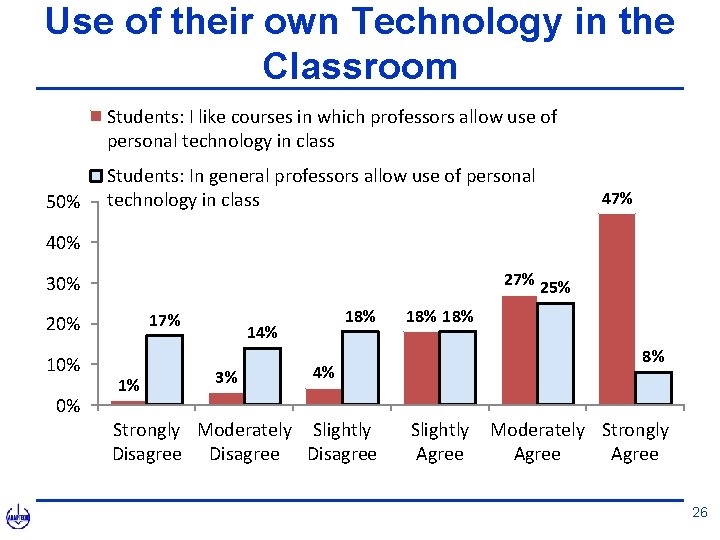
Use of their own Technology in the Classroom Students: I like courses in which professors allow use of personal technology in class 50% Students: In general professors allow use of personal technology in class 47% 40% 27% 25% 30% 17% 20% 10% 0% 1% 18% 14% 3% 18% 8% 4% Strongly Moderately Slightly Disagree Slightly Agree Moderately Strongly Agree 26
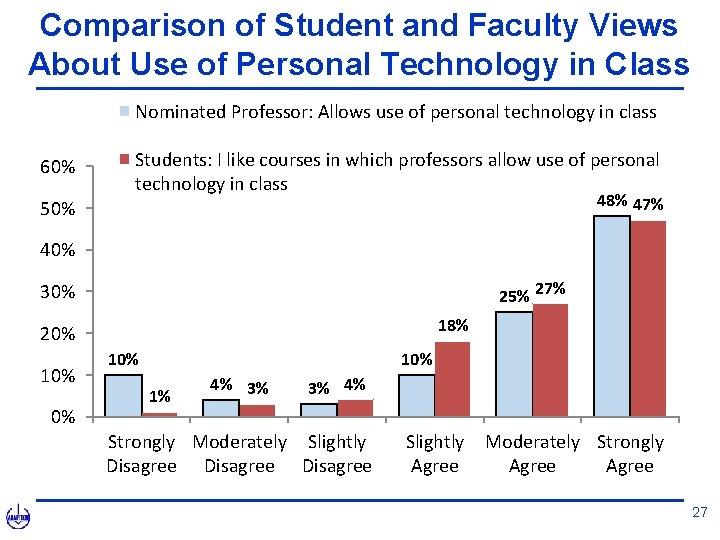
Comparison of Student and Faculty Views About Use of Personal Technology in Class Nominated Professor: Allows use of personal technology in class 60% Students: I like courses in which professors allow use of personal technology in class 48% 47% 50% 40% 25% 27% 30% 18% 20% 10% 10% 1% 4% 3% 3% 4% Strongly Moderately Slightly Disagree Slightly Agree Moderately Strongly Agree 27
Connecting the Dots • Differences • Where is the common ground? • Interact / Reflect 28
Conclusion 29
Practical Applications: Need for UD Framework • Presentation software • Communication • Teaching technology • Online textbooks / Group work 30
Take Home Messages • Effectiveness of ICT use • All on board • UD is achievable 31
Questions 32
Thank you for your attention 33
More Information Mary Jorgensen mjorgensen 07@ubishops. ca Laura King laura. king@claurendeau. qc. ca www. adaptech. org 34