
Data and Computer Communications IP Addressing CCNA Exam

- Slides: 27
Data and Computer Communications IP Addressing CCNA (Exam Code: 640 -801) Todd Lammle
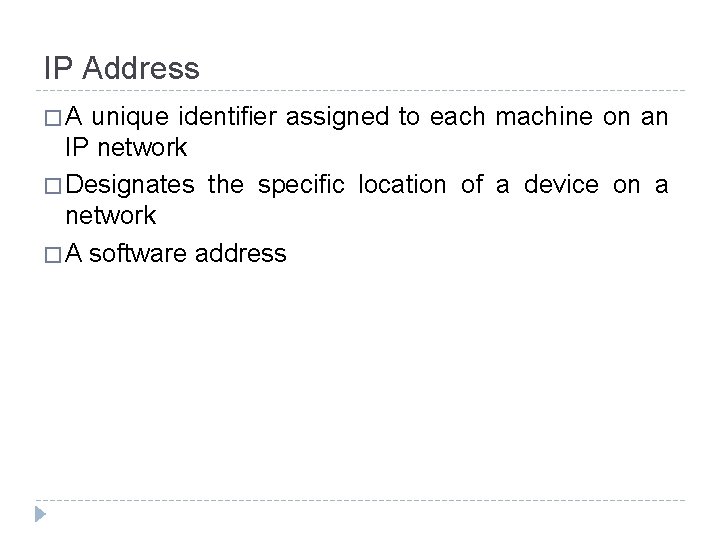
IP Address �A unique identifier assigned to each machine on an IP network � Designates the specific location of a device on a network � A software address
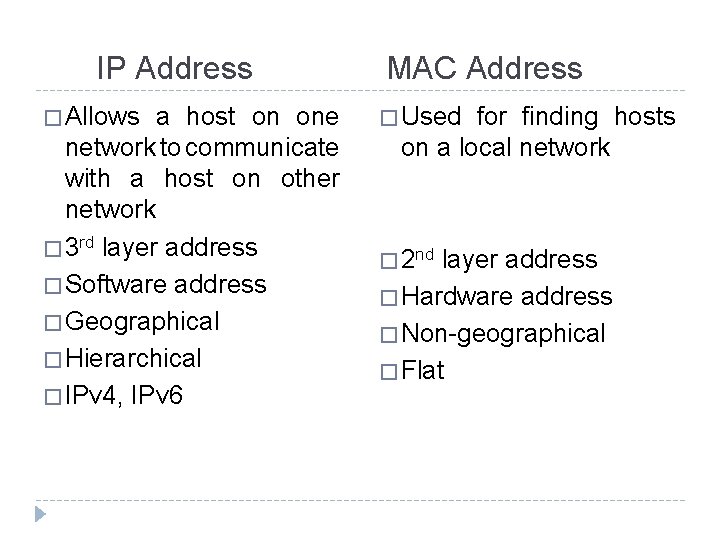
IP Address � Allows a host on one network to communicate with a host on other network � 3 rd layer address � Software address � Geographical � Hierarchical � IPv 4, IPv 6 MAC Address � Used for finding hosts on a local network � 2 nd layer address � Hardware address � Non-geographical � Flat
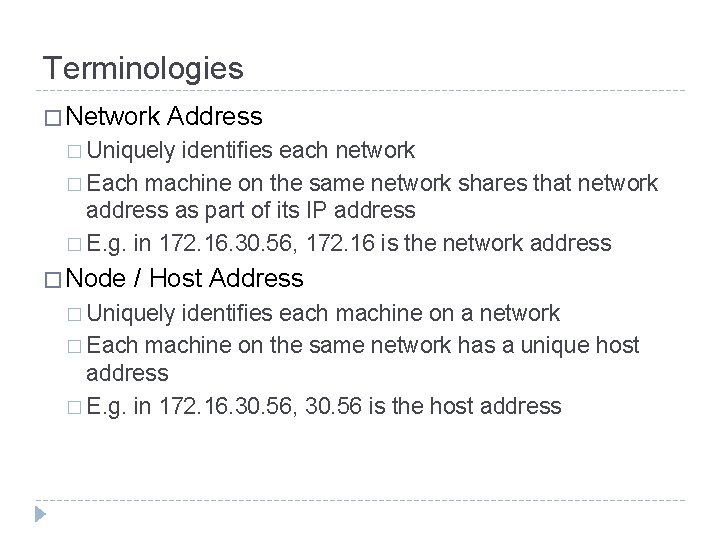
Terminologies � Network Address � Uniquely identifies each network � Each machine on the same network shares that network address as part of its IP address � E. g. in 172. 16. 30. 56, 172. 16 is the network address � Node / Host Address � Uniquely identifies each machine on a network � Each machine on the same network has a unique host address � E. g. in 172. 16. 30. 56, 30. 56 is the host address
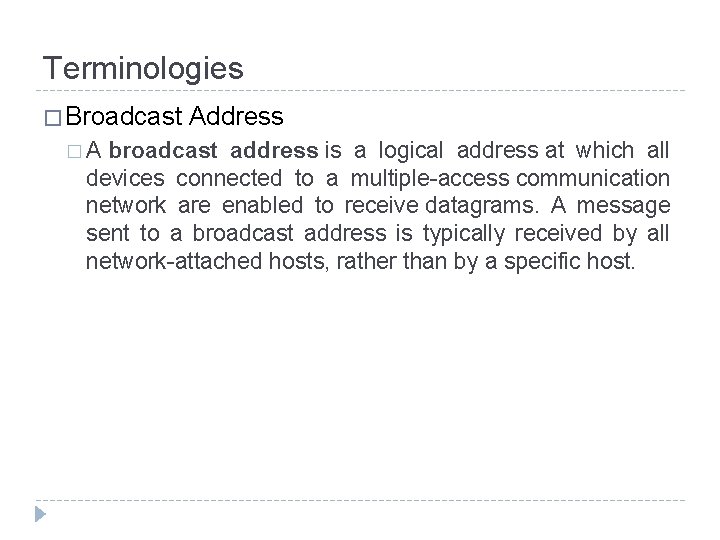
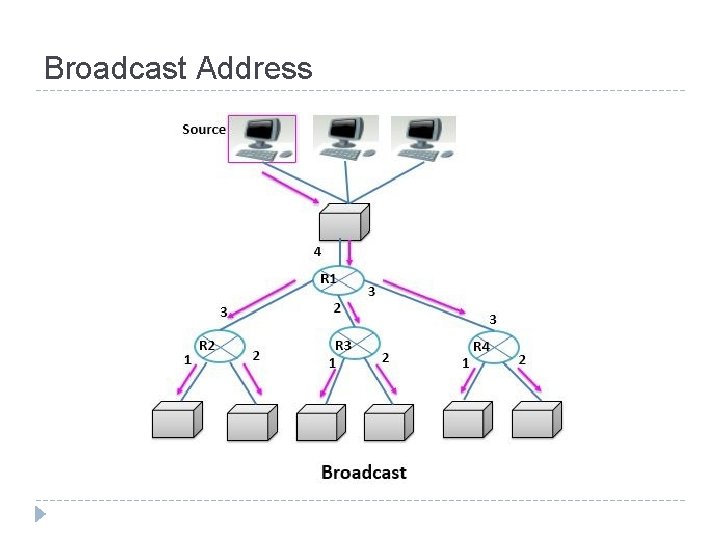
Terminologies � Broadcast �A Address broadcast address is a logical address at which all devices connected to a multiple-access communication network are enabled to receive datagrams. A message sent to a broadcast address is typically received by all network-attached hosts, rather than by a specific host.
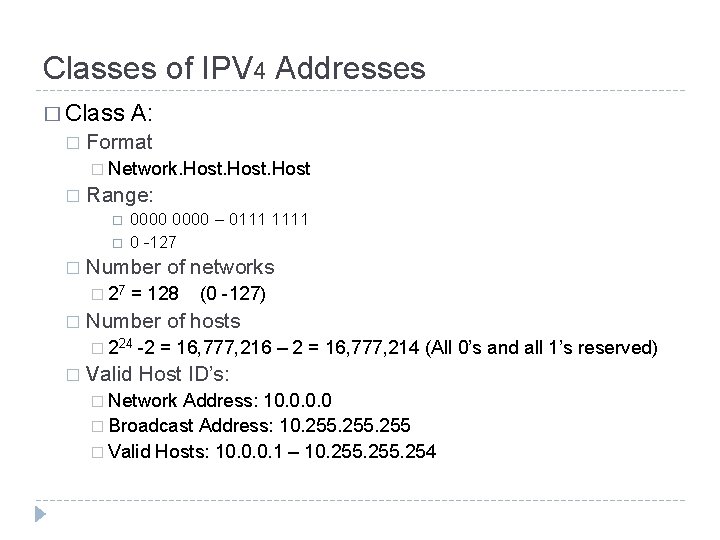
Classes of IPV 4 Addresses � Class � A: Format � Network. Host � Range: � Number of networks � 27 � 0000 – 0111 1111 0 -127 = 128 Number of hosts � 224 � (0 -127) -2 = 16, 777, 216 – 2 = 16, 777, 214 (All 0’s and all 1’s reserved) Valid Host ID’s: � Network Address: 10. 0 � Broadcast Address: 10. 255 � Valid Hosts: 10. 0. 0. 1 – 10. 255. 254
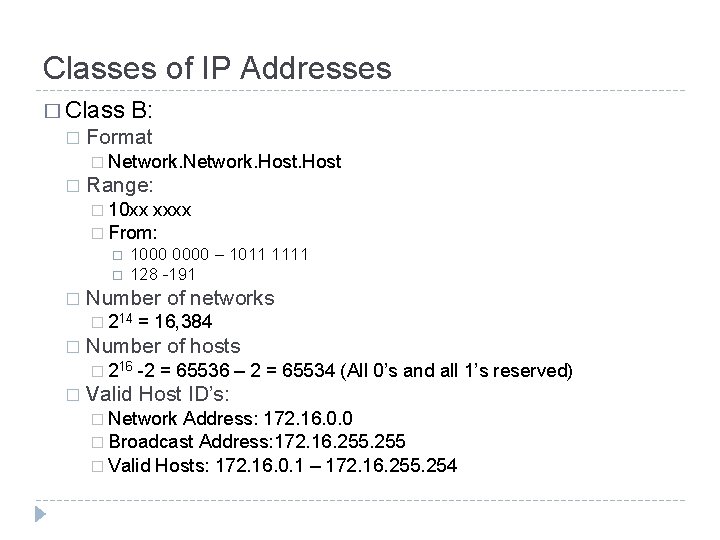
Classes of IP Addresses � Class � B: Format � Network. Host � Range: � 10 xx xxxx � From: � 1000 0000 – 1011 1111 128 -191 Number of networks � 214 � Number of hosts � 216 � = 16, 384 -2 = 65536 – 2 = 65534 (All 0’s and all 1’s reserved) Valid Host ID’s: � Network Address: 172. 16. 0. 0 � Broadcast Address: 172. 16. 255 � Valid Hosts: 172. 16. 0. 1 – 172. 16. 255. 254
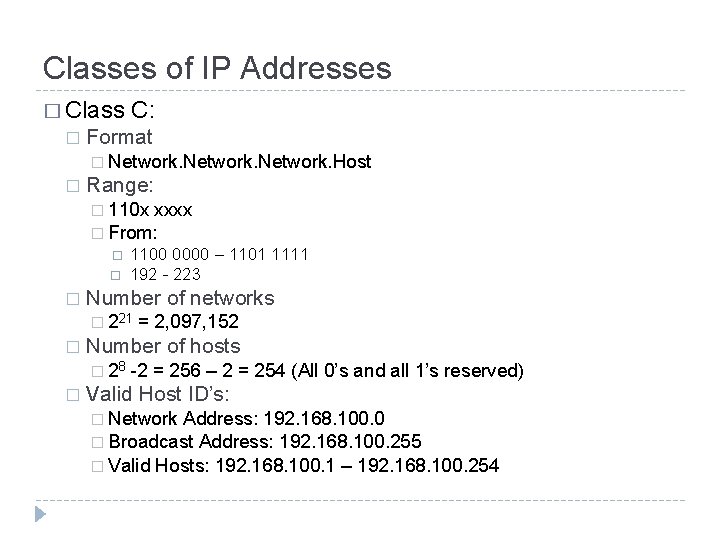
Classes of IP Addresses � Class � C: Format � Network. Host � Range: � 110 x xxxx � From: � 1100 0000 – 1101 1111 192 - 223 Number of networks � 221 � Number of hosts � 28 � = 2, 097, 152 -2 = 256 – 2 = 254 (All 0’s and all 1’s reserved) Valid Host ID’s: � Network Address: 192. 168. 100. 0 � Broadcast Address: 192. 168. 100. 255 � Valid Hosts: 192. 168. 100. 1 – 192. 168. 100. 254
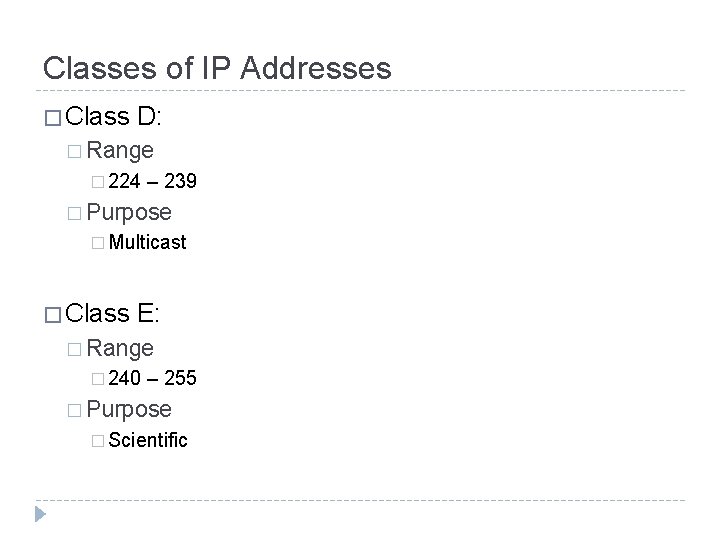
Classes of IP Addresses � Class D: � Range � 224 – 239 � Purpose � Multicast � Class E: � Range � 240 – 255 � Purpose � Scientific
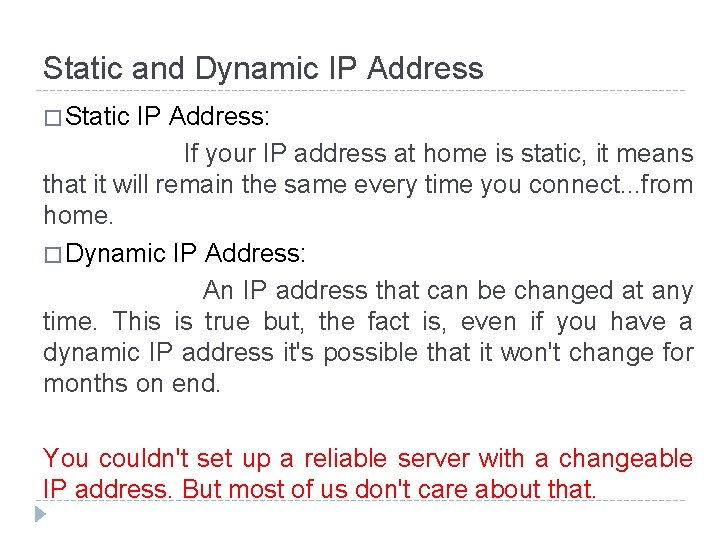
Static and Dynamic IP Address � Static IP Address: If your IP address at home is static, it means that it will remain the same every time you connect. . . from home. � Dynamic IP Address: An IP address that can be changed at any time. This is true but, the fact is, even if you have a dynamic IP address it's possible that it won't change for months on end. You couldn't set up a reliable server with a changeable IP address. But most of us don't care about that.
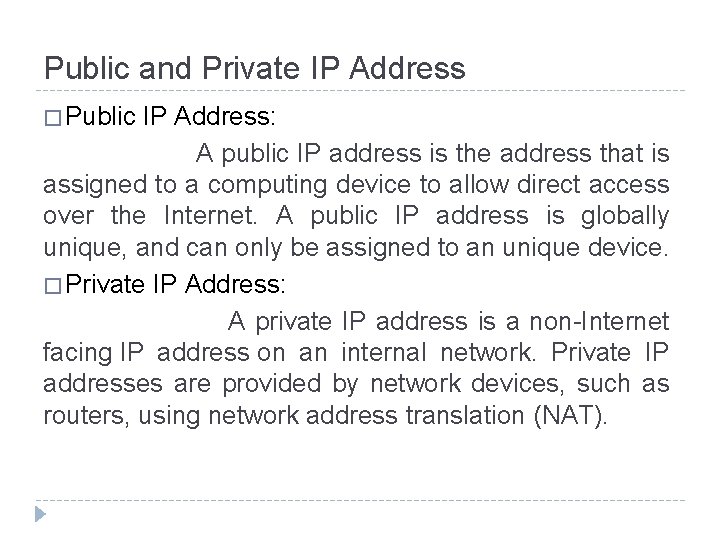
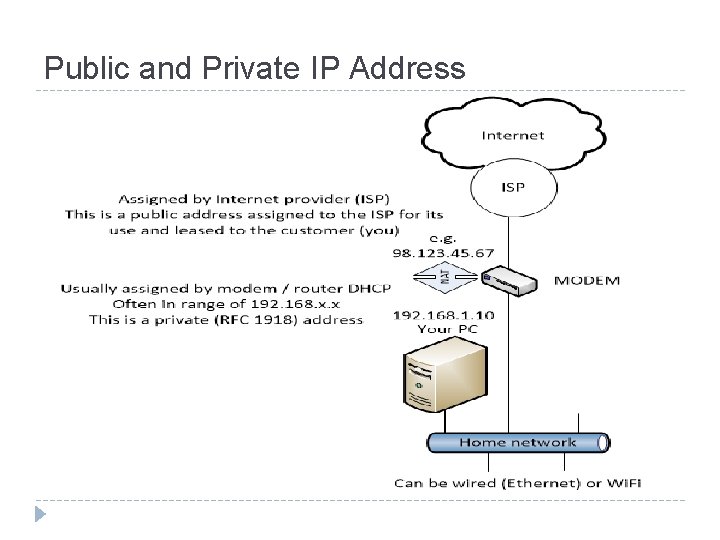
Public and Private IP Address � Public IP Address: A public IP address is the address that is assigned to a computing device to allow direct access over the Internet. A public IP address is globally unique, and can only be assigned to an unique device. � Private IP Address: A private IP address is a non-Internet facing IP address on an internal network. Private IP addresses are provided by network devices, such as routers, using network address translation (NAT).
Public and Private IP Address
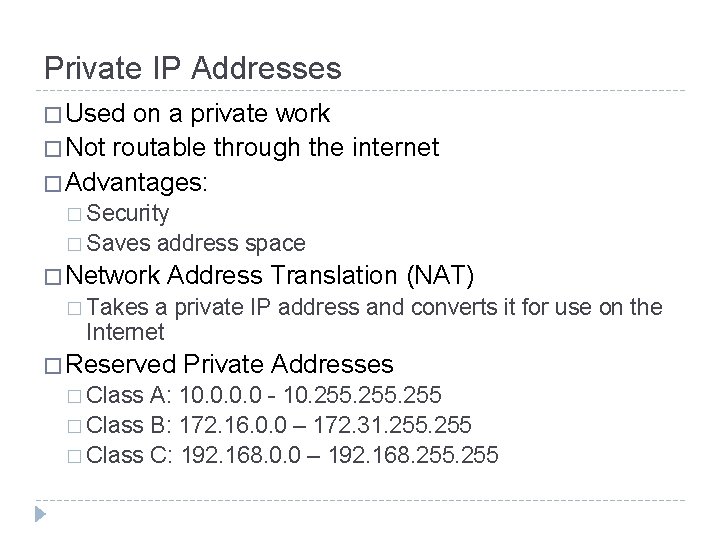
Private IP Addresses � Used on a private work � Not routable through the internet � Advantages: � Security � Saves address space � Network Address Translation (NAT) � Takes a private IP address and converts it for use on the Internet � Reserved � Class Private Addresses A: 10. 0 - 10. 255 � Class B: 172. 16. 0. 0 – 172. 31. 255 � Class C: 192. 168. 0. 0 – 192. 168. 255
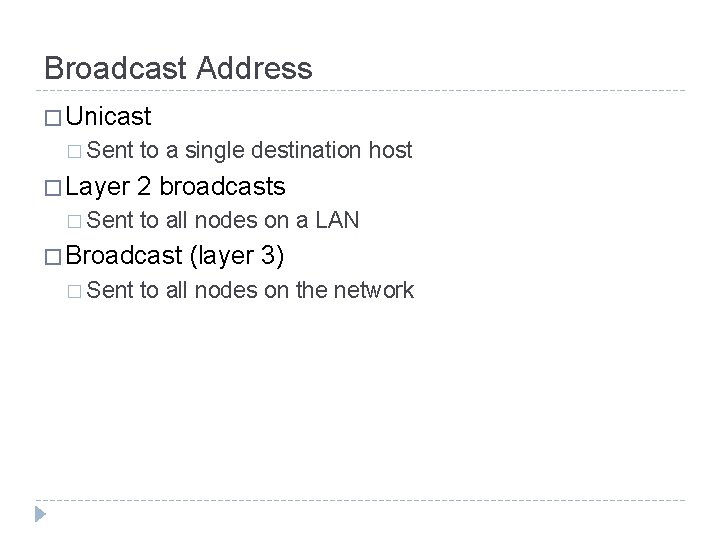
Broadcast Address � Unicast � Sent � Layer � Sent to a single destination host 2 broadcasts to all nodes on a LAN � Broadcast � Sent (layer 3) to all nodes on the network
Broadcast Address
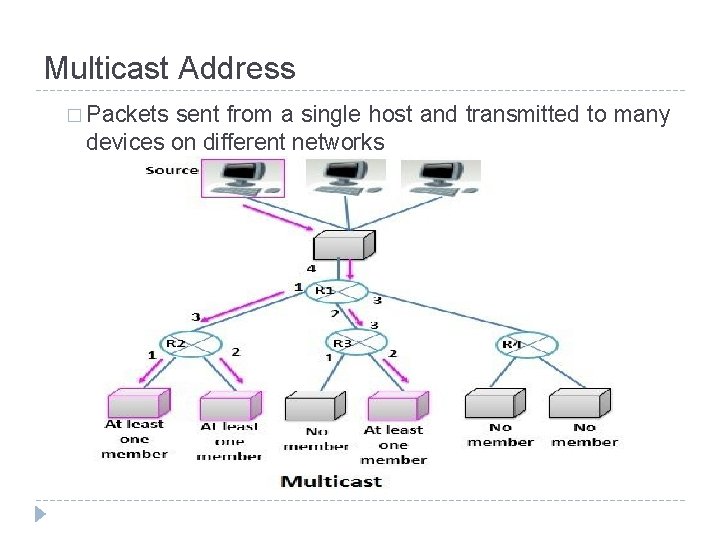
Multicast Address � Packets sent from a single host and transmitted to many devices on different networks
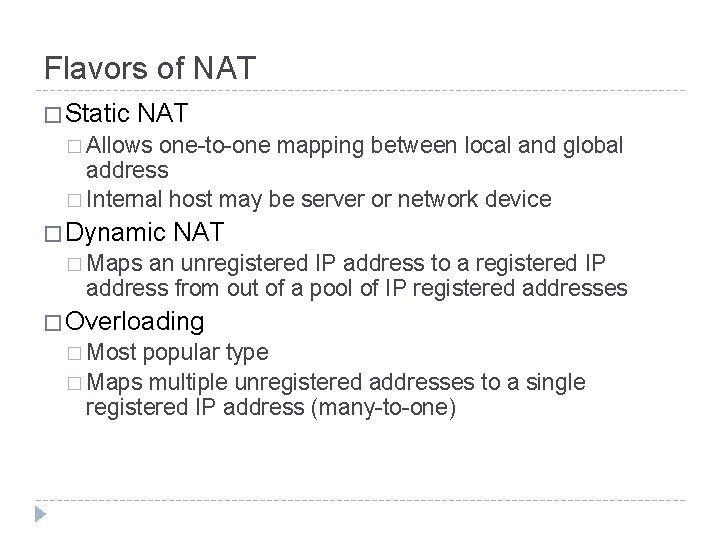
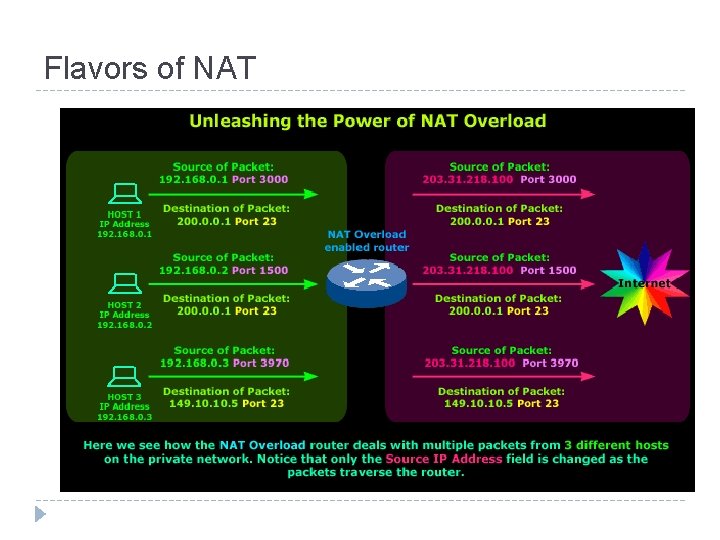
Flavors of NAT � Static NAT � Allows one-to-one mapping between local and global address � Internal host may be server or network device � Dynamic NAT � Maps an unregistered IP address to a registered IP address from out of a pool of IP registered addresses � Overloading � Most popular type � Maps multiple unregistered addresses to a single registered IP address (many-to-one)
Flavors of NAT
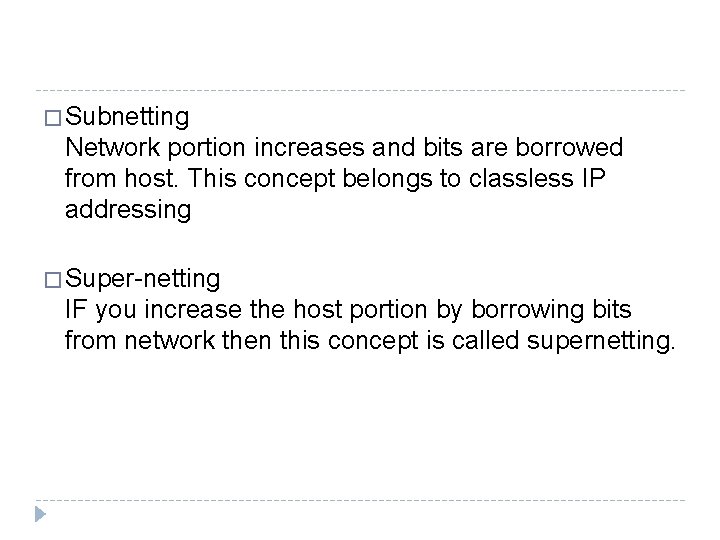
� Subnetting Network portion increases and bits are borrowed from host. This concept belongs to classless IP addressing � Super-netting IF you increase the host portion by borrowing bits from network then this concept is called supernetting.
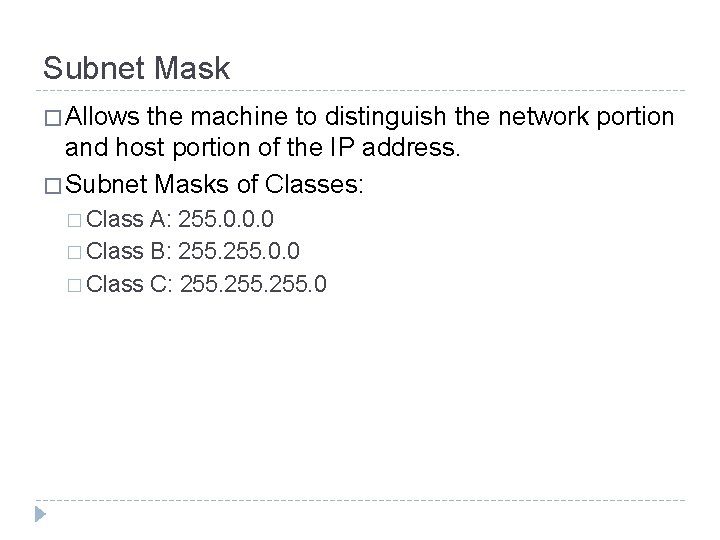
Subnet Mask � Allows the machine to distinguish the network portion and host portion of the IP address. � Subnet Masks of Classes: � Class A: 255. 0. 0. 0 � Class B: 255. 0. 0 � Class C: 255. 0
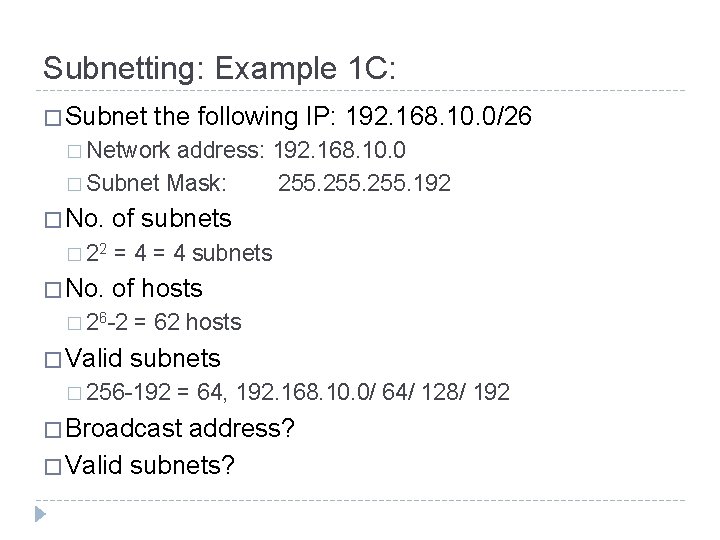
Subnetting: Example 1 C: � Subnet the following IP: 192. 168. 10. 0/26 � Network address: 192. 168. 10. 0 � Subnet Mask: 255. 192 � No. � 22 � No. of subnets = 4 subnets of hosts � 26 -2 � Valid = 62 hosts subnets � 256 -192 = 64, 192. 168. 10. 0/ 64/ 128/ 192 � Broadcast address? � Valid subnets?
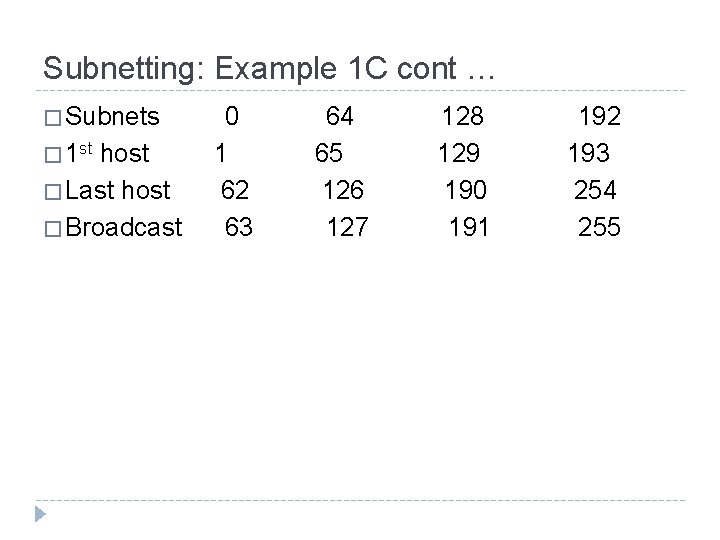
Subnetting: Example 1 C cont … � Subnets � 1 st host � Last host � Broadcast 0 1 62 63 64 65 126 127 128 129 190 191 192 193 254 255
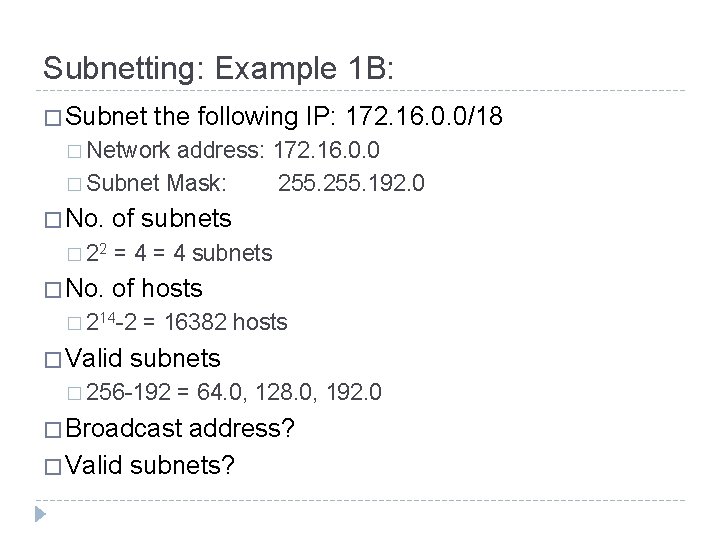
Subnetting: Example 1 B: � Subnet the following IP: 172. 16. 0. 0/18 � Network address: 172. 16. 0. 0 � Subnet Mask: 255. 192. 0 � No. � 22 � No. of subnets = 4 subnets of hosts � 214 -2 � Valid = 16382 hosts subnets � 256 -192 = 64. 0, 128. 0, 192. 0 � Broadcast address? � Valid subnets?
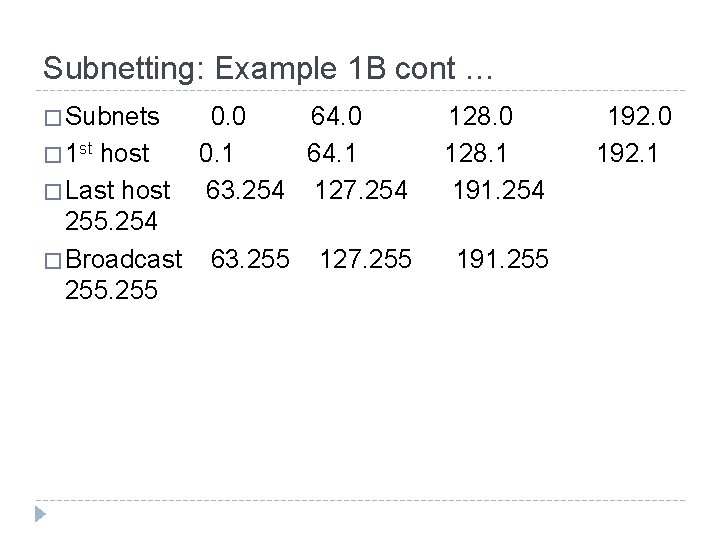
Subnetting: Example 1 B cont … � Subnets � 1 st host � Last host 255. 254 � Broadcast 255 0. 0 64. 0 0. 1 64. 1 63. 254 127. 254 63. 255 127. 255 128. 0 128. 1 191. 254 191. 255 192. 0 192. 1
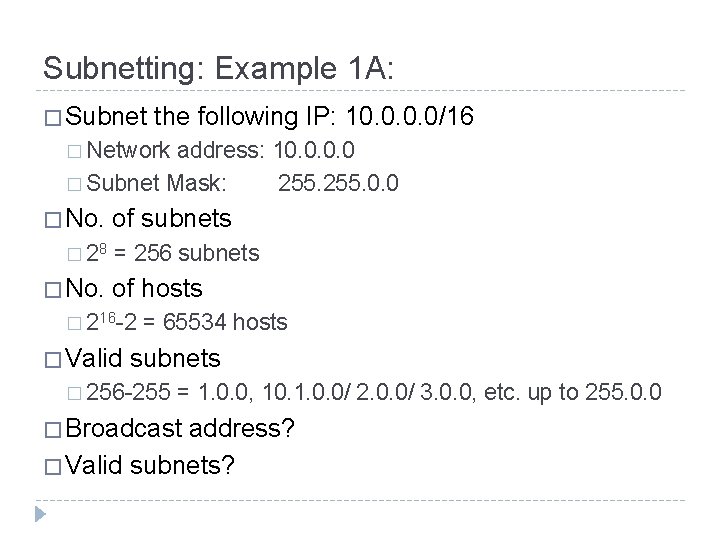
Subnetting: Example 1 A: � Subnet the following IP: 10. 0/16 � Network address: 10. 0 � Subnet Mask: 255. 0. 0 � No. � 28 � No. of subnets = 256 subnets of hosts � 216 -2 � Valid = 65534 hosts subnets � 256 -255 = 1. 0. 0, 10. 1. 0. 0/ 2. 0. 0/ 3. 0. 0, etc. up to 255. 0. 0 � Broadcast address? � Valid subnets?
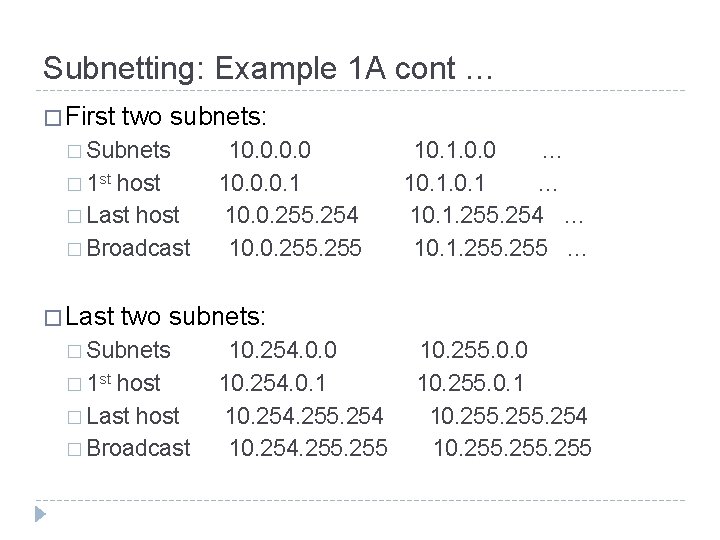
Subnetting: Example 1 A cont … � First two subnets: � Subnets � 1 st host � Last host � Broadcast � Last 10. 1. 0. 0 … 10. 1. 255. 254 … 10. 1. 255 … two subnets: � Subnets � 1 st 10. 0. 0. 1 10. 0. 255. 254 10. 0. 255 host � Last host � Broadcast 10. 254. 0. 0 10. 254. 0. 1 10. 254. 255. 254 10. 254. 255 10. 255. 0. 0 10. 255. 0. 1 10. 255. 254 10. 255
REVIEW