
Data Analysis with CMSSW Running a simple analysis
![Histograms in pyton [. . ] histo = TH 1 F("tracks", "Tracks (Pt >](https://slidetodoc.com/presentation_image_h2/3fb67cc759c9293728251120d53de6e8/image-25.jpg "Histograms in pyton [. . ] histo = TH 1 F(\"tracks\", \"Tracks (Pt >")
![Configure CRAB (crab. cfg) ● [USER] section: common info ● return_data = 1 (get](https://slidetodoc.com/presentation_image_h2/3fb67cc759c9293728251120d53de6e8/image-35.jpg "Configure CRAB (crab. cfg) ● [USER] section: common info ● return_data = 1 (get")
- Slides: 44
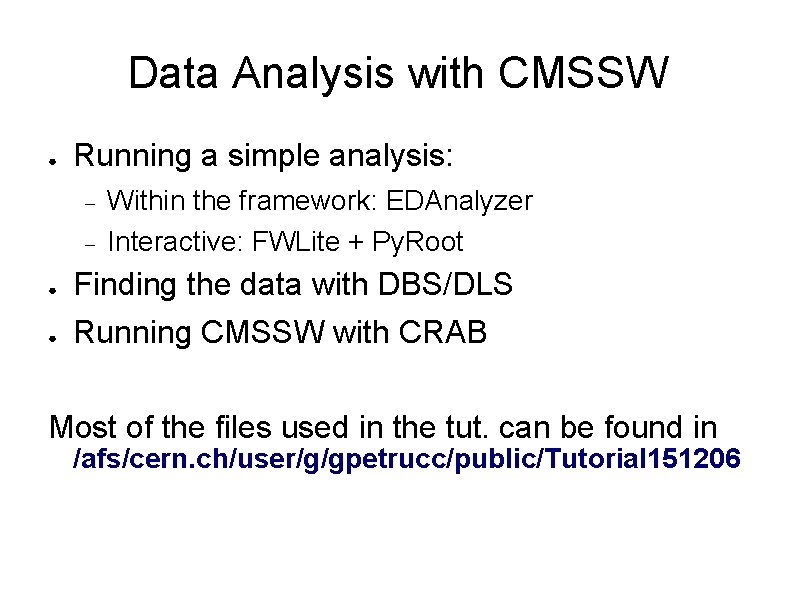
Data Analysis with CMSSW ● Running a simple analysis: ● ● Within the framework: EDAnalyzer Interactive: FWLite + Py. Root Finding the data with DBS/DLS Running CMSSW with CRAB Most of the files used in the tut. can be found in /afs/cern. ch/user/g/gpetrucc/public/Tutorial 151206
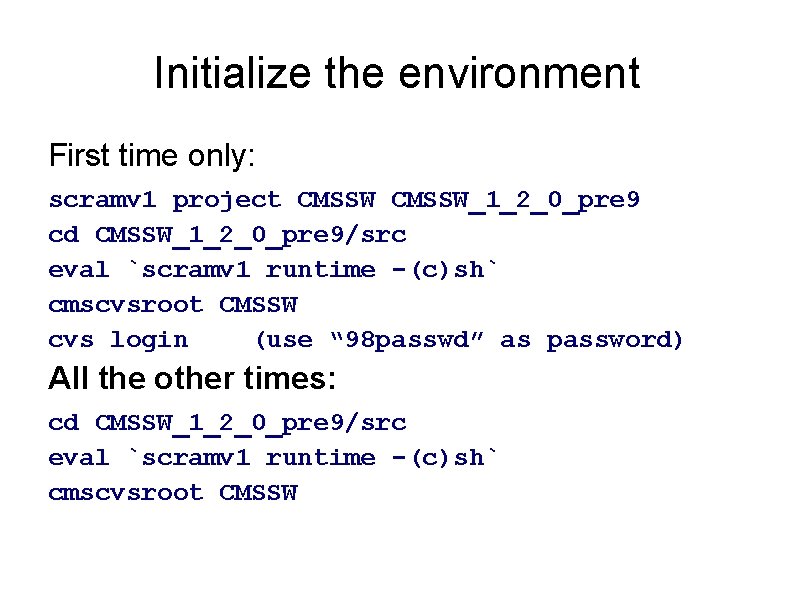
Initialize the environment First time only: scramv 1 project CMSSW_1_2_0_pre 9 cd CMSSW_1_2_0_pre 9/src eval `scramv 1 runtime -(c)sh` cmscvsroot CMSSW cvs login (use “ 98 passwd” as password) All the other times: cd CMSSW_1_2_0_pre 9/src eval `scramv 1 runtime -(c)sh` cmscvsroot CMSSW
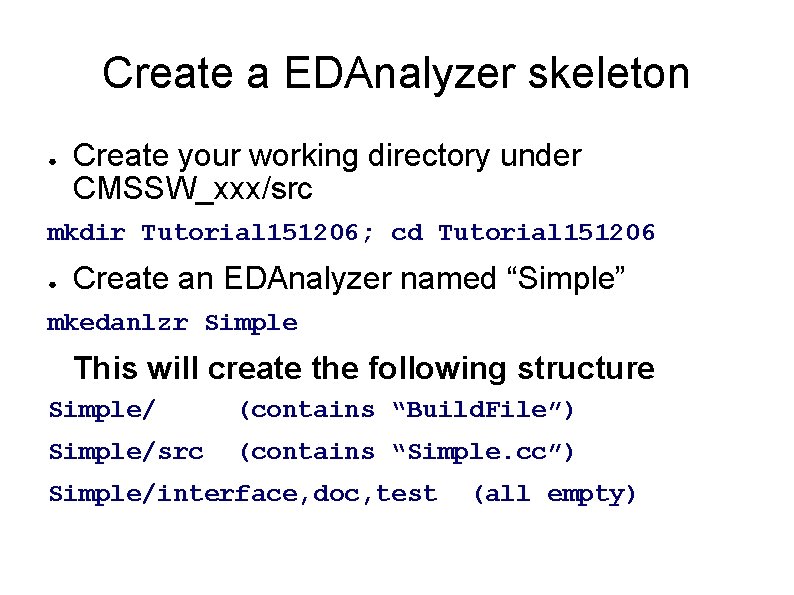
Create a EDAnalyzer skeleton ● Create your working directory under CMSSW_xxx/src mkdir Tutorial 151206; cd Tutorial 151206 ● Create an EDAnalyzer named “Simple” mkedanlzr Simple This will create the following structure Simple/ (contains “Build. File”) Simple/src (contains “Simple. cc”) Simple/interface, doc, test (all empty)
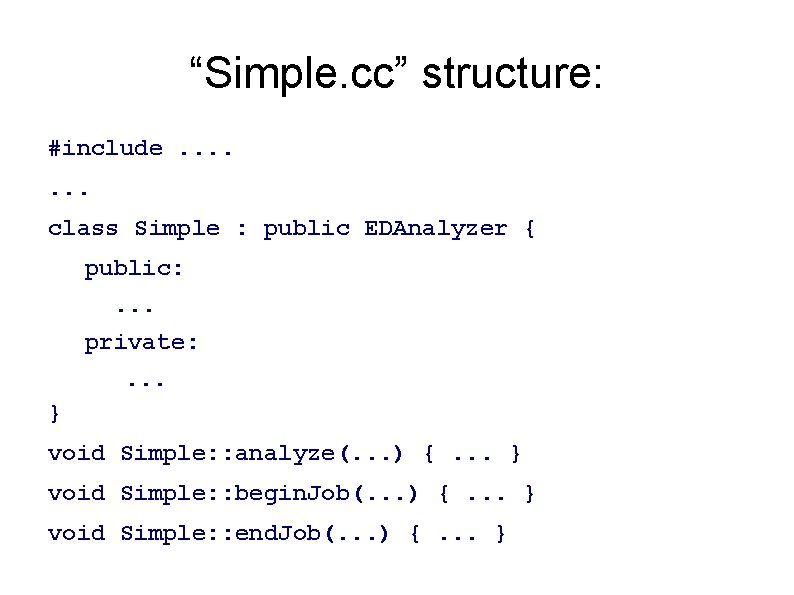
“Simple. cc” structure: #include. . . . class Simple : public EDAnalyzer { public: . . . private: . . . } void Simple: : analyze(. . . ) {. . . } void Simple: : begin. Job(. . . ) {. . . } void Simple: : end. Job(. . . ) {. . . }
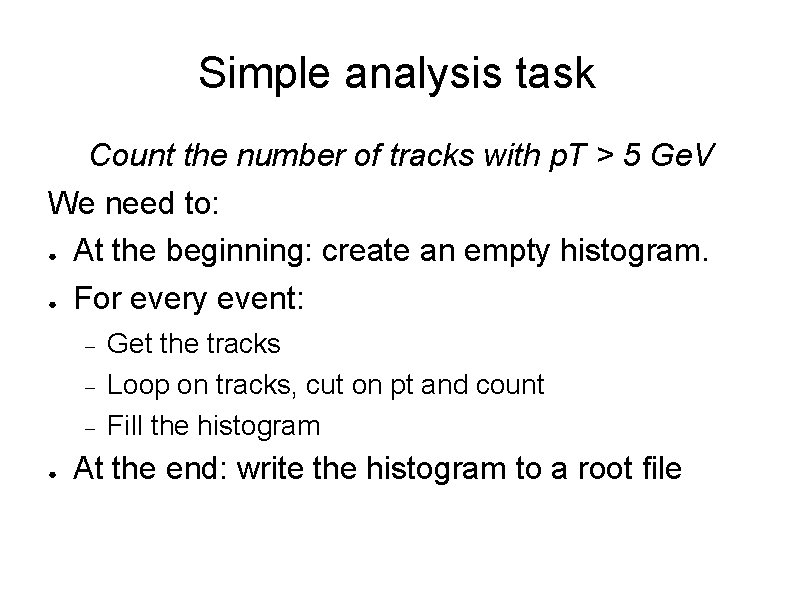
Simple analysis task Count the number of tracks with p. T > 5 Ge. V We need to: ● At the beginning: create an empty histogram. ● For every event: ● Get the tracks Loop on tracks, cut on pt and count Fill the histogram At the end: write the histogram to a root file
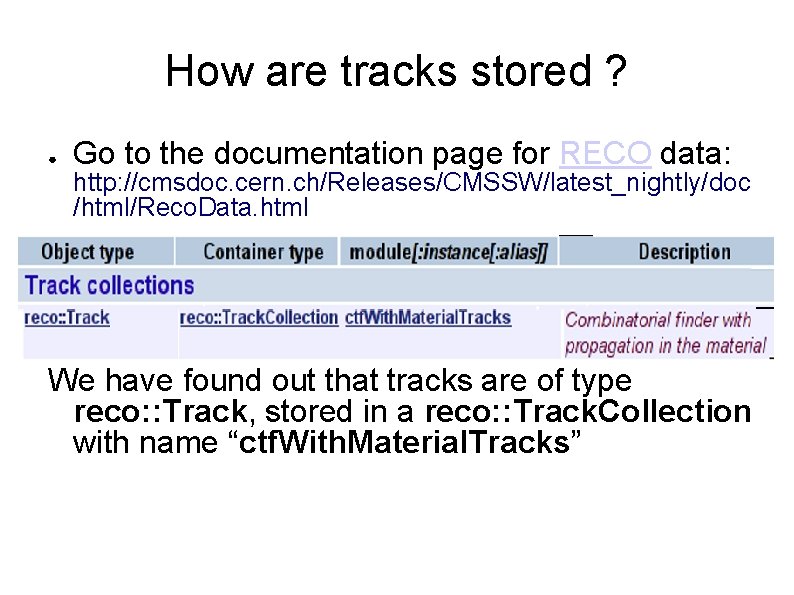
How are tracks stored ? ● Go to the documentation page for RECO data: http: //cmsdoc. cern. ch/Releases/CMSSW/latest_nightly/doc /html/Reco. Data. html We have found out that tracks are of type reco: : Track, stored in a reco: : Track. Collection with name “ctf. With. Material. Tracks”
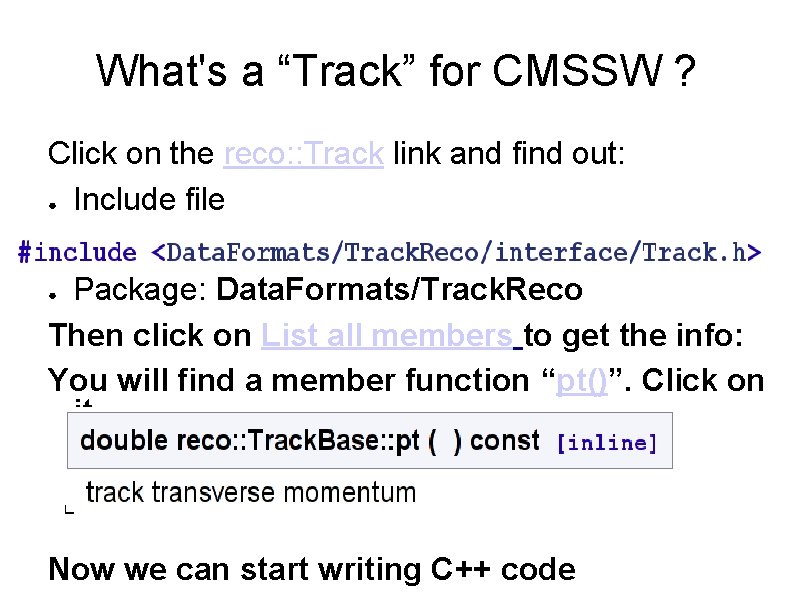
What's a “Track” for CMSSW ? Click on the reco: : Track link and find out: ● Include file Package: Data. Formats/Track. Reco Then click on List all members to get the info: You will find a member function “pt()”. Click on it. ● Now we can start writing C++ code
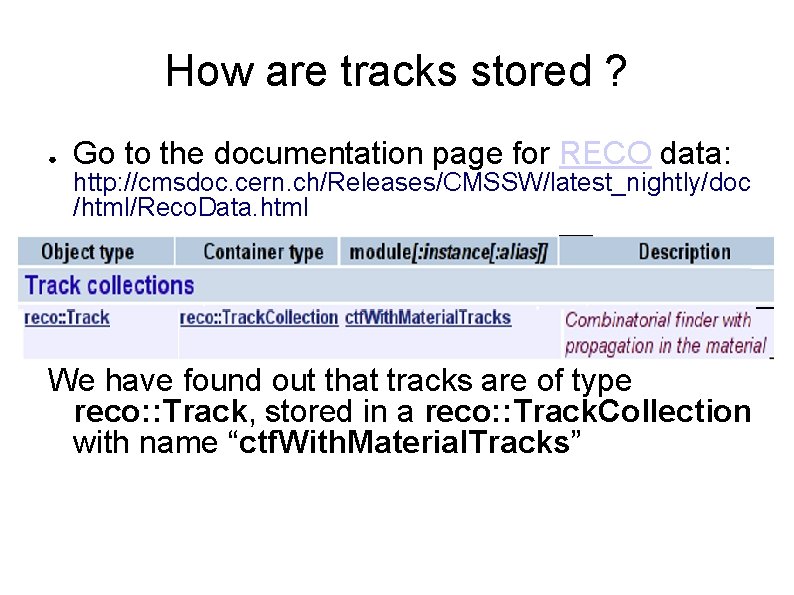
How are tracks stored ? ● Go to the documentation page for RECO data: http: //cmsdoc. cern. ch/Releases/CMSSW/latest_nightly/doc /html/Reco. Data. html We have found out that tracks are of type reco: : Track, stored in a reco: : Track. Collection with name “ctf. With. Material. Tracks”
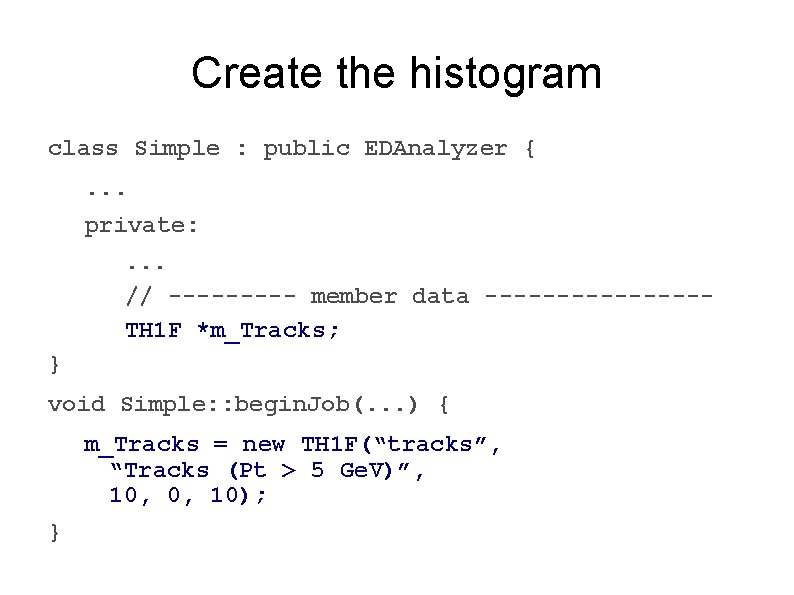
Create the histogram class Simple : public EDAnalyzer {. . . private: . . . // ----- member data --------TH 1 F *m_Tracks; } void Simple: : begin. Job(. . . ) { m_Tracks = new TH 1 F(“tracks”, “Tracks (Pt > 5 Ge. V)”, 10, 0, 10); }
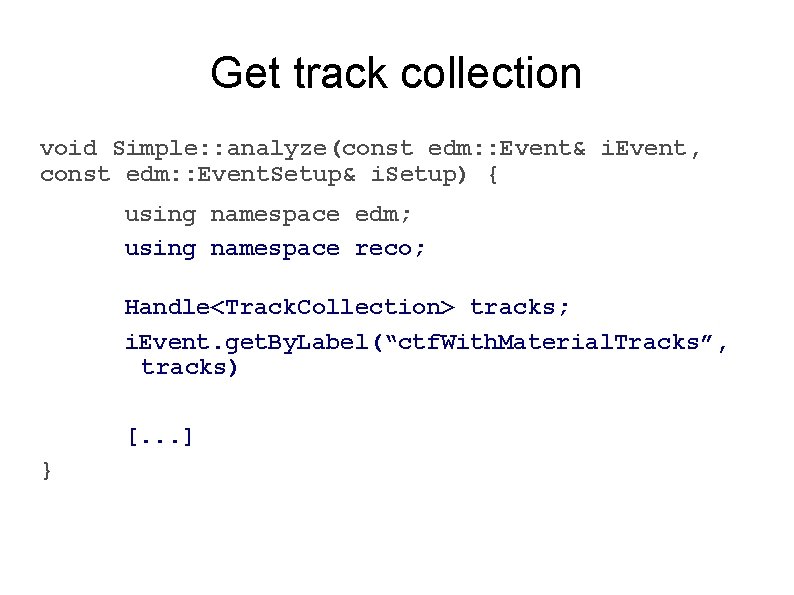
Get track collection void Simple: : analyze(const edm: : Event& i. Event, const edm: : Event. Setup& i. Setup) { using namespace edm; using namespace reco; Handle<Track. Collection> tracks; i. Event. get. By. Label(“ctf. With. Material. Tracks”, tracks) [. . . ] }
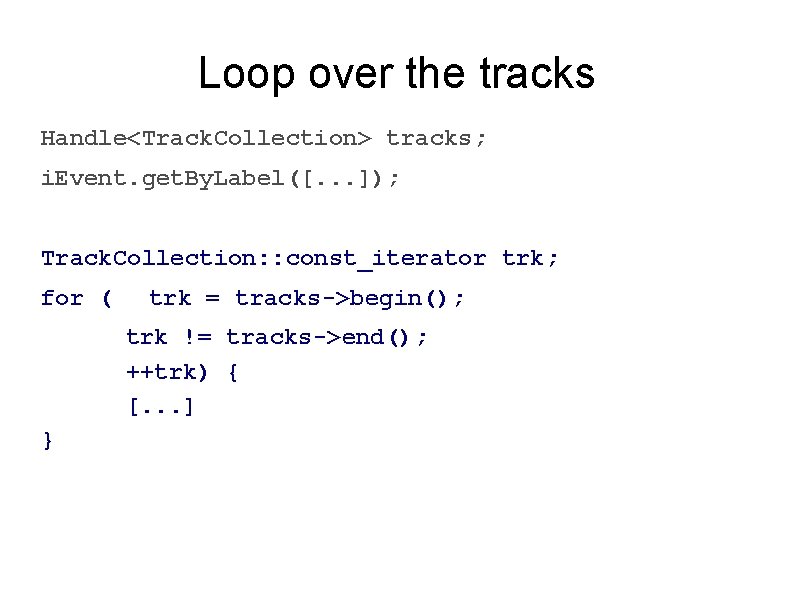
Loop over the tracks Handle<Track. Collection> tracks; i. Event. get. By. Label([. . . ]); Track. Collection: : const_iterator trk; for ( trk = tracks->begin(); trk != tracks->end(); ++trk) { [. . . ] }
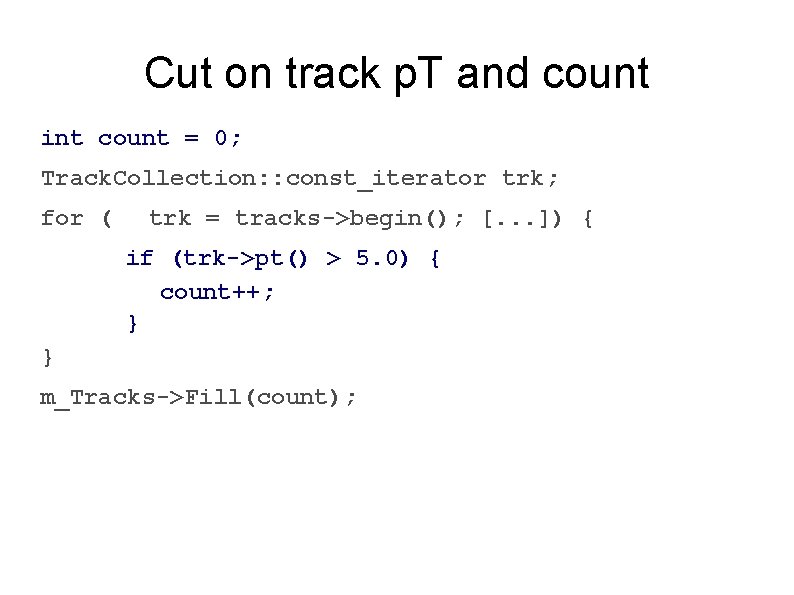
Cut on track p. T and count int count = 0; Track. Collection: : const_iterator trk; for ( trk = tracks->begin(); [. . . ]) { if (trk->pt() > 5. 0) { count++; } } m_Tracks->Fill(count);
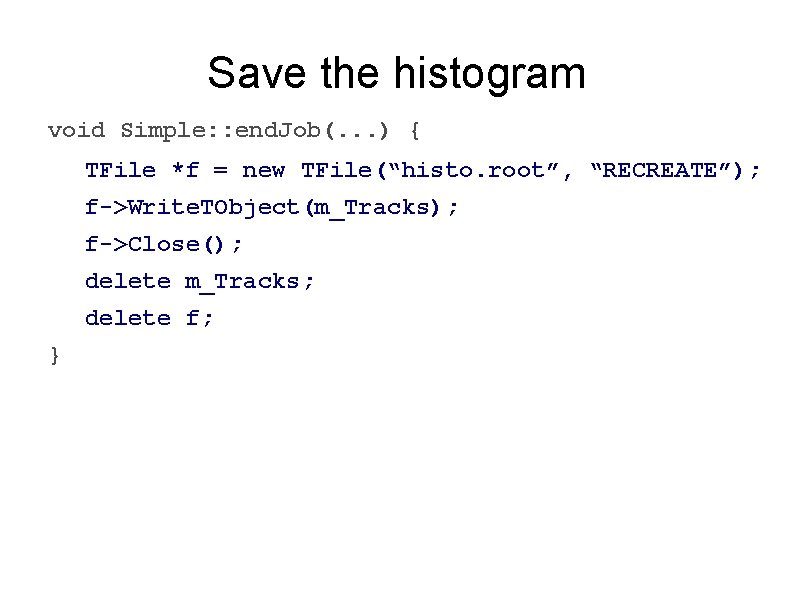
Save the histogram void Simple: : end. Job(. . . ) { TFile *f = new TFile(“histo. root”, “RECREATE”); f->Write. TObject(m_Tracks); f->Close(); delete m_Tracks; delete f; }
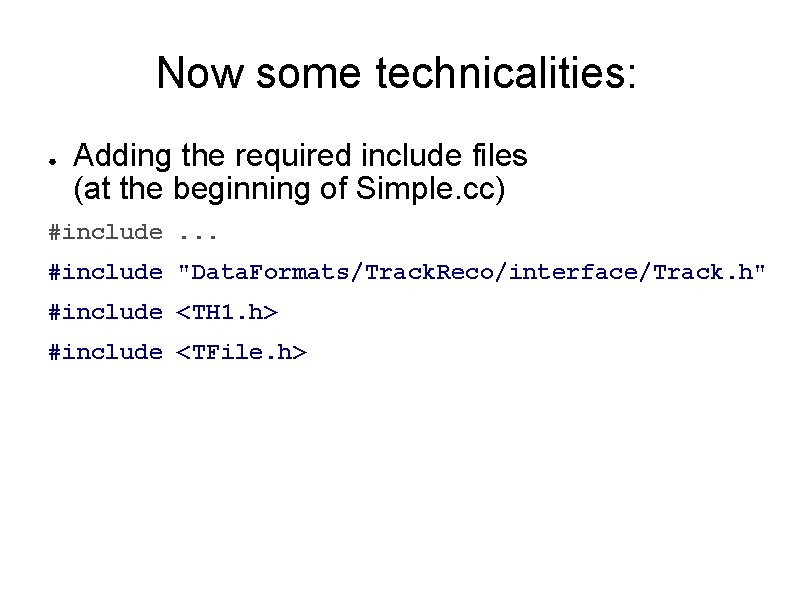
Now some technicalities: ● Adding the required include files (at the beginning of Simple. cc) #include. . . #include "Data. Formats/Track. Reco/interface/Track. h" #include <TH 1. h> #include <TFile. h>
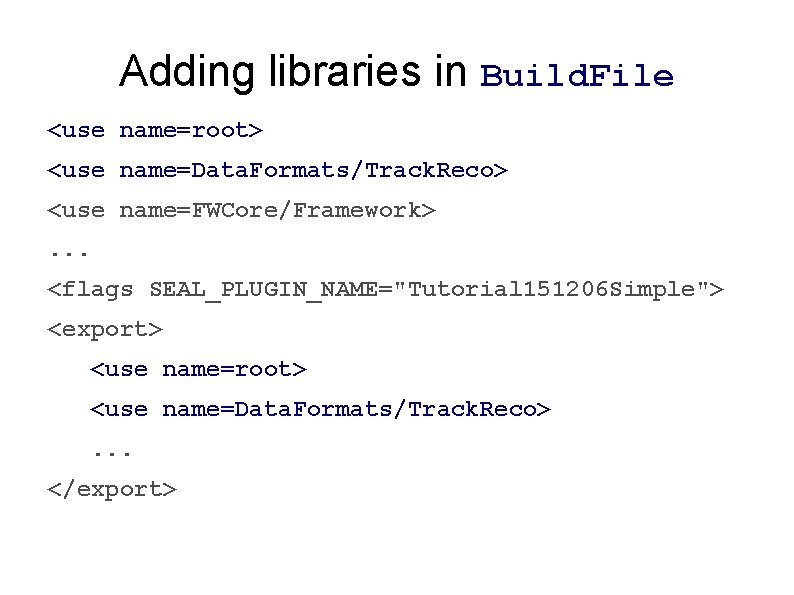
Adding libraries in Build. File <use name=root> <use name=Data. Formats/Track. Reco> <use name=FWCore/Framework>. . . <flags SEAL_PLUGIN_NAME="Tutorial 151206 Simple"> <export> <use name=root> <use name=Data. Formats/Track. Reco>. . . </export>
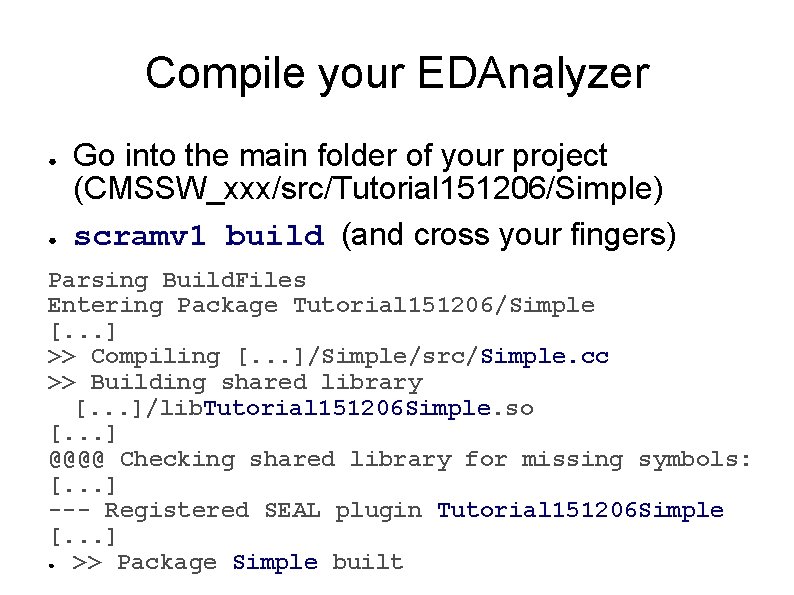
Compile your EDAnalyzer ● ● Go into the main folder of your project (CMSSW_xxx/src/Tutorial 151206/Simple) scramv 1 build (and cross your fingers) Parsing Build. Files Entering Package Tutorial 151206/Simple [. . . ] >> Compiling [. . . ]/Simple/src/Simple. cc >> Building shared library [. . . ]/lib. Tutorial 151206 Simple. so [. . . ] @@@@ Checking shared library for missing symbols: [. . . ] --- Registered SEAL plugin Tutorial 151206 Simple [. . . ] ● >> Package Simple built
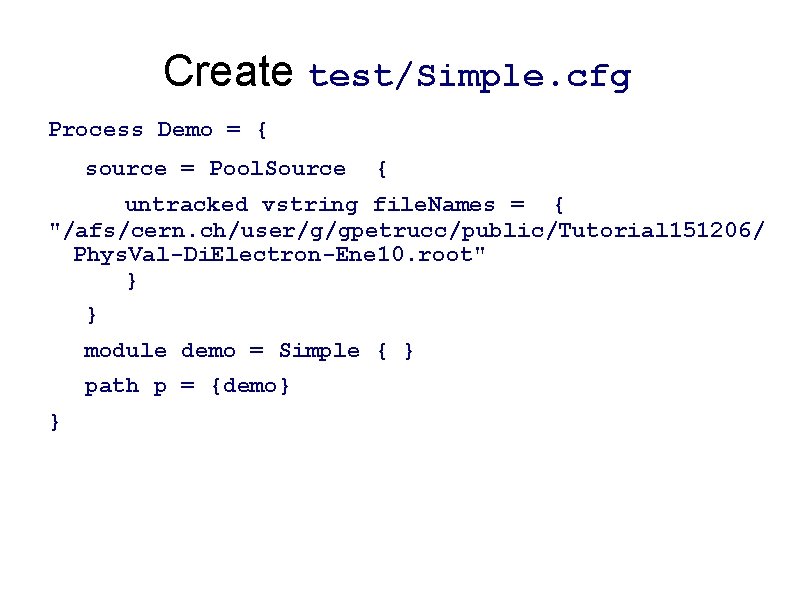
Create test/Simple. cfg Process Demo = { source = Pool. Source { untracked vstring file. Names = { "/afs/cern. ch/user/g/gpetrucc/public/Tutorial 151206/ Phys. Val-Di. Electron-Ene 10. root" } } module demo = Simple { } path p = {demo} }
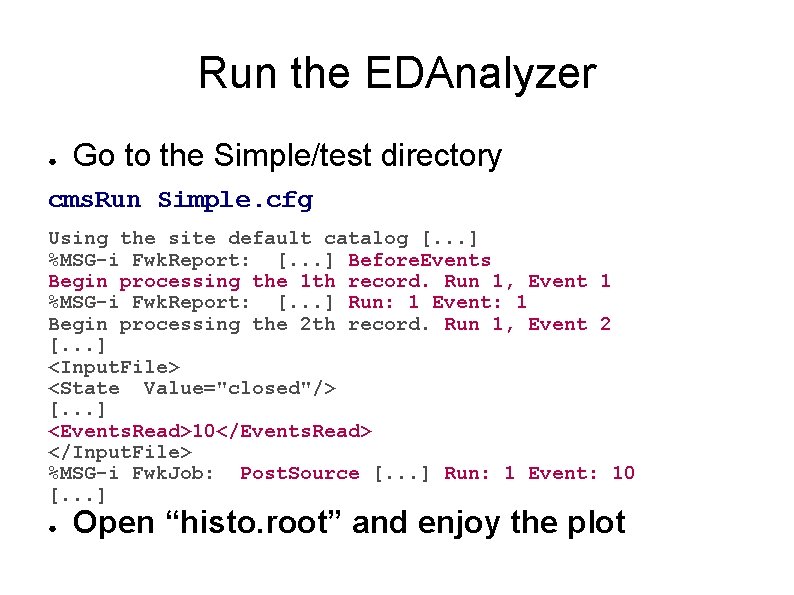
Run the EDAnalyzer ● Go to the Simple/test directory cms. Run Simple. cfg Using the site default catalog [. . . ] %MSG-i Fwk. Report: [. . . ] Before. Events Begin processing the 1 th record. Run 1, Event 1 %MSG-i Fwk. Report: [. . . ] Run: 1 Event: 1 Begin processing the 2 th record. Run 1, Event 2 [. . . ] <Input. File> <State Value="closed"/> [. . . ] <Events. Read>10</Events. Read> </Input. File> %MSG-i Fwk. Job: Post. Source [. . . ] Run: 1 Event: 10 [. . . ] ● Open “histo. root” and enjoy the plot
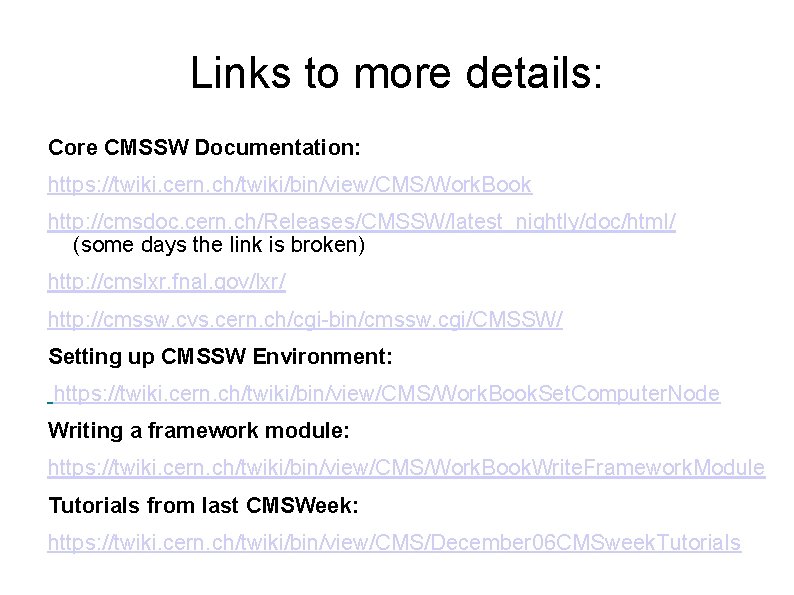
Links to more details: Core CMSSW Documentation: https: //twiki. cern. ch/twiki/bin/view/CMS/Work. Book http: //cmsdoc. cern. ch/Releases/CMSSW/latest_nightly/doc/html/ (some days the link is broken) http: //cmslxr. fnal. gov/lxr/ http: //cmssw. cvs. cern. ch/cgi-bin/cmssw. cgi/CMSSW/ Setting up CMSSW Environment: https: //twiki. cern. ch/twiki/bin/view/CMS/Work. Book. Set. Computer. Node Writing a framework module: https: //twiki. cern. ch/twiki/bin/view/CMS/Work. Book. Write. Framework. Module Tutorials from last CMSWeek: https: //twiki. cern. ch/twiki/bin/view/CMS/December 06 CMSweek. Tutorials
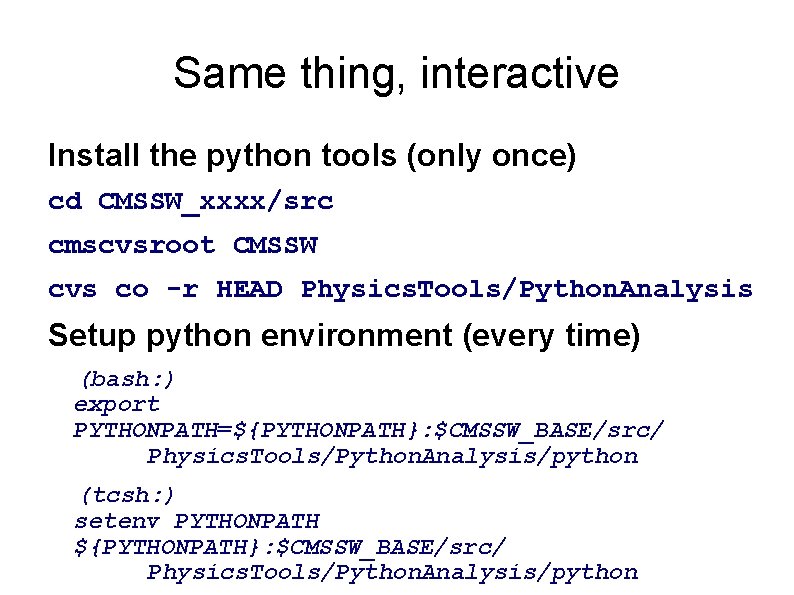
Same thing, interactive Install the python tools (only once) cd CMSSW_xxxx/src cmscvsroot CMSSW cvs co -r HEAD Physics. Tools/Python. Analysis Setup python environment (every time) (bash: ) export PYTHONPATH=${PYTHONPATH}: $CMSSW_BASE/src/ Physics. Tools/Python. Analysis/python (tcsh: ) setenv PYTHONPATH ${PYTHONPATH}: $CMSSW_BASE/src/ Physics. Tools/Python. Analysis/python
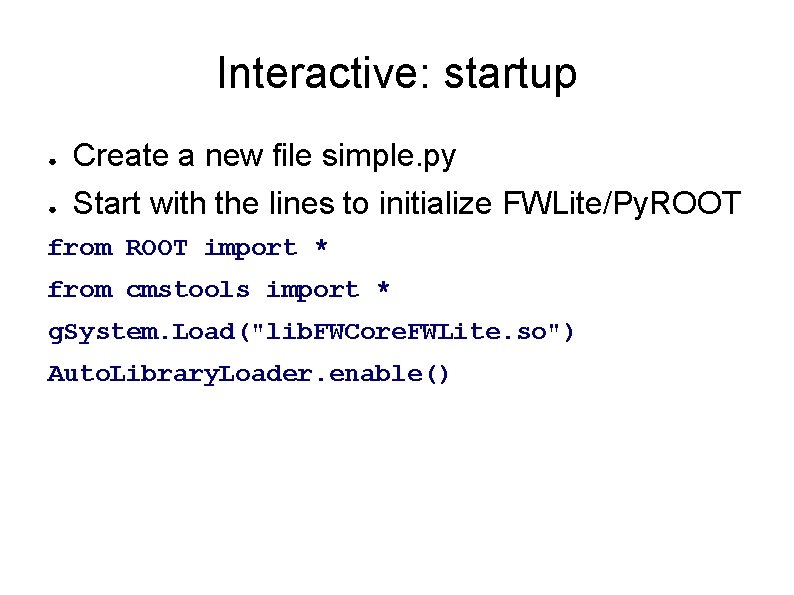
Interactive: startup ● ● Create a new file simple. py Start with the lines to initialize FWLite/Py. ROOT from ROOT import * from cmstools import * g. System. Load("lib. FWCore. FWLite. so") Auto. Library. Loader. enable()
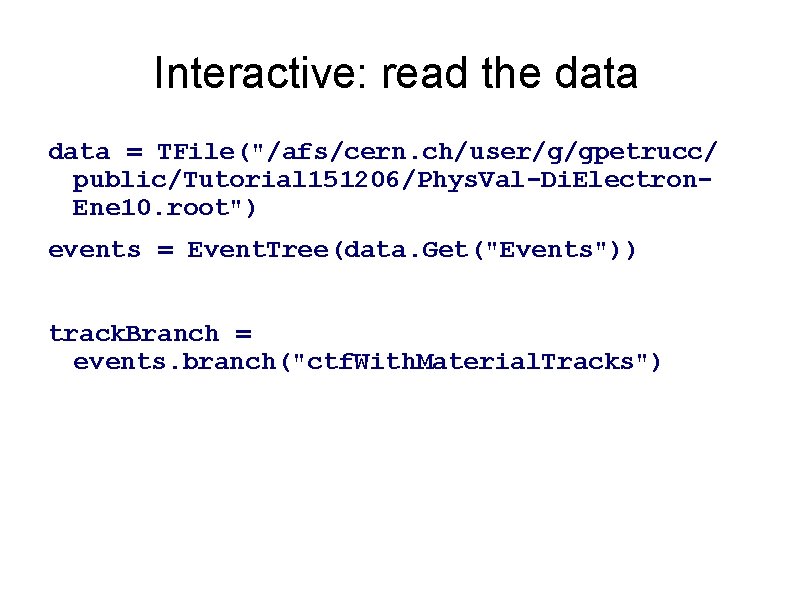
Interactive: read the data = TFile("/afs/cern. ch/user/g/gpetrucc/ public/Tutorial 151206/Phys. Val-Di. Electron. Ene 10. root") events = Event. Tree(data. Get("Events")) track. Branch = events. branch("ctf. With. Material. Tracks")
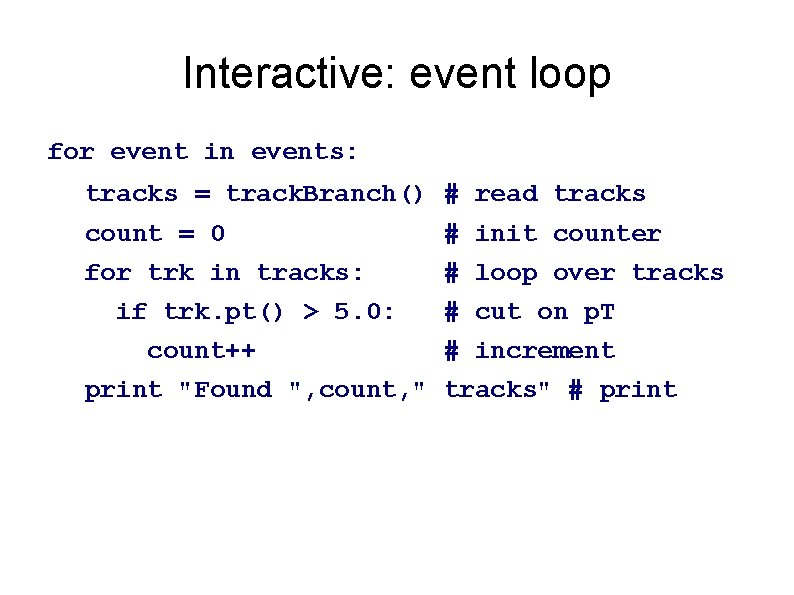
Interactive: event loop for event in events: tracks = track. Branch() # read tracks count = 0 # init counter for trk in tracks: # loop over tracks if trk. pt() > 5. 0: count++ # cut on p. T # increment print "Found ", count, " tracks" # print
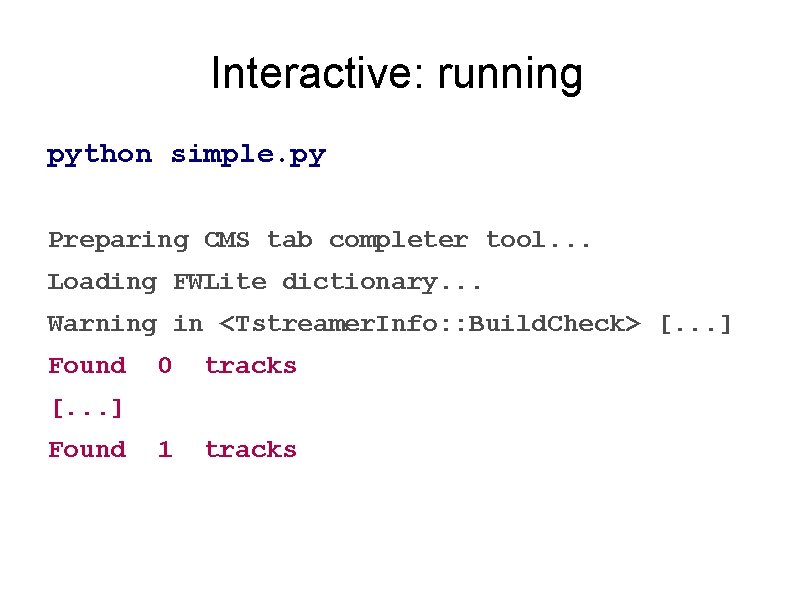
Interactive: running python simple. py Preparing CMS tab completer tool. . . Loading FWLite dictionary. . . Warning in <Tstreamer. Info: : Build. Check> [. . . ] Found 0 tracks 1 tracks [. . . ] Found
Histograms in pyton [. . ] histo = TH 1 F("tracks", "Tracks (Pt > 5 Ge. V)", 10, 0, 10) for event in events: [. . . ] print "Found ", count, " tracks" # print histo. Fill(count) f = TFile("histo. root", "RECREATE") f. Write. TObject(histo) f. Close()
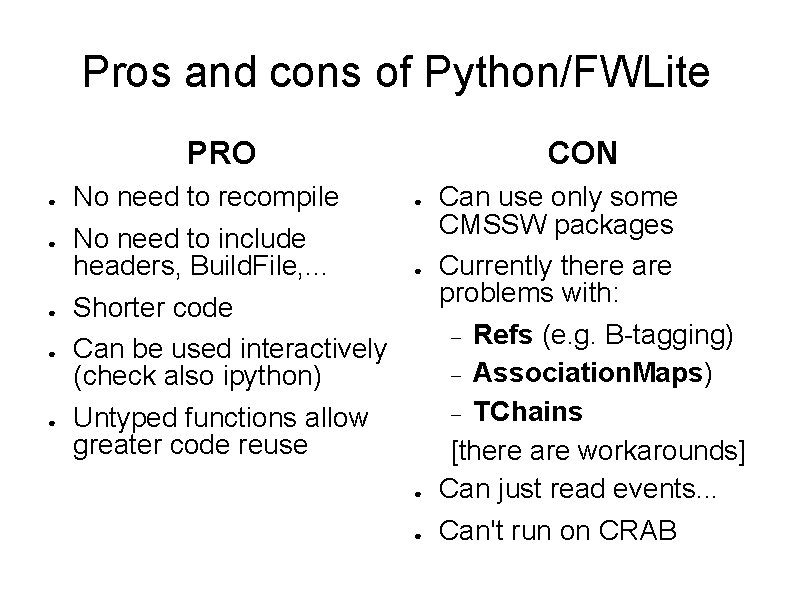
Pros and cons of Python/FWLite PRO ● ● ● No need to recompile No need to include headers, Build. File, . . . Shorter code Can be used interactively (check also ipython) Untyped functions allow greater code reuse CON ● ● Can use only some CMSSW packages Currently there are problems with: Refs (e. g. B-tagging) Association. Maps) TChains [there are workarounds] Can just read events. . . Can't run on CRAB
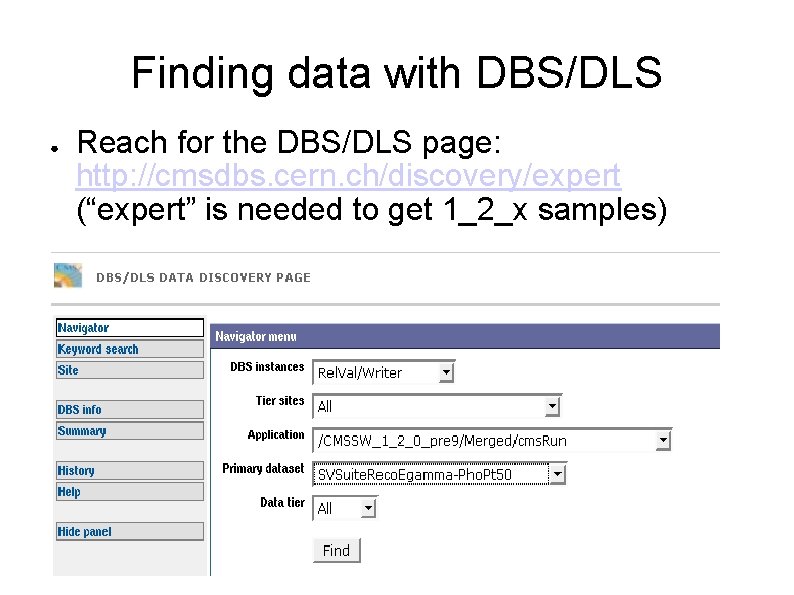
Finding data with DBS/DLS ● Reach for the DBS/DLS page: http: //cmsdbs. cern. ch/discovery/expert (“expert” is needed to get 1_2_x samples)
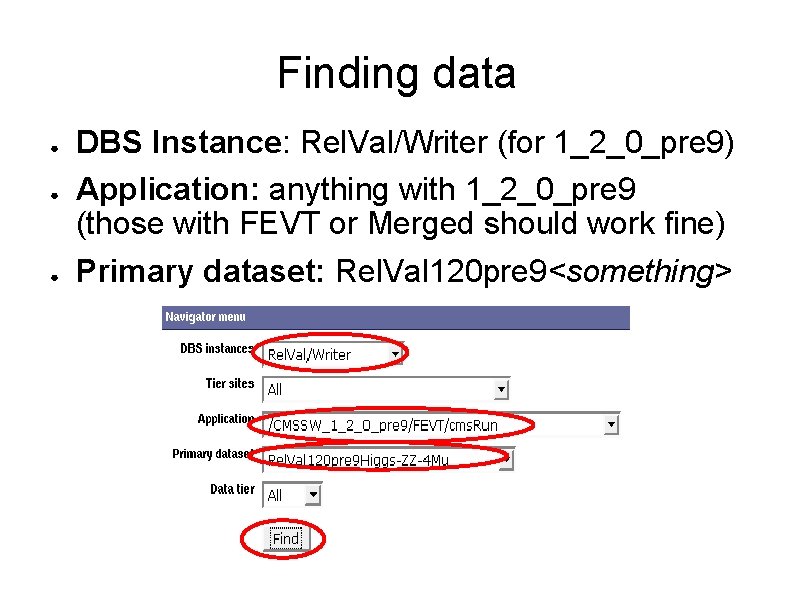
Finding data ● ● ● DBS Instance: Rel. Val/Writer (for 1_2_0_pre 9) Application: anything with 1_2_0_pre 9 (those with FEVT or Merged should work fine) Primary dataset: Rel. Val 120 pre 9<something>
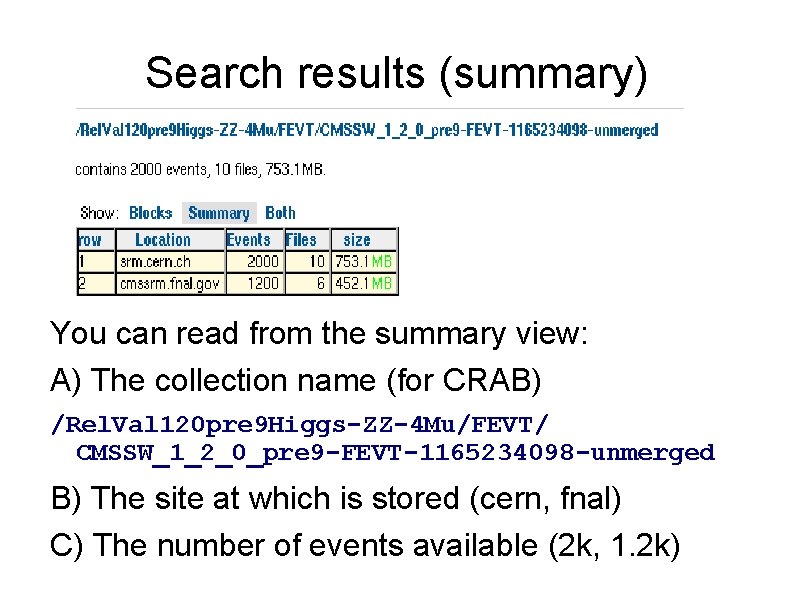
Search results (summary) You can read from the summary view: A) The collection name (for CRAB) /Rel. Val 120 pre 9 Higgs-ZZ-4 Mu/FEVT/ CMSSW_1_2_0_pre 9 -FEVT-1165234098 -unmerged B) The site at which is stored (cern, fnal) C) The number of events available (2 k, 1. 2 k)
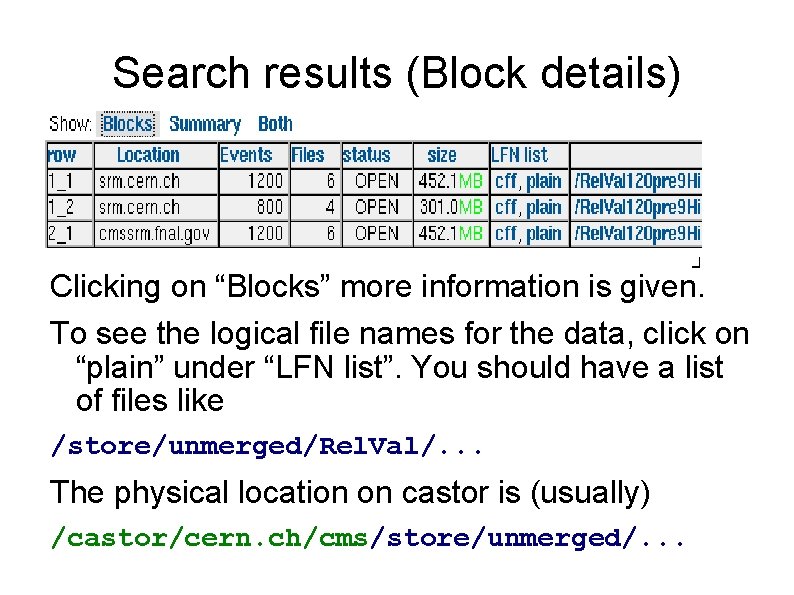
Search results (Block details) Clicking on “Blocks” more information is given. To see the logical file names for the data, click on “plain” under “LFN list”. You should have a list of files like /store/unmerged/Rel. Val/. . . The physical location on castor is (usually) /castor/cern. ch/cms/store/unmerged/. . .
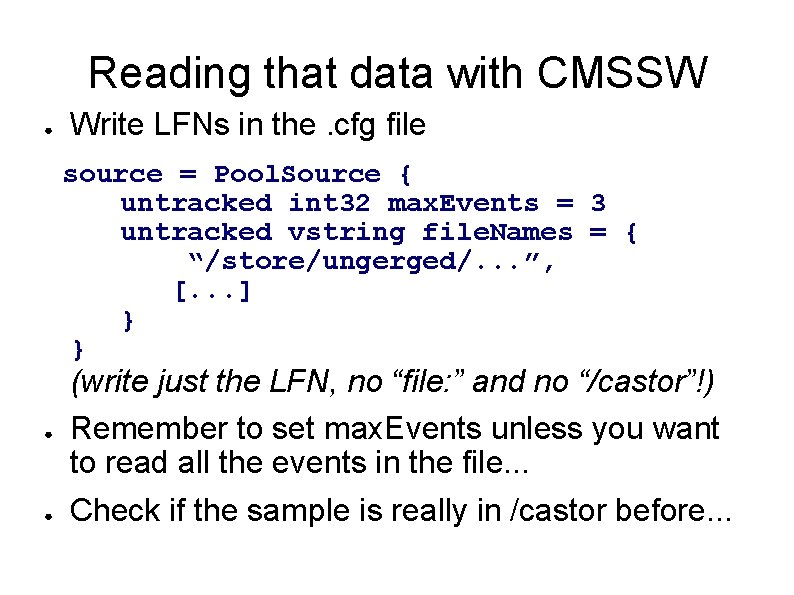
Reading that data with CMSSW ● Write LFNs in the. cfg file source = Pool. Source { untracked int 32 max. Events = 3 untracked vstring file. Names = { “/store/ungerged/. . . ”, [. . . ] } } ● ● (write just the LFN, no “file: ” and no “/castor”!) Remember to set max. Events unless you want to read all the events in the file. . . Check if the sample is really in /castor before. . .
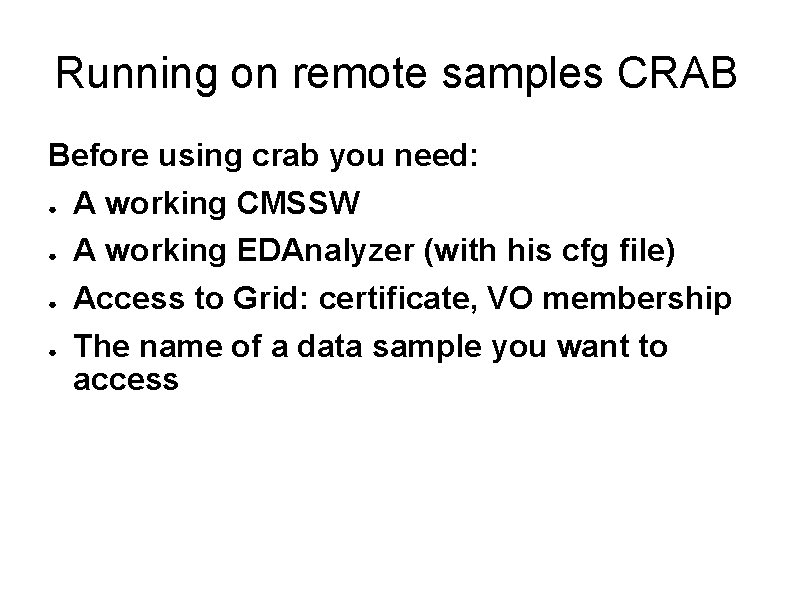
Running on remote samples CRAB Before using crab you need: ● A working CMSSW ● A working EDAnalyzer (with his cfg file) ● Access to Grid: certificate, VO membership ● The name of a data sample you want to access
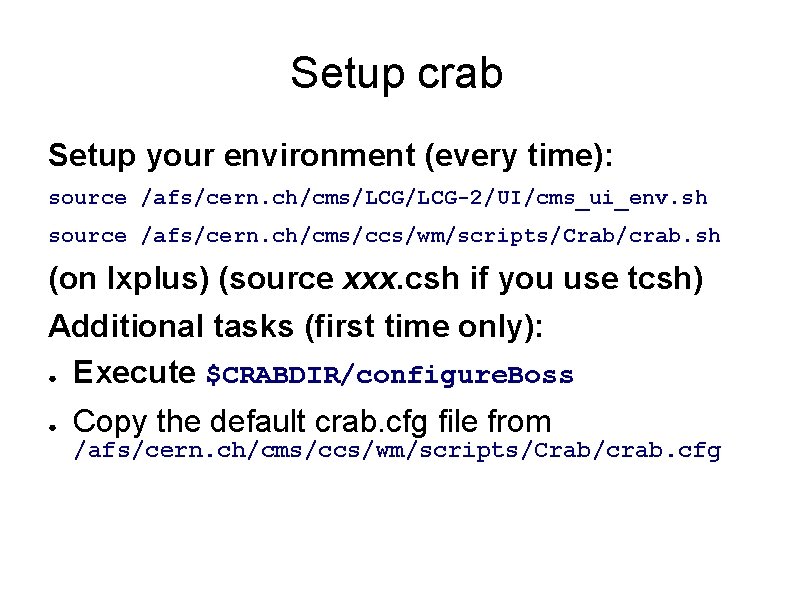
Setup crab Setup your environment (every time): source /afs/cern. ch/cms/LCG-2/UI/cms_ui_env. sh source /afs/cern. ch/cms/ccs/wm/scripts/Crab/crab. sh (on lxplus) (source xxx. csh if you use tcsh) Additional tasks (first time only): ● Execute $CRABDIR/configure. Boss ● Copy the default crab. cfg file from /afs/cern. ch/cms/ccs/wm/scripts/Crab/crab. cfg
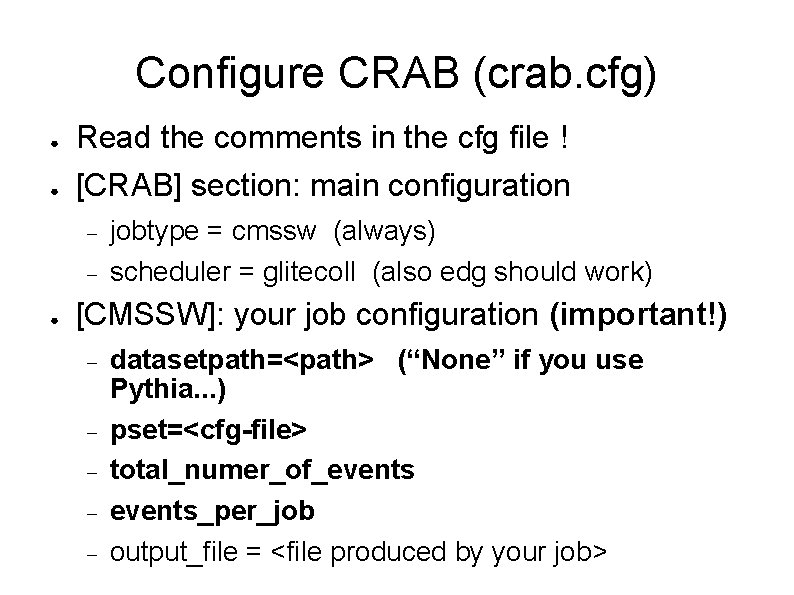
Configure CRAB (crab. cfg) ● ● Read the comments in the cfg file ! [CRAB] section: main configuration ● jobtype = cmssw (always) scheduler = glitecoll (also edg should work) [CMSSW]: your job configuration (important!) datasetpath=<path> (“None” if you use Pythia. . . ) pset=<cfg-file> total_numer_of_events_per_job output_file = <file produced by your job>
Configure CRAB (crab. cfg) ● [USER] section: common info ● return_data = 1 (get your output back with crab) copy_data = 0 (=1 to save the output on castor. . . more tricky) [EDG] section: GRID configuration (optional) ce_white_list, se_white_list: use only the CE/SE with names in the list; you can try “cern”, “infn”) ce_black_list, se_black_list: never use CE/SE whith the specified name (i. e. “tw”, “fnal”, “cern”) rb = CERN (try CNAF if cern does not work)
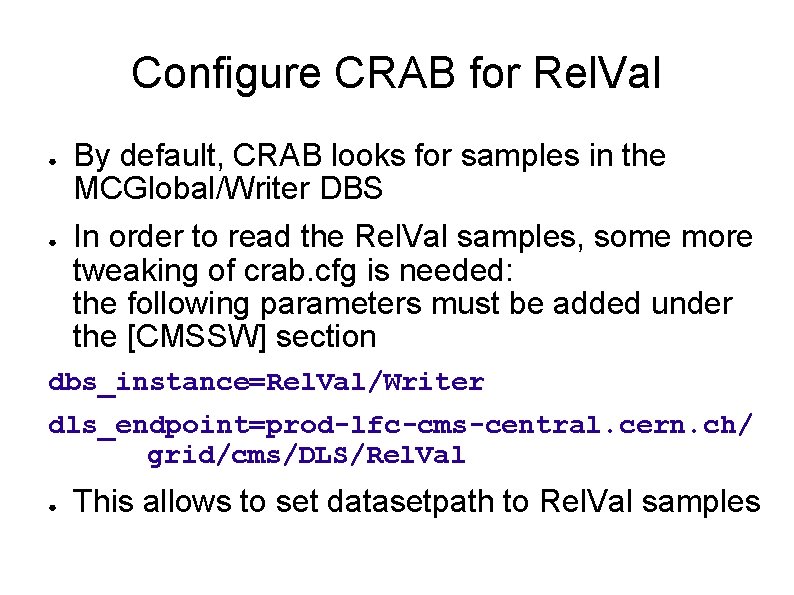
Configure CRAB for Rel. Val ● ● By default, CRAB looks for samples in the MCGlobal/Writer DBS In order to read the Rel. Val samples, some more tweaking of crab. cfg is needed: the following parameters must be added under the [CMSSW] section dbs_instance=Rel. Val/Writer dls_endpoint=prod-lfc-cms-central. cern. ch/ grid/cms/DLS/Rel. Val ● This allows to set datasetpath to Rel. Val samples
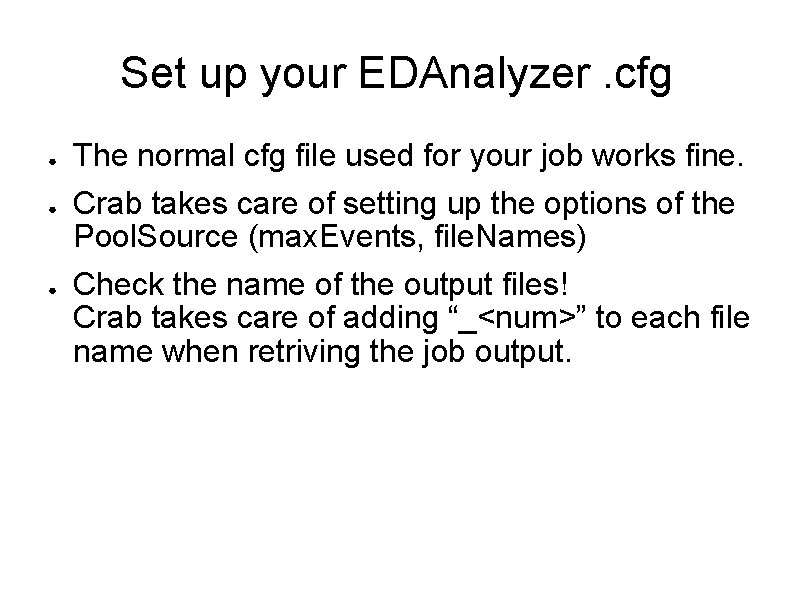
Set up your EDAnalyzer. cfg ● ● ● The normal cfg file used for your job works fine. Crab takes care of setting up the options of the Pool. Source (max. Events, file. Names) Check the name of the output files! Crab takes care of adding “_<num>” to each file name when retriving the job output.
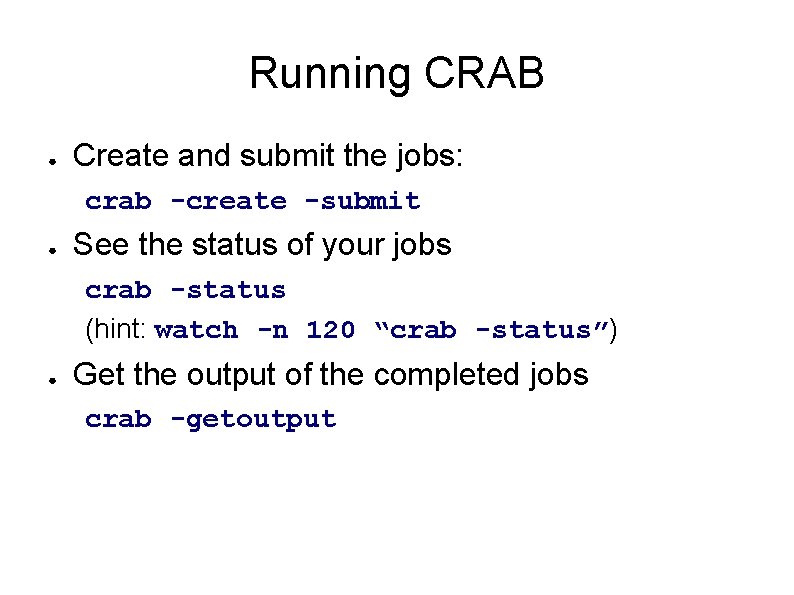
Running CRAB ● Create and submit the jobs: crab -create -submit ● See the status of your jobs crab -status (hint: watch -n 120 “crab -status”) ● Get the output of the completed jobs crab -getoutput
Further information https: //twiki. cern. ch/twiki/bin/view/CMS/Work. Book. Running. Grid http: //cmsdoc. cern. ch/cms/ccs/wm/www/Crab/ https: //twiki. cern. ch/twiki/pub/CMS/December 06 CMSweek. Tutorials/CRAB_tutor ial. pdf http: //arda-dashboard. cern. ch/cms/
Backup slides ● Python crash course (4 slides)
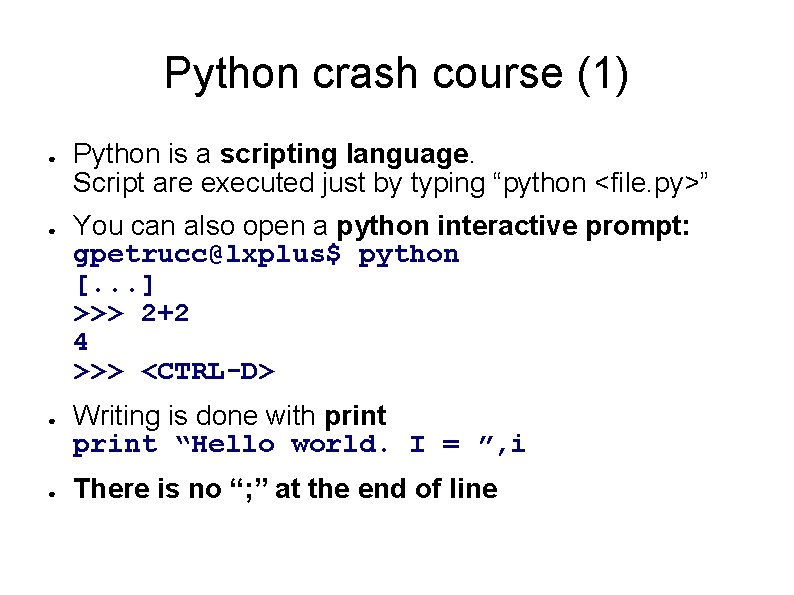
Python crash course (1) ● ● Python is a scripting language. Script are executed just by typing “python <file. py>” You can also open a python interactive prompt: gpetrucc@lxplus$ python [. . . ] >>> 2+2 4 >>> <CTRL-D> Writing is done with print “Hello world. I = ”, i There is no “; ” at the end of line
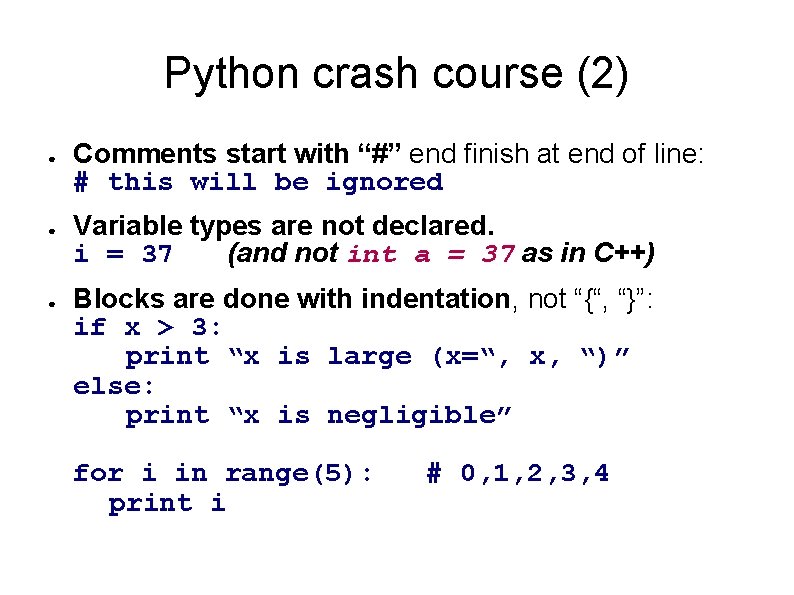
Python crash course (2) ● ● ● Comments start with “#” end finish at end of line: # this will be ignored Variable types are not declared. i = 37 (and not int a = 37 as in C++) Blocks are done with indentation, not “{“, “}”: if x > 3: print “x is large (x=“, x, “)” else: print “x is negligible” for i in range(5): print i # 0, 1, 2, 3, 4
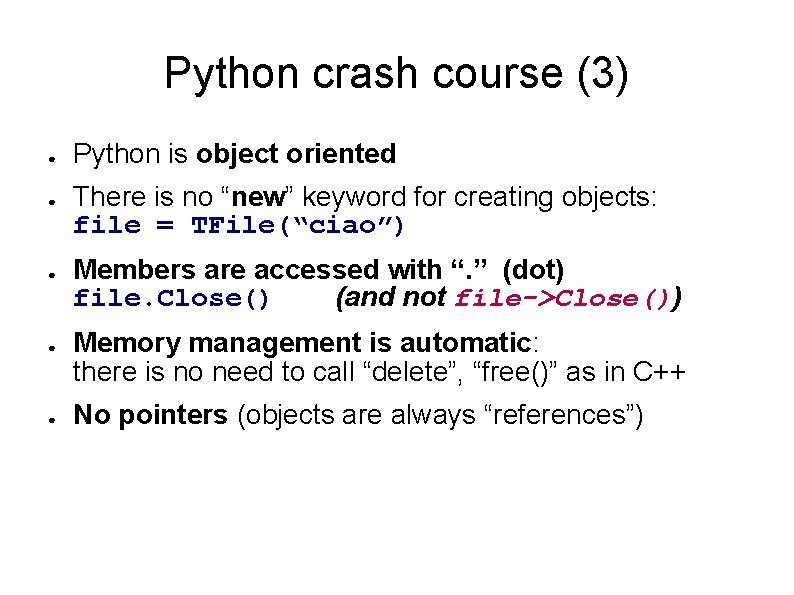
Python crash course (3) ● ● ● Python is object oriented There is no “new” keyword for creating objects: file = TFile(“ciao”) Members are accessed with “. ” (dot) file. Close() (and not file->Close()) Memory management is automatic: there is no need to call “delete”, “free()” as in C++ No pointers (objects are always “references”)
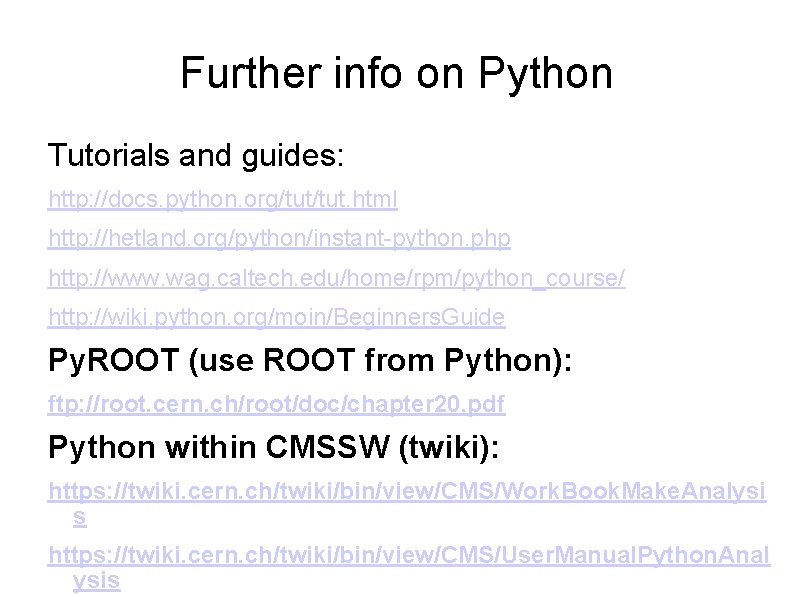
Further info on Python Tutorials and guides: http: //docs. python. org/tut. html http: //hetland. org/python/instant-python. php http: //www. wag. caltech. edu/home/rpm/python_course/ http: //wiki. python. org/moin/Beginners. Guide Py. ROOT (use ROOT from Python): ftp: //root. cern. ch/root/doc/chapter 20. pdf Python within CMSSW (twiki): https: //twiki. cern. ch/twiki/bin/view/CMS/Work. Book. Make. Analysi s https: //twiki. cern. ch/twiki/bin/view/CMS/User. Manual. Python. Anal ysis