
Data analysis in Origin Hyun Hee Shim Department
- Slides: 8
Data analysis in Origin Hyun Hee Shim Department of Physics Kangwon National University 1
Introduction Origin provides a powerful environment for data analysis. Tools, menu commands, toolbars, commands facilitate data analysis in Origin. 2
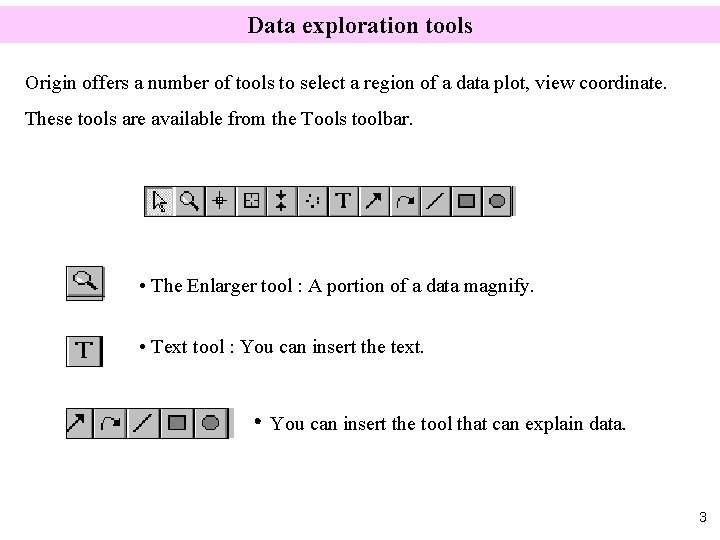
Data exploration tools Origin offers a number of tools to select a region of a data plot, view coordinate. These tools are available from the Tools toolbar. • The Enlarger tool : A portion of a data magnify. • Text tool : You can insert the text. • You can insert the tool that can explain data. 3
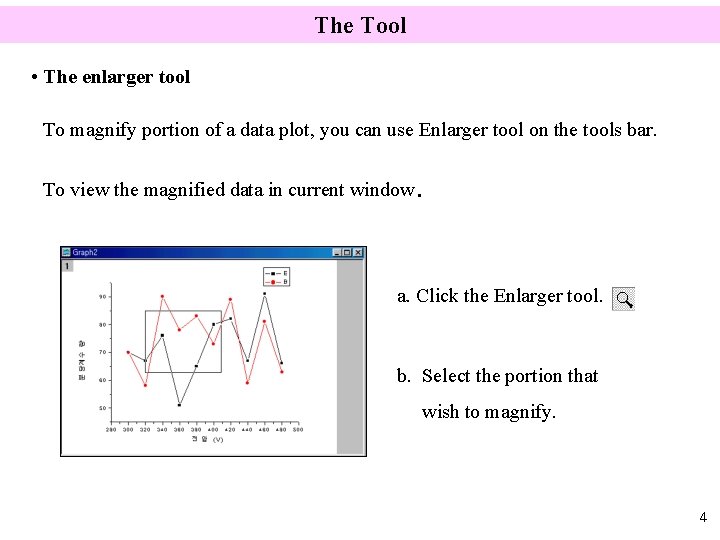
The Tool • The enlarger tool To magnify portion of a data plot, you can use Enlarger tool on the tools bar. To view the magnified data in current window. a. Click the Enlarger tool. b. Select the portion that wish to magnify. 4
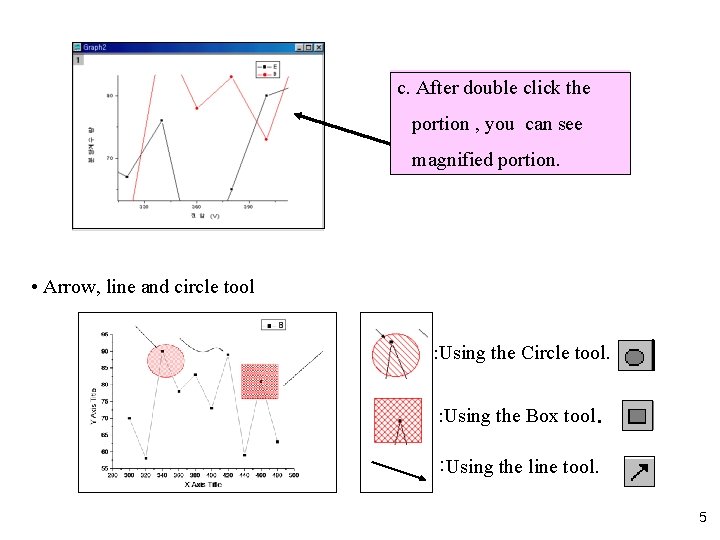
c. After double click the portion , you can see magnified portion. • Arrow, line and circle tool : Using the Circle tool. : Using the Box tool. : Using the line tool. 5
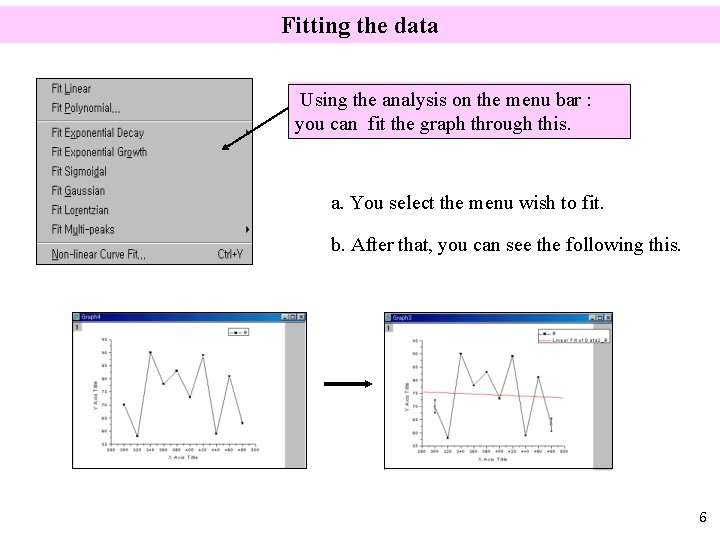
Fitting the data Using the analysis on the menu bar : you can fit the graph through this. a. You select the menu wish to fit. b. After that, you can see the following this. 6
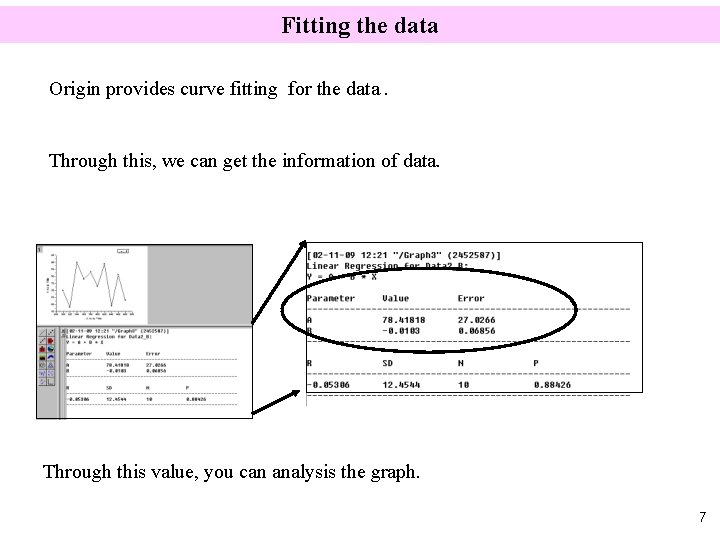
Fitting the data Origin provides curve fitting for the data. Through this, we can get the information of data. Through this value, you can analysis the graph. 7
Summary Origin provides a powerful environment for data analysis. 1. Data exploration tools. 2. Analysis on the menu bar. 8