
DASAR KOMPUTER DAN PEMOGRAMAN Arsitektur Komputer Teknik Elektro

- Slides: 31
DASAR KOMPUTER DAN PEMOGRAMAN ( Arsitektur Komputer ) Teknik Elektro Universitas Diponegoro Semarang
SEJARAH KOMPUTER • PC pertama kali diperkenalkan oleh IBM 1981 • Model PC von Neumann(Ahli Matematika asal Hongaria-Amerika) di Institute Princeton, New Jersey(1903 -1957) Perangkat keras komputer: – CPU(Central Processing Unit)/ Pengolah Pusat – Input/Peralatan masukan – Output/Peralatan keluaran – Working memory/Memori tempat kerja – Permanent memory/Memori tetap
Perangkat Keras Sistem Komputer • • • Central Processing Unit (CPU) Peranti Masukan (Input Device) Peranti Keluaran (Output Device) Memori Utama ( Main Memory) Peranti Penyimpan Sekunder
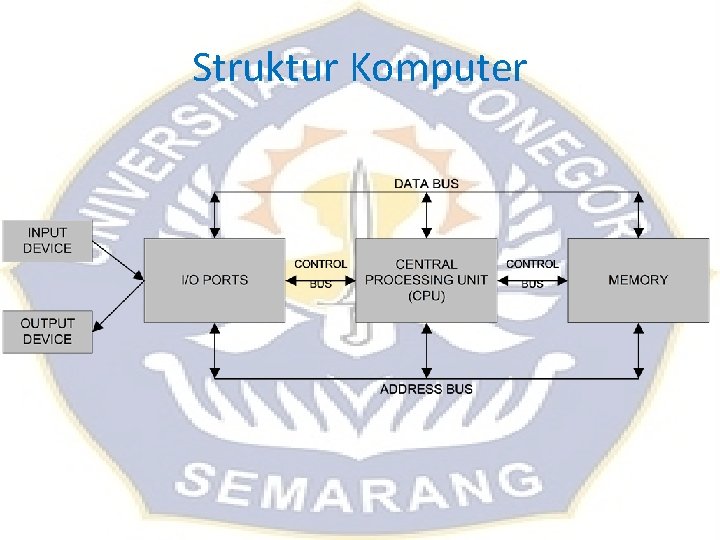
Struktur Komputer
Struktur Komputer • Data bus adalah jalur-jalur perpindahan data antarmodul dalam sistem komputer. • Address Bus digunakan untuk menandakan lokasi sumber ataupun tujuan pada proses transfer data. • Control Bus digunakan untuk mengontrol penggunaan serta akses ke Data Bus dan Address Bus.
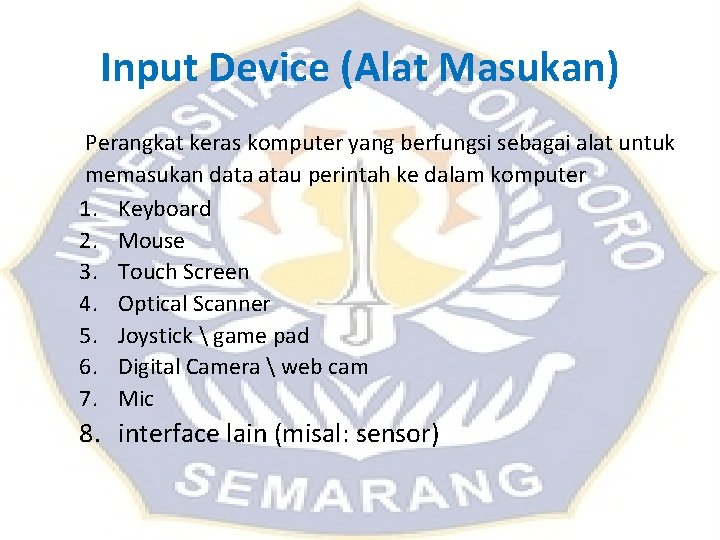
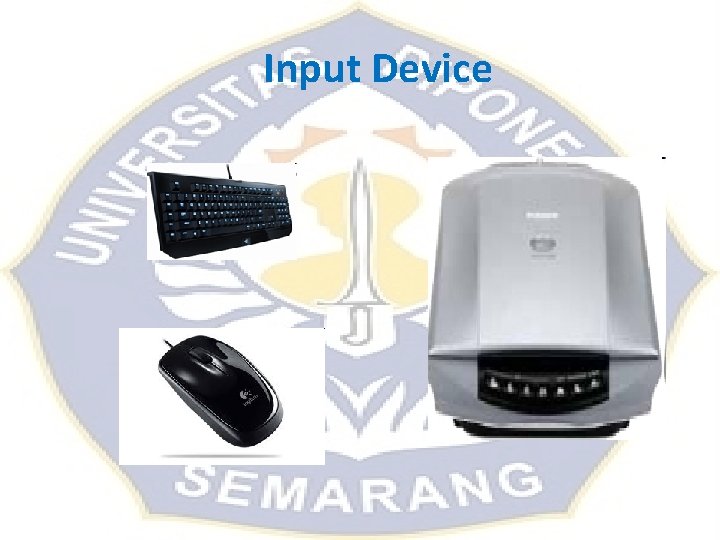
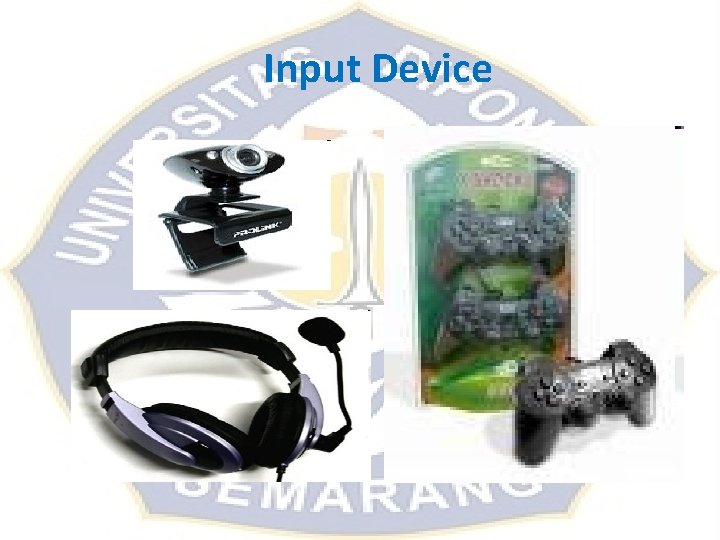
Input Device (Alat Masukan) Perangkat keras komputer yang berfungsi sebagai alat untuk memasukan data atau perintah ke dalam komputer 1. Keyboard 2. Mouse 3. Touch Screen 4. Optical Scanner 5. Joystick game pad 6. Digital Camera web cam 7. Mic 8. interface lain (misal: sensor)
Input Device
Input Device
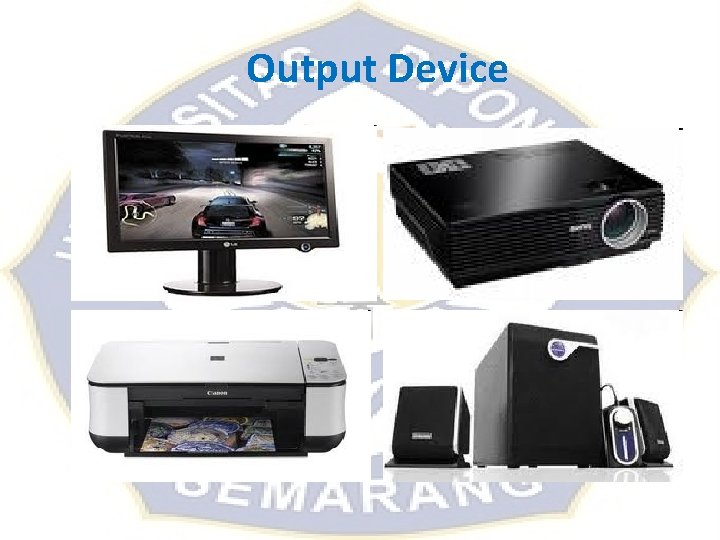
Output Device (Alat Keluaran) Adalah perangkat keras komputer yang berfungsi untuk menampilkan keluaran sebagai hasil pengolahan data. Keluaran dapat berupa hard-copy (ke kertas), soft-copy (ke monitor), ataupun berupa suara. – Monitor – Infocus – Printer dan Plotter – Speaker – interface lain (misal: alat pengontrol robot)
Output Device
I/O Ports, Memori • • Bagian ini digunakan untuk menerima ataupun mengirim data ke luar sistem. Peralatan input dan output di atas terhubung melalui port ini. Contoh : USB Port, VGA Port, Ethernet Port, Modem Port dll. Memori terbagi menjadi dua bagian yaitu memori internal dan memori eksternal. – Memori internal berupa RAM (Random Access Memory) yang berfungsi untuk menyimpan program sementara waktu – ROM (Read Only Memory) yaitu memori yang hanya bisa dibaca dan berguna sebagai penyedia informasi pada saat komputer pertama kali dinyalakan.
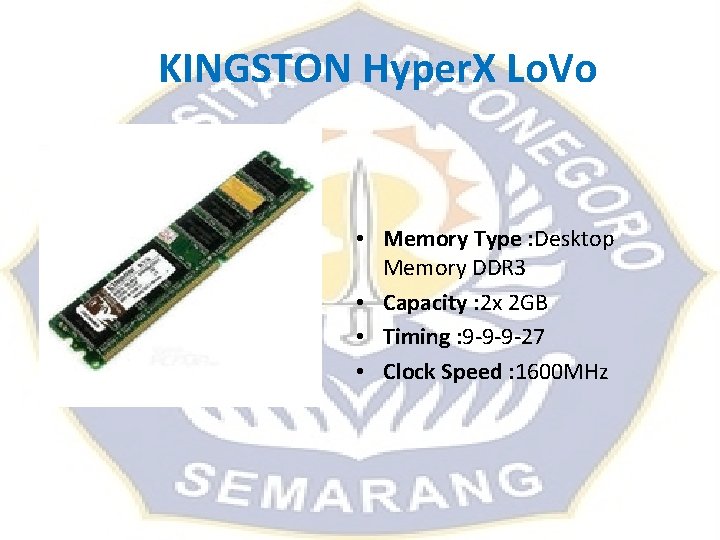
Memori RAM • Dynamic RAM (DRAM) adalah memori utama komputer • Static RAM (SRAM) digunakan sebagai cache memori. SRAM lebih cepat dari DRAM • Synchronous DRAM (SDRAM) • Double Data Rate (DDR) SDRAM dua kali lebih cepat dari SDRAM. • Data Rate 2 (DDR 2) SDRAM • Data Rate 3(DDR 3) SDRAM • RAMBus DRAM (RDRAM) dibuat untuk memori berkecepatan tinggi. Biasanya digunakan untuk komputer server
KINGSTON Hyper. X Lo. Vo • Memory Type : Desktop Memory DDR 3 • Capacity : 2 x 2 GB • Timing : 9 -9 -9 -27 • Clock Speed : 1600 MHz
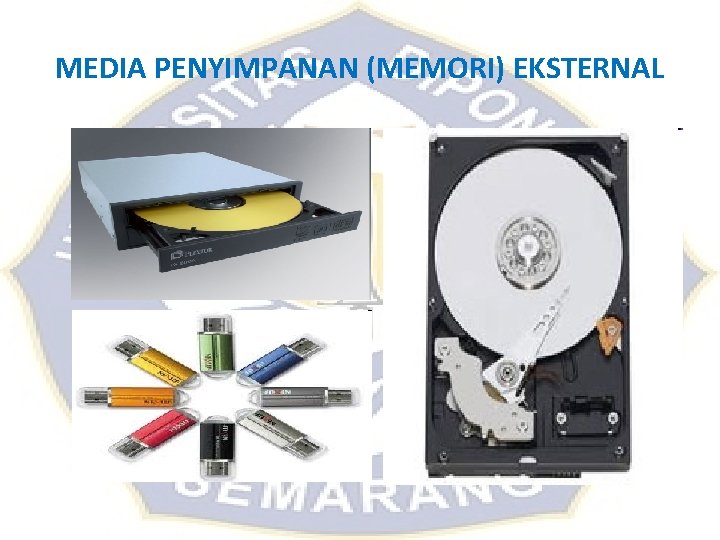
MEDIA PENYIMPANAN (MEMORI) EKSTERNAL • Memori eksternal adalah perangkat keras untuk melakukan operasi penulisan, pembacaan dan penyimpanan data – floppy disk – harddisk : IDE, SATA, SCSI – cd-rom, dvd – Flash Disk
MEDIA PENYIMPANAN (MEMORI) EKSTERNAL
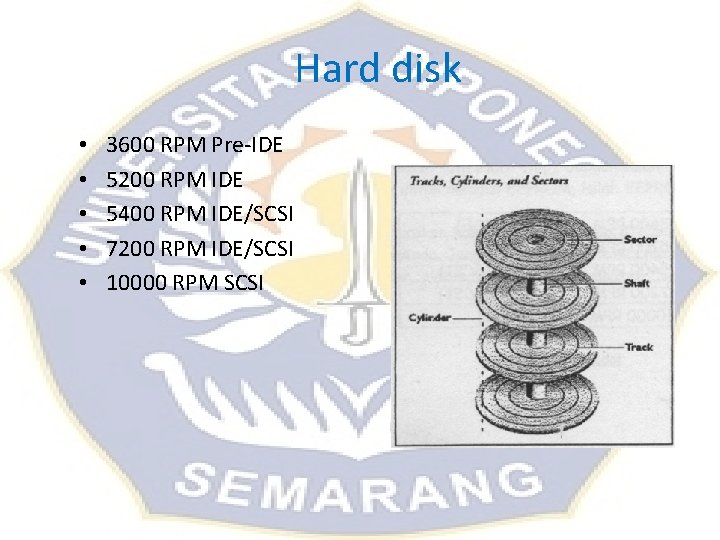
Hard disk • • • 3600 RPM Pre-IDE 5200 RPM IDE 5400 RPM IDE/SCSI 7200 RPM IDE/SCSI 10000 RPM SCSI
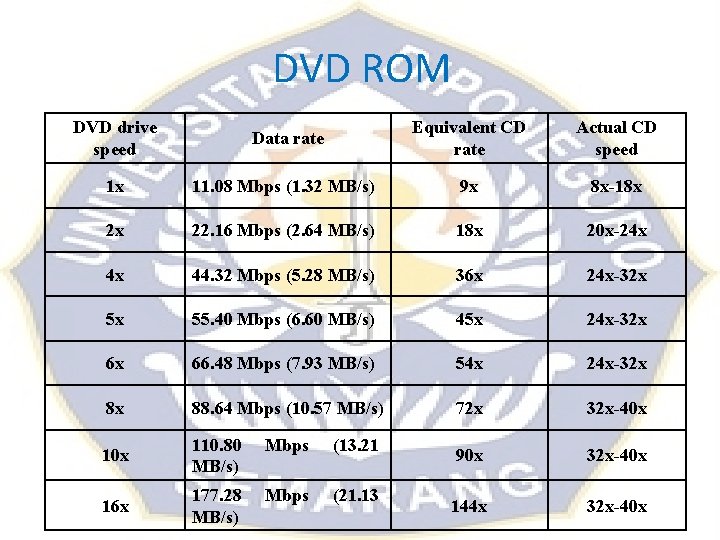
DVD ROM DVD drive speed Data rate Equivalent CD rate Actual CD speed 1 x 11. 08 Mbps (1. 32 MB/s) 9 x 8 x-18 x 2 x 22. 16 Mbps (2. 64 MB/s) 18 x 20 x-24 x 4 x 44. 32 Mbps (5. 28 MB/s) 36 x 24 x-32 x 5 x 55. 40 Mbps (6. 60 MB/s) 45 x 24 x-32 x 6 x 66. 48 Mbps (7. 93 MB/s) 54 x 24 x-32 x 8 x 88. 64 Mbps (10. 57 MB/s) 72 x 32 x-40 x 110. 80 MB/s) Mbps (13. 21 90 x 32 x-40 x 16 x 177. 28 MB/s) Mbps (21. 13 144 x 32 x-40 x
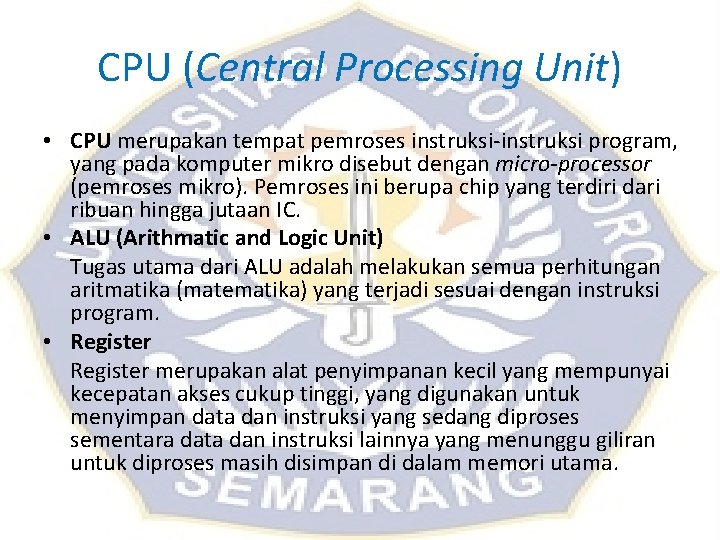
CPU (Central Processing Unit) • CPU merupakan tempat pemroses instruksi-instruksi program, yang pada komputer mikro disebut dengan micro-processor (pemroses mikro). Pemroses ini berupa chip yang terdiri dari ribuan hingga jutaan IC. • ALU (Arithmatic and Logic Unit) Tugas utama dari ALU adalah melakukan semua perhitungan aritmatika (matematika) yang terjadi sesuai dengan instruksi program. • Register merupakan alat penyimpanan kecil yang mempunyai kecepatan akses cukup tinggi, yang digunakan untuk menyimpan data dan instruksi yang sedang diproses sementara data dan instruksi lainnya yang menunggu giliran untuk diproses masih disimpan di dalam memori utama.
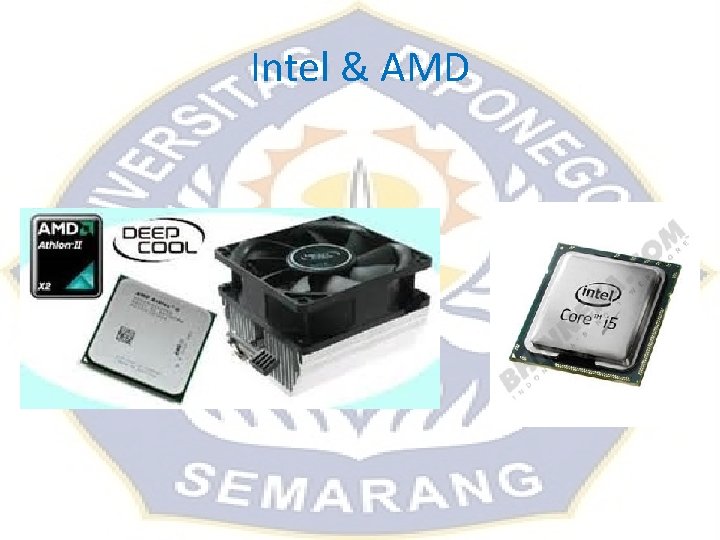
Intel & AMD
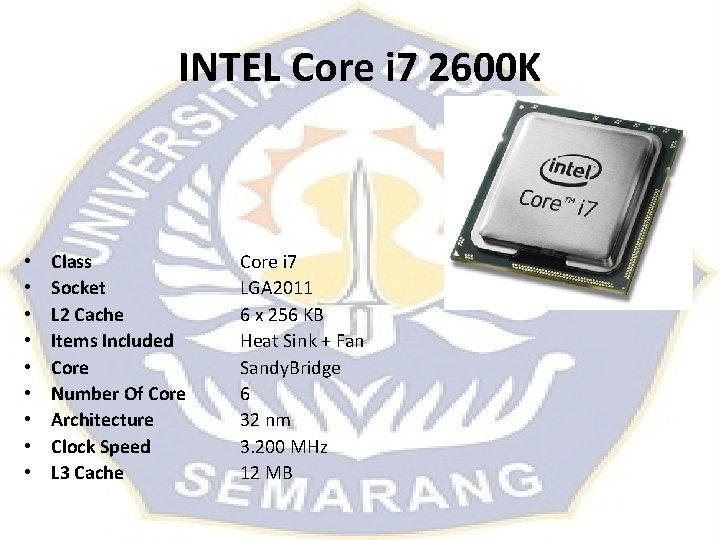
INTEL Core i 7 2600 K • • • Class Socket L 2 Cache Items Included Core Number Of Core Architecture Clock Speed L 3 Cache Core i 7 LGA 2011 6 x 256 KB Heat Sink + Fan Sandy. Bridge 6 32 nm 3. 200 MHz 12 MB
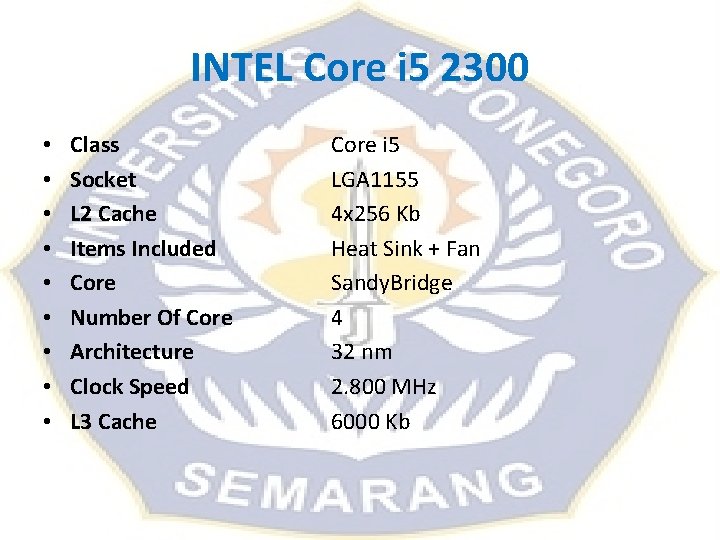
INTEL Core i 5 2300 • • • Class Socket L 2 Cache Items Included Core Number Of Core Architecture Clock Speed L 3 Cache Core i 5 LGA 1155 4 x 256 Kb Heat Sink + Fan Sandy. Bridge 4 32 nm 2. 800 MHz 6000 Kb
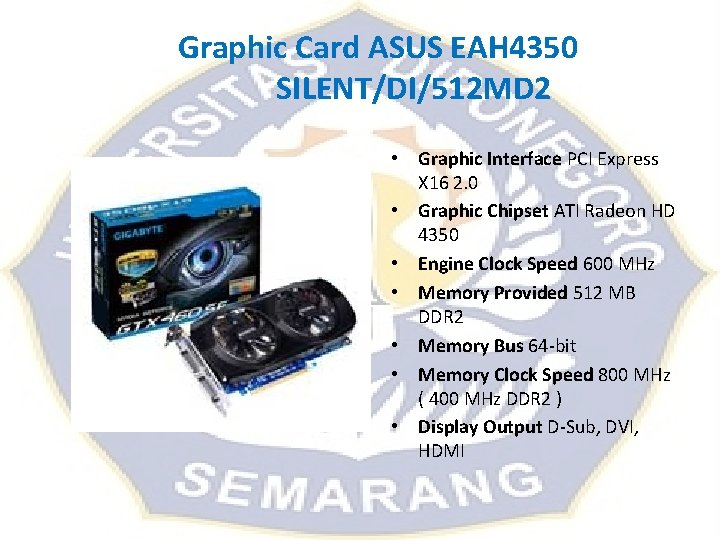
Graphic Card ASUS EAH 4350 SILENT/DI/512 MD 2 • Graphic Interface PCI Express X 16 2. 0 • Graphic Chipset ATI Radeon HD 4350 • Engine Clock Speed 600 MHz • Memory Provided 512 MB DDR 2 • Memory Bus 64 -bit • Memory Clock Speed 800 MHz ( 400 MHz DDR 2 ) • Display Output D-Sub, DVI, HDMI
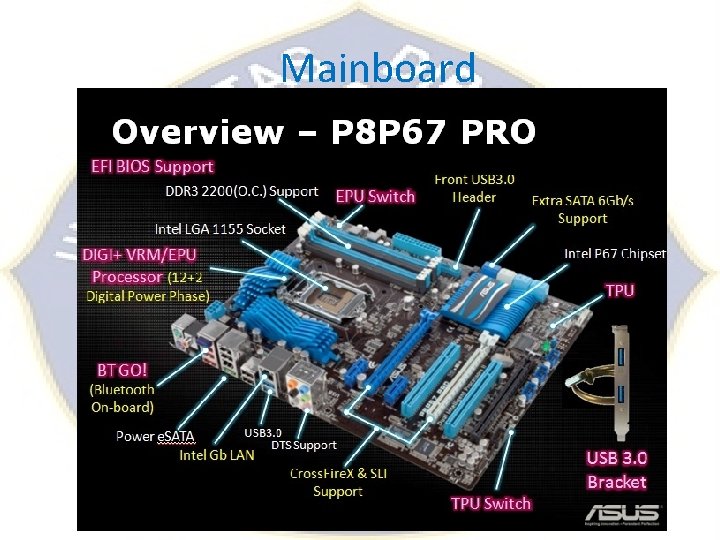
Mainboard
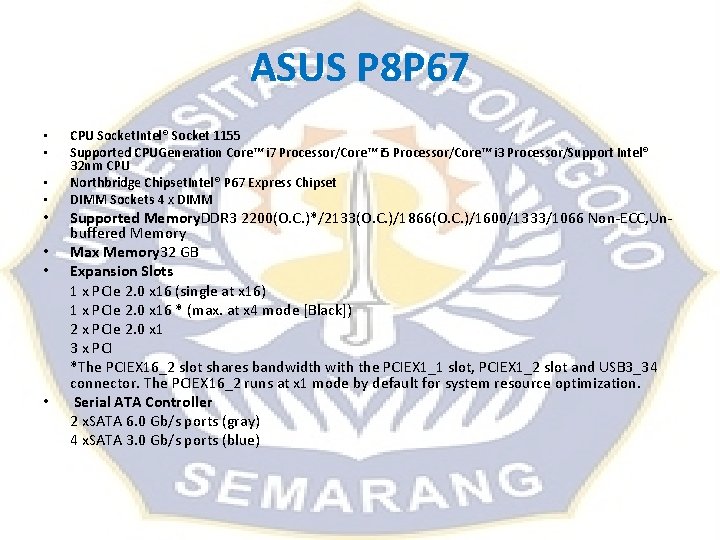
ASUS P 8 P 67 • • CPU Socket. Intel® Socket 1155 Supported CPUGeneration Core™ i 7 Processor/Core™ i 5 Processor/Core™ i 3 Processor/Support Intel® 32 nm CPU Northbridge Chipset. Intel® P 67 Express Chipset DIMM Sockets 4 x DIMM Supported Memory. DDR 3 2200(O. C. )*/2133(O. C. )/1866(O. C. )/1600/1333/1066 Non-ECC, Unbuffered Memory Max Memory 32 GB Expansion Slots 1 x PCIe 2. 0 x 16 (single at x 16) 1 x PCIe 2. 0 x 16 * (max. at x 4 mode [Black]) 2 x PCIe 2. 0 x 1 3 x PCI *The PCIEX 16_2 slot shares bandwidth with the PCIEX 1_1 slot, PCIEX 1_2 slot and USB 3_34 connector. The PCIEX 16_2 runs at x 1 mode by default for system resource optimization. Serial ATA Controller 2 x. SATA 6. 0 Gb/s ports (gray) 4 x. SATA 3. 0 Gb/s ports (blue)
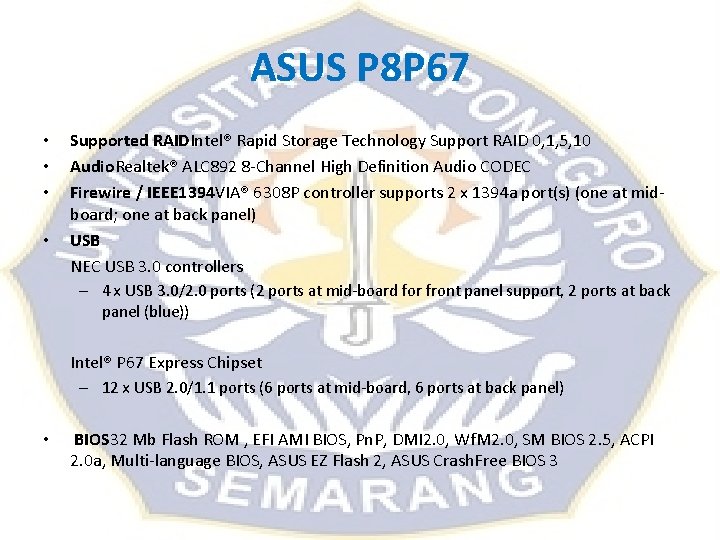
ASUS P 8 P 67 • • Supported RAIDIntel® Rapid Storage Technology Support RAID 0, 1, 5, 10 Audio. Realtek® ALC 892 8 -Channel High Definition Audio CODEC Firewire / IEEE 1394 VIA® 6308 P controller supports 2 x 1394 a port(s) (one at midboard; one at back panel) USB NEC USB 3. 0 controllers – 4 x USB 3. 0/2. 0 ports (2 ports at mid-board for front panel support, 2 ports at back panel (blue)) Intel® P 67 Express Chipset – 12 x USB 2. 0/1. 1 ports (6 ports at mid-board, 6 ports at back panel) • BIOS 32 Mb Flash ROM , EFI AMI BIOS, Pn. P, DMI 2. 0, Wf. M 2. 0, SM BIOS 2. 5, ACPI 2. 0 a, Multi-language BIOS, ASUS EZ Flash 2, ASUS Crash. Free BIOS 3
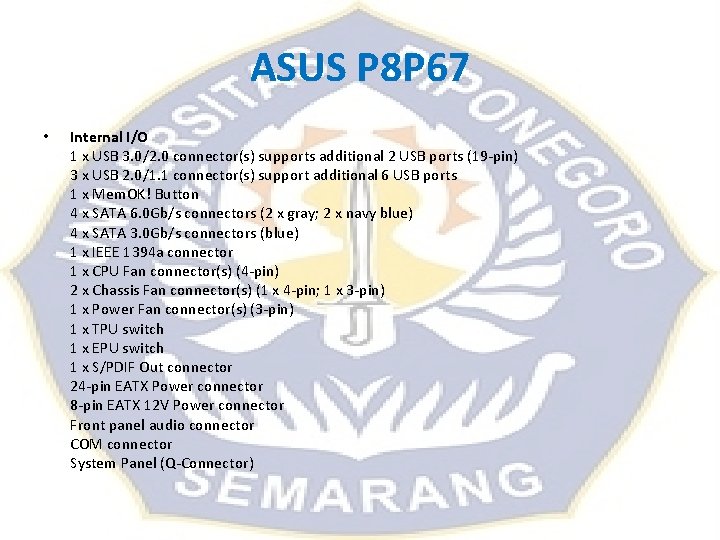
ASUS P 8 P 67 • Internal I/O 1 x USB 3. 0/2. 0 connector(s) supports additional 2 USB ports (19 -pin) 3 x USB 2. 0/1. 1 connector(s) support additional 6 USB ports 1 x Mem. OK! Button 4 x SATA 6. 0 Gb/s connectors (2 x gray; 2 x navy blue) 4 x SATA 3. 0 Gb/s connectors (blue) 1 x IEEE 1394 a connector 1 x CPU Fan connector(s) (4 -pin) 2 x Chassis Fan connector(s) (1 x 4 -pin; 1 x 3 -pin) 1 x Power Fan connector(s) (3 -pin) 1 x TPU switch 1 x EPU switch 1 x S/PDIF Out connector 24 -pin EATX Power connector 8 -pin EATX 12 V Power connector Front panel audio connector COM connector System Panel (Q-Connector)
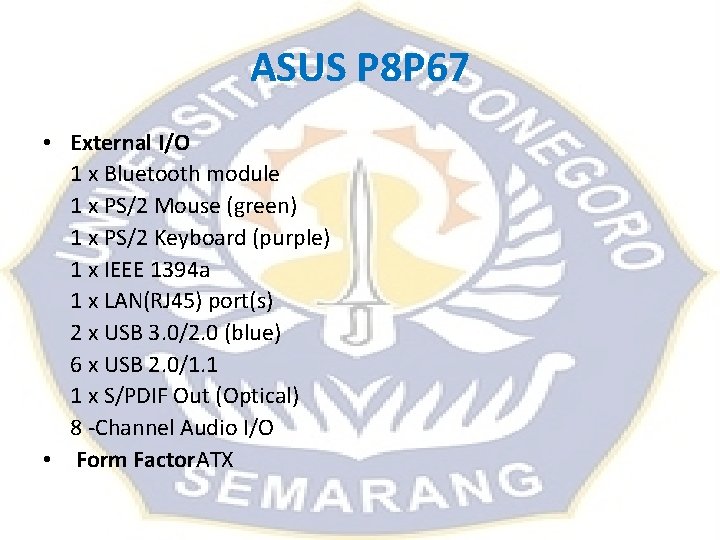
ASUS P 8 P 67 • External I/O 1 x Bluetooth module 1 x PS/2 Mouse (green) 1 x PS/2 Keyboard (purple) 1 x IEEE 1394 a 1 x LAN(RJ 45) port(s) 2 x USB 3. 0/2. 0 (blue) 6 x USB 2. 0/1. 1 1 x S/PDIF Out (Optical) 8 -Channel Audio I/O • Form Factor. ATX
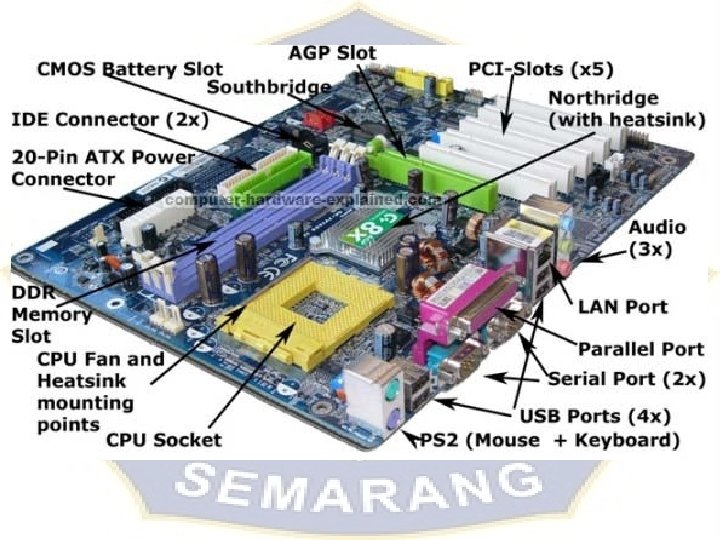
Northbridge dengan Southbridge Fungi Northbridge: Fungsi Northbridge adalah menjembatani arus data di sekitar main Memory, Prosesor, Front Side Busdan AGP Bus juga mengatur kerja power management. Fungsi Southbridge adalah mengatur kerja antara peripheral/perangkat semacam IDE Controller, PCI Bus, ROM Bios, Keyboard & Mouse, USB, Eth. LAN, Modem dan fungsi I/O lainnya. Perbedaannya Northbridge dengan Southbridge: Northbridge bertugas hanya menjembatani arus data di sekitar processor, RAM, FSB, AGP, dan power management. Southbridge mengatur kerja pheriperal. Seperti IDE Controller, PCI, ROM Bios, keyboard, mouse, USB, Eth. , LAN, dll.
Komputer PC TUGAS PERANCANGAN PC – CPU – Mainboard – VGA Card – Memory – Monitor – Keyboard – Mouse – Harddisk – DVD Rom
Time and Tide wait for no Man