
Cybersecurity Pathway Part 1 Security Dr Mark Ciampa

Cybersecurity Pathway - Part 1 Security+ Dr. Mark Ciampa
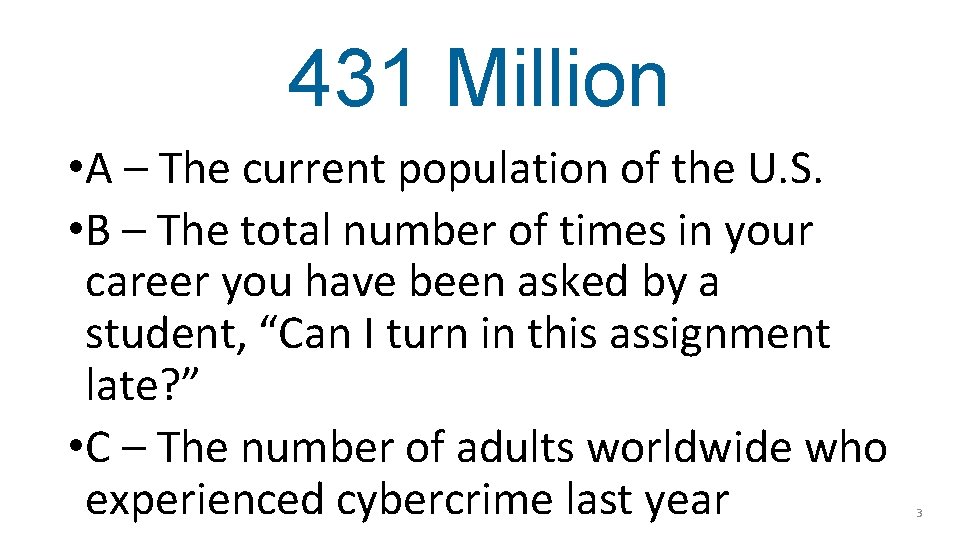
431 Million • A – The current population of the U. S. • B – The total number of times in your career you have been asked by a student, “Can I turn in this assignment late? ” • C – The number of adults worldwide who experienced cybercrime last year 3
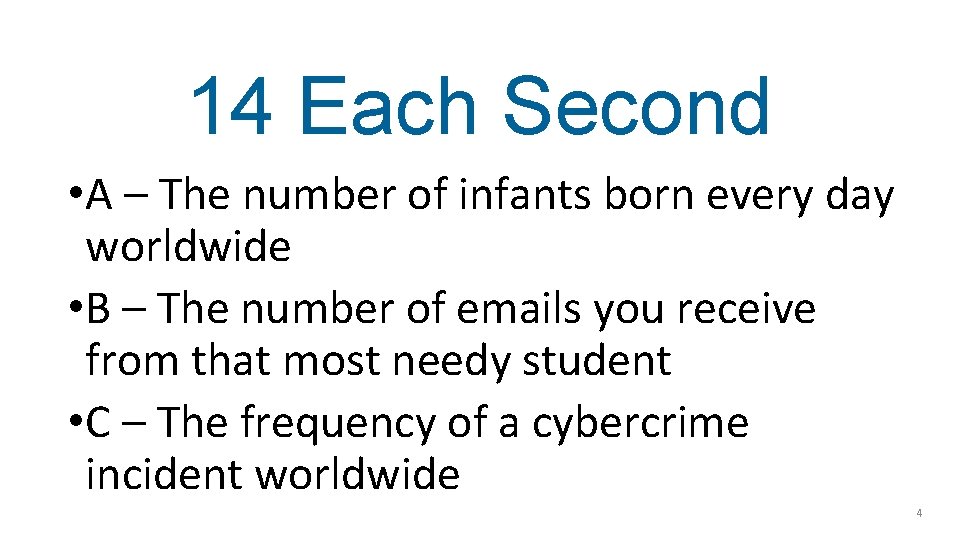
14 Each Second • A – The number of infants born every day worldwide • B – The number of emails you receive from that most needy student • C – The frequency of a cybercrime incident worldwide 4
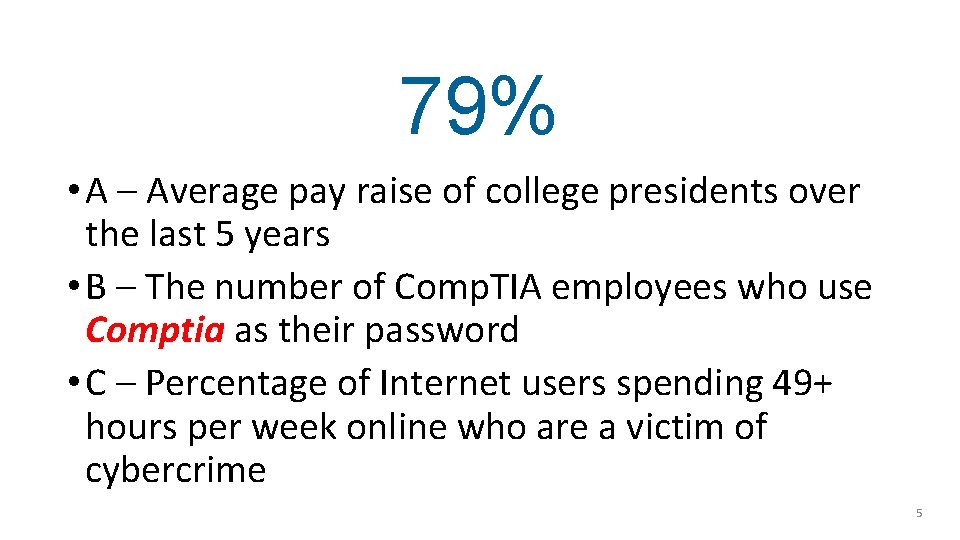
79% • A – Average pay raise of college presidents over the last 5 years • B – The number of Comp. TIA employees who use Comptia as their password • C – Percentage of Internet users spending 49+ hours per week online who are a victim of cybercrime 5
214 A - The number of football games you will watch this year B - How many mouse clicks are needed to navigate the Comp. TIA web site C – The number of Apple security patches released in a recent 3 week period 6
9 Seconds A – How long it took the person sitting next to you at lunch to inhale that desert B - How often you keep checking your watch to see when this presentation is finally over C - Frequency a device is probed on the Internet for a security vulnerability 7

Do To Stay Safe • Be suspicious of everything • Change passwords • Check if HTTPS • Delete cookies • Do not share information • Install software updates • Use 2 -factor authentication • Use antivirus • Use Linux • Use password manager • Use strong passwords • Use unique passwords • Verify software • Visit only known websites 8
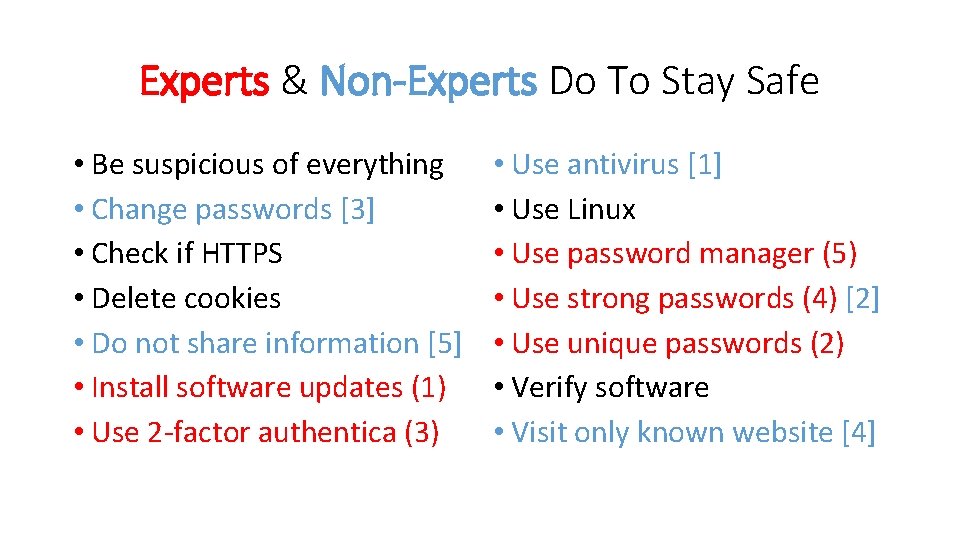
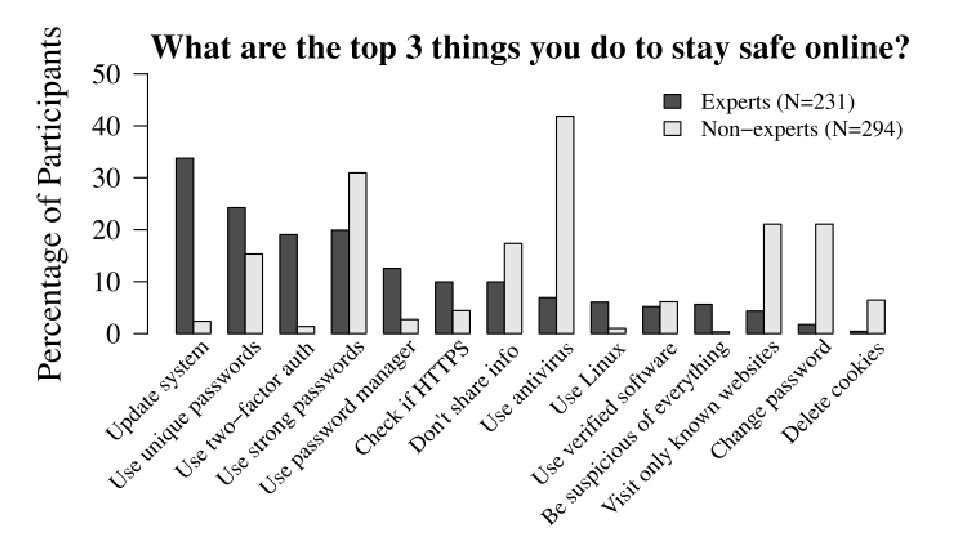
Experts & Non-Experts Do To Stay Safe • Be suspicious of everything • Change passwords [3] • Check if HTTPS • Delete cookies • Do not share information [5] • Install software updates (1) • Use 2 -factor authentica (3) • Use antivirus [1] • Use Linux • Use password manager (5) • Use strong passwords (4) [2] • Use unique passwords (2) • Verify software • Visit only known website [4]
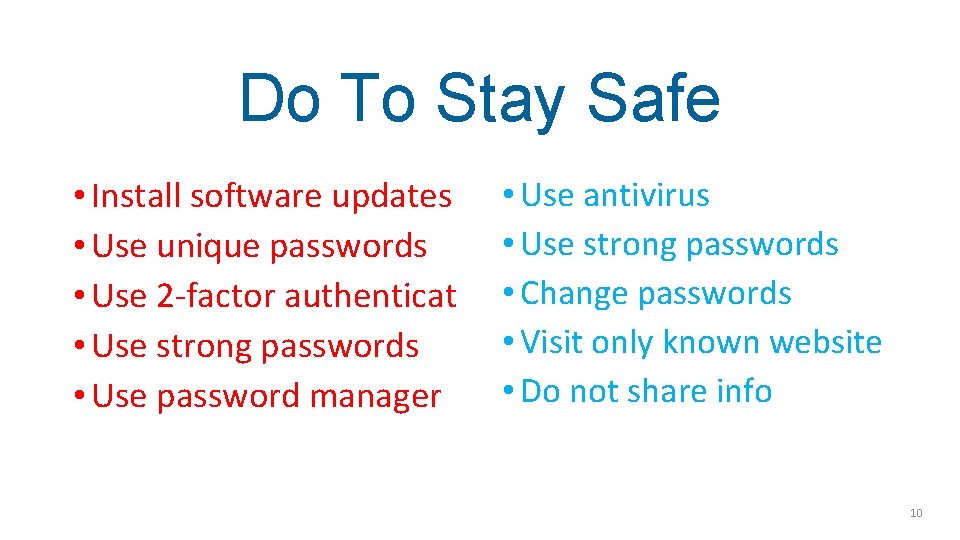
Do To Stay Safe • Install software updates • Use unique passwords • Use 2 -factor authenticat • Use strong passwords • Use password manager • Use antivirus • Use strong passwords • Change passwords • Visit only known website • Do not share info 10
What Doesn’t Work Use Antivirus Software
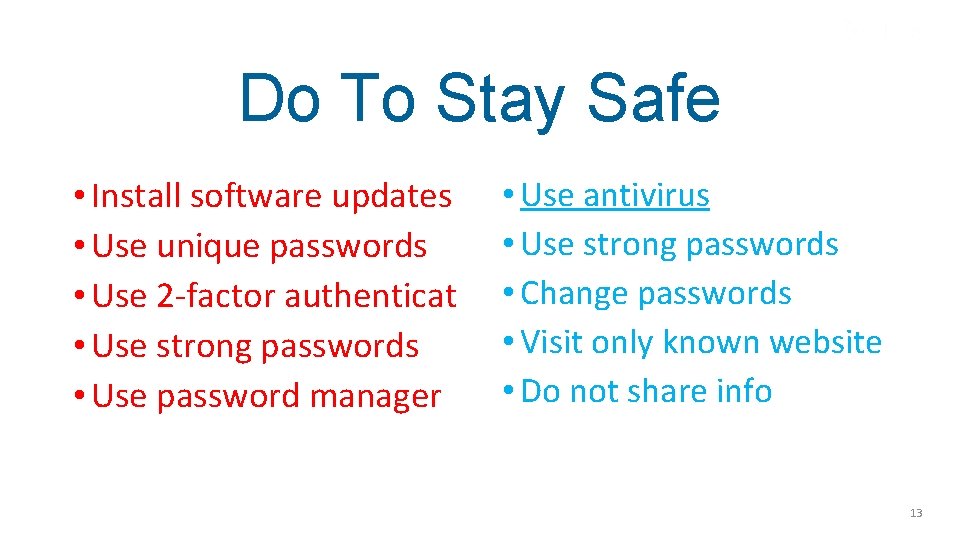
Do To Stay Safe • Install software updates • Use unique passwords • Use 2 -factor authenticat • Use strong passwords • Use password manager • Use antivirus • Use strong passwords • Change passwords • Visit only known website • Do not share info 13
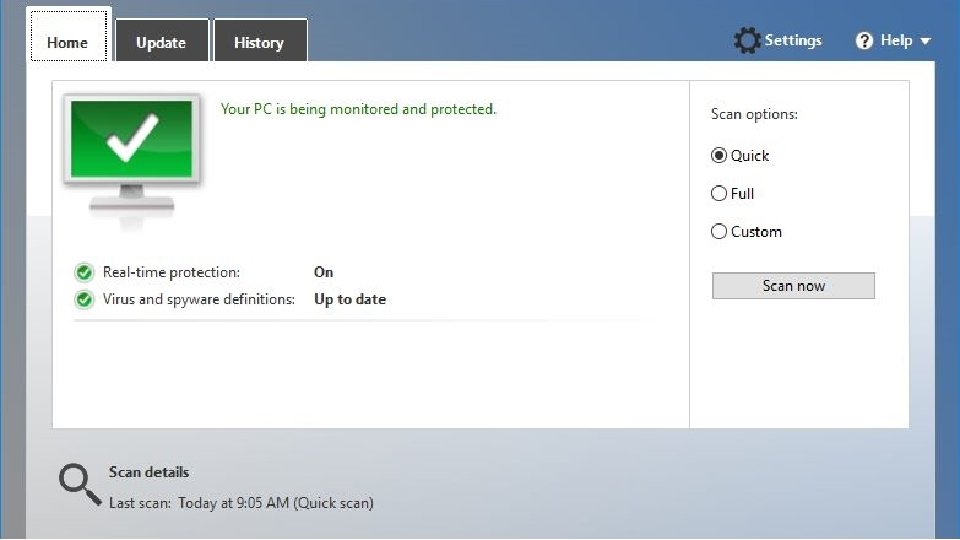


How Antivirus Works • AV software contains virus scanning engine and database of known virus “signatures, ” which are created by extracting a sequence of characters found in virus • Many AV products scan files by attempting to match known virus patterns against potentially infected files (static analysis) • By comparing the virus signatures against a potentially infected file a match may indicate an infected file 16
Antivirus (AV) Software • Weakness of static analysis: AV vendor must constantly be searching for new viruses, extracting virus signatures, and distributing those updated databases to all users • Any out-of-date signature file could result in an infection • AV vendors cannot keep up with the sheer number of new attacks 17

Antivirus Misses By Top 4 AV Vendors Time Malware Missed 1 hour 70% 24 hours 34% 7 days 28% 1 month 7% 6 months 0% 18
Antivirus Misses • Based on average number of infections distributed by attackers these antivirus products would have missed 796 malicious files each day • One antivirus software security institute receives more than 390, 000 submissions of potential malware each day • At this rate the antivirus vendors would have to create and distribute updates every few seconds to keep users fully protected 19
Why Antivirus Dependence • Offers convenient install-and-forget type of solution • Users consider all attacks as “viruses” so antivirus repels all attacks • Heard or read news media security advice 20

What Doesn’t Work Visit Only Known Websites
Do To Stay Safe • Install software updates • Use unique passwords • Use 2 -factor authenticat • Use strong passwords • Use password manager • Use antivirus • Use strong passwords • Change passwords • Visit only known website • Do not share info 22
Online Advertising • When user goes to site’s page, web browser silently connects to dozens of advertising network sites from which ad banners, popup ads, video files, and pictures are sent to the user’s computer • Online display do not come from the main site itself • Most mainstream and high-trafficked websites outsource the ad content to different third-party advertising networks 23

Malvertising • Attackers using these third-party advertising networks to distribute their malware to unsuspecting users who are visiting a well-known website • Known as malvertising (malicious advertising) • Attackers may infect the third-party advertising networks so that their malware is distributed through ads sent to users’ web browsers • Or the attackers may promote themselves as reputable thirdparty advertisers while in reality they are distributing their malware through the ads 25
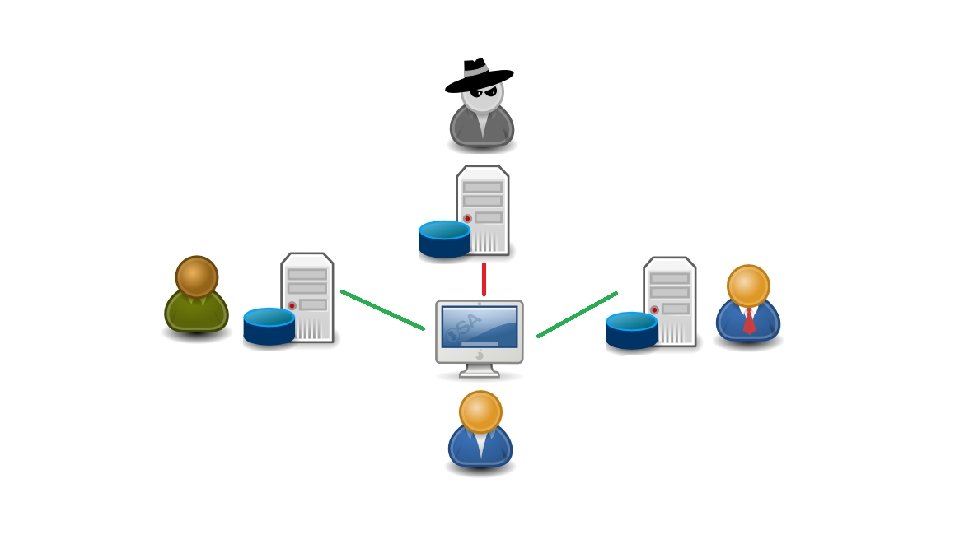
Malvertising • Malvertising occurs on “big-name” websites so unsuspecting users, who otherwise would avoid or be suspicious of less popular sites, are deceived into thinking that because they are on a reputable site they are free from attacks • The New York Times, Reuters, Yahoo!, Bloomberg, and Google, among many others, have all been infected with malvertising • In one year, 12. 4 billion “malvertisements” were distributed, an increase of over 300 percent from the previous year 27
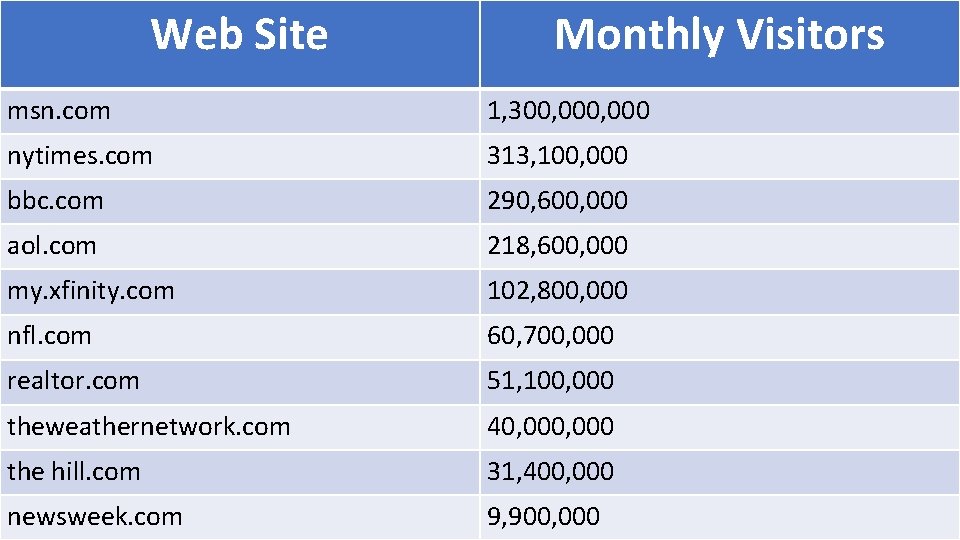
Web Site Monthly Visitors msn. com 1, 300, 000 nytimes. com 313, 100, 000 bbc. com 290, 600, 000 aol. com 218, 600, 000 my. xfinity. com 102, 800, 000 nfl. com 60, 700, 000 realtor. com 51, 100, 000 theweathernetwork. com 40, 000 the hill. com 31, 400, 000 newsweek. com 9, 900, 000
What Doesn’t Work More Bad News
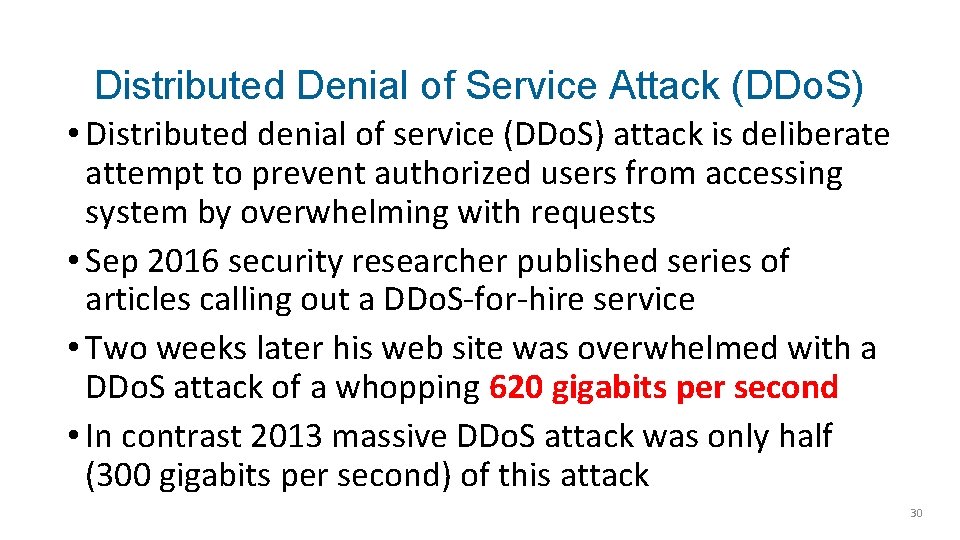
Distributed Denial of Service Attack (DDo. S) • Distributed denial of service (DDo. S) attack is deliberate attempt to prevent authorized users from accessing system by overwhelming with requests • Sep 2016 security researcher published series of articles calling out a DDo. S-for-hire service • Two weeks later his web site was overwhelmed with a DDo. S attack of a whopping 620 gigabits per second • In contrast 2013 massive DDo. S attack was only half (300 gigabits per second) of this attack 30
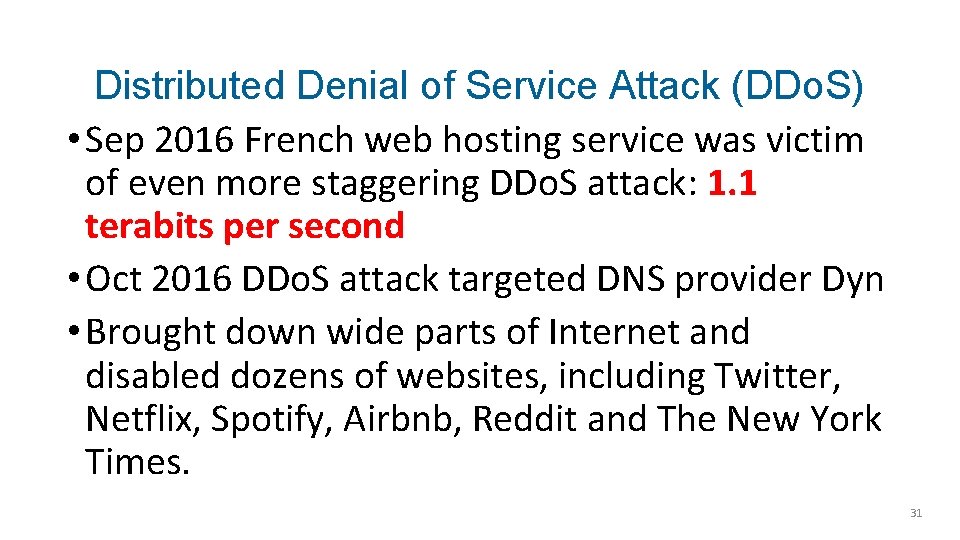
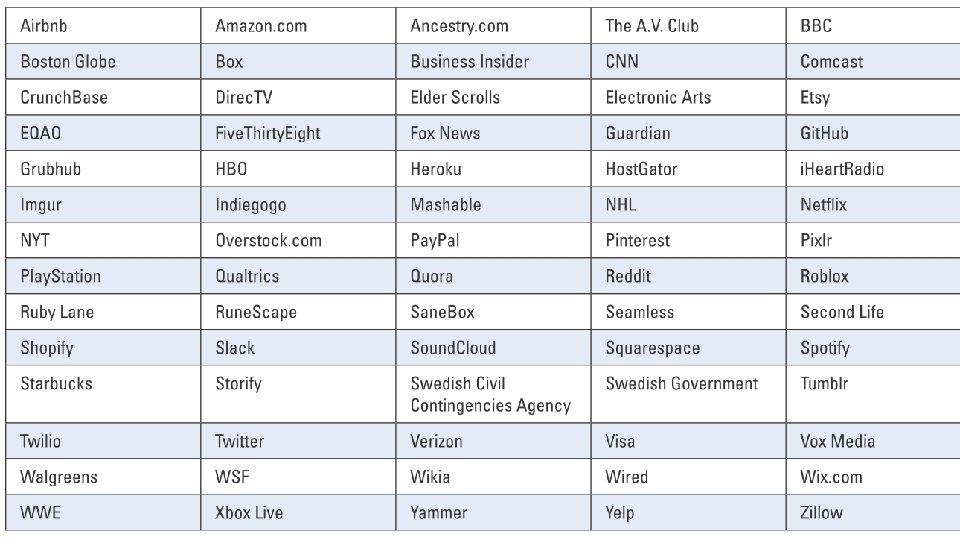
Distributed Denial of Service Attack (DDo. S) • Sep 2016 French web hosting service was victim of even more staggering DDo. S attack: 1. 1 terabits per second • Oct 2016 DDo. S attack targeted DNS provider Dyn • Brought down wide parts of Internet and disabled dozens of websites, including Twitter, Netflix, Spotify, Airbnb, Reddit and The New York Times. 31

Source of DDo. S Attacks • Mundane devices connected to the Internet makes up what is called the Internet of Things (Io. T) • Immense number of new types of devices (aka “things”) from refrigerators to car sensors to traffic lights to thermostats are all dynamically connected to the web for communication and control 34

Source of DDo. S Attacks • Source DDo. S attacks not traditional desktop computers but Io. T devices • In French web host attack, attacks delivered through collection of 145, 607 hacked Internet-connected cameras and digital video recorders (DVRs) • Io. T botnet of 1 million devices could send 4 terabits per second attack or equivalent to streaming 800, 000 high-definition movies simultaneously 36
Io. T Issues • Io. T devices have no capacity for being updated to address security vulnerability • Io. T vendors only concerned with making product as inexpensive as possible • Devices that can receive patches may see long gaps between the discovery of the vulnerability and a patch being applied • Average lifetime of a critical security bug in the Linux kernel, from the time the Linux code is finalized to a vulnerability being uncovered and then a patch issued, over 3 years 37
Good Io. T Idea? • Visa in Feb 2017 said partnering with IBM to add payment capabilities to many Io. T devices • Objective create additional "points of sale" where didn't already exist • Wearable fitness band can tell runner when it's time to replace athletic shoes and even allow to order them through the band: simple one click on device will bring a pair of shoes right to doorstep 38
39
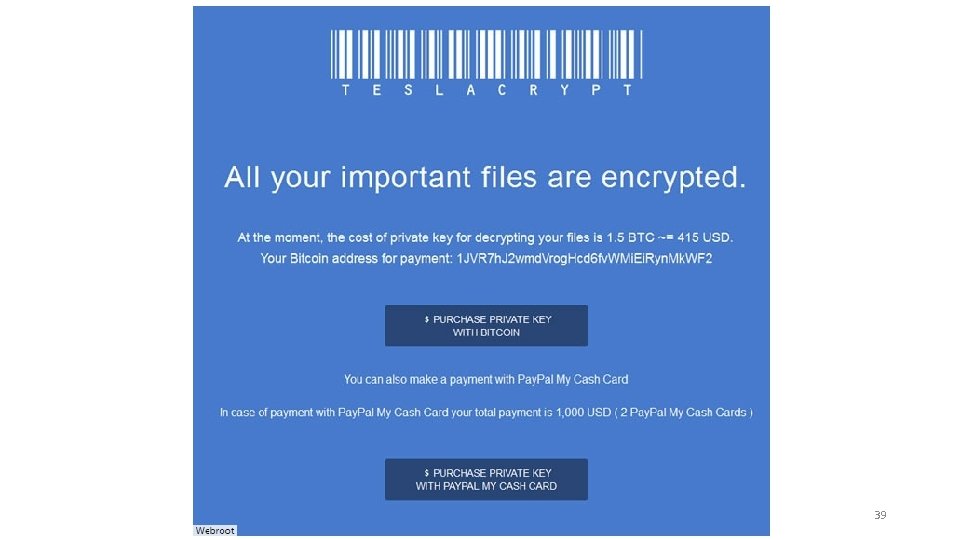
Ransomware • One of the fastest-growing types of malware is ransomware • Ransomware prevents a user’s device from properly and fully functioning until a fee is paid • Ransomware embeds itself onto the computer in such a way that the it cannot be bypassed, and even rebooting still causes the ransomware to launch again
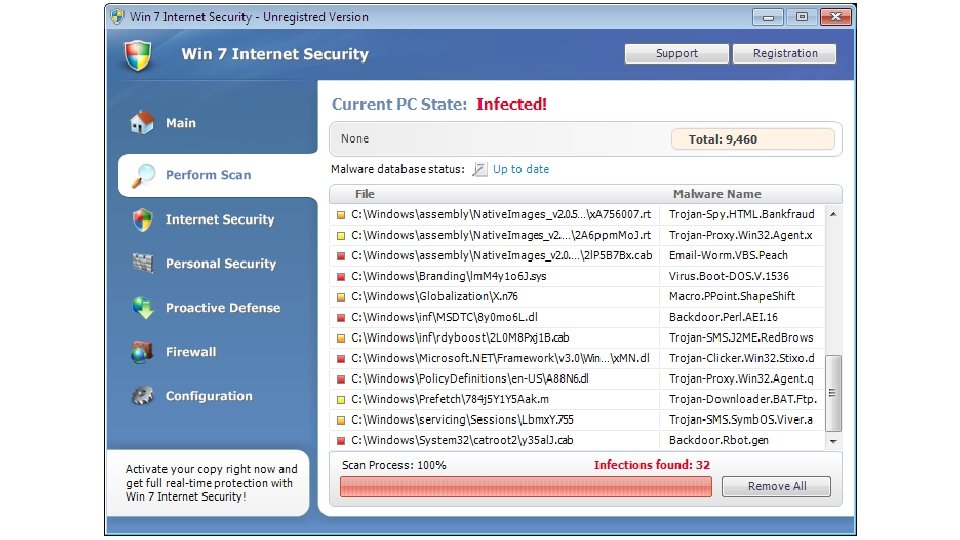
Blocker Ransomware • Widespread ransomware first starting appearing in 2010 • Earliest ransomware displays a screen and prevents the user from access the computer’s resources (called blocker ransomware) • Instructions that pretends be from reputable third-party giving “valid” reason for blocking user’s computer • From law enforcement agency – You accessed prohibited site and must immediately pay a fine online by entering a credit card number • From software vendor – Your software license has expired or there is a hardware problem or (irony!) a malware infection
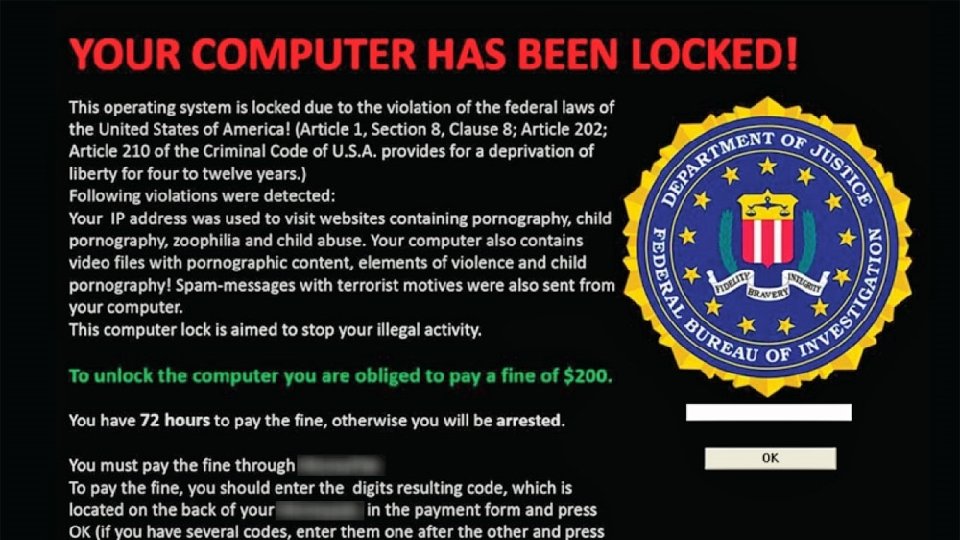
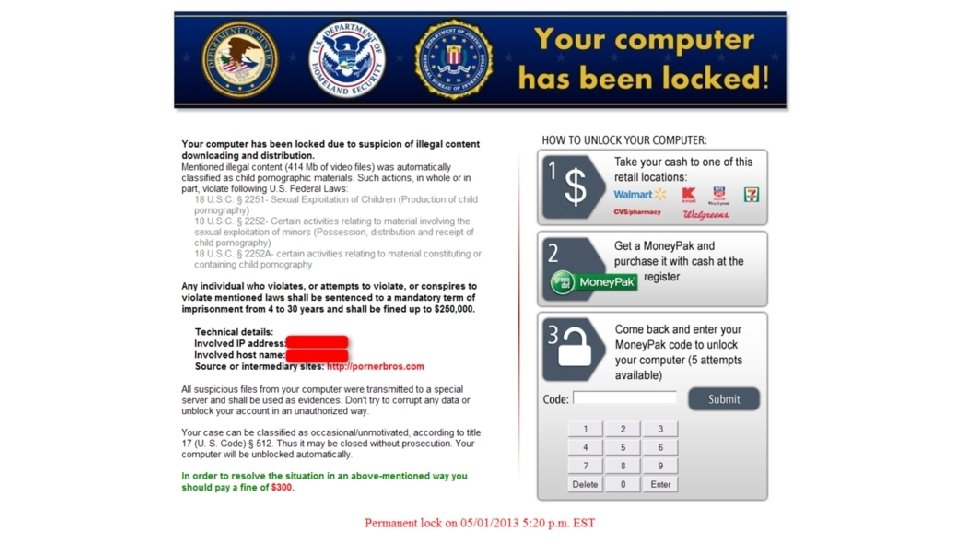
Blocker Ransomware • Initially price for individuals around $500 and for enterprises $8, 000 - $17, 000 • Recently demanded ransoms have been significantly increasing: Hollywood Presbyterian Medical Center ($17, 000), Los Angeles Valley College ($28, 000), and San Francisco's Municipal Transportation Agency ($73, 000) • Estimated that $1 billion was paid in ransom in one year, yet only 42% victims who paid ransom could then retrieve their data • Enterprises prime targets: almost half of all enterprises have been a victim of a ransomware attack
FBI Recommendation The FBI does not support paying a ransom in response to a ransomware attack “Paying a ransom doesn’t guarantee an organization that it will get its data back—we’ve seen cases where organizations never got a decryption key after having paid the ransom. Paying a ransom not only emboldens current cyber criminals to target more organizations, it also offers an incentive for other criminals to get involved in this type of illegal activity. And finally, by paying a ransom, an organization might inadvertently be funding other illicit activity associated with criminals”
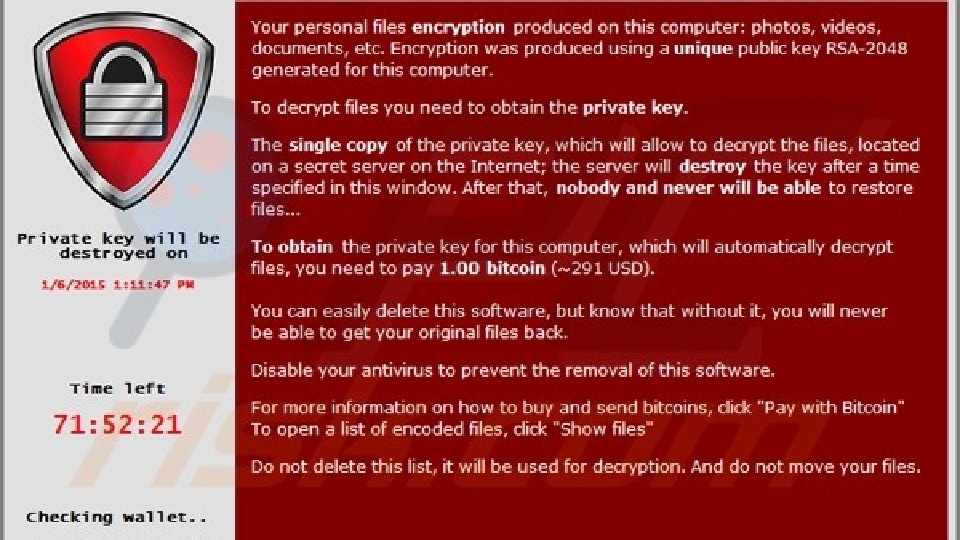
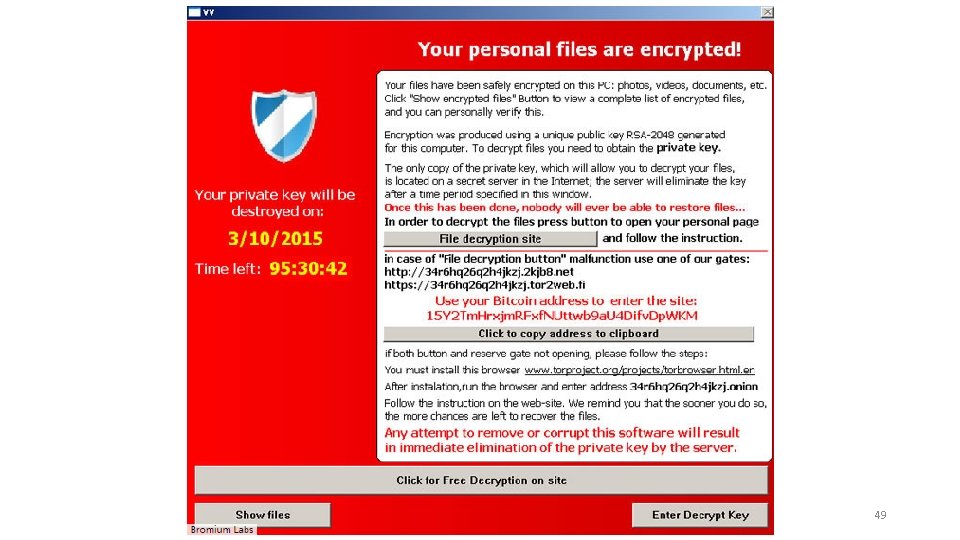
Crypto-malware • Now more malicious form of ransomware • Instead of blocking user from accessing computer now encrypt all files on device so none can be opened (cryptomalware) • Tell victim fee must be paid in order to receive key to unlock files • Increased urgency for payment: cost for key to unlock increases every few hours or increasing number of encrypted user files are deleted every few hours, and if ransom not paid promptly (often 36 -96 hours) key can never be retrieved
49
Worse Cryptomalware • Instead of only encrypting files on the user's local hard drive now encrypt all files on any network or attached device that is connected to that computer (secondary hard disk drives, USB hard drives, network attached storage devices, network servers, cloud-based data repositories) • If a user’s computer in enterprise is infected with cryptomalware potentially all files for the enterprise be locked • Also now using crypto-malware to infect mobile devices such as smartphones and tablets
$1 Million Ransom • Earlier last month (Jun 10 2017) South Korean web hosting company NAYANA was infected by Erebus ransomware • A total of 153 Linux servers supporting over 3, 400 business websites hosted by NAYANA were impacted • The attackers demanded an unprecedented ransom of 550 Bitcoins (BTC), about US$1. 62 million, in order to decrypt the affected files from all its servers • NAYANA negotiated with the attackers down to only 397. 6 BTC (about $1. 01 million) to be paid in three installments
Not. Petya Ransomware • Victims Not. Petya range from one of the world's largest law firms to the world's largest containership operator, who was forced to shut down ports in the U. S. , Europe, and India • Several hospitals and medical centers also victims • Hospital in Pennsylvania had to cancel patient operations for several days because its computers were locked up with Not. Petya. • Another hospital in West Virginia paralyzed by Not. Petya • Doctors could not review patients' medical history or transmit laboratory and pharmacy orders • Hospital decided to throw out the infected computers and network in order to just start all over again
Thanks, Congress • Pair of senators introduced legislation would direct the federal government to develop and publish voluntary best practices for proper "cyber hygiene“ • Called the Promoting Good Cyber Hygiene Act, it empower National Institute of Standards and Technology (NIST) to establish set of baseline voluntary best practices for safeguarding against cyber intrusions, and would be updated annually • “Cyberattacks threaten our economy and inflict untold damage on thousands of Americans. Fortunately, proper cyber hygiene can prevent many of these attacks. This bill will establish best practices for cyber hygiene that will help Americans better protect themselves from enemies online” • Ransomware is not running rampant because nobody knows what to do; the problem is doing it
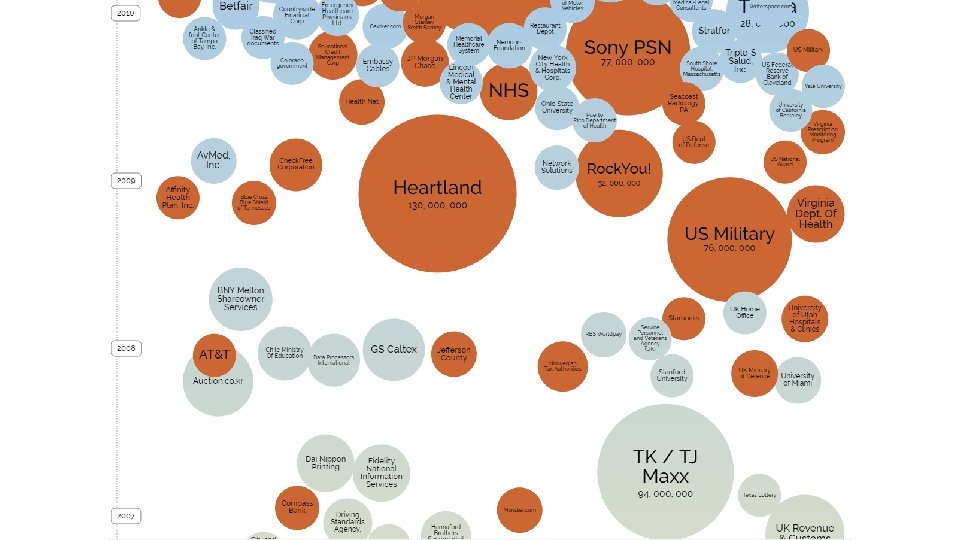
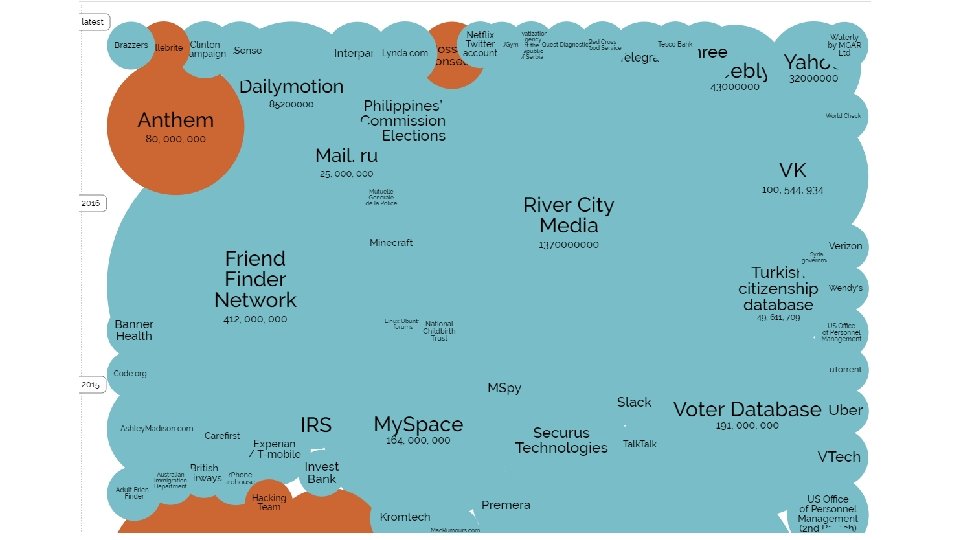
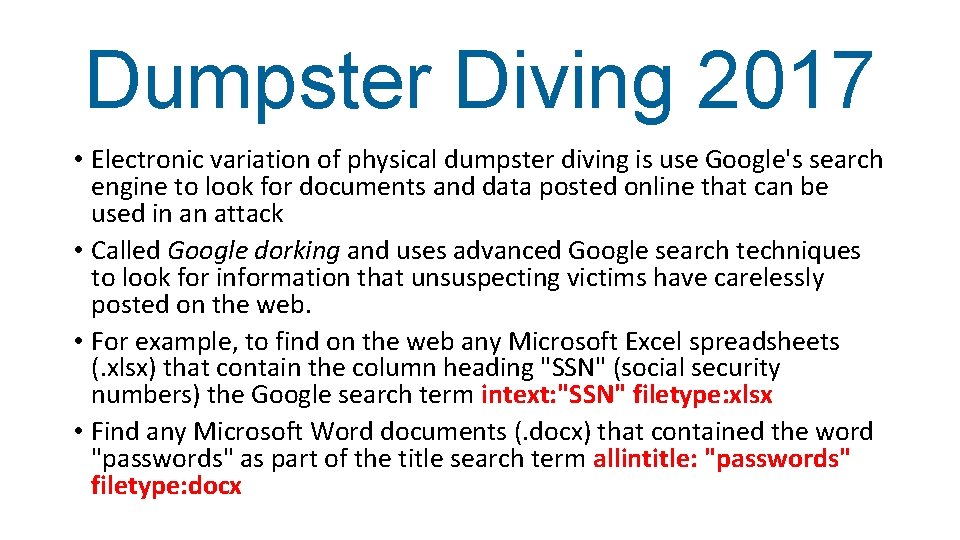
Dumpster Diving 2017 • Electronic variation of physical dumpster diving is use Google's search engine to look for documents and data posted online that can be used in an attack • Called Google dorking and uses advanced Google search techniques to look for information that unsuspecting victims have carelessly posted on the web. • For example, to find on the web any Microsoft Excel spreadsheets (. xlsx) that contain the column heading "SSN" (social security numbers) the Google search term intext: "SSN" filetype: xlsx • Find any Microsoft Word documents (. docx) that contained the word "passwords" as part of the title search term allintitle: "passwords" filetype: docx
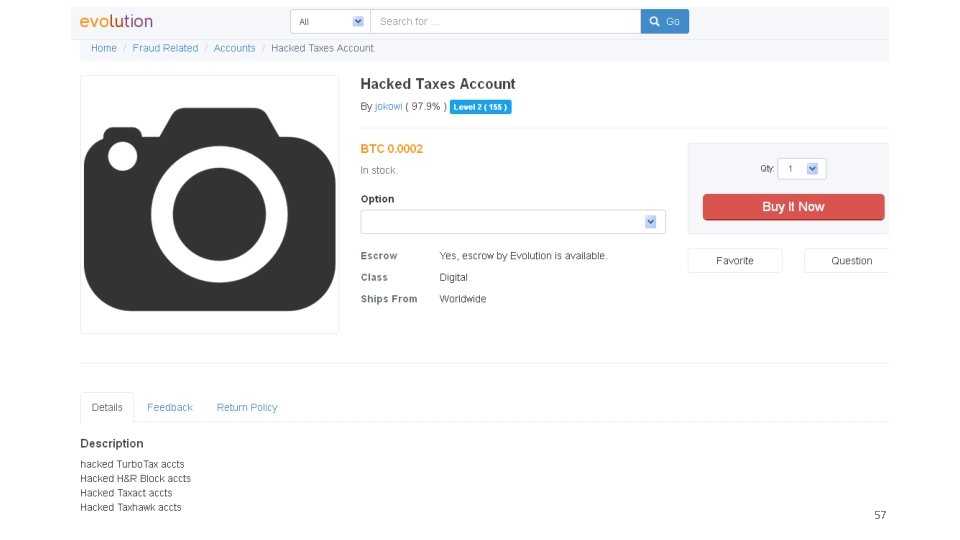
57
Cybersecurity Pathway - Part 1 Security+ Why Is This Happening?
Why Increase In Attacks • Speed of attacks • More sophisticated attacks • Simplicity of attack tools • Faster detection weaknesses • Delays in user patching • Distributed attacks • Attacks exploit user ignorance & confusion
User Confusion • Confusion over different attacks: Worm or virus? Adware or spyware? Rootkit or Trojan? • Confusion over different defenses: Antivirus? Firewall? Patches? • Users asked to make security decisions and perform technical procedures
Think Of a Typical User • Will you grant permission to open this port? • Is it safe to un-quarantine this attachment? • May I install this add-in? 61
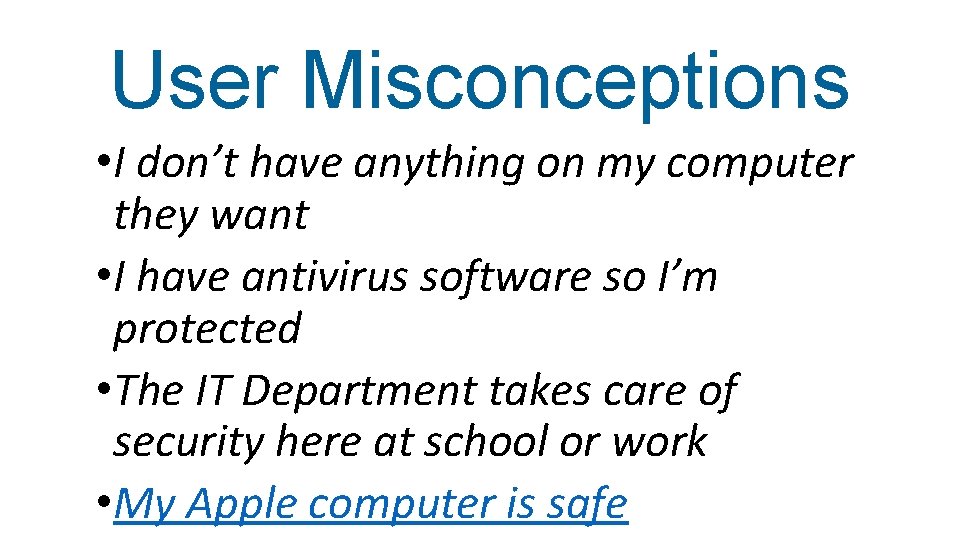
User Misconceptions • I don’t have anything on my computer they want • I have antivirus software so I’m protected • The IT Department takes care of security here at school or work • My Apple computer is safe
Date 2016 63
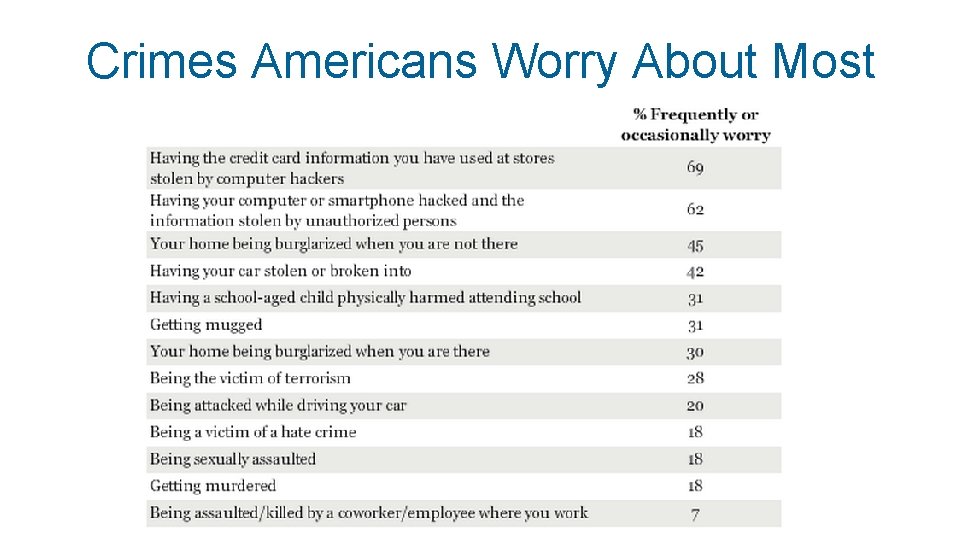
Crimes Americans Worry About Most
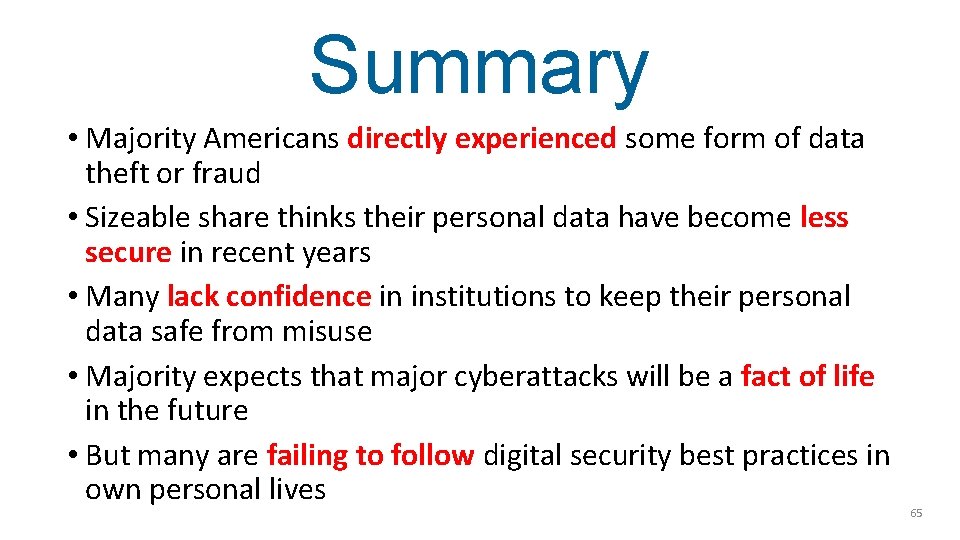
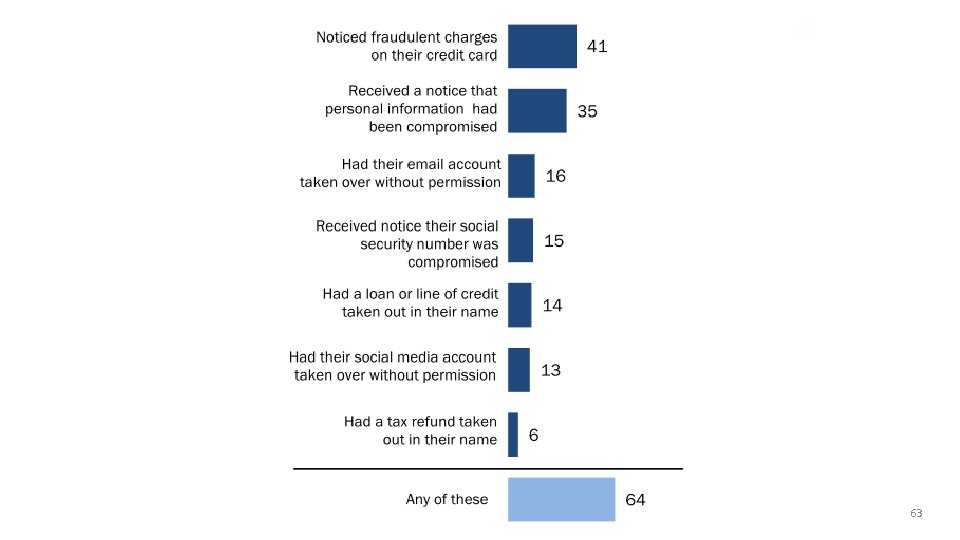
Summary • Majority Americans directly experienced some form of data theft or fraud • Sizeable share thinks their personal data have become less secure in recent years • Many lack confidence in institutions to keep their personal data safe from misuse • Majority expects that major cyberattacks will be a fact of life in the future • But many are failing to follow digital security best practices in own personal lives 65
Cybersecurity Pathway - Part 1 Security+ So What Can We Do?
Calls for Awareness Training (Gov’t) • National Strategy to Secure Cyberspace (NSSC) document, created by U. S. President’s National Infrastructure Advisory Council, calls for comprehensive national security awareness program to empower all Americans, including the general population, “to secure their own parts of cyberspace” • Department of Homeland Security, through the NSSC, calls upon home users to help the nation secure cyberspace “by securing their own connections to it”
Calls for Awareness Training (Gov’t) • Action and Recommendation 3 -4 of NSSC calls upon colleges and universities to model user awareness programs and materials • Colloquium for Information Systems Security Education (CISSE), International Federation of Information Processing Working Group 11. 8 on Information Security Education (IFIP WISE), and Workshop on Education in Computer Security (WECS) all involved in security training in schools • Bipartisan Cybersecurity Enhancement Act would fund more cybersecurity research, awareness and education
Calls for Awareness Training (Researchers) • Researchers state that institutions of higher education should be responsible for • • providing security awareness instruction, including Crowley (2003), Mangus (2002), Null (2004), Tobin and Ware (2005), Valentine (2005), Werner (2005), and Yang (2001) Security instruction and training important not only to meet current demands of securing systems but also to prepare students for employment in their respective fields Location of security awareness instruction and training in a college curriculum should not be isolated in upper-level courses for IT majors (Tobin and Ware, 2005; Werner, 2005) Instruction should be taught to all graduates as a “security awareness” course (Valentine, 2005) along with integrating it across through the curriculum (Yang, 2001) Long (1999) advocated that security instruction should begin as early as kindergarten
Calls for Awareness Training (Media) “START BUILDING CYBERSECURITY INTO BASIC CURRICULA. Early education is absolutely essential—not just because STEM subjects are important, but because everyone makes cyberdecisions. ” Wall Street Journal (3/27/2016)
Two Solutions • Need to teach Security+ curriculum to all IT majors • Need to teach practical applied security to all students
Are We Doing That? • Independent consultants analyzed undergraduate computer science, computer engineering and computer information systems degree programs from top-ranked U. S. universities • 121 university programs reviewed were gathered from three separate rankings • U. S. News and World Report’s Best Global Universities for Computer Science • Business Insider’s Top 50 best computer-science and engineering schools in America • QS World University Rankings – Computer Science & Information
No, We’re Not • None of the top 10 U. S. computer science programs require any cybersecurity course for graduation (and 3 do not even offer an elective course in cybersecurity) • Only one of U. S. News & World Report’s top 36 U. S. computer science programs requires a single security course for graduation • Only three of Business Insiders’ top 50 U. S. computer science programs require a cybersecurity course for graduation
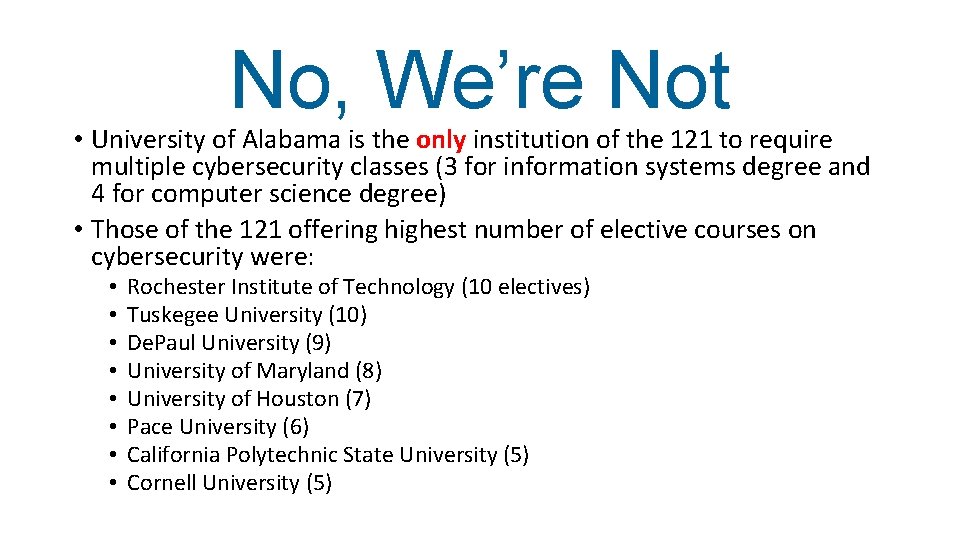
No, We’re Not • University of Alabama is the only institution of the 121 to require multiple cybersecurity classes (3 for information systems degree and 4 for computer science degree) • Those of the 121 offering highest number of elective courses on cybersecurity were: • • Rochester Institute of Technology (10 electives) Tuskegee University (10) De. Paul University (9) University of Maryland (8) University of Houston (7) Pace University (6) California Polytechnic State University (5) Cornell University (5)
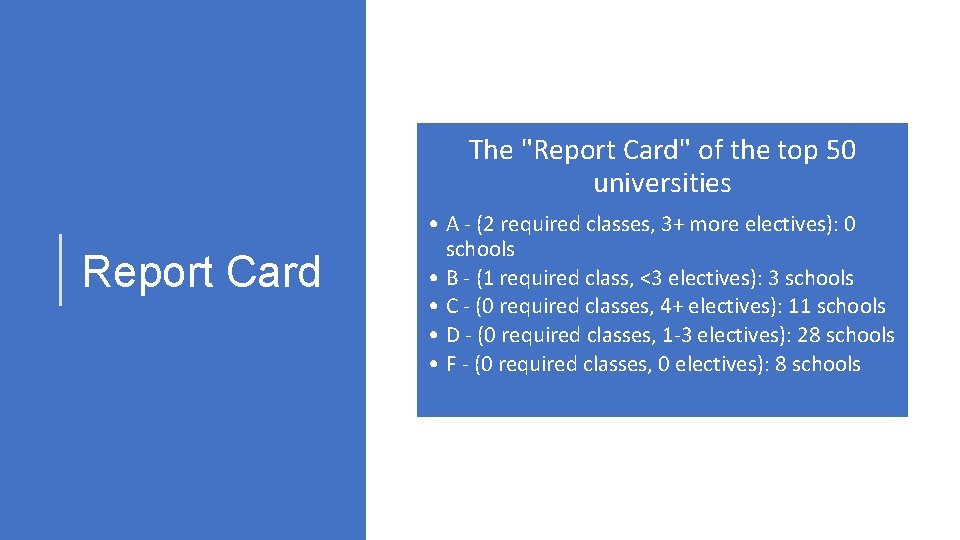
The "Report Card" of the top 50 universities Report Card • A - (2 required classes, 3+ more electives): 0 schools • B - (1 required class, <3 electives): 3 schools • C - (0 required classes, 4+ electives): 11 schools • D - (0 required classes, 1 -3 electives): 28 schools • F - (0 required classes, 0 electives): 8 schools
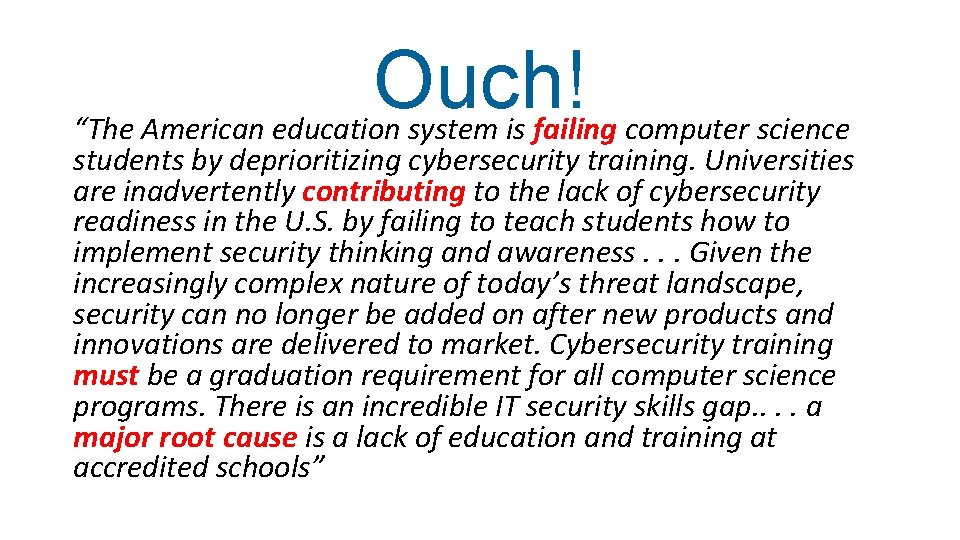
Ouch! “The American education system is failing computer science students by deprioritizing cybersecurity training. Universities are inadvertently contributing to the lack of cybersecurity readiness in the U. S. by failing to teach students how to implement security thinking and awareness. . . Given the increasingly complex nature of today’s threat landscape, security can no longer be added on after new products and innovations are delivered to market. Cybersecurity training must be a graduation requirement for all computer science programs. There is an incredible IT security skills gap. . a major root cause is a lack of education and training at accredited schools”

Philadelphia • Philadelphia is largest city the Commonwealth of Pennsylvania and is economic and cultural centerpiece of Delaware Valley • Historically was the focal point in American Revolution as place where Founding Fathers signed Declaration of Independence in 1776 and Constitution in 1787 • Served as one of the nation's capitals in the Revolutionary War • Philadelphia is known for being the city of "firsts": first library (1731), first hospital (1751), first medical school first Capital (1777), first stock exchange (1790), and even the first zoo (1874) 77
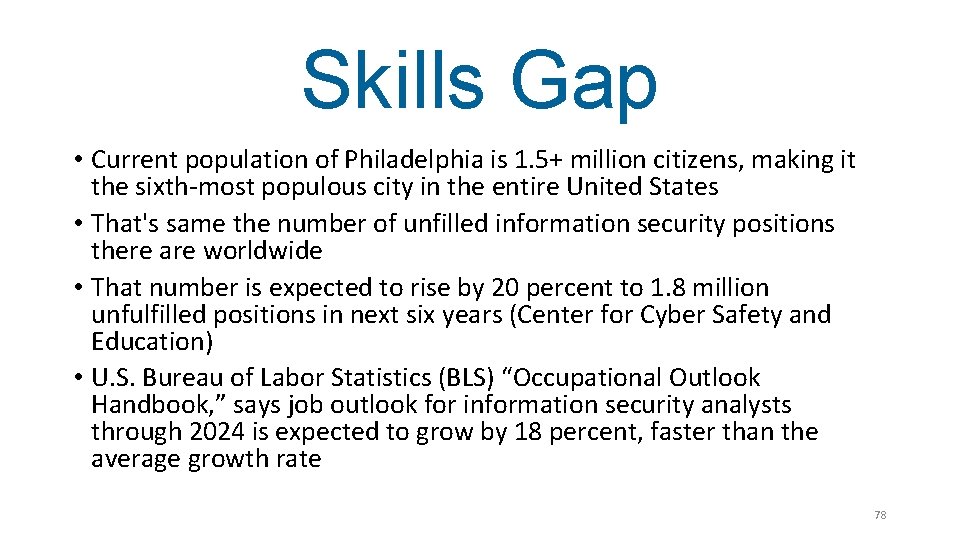
Skills Gap • Current population of Philadelphia is 1. 5+ million citizens, making it the sixth-most populous city in the entire United States • That's same the number of unfilled information security positions there are worldwide • That number is expected to rise by 20 percent to 1. 8 million unfulfilled positions in next six years (Center for Cyber Safety and Education) • U. S. Bureau of Labor Statistics (BLS) “Occupational Outlook Handbook, ” says job outlook for information security analysts through 2024 is expected to grow by 18 percent, faster than the average growth rate 78
Benefits • Last month (Jun 2017) 8, 400 job postings for IT workers, indicating that those are the number of IT jobs added • First six months of 2017 there were 61, 900 IT jobs added • Average annual wage of U. S. technology workers is $108, 900 --and that's double the average national wage of $53, 040 • Cyberstates 2017 (www. cyberstates. org) just released by Comp. TIA has detailed information on each of the 50 states as well as aggregate data (each state summary, leading technology occupations, tech industry employment, leading tech industry sectors)
Two Solutions • Need to teach Security+ curriculum to all IT majors • Need to teach practical applied security to all students
Security Education Today • Do not teach security to all IT majors • Teach enterprise security in IT security track • Teach brief coverage of security definitions in Introduction to Computers to rest of students • Yet we are leaving out practical security awareness for all students
Security Education Challenge • Need educate all students about practical computer security in all of our courses • “Users should be as fluent with practical security as with using Word” • All our courses all use technology, so make security a “teaching moment” • Security Across the Curriculum
‘I Have No Time’ • We can take the opportunity to introduce security as we cover specific topics (“teaching moment”) • When we cover Office Macros can talk about the associated security risks • When we cover Internet research can talk about associated security risks
‘I Am Not an Expert’ • Security experts are not wanted! • Often security experts get too carried away with too many details! • Need teach basic practical security skills and not advanced security topics
Practical Computer Security • What Doesn’t Work • Use Antivirus Software • Visit Only Known Websites • What Does Work • Passwords • Resist Phishing • Personal Computer Defenses • Mobile Defenses

Security vs. Convenience 86
What Does Work Password Managers
Practical Computer Security • What Doesn’t Work • Use Antivirus Software • Visit Only Known Websites • What Does Work • Passwords • Resist Phishing • Personal Computer Defenses • Mobile Defenses
Do To Stay Safe • Install software updates • Use unique passwords • Use 2 -factor authenticat • Use strong passwords • Use password manager • Use antivirus • Use strong passwords • Change passwords • Visit only known website • Do not share info 89
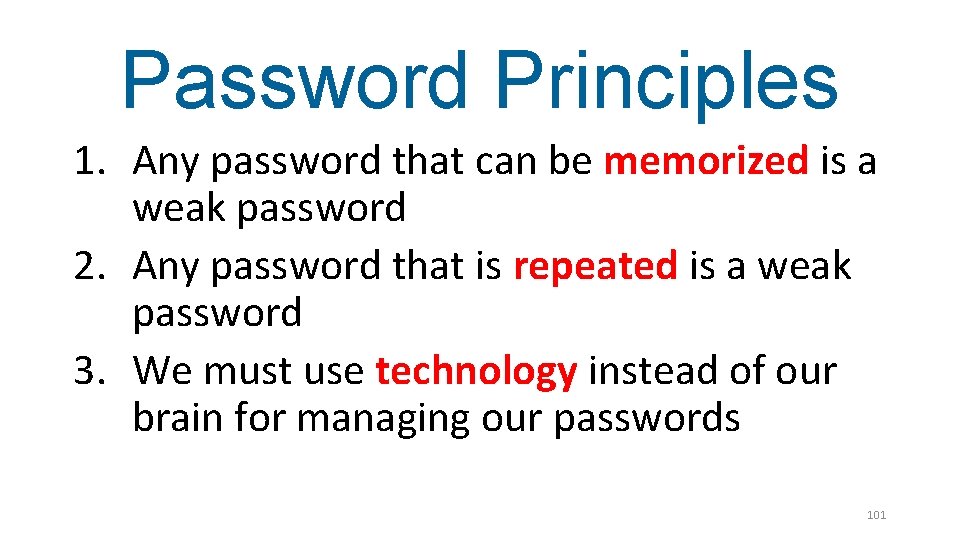
Start With Passwords • Passwords are first line of defense against unauthorized access to user data • For most users creating and storing passwords for their many online accounts is primary interaction with security • User’s password habits (how manage passwords or type of password used) directly impact their overall security 90
How Crack Passwords • Attack technique not used is online guessing in which the attacker attempts to randomly guess the password by typing different variations at the password login prompt • Most accounts are set to disable all logins after a limited number of incorrect attempts (such as five), thus locking out the attacker • Even if attacker had an unlimited number of attempts it would still take an unreasonable amount of time to attempt all of the different combinations in order to guess the right password.
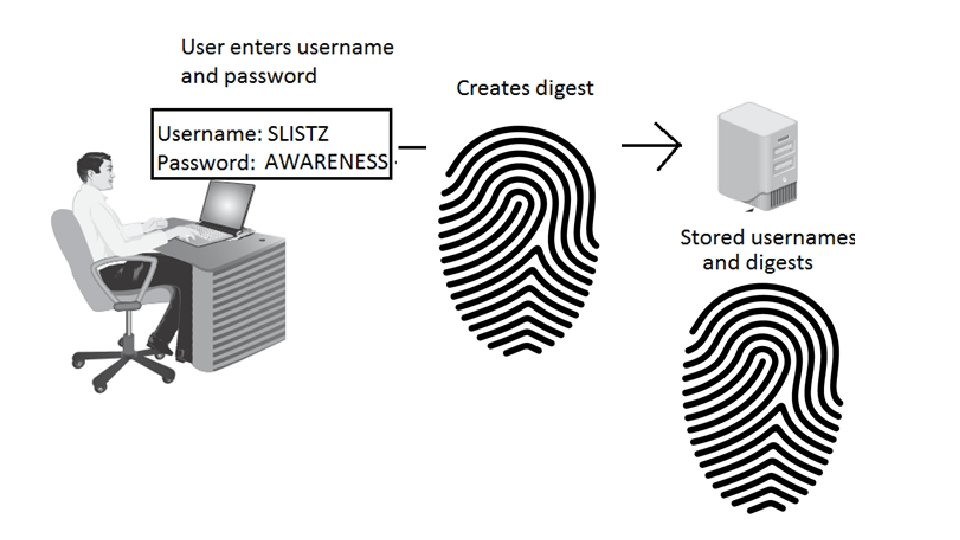
How Crack Passwords • Create the hash • Crack the hash
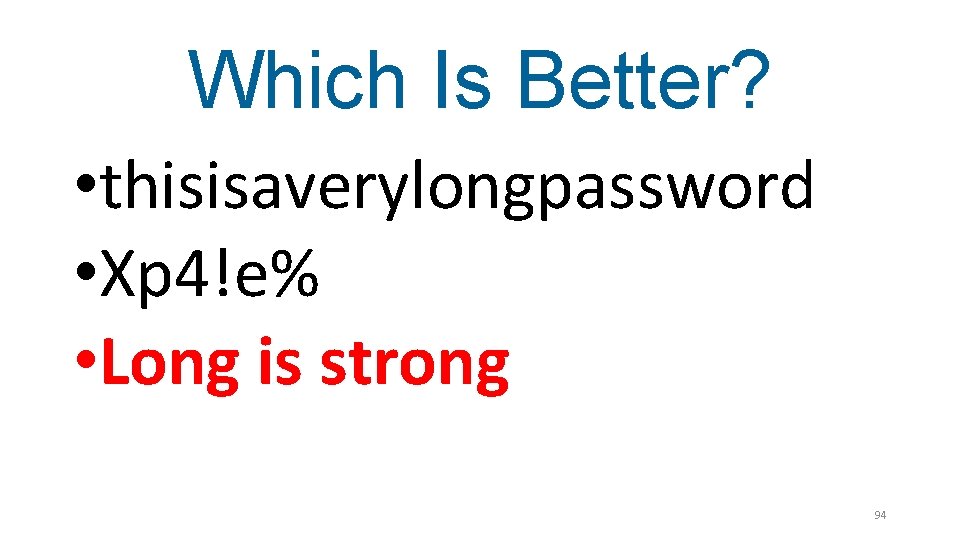
Which Is Better? • thisisaverylongpassword • Xp 4!e% • Long is strong 94
Long is Strong • How Secure Is My Password • Password Strength Calculator • Haystack • Password Meter 95
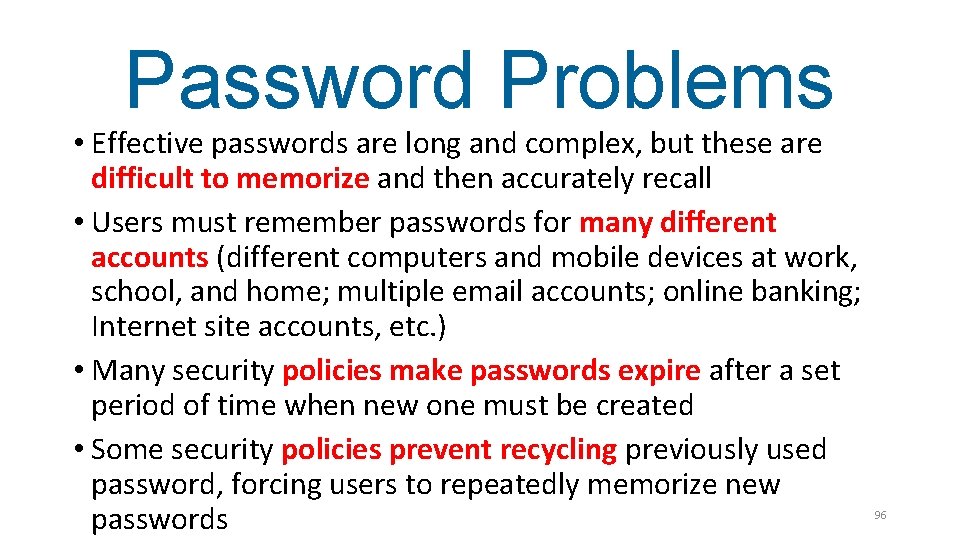
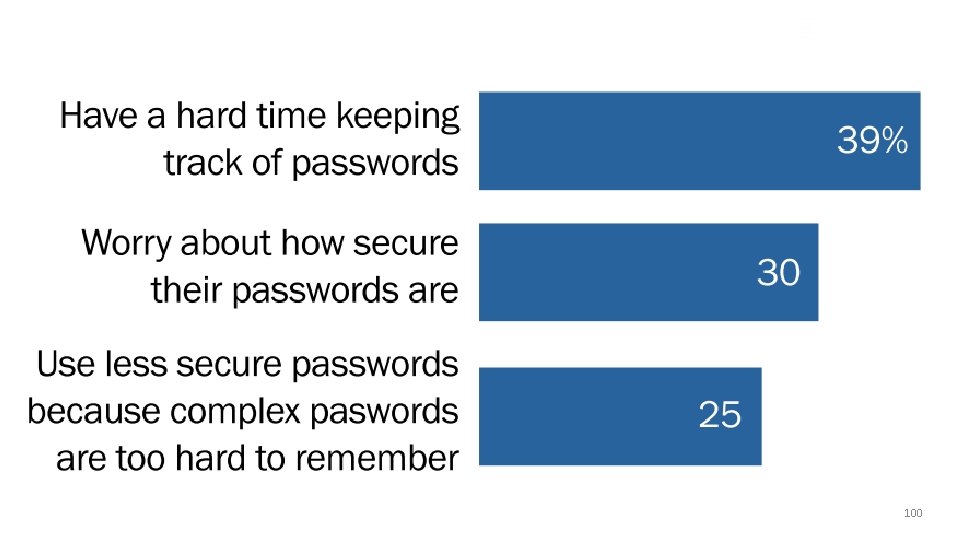
Password Problems • Effective passwords are long and complex, but these are difficult to memorize and then accurately recall • Users must remember passwords for many different accounts (different computers and mobile devices at work, school, and home; multiple email accounts; online banking; Internet site accounts, etc. ) • Many security policies make passwords expire after a set period of time when new one must be created • Some security policies prevent recycling previously used password, forcing users to repeatedly memorize new passwords 96
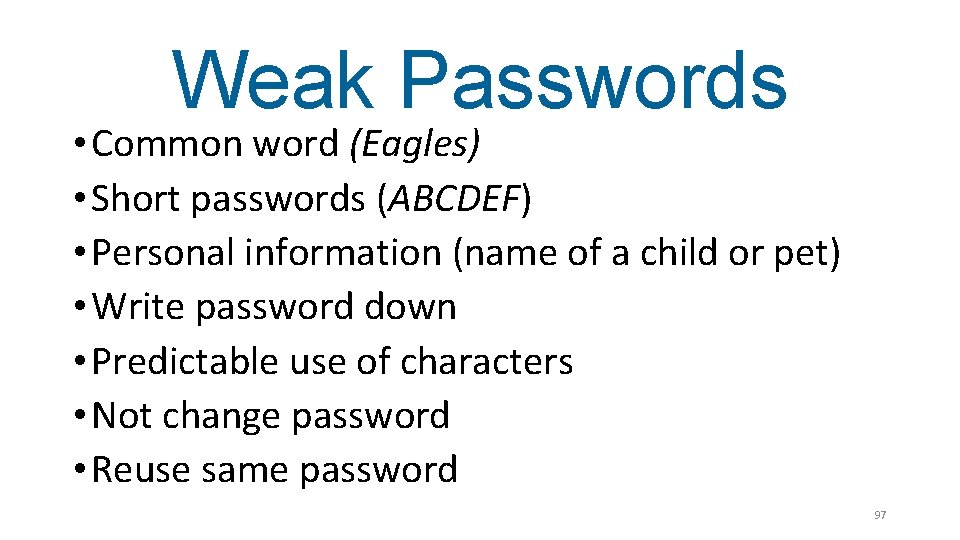
Weak Passwords • Common word (Eagles) • Short passwords (ABCDEF) • Personal information (name of a child or pet) • Write password down • Predictable use of characters • Not change password • Reuse same password 97
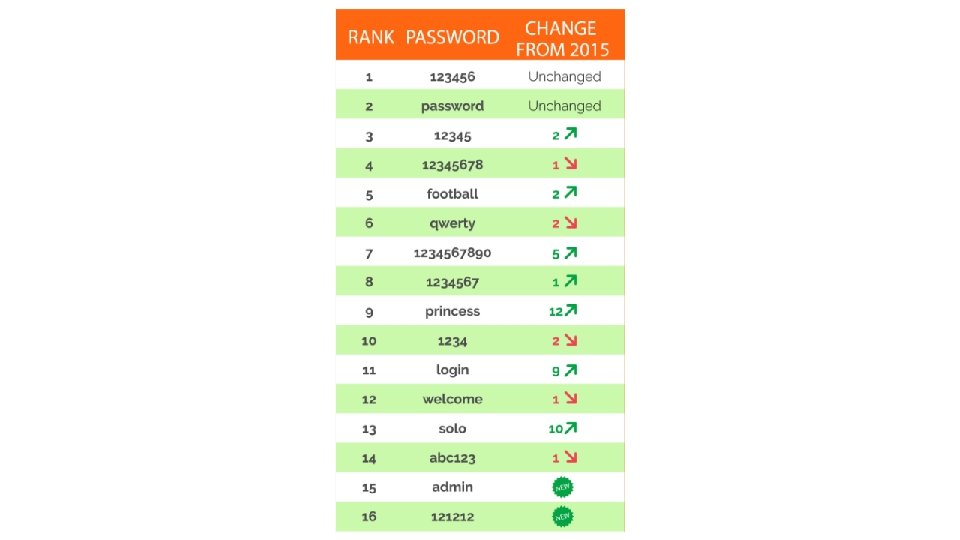
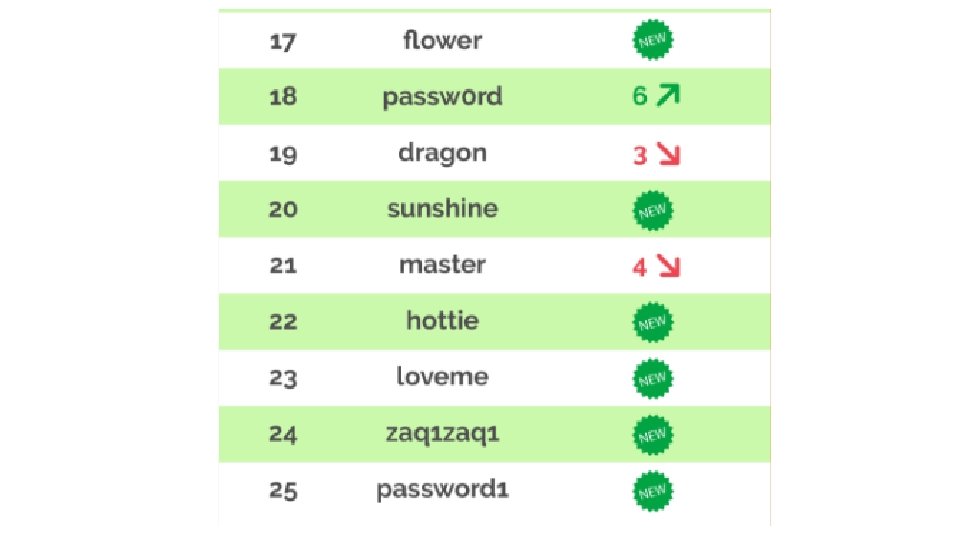
Date 2016 100
Password Principles 1. Any password that can be memorized is a weak password 2. Any password that is repeated is a weak password 3. We must use technology instead of our brain for managing our passwords 101
Password Managers • Secure solution to credential management is rely on technology rather than human memory to store and manage passwords • Password managers – Technologies for storing and managing passwords • Three basic types of password managers
Password Generators • App/extension generates password based on master password + URL • Examples: Super. Gen. Pass, Password. Maker, Pass. Hash, Master Password • Disadvantages: Must have app/extension installed on each computer and web browser
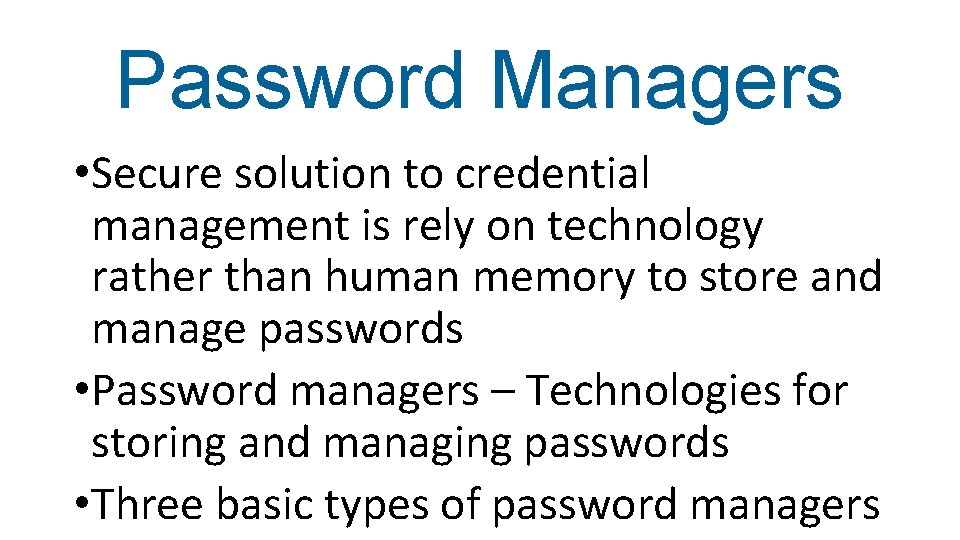
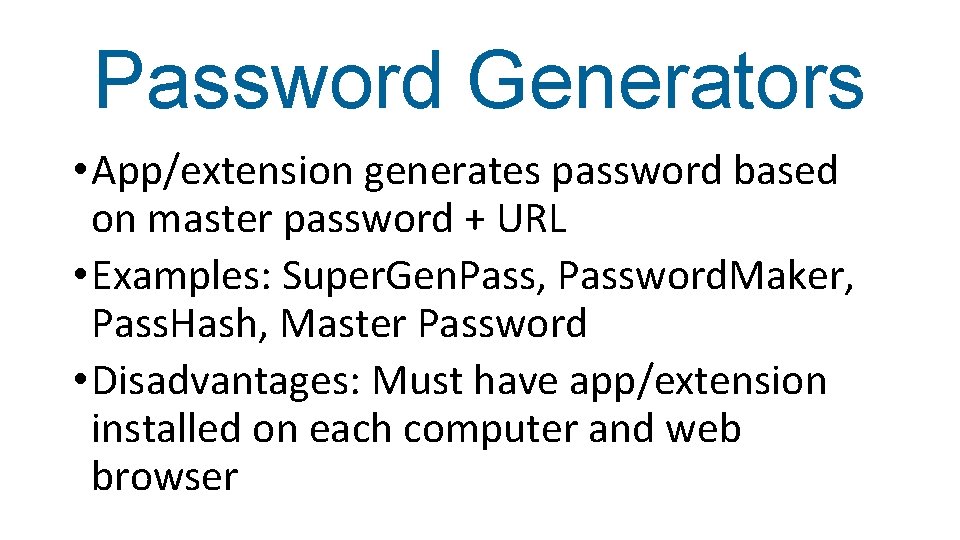
Online Vaults • App/extension accesses passwords stored in cloud • Examples: Last. Pass, Secret Server, Mitto • Disadvantages: Online sites vulnerable to attackers (Last. Pass has been successfully attacked twice last three years)
Password Management Applications • Programs user can create and store multiple strong passwords in single user “vault” file protected by one strong master password • Users can retrieve individual passwords as needed by opening user file, thus freeing user from need to memorize multiple passwords • Examples: 1 Password, Mac OS X Keychain, Kee. Pass • Disadvantages: Vault must be carried with user or installed on multiple computers • Applications have multiple additional features
Password Management Application • In-memory protection - Passwords are encrypted while the application is running to conceal passwords • Key files - In order to open the password database key file must also be present • Lock to user account - The database can be locked so that it can only be opened by the same person who created it • Password groupings - User passwords can be arranged as a tree, so that a group can have subgroups • Random password generator - A built-in random password generator can create strong random passwords based on different settings
Password Management Application • Dashlane • Last. Pass • Kee. Pass • 1 Password • Blur • Password. Box • Robo. Form • Sticky. Password 107
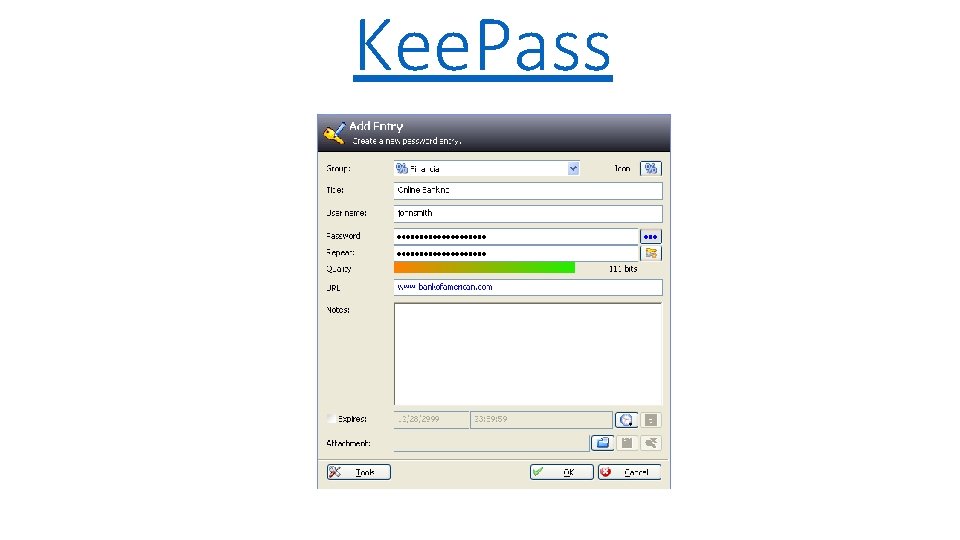
Kee. Pass
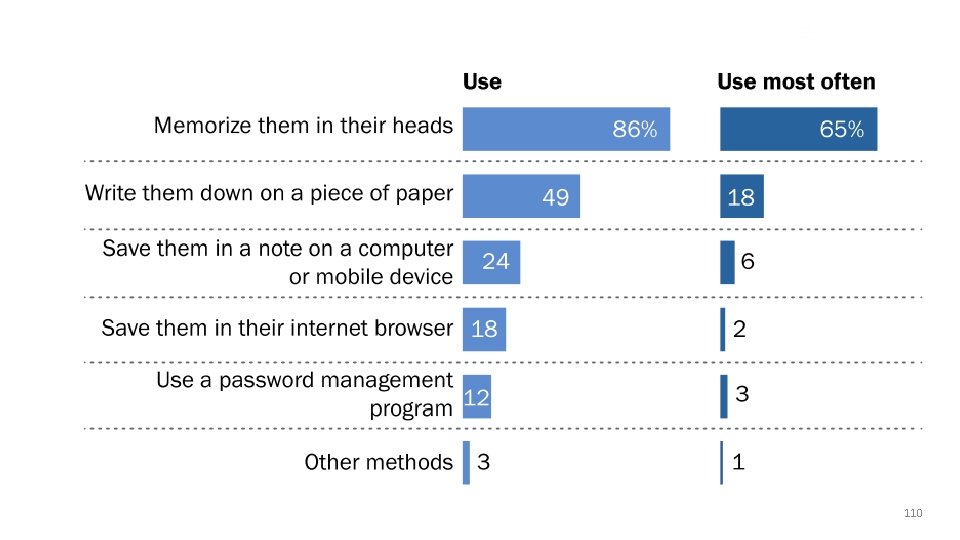
Date 2016 110
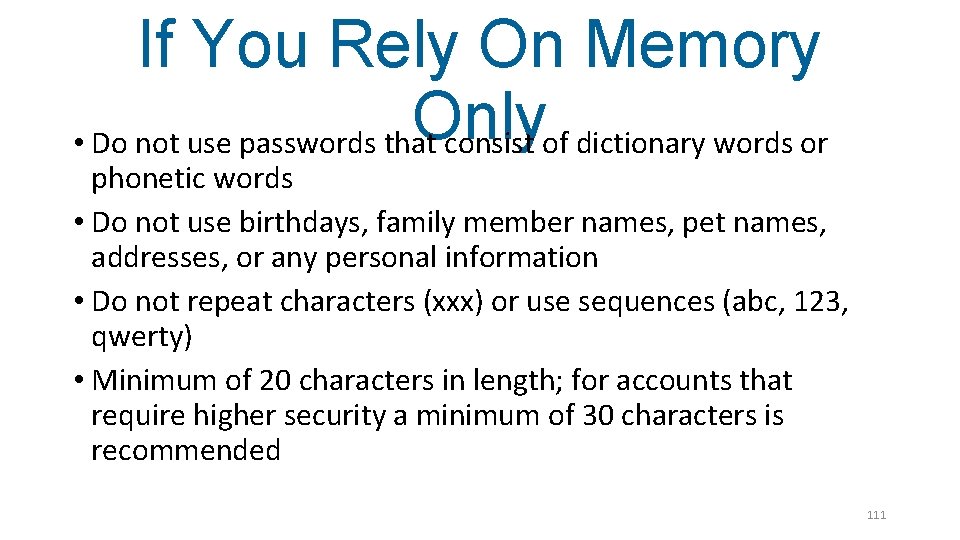
If You Rely On Memory Only • Do not use passwords that consist of dictionary words or phonetic words • Do not use birthdays, family member names, pet names, addresses, or any personal information • Do not repeat characters (xxx) or use sequences (abc, 123, qwerty) • Minimum of 20 characters in length; for accounts that require higher security a minimum of 30 characters is recommended 111
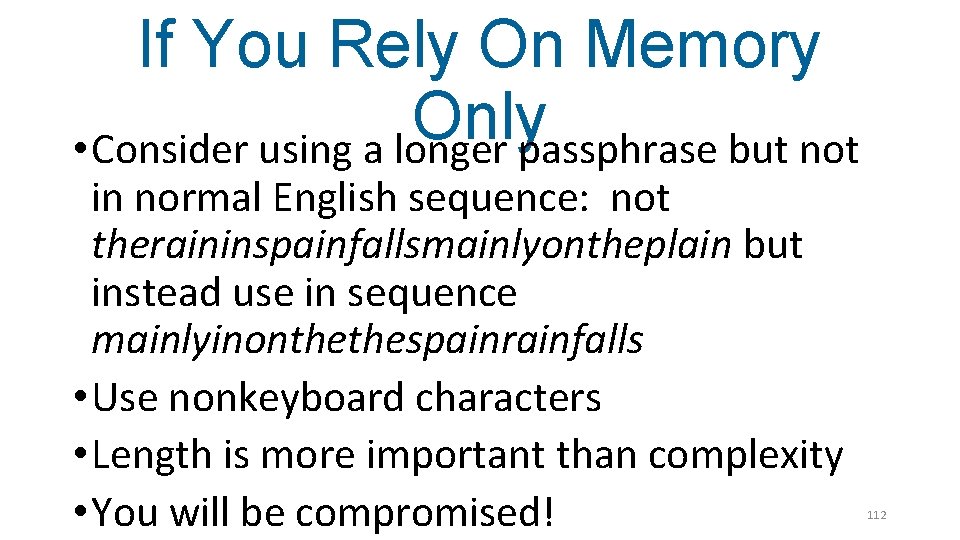
If You Rely On Memory Only • Consider using a longer passphrase but not in normal English sequence: not theraininspainfallsmainlyontheplain but instead use in sequence mainlyinonthethespainrainfalls • Use nonkeyboard characters • Length is more important than complexity • You will be compromised! 112
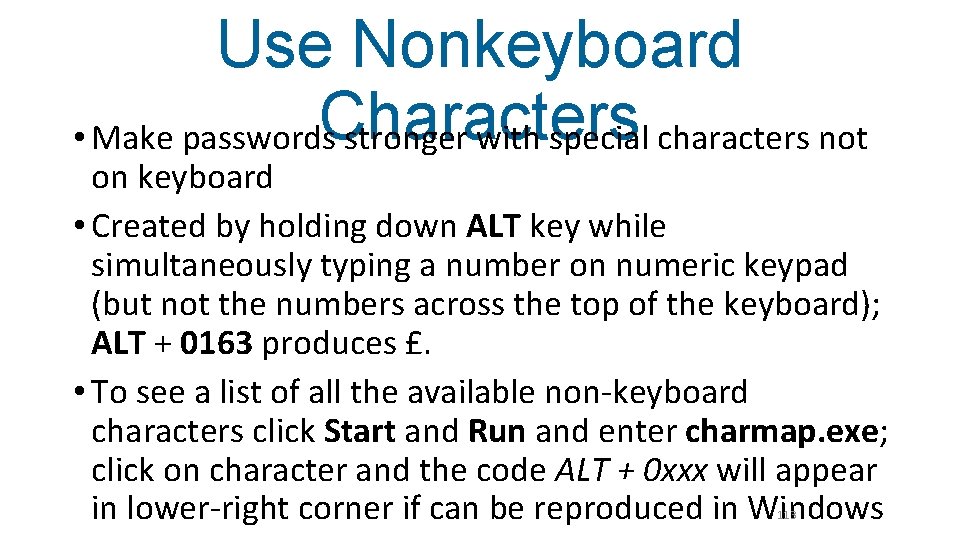
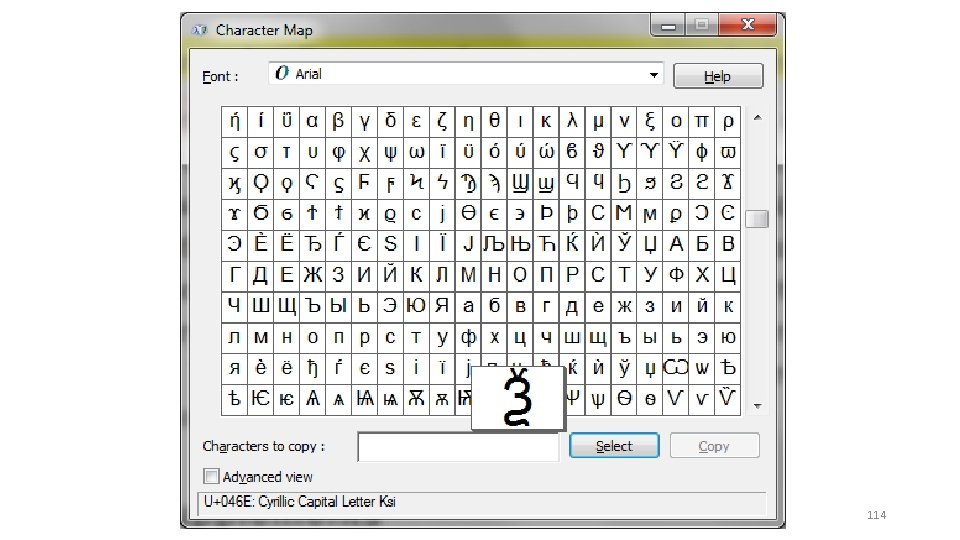
Use Nonkeyboard Characters • Make passwords stronger with special characters not on keyboard • Created by holding down ALT key while simultaneously typing a number on numeric keypad (but not the numbers across the top of the keyboard); ALT + 0163 produces £. • To see a list of all the available non-keyboard characters click Start and Run and enter charmap. exe; click on character and the code ALT + 0 xxx will appear in lower-right corner if can be reproduced in Windows 113
114

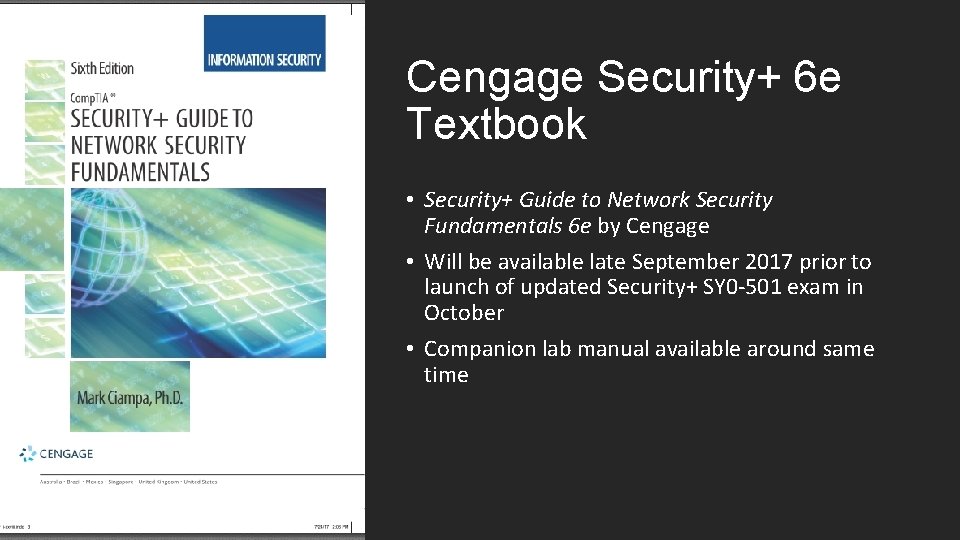
Cengage Security+ 6 e Textbook • Security+ Guide to Network Security Fundamentals 6 e by Cengage • Will be available late September 2017 prior to launch of updated Security+ SY 0 -501 exam in October • Companion lab manual available around same time
Security+ 6 e Textbook • Fully maps to the latest Comp. TIA Security+ exam SY 0 -501 • Completely revised and updated with expanded coverage on attacks and defenses • New chapter units: Security and Its Threats, Cryptography, Network Attacks and Defenses, Device Security, Identity and Access Management, and Risk Management. • New chapter sequencing • All new “Today’s Attacks and Defenses” opener in each chapter
Security+ 6 e Textbook • New and updated Hands-On Projects in each chapter covering some of the latest security software • More Case Projects • Expanded Information Security Community Site activity in each chapter allows learners to interact with other learners and security professionals from around the world • All SY 0 -501 exam topics fully defined • Linking of each exam sub-domain to Bloom’s Taxonomy • New figure format
Security Awareness 5 e • Security Awareness: Applying Practical Security in Your World, 5 e • Basic introduction to practical computer security for all users, from students to home users to business professionals • New 5 e published 2016 • Now has Mind. Tap component
Cybersecurity Pathway - Part 1 Security+ Dr. Mark Ciampa mark. Ciampa@wku. edu
- Slides: 120