
Cybersecurity Awareness What Do we Need to Know
Cybersecurity Awareness What Do we Need to Know
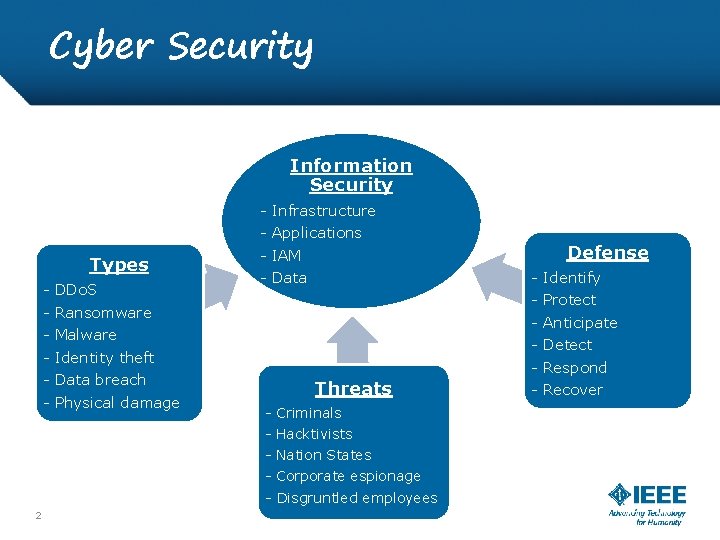
Cyber Security Information Security - Infrastructure Types - DDo. S - Ransomware - Malware - Identity theft - Data breach - Physical damage - Applications - IAM - Data - Identify - Threats - Criminals - Hacktivists - Nation States - Corporate espionage - Disgruntled employees 2 Defense Protect Anticipate Detect Respond - Recover
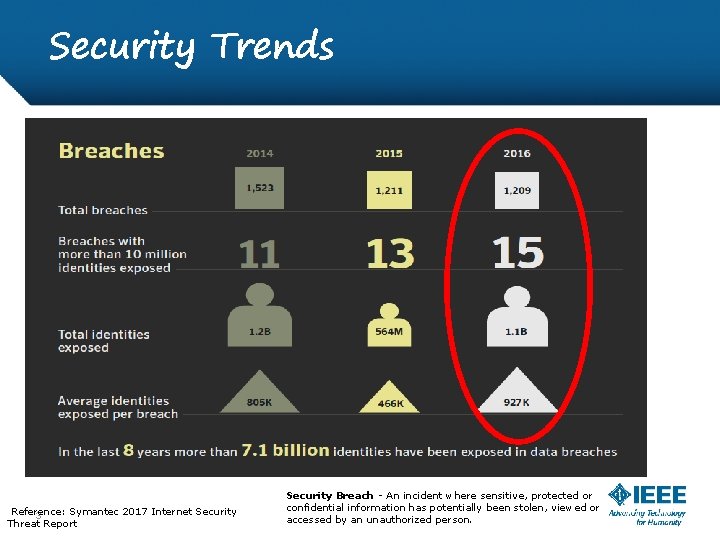
Security Trends Reference: Symantec 2017 Internet Security 3 Threat Report Security Breach - An incident where sensitive, protected or confidential information has potentially been stolen, viewed or accessed by an unauthorized person.
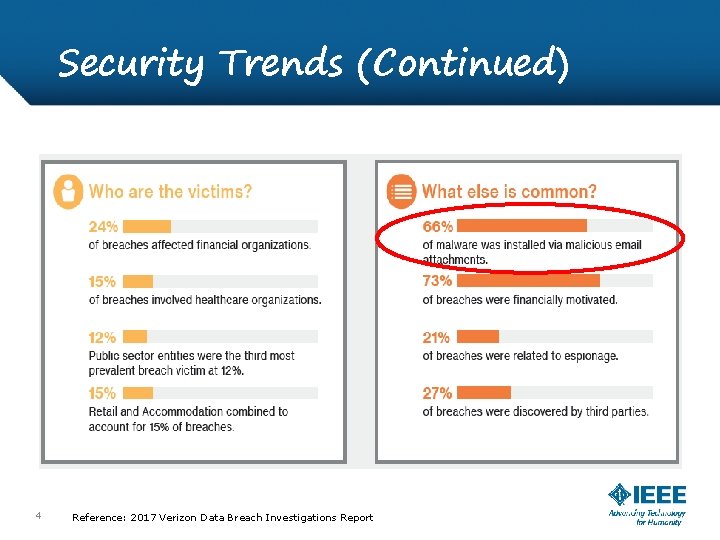
Security Trends (Continued) 4 Confidential Reference: 2017 Verizon Data Breach Investigations Report
Weakest Link: People • People are the weakest link - Things happen intentionally or unintentionally (human errors). • People are the first line of defense - we reduce risk by training and creating awareness.
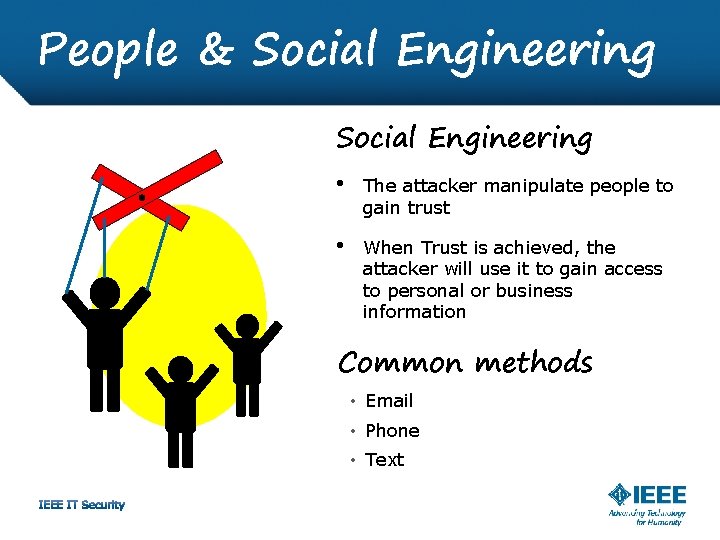
People & Social Engineering • The attacker manipulate people to gain trust • When Trust is achieved, the attacker will use it to gain access to personal or business information Common methods • Email • Phone • Text
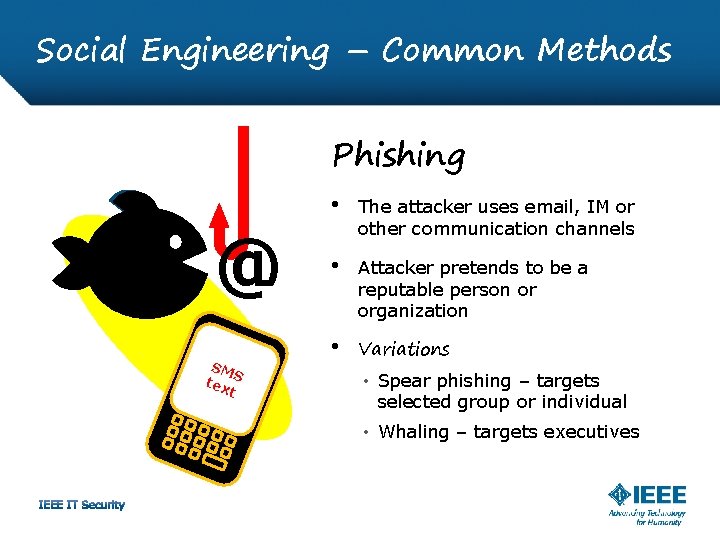
Social Engineering – Common Methods Phishing @ SM S tex t • The attacker uses email, IM or other communication channels • Attacker pretends to be a reputable person or organization • Variations • Spear phishing – targets selected group or individual • Whaling – targets executives
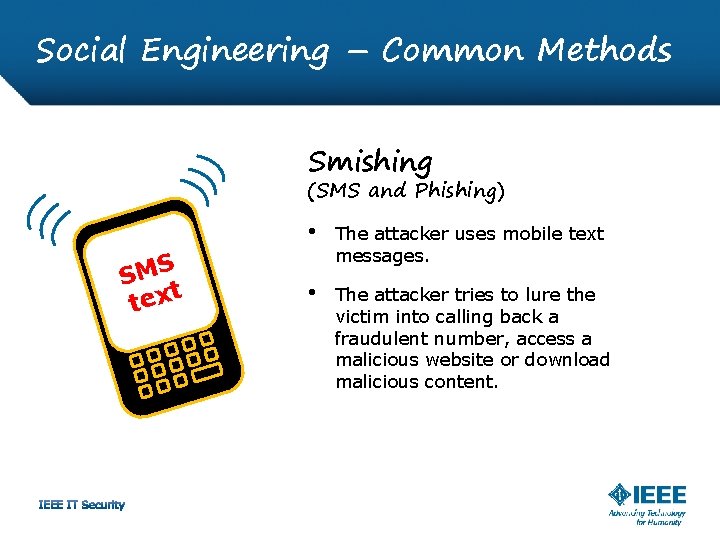
Social Engineering – Common Methods Smishing (SMS and Phishing) SMS t tex • The attacker uses mobile text messages. • The attacker tries to lure the victim into calling back a fraudulent number, access a malicious website or download malicious content.
Social Engineering – Common Methods Vi. Shing (Voice and phishing) • The attacker pretends to be a legitimate business • Uses telephone conversations to attempt to scam the victim • Gain access to information that will be used for identity theft or fraudulent activities
Ransomware Type of malware • Holds information hostage in an attempt to collect money for its release. • Once files are encrypted, in many cases, files cannot be recovered • Typically spread through phishing emails containing malicious attachments or links or through software vulnerability. • May end up in your computer by visiting infected web sites.
In Summary • Social engineering attacks manipulate human TRUST to gain access to confidential information for fraudulent or malicious activities • Don’t click on links or attachments received from unknown senders • Be careful of how much information you share on social media sites • Don’t assume a caller is genuine because they know about you or your company - If suspicious, terminate the call • Trust your instincts! If an email, web link, or email attachment seems suspicious, don't open it. Be Attentive, Be Suspicious!
Take away: Use Strong Passwords Consider making your password a phrase: A phrase can be used to create a strong password. Consider using at least 12 characters. Use phrases that are easy to remember but hard for someone else to guess. Use unique accounts & passwords: Using different passwords for every account helps to thwart attackers. At a minimum, separate your work and personal accounts. Make sure that your critical accounts have the strongest passwords. Use Strong Passwords Use combinations of upper and lower case letters, numbers and Symbols Weak: Webster Strong: W 3 b$t 3 r
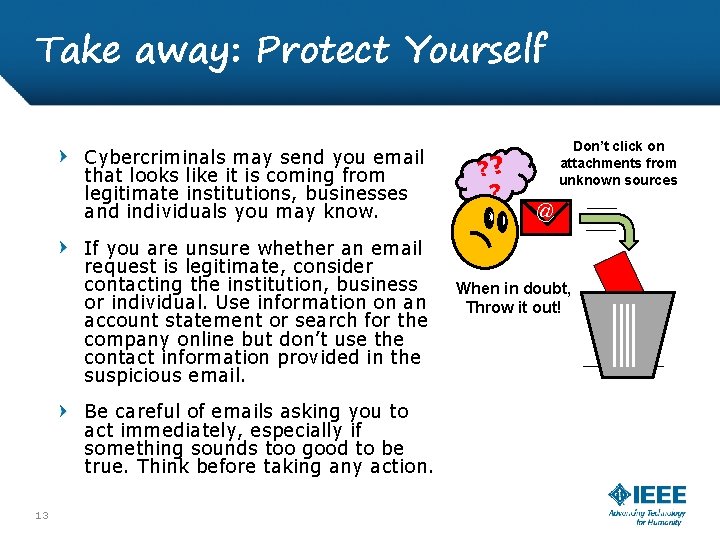
Take away: Protect Yourself Cybercriminals may send you email that looks like it is coming from legitimate institutions, businesses and individuals you may know. If you are unsure whether an email request is legitimate, consider contacting the institution, business or individual. Use information on an account statement or search for the company online but don’t use the contact information provided in the suspicious email. Be careful of emails asking you to act immediately, especially if something sounds too good to be true. Think before taking any action. 13 IT Security ? ? ? Don’t click on attachments from unknown sources @ When in doubt, Throw it out!
Take Away: Stop and Think Use a “STOP, THINK before you CLICK” approach STOP Keep in mind that you could compromise your computer system and any personal or business information stored in it THINK Not all websites are safe to use. To avoid potential risks, be cautious and take your time to review the website before taking any action WARNING Don’t click on links or attachments received from unknown senders When verifying the sender, do not use the information in the suspicious email Be careful of how much information you share on social media sites Don’t assume a caller is genuine because they know about you or your company - If suspicious, terminate the call
QUESTIONS? 15 1/31/2022
- Slides: 15