
Cyber Security Protecting Your Own February 21 2018
Cyber Security - Protecting Your Own February 21, 2018
Executech • Outsourced IT Management – Onsite and Remote • Regulatory Compliance • Data Security • Disaster Recovery • Help for IT Departments – Staff Augmentation – Expert Consulting • Equipment Sales • Free Network Monitoring • Free IT Assessment

Cyber Security Protecting Your Own
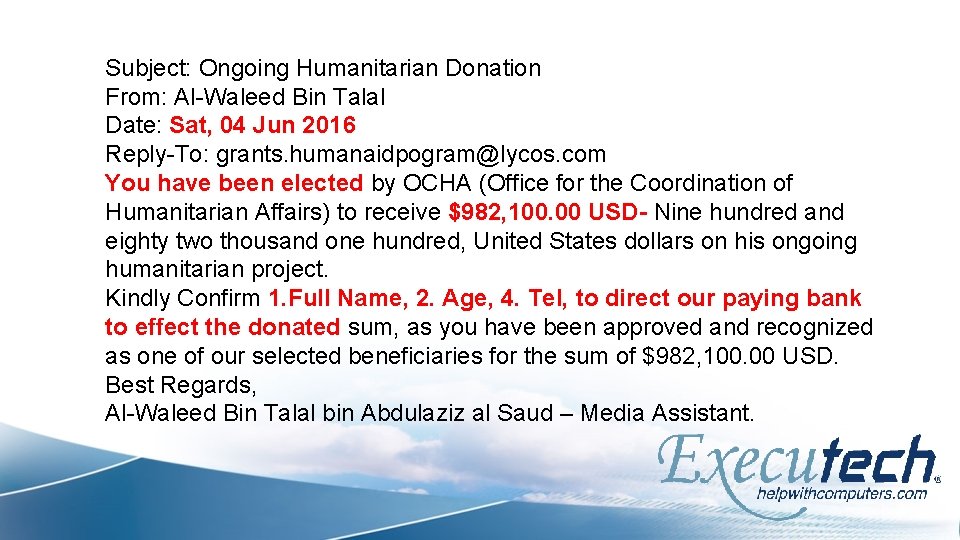
Subject: Ongoing Humanitarian Donation From: Al-Waleed Bin Talal Date: Sat, 04 Jun 2016 Reply-To: grants. humanaidpogram@lycos. com You have been elected by OCHA (Office for the Coordination of Humanitarian Affairs) to receive $982, 100. 00 USD- Nine hundred and eighty two thousand one hundred, United States dollars on his ongoing humanitarian project. Kindly Confirm 1. Full Name, 2. Age, 4. Tel, to direct our paying bank to effect the donated sum, as you have been approved and recognized as one of our selected beneficiaries for the sum of $982, 100. 00 USD. Best Regards, Al-Waleed Bin Talal bin Abdulaziz al Saud – Media Assistant.
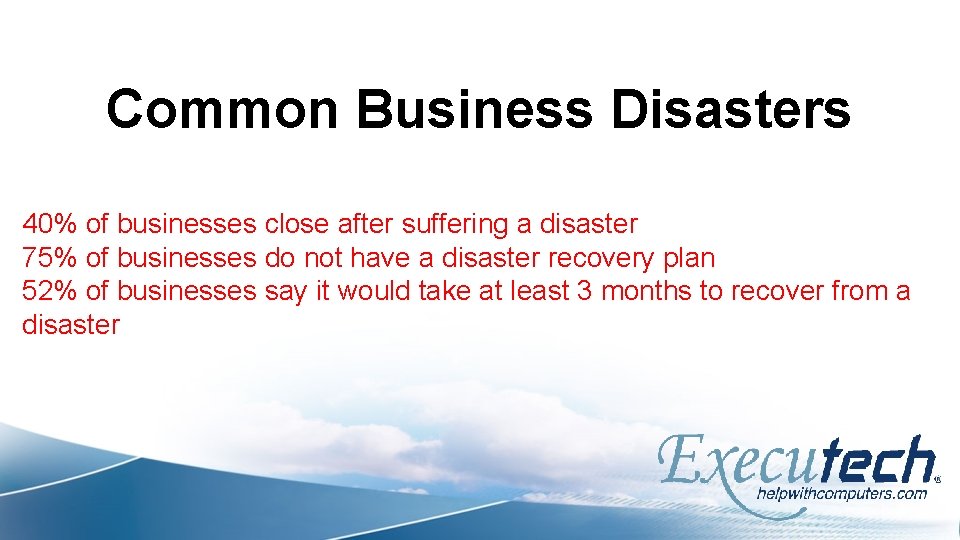
Common Business Disasters 40% of businesses close after suffering a disaster 75% of businesses do not have a disaster recovery plan 52% of businesses say it would take at least 3 months to recover from a disaster
Common Business Disasters • • Hardware Failure Software Corruption Power Outages Natural Disaster Theft Scams at fuel pump Ransomware or Other Cyberattack
Why are Small Businesses Targeted? Reluctant to change Collecting valuable data Gateway to larger companies Target - 40 million customers - $38 M settlement
Most Common Attacks

Scams at the Pump
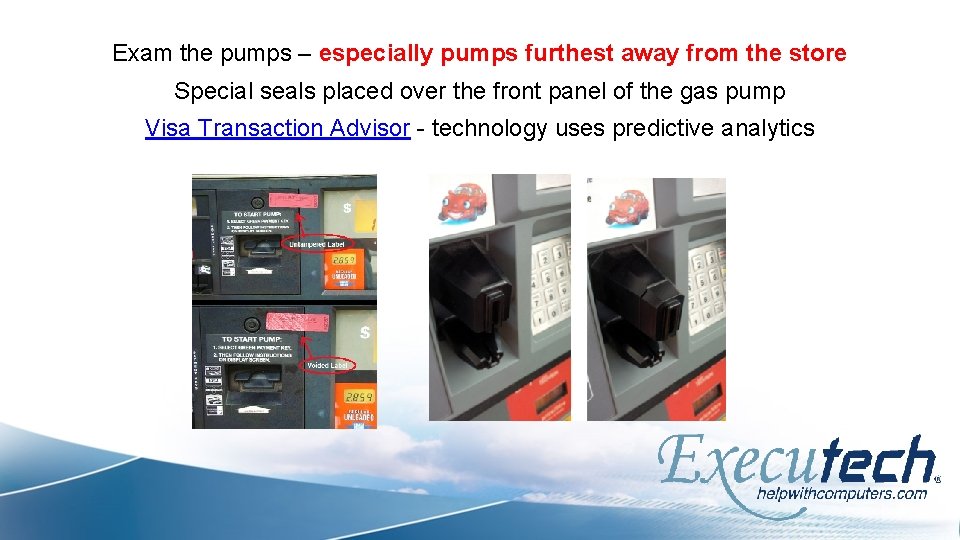
Exam the pumps – especially pumps furthest away from the store Special seals placed over the front panel of the gas pump Visa Transaction Advisor - technology uses predictive analytics
Phishing masquerading as a trustworthy entity
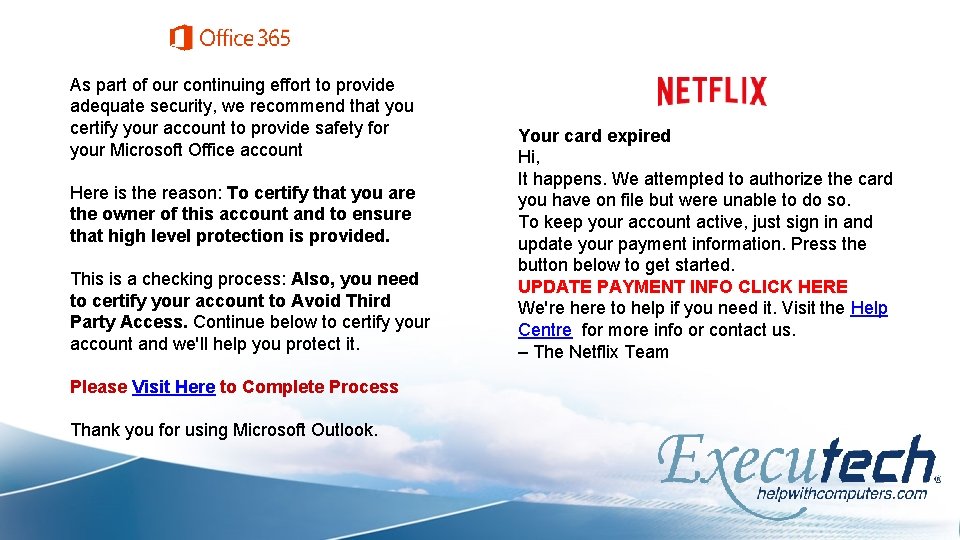
As part of our continuing effort to provide adequate security, we recommend that you certify your account to provide safety for your Microsoft Office account Here is the reason: To certify that you are the owner of this account and to ensure that high level protection is provided. This is a checking process: Also, you need to certify your account to Avoid Third Party Access. Continue below to certify your account and we'll help you protect it. Please Visit Here to Complete Process Thank you for using Microsoft Outlook. Your card expired Hi, It happens. We attempted to authorize the card you have on file but were unable to do so. To keep your account active, just sign in and update your payment information. Press the button below to get started. UPDATE PAYMENT INFO CLICK HERE We're here to help if you need it. Visit the Help Centre for more info or contact us. – The Netflix Team
Ghosting Emails masquerading as a trustworthy email
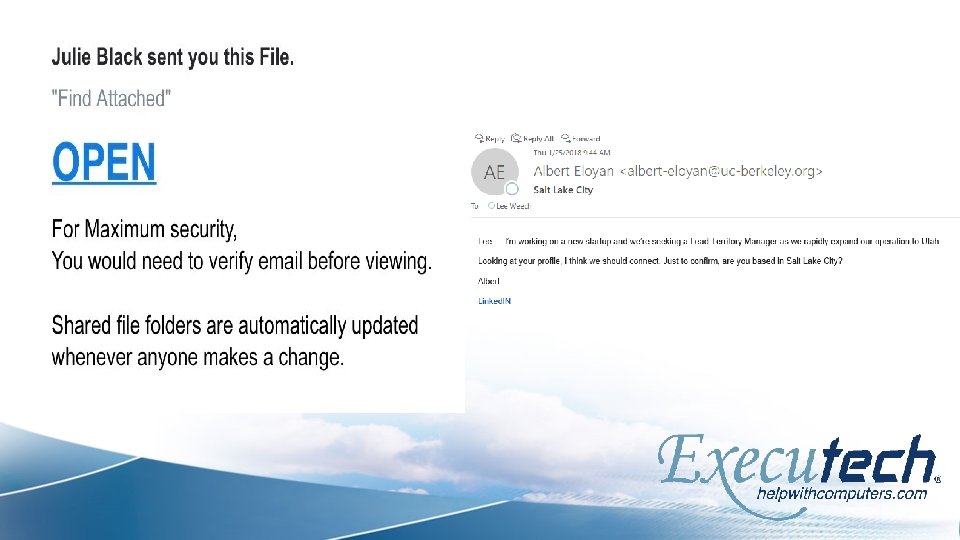
Email Links will take you to an alternative location and/or start malware
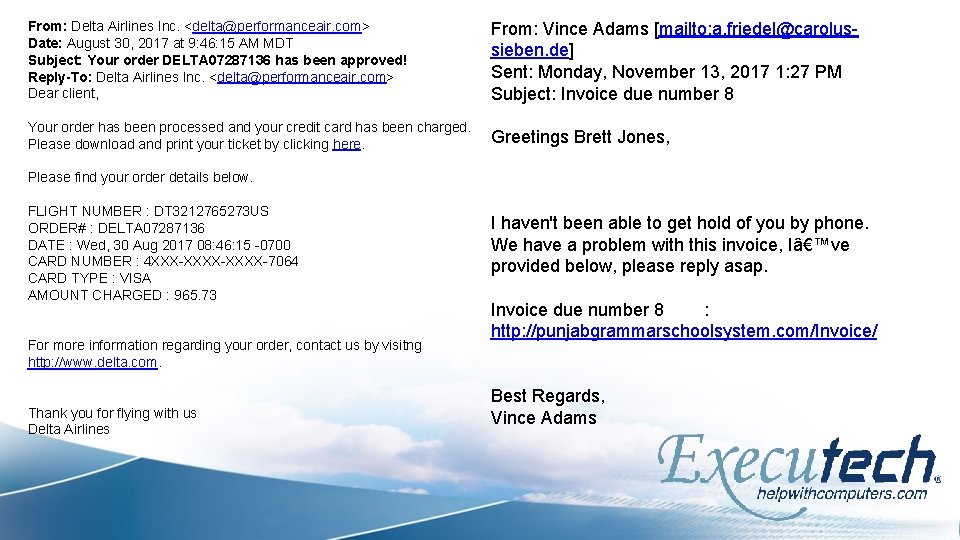
From: Delta Airlines Inc. <delta@performanceair. com> Date: August 30, 2017 at 9: 46: 15 AM MDT Subject: Your order DELTA 07287136 has been approved! Reply-To: Delta Airlines Inc. <delta@performanceair. com> Dear client, Your order has been processed and your credit card has been charged. Please download and print your ticket by clicking here. Please find your order details below. FLIGHT NUMBER : DT 3212765273 US ORDER# : DELTA 07287136 DATE : Wed, 30 Aug 2017 08: 46: 15 -0700 CARD NUMBER : 4 XXX-XXXX-7064 CARD TYPE : VISA AMOUNT CHARGED : 965. 73 For more information regarding your order, contact us by visitng http: //www. delta. com. Thank you for flying with us Delta Airlines From: Vince Adams [mailto: a. friedel@carolussieben. de] Sent: Monday, November 13, 2017 1: 27 PM Subject: Invoice due number 8 Greetings Brett Jones, I haven't been able to get hold of you by phone. We have a problem with this invoice, I’ve provided below, please reply asap. Invoice due number 8 : http: //punjabgrammarschoolsystem. com/Invoice/ Best Regards, Vince Adams
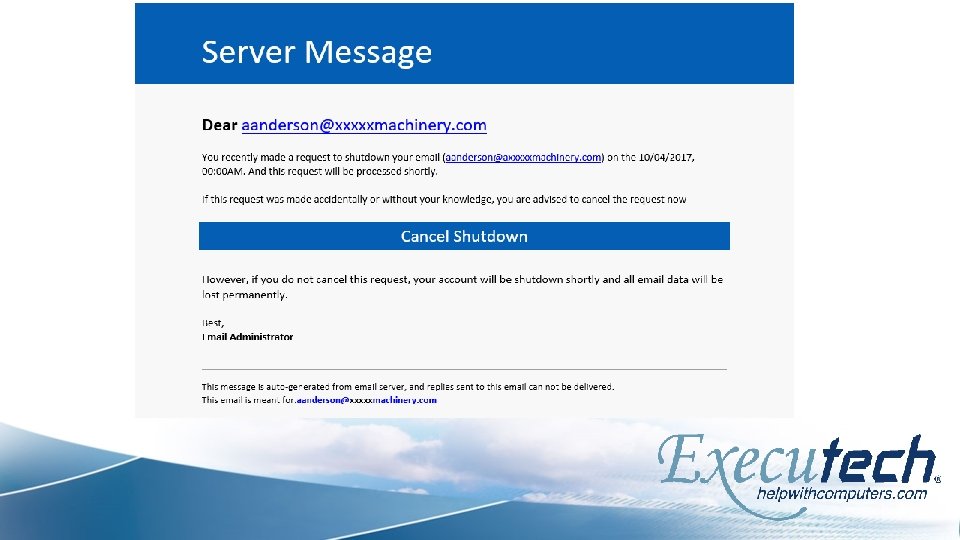
Internal Company Email masquerading as an internal email
Internal Threats Theft: someone steals a user’s computer Loss: a user loses their laptop Damage: a hard drive crashes or a natural disaster Rogue Employee: leaves and doesn’t return computer
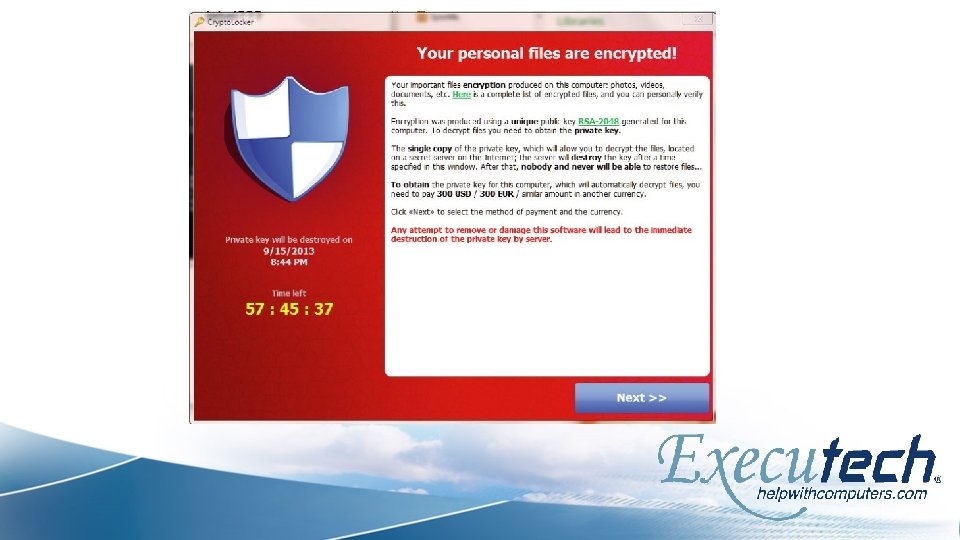
Ransomware type of malicious software designed to block access to a computer system until a sum of money is paid.
Ransomware/Malware Statistics 400, 000 New malware variants detected PER DAY 48% of ransomware victims pay $2500 or more 2 DAYS – Average length of time to be restored after paying ransom 30% of victims who pay don’t get restored
The malware encrypts most (or all) of the files on the affected computer A message with deadline (usually 24 -72 hours) to make a ransom payment via Bitcoin
With a ransomware attack, there are two choices: Pay the ransom or Never get the encrypted files back
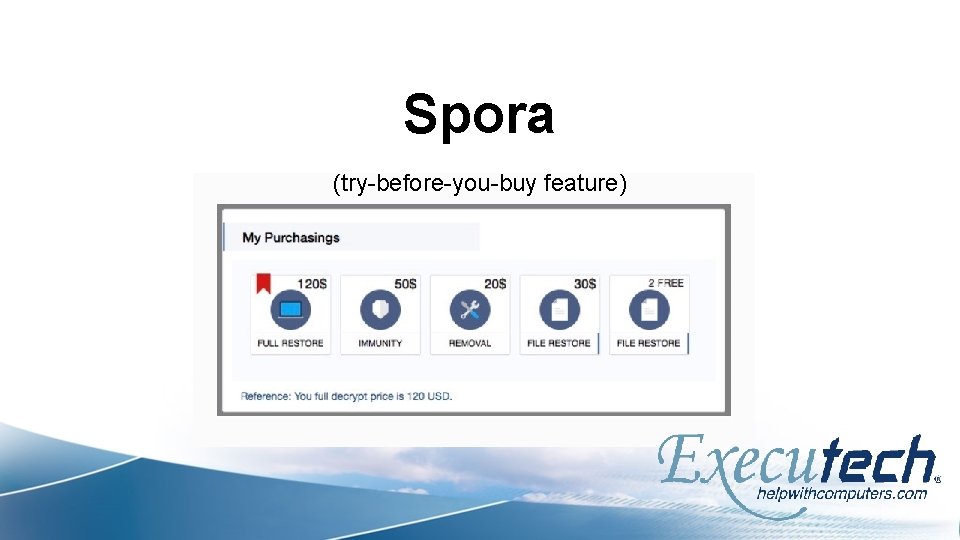
Spora (try-before-you-buy feature)
Preparation Establish a security policy regardless of business size Create a risk register – determine critical systems Form an incident response plan Vendor contact info / escalation list Education / Awareness Log threats TEST THE PLAN
Post Attack Contain the treat – unplug the device Call for Help (internal & external) Implement incident response plan Determine what has exactly has been taken or blocked Address reporting procedures (compliance) Include law enforcement (local, FBI, Secret Service, etc. )
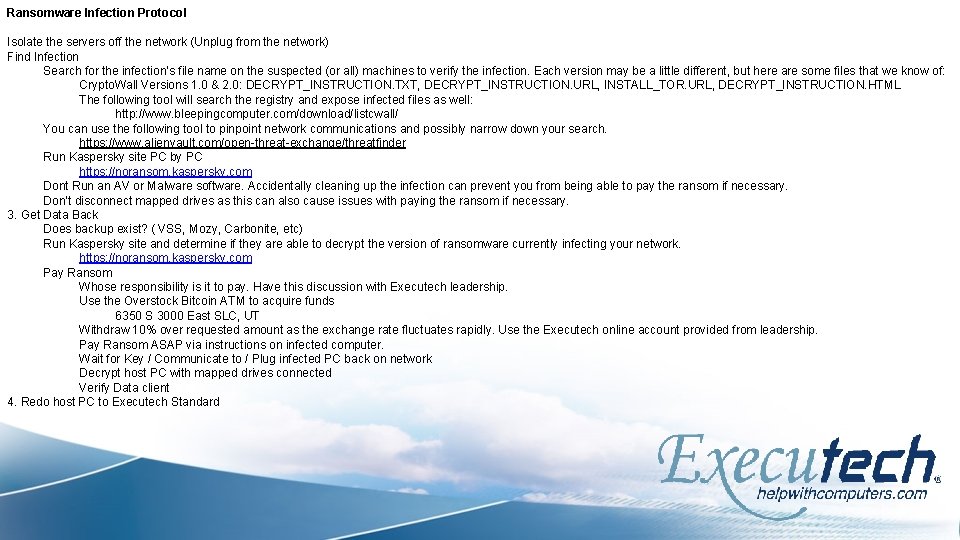
Ransomware Infection Protocol Isolate the servers off the network (Unplug from the network) Find Infection Search for the infection’s file name on the suspected (or all) machines to verify the infection. Each version may be a little different, but here are some files that we know of: Crypto. Wall Versions 1. 0 & 2. 0: DECRYPT_INSTRUCTION. TXT, DECRYPT_INSTRUCTION. URL, INSTALL_TOR. URL, DECRYPT_INSTRUCTION. HTML The following tool will search the registry and expose infected files as well: http: //www. bleepingcomputer. com/download/listcwall/ You can use the following tool to pinpoint network communications and possibly narrow down your search. https: //www. alienvault. com/open-threat-exchange/threatfinder Run Kaspersky site PC by PC https: //noransom. kaspersky. com Dont Run an AV or Malware software. Accidentally cleaning up the infection can prevent you from being able to pay the ransom if necessary. Don’t disconnect mapped drives as this can also cause issues with paying the ransom if necessary. 3. Get Data Back Does backup exist? ( VSS, Mozy, Carbonite, etc) Run Kaspersky site and determine if they are able to decrypt the version of ransomware currently infecting your network. https: //noransom. kaspersky. com Pay Ransom Whose responsibility is it to pay. Have this discussion with Executech leadership. Use the Overstock Bitcoin ATM to acquire funds 6350 S 3000 East SLC, UT Withdraw 10% over requested amount as the exchange rate fluctuates rapidly. Use the Executech online account provided from leadership. Pay Ransom ASAP via instructions on infected computer. Wait for Key / Communicate to / Plug infected PC back on network Decrypt host PC with mapped drives connected Verify Data client 4. Redo host PC to Executech Standard

Solutions
Backup Premise Based Cloud Based Hybrid
Firewall Will determine when threats are trying to get in Enforce policies across physical, virtual, and cloud infrastructure Blocks websites and/or geographic areas Need to be constantly updated
Malware Detection
PCI Compliant
Summary Education Plan Back-up / Back-up

Lee Weech Senior Sales Executive 385 -315 -2132 lee. weech@executech. com
- Slides: 37