
Cyber Security Awareness Month http security nsu edu
Cyber Security Awareness Month http: //security. nsu. edu
Cyber Security Awareness: Updates Update your OS Operating Systems are not perfect. As they get older, vulnerabilities and errors are found and exploited. Updates are intended to fix these. Windows has a built in feature called Automatic Updates. Enabling it will ensure your system stays up to date. http: //windowsupdate. microsoft. com Update all other Software Microsoft Office can be updated online. Most other third party applications contain a way to update them. Many are automated.
Cyber Security Awareness: Firewall Windows has a built in Firewalls prevent unauthorized traffic from entering the computer Example: PCs can be remotely controlled. A firewall can prevent remote users from doing this Verify the Windows Firewall is enabled Enabled by default in service pack 2 and above There are third party firewalls available Zone. Alarm Free for personal use http: //www. zonelabs. com Hardware based firewalls can be incorporated into routers Used predominantly with home networks Only use one OS Firewall at a time
Cyber Security Awareness: Anti-Virus is a term that is used to refer to malicious software. In reality, it is one of many types of software that has malicious intent (malware). Viruses Worms Trojan Horses Key-loggers etc… Can Destroy data Cause hardware failure send sensitive information to others etc…
Cyber Security Awareness: Anti-Virus Protect your PC by installing an Anti-Virus program Update it daily, automatically if possible. Scan your PC on a regular basis. If possible, setup automatic scanning. Although it is possible, it is not recommended to use multiple AV programs on the same PC at the same time. Some Manufacturers will include AV software in a suite that provides other protection Example: Norton’s Internet Security includes: Firewall Spam filter Parental Controls
Cyber Security Awareness: Anti-Virus Available Free AVG Free for personal use http: //free. grisoft. com Avast Free for Personal use http: //www. avast. com Nominal Fee Mc. Afee Can be purchased as part of a security suite Http: //www. mcafee. com Norton Can be purchased as part of a security suite http: //www. symantec. com
Cyber Security Awareness: Anti-Spyware is another type of Malware. The main purpose behind Spyware is to monitor your activities and transmit them to a third party, usually, without your consent. Example: Popup Ads Spyware is generally installed via malicious or hacked web sites, but, it is possible to get spyware the same way as a virus. Example: Cool Web Search Toolbar
Cyber Security Awareness: Anti-Spyware Install an Anti-Spyware Program. In most cases, more than one can be used. Keep it up to date. Automatic updating is available in some. Scan your PC on a regular basis. If possible, setup automatic scanning. Micorsoft provides an Anti-Spyware program called Windows Defender. It is currently in Beta, which means it is still being tested, but available to general public without warranty. Updated via Automatic Updates http: //www. microsoft. com/athome/security/spyware/software/default. mspx
Cyber Security Awareness: Anti-Spyware There are many free third party Anti-Spyware programs available. (Be careful though, some spyware programs are actually spyware. ) Spybot Search and Destroy Free http: //www. safer-networking. org/ Lavasoft’s Ad-Aware Free for Personal Use http: //www. lavasoft. com Spyware. Blaster Free Prevents Spyware from being installed. http: //www. javacoolsoftware. com/spywareblaster. html
Cyber Security Awareness: Passwords: Minimum of 8 characters (more like 17) Combination at least three of upper and lower case letters, numbers, and symbols P@55 w 0 r|) spells “Password” (Example only!) Use of Passphrase Do not write it down Do not use personal information Do not use the same password for everything Don’t use the same password with a minor change
Cyber Security Awareness: Lock-it or Logout When leaving your computer: Lock your PC when you leave it CTRL+ALT+DEL, then click “Lock Computer” Quick lock with Windows+L keys Set a screensaver with password protection Logout Shutdown
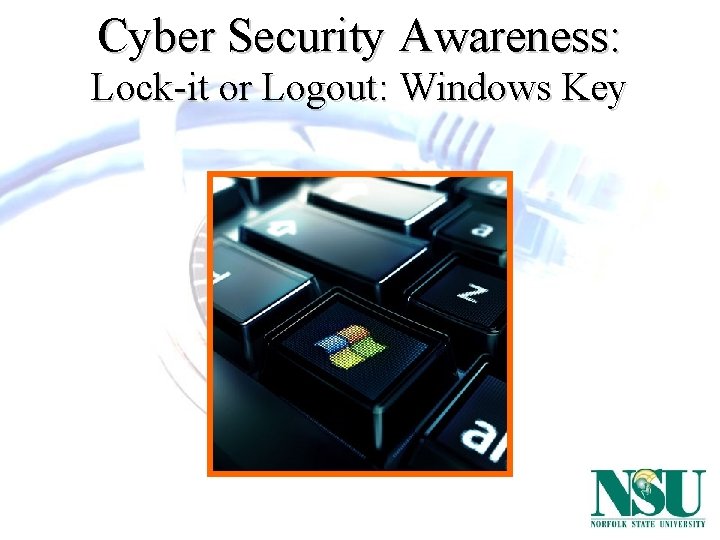
Cyber Security Awareness: Lock-it or Logout: Windows Key
Cyber Security Awareness: Accounts Windows has two administrator accounts for users when installed. Set strong passwords for both Only use admin accounts for admin tasks like installing software or making operating system changes Create user accounts for all users This adds privacy and security to individual’s data Prevents unauthorized users from installing software or changing the operating system When online, some sites will attempt to install software, some of it is malicious in nature Disable the Guest account This is the default state for newer operating system, so verify
Cyber Security Awareness: Browsing Use care!!!! Don’t Misspell or mistype Watch for Redirection Check location or address bar Enter URL manually Disable/block pop-ups.
Cyber Security Awareness: Email Don’t Get Phished Ignore Unknown authors Use caution with attachments Avoid sending personal info Do not click links for banking institutions Contact them in person or by telephone using a published #
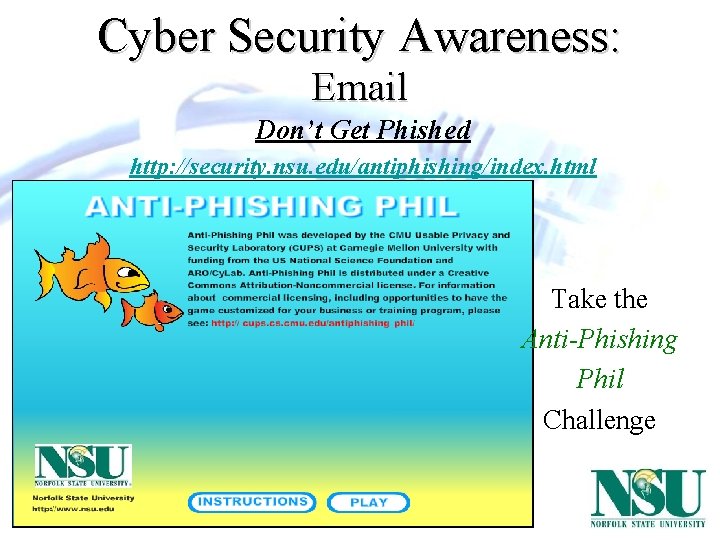
Cyber Security Awareness: Email Don’t Get Phished http: //security. nsu. edu/antiphishing/index. html Take the Anti-Phishing Phil Challenge
Cyber Security Awareness: Social Engineering People are the weakest link We want to help, trust, fear of doing wrong The most predominant way data is compromised Ever get the 6 th sense? Or rather, ever listened to it? Watch out for phishing, dumpster divers, people that impersonate others. For more information on what to look for and how to protect yourself, go to http: //security. nsu. edu
Cyber Security Awareness: Wireless home Use encryption: Changes the format of the data between the access point and your PC WEP: Wired Equivalent Privacy (insecure) WPA: Wi-Fi Protected Access Uses a passphrase/pre-shared key WPA 2 Use preferred networks Those that you setup or know who owns them (NSUWIFI) Use access points, not PC to PC communication (ad hoc) Public access points allow anyone to connect, which means anyone can see what you are sending Disable your wireless network adapter when not in use Using another persons access point without their consent is illegal
Cyber Security Awareness: Wireless Bluetooth Designed for short wireless communications over short distances Bluesnarfing: Acquiring phonebooks, pictures, calendar Paris Hilton’s phone was cracked Bluetracking: Tracking your movement based on the unique address of the device Bluebugging: Send commands to a bluetooth device Make it call you which means an attacker could be listening Bluetooth sniper rifle How To: Building a Blue. Sniper Rifle
Cyber Security Awareness: Wireless
Cyber Security Awareness: Parental Controls allow parents to control what their children do online. Block web sites, chat, pop-ups Allows you to monitor activity Web sites visited Keyloggers A few that get decent ratings and are a nominal fee: Cyber. Patrol (Appears to be the highest rated overall) http: //www. cyberpatrol. com/ CYBERsitter http: //www. cybersitter. com/ Net. Nanny http: //www. netnanny. com
Cyber Security Awareness: Added-Ons Many Web sites or files require additional software to be installed in order to view. These viewers are usually free and easily accessible. Adobe Acrobat Reader is needed to view PDF documents. Windows Media Player or Quick. Time may be required to watch certain videos or listen to music Other sites may have programs that will improve your computing experience Firefox is another popular web browser Google Toolbar will prevent pop-ups in Internet Explorer while providing a quick way to search the internet. To get these, go directly to the manufacturer’s site. Acrobat Reader is available from Adobe The latest version of Windows Media Player is available through Microsoft Quick. Time is available through Apple If not sure, research the program. If still not sure, don’t install.
Cyber Security Awareness: Backup your data regularly Windows has a built in backup utility. Backup programs with automation are available. Simple methods include: Burning specific files to CD. Copying them to flash (USB) drives or memory cards. Copy the data to another computer Fee based subscriptions are available online. Floppy Disks are too small for most data.
Cyber Security Awareness: Further Info See http: //security. nsu. edu for links: Credit report info Symantec Security Check National organizations’ guides and standards National Do Not Call Registry Other very useful information
Cyber Security Awareness: Your Security Team Andrea Di Fabio Information Security Officer adifabio@nsu. edu Ronald King Security Engineer raking@nsu. edu
- Slides: 25