
Cyber Safety Preventing Cyber Bullying Netiquette By Ivan
Cyber Safety, Preventing Cyber Bullying, & Netiquette. By Ivan Kalla Joseph Kasmarogi
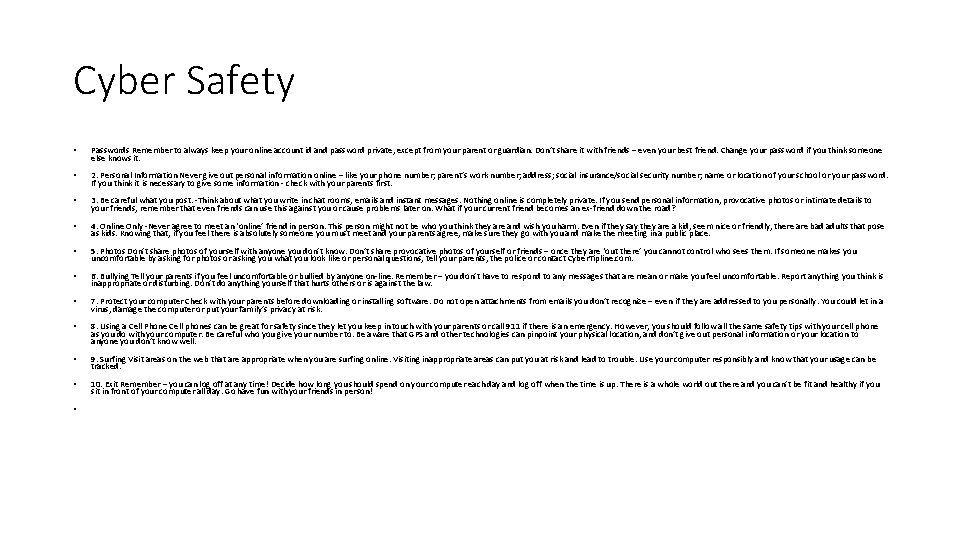
Cyber Safety • Passwords Remember to always keep your online account id and password private, except from your parent or guardian. Don’t share it with friends – even your best friend. Change your password if you think someone else knows it. • 2. Personal Information Never give out personal information online – like your phone number; parent’s work number; address; social insurance/social security number; name or location of your school or your password. If you think it is necessary to give some information - check with your parents first. • 3. Be careful what you post. -Think about what you write in chat rooms, emails and instant messages. Nothing online is completely private. If you send personal information, provocative photos or intimate details to your friends, remember that even friends can use this against you or cause problems later on. What if your current friend becomes an ex-friend down the road? • 4. Online Only -Never agree to meet an ‘online’ friend in person. This person might not be who you think they are and wish you harm. Even if they say they are a kid, seem nice or friendly, there are bad adults that pose as kids. Knowing that, if you feel there is absolutely someone you must meet and your parents agree, make sure they go with you and make the meeting in a public place. • 5. Photos Don’t share photos of yourself with anyone you don’t know. Don’t share provocative photos of yourself or friends – once they are ‘out there’ you cannot control who sees them. If someone makes you uncomfortable by asking for photos or asking you what you look like or personal questions, tell your parents, the police or contact Cyber. Tipline. com. • 6. Bullying Tell your parents if you feel uncomfortable or bullied by anyone on-line. Remember – you don’t have to respond to any messages that are mean or make you feel uncomfortable. Report anything you think is inappropriate or disturbing. Don’t do anything yourself that hurts others or is against the law. • 7. Protect your computer Check with your parents before downloading or installing software. Do not open attachments from emails you don’t recognize – even if they are addressed to you personally. You could let in a virus, damage the computer or put your family’s privacy at risk. • 8. Using a Cell Phone Cell phones can be great for safety since they let you keep in touch with your parents or call 911 if there is an emergency. However, you should follow all the same safety tips with your cell phone as you do with your computer. Be careful who you give your number to. Be aware that GPS and other technologies can pinpoint your physical location, and don’t give out personal information or your location to anyone you don’t know well. • 9. Surfing Visit areas on the web that are appropriate when you are surfing online. Visiting inappropriate areas can put you at risk and lead to trouble. Use your computer responsibly and know that your usage can be tracked. • 10. Exit Remember – you can log off at any time! Decide how long you should spend on your computer each day and log off when the time is up. There is a whole world out there and you can’t be fit and healthy if you sit in front of your computer all day. Go have fun with your friends in person! •
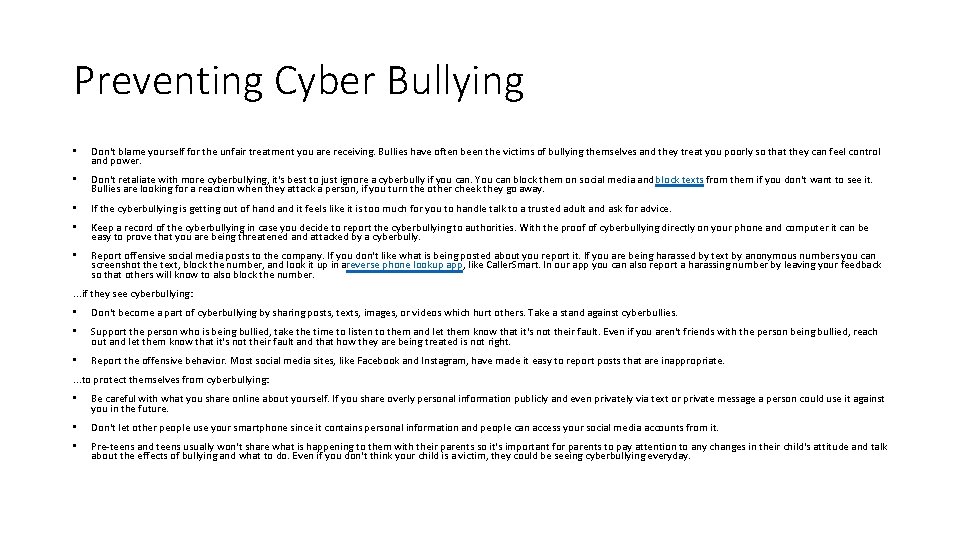
Preventing Cyber Bullying • Don't blame yourself for the unfair treatment you are receiving. Bullies have often been the victims of bullying themselves and they treat you poorly so that they can feel control and power. • Don't retaliate with more cyberbullying, it's best to just ignore a cyberbully if you can. You can block them on social media and block texts from them if you don't want to see it. Bullies are looking for a reaction when they attack a person, if you turn the other cheek they go away. • If the cyberbullying is getting out of hand it feels like it is too much for you to handle talk to a trusted adult and ask for advice. • Keep a record of the cyberbullying in case you decide to report the cyberbullying to authorities. With the proof of cyberbullying directly on your phone and computer it can be easy to prove that you are being threatened and attacked by a cyberbully. • Report offensive social media posts to the company. If you don't like what is being posted about you report it. If you are being harassed by text by anonymous numbers you can screenshot the text, block the number, and look it up in areverse phone lookup app, like Caller. Smart. In our app you can also report a harassing number by leaving your feedback so that others will know to also block the number. . if they see cyberbullying: • Don't become a part of cyberbullying by sharing posts, texts, images, or videos which hurt others. Take a stand against cyberbullies. • Support the person who is being bullied, take the time to listen to them and let them know that it's not their fault. Even if you aren't friends with the person being bullied, reach out and let them know that it's not their fault and that how they are being treated is not right. • Report the offensive behavior. Most social media sites, like Facebook and Instagram, have made it easy to report posts that are inappropriate. . to protect themselves from cyberbullying: • Be careful with what you share online about yourself. If you share overly personal information publicly and even privately via text or private message a person could use it against you in the future. • Don't let other people use your smartphone since it contains personal information and people can access your social media accounts from it. • Pre-teens and teens usually won't share what is happening to them with their parents so it's important for parents to pay attention to any changes in their child's attitude and talk about the effects of bullying and what to do. Even if you don't think your child is a victim, they could be seeing cyberbullying everyday.
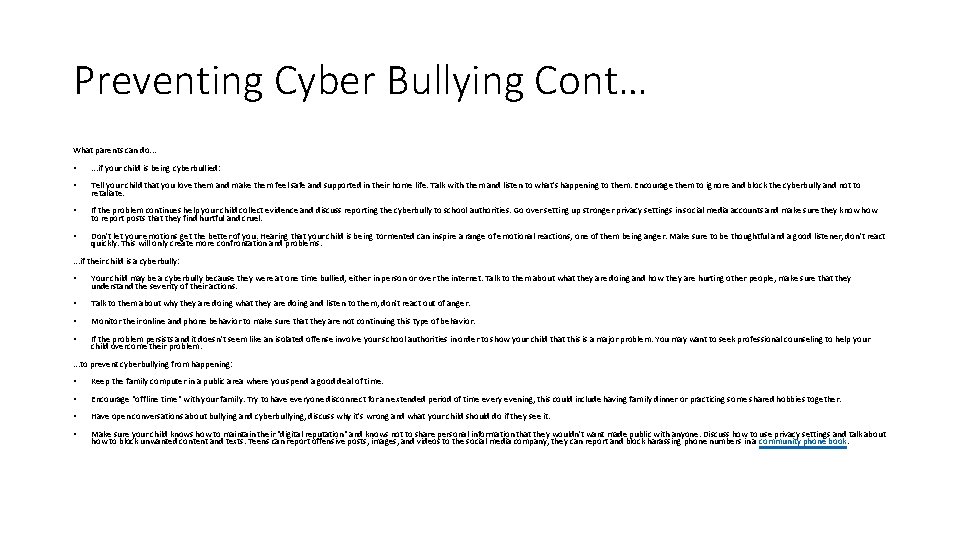
Preventing Cyber Bullying Cont… What parents can do. . . • . . . if your child is being cyberbullied: • Tell your child that you love them and make them feel safe and supported in their home life. Talk with them and listen to what's happening to them. Encourage them to ignore and block the cyberbully and not to retaliate. • If the problem continues help your child collect evidence and discuss reporting the cyberbully to school authorities. Go over setting up stronger privacy settings in social media accounts and make sure they know how to report posts that they find hurtful and cruel. • Don't let your emotions get the better of you. Hearing that your child is being tormented can inspire a range of emotional reactions, one of them being anger. Make sure to be thoughtful and a good listener, don't react quickly. This will only create more confrontation and problems. . if their child is a cyberbully: • Your child may be a cyberbully because they were at one time bullied, either in person or over the internet. Talk to them about what they are doing and how they are hurting other people, make sure that they understand the severity of their actions. • Talk to them about why they are doing what they are doing and listen to them, don't react out of anger. • Monitor their online and phone behavior to make sure that they are not continuing this type of behavior. • If the problem persists and it doesn't seem like an isolated offense involve your school authorities in order to show your child that this is a major problem. You may want to seek professional counseling to help your child overcome their problem. . to prevent cyberbullying from happening: • Keep the family computer in a public area where you spend a good deal of time. • Encourage "offline time" with your family. Try to have everyone disconnect for an extended period of time every evening, this could include having family dinner or practicing some shared hobbies together. • Have open conversations about bullying and cyberbullying, discuss why it's wrong and what your child should do if they see it. • Make sure your child knows how to maintain their "digital reputation" and knows not to share personal information that they wouldn't want made public with anyone. Discuss how to use privacy settings and talk about how to block unwanted content and texts. Teens can report offensive posts, images, and videos to the social media company, they can report and block harassing phone numbers in a community phone book.
Netiquette • the correct or acceptable way of communicating on the Internet.
Ending • THANKS EVERYONE HOPE YOU LEARNED!!!!!
- Slides: 6