
Cyber Resilience Internet Safety Muir Street Primary School
Cyber Resilience & Internet Safety Muir Street Primary School September 2017
Aims of the Workshop • To become familiar of with the meaning of Internet Safety and Cyber Resilience • To understand how to keep safe at home whilst accessing the Internet • To reflect on potential risks • To take part in awareness raising activities to understand how to keep safe at home whilst enjoying the benefits of digital technology
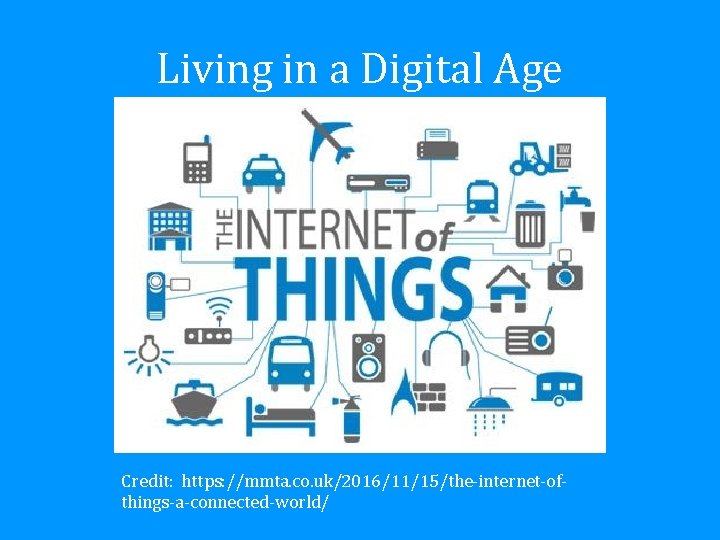
Living in a Digital Age Credit: https: //mmta. co. uk/2016/11/15/the internet of things a connected world/

Smart Homes Credit: asid. org
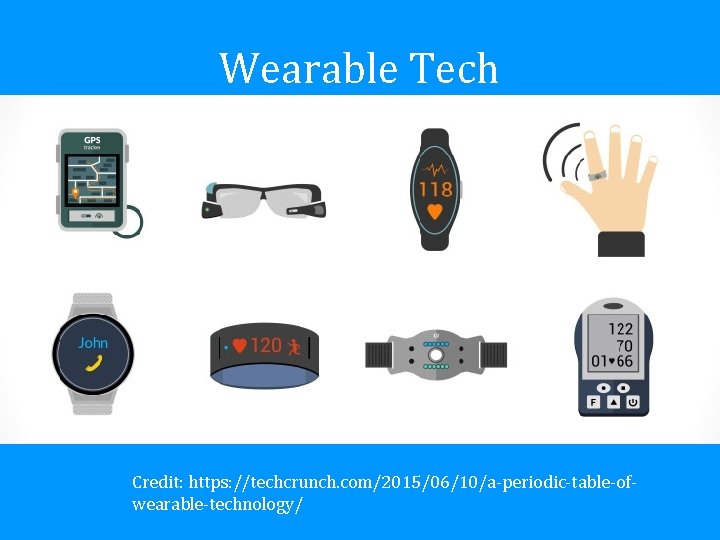
Wearable Tech Credit: https: //techcrunch. com/2015/06/10/a periodic table of wearable technology/
Challenges? • Security • Privacy
What does this mean for us and our children?
Digital Revolution • Protection • Education • 65% of today’s school children will eventually be employed in jobs that have yet to be created* • we need to offer opportunities to build skills using technology for the world of work *Cited from World Economic forum: http: //reports. weforum. org/future-of-jobs 2016/chapter-1 -the-future-of-jobs-and-skills/

Thomas Frey Photo credit: http: //www. futuristspeaker. com/
Benefits of Digital Usage at School • Teaching Key Skills • Understanding the impact of technology on business, the economy, politics and the environment • Being creative and innovative • Collaborative working and interacting with others • Critical thinking and problem solving
How do we protect our pupils? • NLC is part of the Scottish Wide Area Network (SWAN) • Virus Protection • Secure Passwords • Restricted Mode You. Tube searches • Google Safe Search • ICT Acceptable Use Policy • Virtual Learning Environment (VLE)

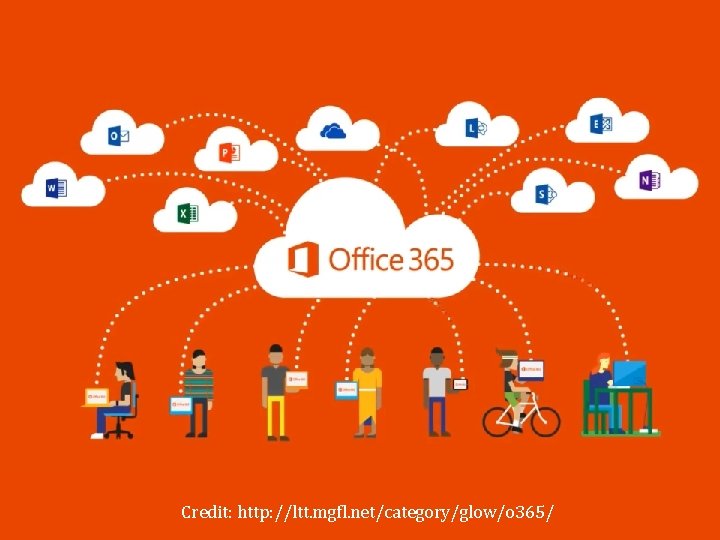
Credit: http: //ltt. mgfl. net/category/glow/o 365/
Teaching Cyber Resilience and Internet Safety in class • • • Passwords Privacy Personal Info Photography Property • • Permissions Protection Professionalism Permanence Credit: edutopia. org/blog/digital citizenship
Benefits of Digital Technology for Learning at Home • Enormous free access to information across the world • Engaging • Children can learn and develop at their own pace • Interests • Communicate widely
What does Cyber Resilience and Internet Safety mean for you as parents?

Knowledge! Credit: Icons made by Freepik from www. flaticon. com
Legal Age for social media? • Facebook, Twitter, Instagram, Pinterest, Tumblr, Kik and Snapchat 13
• Requires account holders to be 18 but a 13 year old can sign up with parent’s permission
Know the risks • • • Gaming age restrictions Inappropriate content Exposure from older siblings or friends Be aware of your own behaviour Cyberbullying
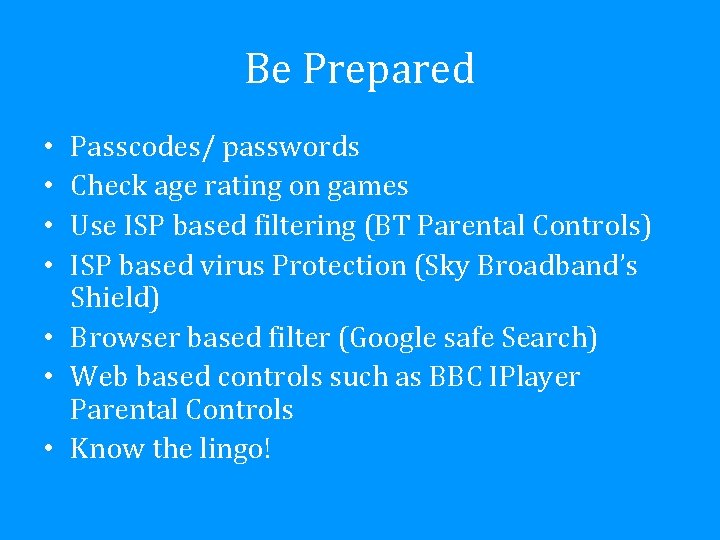
Be Prepared Passcodes/ passwords Check age rating on games Use ISP based filtering (BT Parental Controls) ISP based virus Protection (Sky Broadband’s Shield) • Browser based filter (Google safe Search) • Web based controls such as BBC IPlayer Parental Controls • Know the lingo! • •
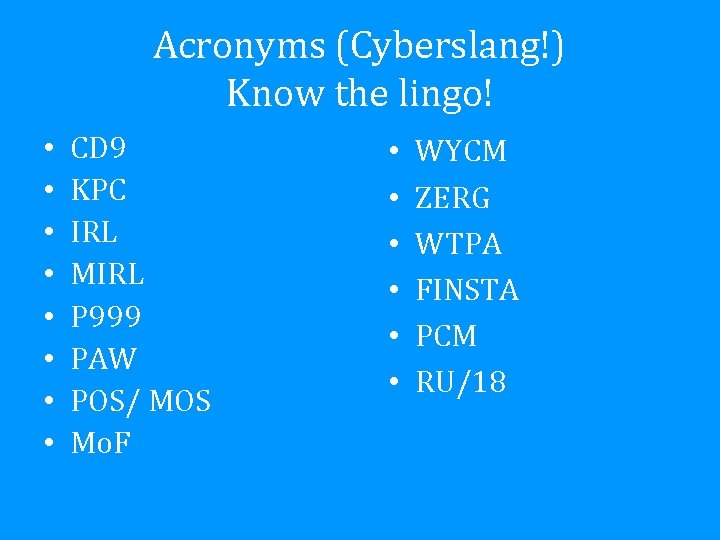
Acronyms (Cyberslang!) Know the lingo! • • CD 9 KPC IRL MIRL P 999 PAW POS/ MOS Mo. F • • • WYCM ZERG WTPA FINSTA PCM RU/18
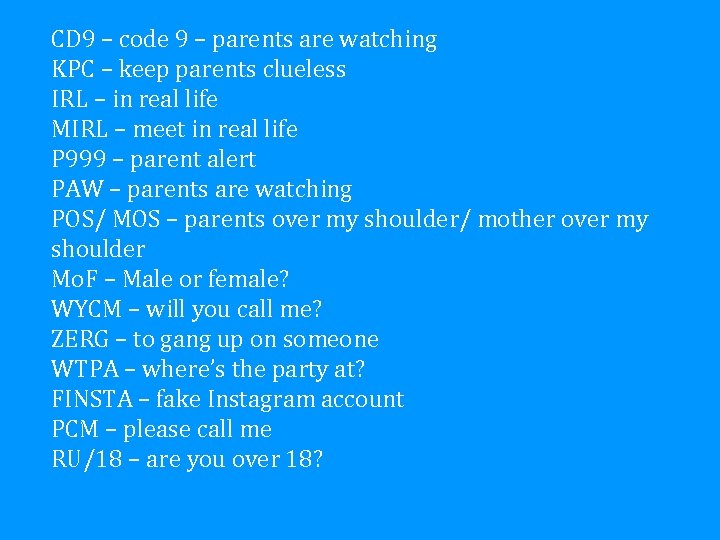
CD 9 – code 9 – parents are watching KPC – keep parents clueless IRL – in real life MIRL – meet in real life P 999 – parent alert PAW – parents are watching POS/ MOS – parents over my shoulder/ mother over my shoulder Mo. F – Male or female? WYCM – will you call me? ZERG – to gang up on someone WTPA – where’s the party at? FINSTA – fake Instagram account PCM – please call me RU/18 – are you over 18?
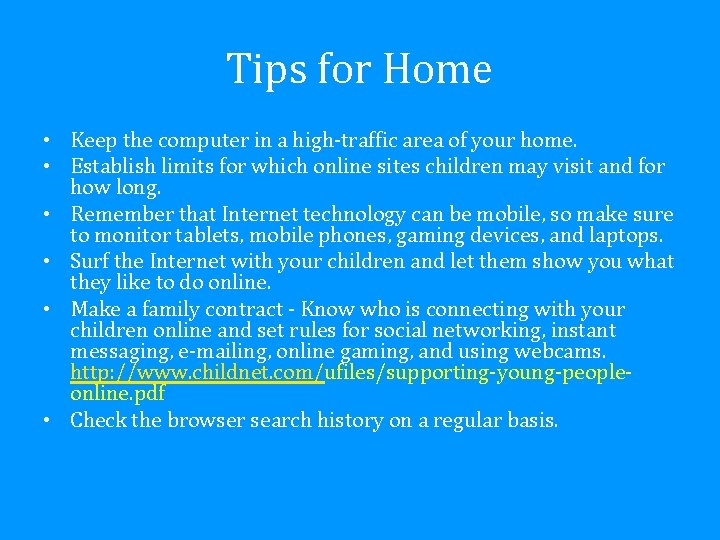
Tips for Home • Keep the computer in a high traffic area of your home. • Establish limits for which online sites children may visit and for how long. • Remember that Internet technology can be mobile, so make sure to monitor tablets, mobile phones, gaming devices, and laptops. • Surf the Internet with your children and let them show you what they like to do online. • Make a family contract Know who is connecting with your children online and set rules for social networking, instant messaging, e mailing, online gaming, and using webcams. http: //www. childnet. com/ufiles/supporting young people online. pdf • Check the browser search history on a regular basis.
Communication is Key • Be a part of their online life; involve the whole family and show an interest. Find out what sites they visit and what they love about them. • No filter or parental controls tool is 100% effective, and many of the risks that young people face online are because of their own and other’s behaviour.
Conversation Starters What are your favourite things to do online? What is personal information? Why should you keep it private? What could you do to be safer online? What would you do if anyone online asked to meet you face to face? Besides me, who do you feel that you can talk to if you are in a scary or uncomfortable situation? • How many people do you have on your friend/contact list(s) and who are they? • Have you ever chatted with someone you did not know in real life? What kinds of things did you talk about? • Do you know how to block others in chat rooms and Instant Messenger? Can you show me how to do this? • • • Go to http: //www. netsmartz. org/Internet. Safety for further examples.
What to do if your child sees something inappropriate online • Don’t overreact if your child tells you about something they have seen. You might feel shocked an gry but by dealing with it calmly your child will know they can turn to you again. • ALWAYS keep records of abusive messaging. • Report abusive or inappropriate behaviour to the website and if serious, to the police. Keep the school informed too. • If you come across illegal content, such as images of child abuse, you can report this to the Internet Watch Foundation at www. iwf. org. uk
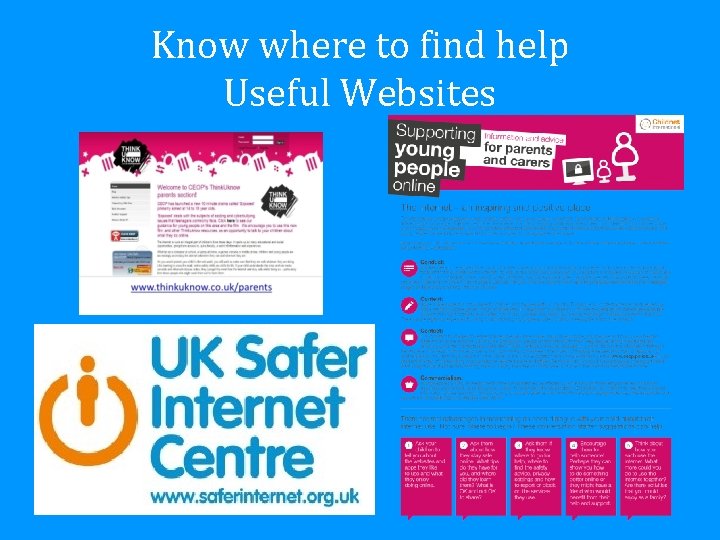
Know where to find help Useful Websites
• Children’s learning about Internet Safety and Cyber Resilience • Links to useful resources and websites
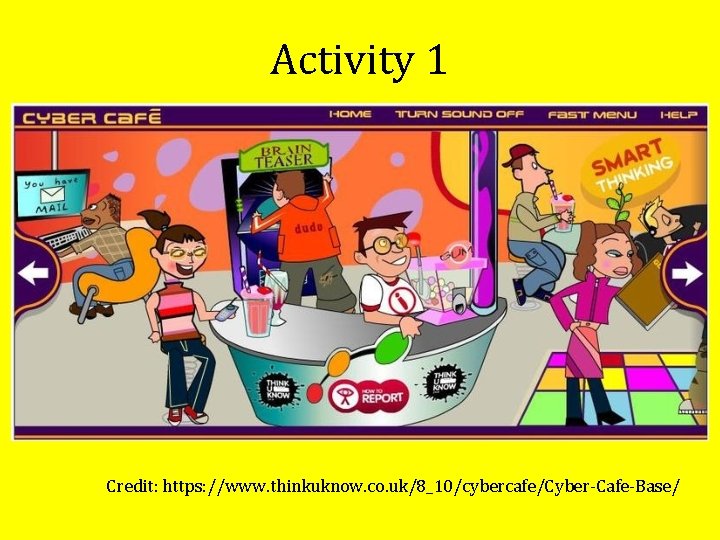
Activity 1 Credit: https: //www. thinkuknow. co. uk/8_10/cybercafe/Cyber Cafe Base/
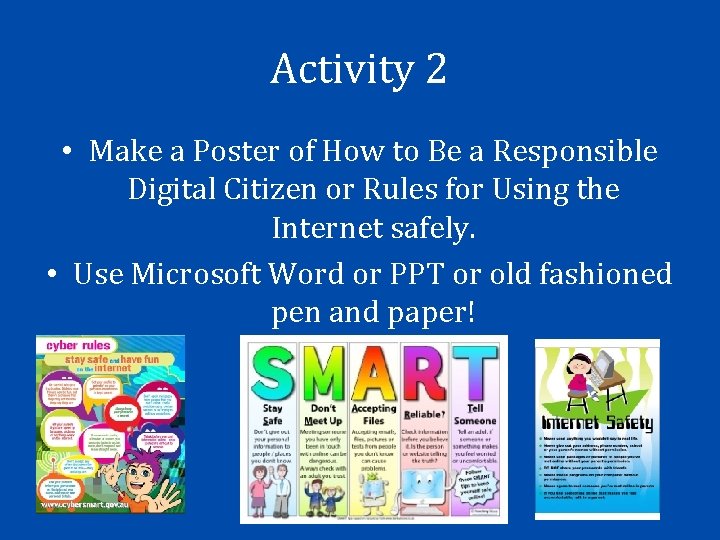
Activity 2 • Make a Poster of How to Be a Responsible Digital Citizen or Rules for Using the Internet safely. • Use Microsoft Word or PPT or old fashioned pen and paper!
- Slides: 32