
CYBER LITERACY FOR THE DIGITAL AGE CHAPTER OUTLINES
CYBER LITERACY FOR THE DIGITAL AGE CHAPTER OUTLINES

CHAPTER 1 THE CYBERWORLD AND CYBER CITIZENSHIP Living in the Digital Age • Earliest real “computers” built during WWII • Digital or electronic media • Virtual Spaces
The Cyberworld and Cyberspace • Cyberworld: modern world of computers • Cyberspace: online environment Cyber Literacy • Knowing how to use software • Doing research online • Understanding how technology can be used • Adapting to/Keeping Current on new technologies

PROS AND CONS OF TECHNOLOGY USE • Pro: Quick Access • Con: Overuse of to Information • Pro: Ease of Communication • Pro: Productivity Technology • Con: Social Isolation • Con: Growing Too Dependent
Citizens of the Cyberworld • Cyber citizenship: taking responsibility for your role in cyberspace Your role as a Cyber Citizen • Use respectful and kind language • Treat others the way you want to be treated • Don’t share private information • Don’t plagiarize (steal information) from the Web and use as your own. • Follow security measures
CHAPTER 2 INTERNET SAFETY • Key Terms: Internet, World Wide Web, Website, Webpage, Online • Types of Websites: • Informational- gives information • Corporate or E-Commerce: Primary purpose is to sell something
Benefits of Surfing the Web: 1. Easy Data Comparison 2. Convenient Media Consumption 3. Communication Drawbacks: 1. Exposure to Inappropriate Material 2. Exposure to Cyberbullying 3. Attack by Hackers or Cybercriminals 4. Attack by Viruses
The Three Key Factors of Surfing the Web 1. 2. 3. Search Strategy Safety
CHAPTER 3: CYBERBULLIES Common Types: • Harassment • Flaming • Outing • Degradation • Deception Common Tools: • Emails • Websites • Text messages • Instant messages • Forums/chat rooms
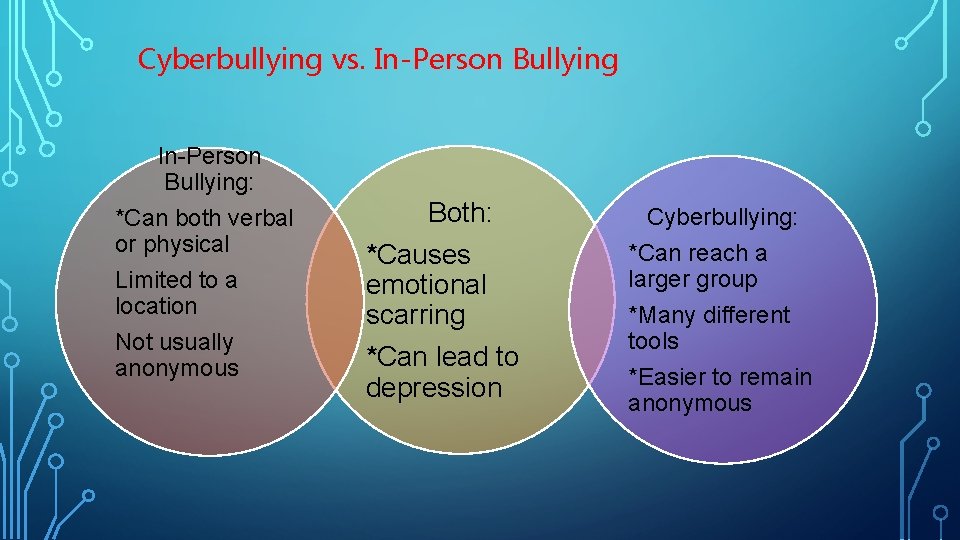
Cyberbullying vs. In-Person Bullying: *Can both verbal or physical Limited to a location Not usually anonymous Both: *Causes emotional scarring *Can lead to depression Cyberbullying: *Can reach a larger group *Many different tools *Easier to remain anonymous
Coping with Cyberbullying 1. 2. 3. Tell a trusted adult. 4. 5. Block communication from the bully. Don’t seek revenge. Report the incident to the service provider. Maintain positive online safety habits.
Preventing Cyberbullying • Respect your peers. • Be the bigger person. • Don’t participate in spreading harmful messages. • Help raise awareness. • Never text or post embarrassing photos.
CHAPTER 5: COMPUTER THREATS Malware: malicious software 1. Viruses 2. Trojan horses 3. Worms 4. Spyware 5. Adware
• Spam: unwanted mass emails • Phishing: fake companies trying to get private information • Pharming: redirecting users to phony websites • Pop-Ups: Messages (ads) that pop up while surfing the web
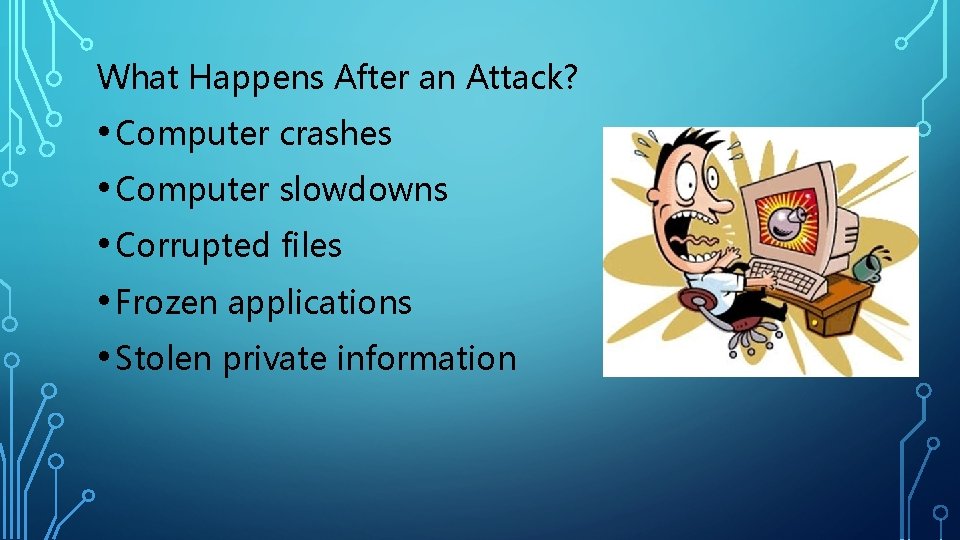
What Happens After an Attack? • Computer crashes • Computer slowdowns • Corrupted files • Frozen applications • Stolen private information
CHAPTER 7: RESEARCHING AND EVALUATING THE WEB Key Factors of Surfing the Web: 1. Search 2. Strategy 3. Safety 4. Is it a Credible Site?
Checklist of Credibility Criteria: üIs the author qualified? üDid you spot any conflicts of interest? üIs the website up to date? üWhat are the goals of the website? üWhat does the URL look like? üIs contact information available? üIs the website biased?
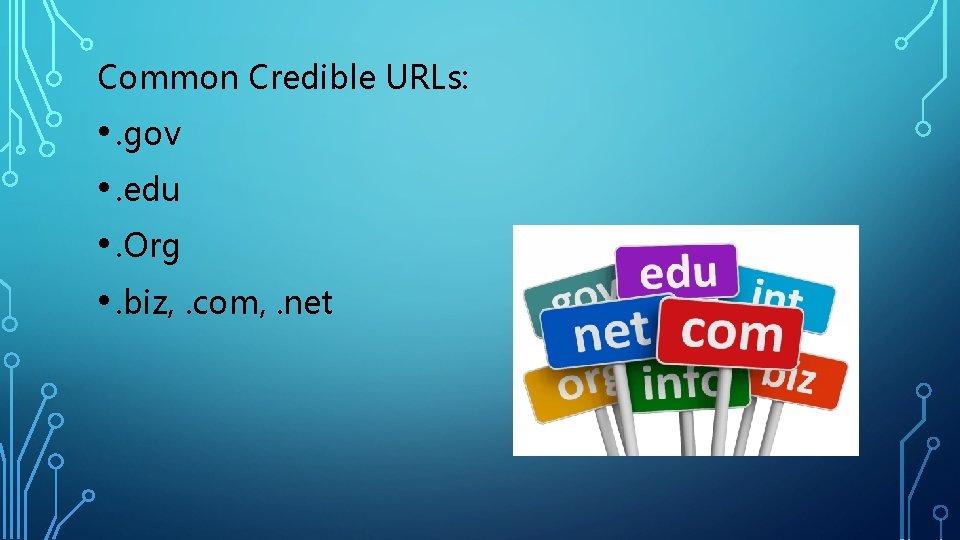
Common Credible URLs: • . gov • . edu • . Org • . biz, . com, . net
To avoid plagiarism, follow the steps below: 1. As you conduct research, record citations for your sources. 2. Write down (or bookmark) all the URLs that you visit. 3. Read all your sources then put them aside as you write your own paper.
CHAPTER 8: PLUGGING IN TO SOCIAL MEDIA Types of Social Media: • Social Networks • Blogs • Microblogs • Wikis • Podcasts • Online Communities • Virtual Social Worlds and Virtual Game Worlds • Media Sharing • Online and Video Chatting • Web Conferencing and Webinars
RISKS AND REWARDS OF SOCIAL MEDIA Risks: • Cyberbullying • Identity Risks • Overuse • Posts are Permanent Rewards: • Join Communities • Connect Instantly • Self-Expression • Collaboration • Real-Time Information
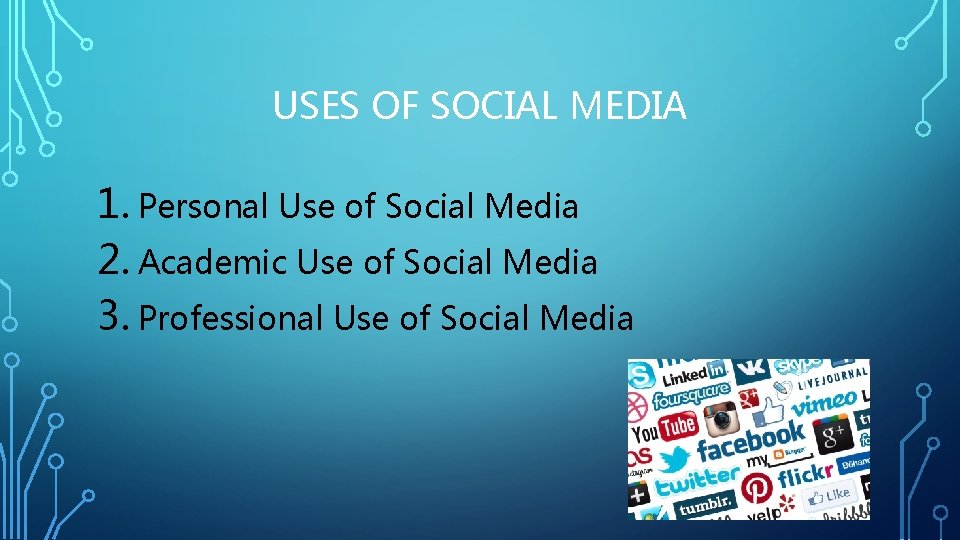
USES OF SOCIAL MEDIA 1. Personal Use of Social Media 2. Academic Use of Social Media 3. Professional Use of Social Media
CHAPTER 9: EXPLORING MOBILE DEVICES Why We Use Mobile Devices Downsides: 1. 2. 3. Texting Internet Browsing Applications Lack of Social Skills Safety Risks Evolving Language
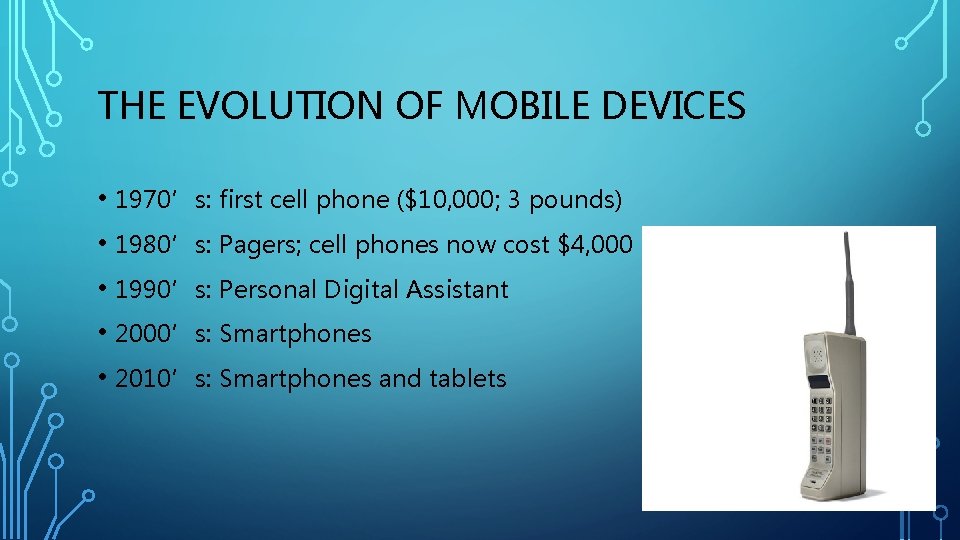
THE EVOLUTION OF MOBILE DEVICES • 1970’s: first cell phone ($10, 000; 3 pounds) • 1980’s: Pagers; cell phones now cost $4, 000 • 1990’s: Personal Digital Assistant • 2000’s: Smartphones • 2010’s: Smartphones and tablets
TEXT MESSAGING SAFETY • Never text while driving • Put your phone away when not in use • Don’t reply to a text if you don’t recognize the number • Tell your parents if you are being stalked. • Lock your phone • Think carefully • Never let anyone take a compromising photo of you • Avoid communicating only via text • Turn off your phone at night

TEXT MESSAGING ETIQUETTE • Don’t share your friends’ personal texts/photos with others without their permission. • Don’t use hurtful language. • Don’t compose a text while in a face-to-face interaction. • Don’t text during class. • Be mindful of your audience.
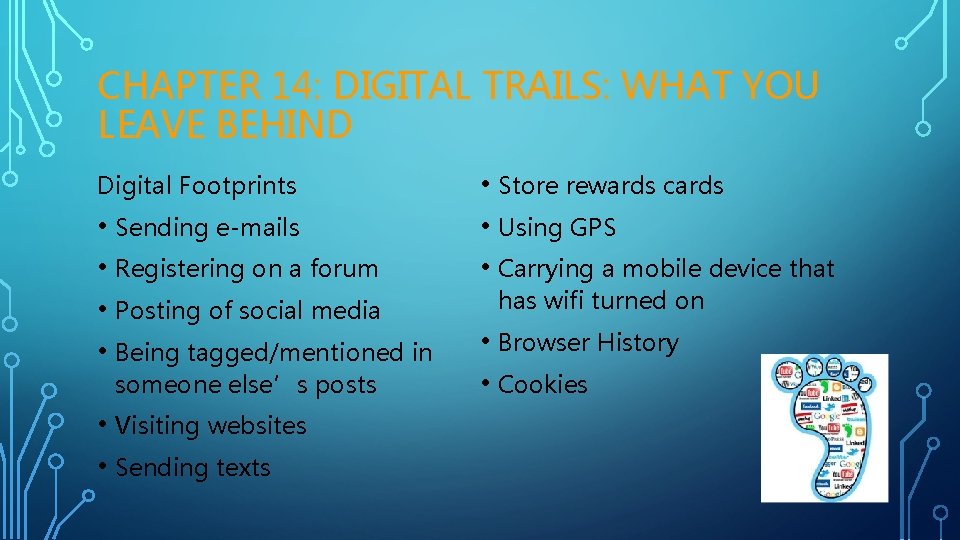
CHAPTER 14: DIGITAL TRAILS: WHAT YOU LEAVE BEHIND Digital Footprints • Sending e-mails • Registering on a forum • Posting of social media • Being tagged/mentioned in someone else’s posts • Visiting websites • Sending texts • Store rewards cards • Using GPS • Carrying a mobile device that has wifi turned on • Browser History • Cookies
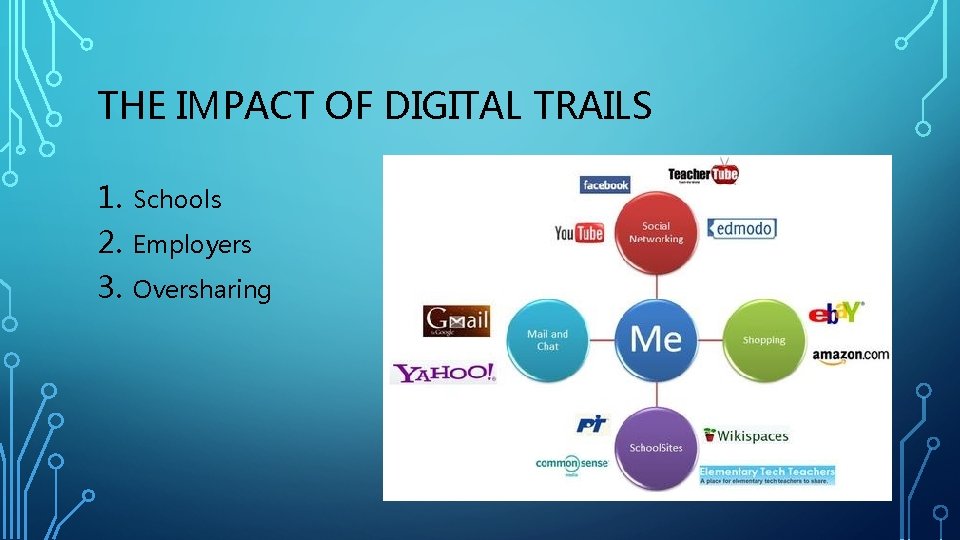
THE IMPACT OF DIGITAL TRAILS 1. 2. 3. Schools Employers Oversharing
WHAT IS APPROPRIATE? 1. 2. 3. 4. 5. The Consequences Wise Choices The Long-Term The Invisible Audience Accountability
CHAPTER 16: CYBER CAREERS AND THE FUTURE OF TECHNOLOGY Cyber Careers: • Software Engineer • Website Manager • Systems Analyst • Database Administrator • Computer Support Specialist
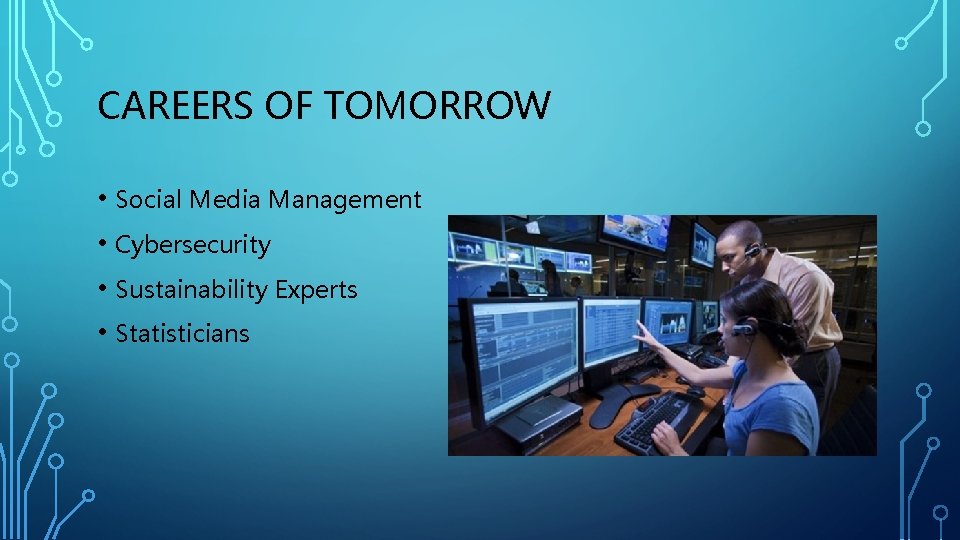
CAREERS OF TOMORROW • Social Media Management • Cybersecurity • Sustainability Experts • Statisticians
- Slides: 31