
CVP Monitoring Set up Equipment Needed Monitorcable IV
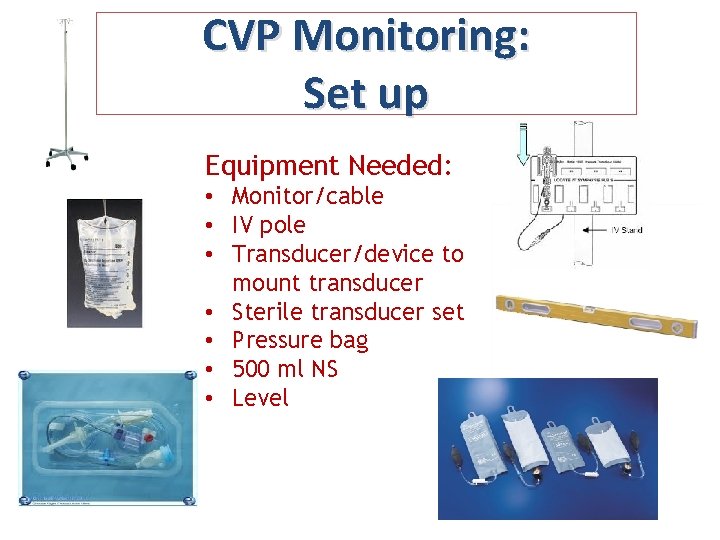
CVP Monitoring: Set up Equipment Needed: • Monitor/cable • IV pole • Transducer/device to mount transducer • Sterile transducer set • Pressure bag • 500 ml NS • Level
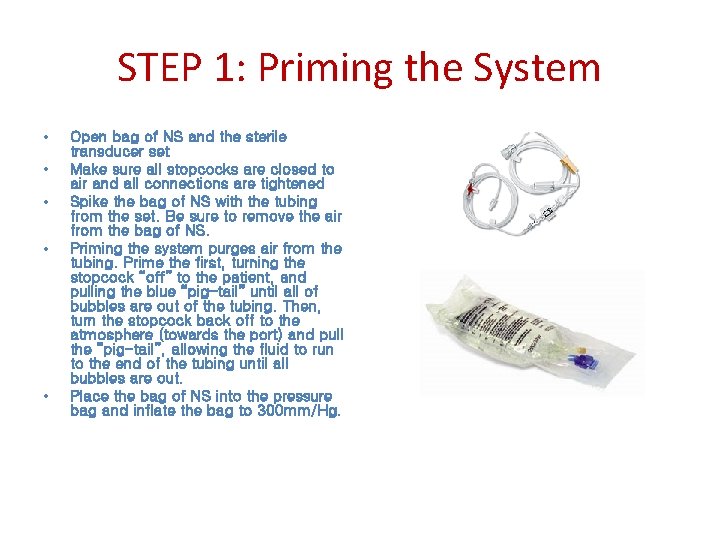
STEP 1: Priming the System • • • Open bag of NS and the sterile transducer set Make sure all stopcocks are closed to air and all connections are tightened Spike the bag of NS with the tubing from the set. Be sure to remove the air from the bag of NS. Priming the system purges air from the tubing. Prime the first, turning the stopcock “off” to the patient, and pulling the blue “pig-tail” until all of bubbles are out of the tubing. Then, turn the stopcock back off to the atmosphere (towards the port) and pull the “pig-tail”, allowing the fluid to run to the end of the tubing until all bubbles are out. Place the bag of NS into the pressure bag and inflate the bag to 300 mm/Hg.
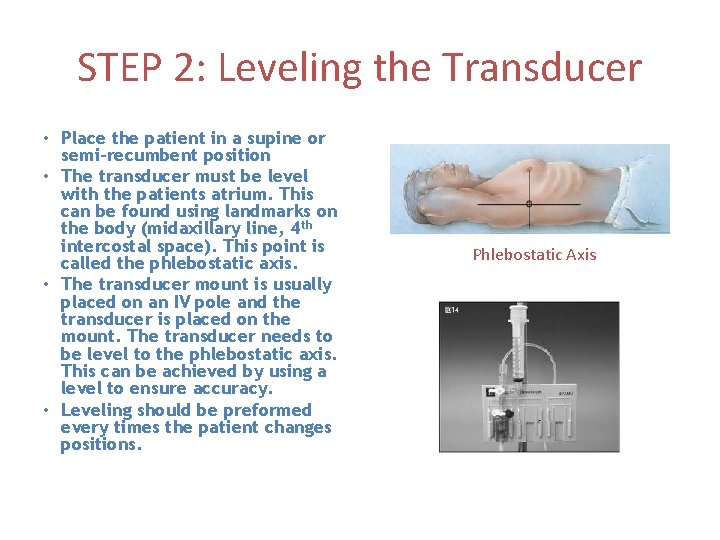
STEP 2: Leveling the Transducer • Place the patient in a supine or semi-recumbent position • The transducer must be level with the patients atrium. This can be found using landmarks on the body (midaxillary line, 4 th intercostal space). This point is called the phlebostatic axis. • The transducer mount is usually placed on an IV pole and the transducer is placed on the mount. The transducer needs to be level to the phlebostatic axis. This can be achieved by using a level to ensure accuracy. • Leveling should be preformed every times the patient changes positions. Phlebostatic Axis
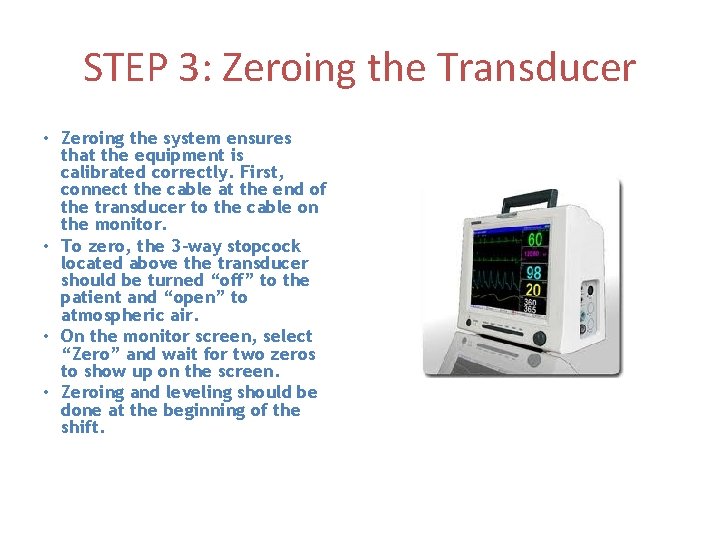
STEP 3: Zeroing the Transducer • Zeroing the system ensures that the equipment is calibrated correctly. First, connect the cable at the end of the transducer to the cable on the monitor. • To zero, the 3 -way stopcock located above the transducer should be turned “off” to the patient and “open” to atmospheric air. • On the monitor screen, select “Zero” and wait for two zeros to show up on the screen. • Zeroing and leveling should be done at the beginning of the shift.
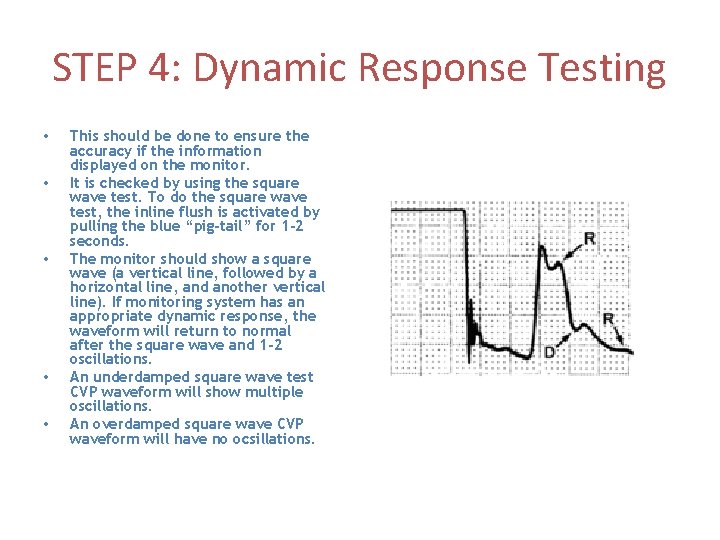
STEP 4: Dynamic Response Testing • • • This should be done to ensure the accuracy if the information displayed on the monitor. It is checked by using the square wave test. To do the square wave test, the inline flush is activated by pulling the blue “pig-tail” for 1 -2 seconds. The monitor should show a square wave (a vertical line, followed by a horizontal line, and another vertical line). If monitoring system has an appropriate dynamic response, the waveform will return to normal after the square wave and 1 -2 oscillations. An underdamped square wave test CVP waveform will show multiple oscillations. An overdamped square wave CVP waveform will have no ocsillations.
- Slides: 5